
Pricing
Log In
AI Generator
Kling 2.6 Motion Control – AI Video Generator
Create high-quality motion videos with Kling Motion Control, an AI tool for realistic motion transfer, avatar animation, and fast short-form video generation.
Kling Motion Control
Kling 2.6 Motion Control lets you control character motion instead of guessing it. Use a motion reference video to drive actions and expressions, keep identity consistent from one image, and run reliable tests with full-body sync, complex moves, steady hands, and prompt-driven scene detail.
Explore Kling Motion Control Features
Motion Control That Feels Real
Kling’s Motion Control captures timing, weight, and micro-expressions—not just poses—so movement looks like a natural performance rather than keyframed animation.
It intelligently adapts motion to the target’s proportions and style, minimizing artifacts even in complex gestures, making every clip feel smooth and watchable.
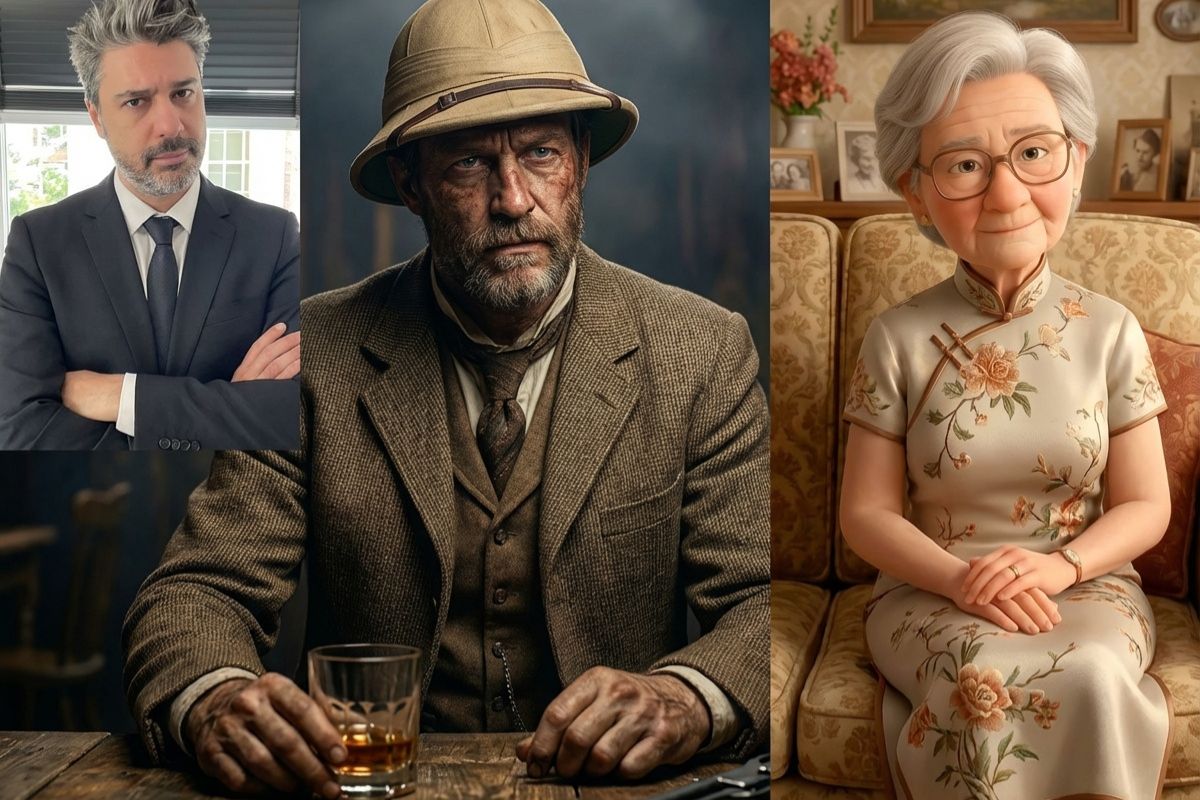
One Photo to a Performable Avatar
Upload a single photo and instantly generate a ready-to-animate avatar. The system supports photoreal, illustrated, or branded styles, and lets you fine-tune proportions, facial details, and costumes before exporting.
No rigging or 3D modeling required—just upload, adjust, and animate using OCMaker AI.
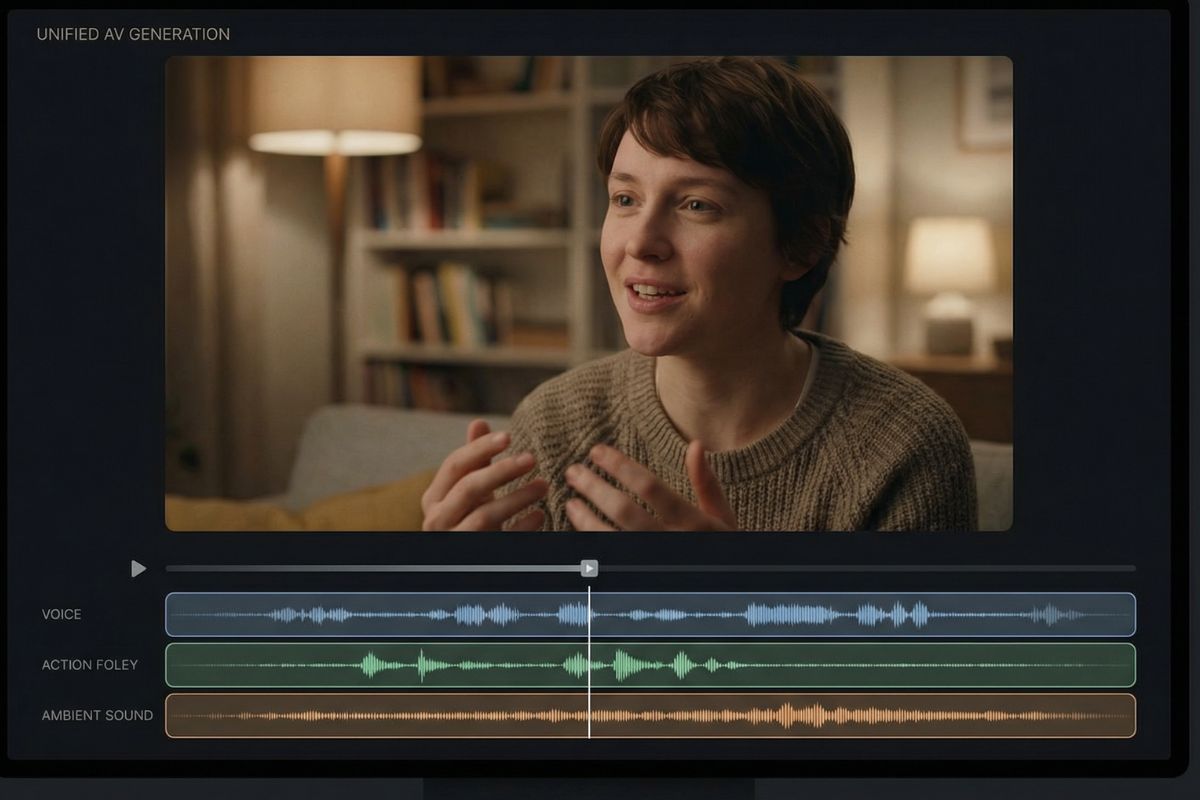
Audio & Visuals Generated Together
Generate synced visuals, natural voice, action foley, and ambient sound in one pass. This unified workflow removes manual lip-sync and sound editing, producing publish-ready 8–12 second clips with cohesive audio and motion.
You can choose voice tone, environmental ambience, and sound layers to match any creative direction.
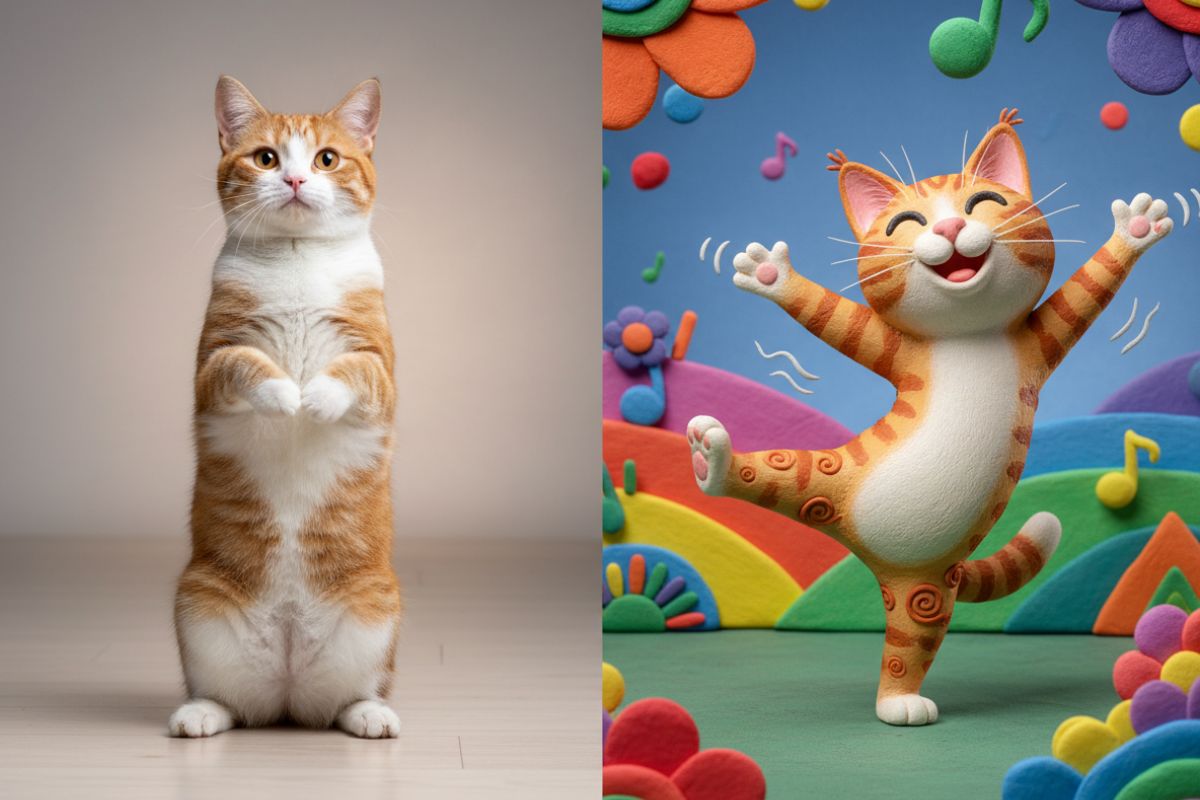
Viral-Proven and Commercial-Ready
The same Motion Control system behind viral pet-dance and character-swap trends also supports batch exports, API integration, and campaign workflows.
It scales from solo creators to creative teams, helping brands turn social momentum into measurable business results through subscriptions, licensing, and in-app monetization.
Key Features of Kling Motion Control and Kling
Fine-Grained Motion Control
Adjust motion intensity, rhythm, and continuity to achieve smoother, more controlled performances—ideal for both playful clips and polished creative work.
Consistent Character Identity
Maintain visual consistency across frames, scenes, and repeated generations, ensuring characters stay recognizable even in dynamic or fast-paced motion.
Multi-Style Performance Support
Adapt the same motion input to different visual styles, from realistic humans to anime, stylized art, or mascots, without rebuilding assets.
Optimized for Short-Form Platforms
Videos are generated with social-first pacing and framing, making them immediately suitable for TikTok, Reels, and Shorts without extra editing.
Scalable for Teams and Production
Built to support repeated generation and high-volume workflows, Motion Control fits seamlessly into creator studios, marketing teams, and production pipelines.
Predictable and Repeatable Results
Generate stable, reliable outputs across multiple runs, reducing randomness and rework—so creators can iterate with confidence and meet production timelines
How To Use GoEnhance?
Simple steps to create amazing content
01
Choose Motion & Image References
Select a motion reference video to define the character’s actions and expressions, then upload a single reference image to lock the character’s identity and style.
02
Set Model, Resolution & Aspect Ratio
Pick a model, then choose the desired resolution and aspect ratio to match your output quality and platform format.
03
Generate & Iterate
Generate the video, review the result, and refine by adjusting the motion reference or prompts to perfect the performance and scene details.
Answers regarding the capabilities of Kling Motion Control
You may want to know
Master Video Dynamics with Kling Motion Control
Unlock the full potential of Kling Motion Control and elevate your video production with the power of OCMaker AI.