
Prompt
Image to Image AI
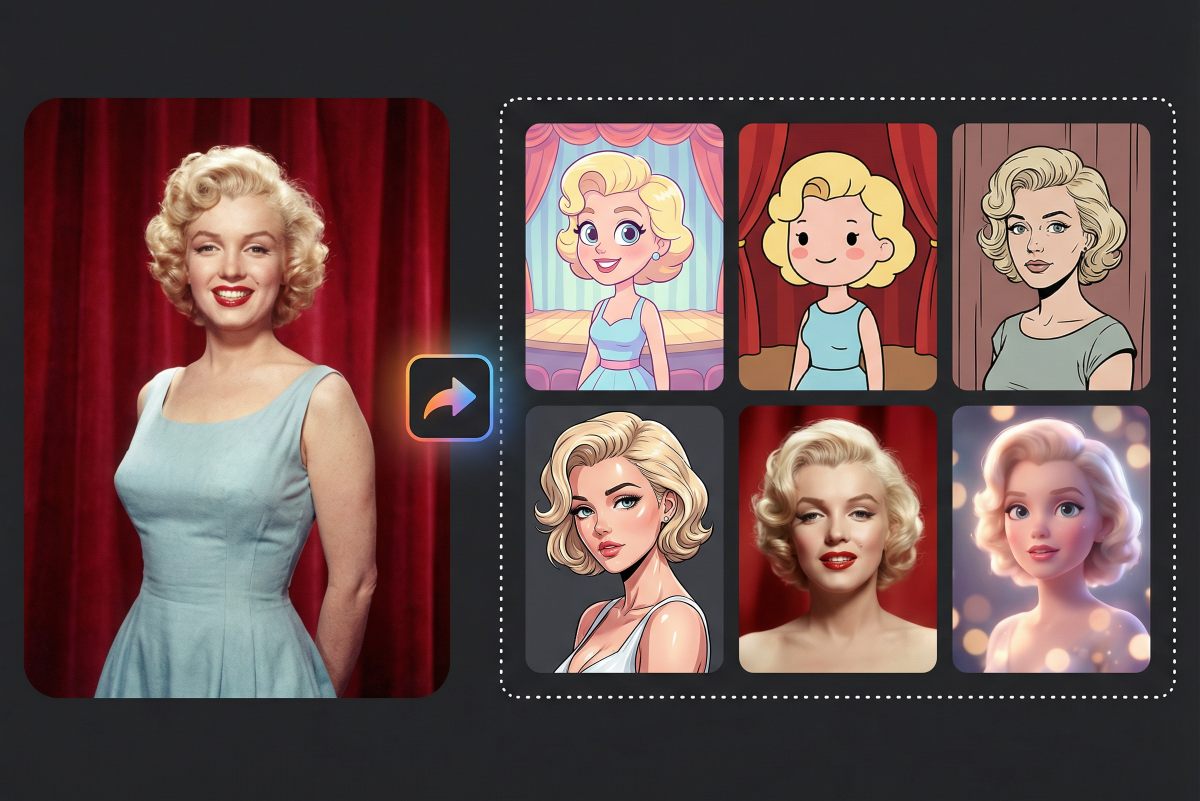
Image to Image AI
Upload one picture, pick a model, and let image to image AI do the heavy lifting. This flexible img to img workflow turns sketches, selfies, and rough concepts into polished artwork without starting from a blank canvas.
Key Features of Image to Image AI Generator
Free AI Image to Image Generator
Turn a rough draft or simple pose into a detailed illustration with one pass. The image to image AI generator reads your base picture, keeps the core composition, and rebuilds it with richer lighting, textures, and shading. For more complex projects, start from your sketch inside OC Maker and send the output into AI image animation flows to bring stills to life.
One Base Image, Many Visual Directions
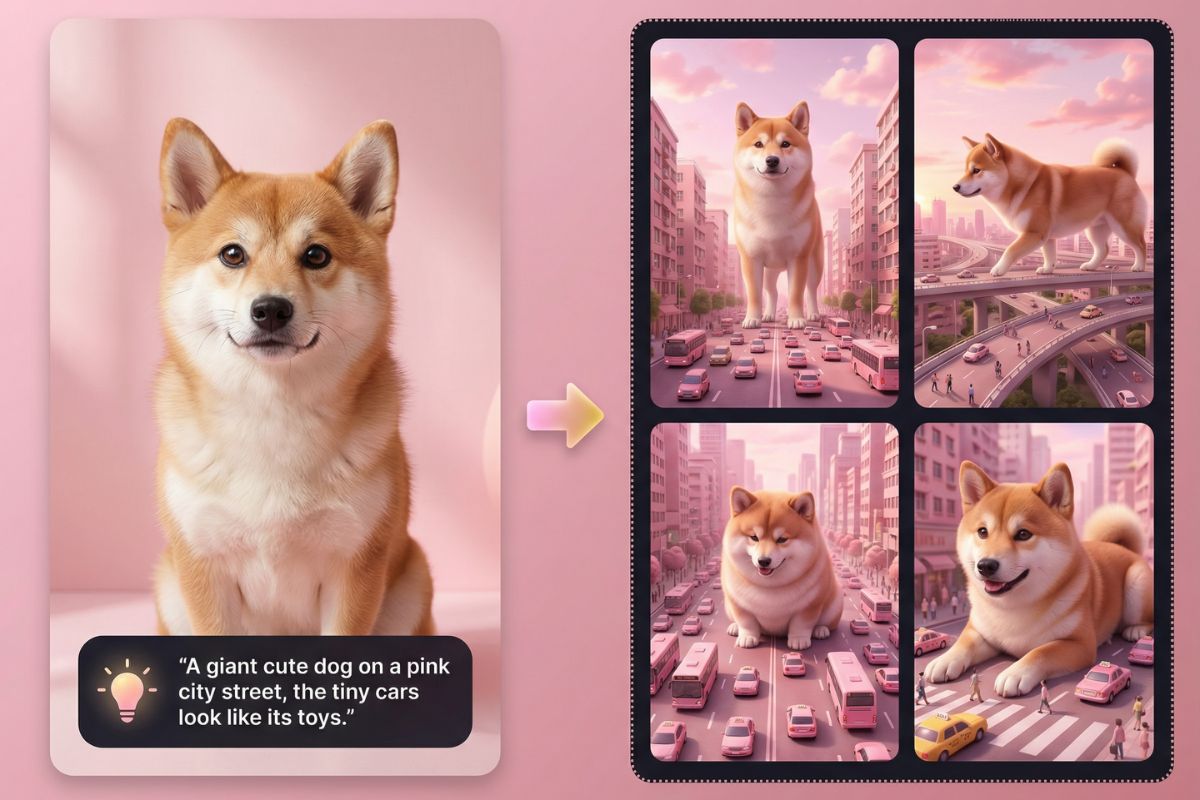
Take one reference photo and explore multiple styles without repainting everything from scratch. Switch between anime, semi-realistic, painterly, comic-book, concept art, or soft pastel illustration while keeping the same pose and silhouette. This img2img AI setup is ideal when you want brand consistency across a series of images or need to test several visual directions for banners, thumbnails, or social posts.
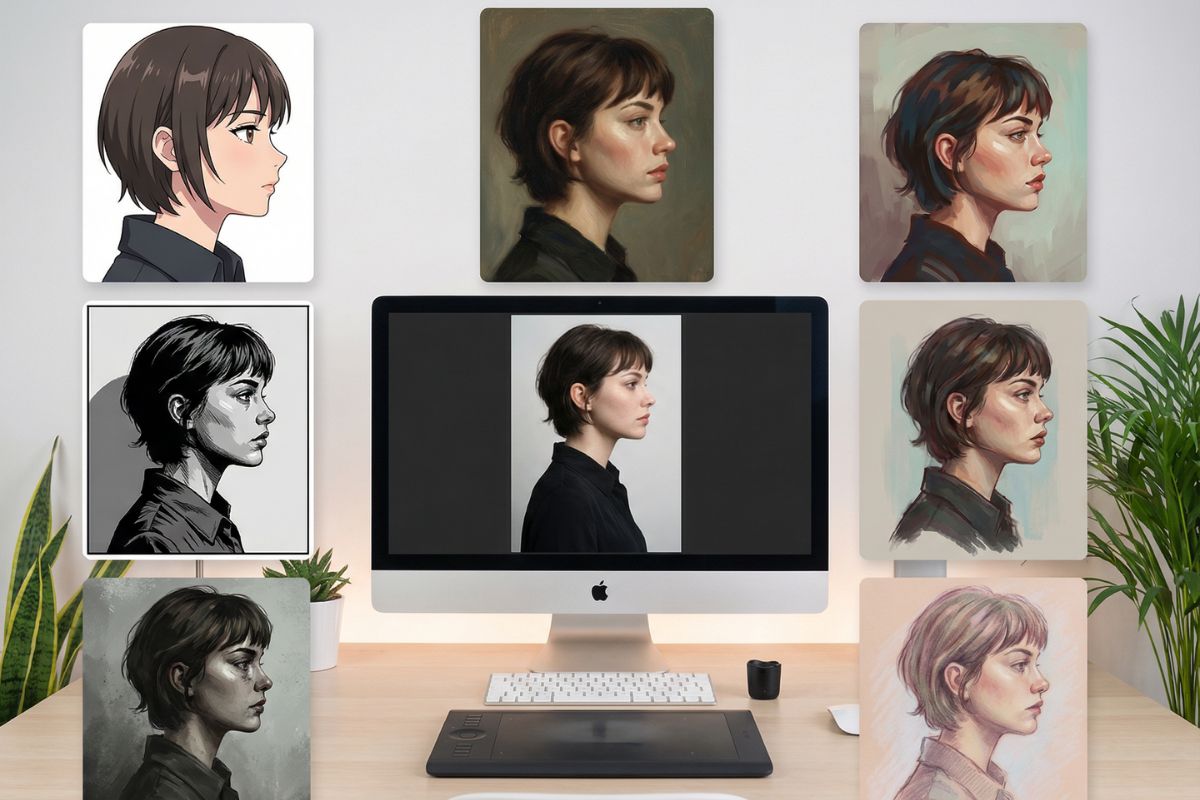
Concept Art and Character Sheets from One Reference
Use existing 3D poses, stick figures, or line art to guide the scene. Image to image AI keeps the composition you drew while refreshing faces, outfits, and backgrounds. That means fewer accidental pose changes and more intentional framing in your final output.
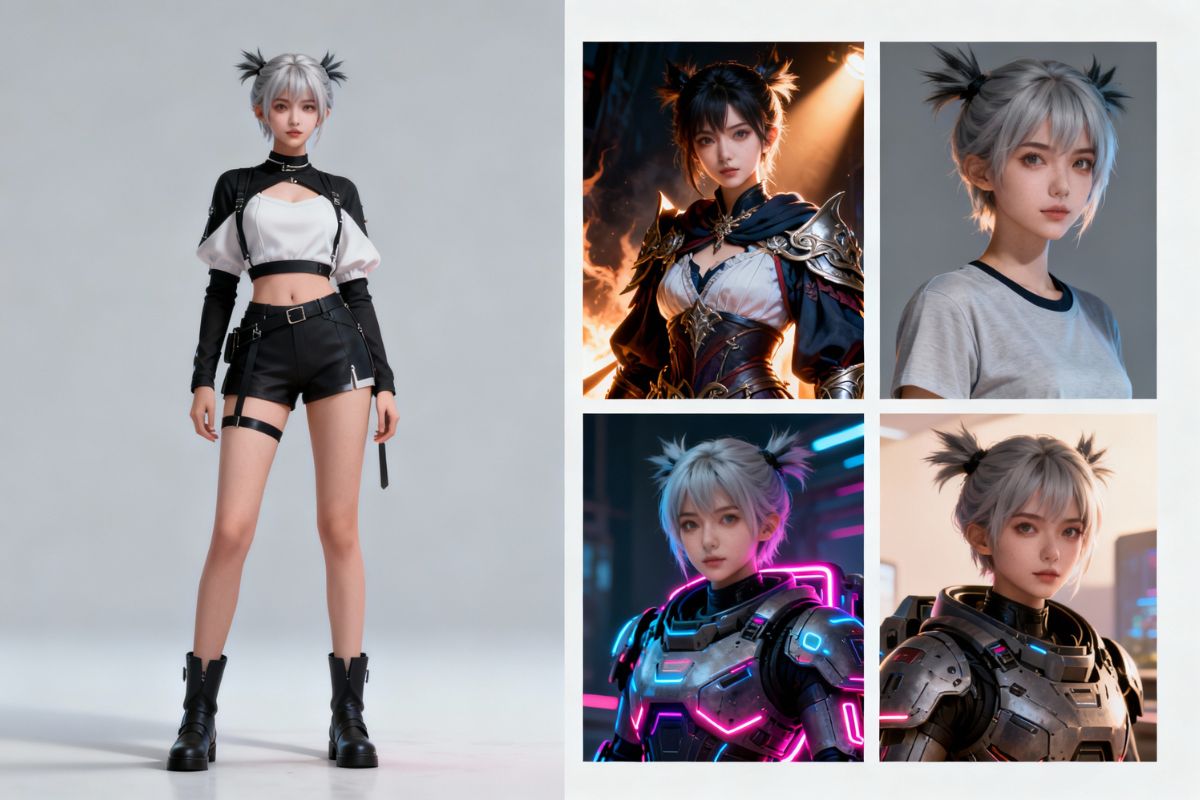
From Casual Photos to Finished Social Assets
Turn a simple selfie or snapshot into a stylized cover image for social feeds, profile icons, and banners. With image to image AI you can preserve expressions while changing settings, color palettes, and art styles so every platform looks consistent without feeling copy-pasted.
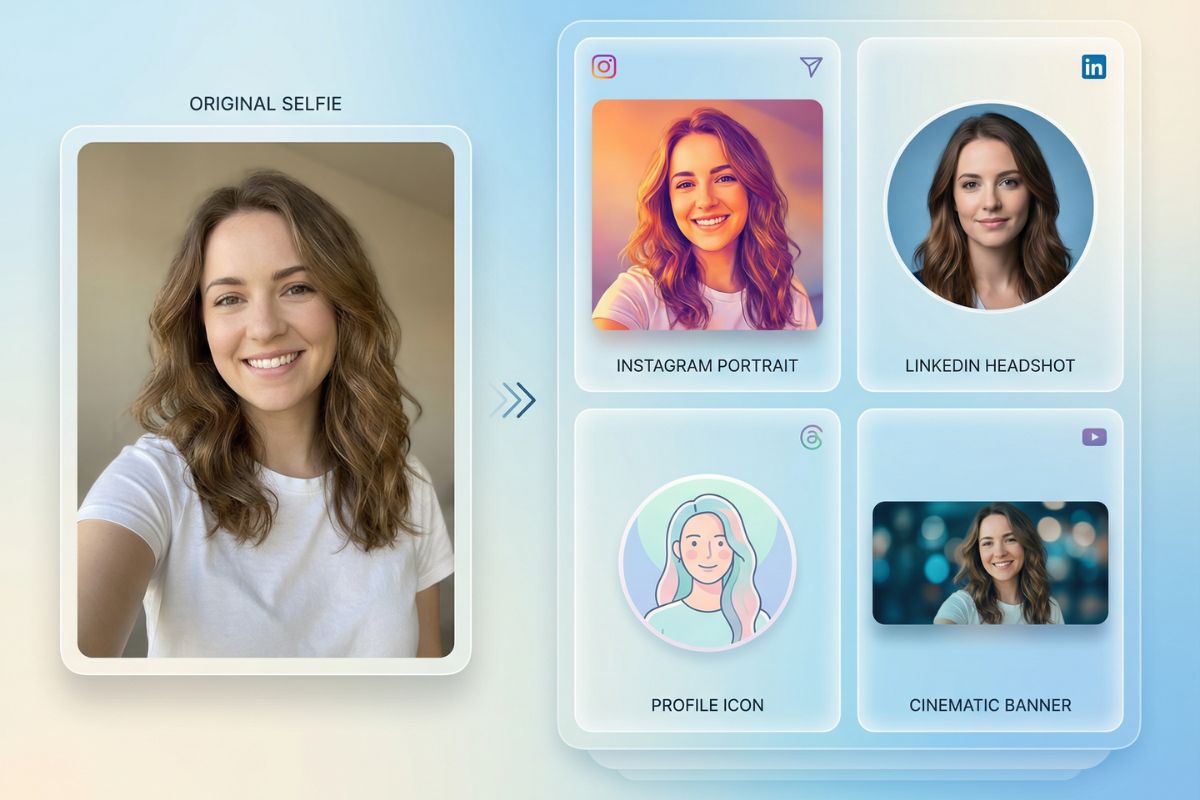
Examples of What Image to Image AI Can Create
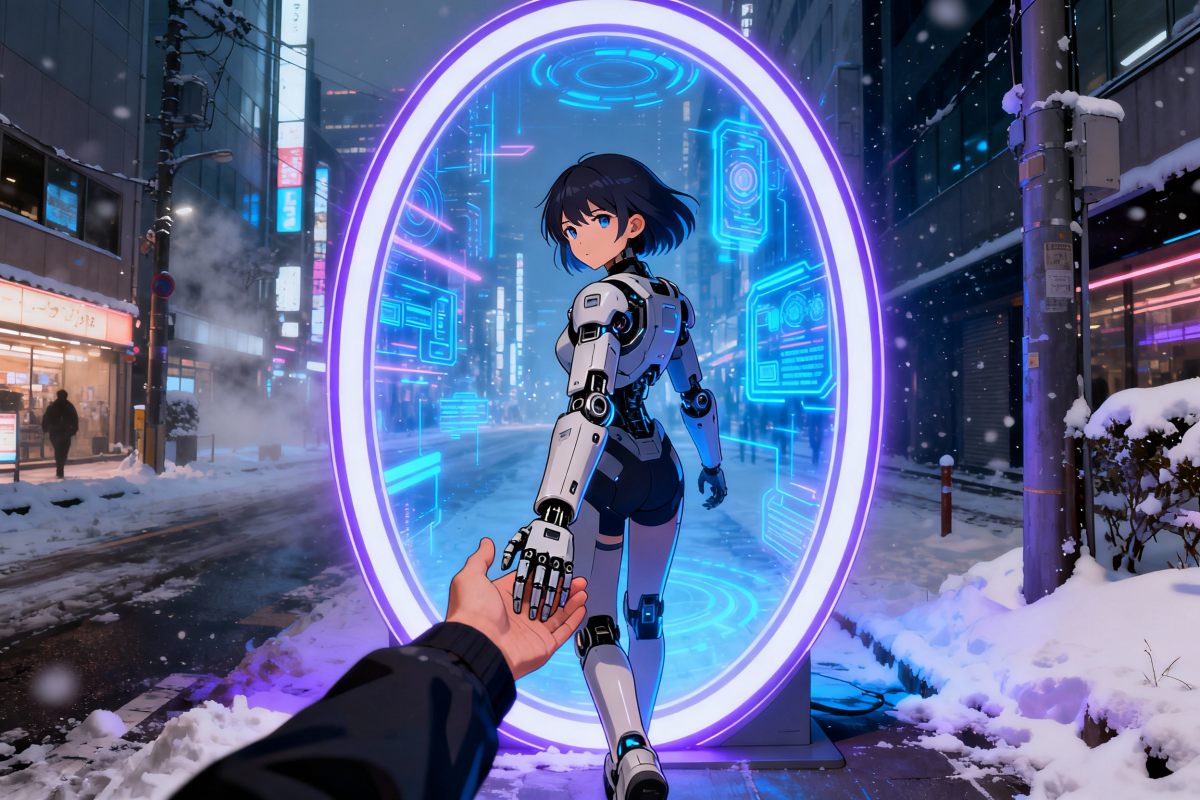
Creative Scene
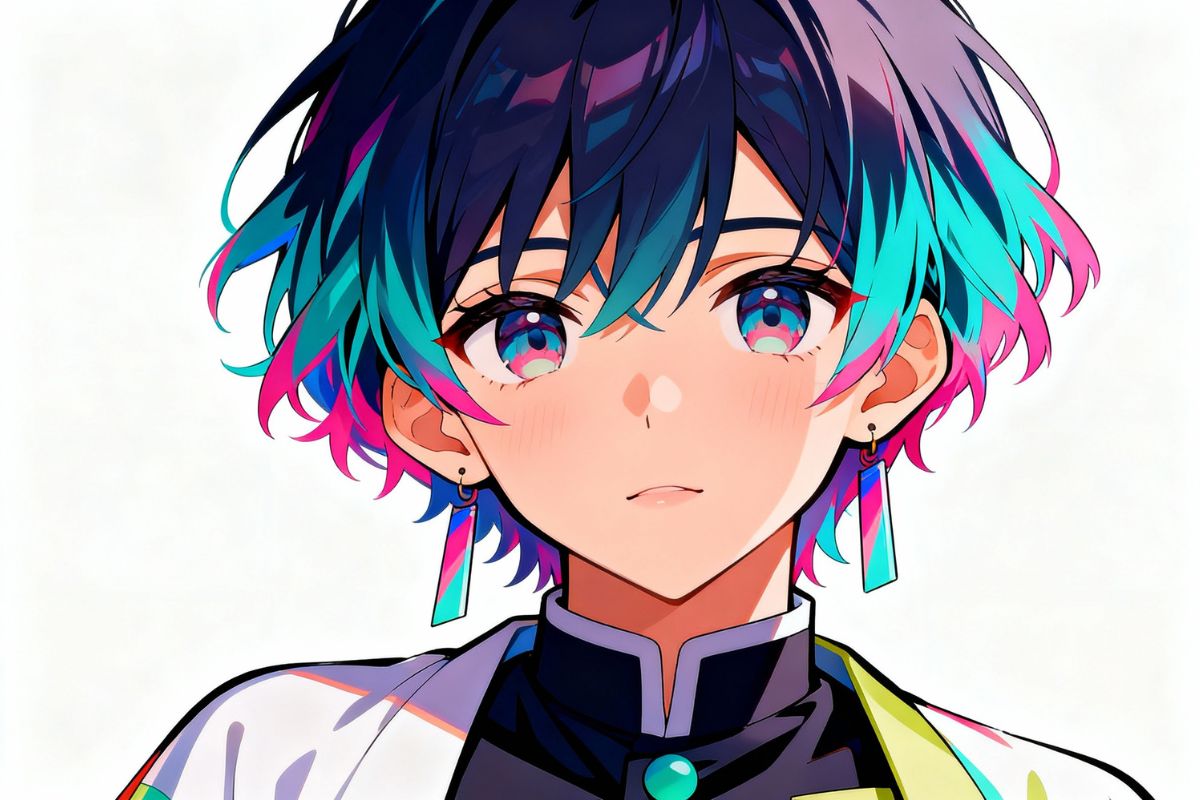
Anime Illustration
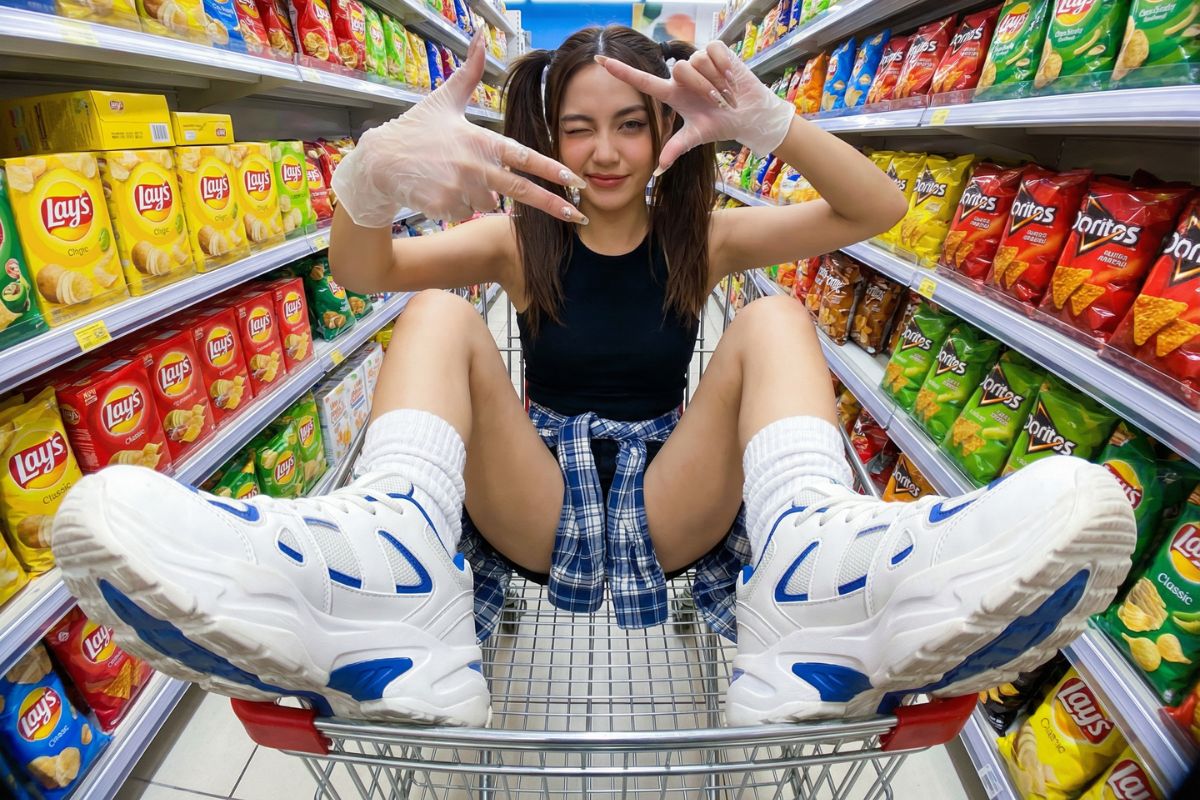
Creative Realistic Portraits
How to Use Image to Image AI Step by Step
Upload a Clear Base Image
Choose a sketch, line art, selfie, or screenshot with a clean subject. The better the structure, the easier it is for img2img AI to keep your composition stable.
Pick Style, Strength, and Details
Select a style, choose the image parameters, and add a short text prompt with mood, lighting, and extra details.
Generate, Review, and Refine
Create several variations in seconds, keep the versions you like, and regenerate with small tweaks until the result fits your project or social post perfectly.