
Pricing
Log In
Prompt
Attach MediaLibrary
Pick Character
1 / 4
💎 2 tokens
Demo Preview
Wan 2.7 Image
Wan 2.7 Image AI Image Generator
Use Wan 2.7 Image to handle multi-image editing, region-based changes, subject preservation, and production-ready visual workflows without rebuilding every asset from scratch.
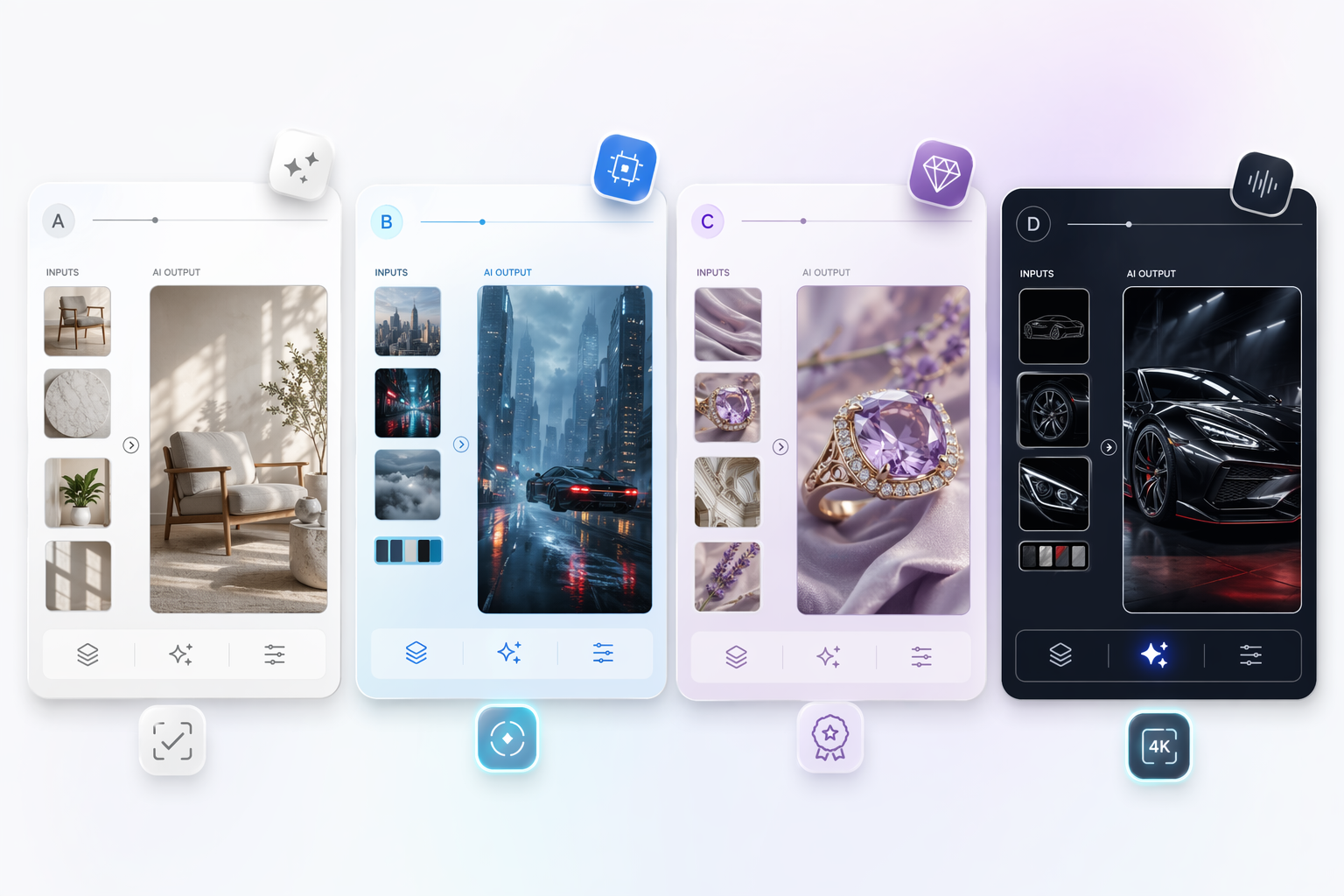
Wan 2.7 Image Features That Matter in Real Workflows
Editing-First Control
Wan 2.7 Image is more useful than a generic generator when you need to revise approved assets, preserve subjects, and move between concept work and controlled edits without switching tools.
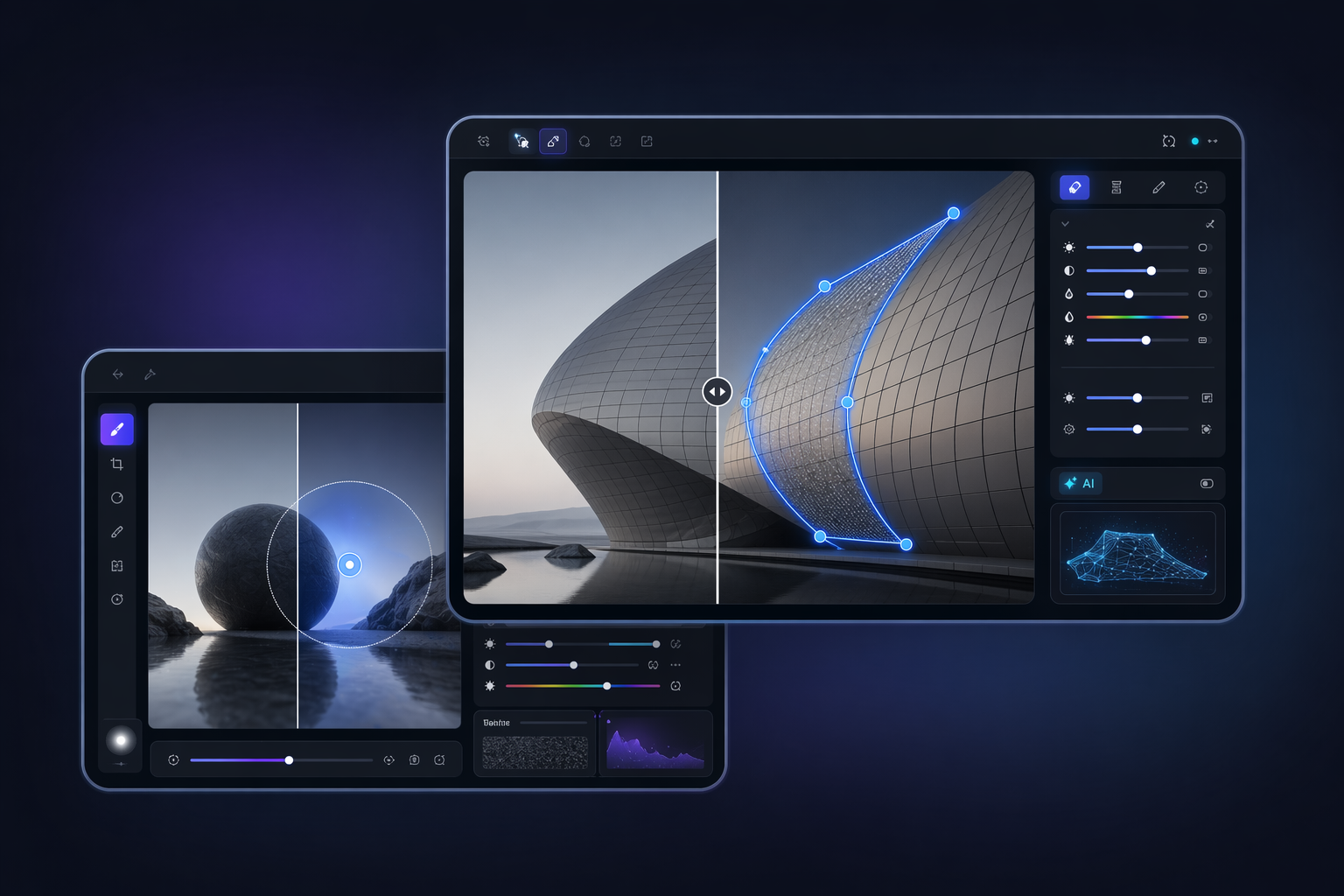
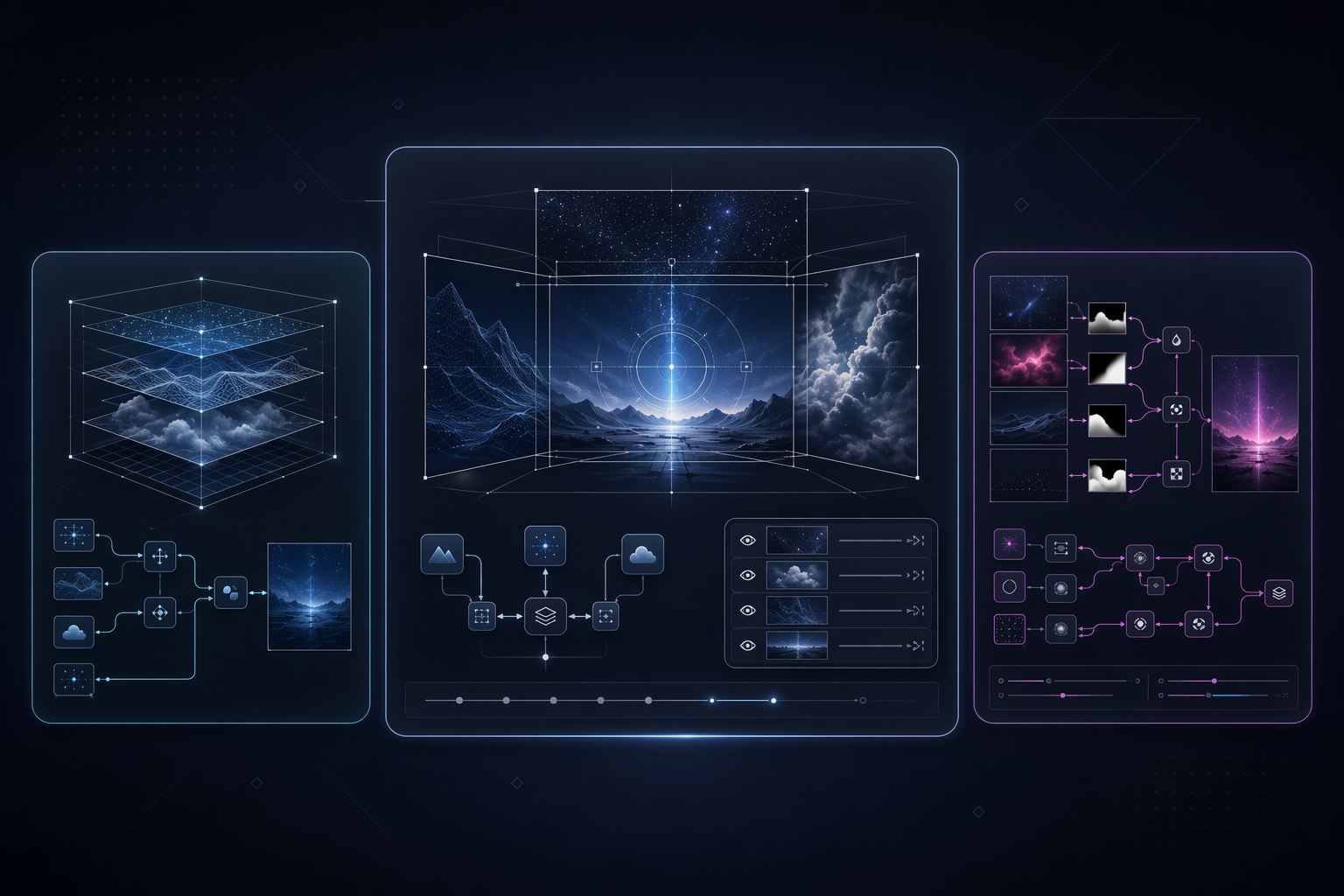
Multi-Image Compositing
Support for up to nine image inputs makes compositing, style transfer, and coordinated asset building much easier when one prompt or one reference image cannot carry the whole job.
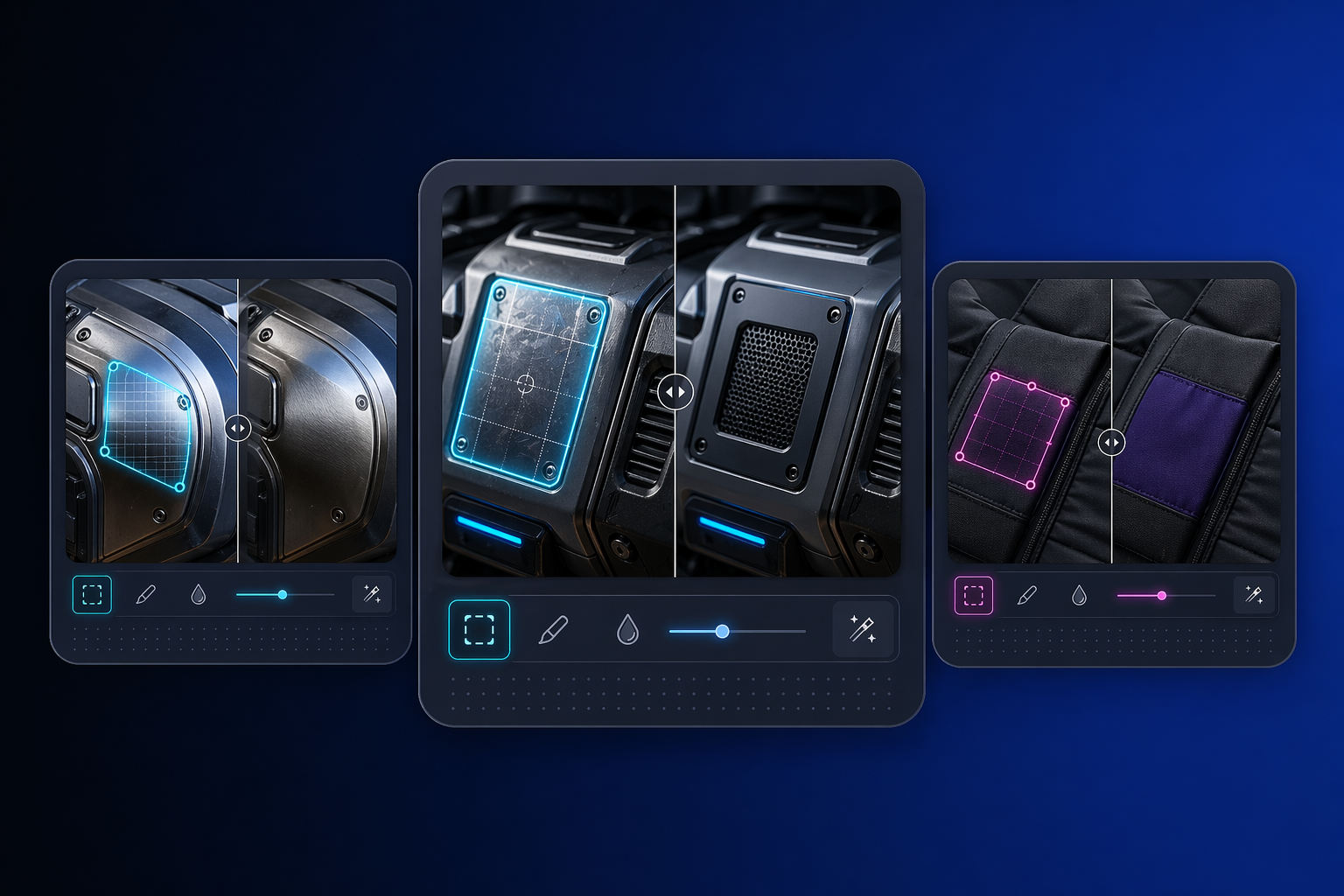
Precise Local Edits
Box-based editing helps teams replace or correct only the region that changed, which reduces the risk of damaging background logic, composition, or subject identity elsewhere in the frame.
Full Workflow Coverage
Subject preservation, segmentation, detection, multi-panel output, and high resolution generation let one model cover more of the commercial image pipeline with fewer handoff breaks.
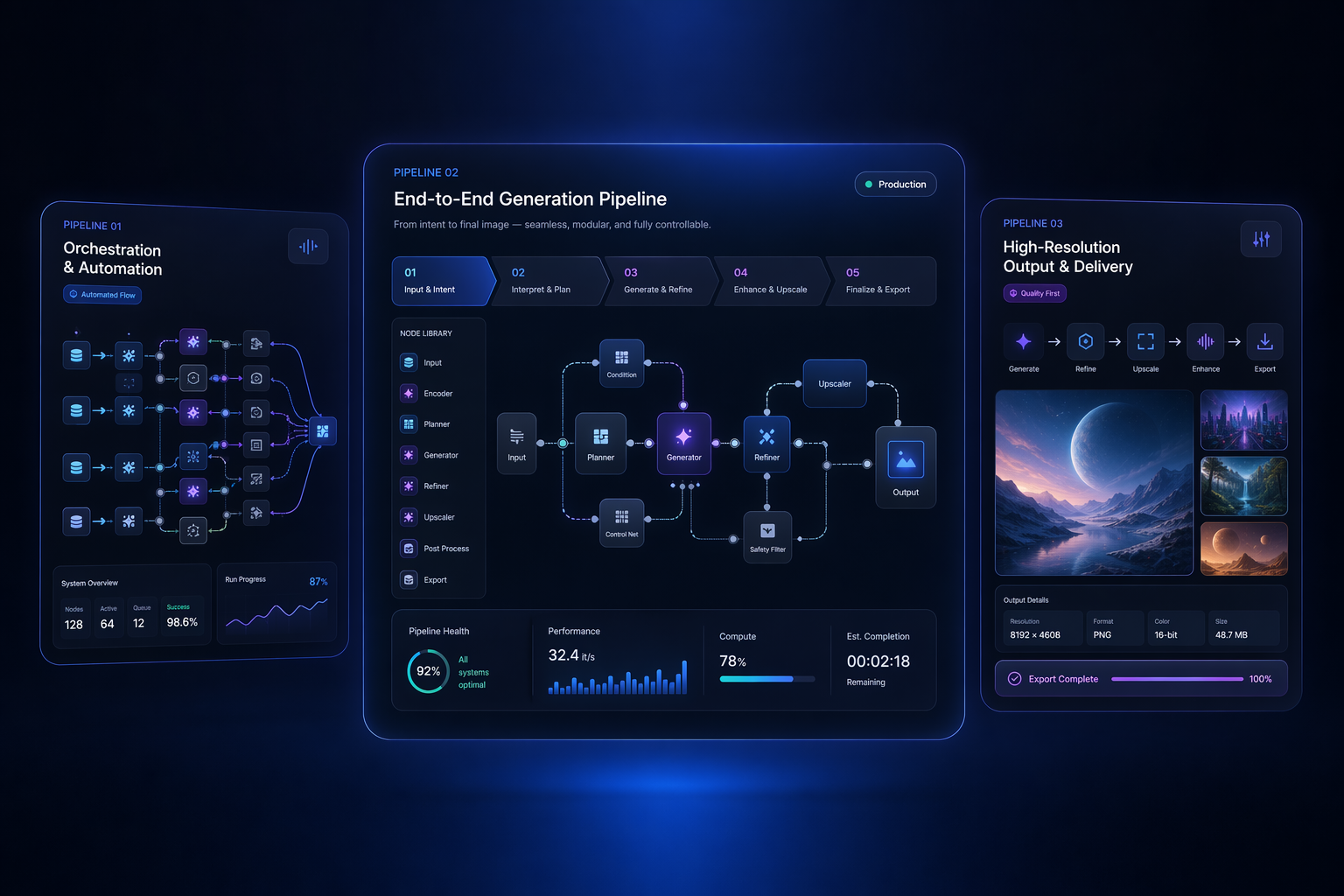
Workflow fit by team
How Different Teams Use Wan 2.7 Image
E-commerce Teams
Create cleaner product variants, background swaps, and catalog updates without rebuilding every visual from zero.
Design Teams
Revise approved layouts, test alternates, and keep strong compositions intact while changing only what matters.
Photography Teams
Handle scene cleanup, replacement work, and post-production style changes with more control than a full-image rewrite.
Content Teams
Build storyboards, campaign series, and repeatable visual sets with fewer style mismatches between assets.
Product Builders
Use URL, Base64, or local file inputs with sync or async API options for embedded editing workflows.
Commercial Ops
Choose one model for multiple visual tasks when consistency, revision speed, and production flow matter most.
How to Use Wan 2.7 Image More Effectively
Pick the right workflow before you generate
01
Choose Your Starting Mode
Use text-only generation for new concepts, image-guided editing for controlled revisions, and multi-image input when several references each supply part of the answer.
02
Decide What Must Stay Stable
Before running the job, define which subject details, layout elements, or scene regions must remain consistent so you know whether local editing is safer than whole-image rewriting.
03
Scale Resolution After Validation
Test composition, prompt logic, and reference alignment first, then move up to higher resolution outputs once the edit direction is already working.
Wan 2.7 Image Use Case Gallery
Example directions creative and product teams may want to explore with Wan 2.7 Image.
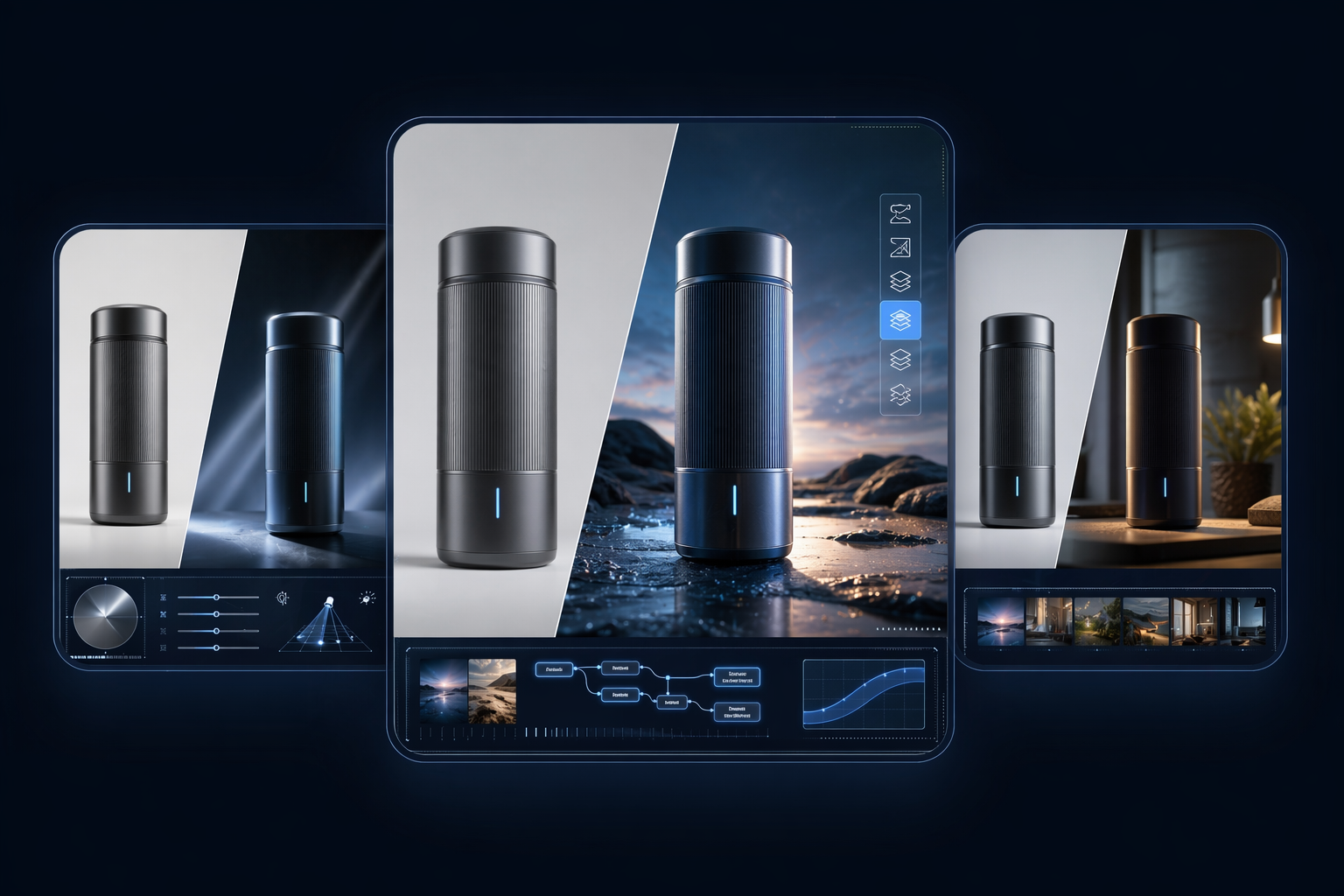
Commercial compositing
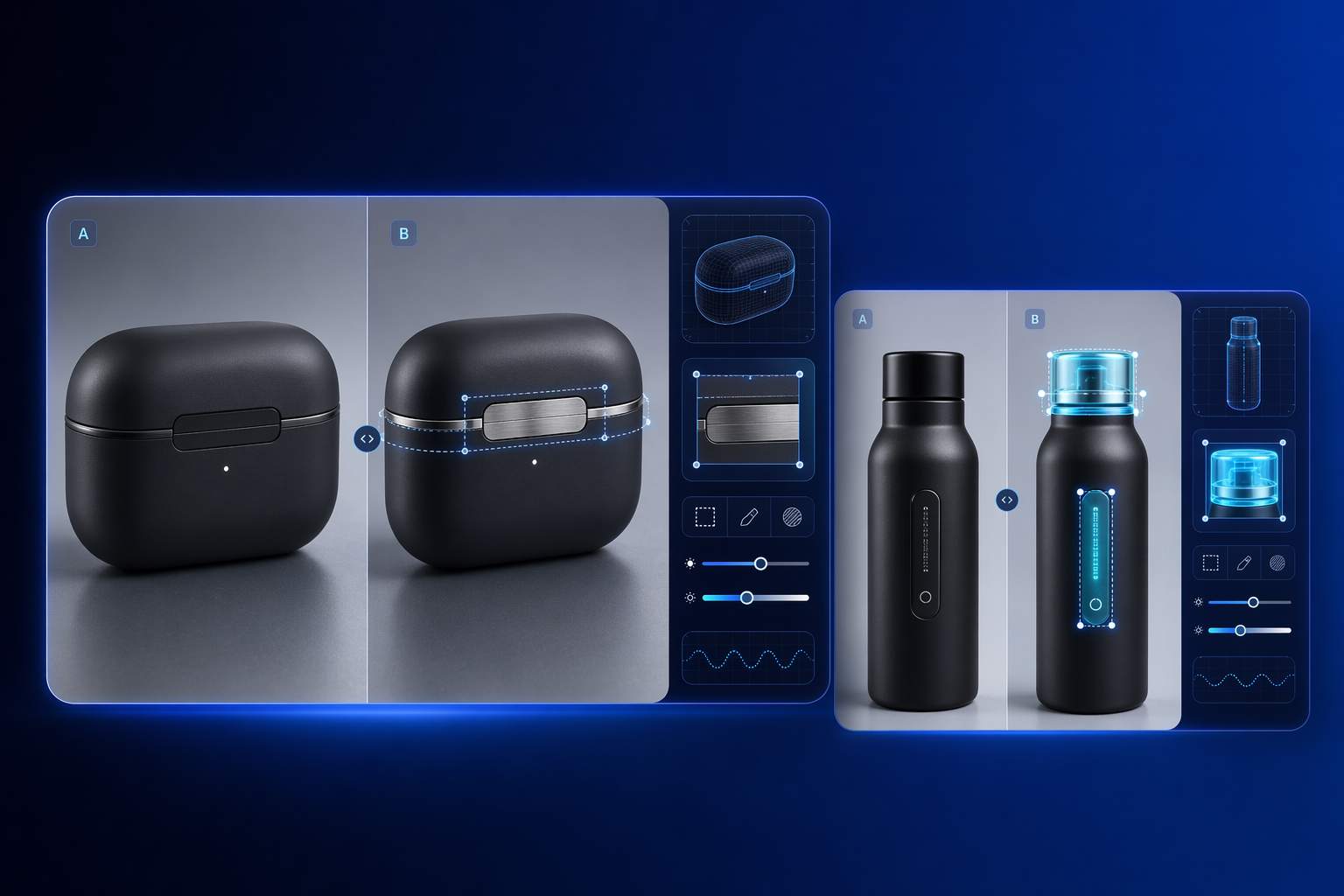
Selective product edits
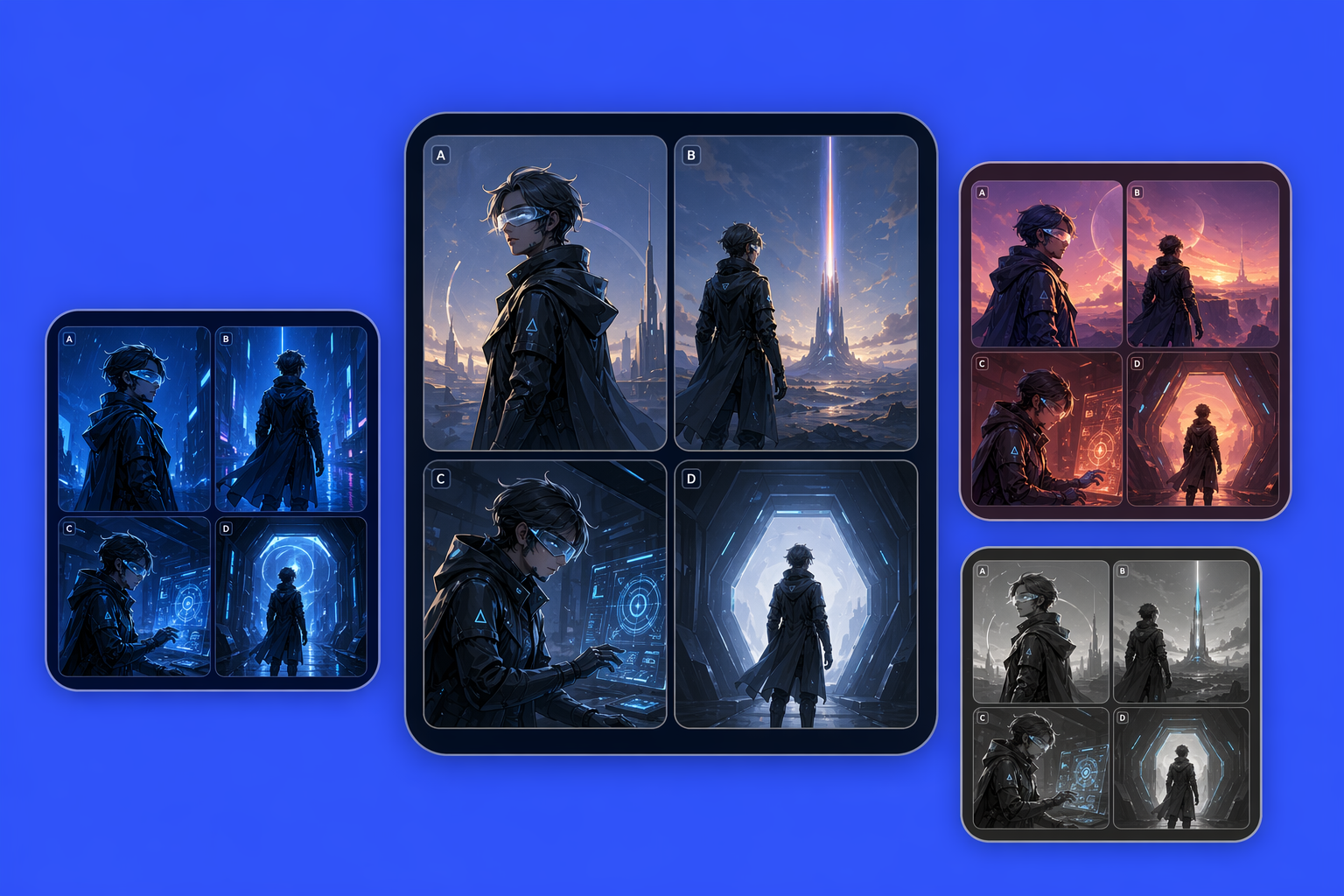
Storyboard consistency
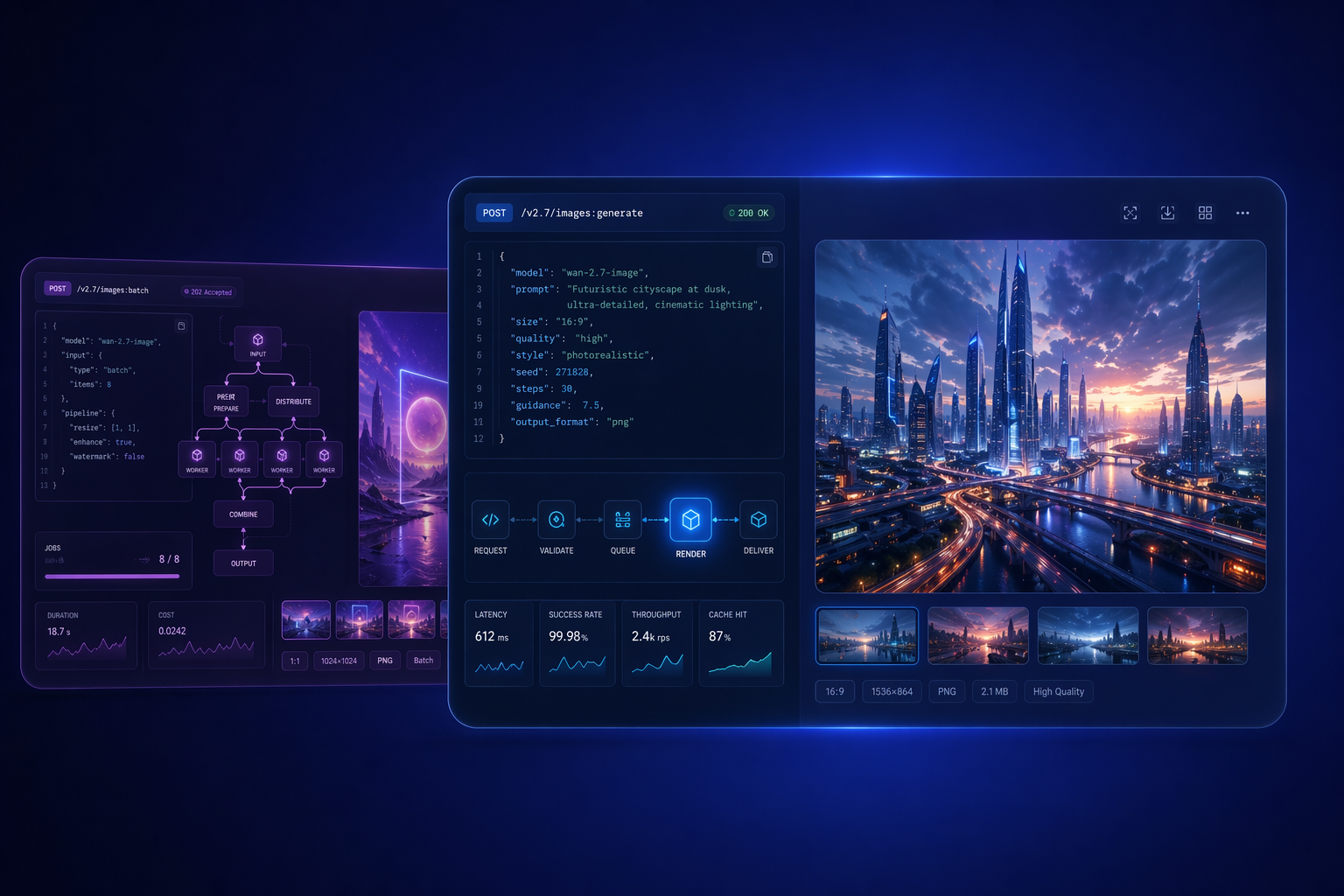
API-ready visual workflows
What creative and product teams usually ask first