AI manga generator

Free AI Manga Generator

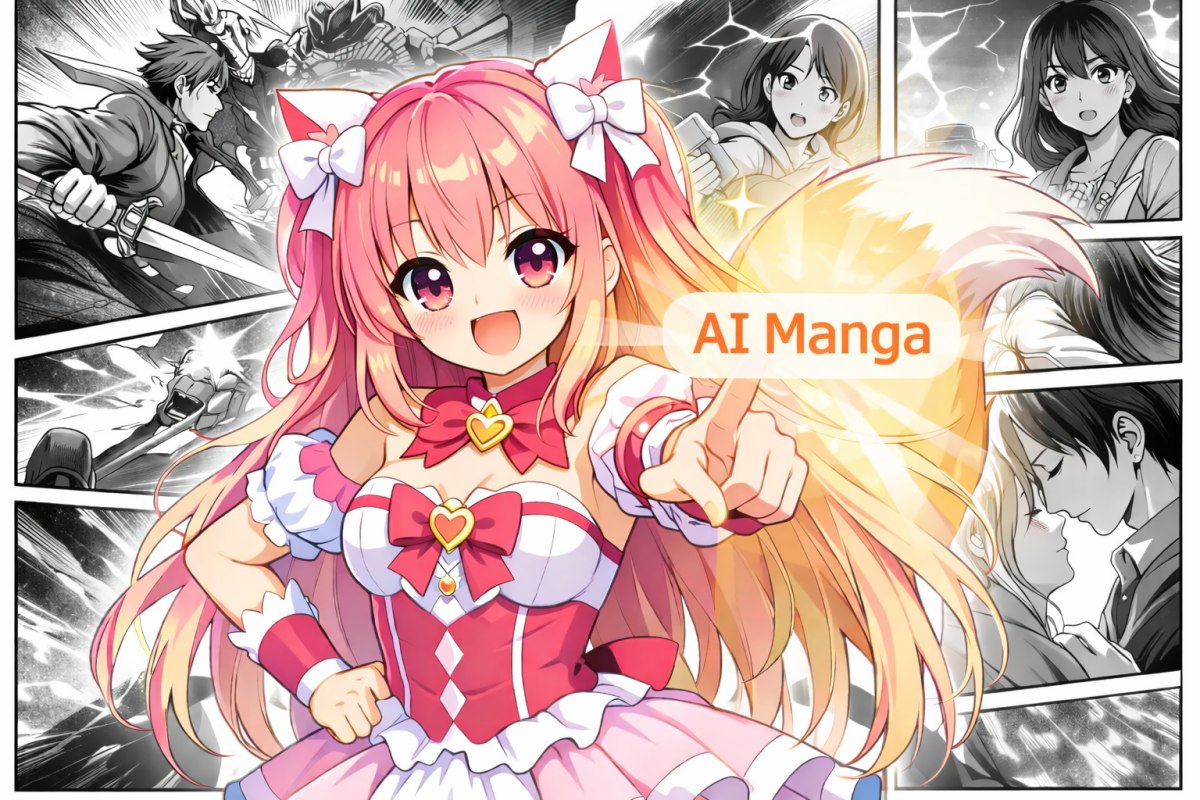
Turn a simple idea into a manga page you'd actually want to share. This AI mange generator supports AI manga generator from text, flexible panel templates, and style choices (Japanese manga, American comics, Korean webtoon vibes, or your own custom look).
AI Manga Generator

3 Steps To Use Free AI Manga Generator!
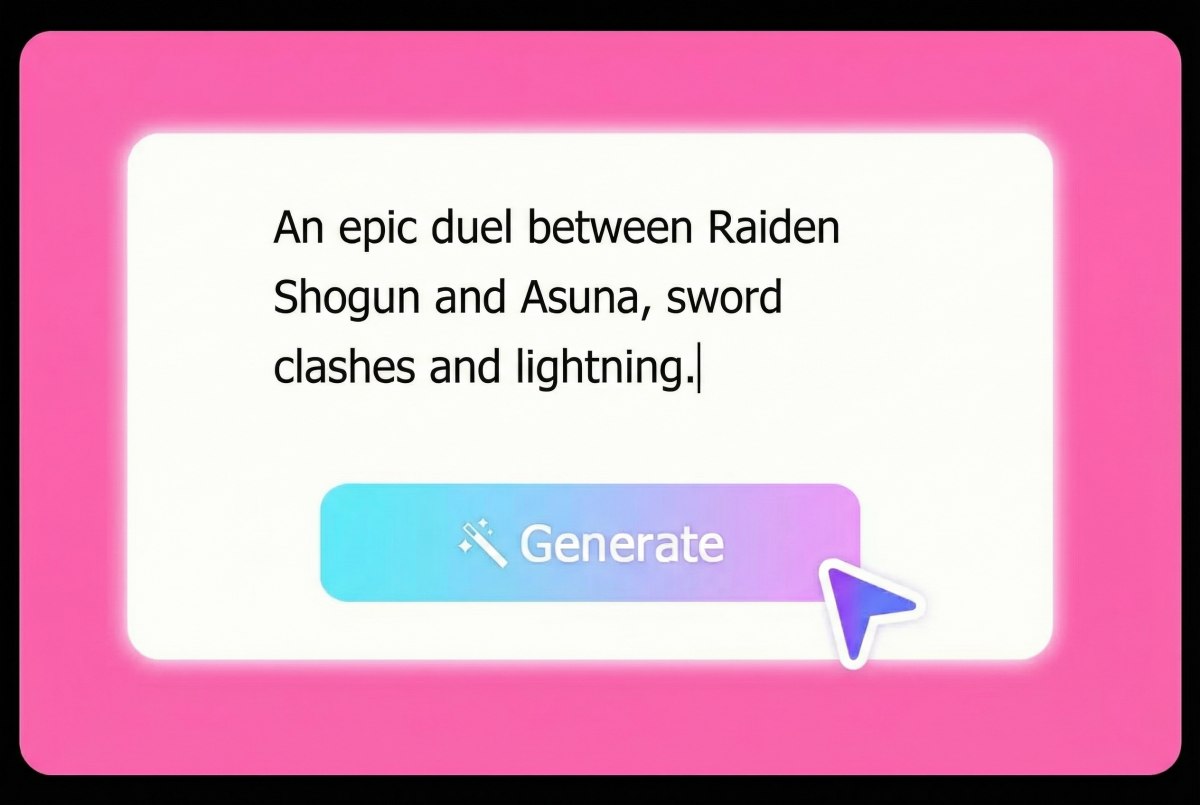
input prompts of AI manga generator free
Step 1

Write Your Story Prompt

Describe the scene, characters, and mood. If you want tighter results, include camera cues (close-up, wide shot) and the emotion you want in each moment.
choose templates
Step 2

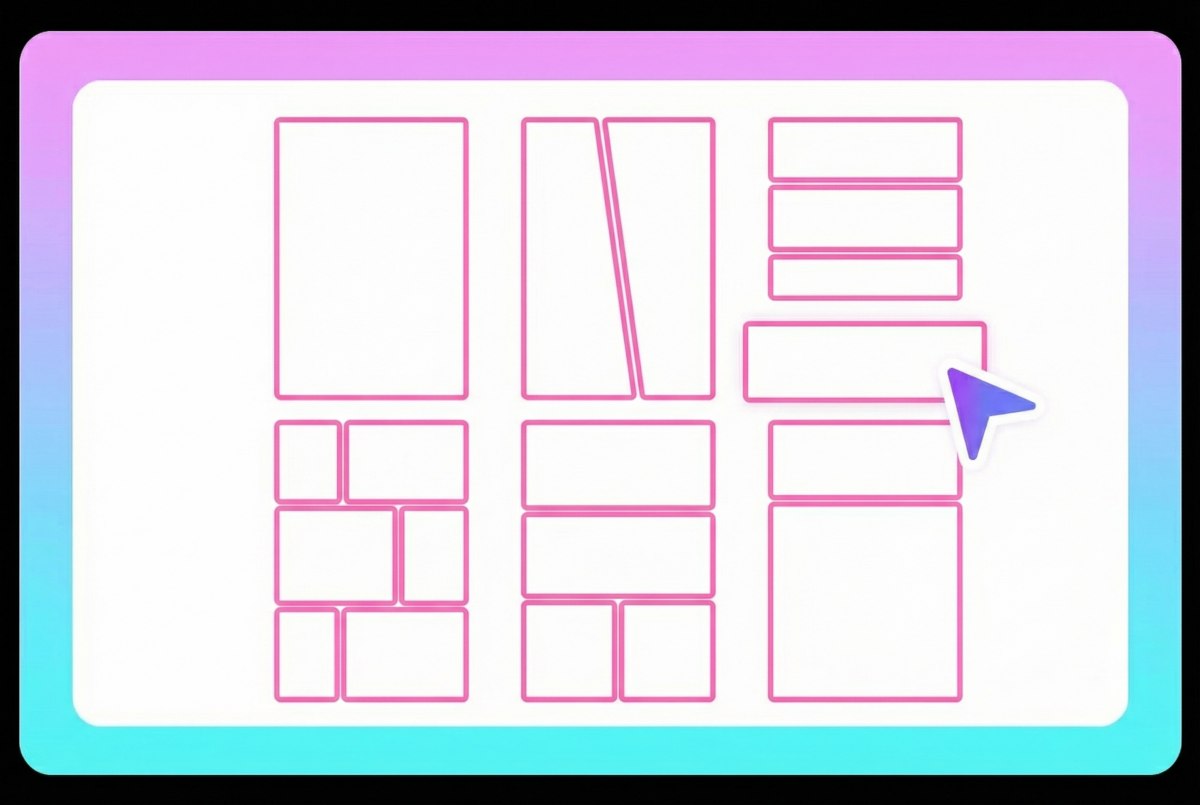
Pick Style + Panel Template

Choose a manga style (Japanese, American, Korean, or custom), select panel templates for layout, then decide between black-and-white or full color output.
step 3 of AI mange generator
Step 3

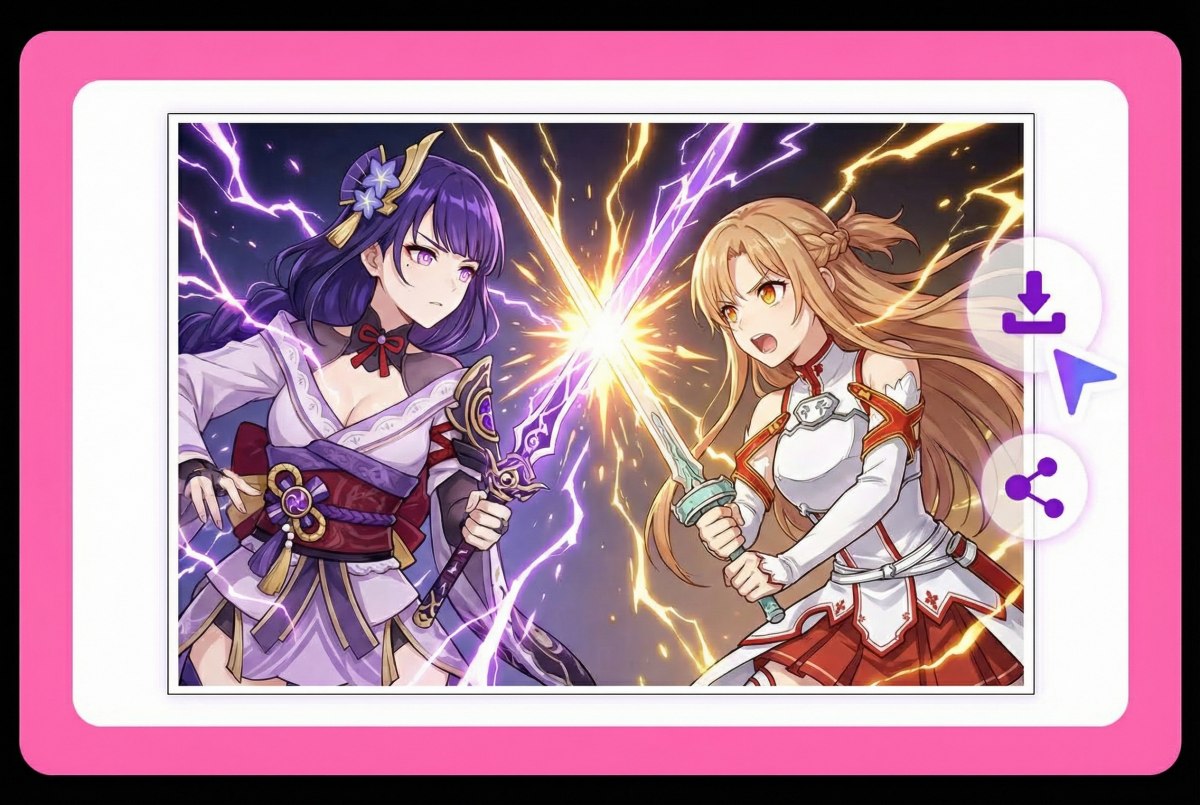
Generate and Download

Generate your page, review panel flow and readability, then export. Most creators run 2–3 variations and keep the cleanest composition.

Various Styles of AI Manga

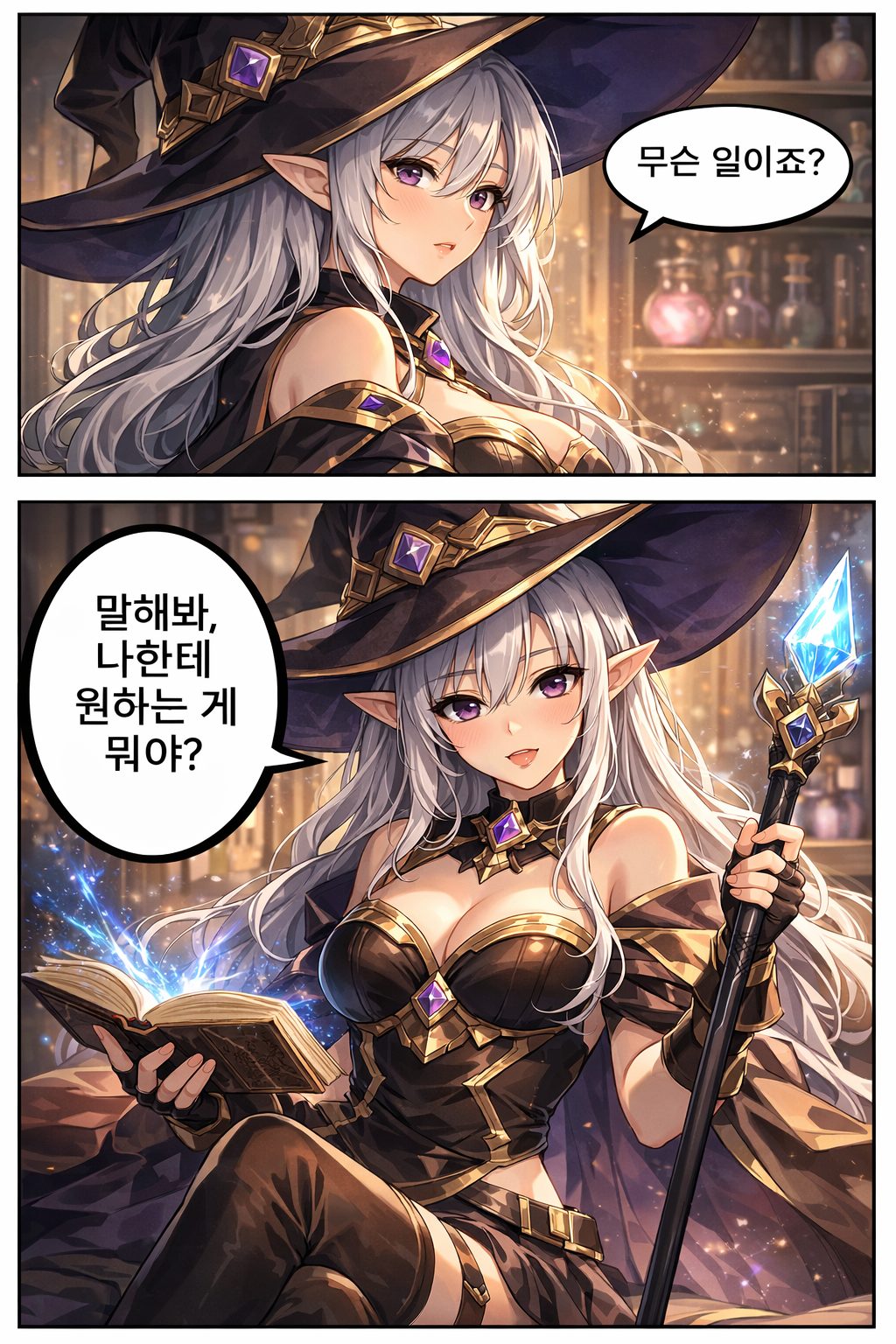
Japanese Manga Style
Japanese Manga Style

Korean Manga Style
Korean Manga Style

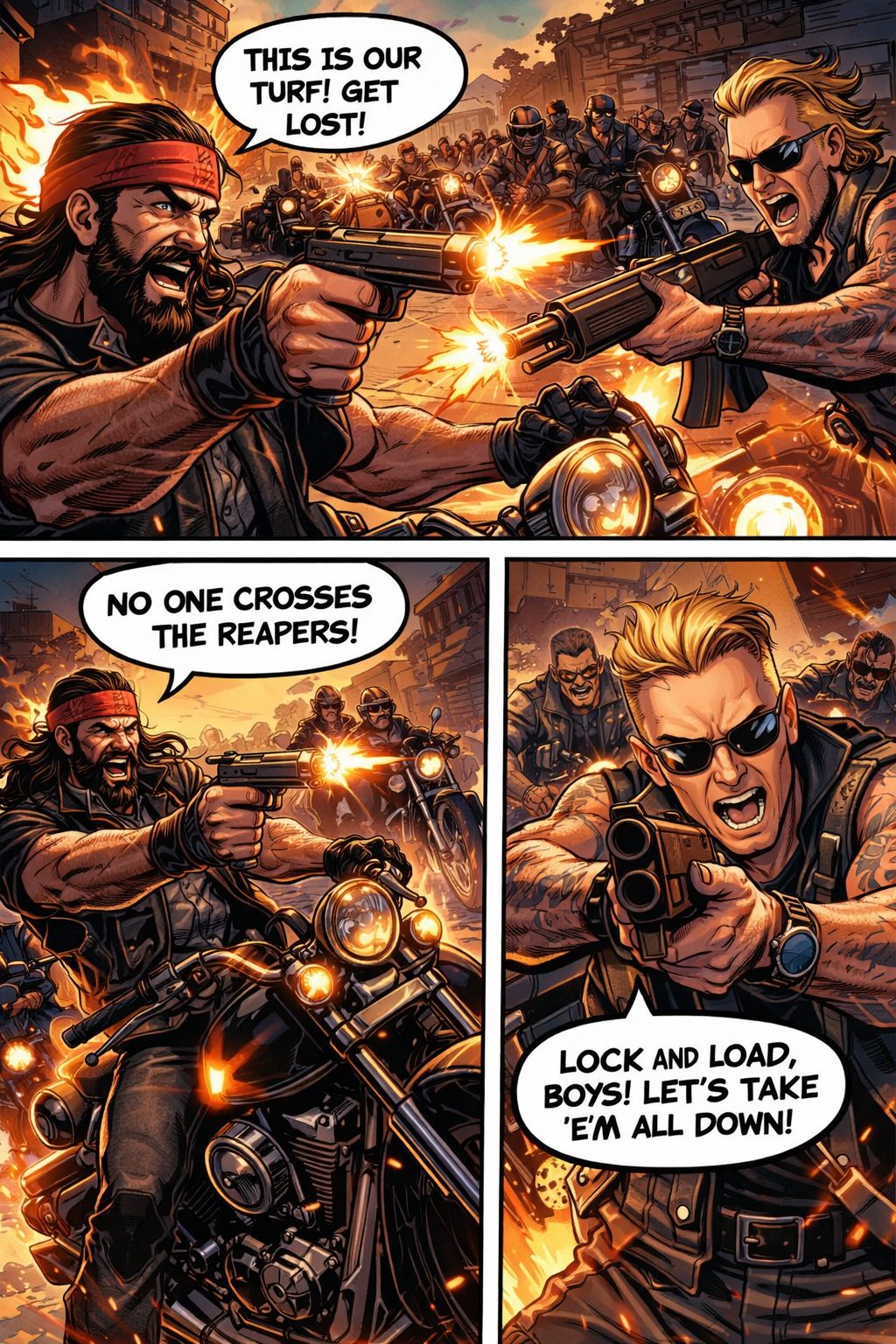
American Comic Style

American Comic Style

Create Manga Pages That Read Well

Text-to-Manga, Fast and Direct

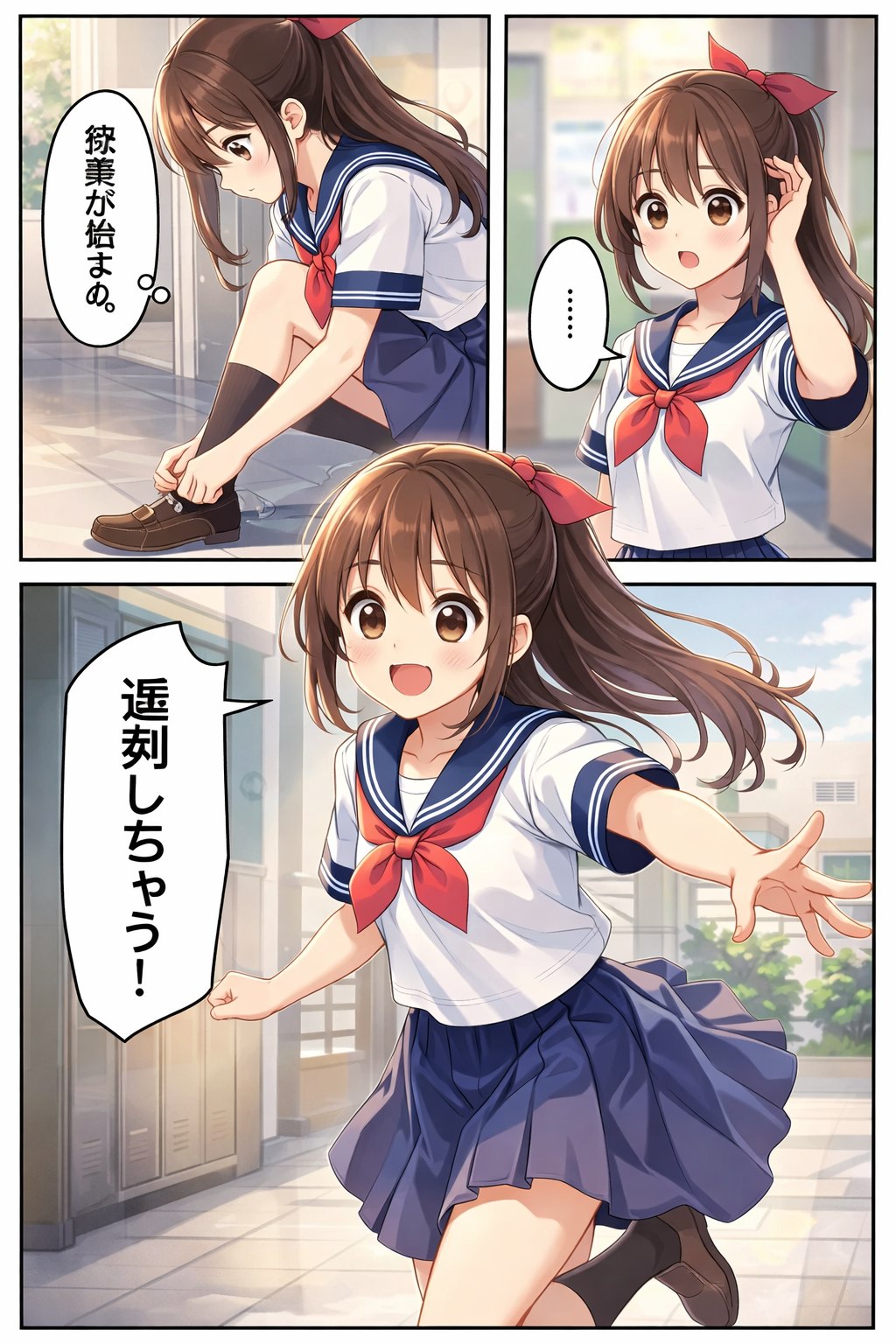
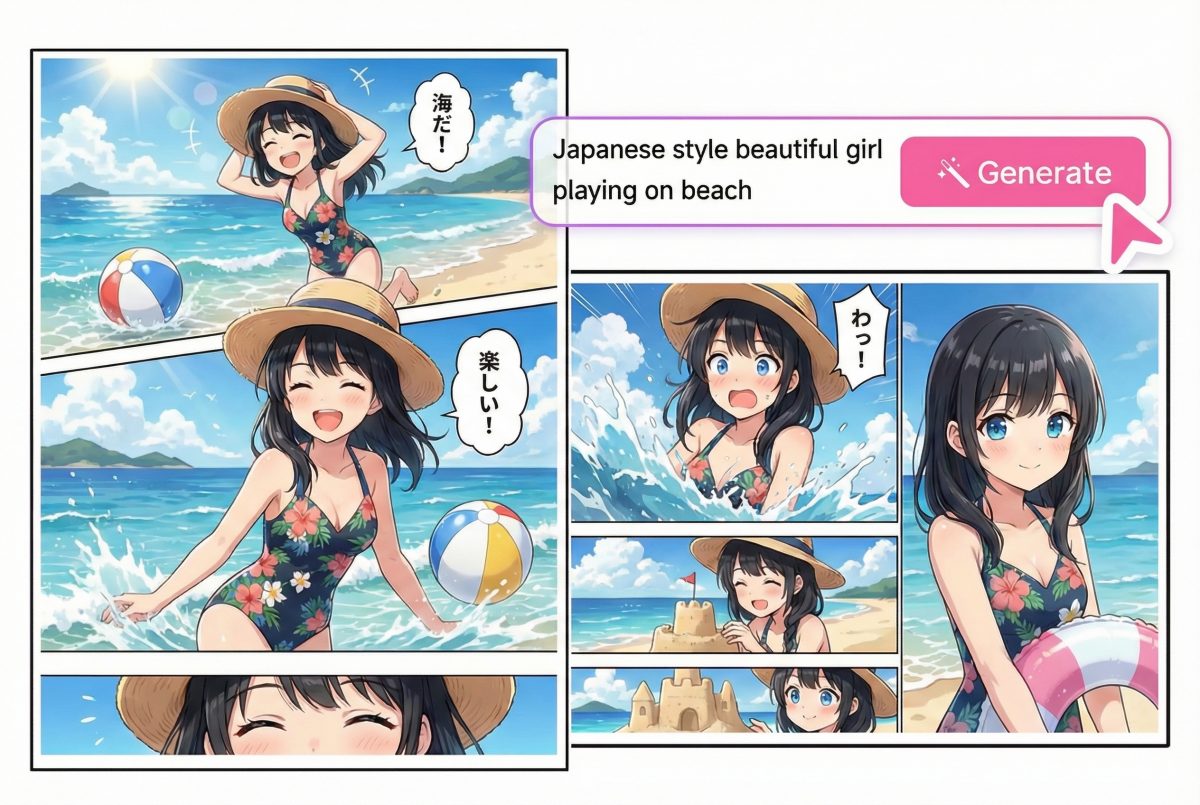
Use AI manga generator from text to turn a scene description into panels with a readable flow. It's a practical way to test pacing, punchlines, and reveals before you commit to full production.
AI manga generator from text

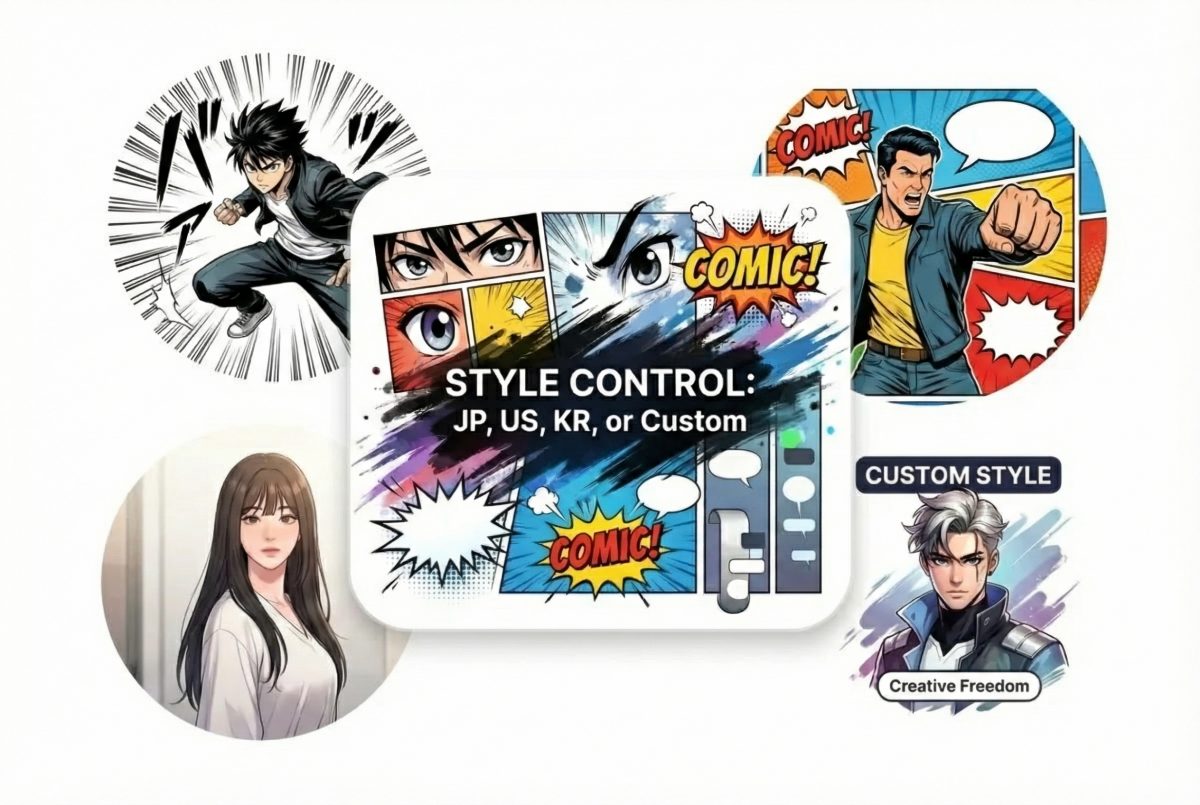
Style Control: JP, US, KR, or Custom

Switch between Japanese manga energy, American comic punch, Korean webtoon-style clarity, or a custom style that matches your project. If you're already building characters elsewhere, keep your workflow tight by starting with OC maker, cleaning rough lines with sketch simplification, then finishing with colorful line art for a sharper page look.
AI anime manga generator

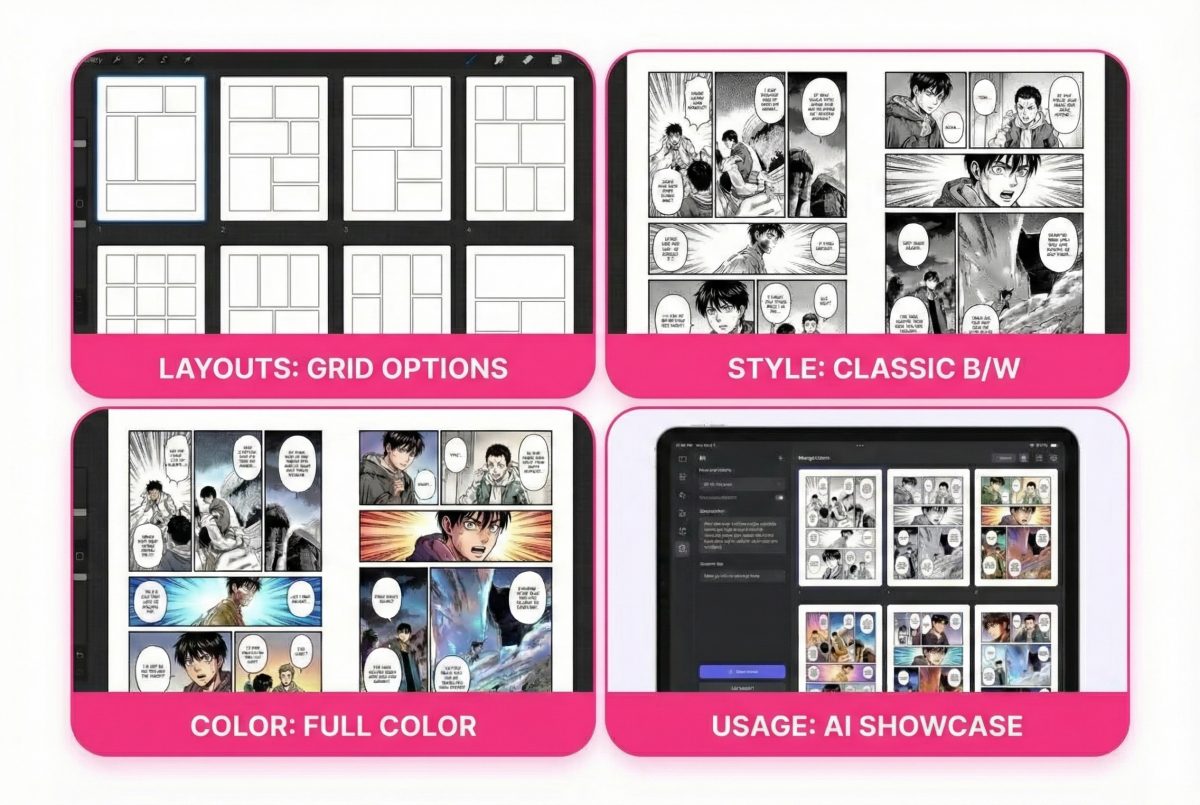
Panel Templates + B/W or Full Color

Pick panel templates for clean layouts, then choose black-and-white for classic manga readability or full color for covers and social posts. This also works well as an AI manga page generator when you need quick layout options for the same scene.
AI manga page generator

Make Manga Pages That Actually Read Smoothly
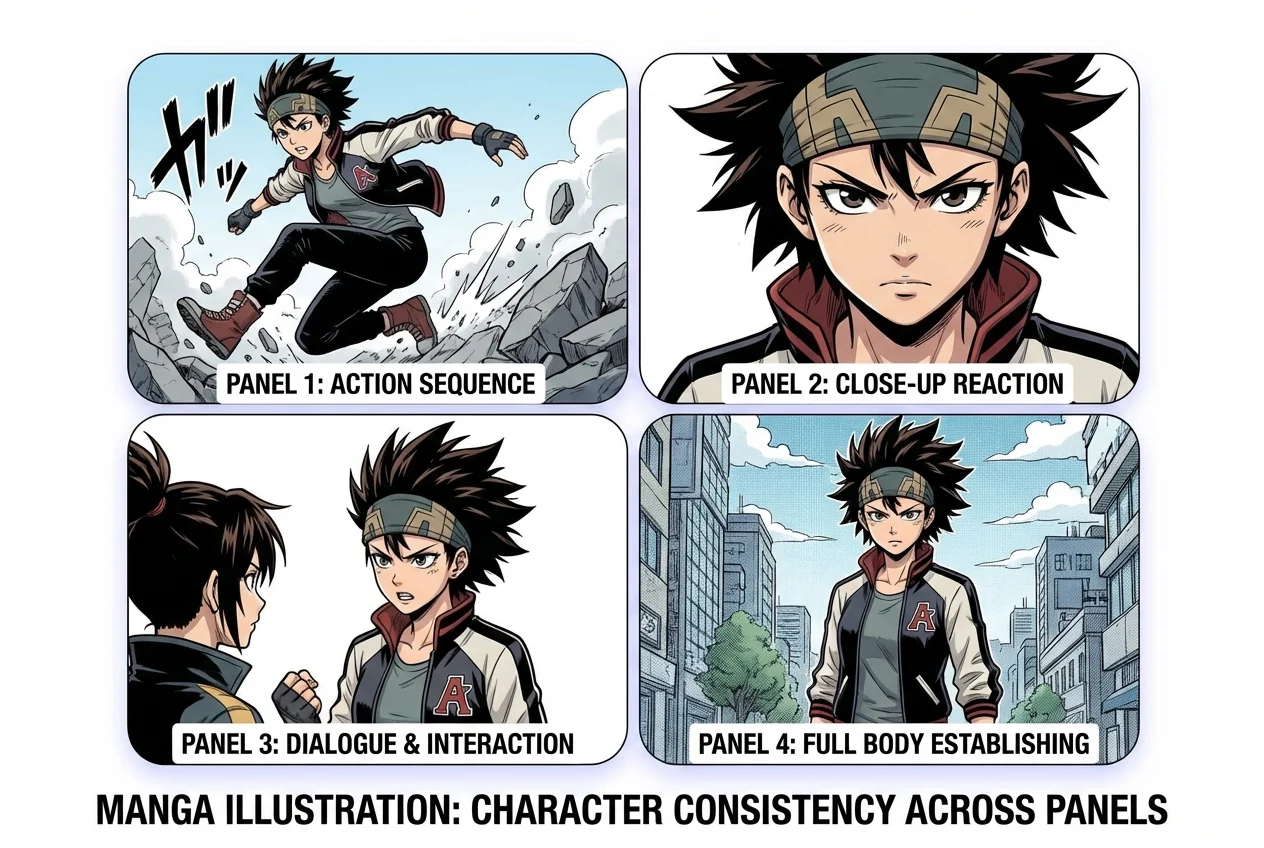
Character Consistency Across Panels

The biggest tell in AI manga is the "same character, different face" problem. In my tests, consistency improves a lot when you lock a clear reference (hair shape, eye style, signature accessories) and keep the scene changes simple. The result: faces, outfits, and colors stop drifting, so your page reads like one story—not three unrelated shots.

2

Shot Control / Storyboarding

When a page feels "pro," it's usually camera planning. I like to map panels as: wide establishing → medium action → close-up reaction → reveal. With basic shot control, you can guide angles and distance so the pacing lands where you want, and the story beats don't get lost in random framing.

3

Readable Speech Bubbles

Great art still fails if the bubbles don't read. What I look for is simple: bubbles don't cover faces, the order is obvious, and the text area isn't cramped. When you want full control, exporting blank bubbles is a lifesaver—you can letter later, swap languages, or match your own typography without redoing the panels.

Character consistency across panels
Built for drafts that don't feel disposable

Why Creators Use This Manga Tool

A Real Page, Not Just a Single Image

Generate a structured manga page with panels and flow—useful for storyboarding, pitching, and planning scene rhythm.

Multiple Comic Traditions, One Workflow

Go from Japanese manga to American comics to Korean-inspired layouts, or keep it custom—without rebuilding prompts from scratch.

Free and Flexible Output Options

Use it as a free AI manga generator for quick tests, then scale up when you've locked the look. Choose black-and-white or full color depending on where you'll publish.
Frequently Asked Questions

You may want to know