0103
Text-to-Manga, Fast and Direct
Use AI manga generator from text to turn a scene description into panels with a readable flow. It's a practical way to test pacing, punchlines, and reveals before you commit to full production.
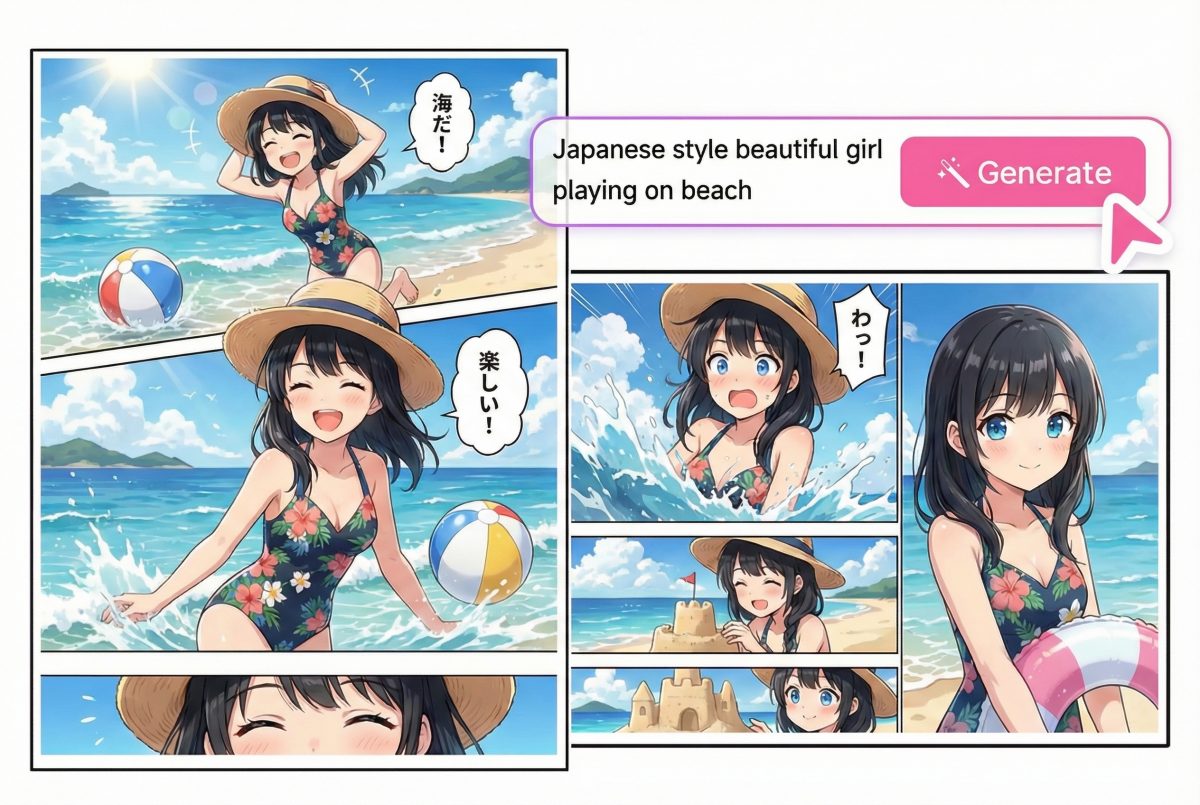

AI Manga Generator
Panels, characters and covers in manga style.
Turn a simple idea into a manga page you'd actually want to share. The AI manga generator works from text, supports flexible panel layouts and lets you choose the look: Japanese manga, American comics, Korean webtoon or your own style.
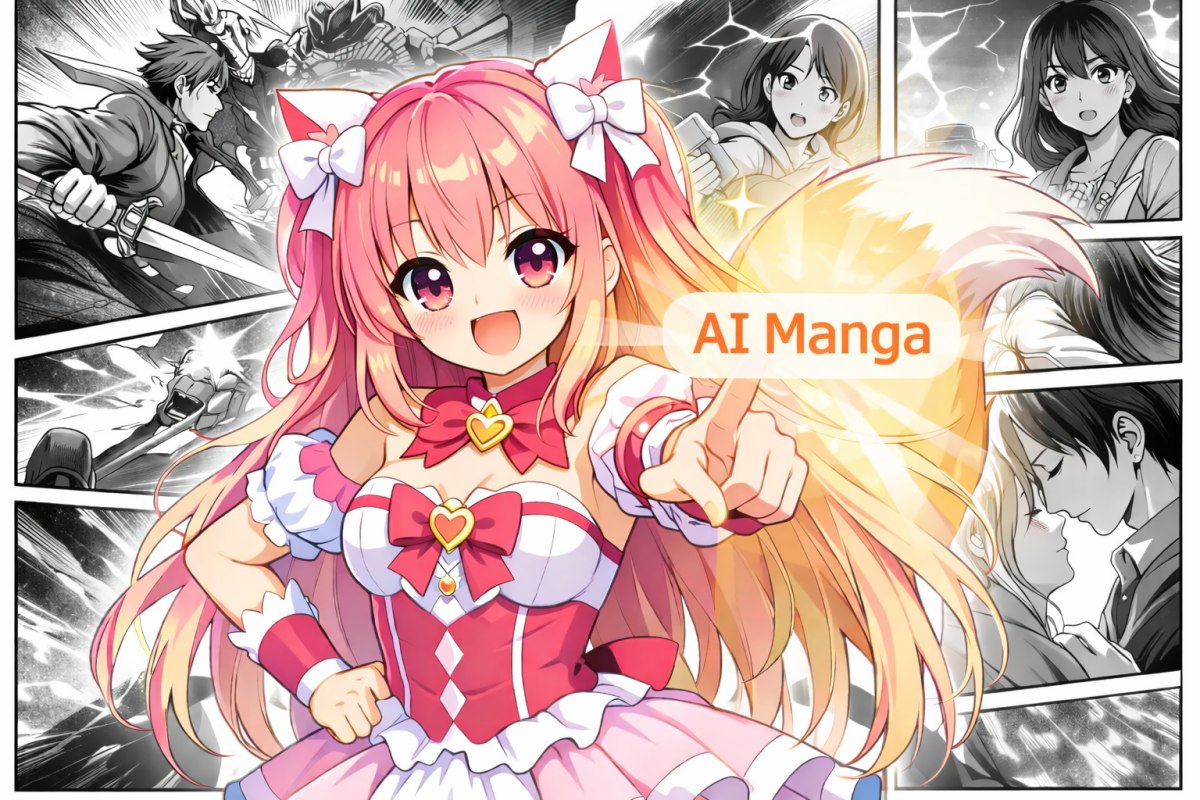
Simple steps to create a manga page you can build on
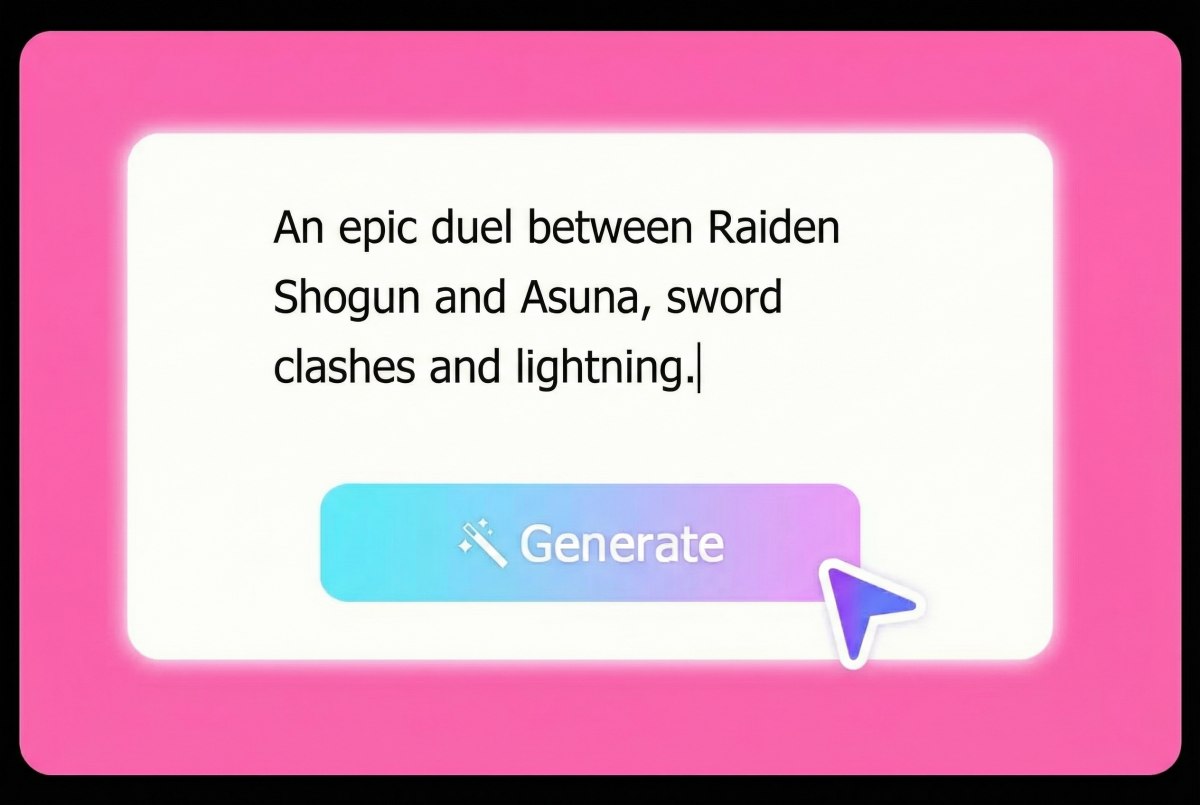
Describe the scene, characters, and mood. If you want tighter results, include camera cues (close-up, wide shot) and the emotion you want in each moment.
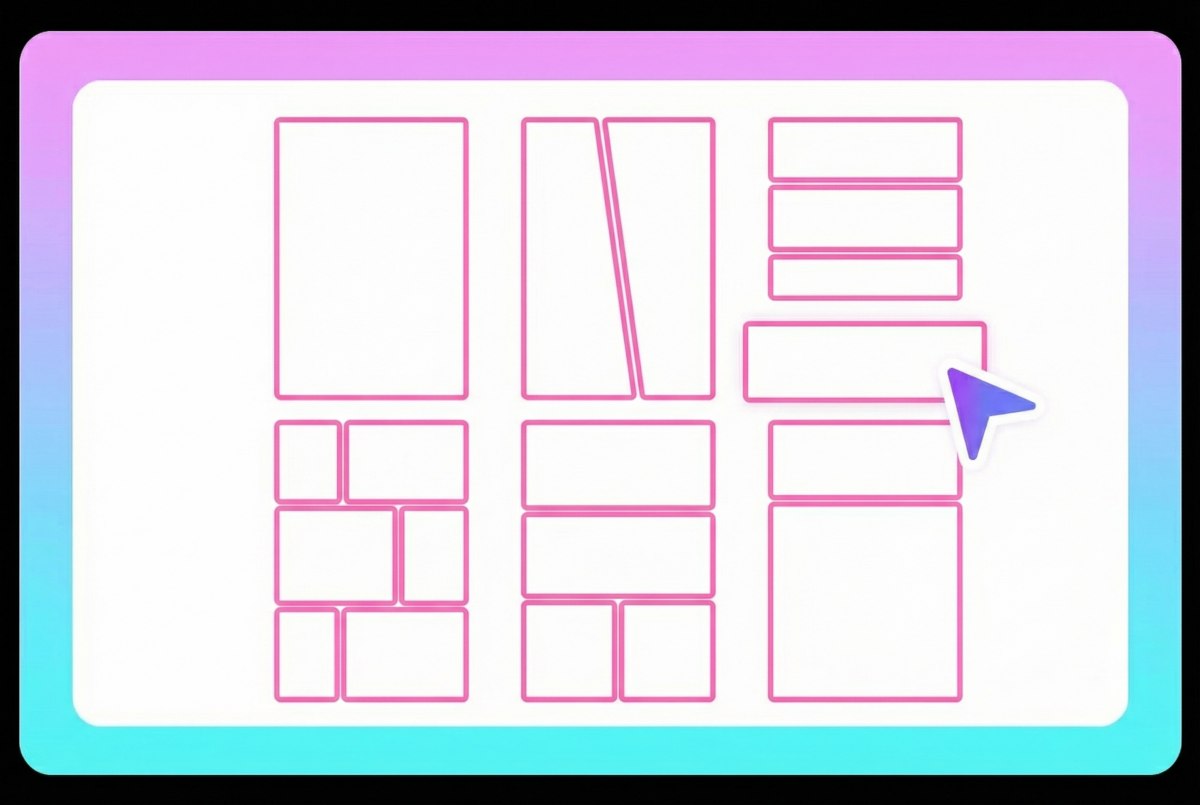
Choose a manga style (Japanese, American, Korean, or custom), select panel templates for layout, then decide between black-and-white or full color output.
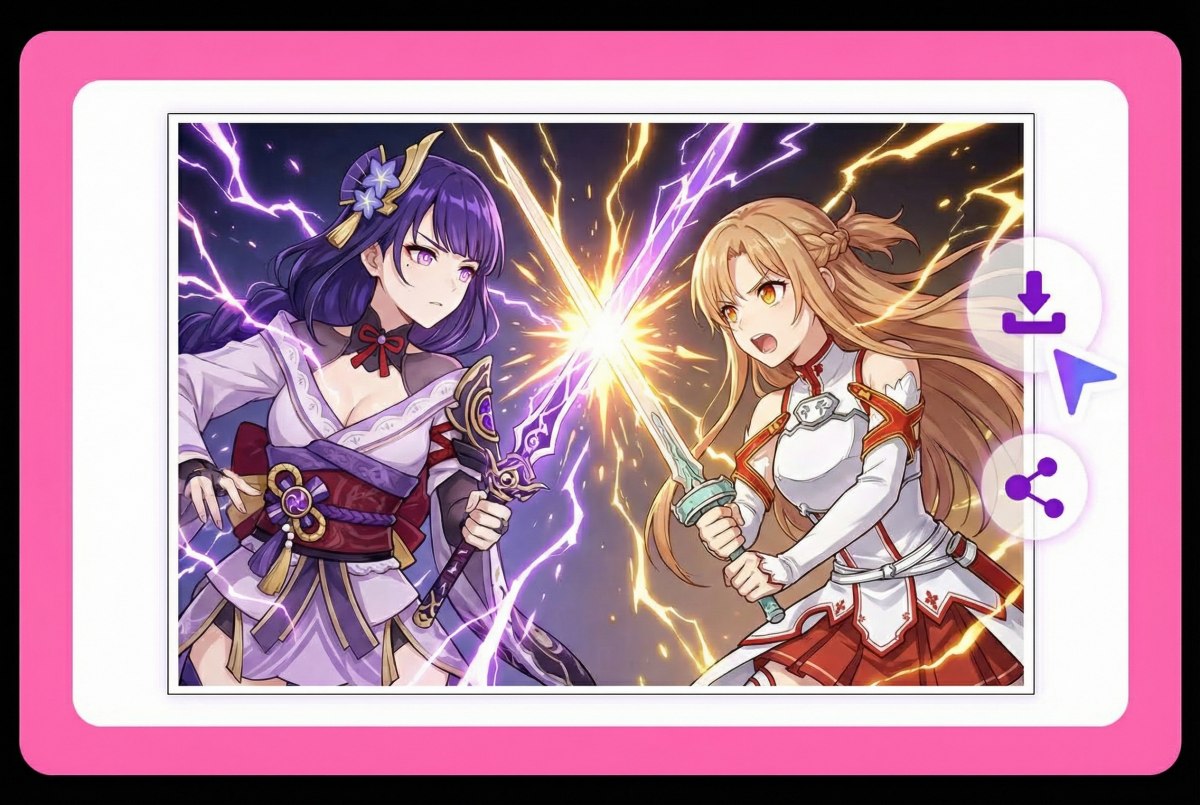
Generate your page, review panel flow and readability, then export. Most creators run 2–3 variations and keep the cleanest composition.
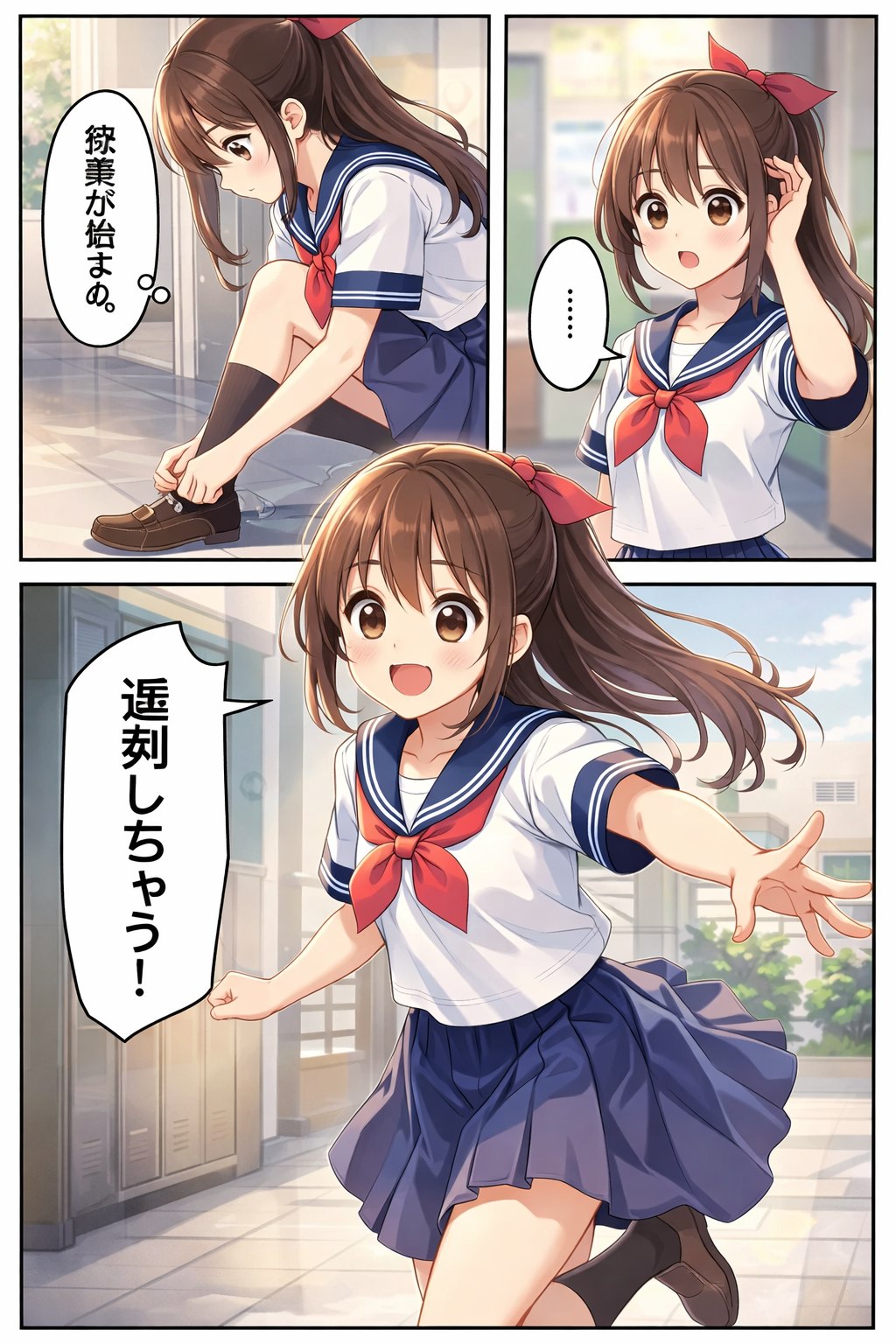 01
01Japanese Manga Style
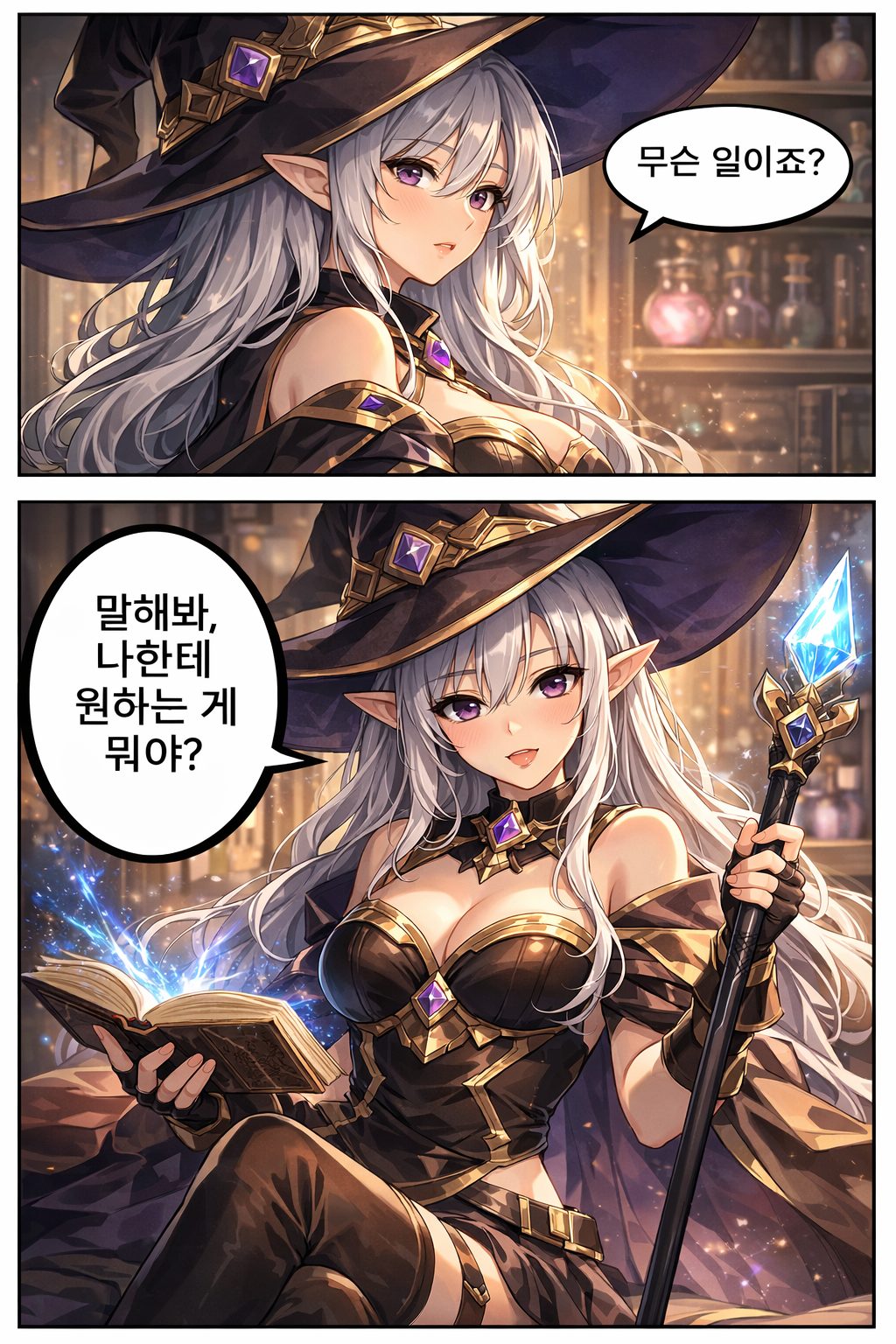 02
02Korean Manga Style
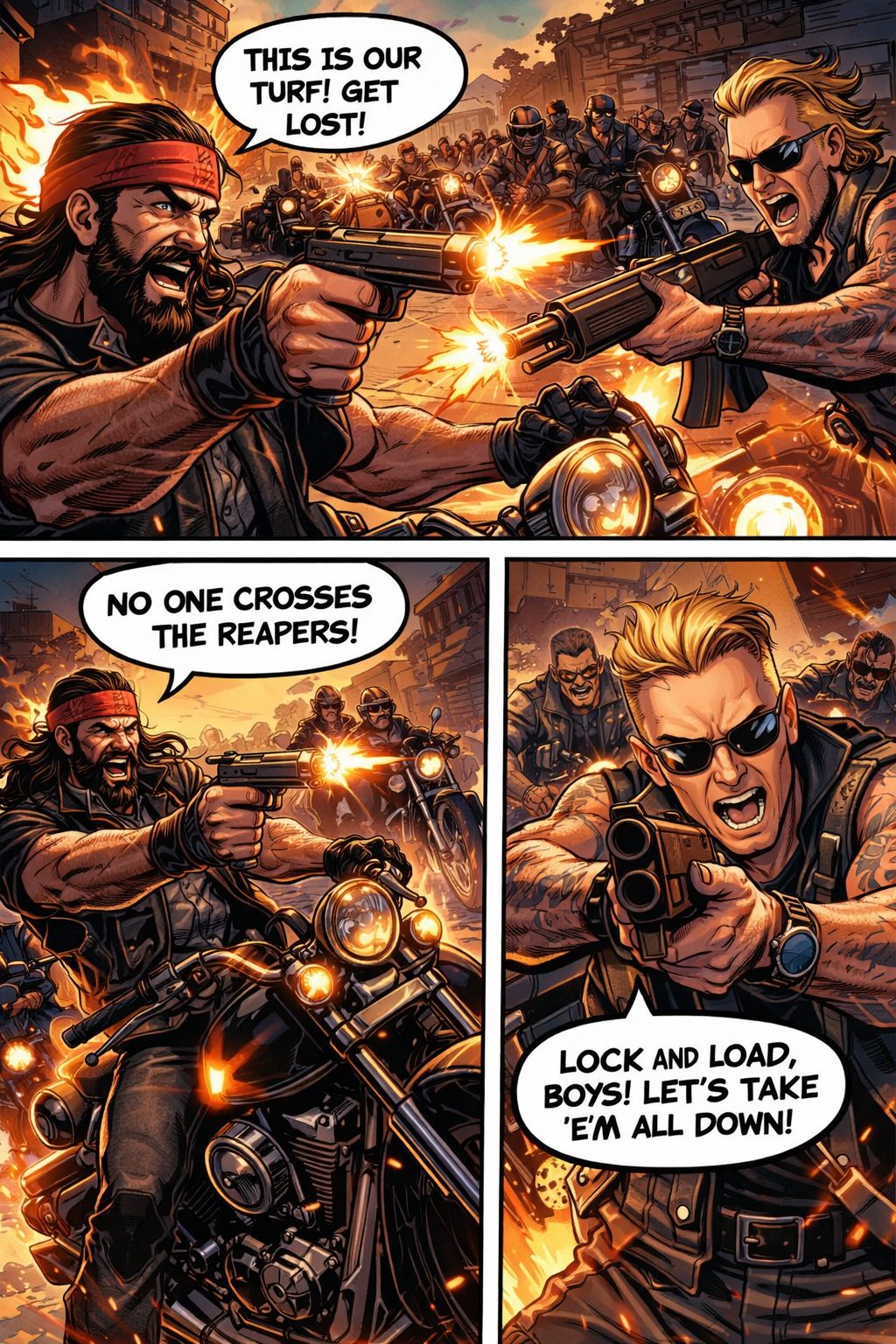 03
03American Comic Style
Build pages with clear panel flow, consistent style, and flexible outputs—made for drafts, pitches, and publish-ready exports.
0103
Use AI manga generator from text to turn a scene description into panels with a readable flow. It's a practical way to test pacing, punchlines, and reveals before you commit to full production.
0203
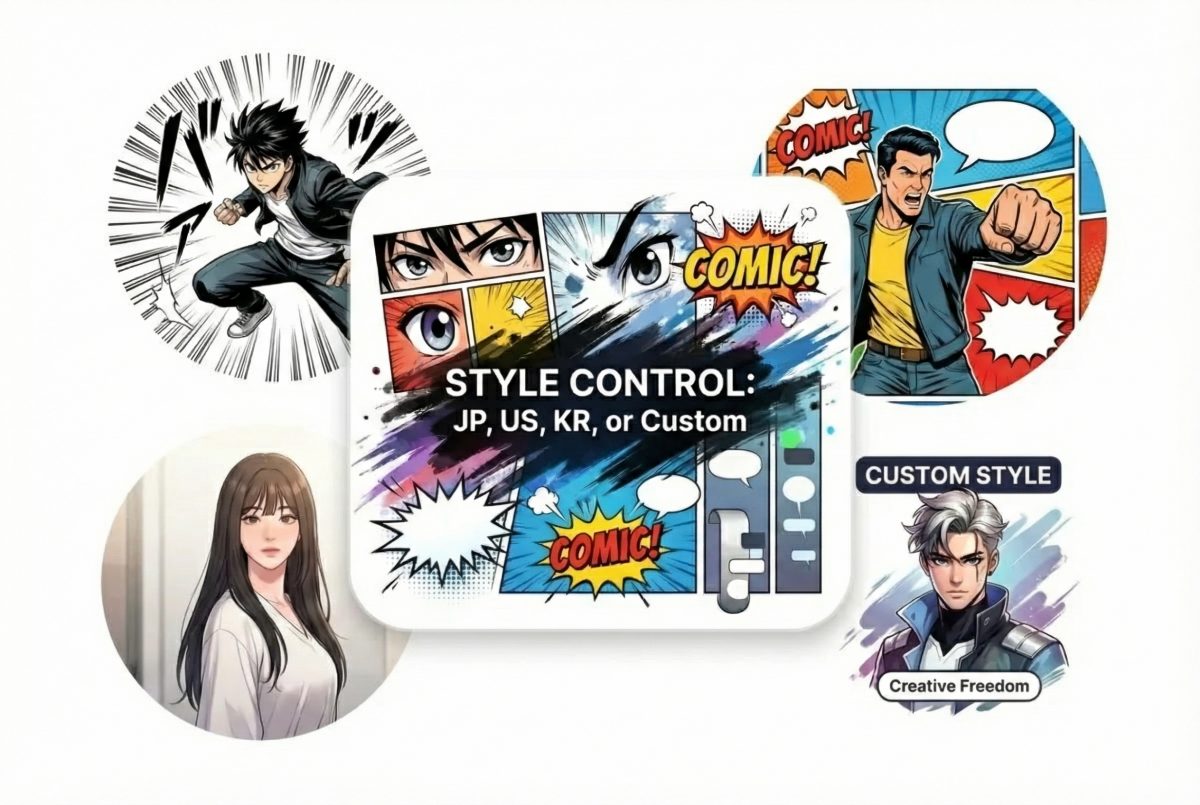
Switch between Japanese manga energy, American comic punch, Korean webtoon-style clarity, or a custom style that matches your project. If you're already building characters elsewhere, keep your workflow tight by starting with OC maker, cleaning rough lines with sketch simplification, then finishing with colorful line art for a sharper page look.
0303
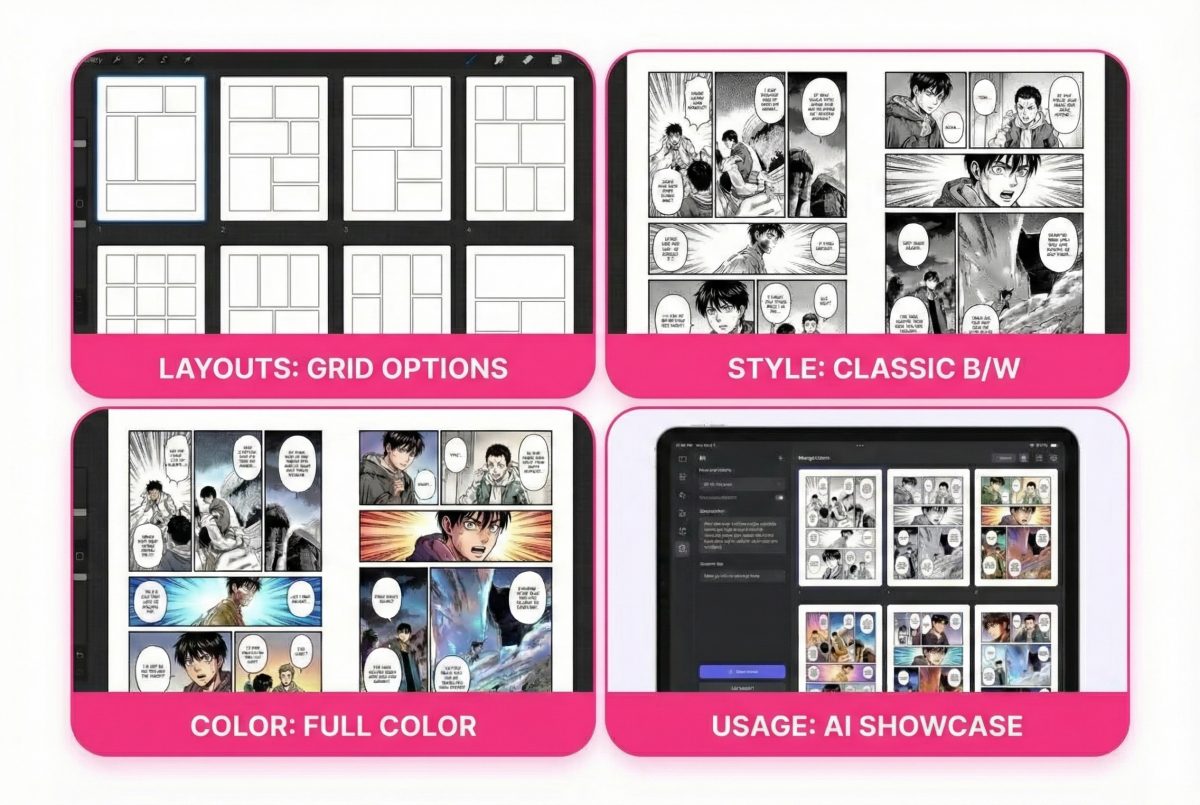
Pick panel templates for clean layouts, then choose black-and-white for classic manga readability or full color for covers and social posts. This also works well as an AI manga page generator when you need quick layout options for the same scene.
0103
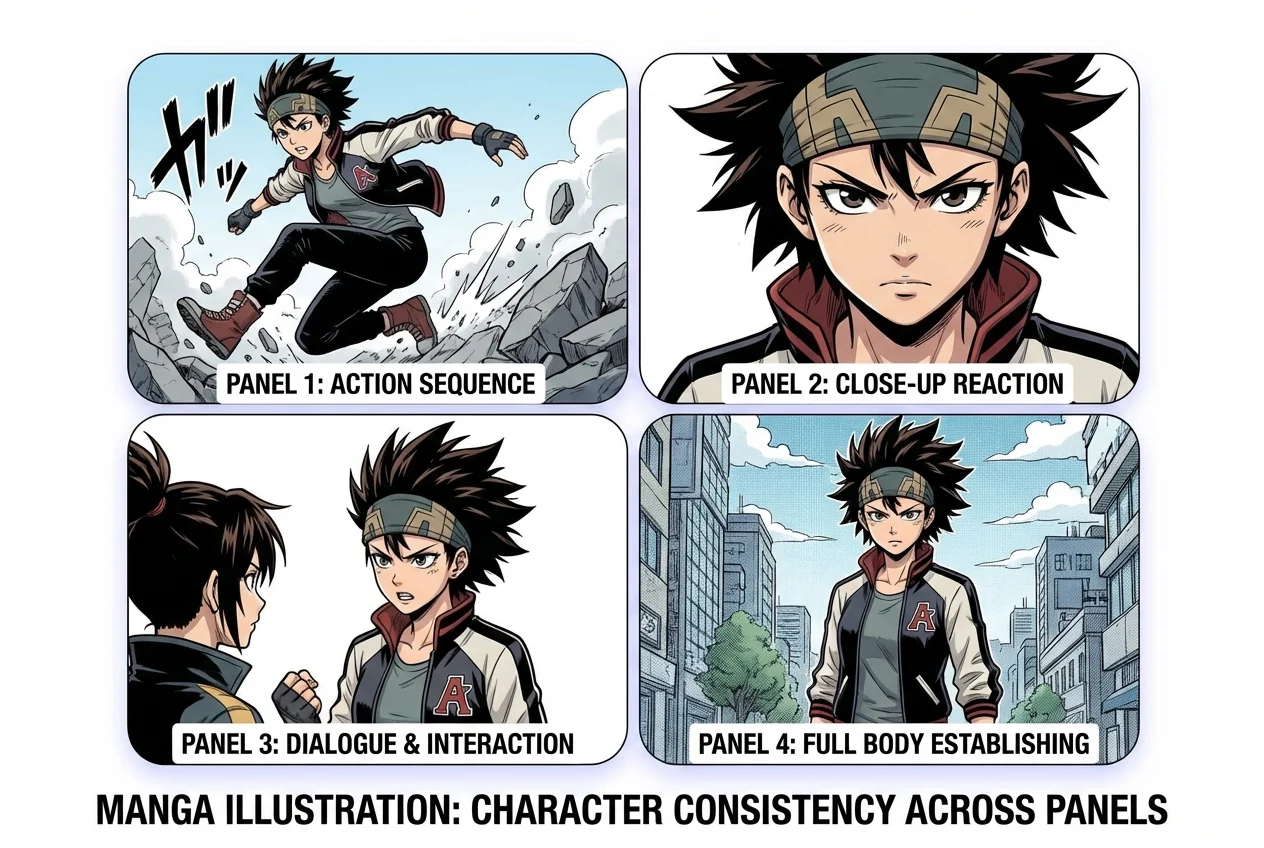
The biggest tell in AI manga is the "same character, different face" problem. In my tests, consistency improves a lot when you lock a clear reference (hair shape, eye style, signature accessories) and keep the scene changes simple. The result: faces, outfits, and colors stop drifting, so your page reads like one story—not three unrelated shots.
0203
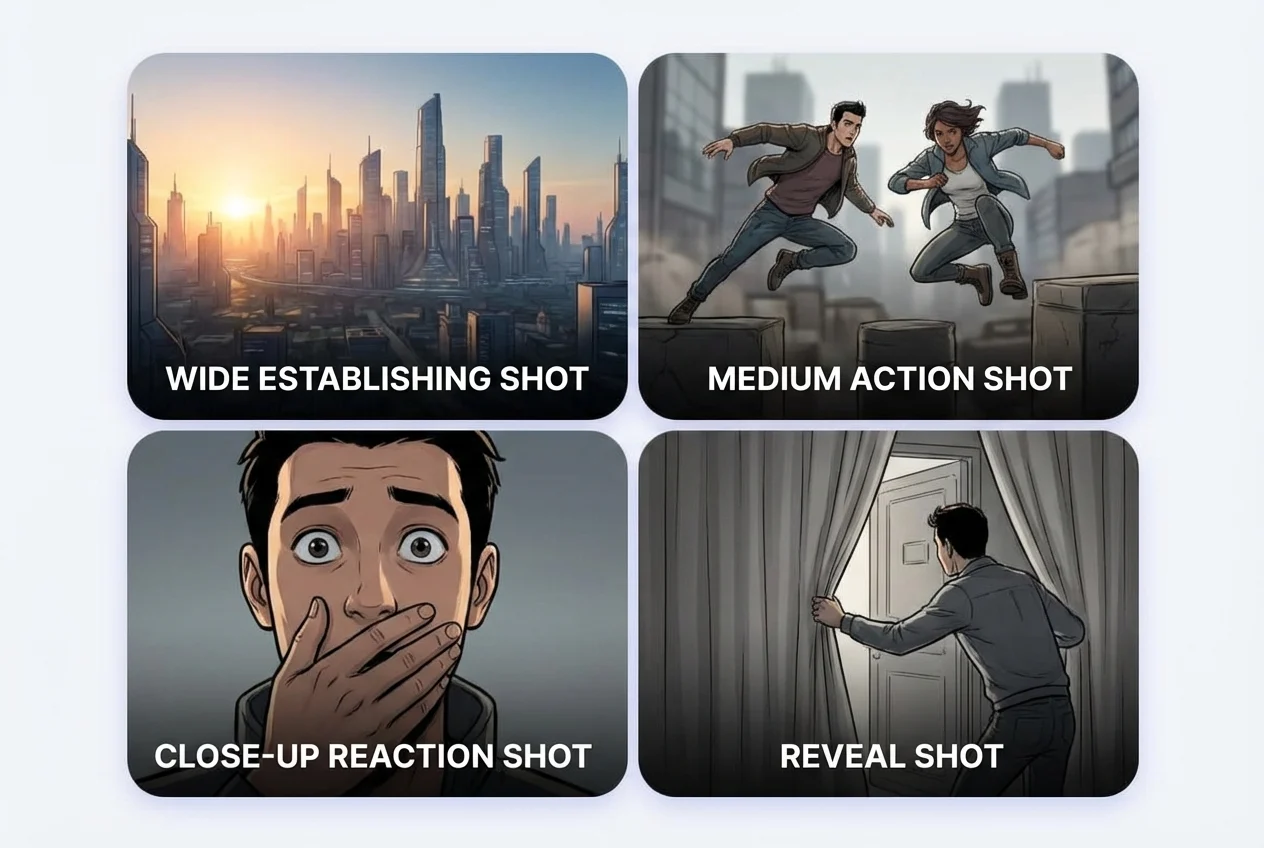
When a page feels "pro," it's usually camera planning. I like to map panels as: wide establishing → medium action → close-up reaction → reveal. With basic shot control, you can guide angles and distance so the pacing lands where you want, and the story beats don't get lost in random framing.
0303
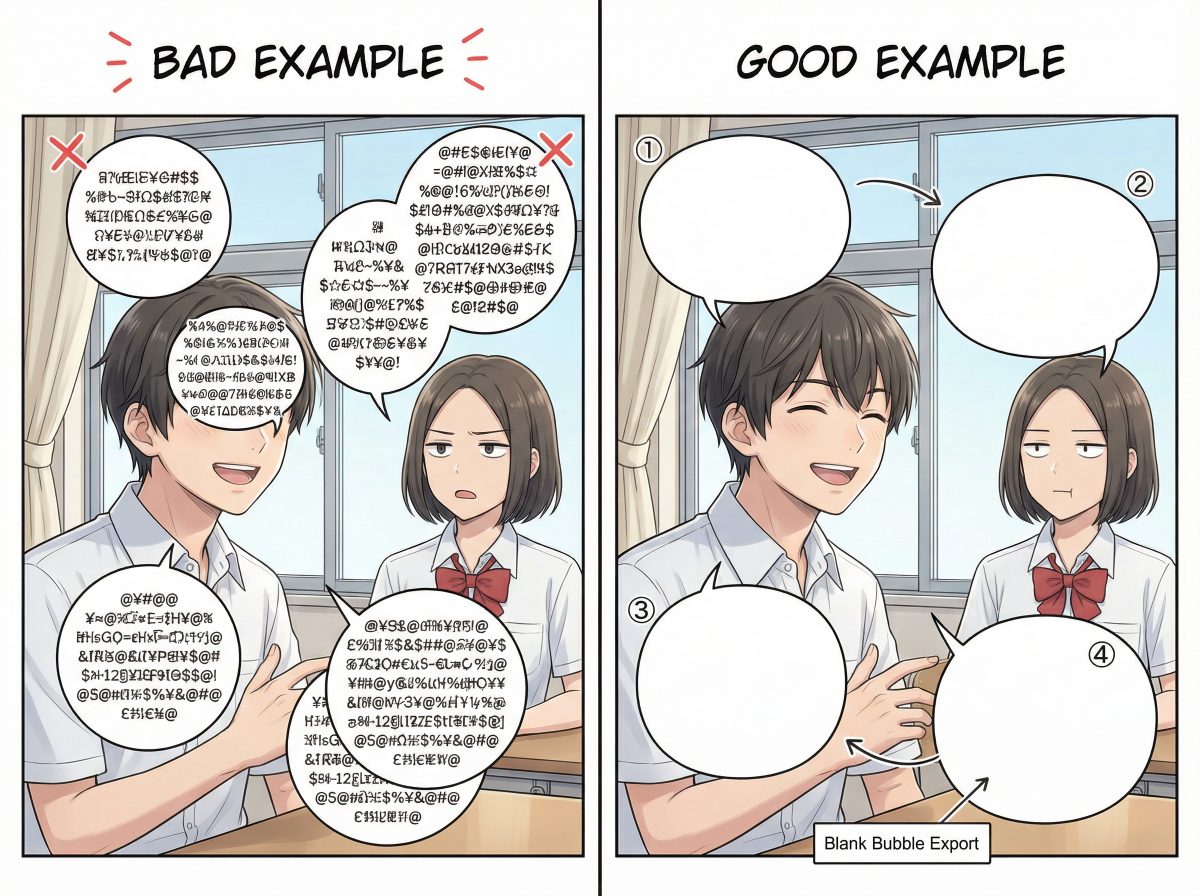
Great art still fails if the bubbles don't read. What I look for is simple: bubbles don't cover faces, the order is obvious, and the text area isn't cramped. When you want full control, exporting blank bubbles is a lifesaver—you can letter later, swap languages, or match your own typography without redoing the panels.
Built for drafts that don't feel disposable
Generate a structured manga page with panels and flow—useful for storyboarding, pitching, and planning scene rhythm.
Go from Japanese manga to American comics to Korean-inspired layouts, or keep it custom—without rebuilding prompts from scratch.
Use it as a free AI manga generator for quick tests, then scale up when you've locked the look. Choose black-and-white or full color depending on where you'll publish.
Frequently Asked Questions
An AI manga generator turns a text prompt into a manga-style page with multiple panels. You describe the scene (who, where, what happens), then choose a style and layout. The result is a page you can refine, re-generate, or use as a storyboard for a longer project.
Yes. You can choose Japanese manga, American comic styles, Korean-inspired webtoon aesthetics, or a custom look. If you're aiming for consistency across pages, keep the same style selection and reuse a stable character description (hair, outfit, age, mood) across prompts.
Yes—AI manga generator from text is supported. For better readability, keep each panel to 1–2 sentences (even if you generate the whole page at once).
Panel templates let you pick a layout structure before generation—useful when you care about pacing (setup → beat → payoff) or when you're producing a series and want a consistent page rhythm. If the story moment is dialogue-heavy, choose fewer, larger panels; if it's action, choose more panels to show motion.
Black-and-white is usually best for classic manga readability and strong contrast. Full color is great for covers, promotional pages, and social posts. If your linework looks busy, black-and-white often cleans it up; if your scene relies on atmosphere (sunset, neon, magic), full color helps.
It depends on your use case and the terms of the platform you're using. As a practical baseline: only submit prompts and references you have the rights to use, avoid copying protected characters or logos, and treat generated pages as original drafts you further edit and uniquely develop. If you're publishing professionally, review your licensing terms and keep a record of your prompts and revisions.
Keep a short "character card" inside your prompt: age range, face shape, hair style/color, outfit, and one unique identifier (scar, accessory, pattern). Reuse that exact block every time. Then keep the setting stable and avoid adding too many new details mid-page.
Write like a storyboard note: who the character is, what they're doing, where it happens, and the emotional beat. Add panel-level cues like "Panel 1: establishing shot… Panel 2: close-up reaction…" Even simple structure improves clarity and reduces random composition.
New users get free credits when they sign up, enough to try the tool a few times. After that you can buy more credits or get a membership.
Yes. AI Story turns a story idea into an anime short film with character designs, voices and subtitles, and anime image to video animates a single panel.