Text to Image AI

Describe it, pick a model, and turn words into anime-quality images in seconds.

Text to Image AI

Describe what you want to see, and this text to image creator turns it into a finished picture. Go from a rough idea to polished artwork for thumbnails, banners, posters, and character art without opening a complex editor.

text to image generator on OCMaker AI

Why Creators Use This Free Text to Image Generator

0104

Write Clear Prompts for Better AI Images

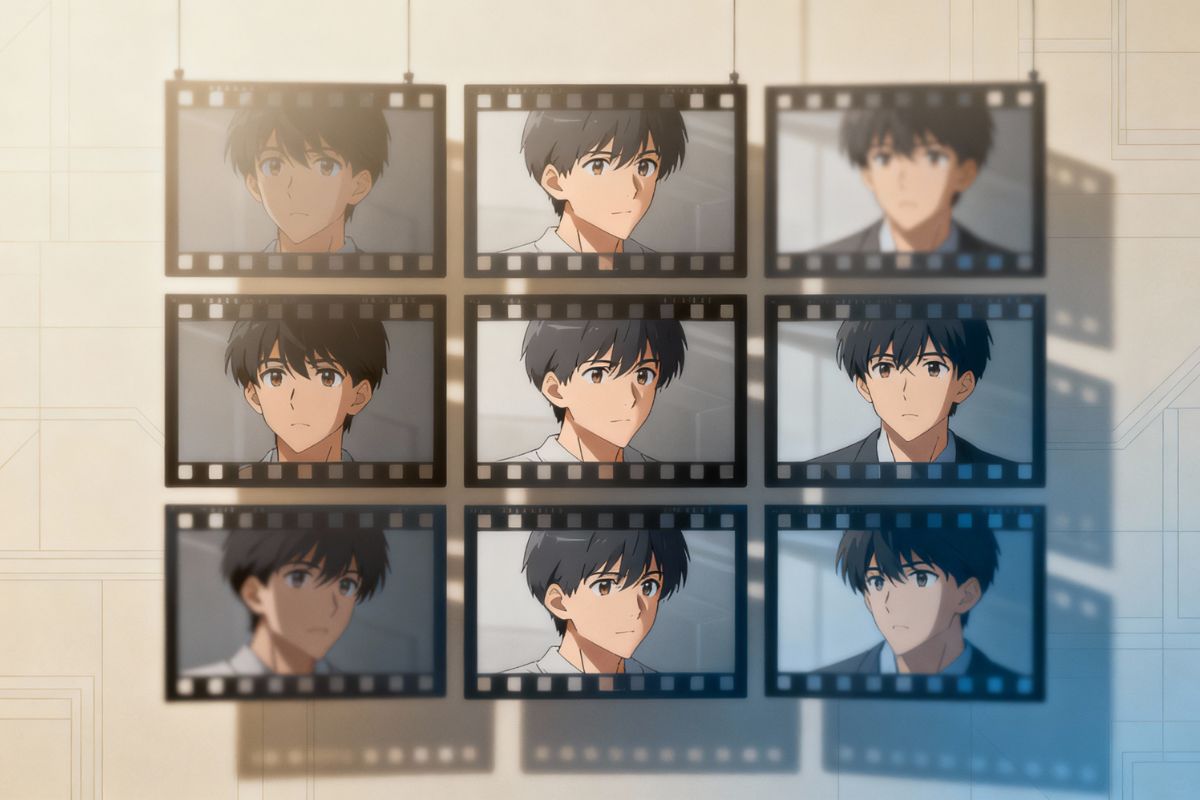
A strong text to image prompt usually starts with five essentials: subject, style, lighting, composition, and background. In real use, shorter prompts often work better at the beginning because they make it easier to see what the model understood before you add more detail. OCMaker AI makes that early ideation stage faster when you need usable visuals from a rough idea instead of starting inside a complex editor.
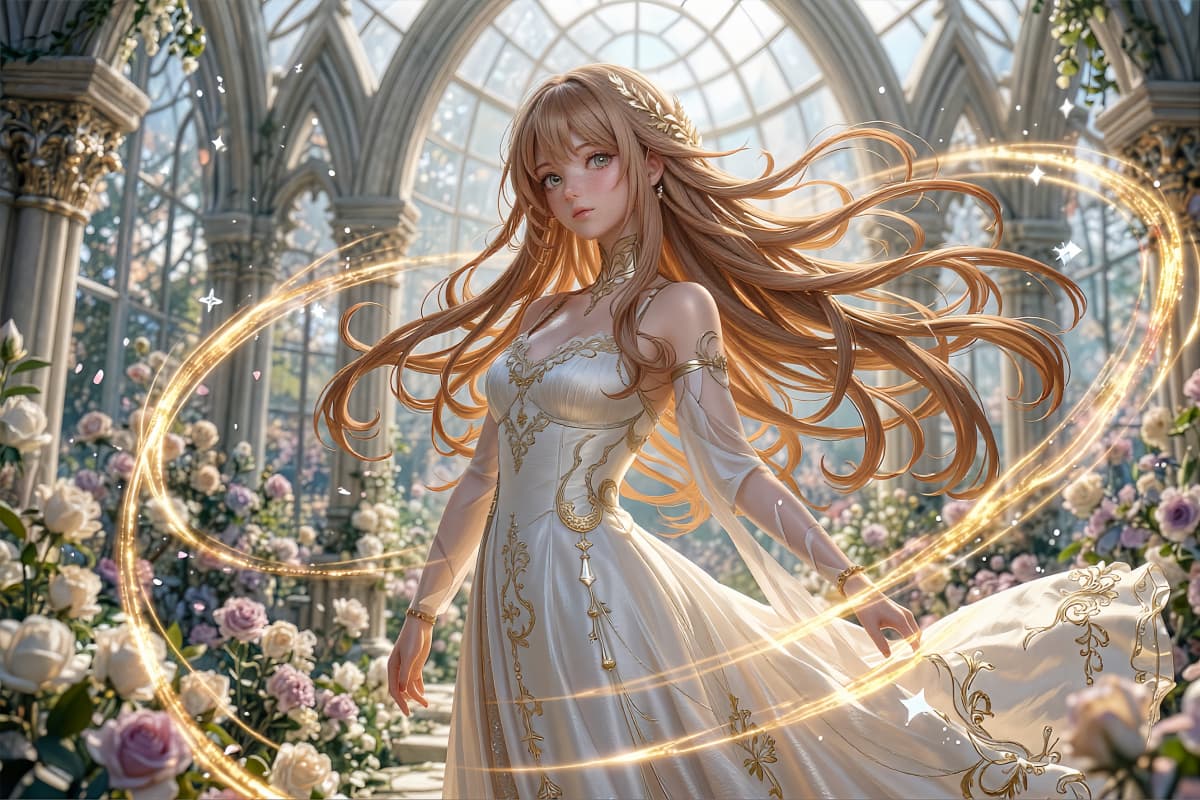
Anime Prompt Portrait

0204

Generate Fast Drafts for Real Creative Work

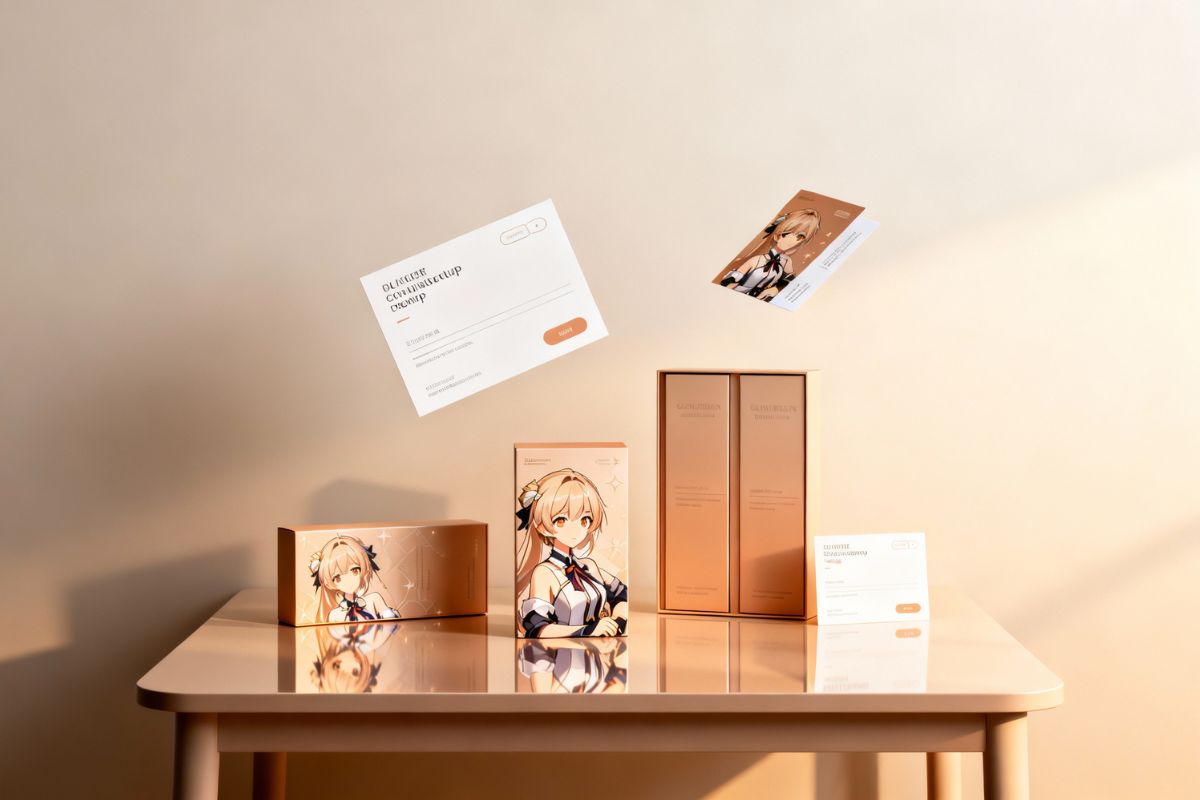
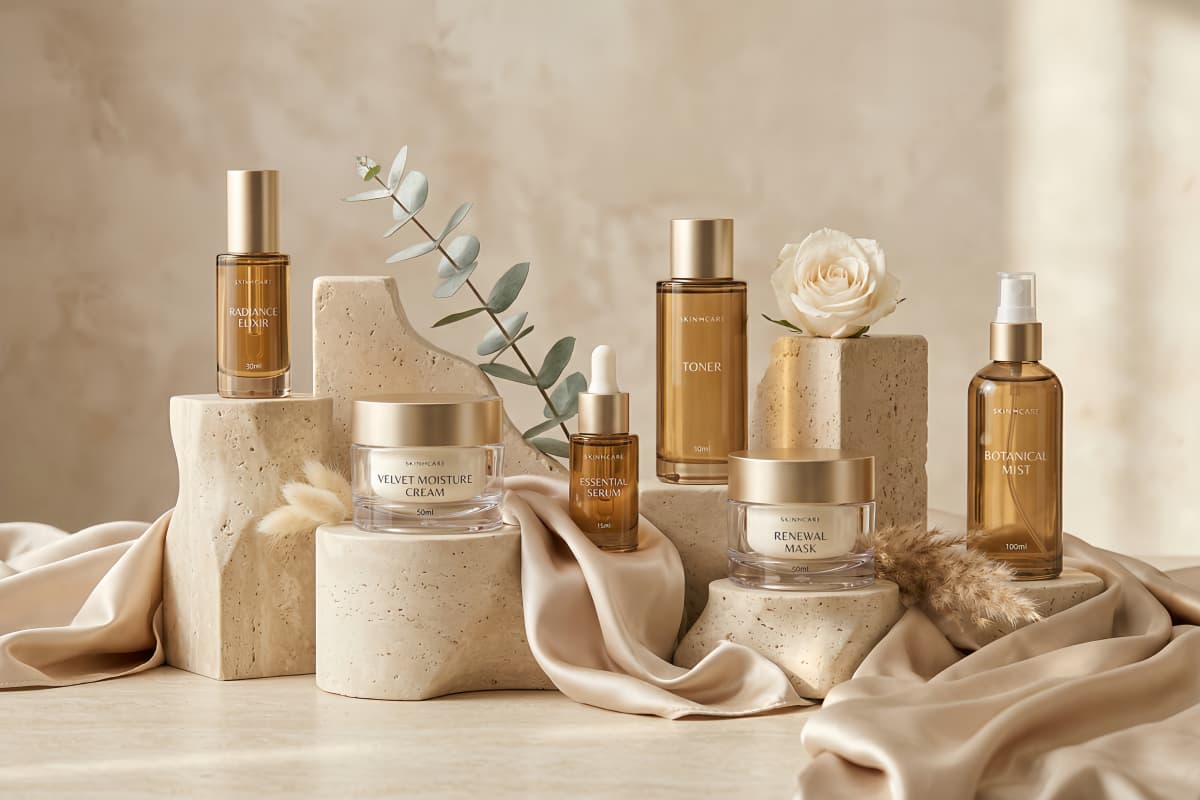
Use this free text to image generator to explore blog headers, social media graphics, ad creatives, product mockups, mood boards, and visual concepts without starting from a blank canvas. It works especially well when you need several directions quickly, want to compare looks side by side, or need a first draft before committing to a final design direction.

AI Skincare Ad Visual

0304

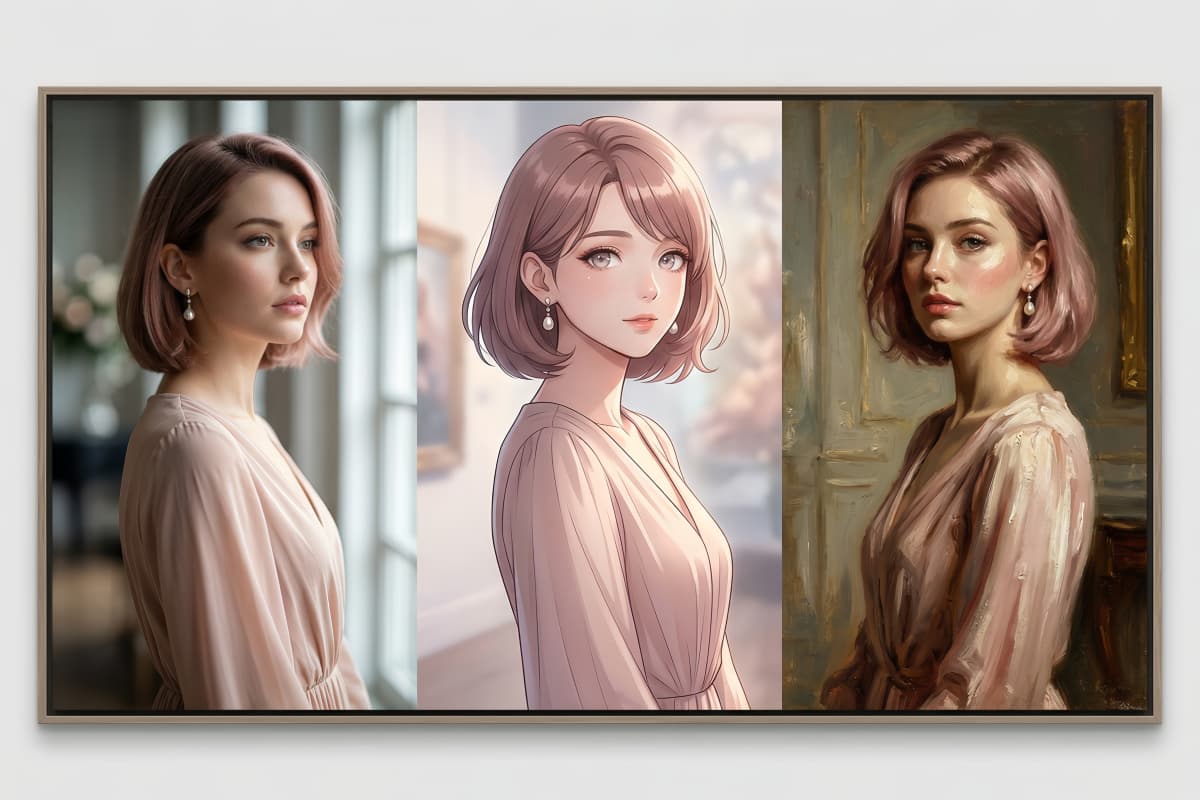
Explore Different Styles from Realistic to Anime

This text to image AI can be used for realistic product-style visuals, painterly illustrations, poster-like graphics, fantasy scenes, and stylized concept art. For anime-style scenes, character concepts, and more specialized stylized artwork, you can naturally continue into the AI anime generator when you want a workflow that is more focused on anime aesthetics.

Three Style Character Portrait

0404

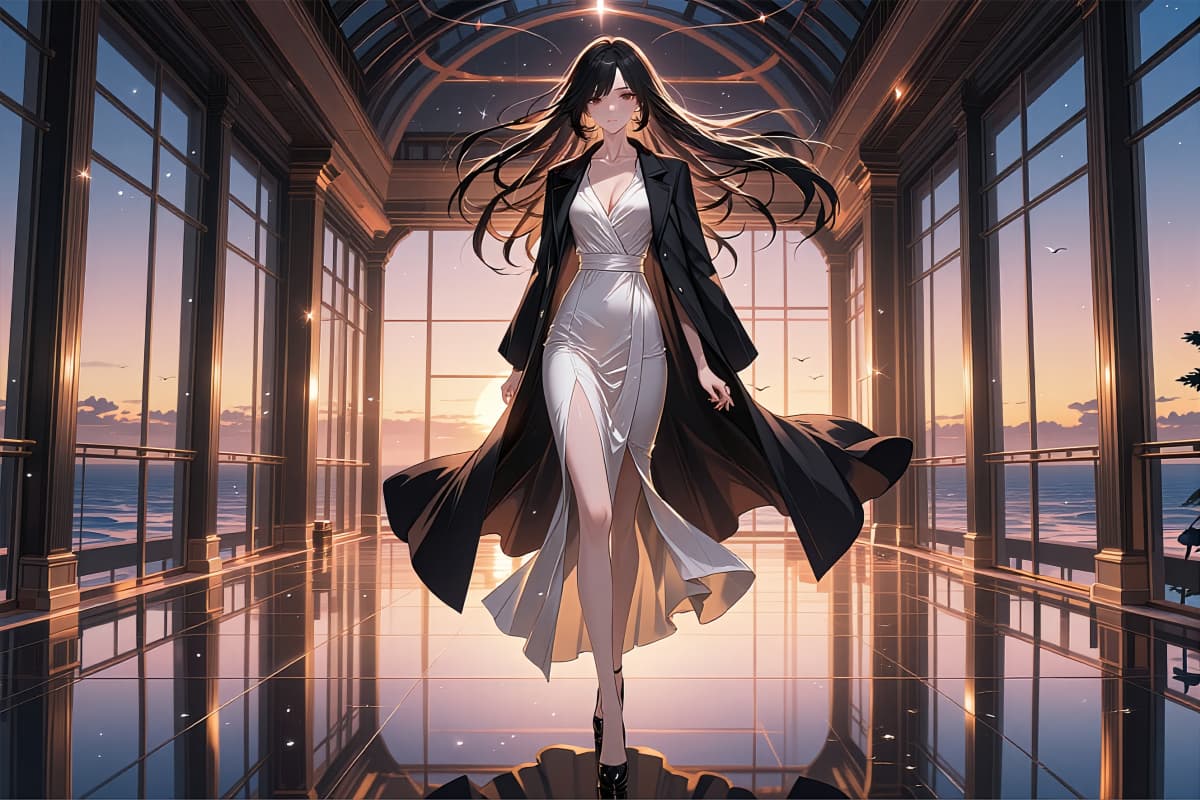
Refine Strong Ideas with More Visual Control

Text to image works best as a fast starting point when you are testing ideas, building compositions, or searching for the right mood. Once you find a direction worth keeping, you can push it further with the image to image generator for tighter control over revisions, structure, and visual consistency instead of regenerating everything from scratch.

Refined Anime Fashion Concept

Popular Use Cases for Text to Image AI

From social posts and product mockups to character art, ad creatives, blog visuals, and storyboard frames, text to image AI helps creators, marketers, designers, and small teams turn ideas into original assets faster across everyday creative workflows.

  • AI Social Media Visuals01

    Social Media Posts & Thumbnails

  • AI Ecommerce Product Mockups02

    Ecommerce Mockups & Product Concepts

  • AI Character Concept Art03

    Character Design & Game Art

  • AI Marketing Campaign Visuals04

    Marketing Ads & Campaign Visuals

  • AI Blog SEO Visuals05

    Blog Headers & SEO Illustrations

  • AI Storyboard Scene Concepts06

    Storyboards & Video Scene Concepts

Frequently Asked Questions

What People Ask About Text to Image AI

What is a text to image AI tool?

A text to image AI tool turns written prompts into visual outputs. You describe the subject, style, mood, lighting, or background you want, and the model generates an image based on those instructions.

How does this text to image generator work?

You enter a prompt, choose your settings, and generate an image. In practice, the easiest workflow is to start with a simple visual idea, review the first result, and then refine the output step by step with clearer wording, better style cues, or composition changes.

What makes a good text to image prompt?

The strongest prompts usually describe five things clearly: subject, style, setting, lighting, and mood. Most users get better results when they begin with a clean core idea and improve one detail at a time instead of trying to control everything in the first prompt.

Can I use it for both realistic and anime style images?

Yes. A text to image AI tool can be used for realistic product visuals, portraits, painterly illustrations, fantasy scenes, and anime-style artwork. In most cases, the result depends less on the tool name and more on how clearly the prompt defines the visual direction.

How can I get more consistent AI image results?

A common way to improve consistency is to keep the main subject stable and change only one variable at a time, such as lighting, angle, background, or color palette. That usually makes it easier to see what actually improved the image instead of creating random variations.

Is this free text to image generator beginner-friendly?

Yes. You do not need professional design skills to get useful results. Most beginners improve quickly once they stop writing overly long prompts and focus on clear visual instructions such as subject, mood, style, and setting.

What should I do if the text inside the image looks wrong?

That is still a common limitation in AI image generation. It works well for title placement, poster concepts, or label-like layouts, but exact lettering is usually less reliable than manual editing. A practical workflow is to generate the image first and then add final text in a design editor.

When should I use text to image instead of image to image?

Text to image usually works best when you are starting from scratch, exploring ideas, or testing several directions quickly. If you already have a base image and want more control over revisions, structure, or style changes, the image to image workflow is often the better next step.

What Our Users Say

  • The text to image generator saves me hours. I just type an idea and instantly get images I can use in my posts.

    Emily Carter

    Content Creator

  • The tool helps me explore concepts quickly before committing to a final design.

    Daniel Brooks

    Graphic Designer

  • Great for campaigns. I use text to image to generate unique visuals instead of relying on generic stock photos.

    Sophia Nguyen

    Marketing Specialist

Turn Text Prompts into AI Images

Use OCMaker’s free text to image AI to create anime art, product mockups, blog visuals, social media graphics, and concept images from simple prompts in seconds.

Text to Image AI — Free Text to Image Generator Online