Kling O3
Kling O3 AI Video Editor
Kling O3 Examples
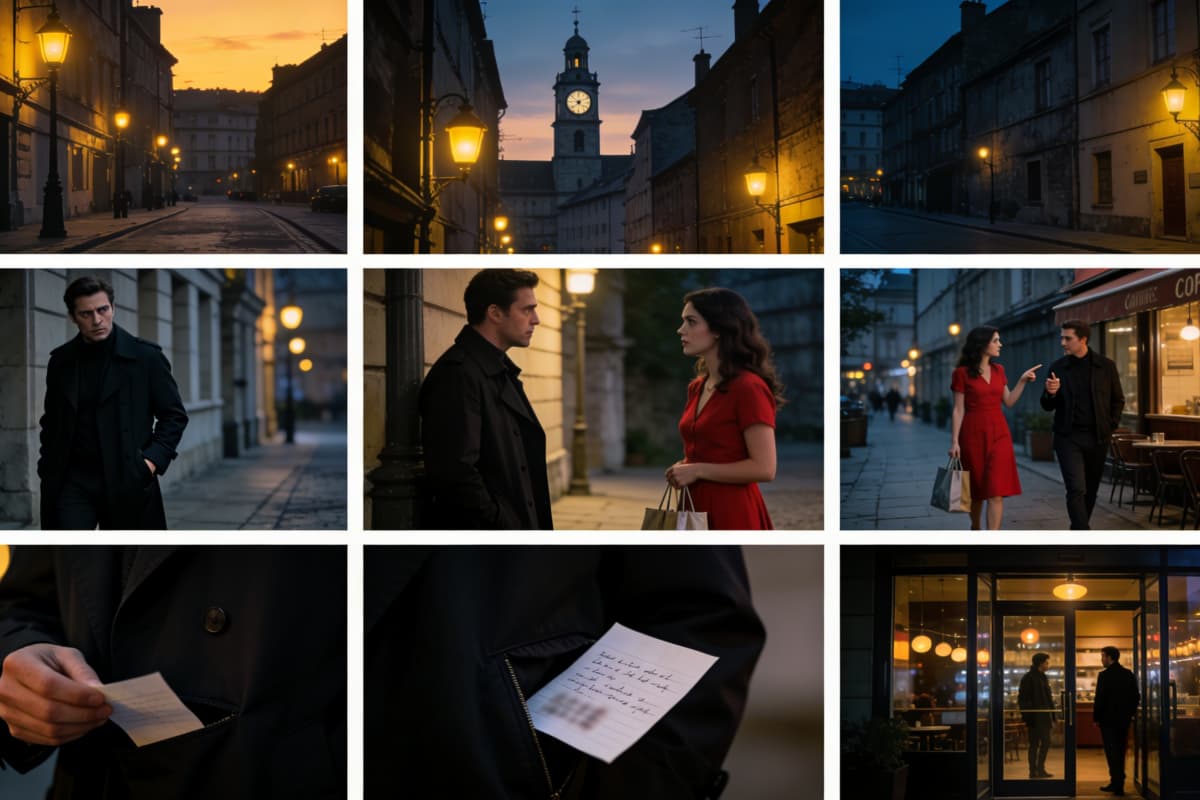
Two men confront each other. The man in front speaks in English: "You had one job. One." The other slowly removes his glasses and says: "And I did it. Just not yours." A shot-reverse-shot, a close-up of their eyes, then they turn away in silence.
Tokyo 2089, midnight. Heavy rain, neon street. Woman in black trench coat, silver prosthetic right arm, rain-soaked hair, expressionless. Shot 1: Low-angle mid shot — walks out of crowd, shatters neon reflections underfoot. Shot 2: Close-up — prosthetic fingers spread, blue electricity pulses between knuckles. Shot 3: Bullet time — camera orbits, she dodges, raindrops frozen mid-air. Shot 4: Wide — she stands center street, crowd retreats, neon billboard reflections tremble below. Blue-purple rim light. High contrast. Cel-shaded.
Last darkness before dawn. Ancient battlefield edge. Shot 1: Mid shot — general, back to camera, watches enemy torches line the distant ridge. Shot 2: Close-up — hand grips sword hilt, knuckles white. Shot 3: Overhead wide — two army camps, vast misty grassland between them. Shot 4: Top view, slow rise — first sunlight cuts the horizon, splits the valley light and shadow. No dialogue. No music. Wind and distant warhorses only.
Everything Kling O3 Can Do on OCMaker
Reference-Locked Image-to-Video
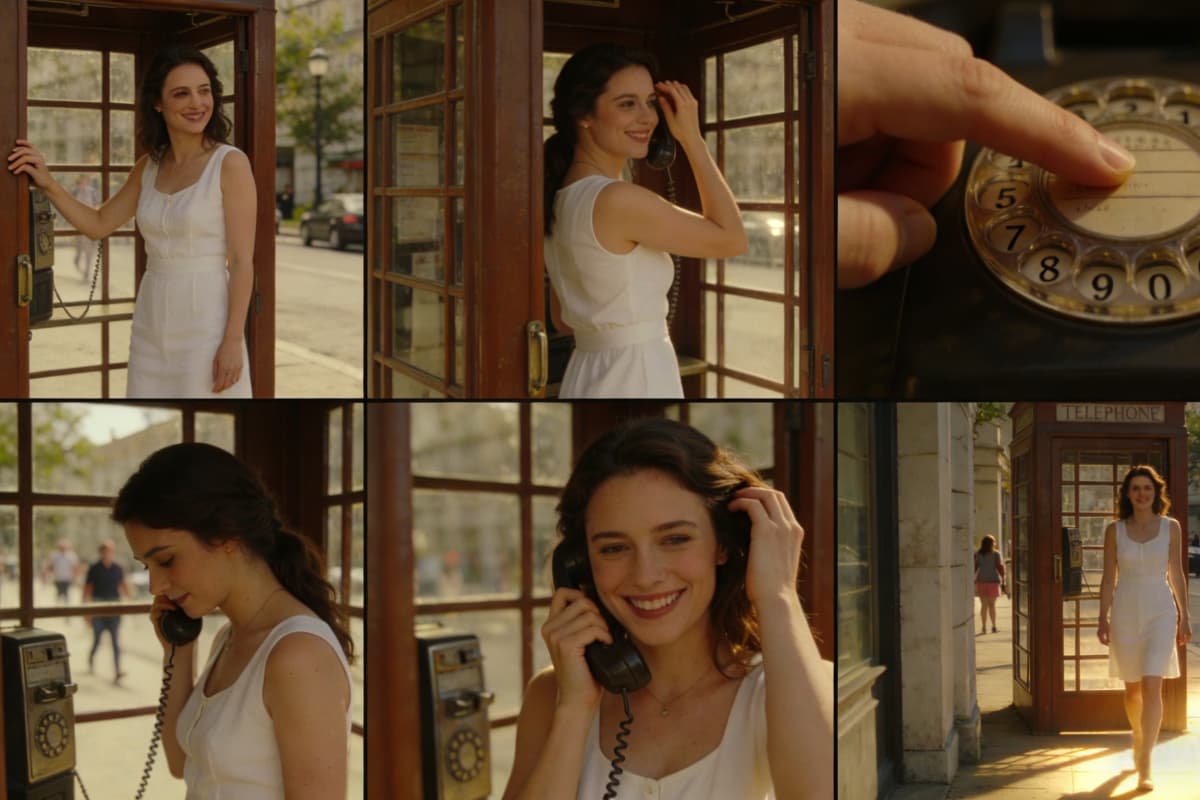
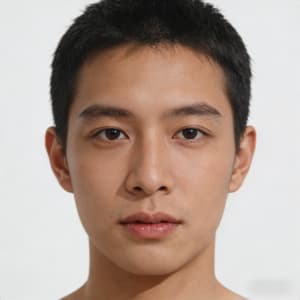
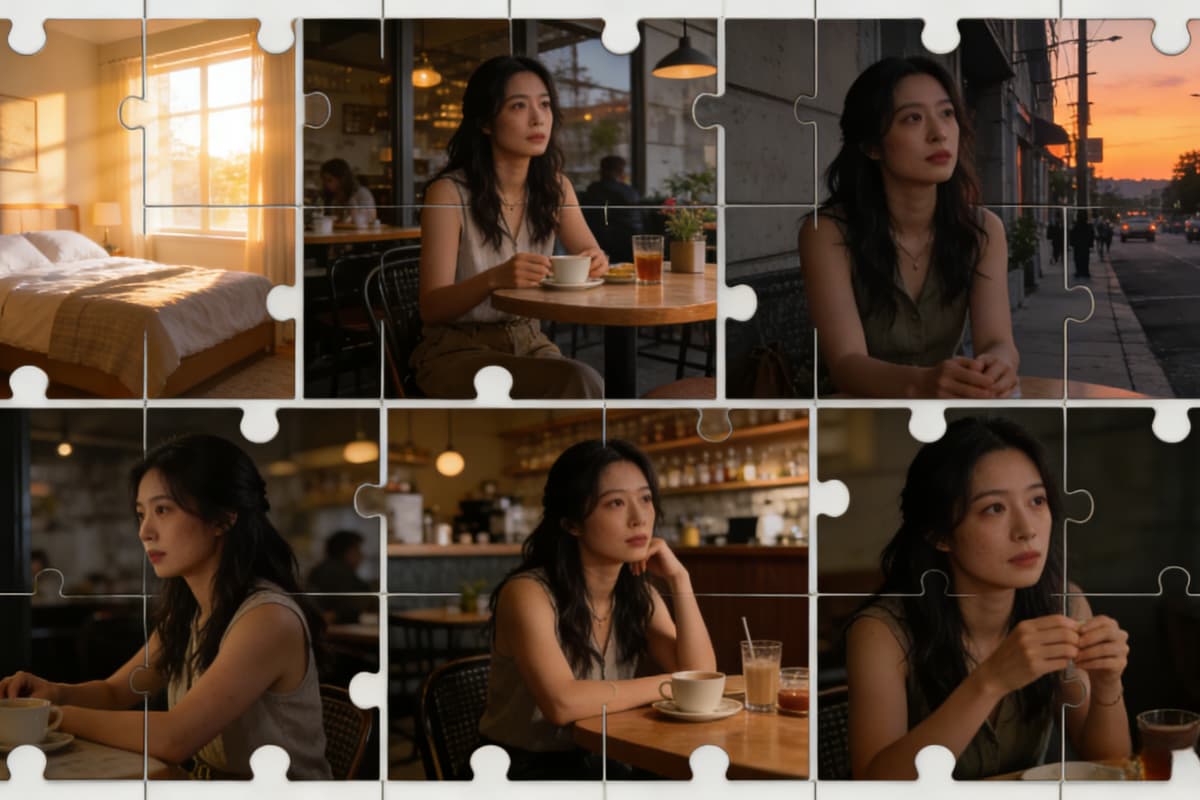
Upload a single character still and animate it into a cinematic clip with identity fully locked. Face, outfit, and emotional tone remain consistent from first frame to last — no mid-video "wait, who is this now?" moments. Powered by OCMaker AI, this image to video workflow is built for creators who care about character continuity, not lucky rerolls.
Video-to-Video Subject Swap
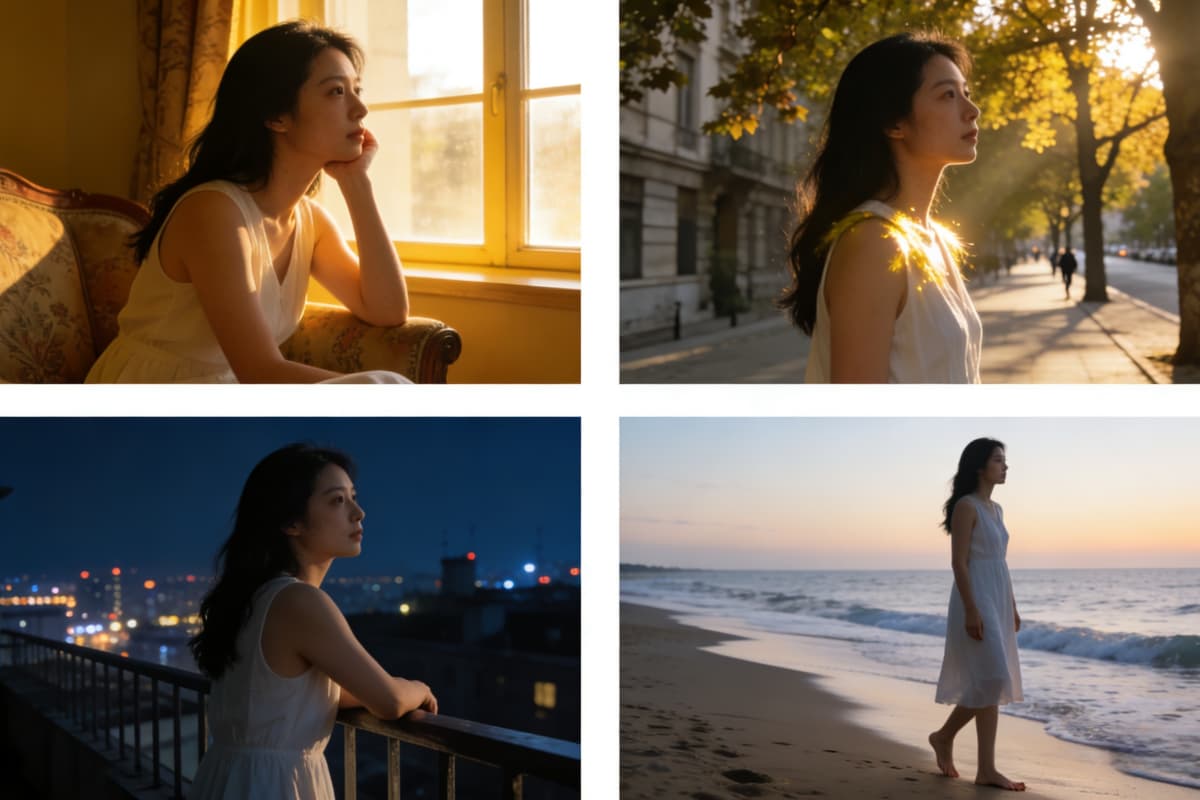
Feed in a reference clip, rewrite the subject or setting, and swap the character without touching the camera language. The timing, motion, and shot rhythm you liked stay exactly the same — only the subject changes. Perfect for iterating concepts, styles, or characters using text to video without rebuilding the scene from scratch.

Cinematic Shot Scheduling
Generate up to 6 intentional shots per sequence, each with deliberate camera direction: push-ins, lateral tracks, handheld drift, snap-zooms. You direct the video, instead of re-rolling until something usable appears.

Native Multi-Language Lip-Sync
Native Multi-Language Lip-Sync. Generate dialogue in English, Chinese, Japanese,and so on with accurate lip-sync and matching emotional delivery. No separate dubbing tool needed.
Scene-Matched Audio Generation
Ambient sound, sound effects, and background music generated in sync with the visual. Or suppress BGM entirely and keep clean audio for your own post-production track.

Creator Use Cases
- YouTube · Storytelling: Turn a Character Concept Into a Cinematic Scene
- YouTube Shorts · Speed Editing: Recut a Clip With a Different Subject, Same Energy
- Brand / Sponsor Content: Consistent Character Across Multiple Ad Clips
- Podcast / Commentary Clip: Generate Lip-Synced Talking Head Clips From a Photo
YouTube · Storytelling
YouTube Shorts · Speed Editing
Brand / Sponsor Content
Podcast / Commentary Clip
How To Use OCMaker + Kling O3?
Upload Your Reference
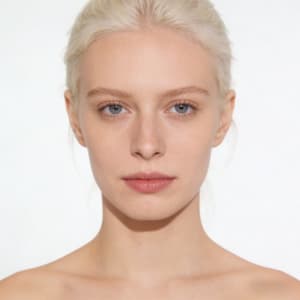
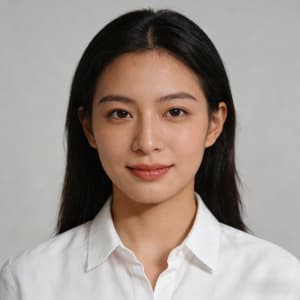
Drop in a photo, character illustration, or short clip. Kling O3 uses it as the anchor for everything that follows — face, outfit, props, and mood stay locked across every shot.
Write Your Shot Notes
Describe your scene like a director, not a wisher. Scene → Subject → Camera move → Action → Constraints. One camera move per beat. Tell it what must never change.
Generate, Tweak Once, Export
Preview your clip. If something's off, change one variable and regenerate — don't rewrite everything. Export in 4K, ready for your edit.
Common Questions About Kling O3 on OCMaker
Start Directing Your AI Video Today
Join creators using OCMaker + Kling O3 to produce cinematic clips with real shot control.
Creator Feedback on Vidu Q3