
Pricing
Log In
Drop image or Upload image
Character
Library


Demo Preview
Wan 2.6
Wan 2.6 Video Generator
Wan 2.6 Video Generator is a multimodal AI system for creators and professional video production. Using one or two reference videos and simple prompts, it recreates characters with consistent appearance, voice, and motion, while automatically generating multi-shot narratives. With support for 720P and 1080P vertical or horizontal output and up to 15 seconds per clip, Wan 2.6 enables fast creation of production-ready short videos for ads, short dramas, and social platforms.
Explore Wan 2.6 Video Generator Features
Roleplay & Character Cloning
Wan 2.6 learns a person from a single short reference (2–5s) and faithfully reproduces their appearance, facial expressions, and voice characteristics to create single- or multi-person performances.
This role-play capability turns casual uploads into reusable on-screen “actors,” allowing creators to stage realistic, emotionally consistent scenes with minimal setup. You can experience Wan 2.6 directly on OCMaker AI, optimized for film-grade visual quality.

Unified Multimodal Audio Visual Synchronization
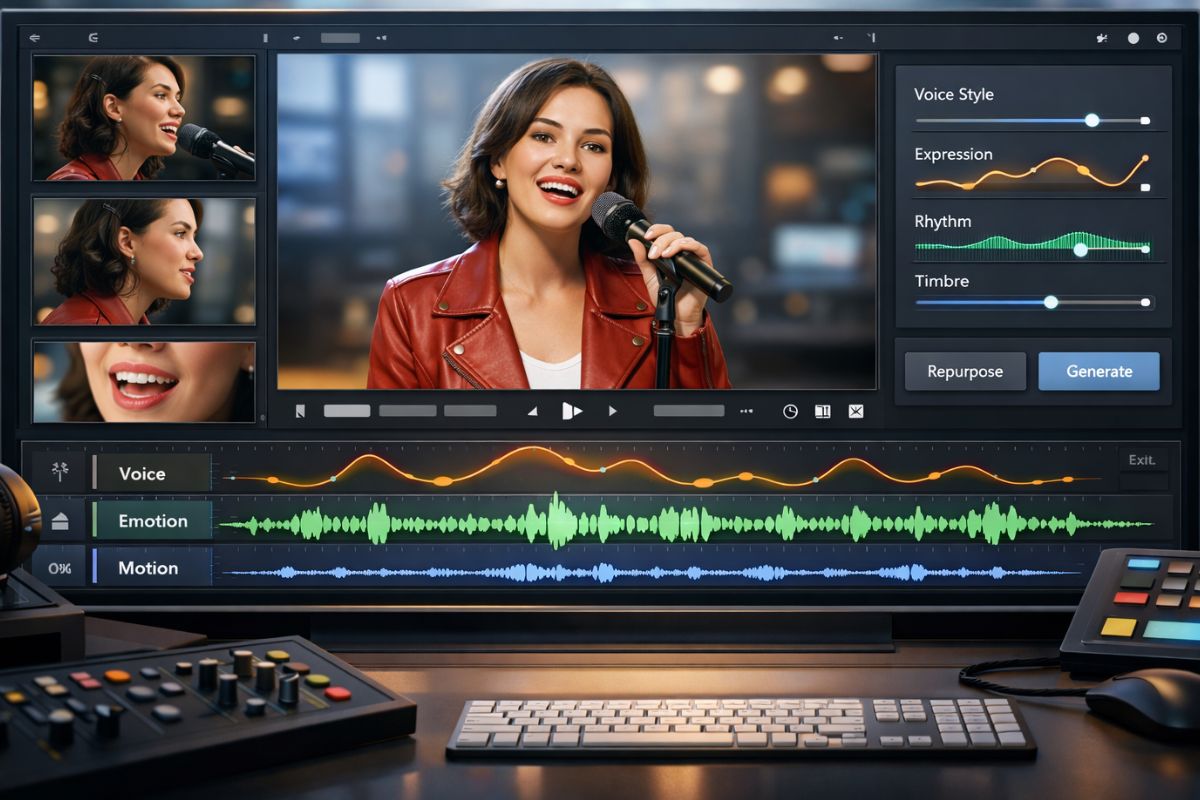
The model jointly models visual temporal features (pose, expression, multi-angle details) and acoustic cues so generated footage and audio remain tightly synchronized in emotion, timing and lip movement.
Powered by Wan AI’s multimodal backbone, Wan 2.6 preserves the original performance’s rhythm and timbre while allowing creators to repurpose voice and motion as controllable generation conditions.
Intelligent Storyboarding and Multi-Shot Generation
Simple, structured prompts are transformed into professional multi-shot scripts: automatic shot planning, smooth camera-style transitions and consistent scene composition across cuts.
This lets creators output coherent short narratives in one pass — an efficient workflow ideal for Wan AI video production pipelines and short-form storytelling.
Production Ready Output and Flexible Formats
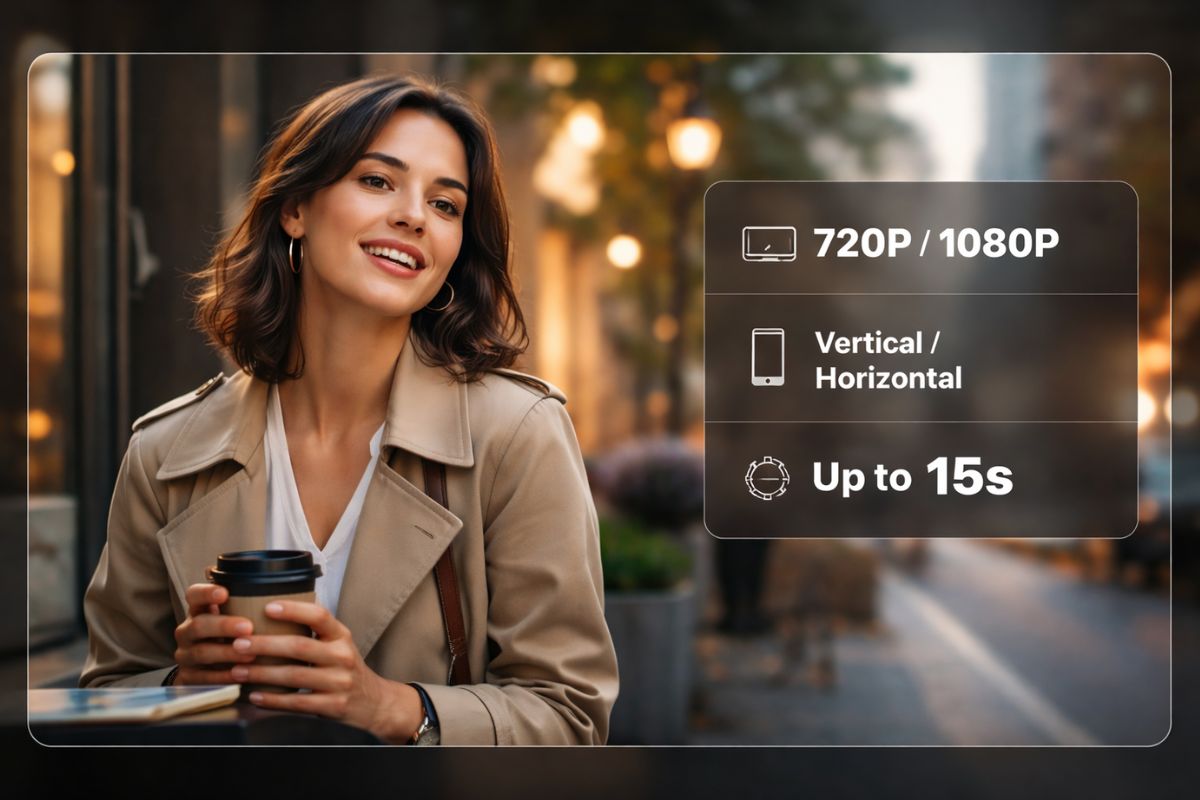
Designed for production use, Wan 2.6 supports 720P/1080P vertical or horizontal outputs and extends single-generation length up to 15 seconds, meeting ad and short-drama requirements.
Unlike entry-level trial tiers such as Wan AI free, it delivers higher fidelity, better face-continuity, and richer sound design suitable for commercial deliverables.
Key Features of Wan 2.6
Up to Two Reference Videos
Accepts up to two reference clips to guide character identity, motion, and camera perspective, making it easy to recreate single-person or multi-character performances with stable results.
Flexible Formats and High Resolution Output
Supports both vertical and horizontal videos in 720P and 1080P, optimized for social media distribution and short-form video production.
Audio-Driven Performance Control
Enables audio or voice input to drive character motion and lip synchronization, enhancing overall audio–visual consistency and realism.
One-Click Multi-Shot Narrative Generation
Transforms sequential prompts into coherent multi-shot videos with built-in shot transitions and narrative flow.
Enhanced Face Consistency and Detail Preservation
Optimized to maintain facial identity and fine details across different shot scales, from medium shots to close-ups, ensuring a more realistic and continuous performance.
Built for Professionals and Everyday Creators
Suitable for commercial use cases such as advertising and short dramas, while also allowing everyday users to upload a simple image and experience starring in a cinematic-quality short film.
How To Use Wan 2.6 Video Generator?
Simple steps to create amazing content
01
Upload Your Reference Image
Start by uploading a reference photo. This establishes the visual style, character look, or brand identity for the generated video.
02
Enter Your Prompt
Write a prompt to define the scene, action, and mood. Include details like emotion, pacing, camera style, or dialogue direction.
03
Adjust Settings and Generate
Set output options such as resolution, aspect ratio, and length, then click Generate. Review the result, fine-tune if needed, and export your final video.
Frequently Asked Questions
You may want to know
Create with Wan 2.6
Try Wan 2.6 for roleplay-driven character cloning, multi-shot storytelling, and film-grade short videos in one click.