
Pricing
Log In
Prompt
Attach MediaLibrary
Pick Character
1 / 4
💎 3 tokens
Demo Preview
Gpt Image 2
GPT Image 2
GPT Image 2 is OpenAI's next-generation image model for creators who need readable text, believable realism, and stable results across posters, mockups, comics, and commercial visual systems.
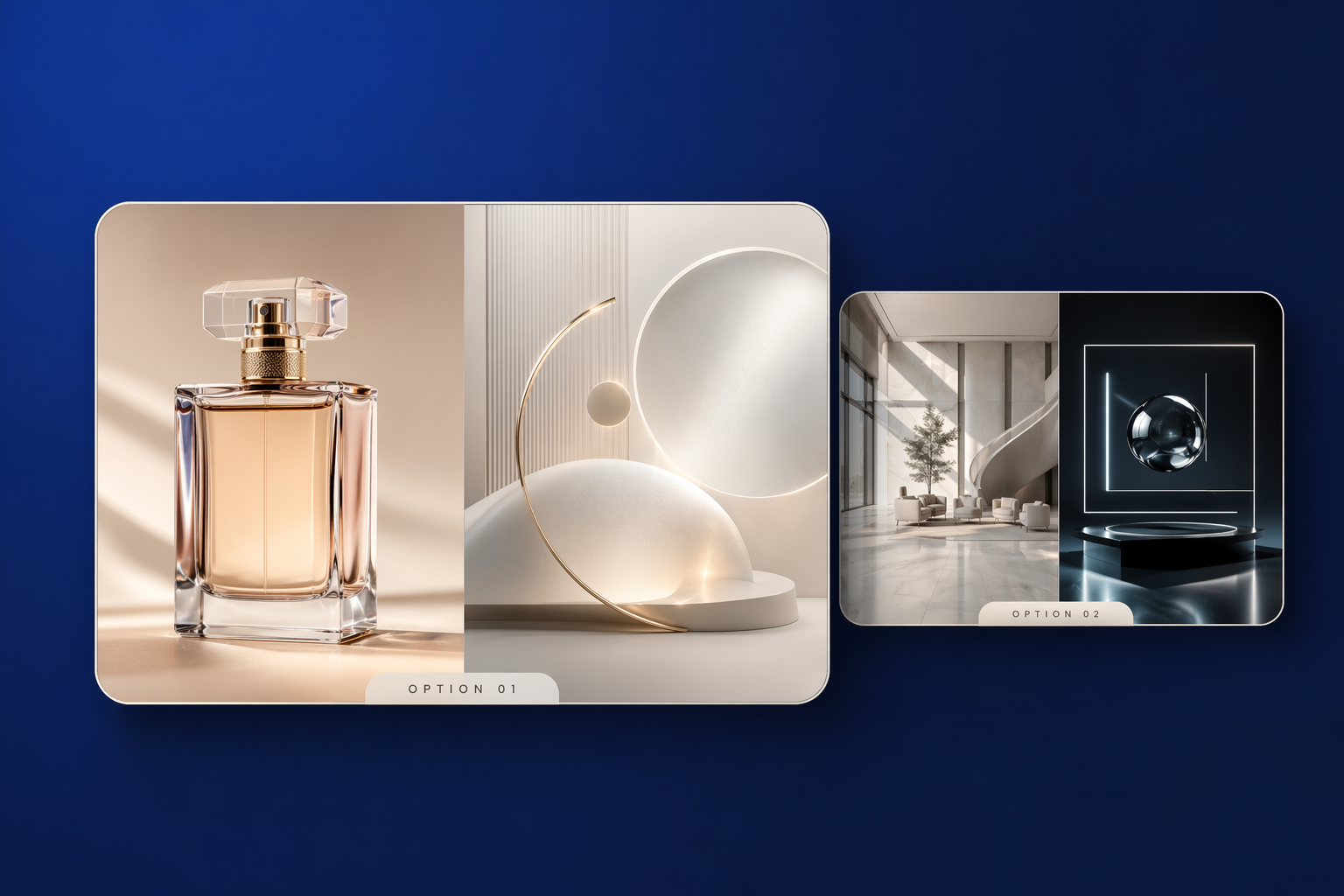
What GPT Image 2 Does Better
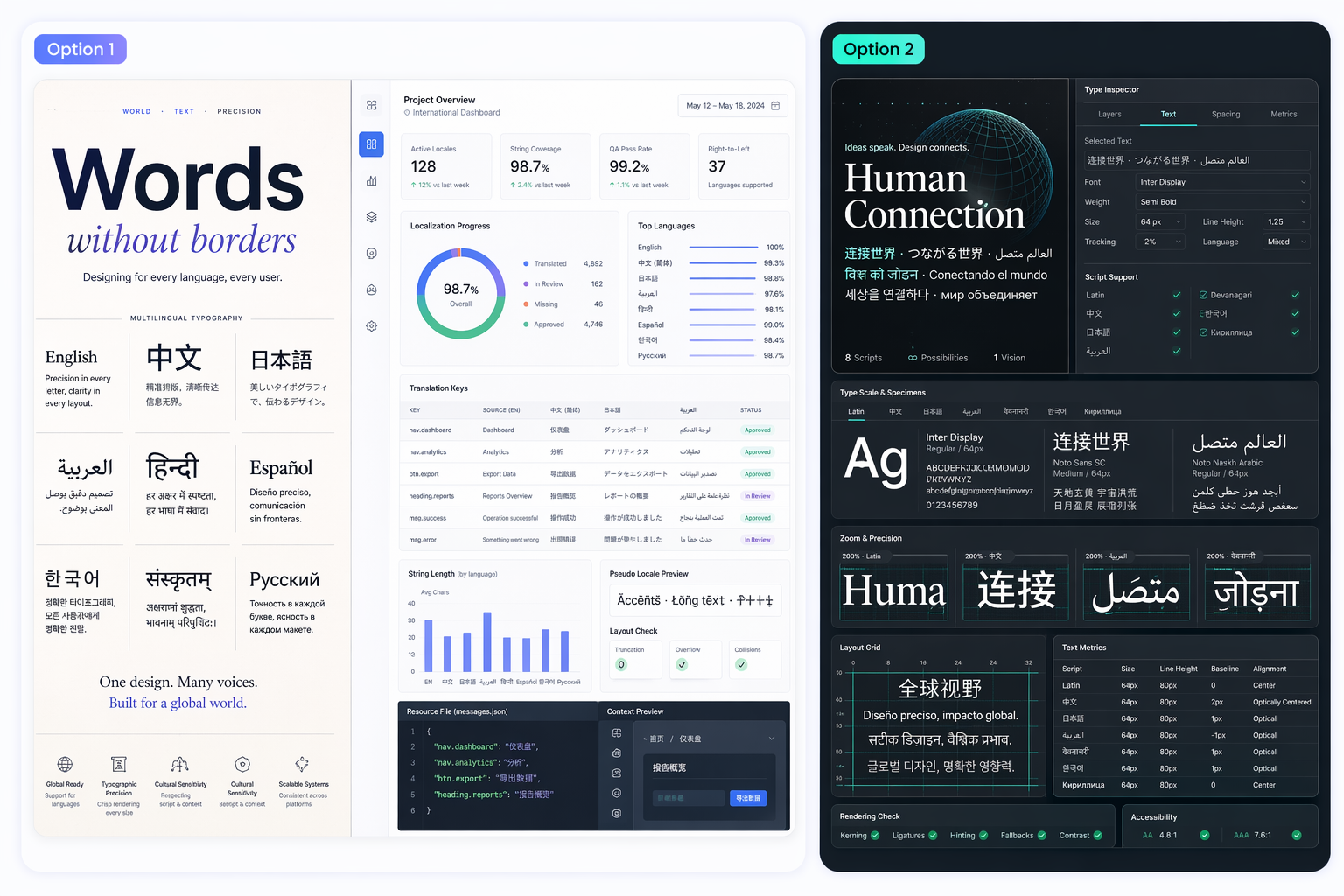
Cleaner Text Rendering
GPT Image 2 is built for image tasks that include labels, headlines, packaging copy, signage, or interface text. That makes it more useful for posters, menus, UI mockups, and multilingual layouts where weaker models often distort characters or spacing.
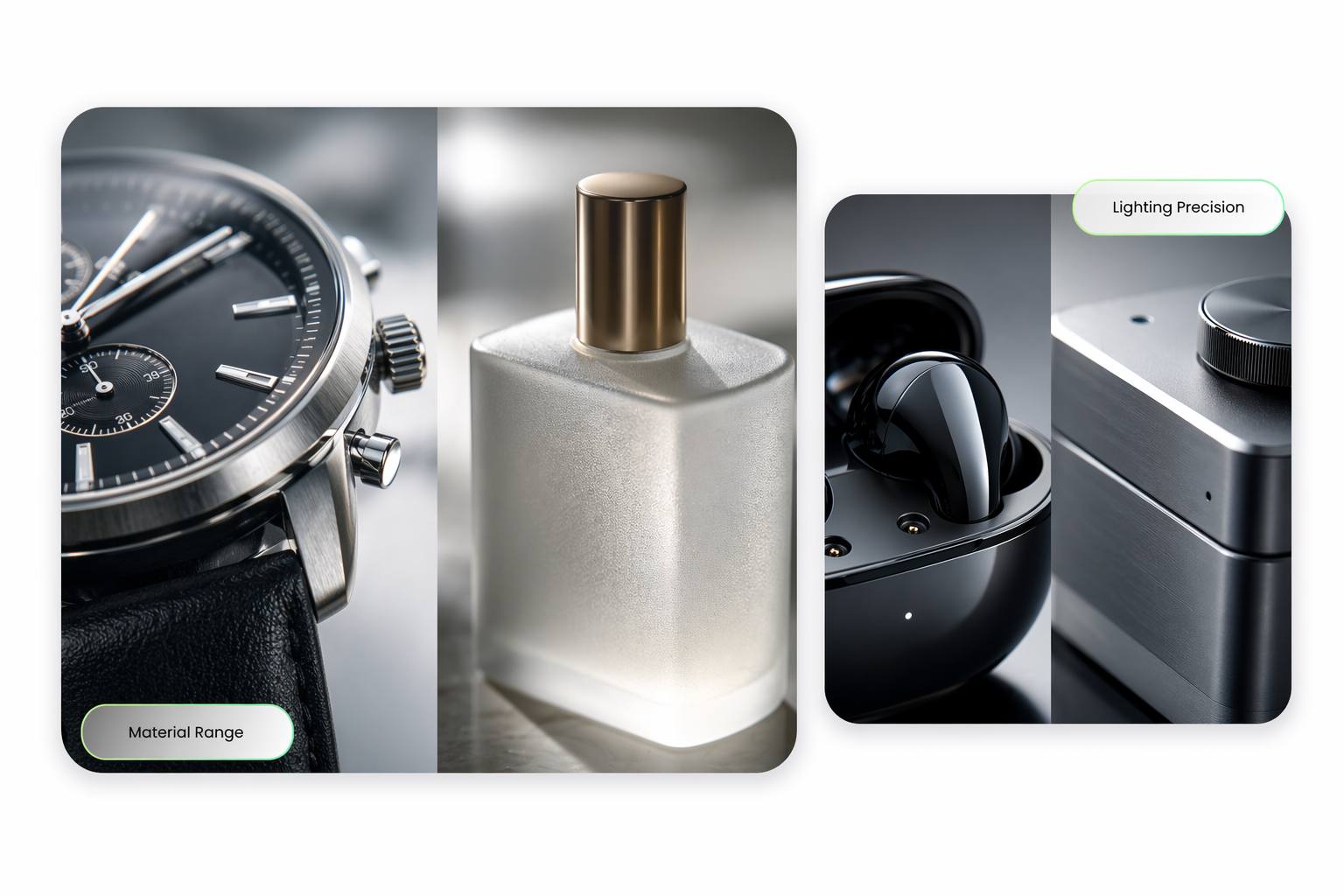
Believable Photorealism
The model is well suited to client-facing visuals because lighting, materials, and scene detail feel more convincing. That helps when you need campaign concepts, editorial visuals, or product-style images that look closer to publishable work.
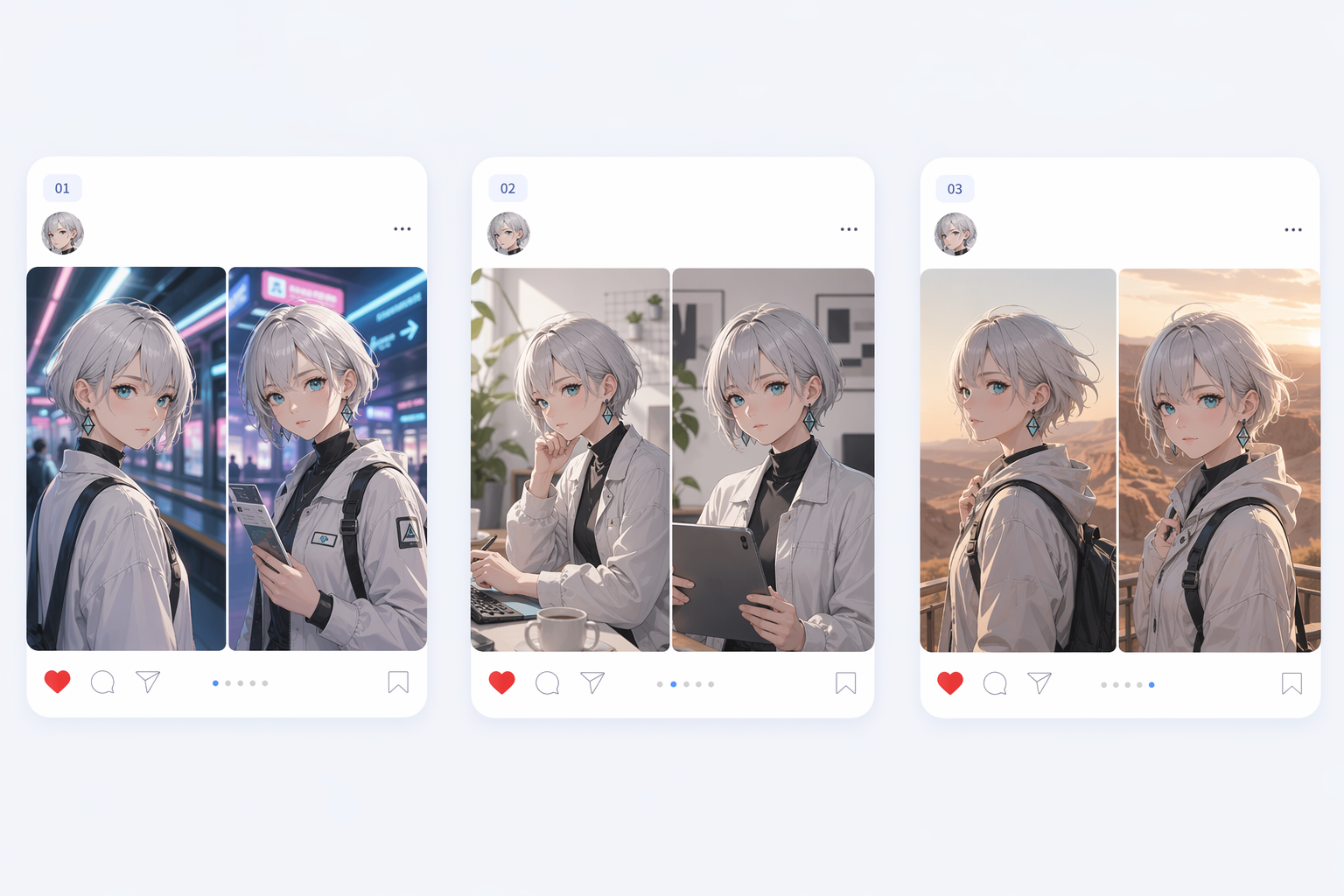
Stable Character Identity
GPT Image 2 matters for repeated visual systems because faces, outfits, and proportions hold together more reliably across multiple outputs. That is valuable for comics, campaigns, catalogs, and any workflow that depends on consistency.
Structured Scene Logic
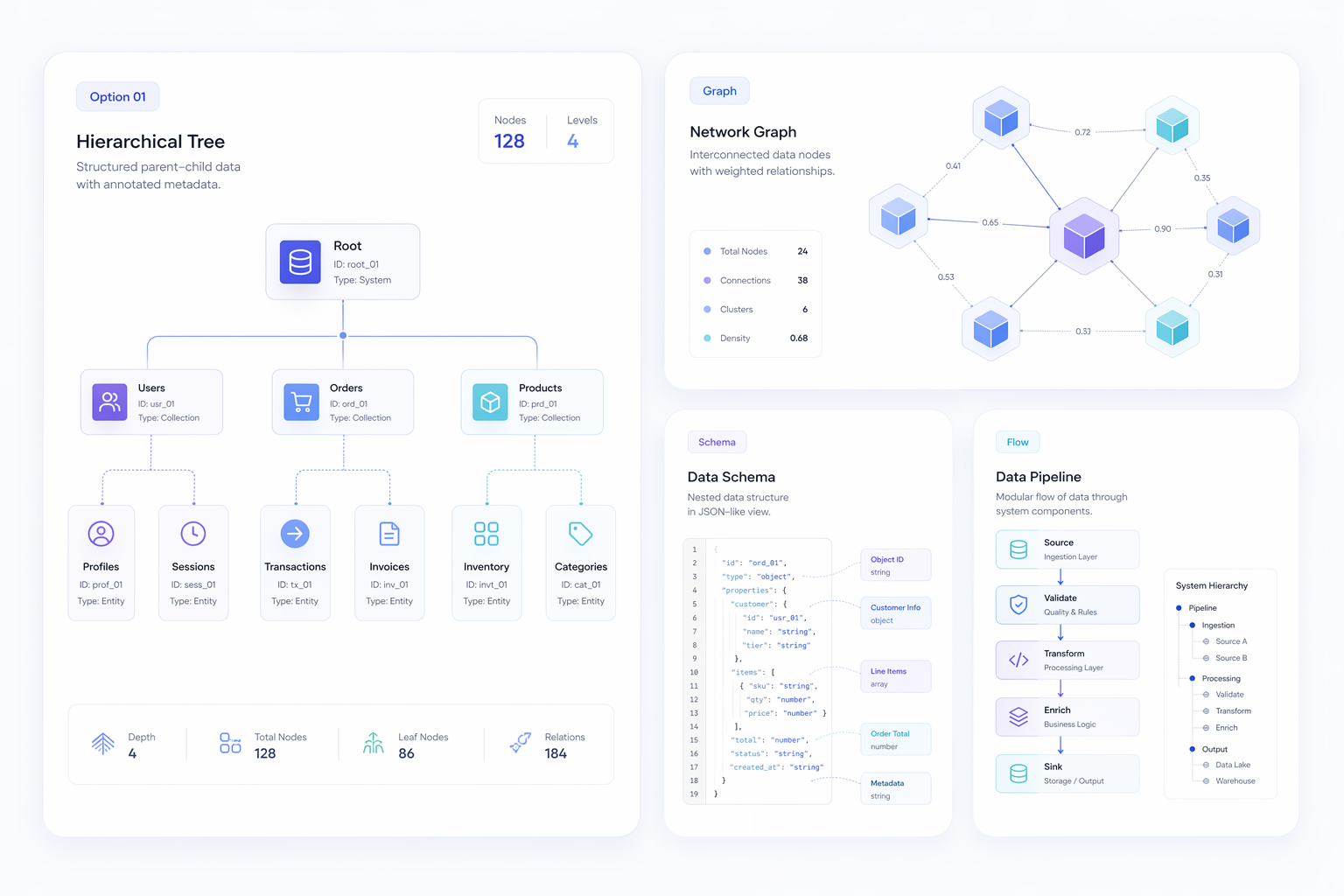
The model is also stronger when an image contains several interdependent elements, such as labels, diagrams, UI panels, or information-dense layouts. Better scene planning makes those outputs more coherent and easier to use in real design reviews.
Use Cases
Best GPT Image 2 Use Cases
GPT Image 2 is most valuable when a project needs text fidelity, layout control, realism, or visual continuity across several outputs.
UI Mockups
Create interface concepts with labels, panels, and clearer visual hierarchy.
Comics
Keep recurring characters more stable across panels and visual story sequences.
Diagrams
Generate maps and structured educational visuals with more coherent layout logic.
Core GPT Image 2 Capabilities
Text-heavy outputs
Useful for posters, menus, packaging, dashboards, and interface previews where text must stay legible.
Realistic scene detail
Better lighting, materials, and object coherence make concept visuals feel more client-ready.
Multi-image stability
Helps keep people, outfits, and design language more consistent across campaigns or stories.
Reasoning-led composition
Structured scenes such as maps, diagrams, and dense layouts benefit from stronger spatial planning.
How to Use GPT Image 2 for Better Results
01
Define the output type
Start with the actual job, like a poster, UI mockup, product shot, comic panel, or diagram, so GPT Image 2 knows what needs to stay stable.
02
Describe text and layout early
If the image needs labels, titles, pricing, or interface copy, put those requirements near the top of the prompt instead of adding them after the composition is set.
03
Refine for consistency
Run follow-up iterations that lock identity markers, spacing, and scene clarity until the output is strong enough for review as a real creative asset.
Why Teams Notice GPT Image 2
- Less correction on text: Useful for visuals that fail the moment labels break.
- More coherent complex scenes: Structured layouts survive better when composition is planned.
- Stronger repeatability: Stable identity matters in campaigns and narrative content.
Less correction on text
Readable typography is one of the clearest reasons GPT Image 2 feels production-oriented instead of purely experimental.
More coherent complex scenes
Maps, diagrams, dashboards, and infographic-style scenes benefit when the model understands where information should live.
Stronger repeatability
If a team needs several related outputs instead of one lucky generation, consistency becomes a core buying reason.