
Pricing
Log In
Resolution
480p
720p

No data
AI Text to Video Generator
Turn simple text prompts into vivid, cinematic videos in seconds. OCMaker AI Text to Video transforms your ideas, scripts, or stories into dynamic visuals with motion, atmosphere, and style.Generate Video from Text Now!
AI Text to Video for Creators, Marketing & Storytelling
Create Videos Directly from Text Prompts
Describe your idea in plain text and let OCMaker AI turn it into a short video. This text to video AI can interpret scenes, actions, mood, pacing, and visual direction, then generate motion, atmosphere, and cohesive visuals automatically. In practice, it works best when you have a rough concept, story beat, or scene idea but do not want to start with filming, editing software, or stock footage. It is especially useful for concept videos, visual storytelling tests, and early-stage creative exploration when speed matters more than a traditional production workflow. OCMaker AI makes AI video creation more accessible from the very first prompt.
Create Short-Form Videos for Social Media
Turn short prompts into engaging social media videos for TikTok, Instagram Reels, YouTube Shorts, and fast-moving ad placements. A text to video generator is especially useful when you need to test hooks, try different visual directions, or publish more consistently without the full workload of filming and post-production. Many creators use AI video generation to explore quick content ideas, build short-form visuals around trends, and create eye-catching clips that feel more original than recycled stock content. It is a practical way to keep output high while reducing production friction.
Generate Marketing Videos from Scripts or Ideas
Transform product descriptions, campaign concepts, landing page copy, or ad scripts into short promotional videos. AI text to video works well for product promo videos, marketing videos, branded concept clips, and fast ad creative testing when teams need visual output before a full production cycle begins. In real workflows, this is often most helpful for early campaign ideation, message testing, and quick visual exploration before committing budget to filming or motion design. For marketers, it offers a faster way to move from written idea to a usable video concept while keeping creative experimentation flexible.
How to Use AI Text to Video
01
Write Your Prompt
Enter a short text description, idea, or script. Describe the scene, action, mood, or style you want to see in the video.
02
Choose a Style
Select a visual style or mood—cinematic, realistic, anime, dreamy, or dynamic. The AI uses this to guide visuals and motion.
03
Generate and Download
Click generate and let AI create a short MP4 video from your text. Preview, download, and share it instantly.
Explore the Features of OCMaker AI Text to Video
Text-to-Video AI Models
Advanced AI interprets language, scenes, and actions to generate coherent videos directly from text prompts.
Prompt-Based Creative Control
Influence motion, mood, and visual style using simple natural-language descriptions—no technical terms required.
Multiple Visual Styles
Generate videos in cinematic, anime, illustrative, or realistic styles to match different creative needs.
No Footage or Editing Required
Skip filming, stock libraries, and editing software. Everything is generated directly from your text.
Short-Form Video Optimized
Perfect for ads, social media, concept demos, and storytelling clips designed to capture attention quickly.
High-Quality MP4 Output
Export AI-generated videos in MP4 format, ready for publishing or further editing on any platform.
Popular AI Text to Video Examples
These AI text to video examples show how simple prompts can become product promo videos, creator-style social media videos, and cinematic scene concepts. In practice, examples like these help users understand what a text to video generator can do before they start writing their own prompts.

Product Promo Video Concepts
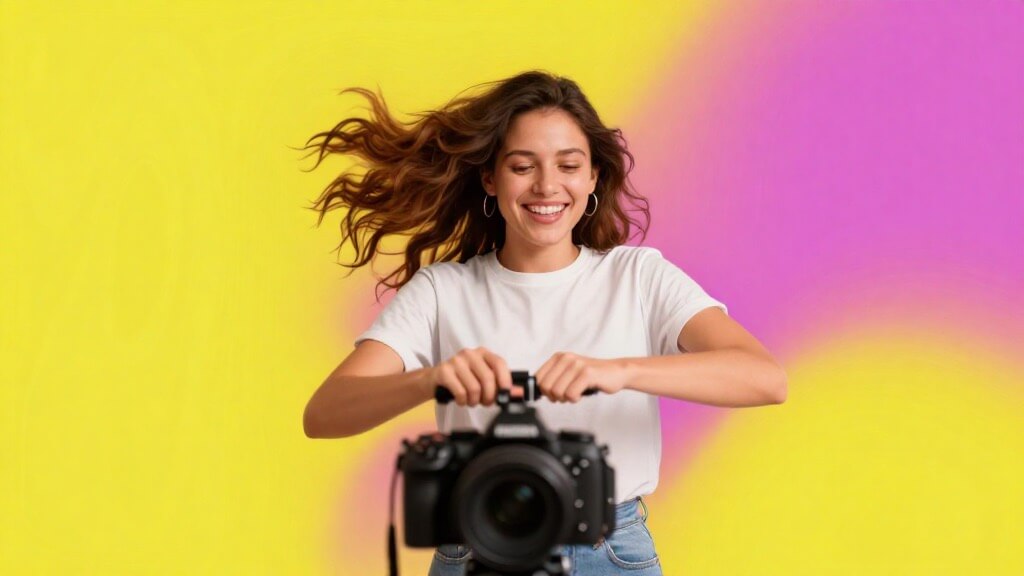
Social Media Creator Videos
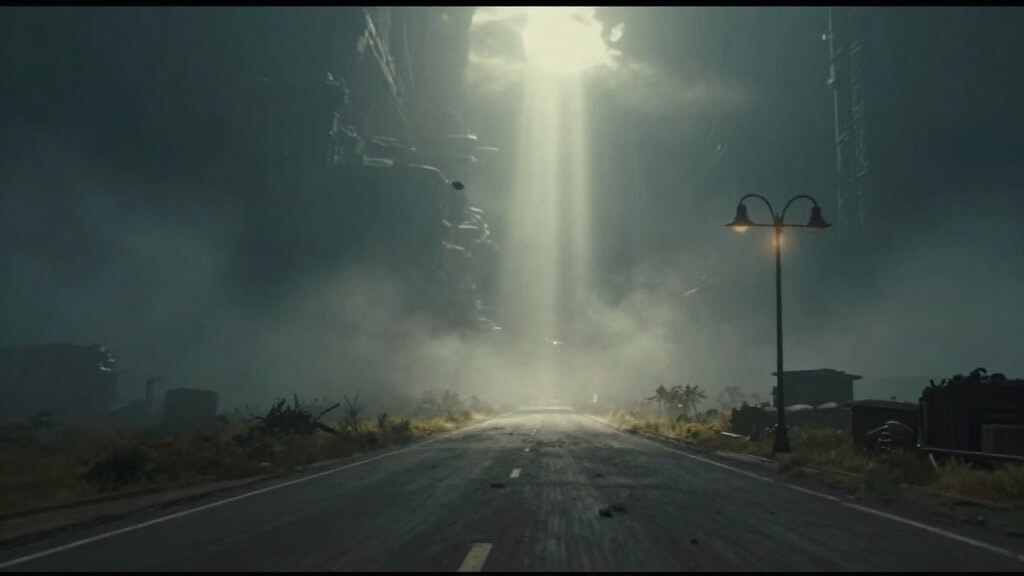
Cinematic Storytelling Scenes
Everything you need to know about generating videos from text.
Frequently Asked Questions About AI Text to Video
Create Videos with Just Words
Explore OCMaker’s AI-powered creative tools and turn ideas, text, and imagination into compelling videos in one platform.