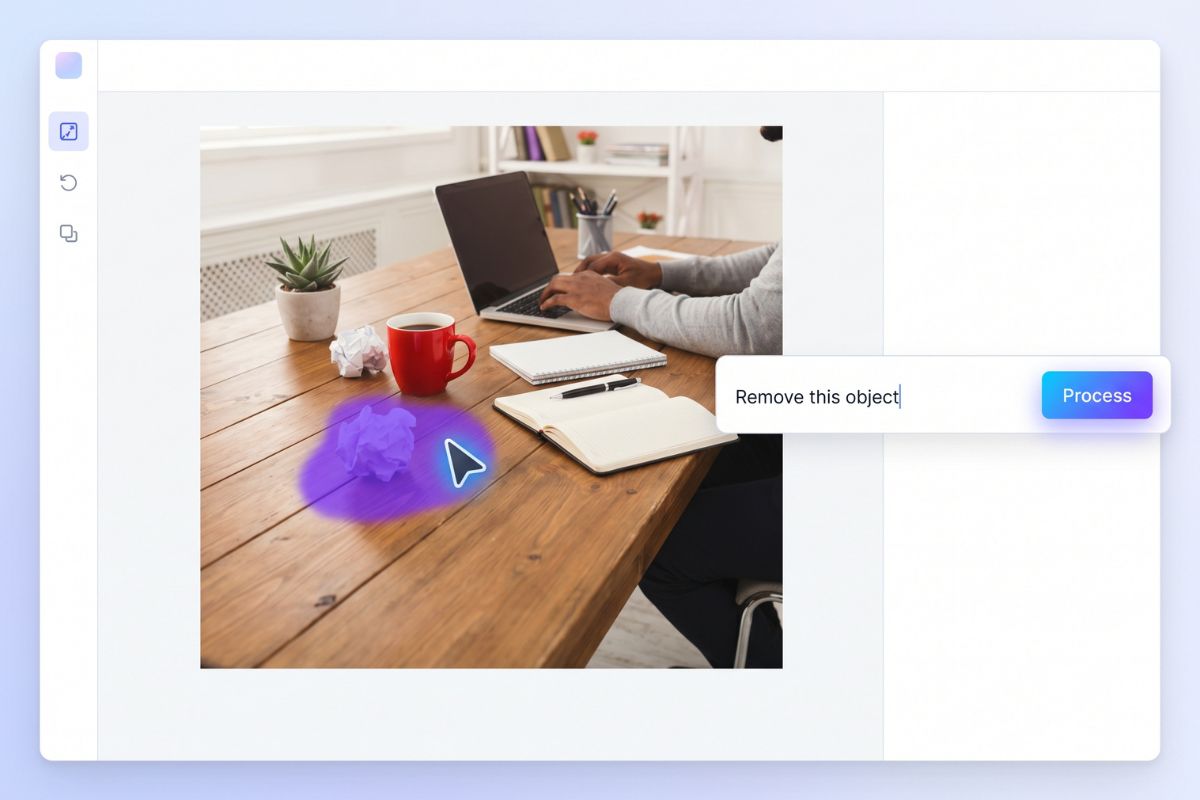
Object Removal
Brush over a distracting object and ask the editor to remove it. This works best when the surrounding background has enough texture or empty space to rebuild naturally.

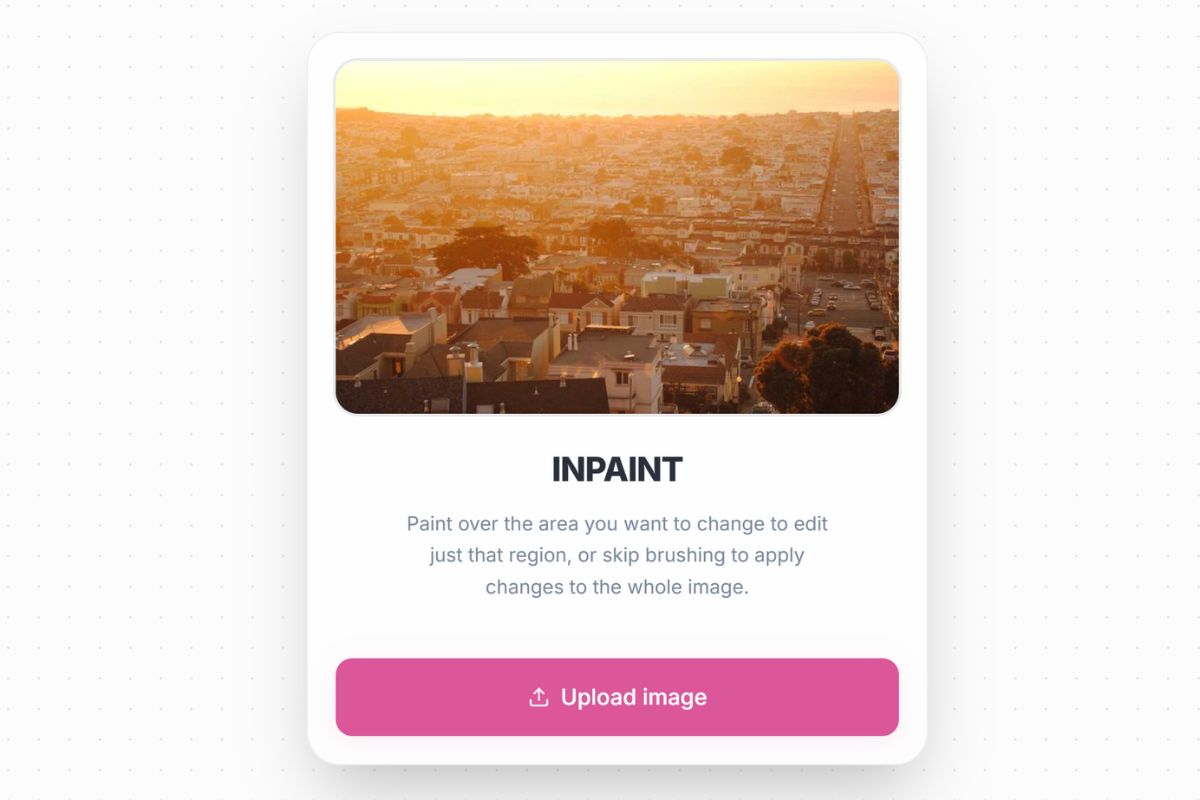
Upload a photo, brush over the part you want to change, then type what should happen next. This AI image editor is built for small fixes and bigger creative edits, from object cleanup to background changes, product retouching, and photo editing free trials.
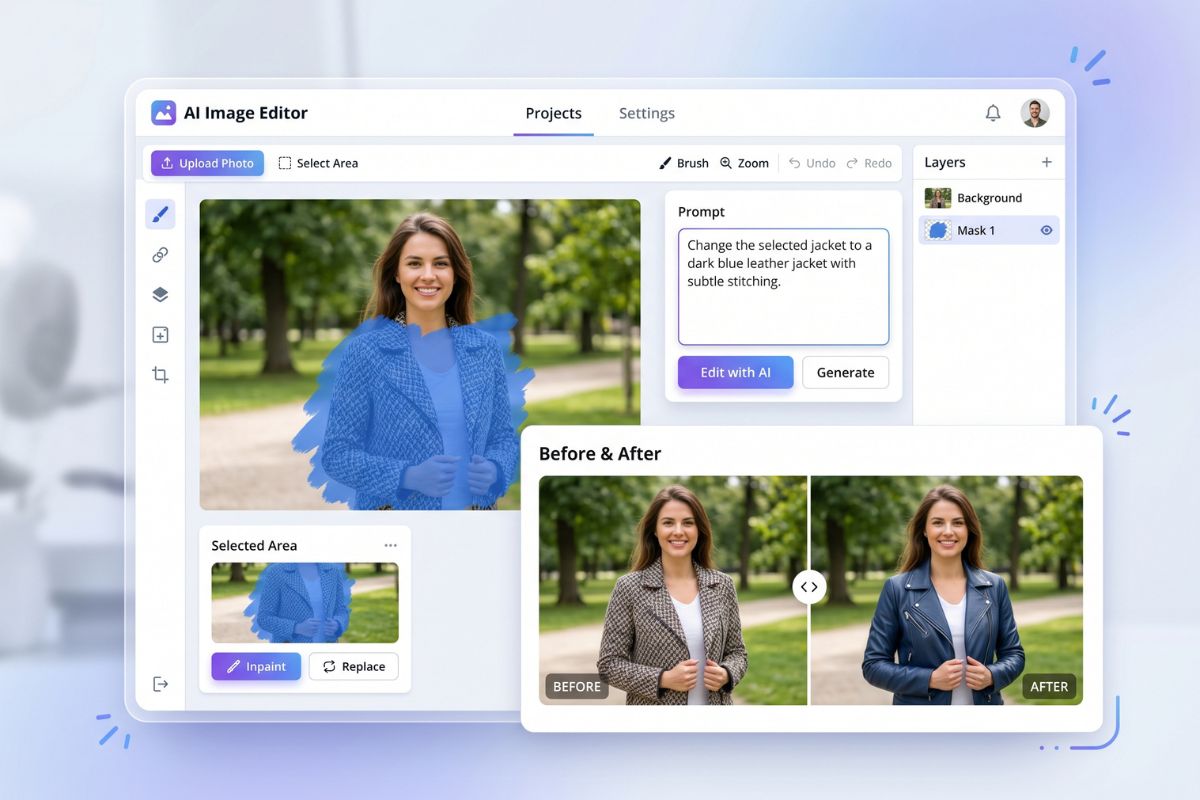
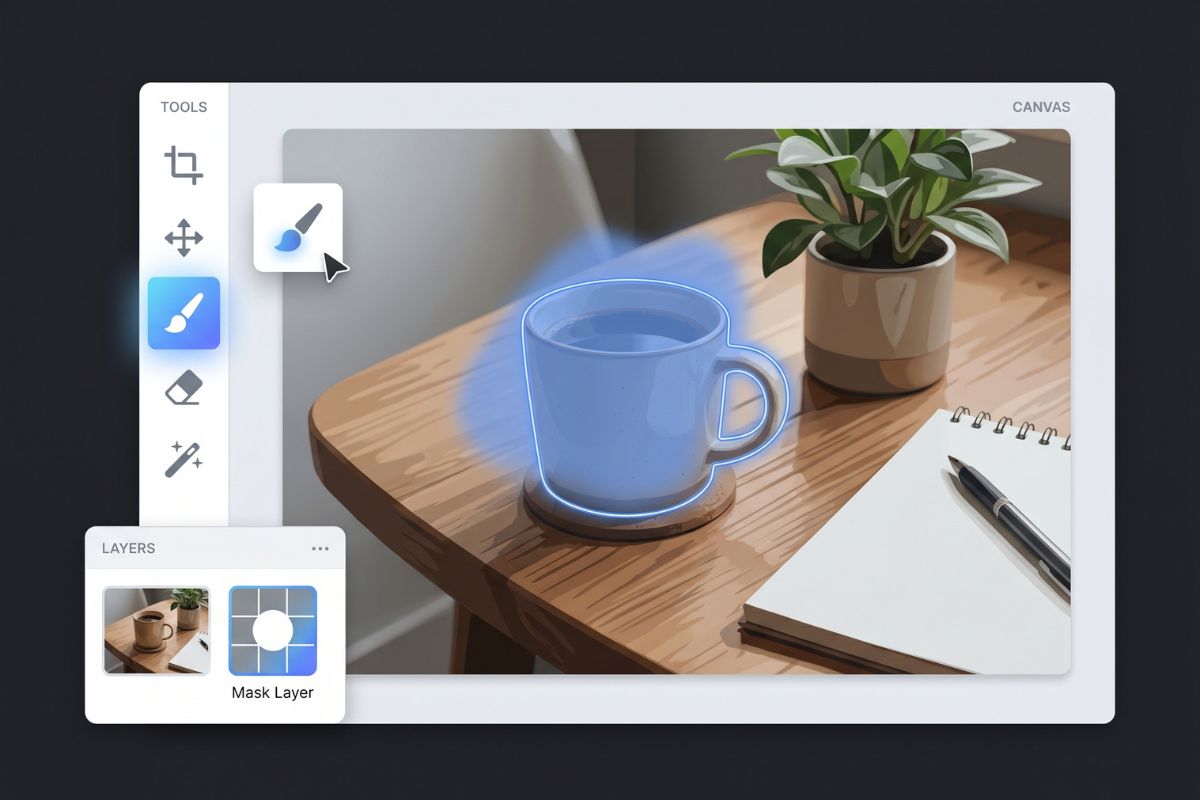
Brush and Replace
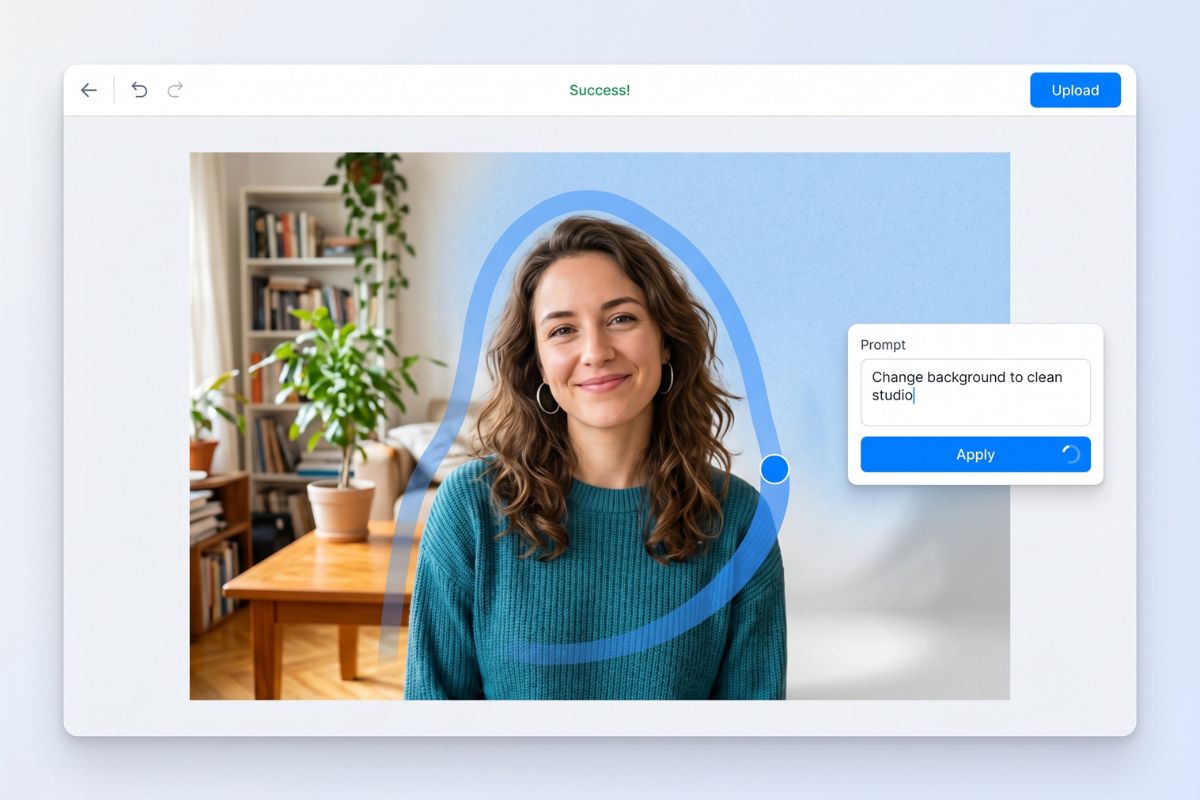
Background Adjustment
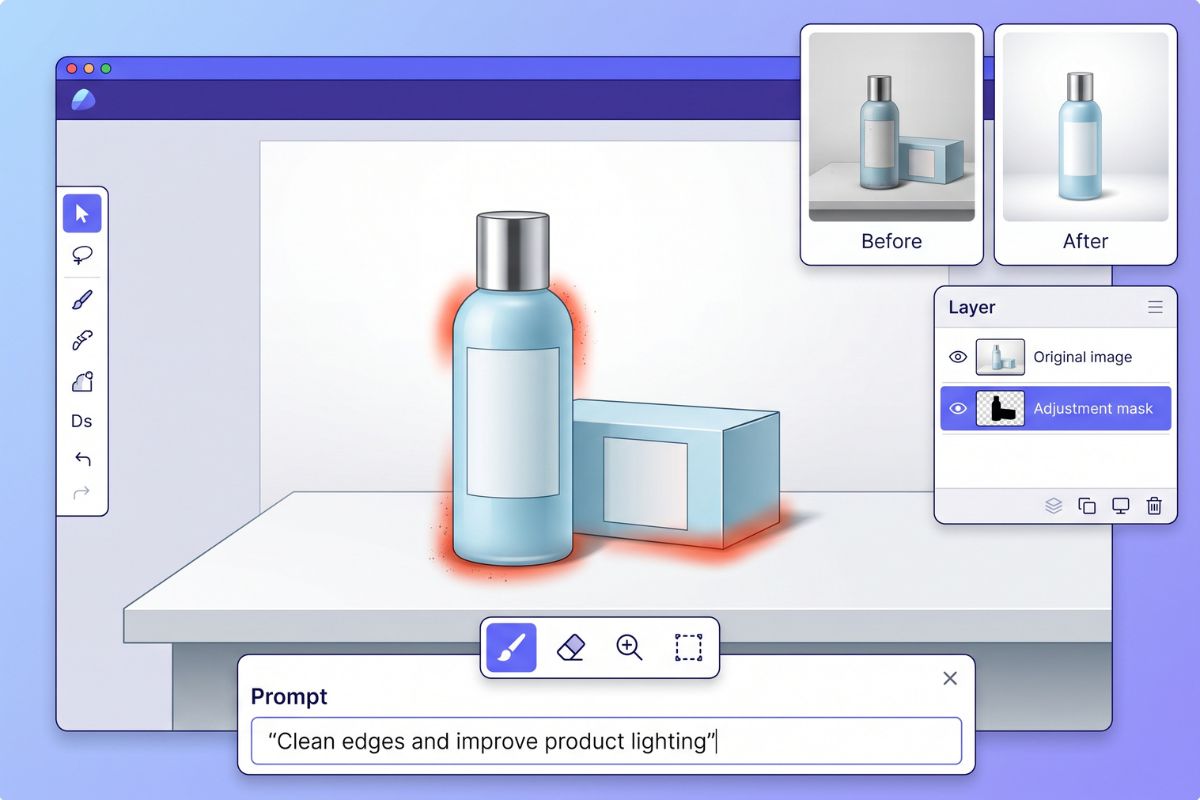
Product Photo Retouch

Remove unwanted objects from your image and keep the background looking clean and natural.

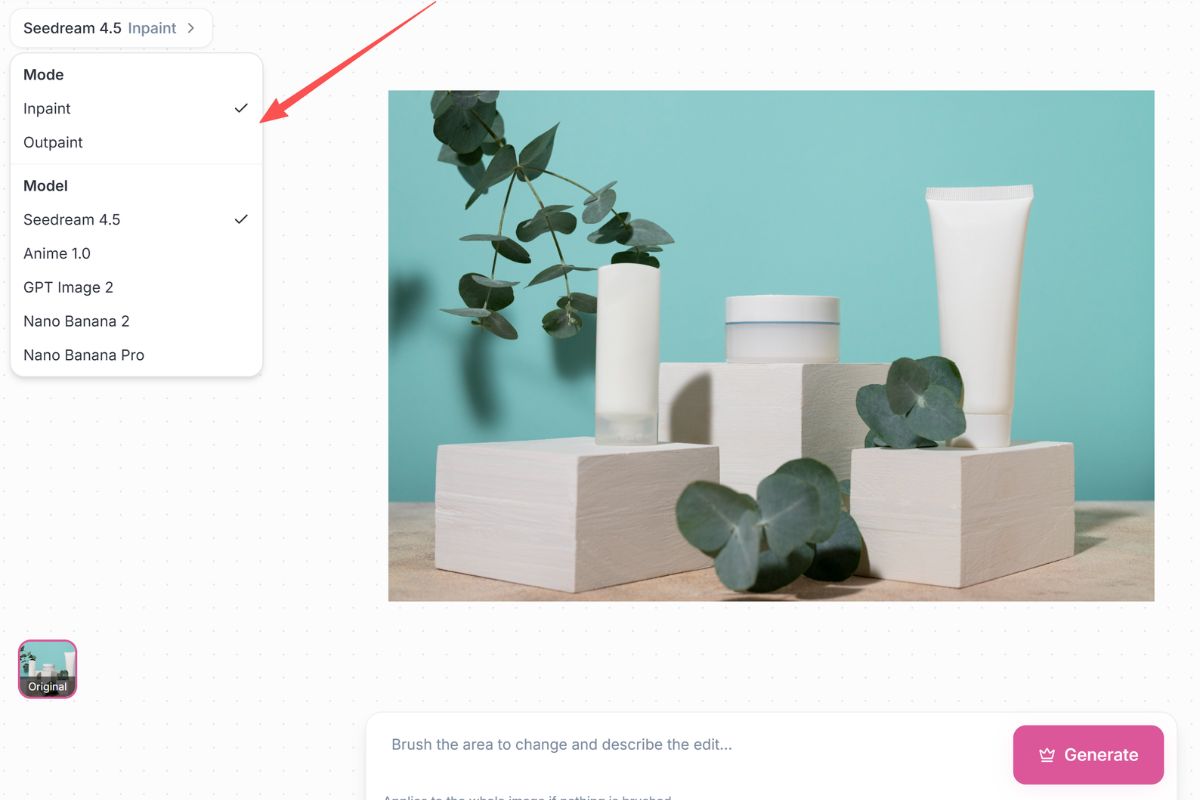
Fill, replace, or extend selected areas with AI-generated details that match the original image.

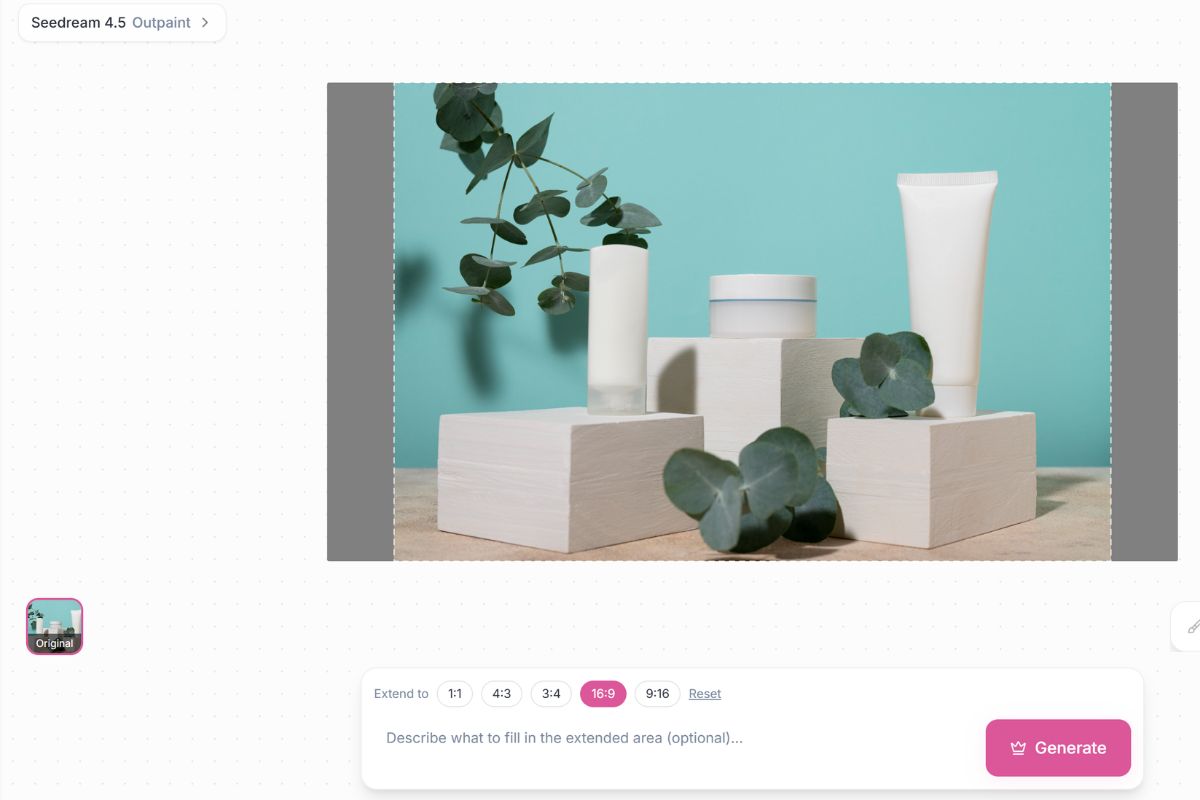
Use AI image expander to uncrop photos, add background space, and resize visuals with an AI image expander.
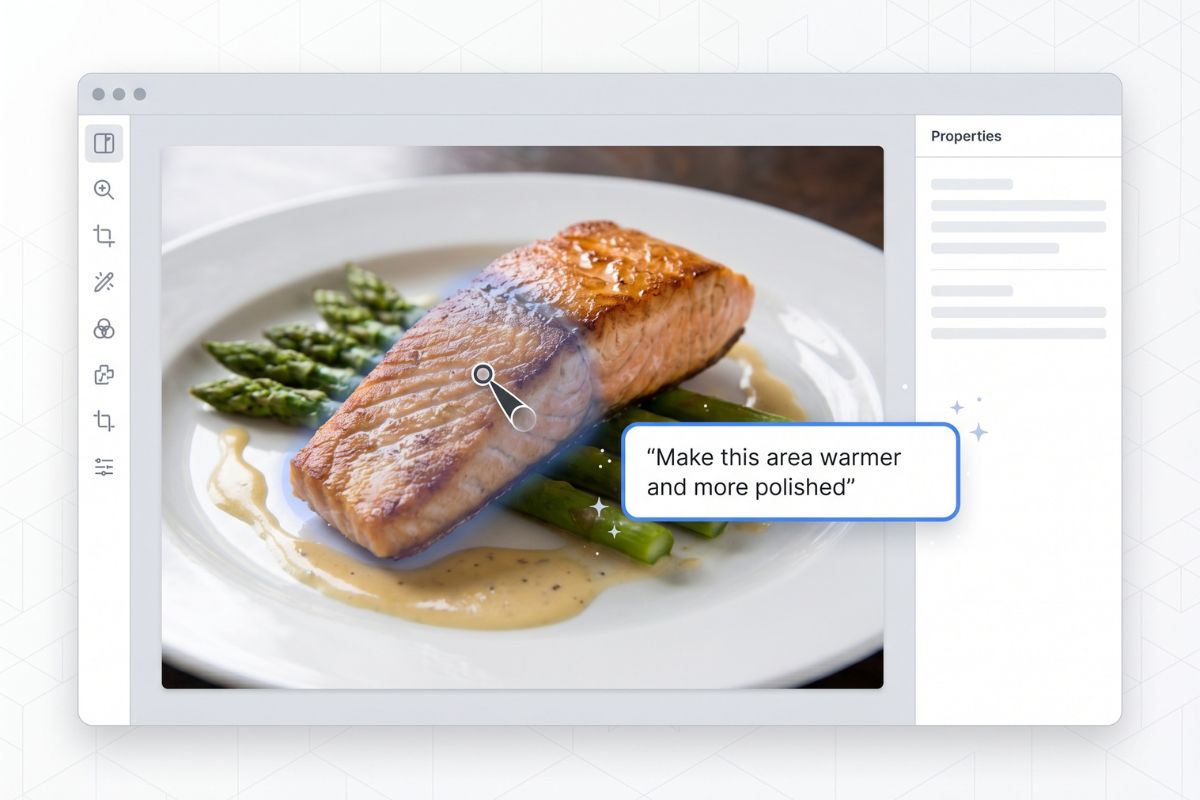
Brush over a shirt, face shadow, product label, background corner, or unwanted object with the image to image editing workflow. The edit stays focused on the selected area, so the rest of the photo has a better chance of keeping its original layout.
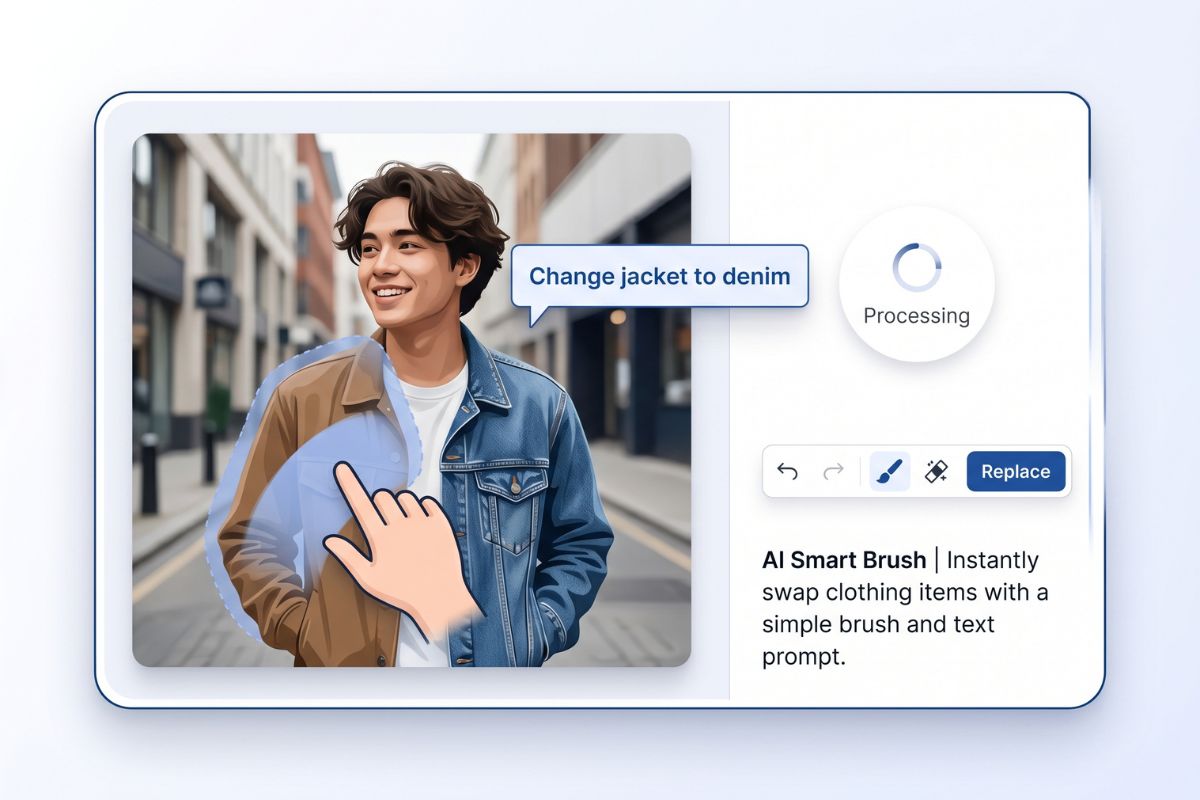
Type a direct instruction such as remove the cup, change the jacket to denim, make the wall warmer, or add soft studio lighting. This AI image editor with prompt control is useful when manual sliders are too slow.
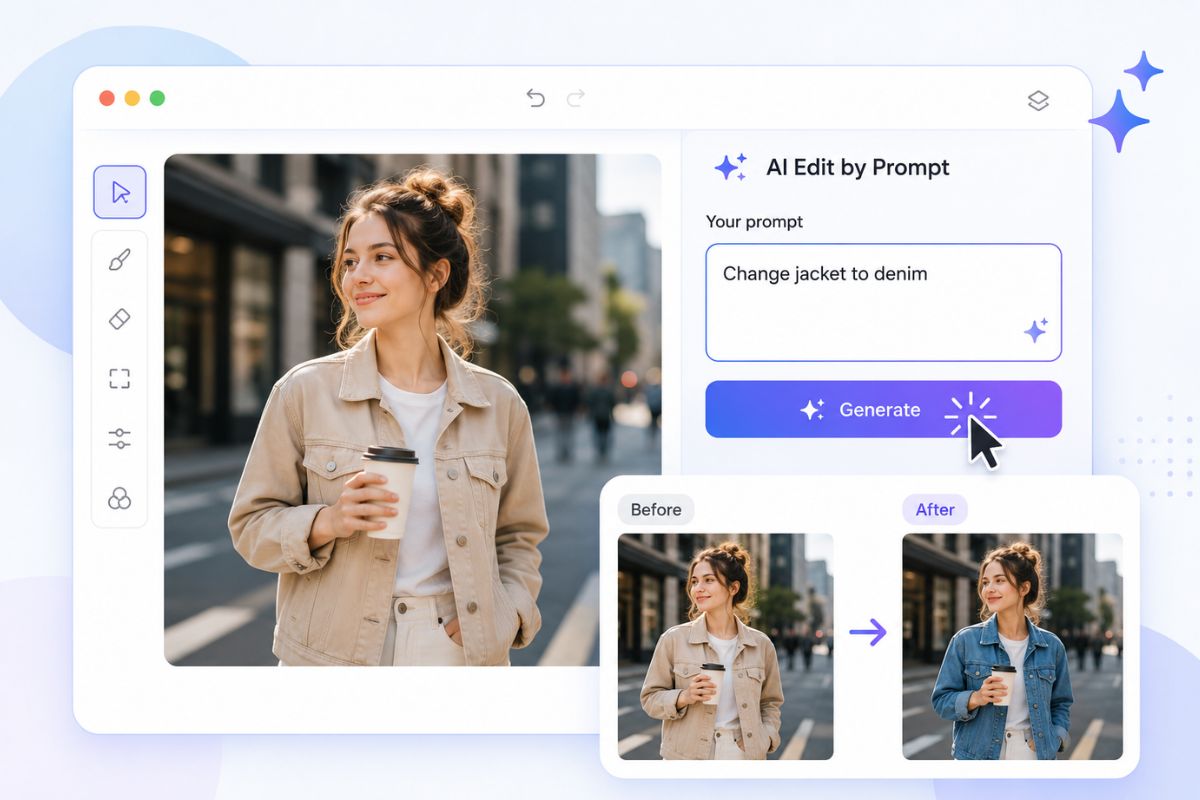
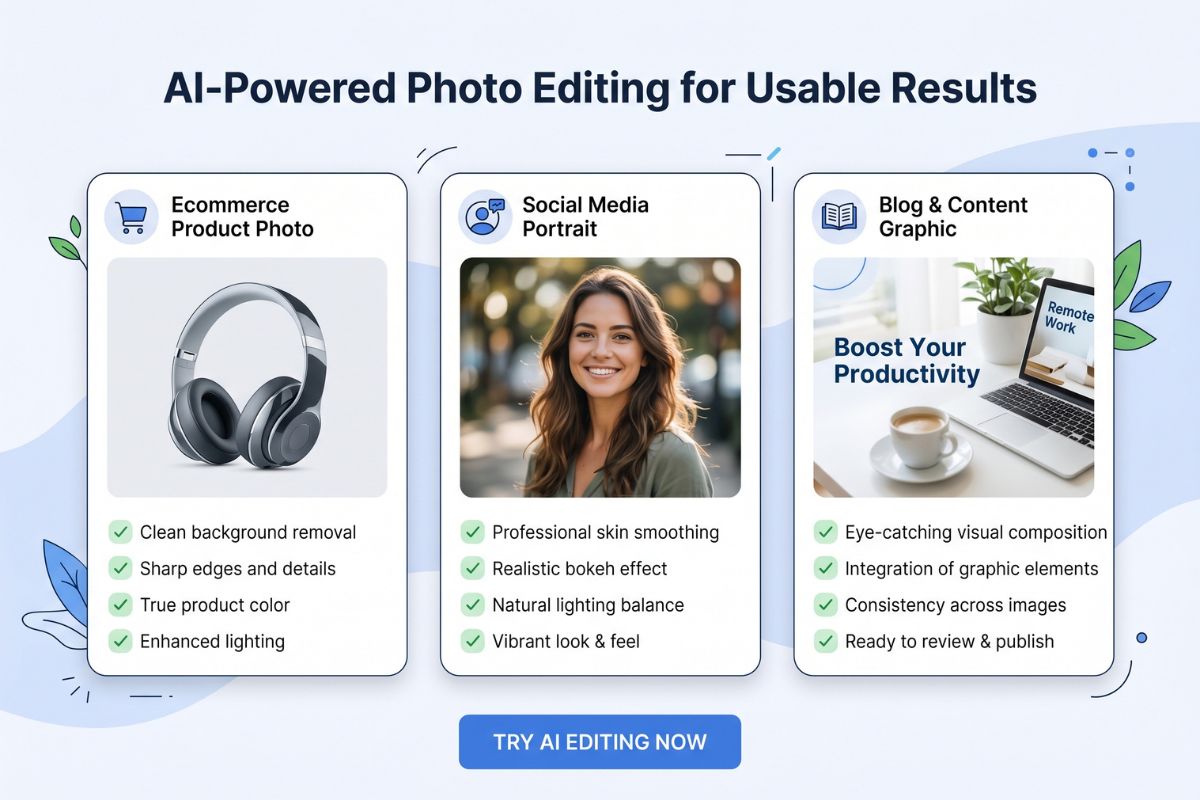
Use it for ecommerce shots, profile photos, social posts, blog graphics, and everyday image cleanup. Review hands, text, logos, and product edges before publishing, especially when the edit changes a visible detail.
Brush over a distracting object and ask the editor to remove it. This works best when the surrounding background has enough texture or empty space to rebuild naturally.
What Our Users Say