
Hailuo 02
Hailuo 02
Hailuo 02 AI video generator creates cinematic 1080p videos with realistic physics and precise prompts—see how it compares and create your own.
Hailuo 02 in Motion: From Prompt to Scene
Masterpiece, best quality, ultra-detailed, 8k, cinematic retro film video:1.4, single-tier buttercream cake on white lace-edged cake stand, creamy white frosting with pink-yellow swirled ruffle trim, three vintage doll toppers (pink/blue, blonde/red, brown/pink), background: white desk, old CRT computer, light gray wall, dynamic motion: (slow pan across the cake, sunlight shadows gradually shifting across the wall and desk:1.6), doll toppers slightly swaying (simulating subtle table vibration), cake stand casting moving shadows, CRT screen faint static flicker, camera: slow tracking shot, soft focus on frosting texture, film grain throughout, smooth 24fps animation, ambient soft hum of old computer and distant traffic, nostalgic warm atmosphere
Scene: A cartoon boy (wearing a wide-brimmed hat with a feather, long dark coat) stands on a rocky lakeshore, holding a fishing rod. The background features a starry night sky with a crescent moon, floating islands with lush trees, a calm lake with gentle water reflections, and a distant castle-like silhouette in the haze.Camera: Start with a wide shot to establish the whimsical fantasy landscape. Then, use a slow tracking shot to follow the boy's subtle movements as he adjusts the fishing rod. Cut to close-ups of his focused expression, the feather on his hat swaying slightly, and the fishing line dipping into the water (with gentle ripples animating). Alternate with medium shots of the floating islands and distant castle, letting the camera pan slowly to emphasize the dreamy scale.Color & Style: Maintain a soft, warm color palette (pastel blues for the sky, muted greens for foliage, gentle oranges for ambient light). Keep the smooth, nostalgic animation art texture—lines are clean, c
Two battle-worn warriors face each other across scorched ruins. A violent wind sweeps ash and dust between them. The dying sun paints the sky molten orange and deep crimson. Distant smoke from cannon fire drifts through the air, silhouettes of broken flags backlit against the inferno sky.Ultra-low angle, camera inches above scorched earth, slowly pushing forward — boots landing heavily, then tilting up to a sheathed blade and trembling hand, finally resting on two faces carved by harsh backlight. Extreme close-ups intercut: eyes, lips, sweat on brows. Then pull wide — the vast emptiness between them stretched under a cinematic anamorphic lens, two figures dwarfed by sky and ruin.Intense rim backlight — both figures burn with orange-gold halos, faces mostly in deep shadow, eyes catching only embers of dying light. Shadows stretch to the frame edge, a metaphor for an era's end. Color palette: high-contrast burnt orange and deep charcoal brown, muted saturation, heavy 35mm film grain text
What Makes Hailuo 02 Stand Out in AI Video Creation
A closer look at the small details that shape the overall creative experience.
Prompt Fidelity
Long, descriptive prompts are interpreted with consistency rather than compromise.
Camera-Aware Generation
Supports AI video generator with camera control prompts, enabling pans, zooms, and tracking shots.
Seamless Scene Flow
Frames connect smoothly, making short clips feel continuous and usable.
Create with Physics, Not Just Motion — Hailuo 02 AI Video Generator
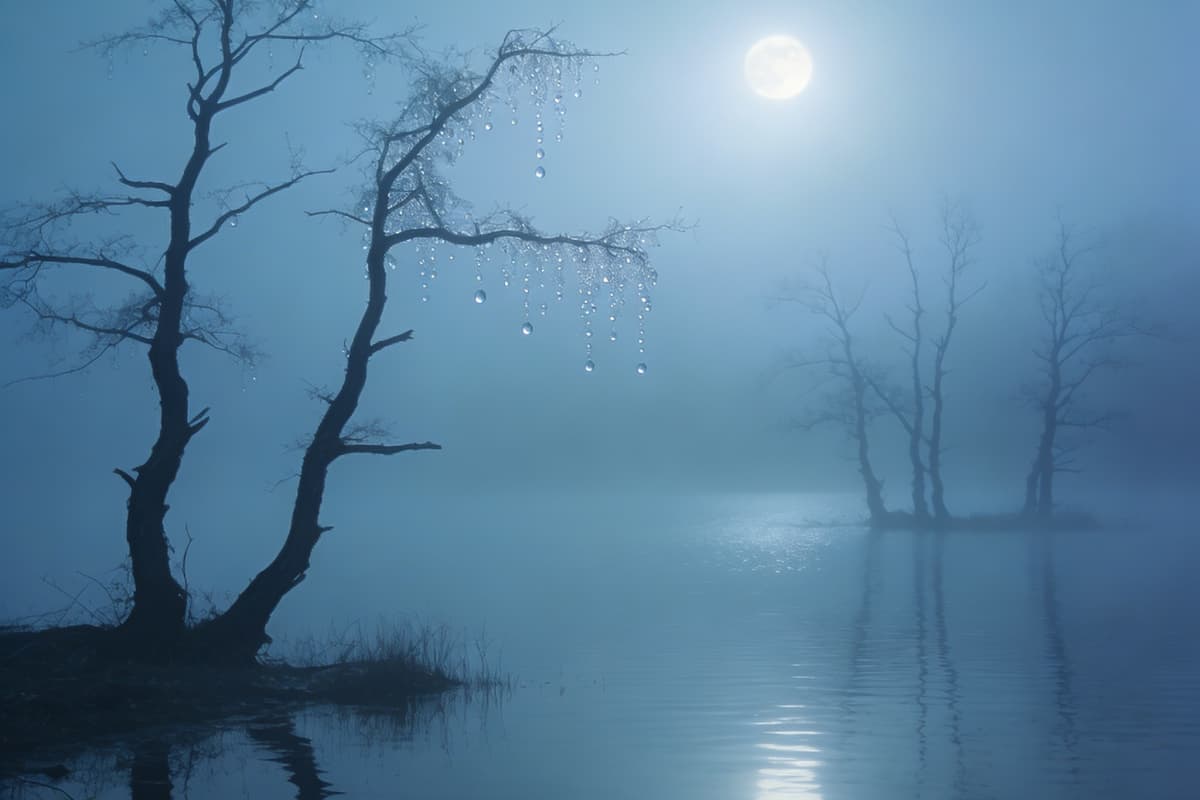
A New Sense of Physical Reality
With Hailuo 02, motion feels grounded. Objects move with weight, balance, and continuity, turning what used to feel like animation into something closer to observation. When used alongside OCMaker AI, this opens up a space where creators can move from static ideas to believable scenes without constantly correcting errors.
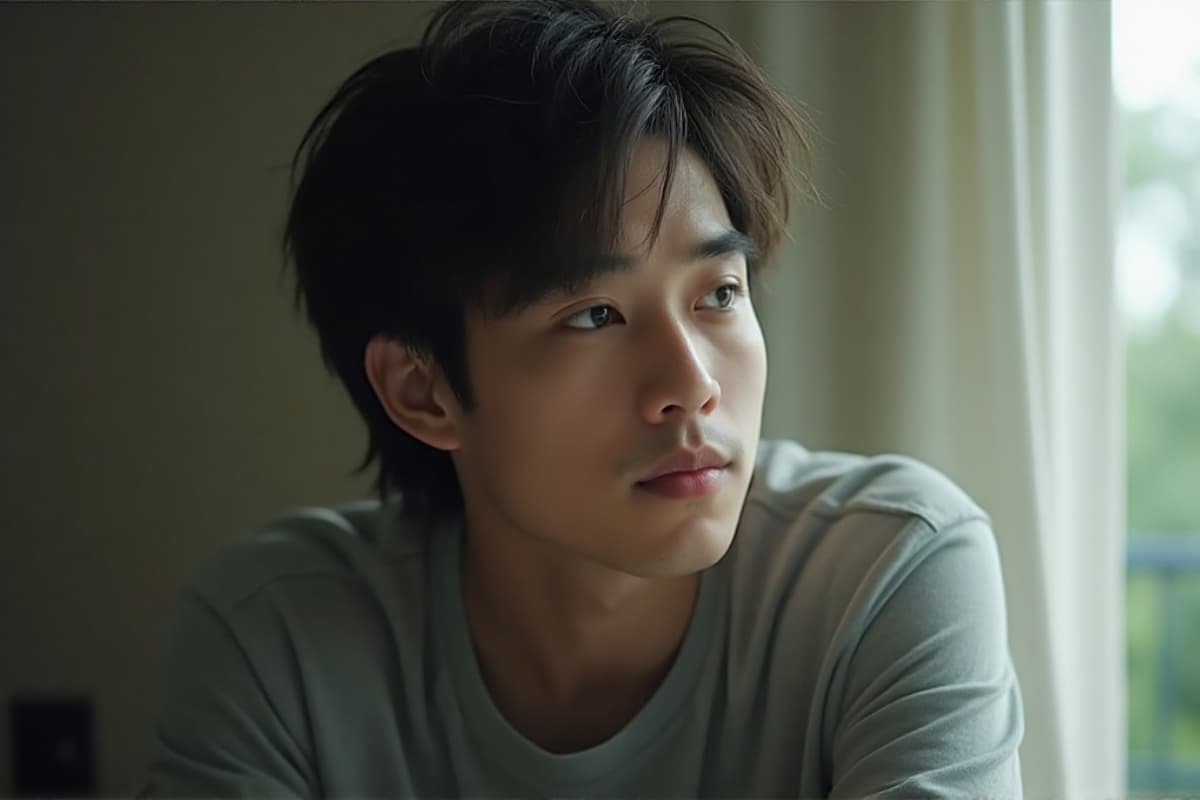
Precision Through Language, Not Trial and Error
The minimax hailuo 02 video model responds to layered prompts with surprising clarity. Instead of simplifying your ideas, it holds onto them—multiple objects, environments, and actions can coexist without collapsing into noise. Whether you're experimenting with text to video or refining narrative beats, the process feels more like directing than prompting.
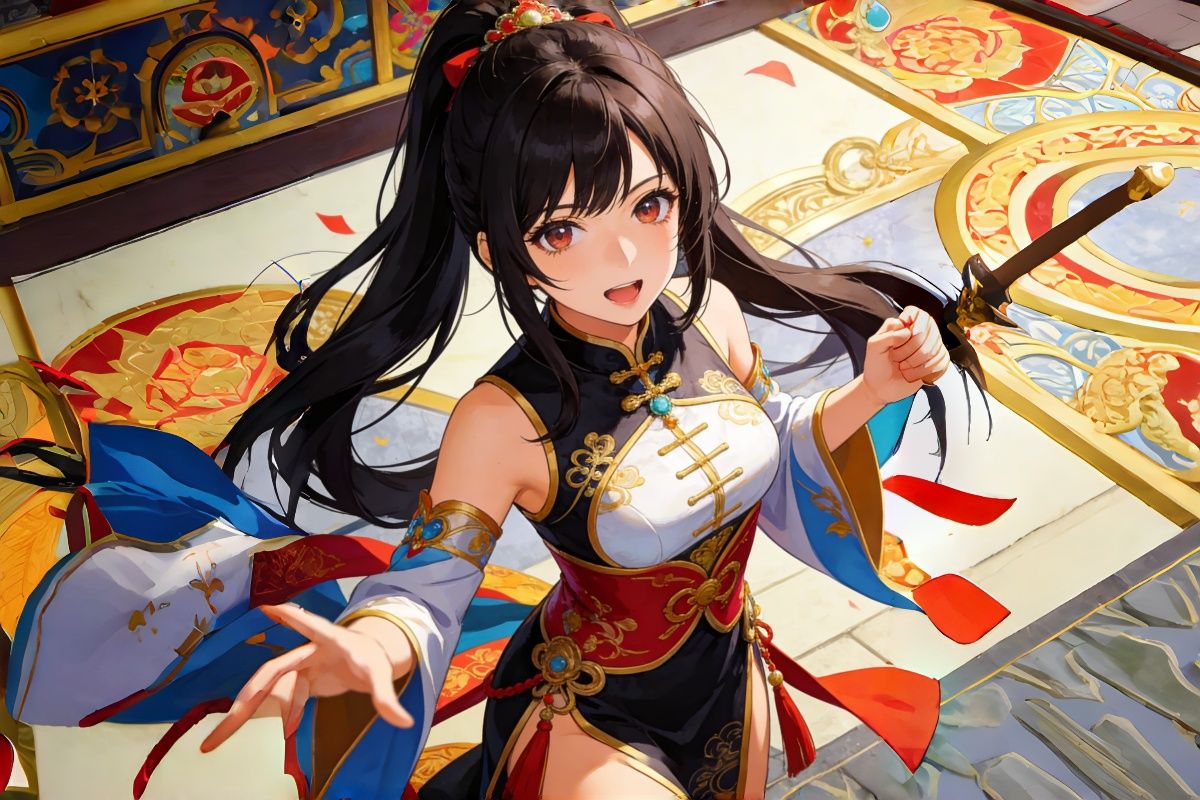
From Image to Living Scene
Hailuo 02 image to video AI transforms still frames into unfolding moments. A single reference image can become a continuous shot, with camera movement and environmental shifts that feel intentional. When paired with image to video workflows, it becomes easier to prototype ads, stories, or social content without heavy editing.
Cinematic Output That Holds Together
This cinematic AI video generator 1080p doesn't just produce higher resolution—it maintains coherence across frames. Lighting, reflections, and motion stay aligned, even in complex scenes. The result is footage that often feels complete the moment it's generated, rather than something that needs fixing afterward.

How to Use Hailuo AI Video Generator in 3 Simple Steps
Choose the Hailuo 02 Model
Start by selecting minimax hailuo 02 from the available models. This ensures you're working with its physics-aware generation and cinematic capabilities.
Describe Your Scene
Write your prompt with intention—include subjects, environment, motion, and even camera direction. The model responds well to detailed descriptions, making this step feel more like storytelling than setup.
Generate and Refine
Run the generation and observe how the scene unfolds. Small prompt adjustments can guide tone, pacing, or movement, helping you shape the final result without starting over.
Questions Creators Ask About Hailuo 02 AI Video Generator
Ready to Experience Hailuo 02?
Join the revolution in AI video generation with Hailuo 02. Create professional-grade videos effortlessly.