AI Generator

Hailuo 02:AI Video That Understands Physics

Hailuo 02 AI video generator creates cinematic 1080p videos with realistic physics and precise prompts—see how it compares and create your own.

Hailuo 02

Hailuo 02 AI video generator creates cinematic 1080p videos with realistic physics and precise prompts—see how it compares and create your own.

Hailuo 02 in Motion: From Prompt to Scene

Example clips created on OC Maker.

  • 01

    Masterpiece, best quality, ultra-detailed, 8k, cinematic retro film video:1.4, single-tier buttercream cake on white lace-edged cake stand, creamy white frosting with pink-yellow swirled ruffle trim, three vintage doll toppers (pink/blue, blonde/red, brown/pink), background: white desk, old CRT computer, light gray wall, dynamic motion: (slow pan across the cake, sunlight shadows gradually shifting across the wall and desk:1.6), doll toppers slightly swaying (simulating subtle table vibration), cake stand casting moving shadows, CRT screen faint static flicker, camera: slow tracking shot, soft focus on frosting texture, film grain throughout, smooth 24fps animation, ambient soft hum of old computer and distant traffic, nostalgic warm atmosphere

  • 02

    Scene: A cartoon boy (wearing a wide-brimmed hat with a feather, long dark coat) stands on a rocky lakeshore, holding a fishing rod. The background features a starry night sky with a crescent moon, floating islands with lush trees, a calm lake with gentle water reflections, and a distant castle-like silhouette in the haze.Camera: Start with a wide shot to establish the whimsical fantasy landscape. Then, use a slow tracking shot to follow the boy's subtle movements as he adjusts the fishing rod. Cut to close-ups of his focused expression, the feather on his hat swaying slightly, and the fishing line dipping into the water (with gentle ripples animating). Alternate with medium shots of the floating islands and distant castle, letting the camera pan slowly to emphasize the dreamy scale.Color & Style: Maintain a soft, warm color palette (pastel blues for the sky, muted greens for foliage, gentle oranges for ambient light). Keep the smooth, nostalgic animation art texture—lines are clean, c

  • 03

    Two battle-worn warriors face each other across scorched ruins. A violent wind sweeps ash and dust between them. The dying sun paints the sky molten orange and deep crimson. Distant smoke from cannon fire drifts through the air, silhouettes of broken flags backlit against the inferno sky.Ultra-low angle, camera inches above scorched earth, slowly pushing forward — boots landing heavily, then tilting up to a sheathed blade and trembling hand, finally resting on two faces carved by harsh backlight. Extreme close-ups intercut: eyes, lips, sweat on brows. Then pull wide — the vast emptiness between them stretched under a cinematic anamorphic lens, two figures dwarfed by sky and ruin.Intense rim backlight — both figures burn with orange-gold halos, faces mostly in deep shadow, eyes catching only embers of dying light. Shadows stretch to the frame edge, a metaphor for an era's end. Color palette: high-contrast burnt orange and deep charcoal brown, muted saturation, heavy 35mm film grain text

Hailuo 02

What Makes Hailuo 02 Stand Out in AI Video Creation

A closer look at the small details that shape the overall creative experience.

  • 01

    Physics That Feels Natural

    Motion follows real-world logic, making scenes believable without manual correction.

  • 02

    Prompt Fidelity

    Long, descriptive prompts are interpreted with consistency rather than compromise.

  • 03

    Camera-Aware Generation

    Supports AI video generator with camera control prompts, enabling pans, zooms, and tracking shots.

  • 04

    Seamless Scene Flow

    Frames connect smoothly, making short clips feel continuous and usable.

  • 05

    Cinematic 1080p Output

    High-resolution generation that preserves detail without breaking motion consistency.

Create with Physics, Not Just Motion — Hailuo 02 AI Video Generator

Dive into the world of Hailuo 02 and discover its revolutionary features.

0104

A New Sense of Physical Reality

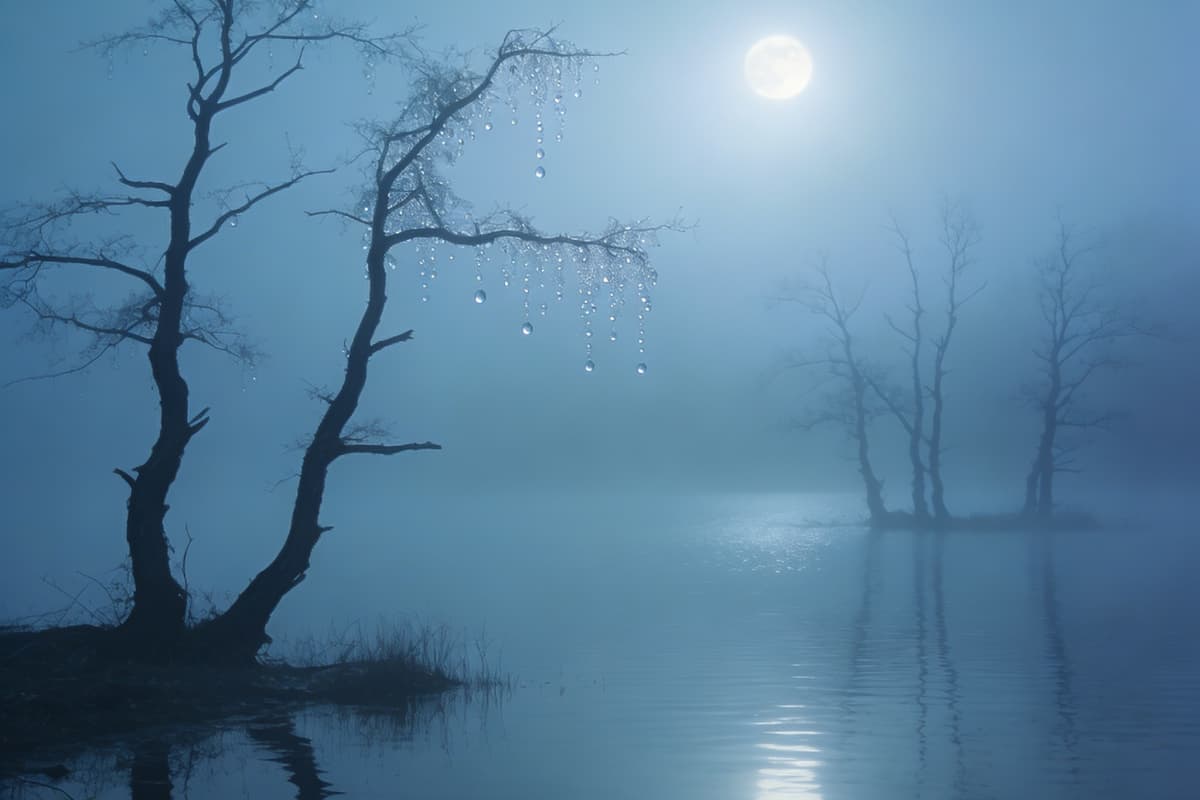
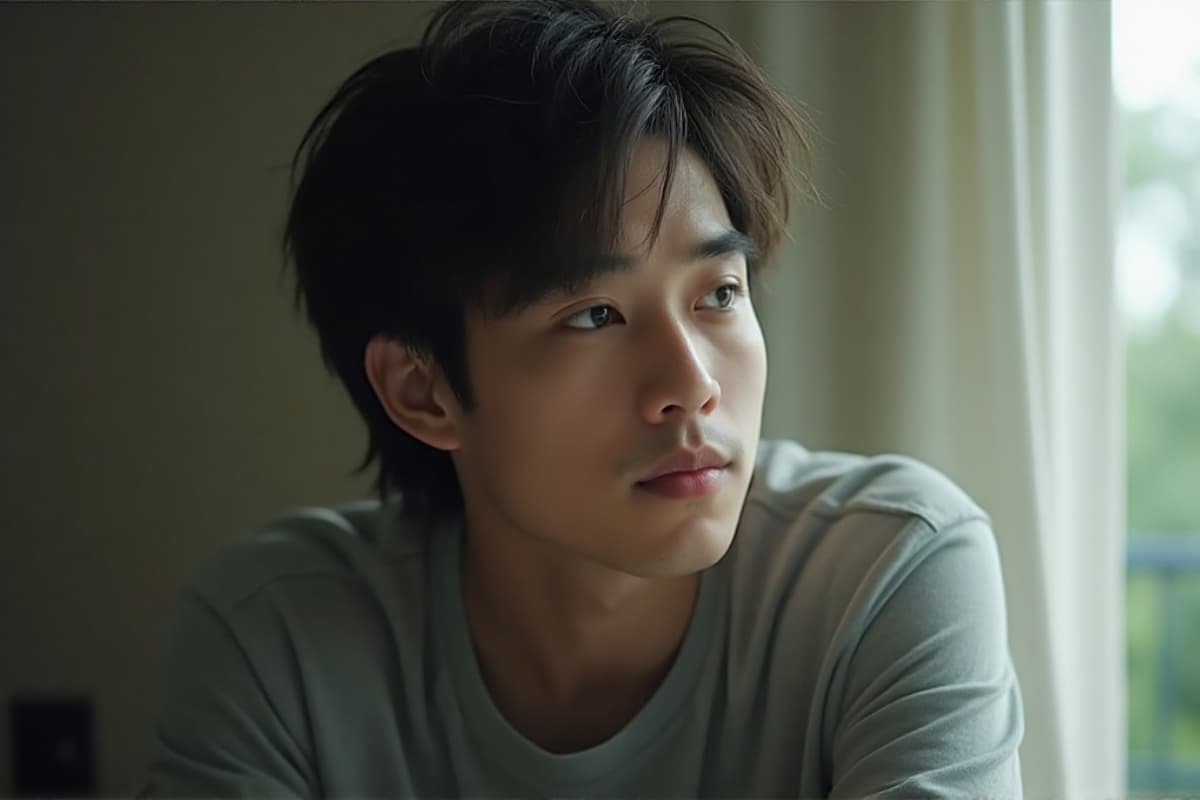
With Hailuo 02, motion feels grounded. Objects move with weight, balance, and continuity, turning what used to feel like animation into something closer to observation. When used alongside OCMaker AI, this opens up a space where creators can move from static ideas to believable scenes without constantly correcting errors.
A New Sense of Physical Reality

0204

Precision Through Language, Not Trial and Error

The minimax hailuo 02 video model responds to layered prompts with surprising clarity. Instead of simplifying your ideas, it holds onto them—multiple objects, environments, and actions can coexist without collapsing into noise. Whether you're experimenting with text to video or refining narrative beats, the process feels more like directing than prompting.

Precision Through Language

0304

From Image to Living Scene

Hailuo 02 image to video AI transforms still frames into unfolding moments. A single reference image can become a continuous shot, with camera movement and environmental shifts that feel intentional. When paired with image to video workflows, it becomes easier to prototype ads, stories, or social content without heavy editing.

From Image to Living Scene

0404

Cinematic Output That Holds Together

This cinematic AI video generator 1080p doesn't just produce higher resolution—it maintains coherence across frames. Lighting, reflections, and motion stay aligned, even in complex scenes. The result is footage that often feels complete the moment it's generated, rather than something that needs fixing afterward.

Cinematic Output That Holds Together

How to Use Hailuo AI Video Generator in 3 Simple Steps

  1. Choose the Hailuo 02 Model

    Start by selecting minimax hailuo 02 from the available models. This ensures you're working with its physics-aware generation and cinematic capabilities.

  2. Describe Your Scene

    Write your prompt with intention—include subjects, environment, motion, and even camera direction. The model responds well to detailed descriptions, making this step feel more like storytelling than setup.

  3. Generate and Refine

    Run the generation and observe how the scene unfolds. Small prompt adjustments can guide tone, pacing, or movement, helping you shape the final result without starting over.

Questions Creators Ask About Hailuo 02 AI Video Generator

What makes Hailuo 02 different?

Hailuo 02 features advanced physics simulation and cinematic video quality, setting it apart from other AI models.

What makes Hailuo 02 different from other AI video models?

What stands out is how it handles physical consistency. In many models, motion can look convincing at a glance but breaks under attention—objects drift, timing feels off. With Hailuo 02, movements tend to stay coherent across frames, which makes even simple scenes feel more grounded and usable.

Is Hailuo 02 available in multiple languages?

Yes, Hailuo 02 supports prompts in most major languages, including English and Chinese.

Is Hailuo 02 suitable for beginners?

Yes, but in a different way than you might expect. It doesn't rely on presets as much as it rewards clear descriptions. Even simple prompts work, but as you experiment, you'll notice that adding detail—like camera movement or environment—gives you more control without making things complicated.

How detailed should my prompts be?

From experience, Hailuo 02 handles longer prompts surprisingly well. You can describe multiple elements—characters, objects, lighting, even background activity—and the model tends to retain them instead of dropping details. It's one of the few times where being specific actually pays off.

Can I use it for image to video projects?

Absolutely. The hailuo 02 image to video AI workflow feels especially useful when you already have a visual starting point. Instead of reinterpreting the image completely, it extends it—adding motion and context while keeping the original composition recognizable.

Does it really support cinematic quality output?

In practice, yes—but it's less about resolution and more about consistency. The cinematic AI video generator 1080p output maintains lighting, motion, and framing in a way that feels intentional. That's what makes clips feel closer to finished shots.

Can it replace traditional video editing?

Not entirely—but it reduces how much editing you need. Many outputs are already cohesive enough to use directly, especially for short-form content. Instead of fixing errors, you spend more time shaping ideas, which changes the creative process in a meaningful way.

Ready to Experience Hailuo 02?

Join the revolution in AI video generation with Hailuo 02. Create professional-grade videos effortlessly.

Hailuo 02:AI Video That Understands Physics