
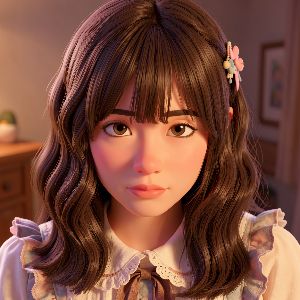
Photo to Anime Generator
AI Photo to Anime Converter & Anime Filter
Turn selfies, portraits, pets, and scenery into anime art in seconds. Powered by OCMaker AI diffusion models for sharper details and better consistency.
- 9 built-in styles
- Fast generation
- Strong original-photo alignment
- Clear 720p output
- Privacy-first processing
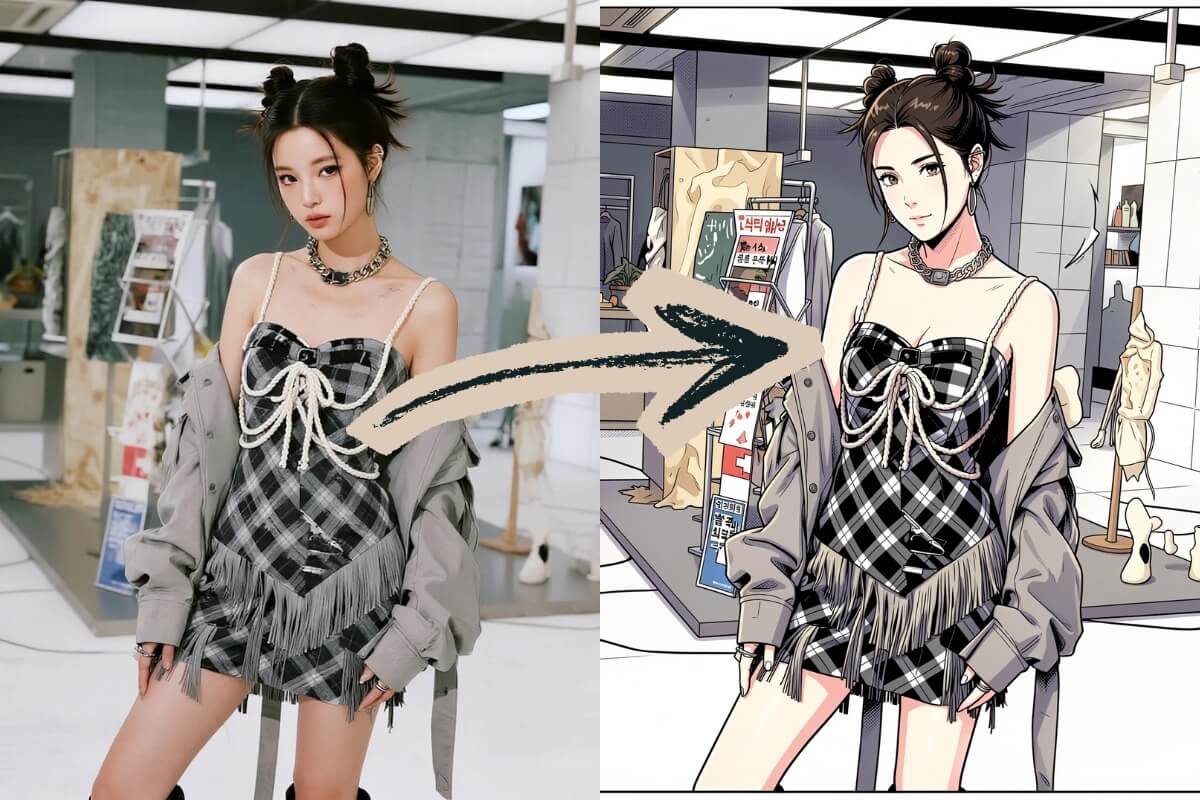
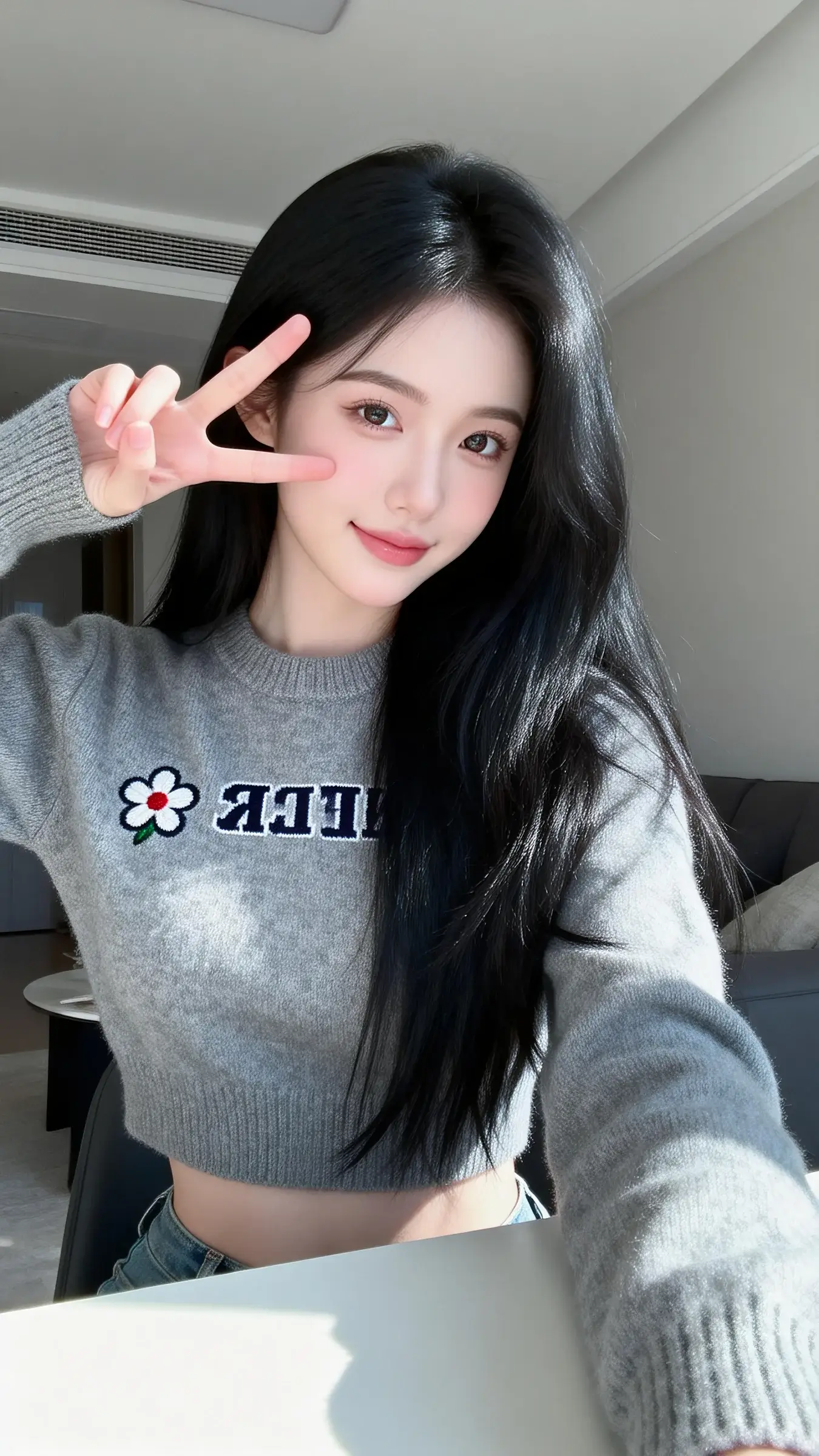
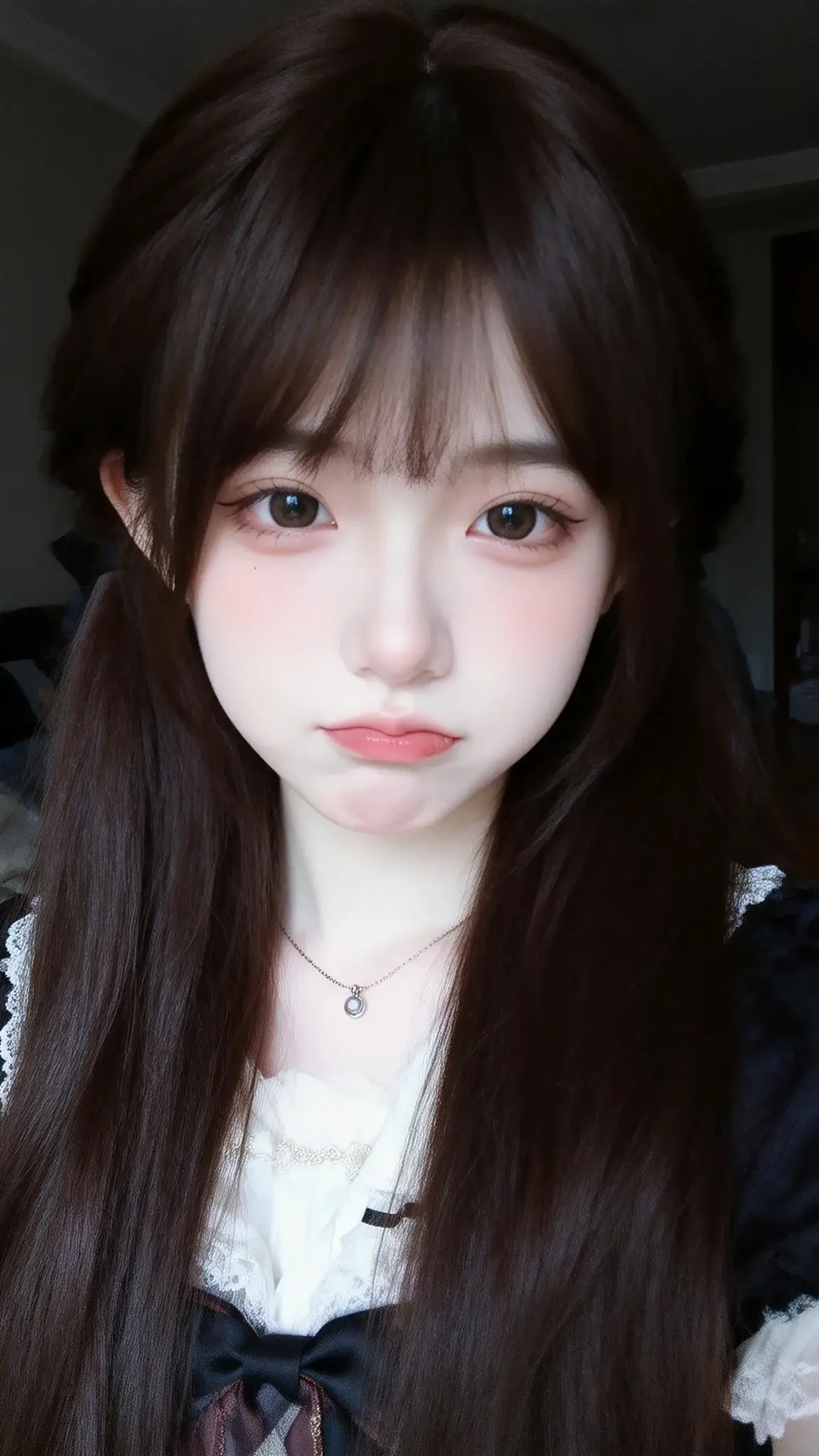
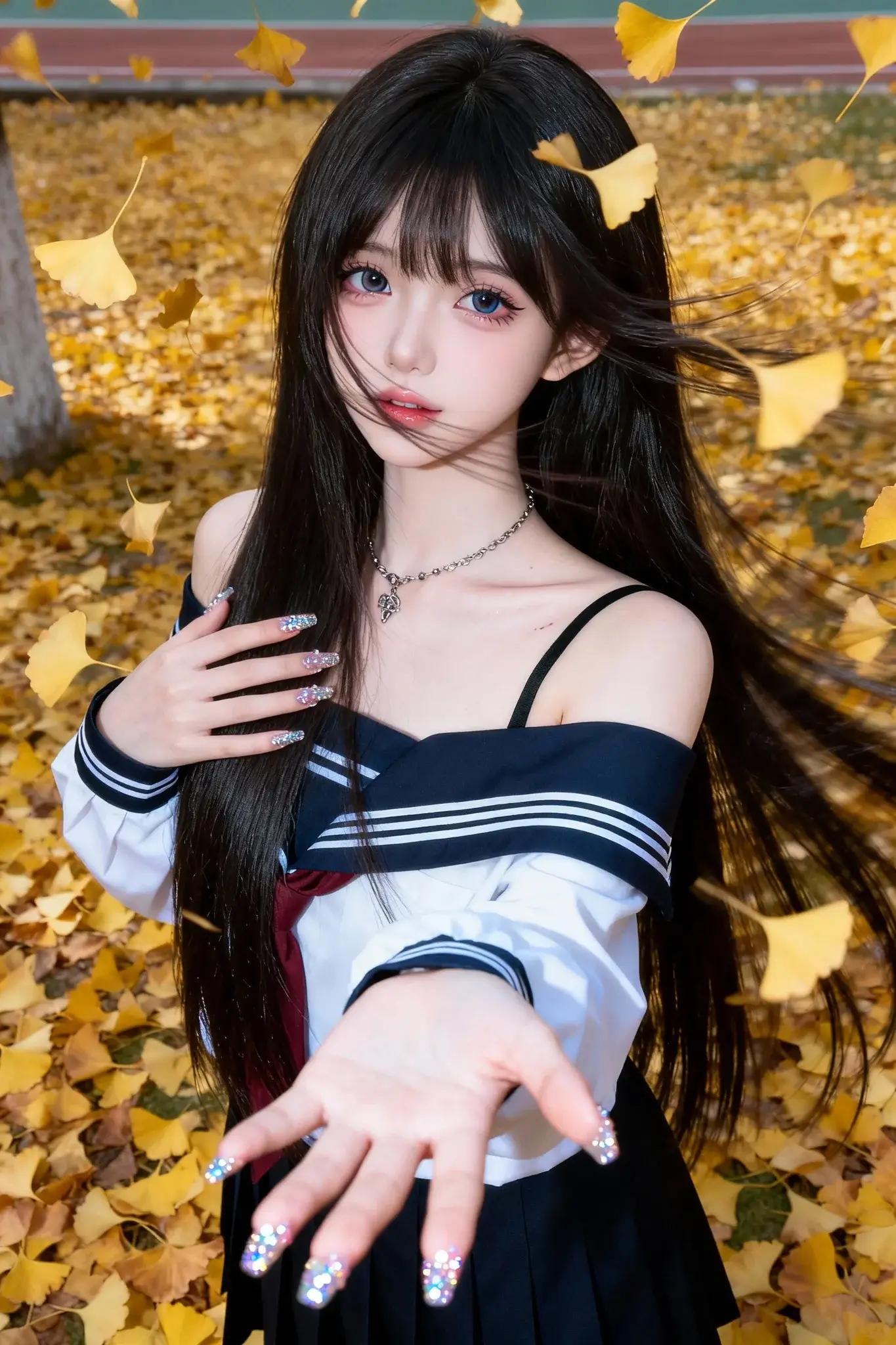
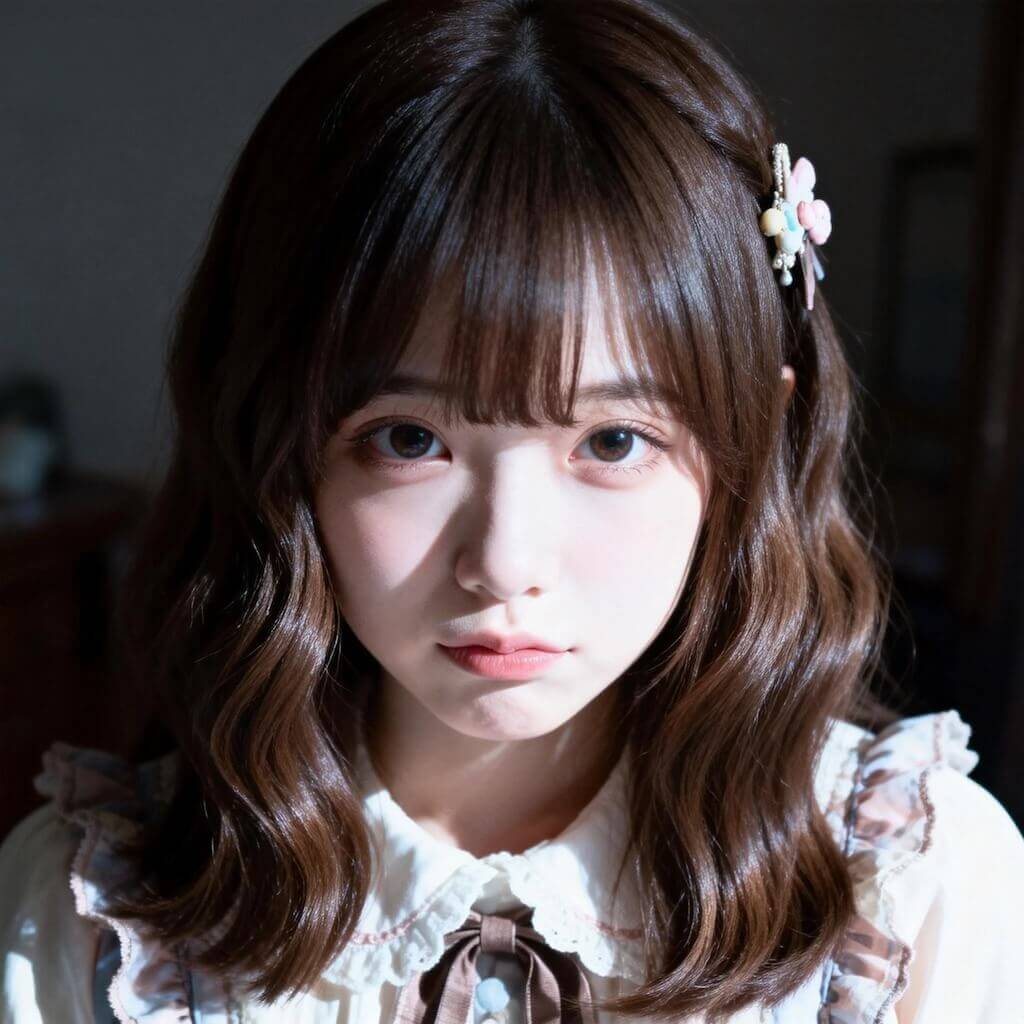
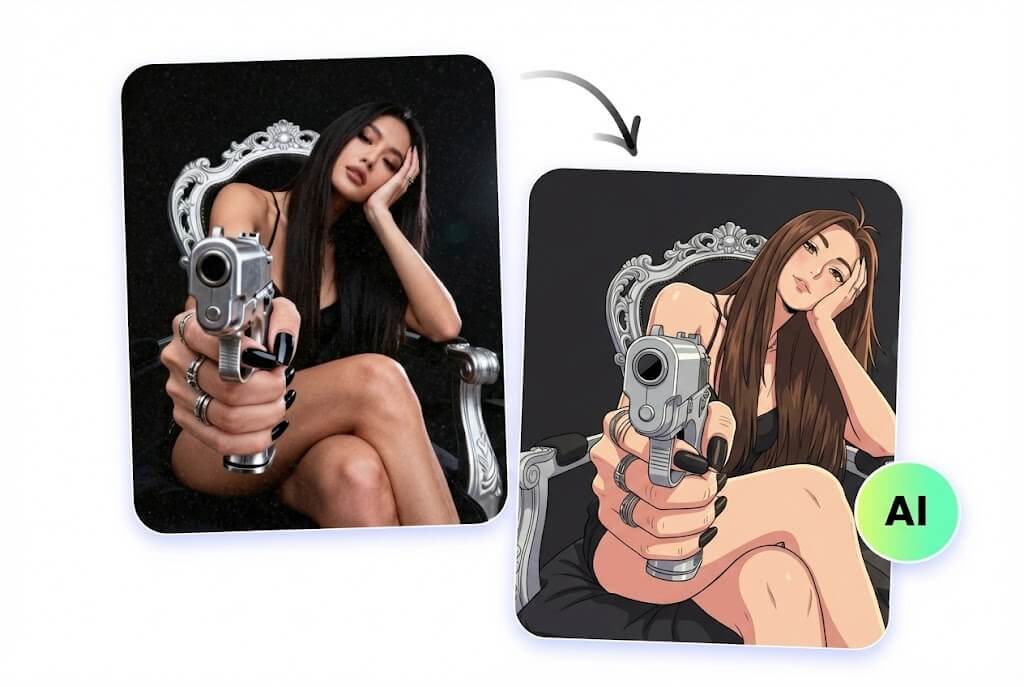
See the Transformation
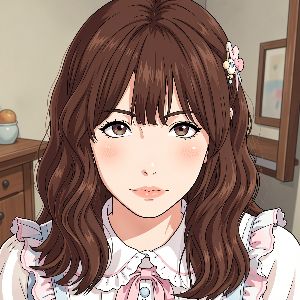
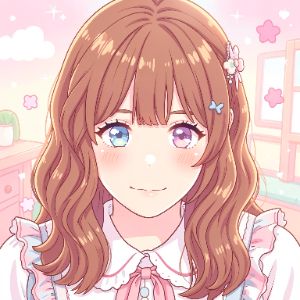
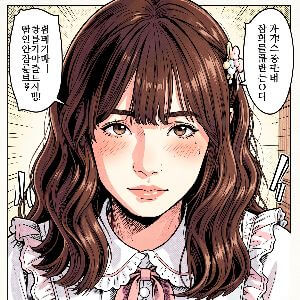
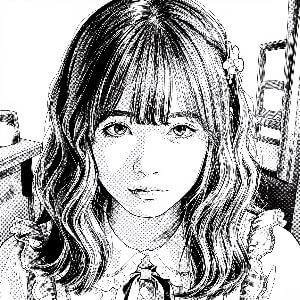
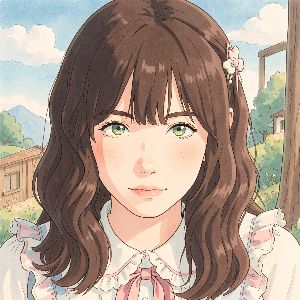
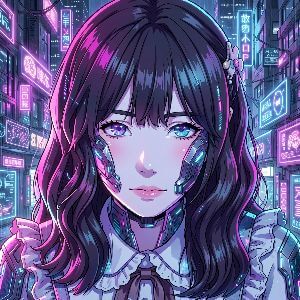
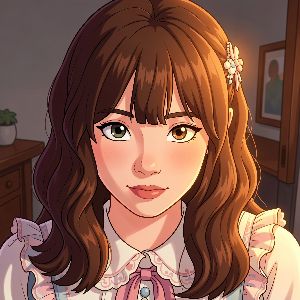
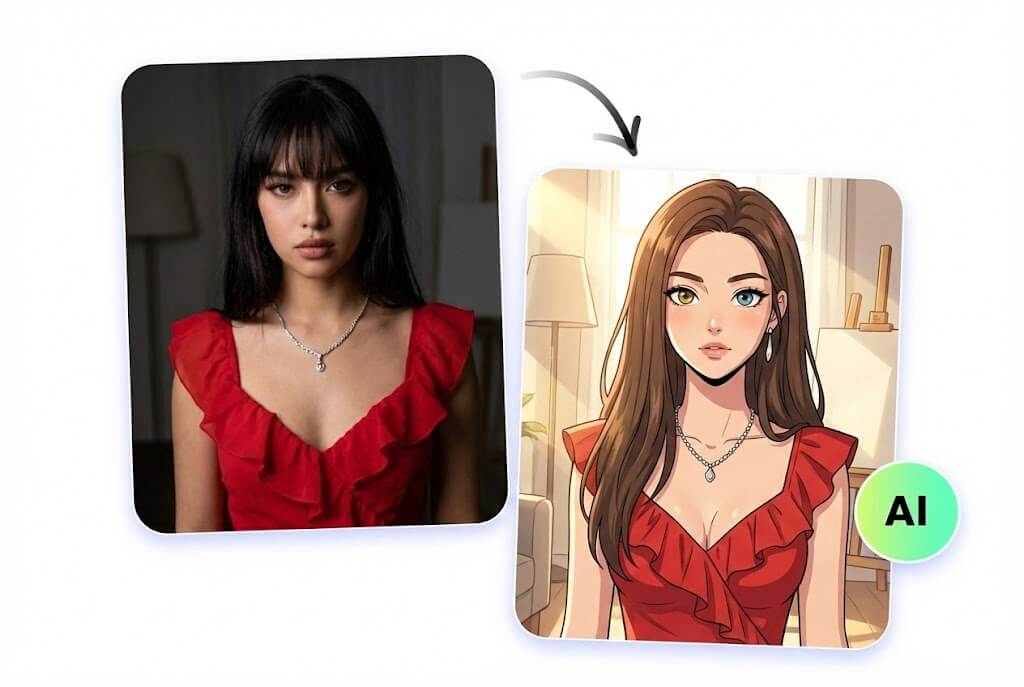
High-fidelity anime looks with strong resemblance to your original photo.
- 01
Before → Anime
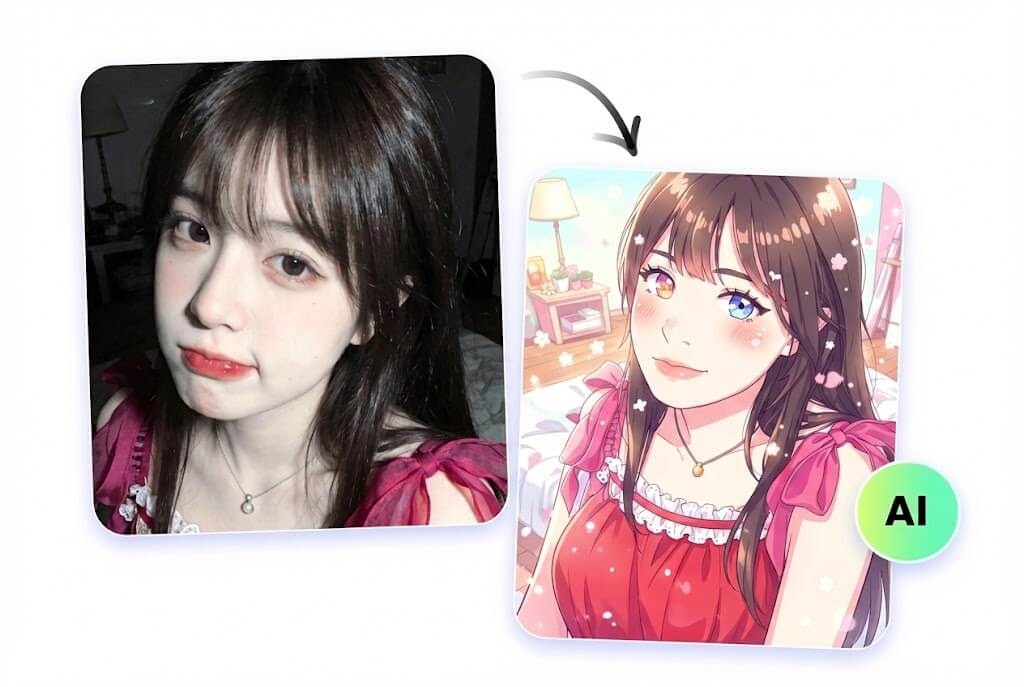 02
02Before → Kawaii Anime
 03
03Before → Webtoon
Choose from 9 Styles
Pick a look that matches your vibe—then generate in one click.
Made for Real-World Photos
From portraits to pets to scenery, get anime results that still look like your original photo.
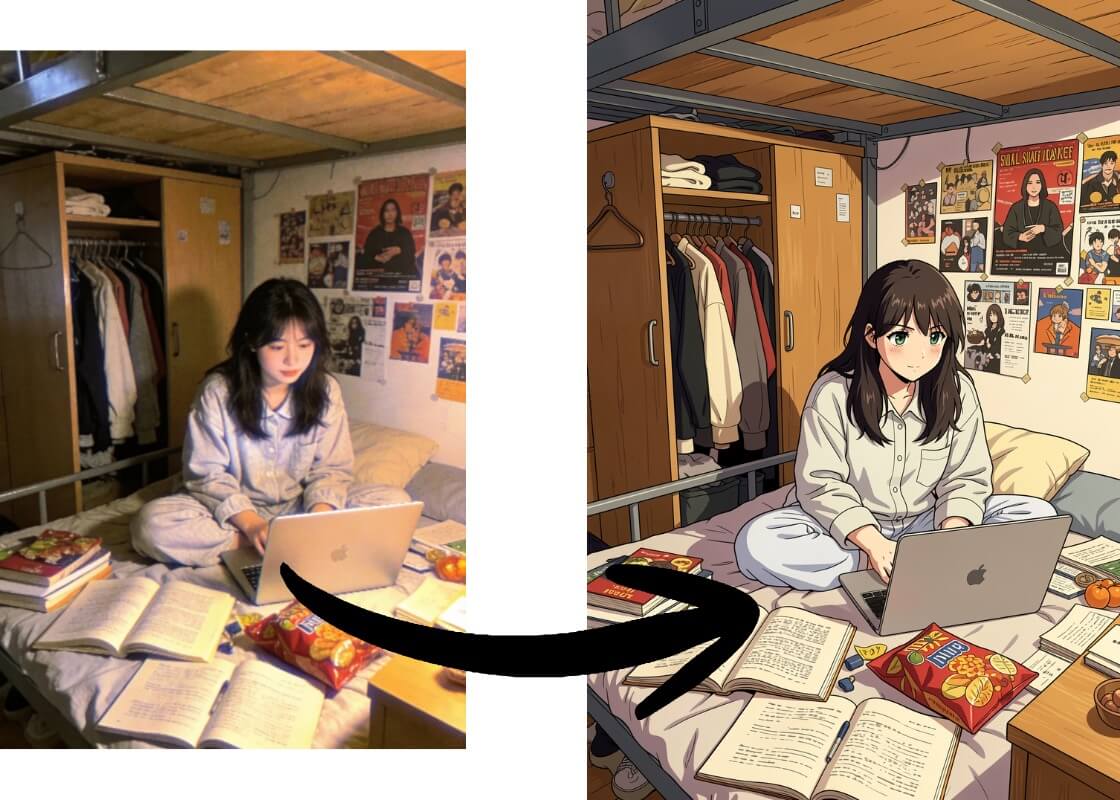
Keep facial structure recognizable while upgrading the look to anime, manga, or webtoon with clean details.
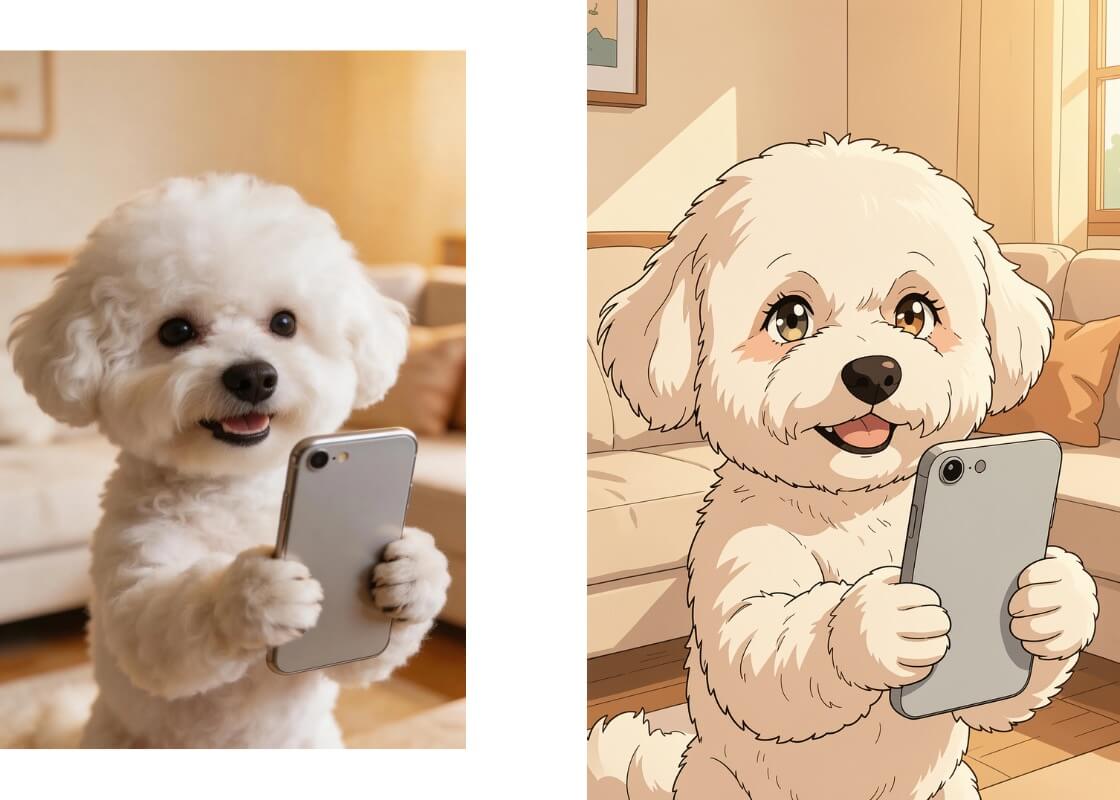
Turn your pet into a lovable anime character with expressive eyes and consistent fur patterns.
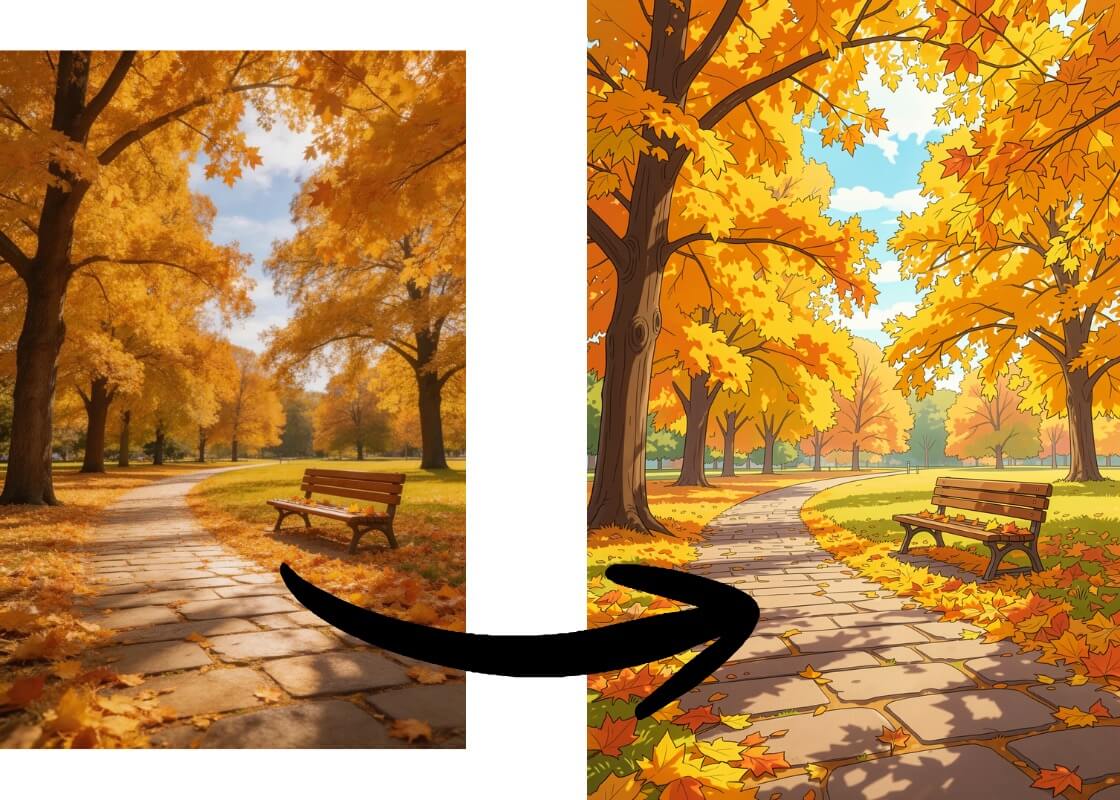
Convert landscapes into cinematic anime backdrops—great for wallpapers, posters, and storytelling.
Why Choose Our Photo to Anime Tool
Fast, aligned, sharp, and built for real photo inputs.
- 01
Fast Generation
Optimized pipeline for quick results so you can iterate and share without waiting.
- 02
Better Photo Alignment
Stronger resemblance to your original photo—faces and key features stay more consistent than typical filters.
- 03
Clear 720p Outputs
Sharper lines and cleaner details for profile pics, thumbnails, and high-quality downloads.
- 04
Privacy-First
Built to prioritize user privacy, making it safer for personal photos and client work.
- 05
Diffusion-Model Realism
Powered by OCMaker AI diffusion models for more believable lighting, texture, and depth.
- 06
Consistent Multi-Style Learning
Trained across multiple looks to keep results stable and coherent across different styles.
How to Convert a Photo to Anime
Upload Your Photo
Choose a selfie, portrait, pet photo, or scenery image you want to convert.
Pick a Style (9 Options)
Select Anime, Manga, Webtoon, Ghibli, Pixar, and more—each style costs 3 points.
Generate and Download
Get a clear 720p anime image quickly. If you want a different vibe, switch styles and regenerate.
Explore More Character & Style Tools
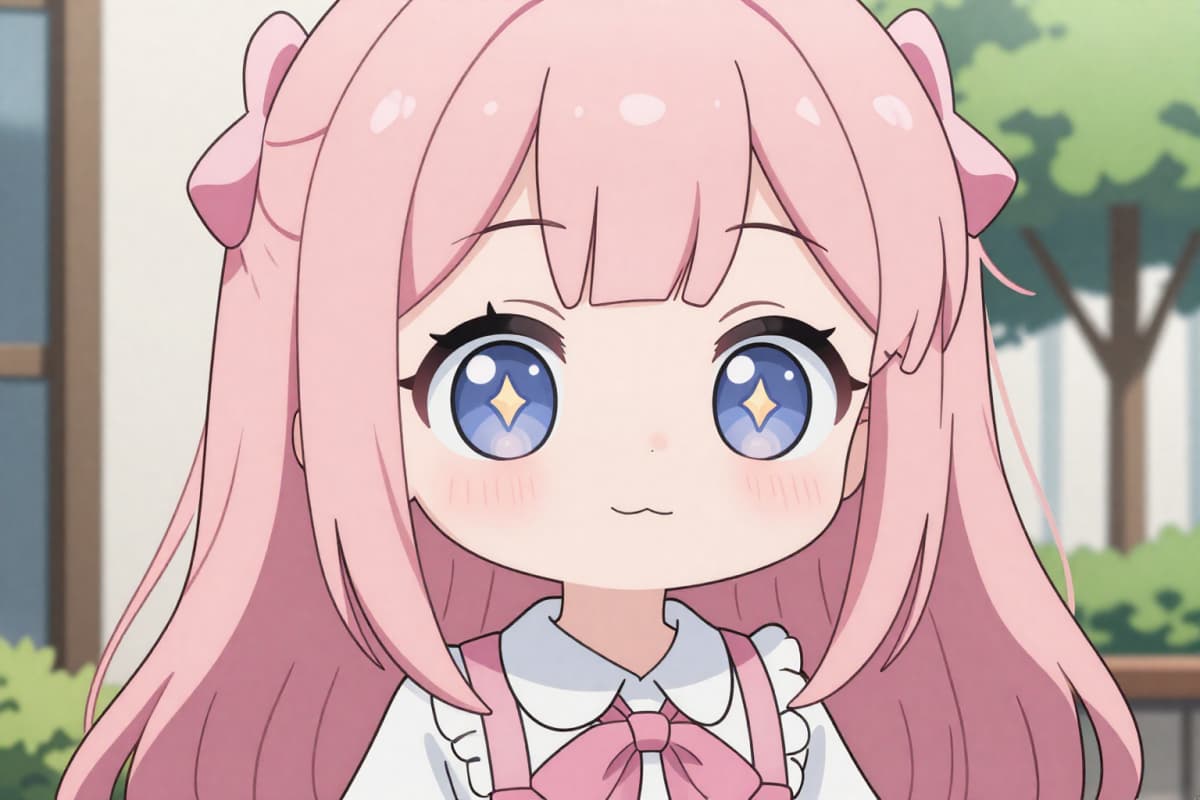
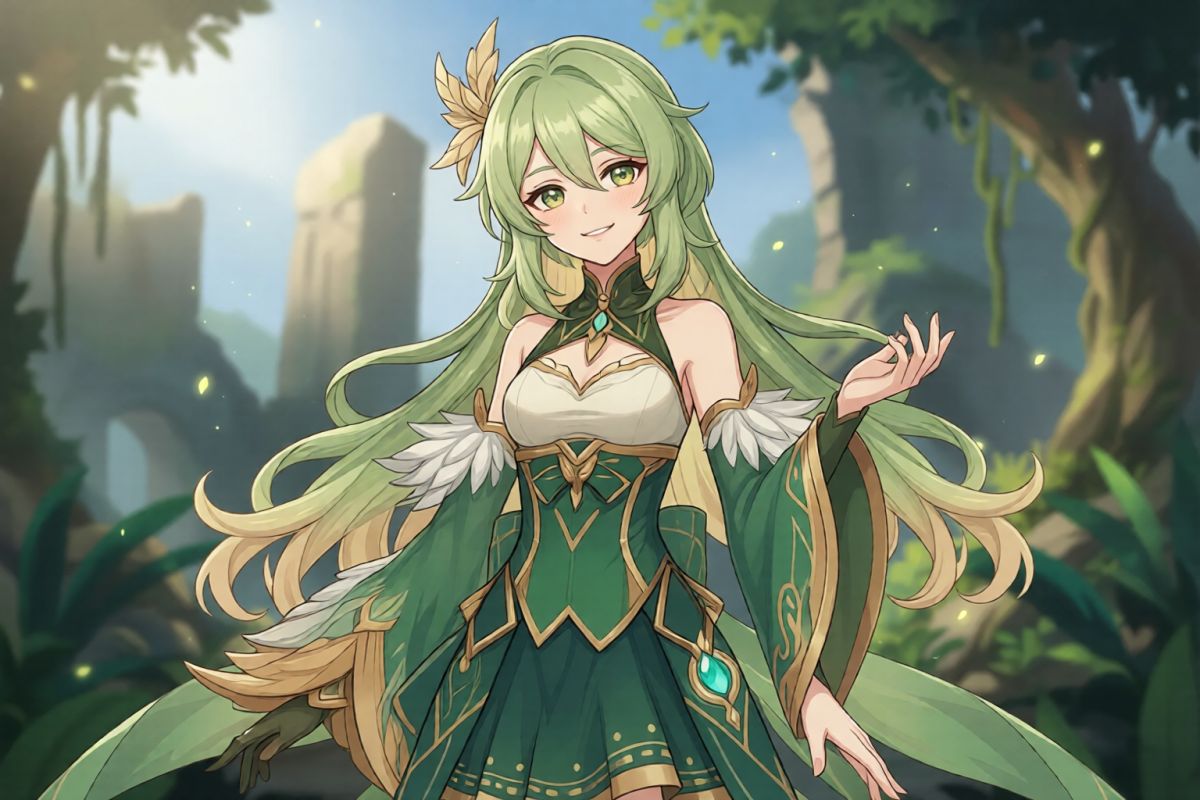
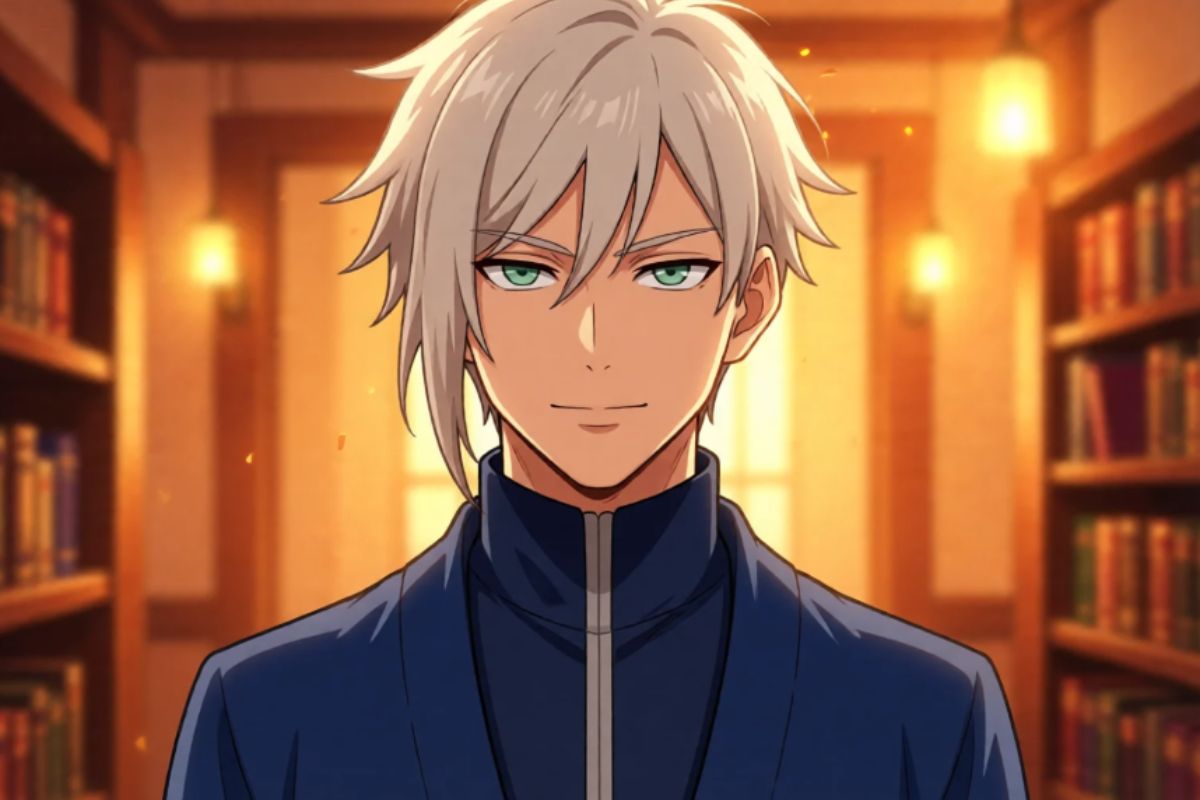
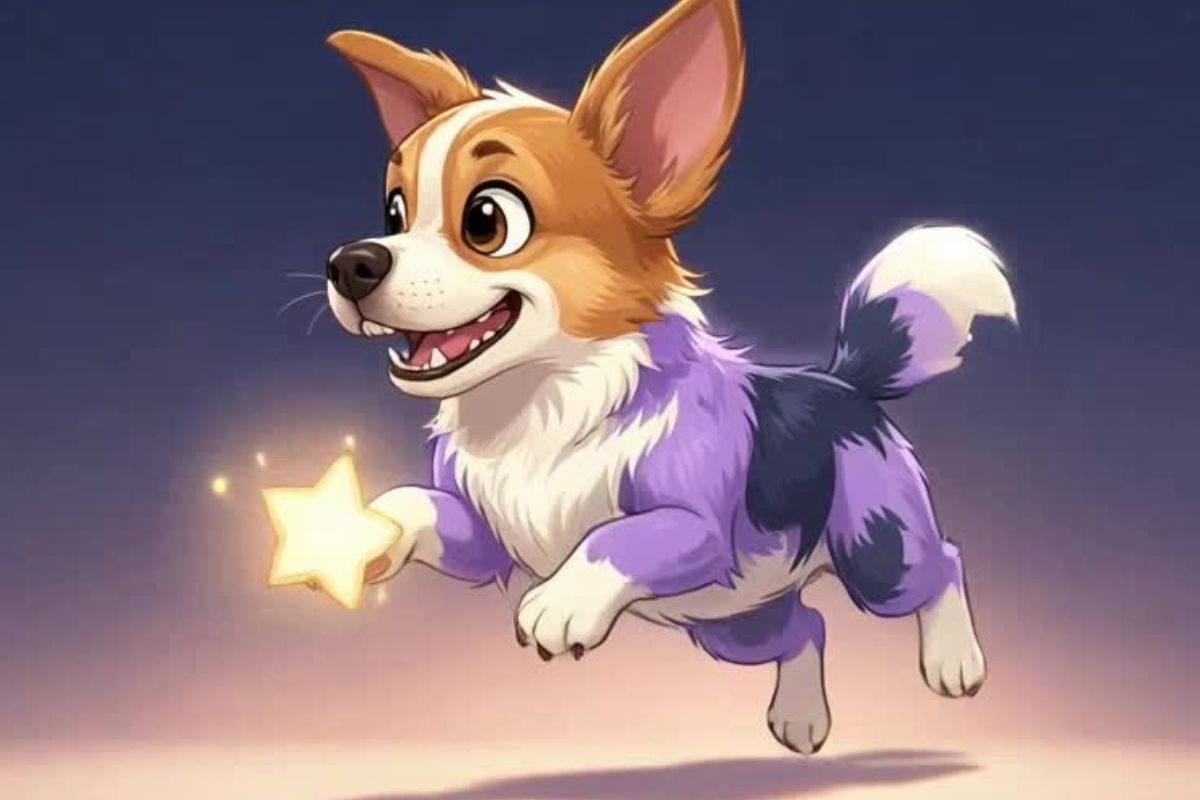
Photo to Anime FAQs
How many styles does Photo to Anime support?
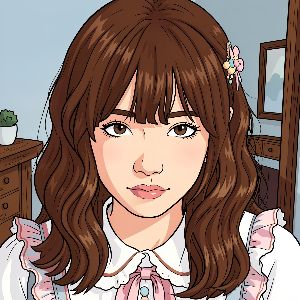
You can choose from 9 built-in styles: Anime, Kawaii Anime, Cartoon, Webtoon, Manga, Ghibli, Cyberpunk, Disney, and Pixar.
Does it keep my face and original features?
Yes—our model is optimized for stronger alignment to the original photo, so key facial features and structure stay more recognizable.
What quality do I get?
Outputs are generated with clear 720p results, designed for sharing, avatars, thumbnails, and high-quality downloads.
Is it fast?
Yes—generation is optimized to be quick so you can try multiple styles and iterate easily.
Is my photo private?
We prioritize privacy-first processing to make it safer to convert personal photos.
What kinds of photos work best?
Clear portraits, selfies, pet photos, and well-lit scenery images typically produce the most consistent anime results.
Turn Your Photo into Anime in One Click
Pick a style, generate fast, and download a clear 720p anime image with better alignment and privacy-first processing.