candidate-0
candidate-1
candidate-2
candidate-3
Demo Preview

Vidu AI

Vidu AI

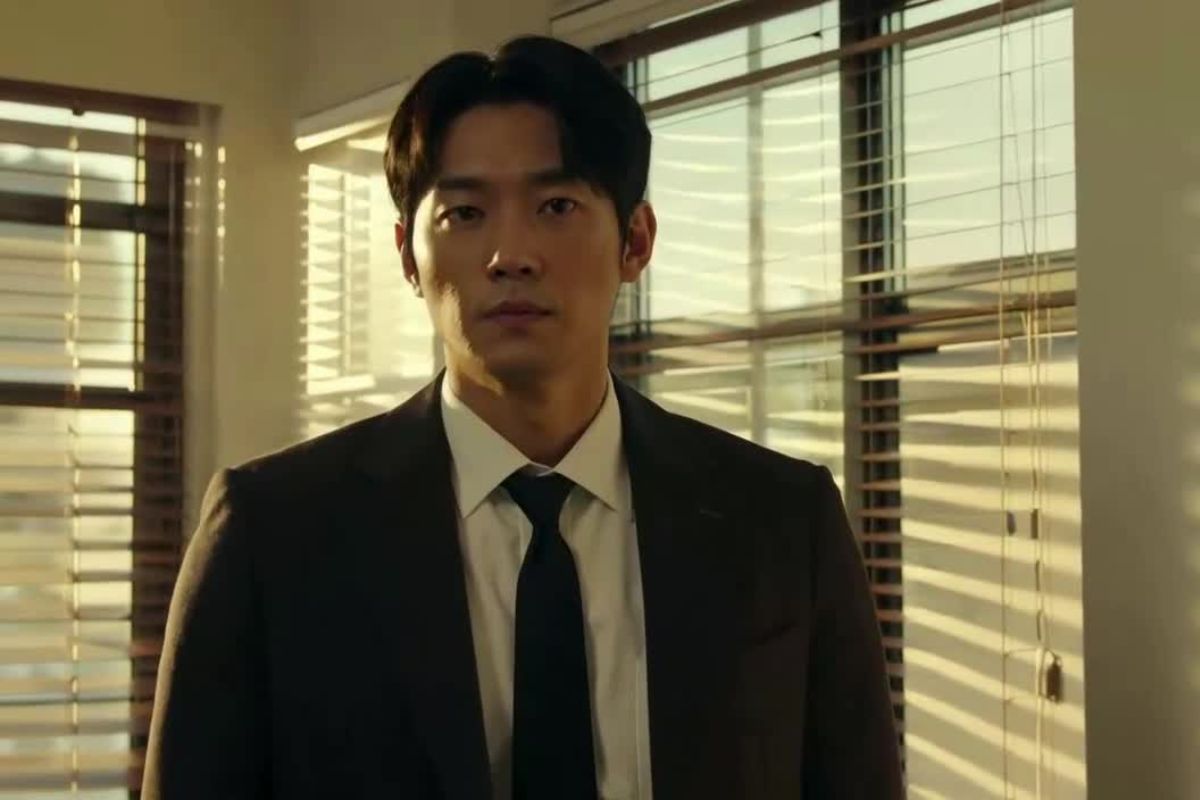
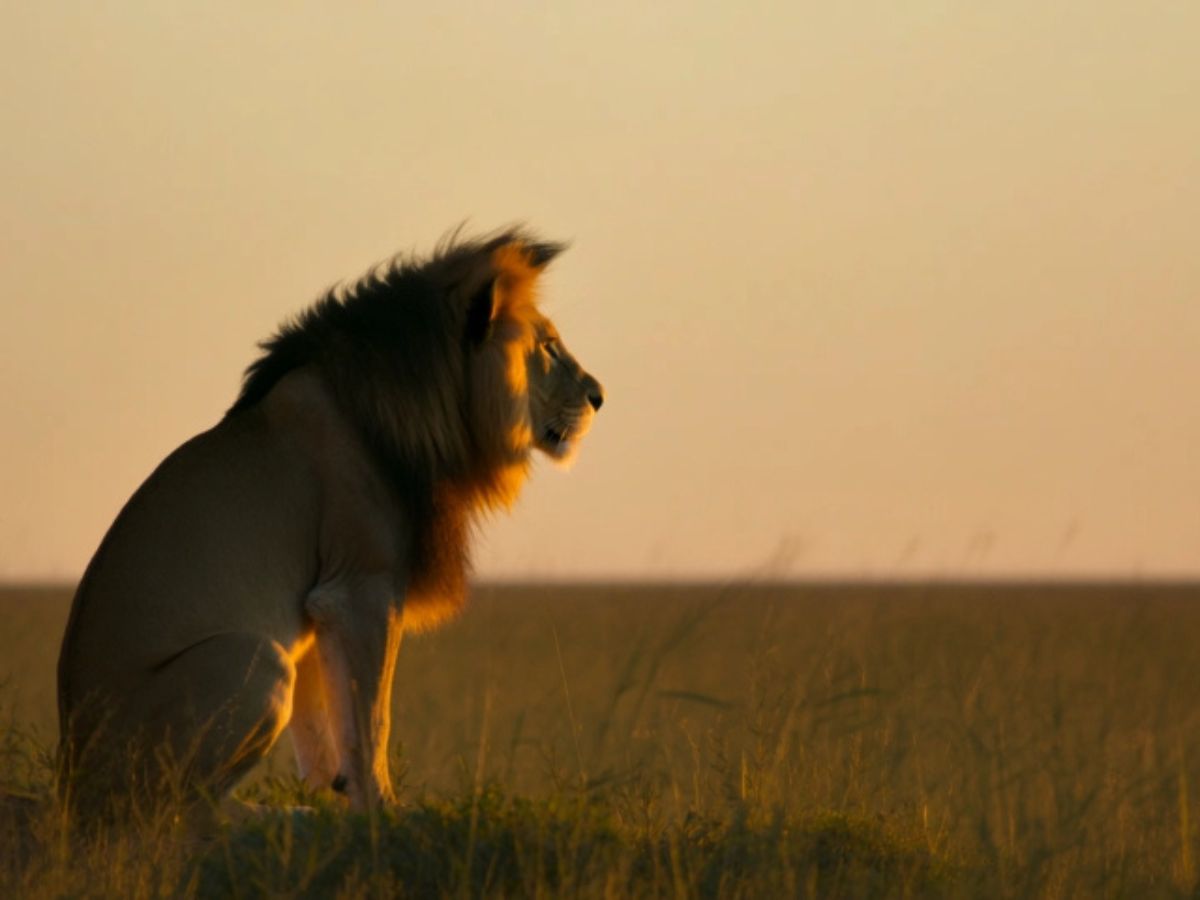
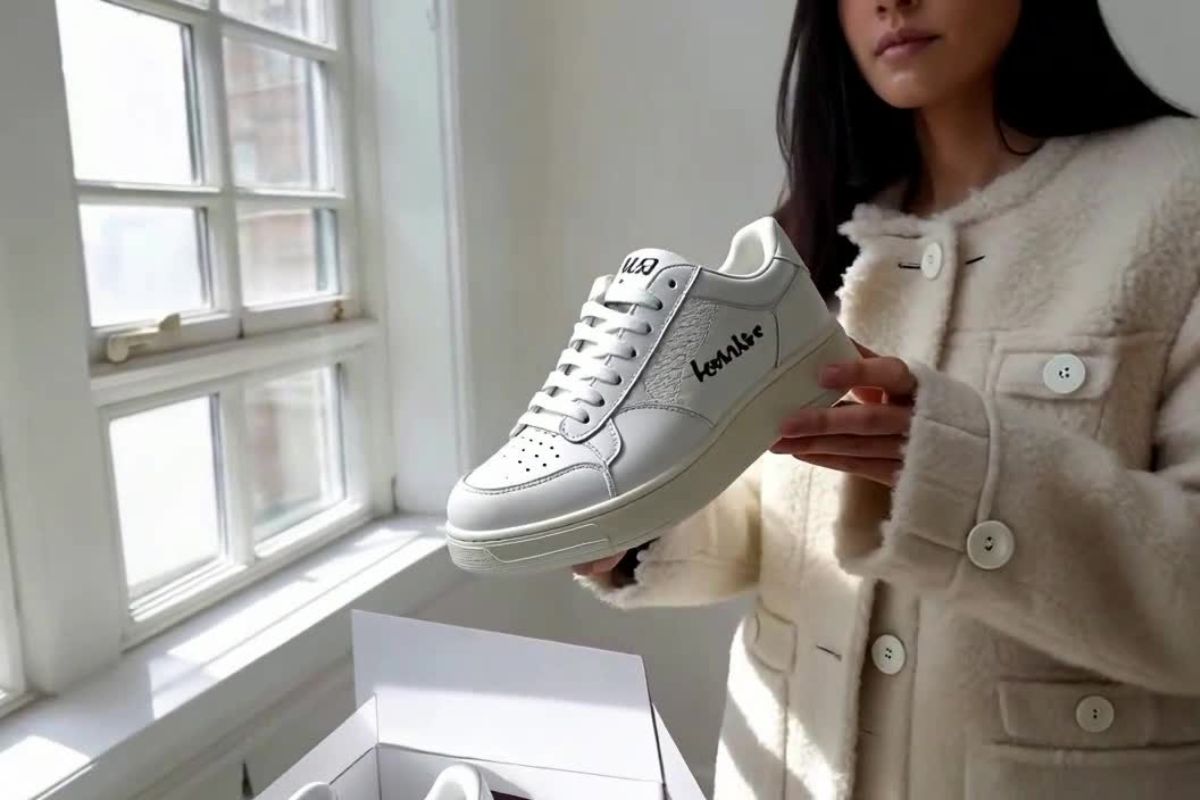
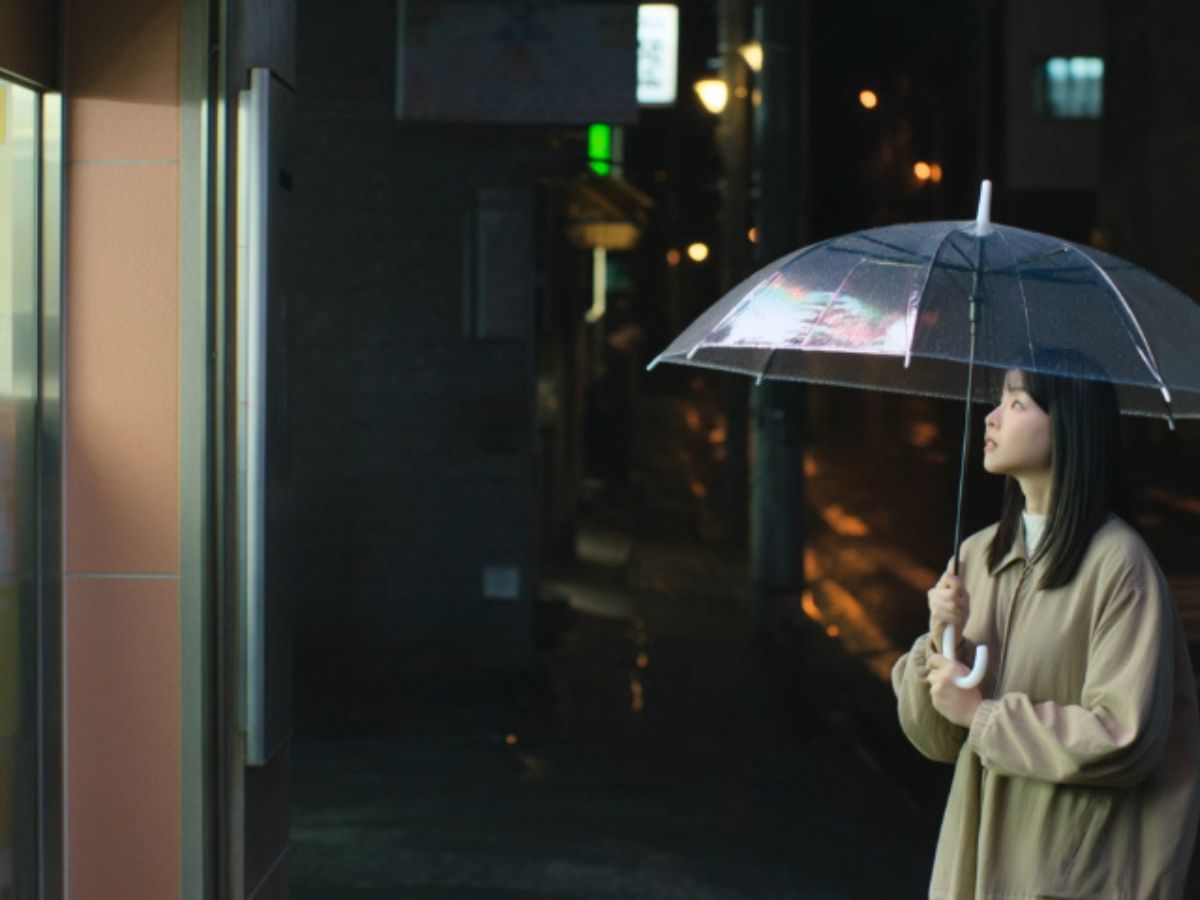
Explore vidu ai text to video prompt examples and learn how creators generate cinematic, anime, and image-to-video scenes with Vidu AI.

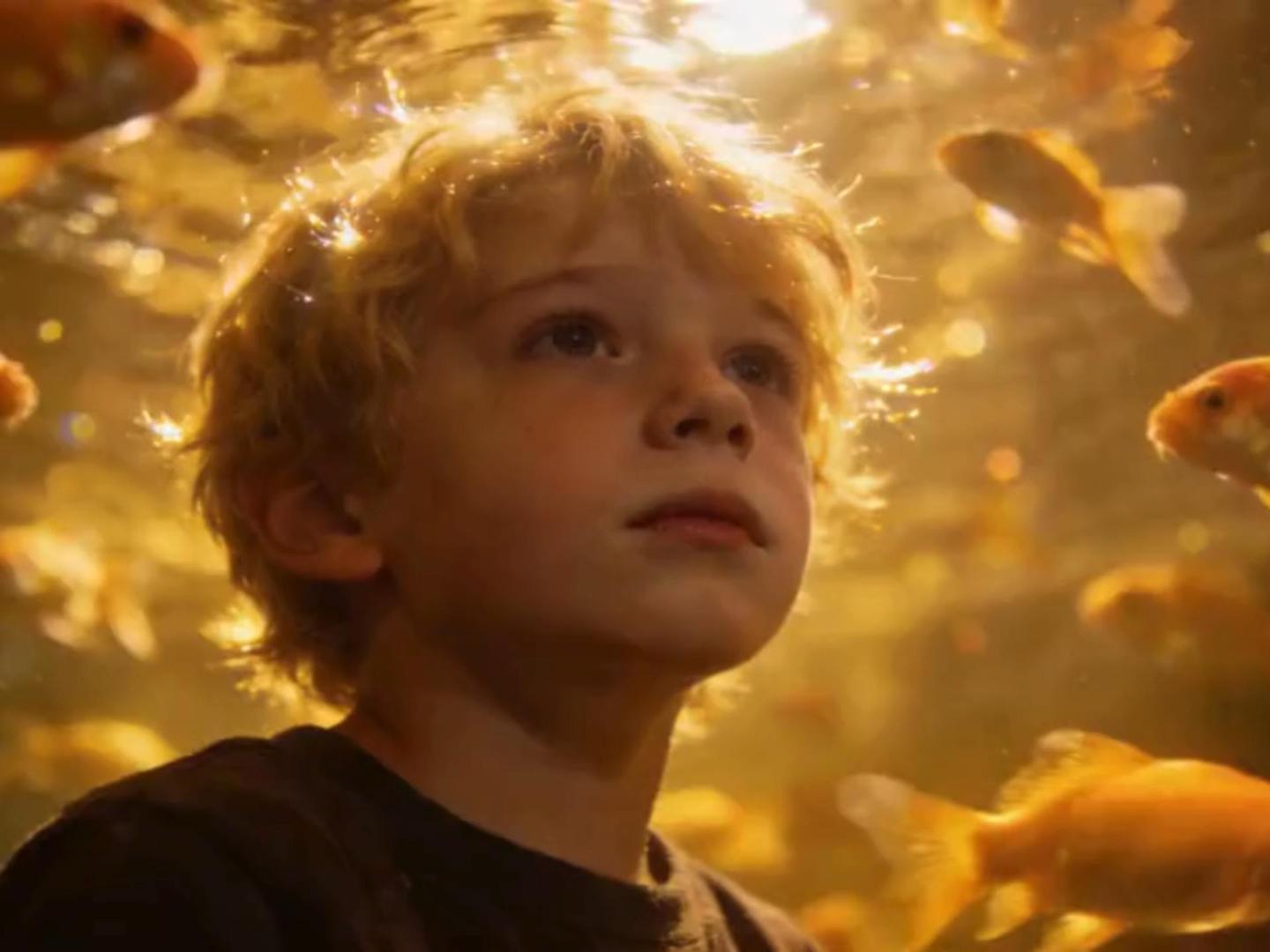
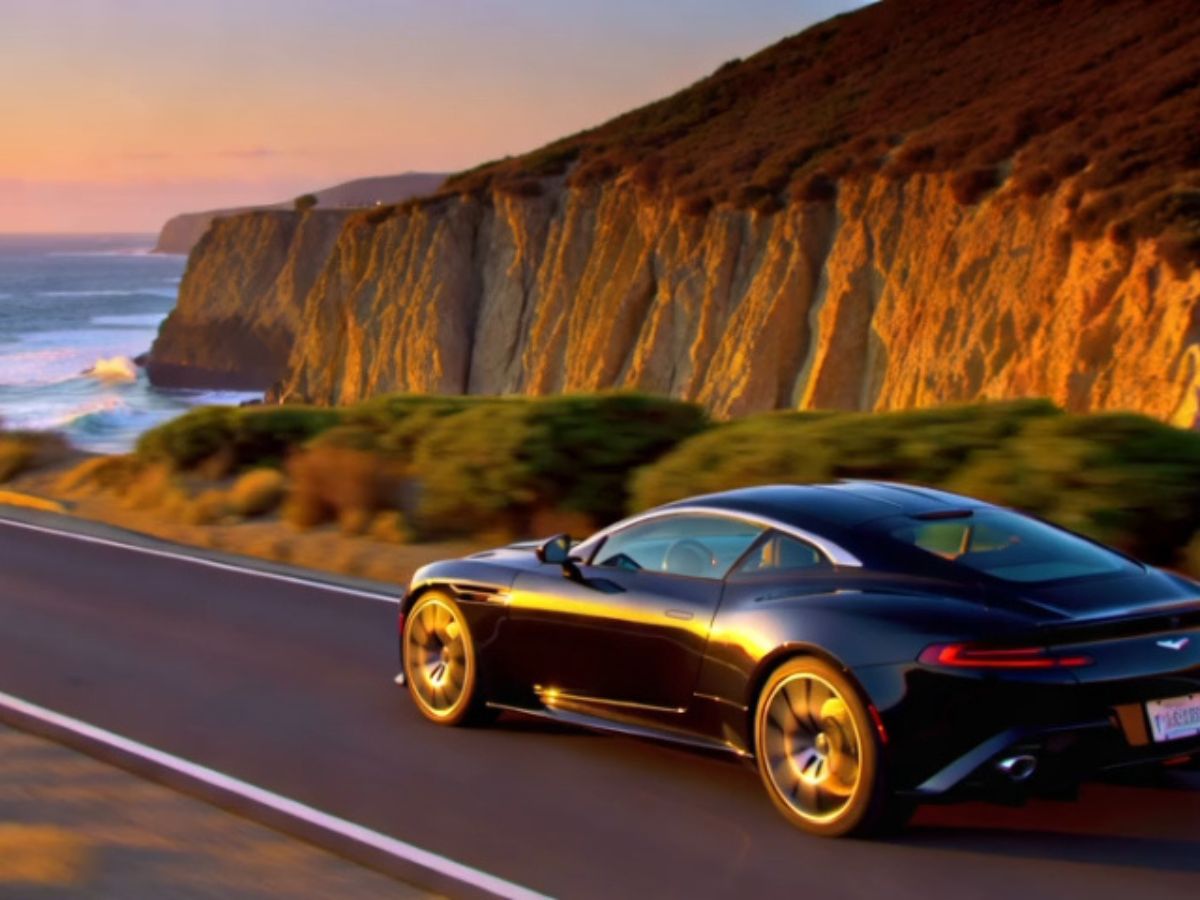
Where Ideas Turn Into Moving Scenes

Reference-Driven Story Consistency
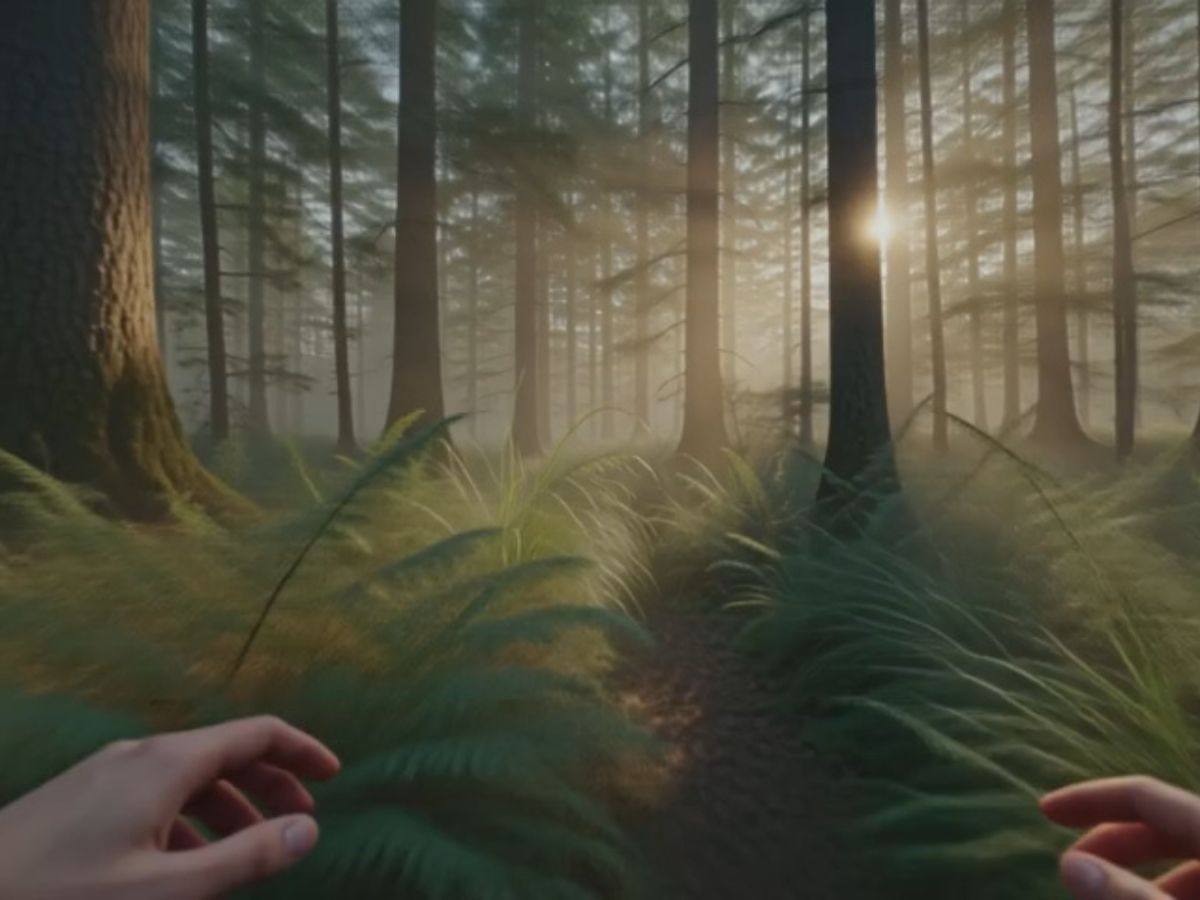
Natural Motion From Simple Prompts
Image-Driven Animation Possibilities
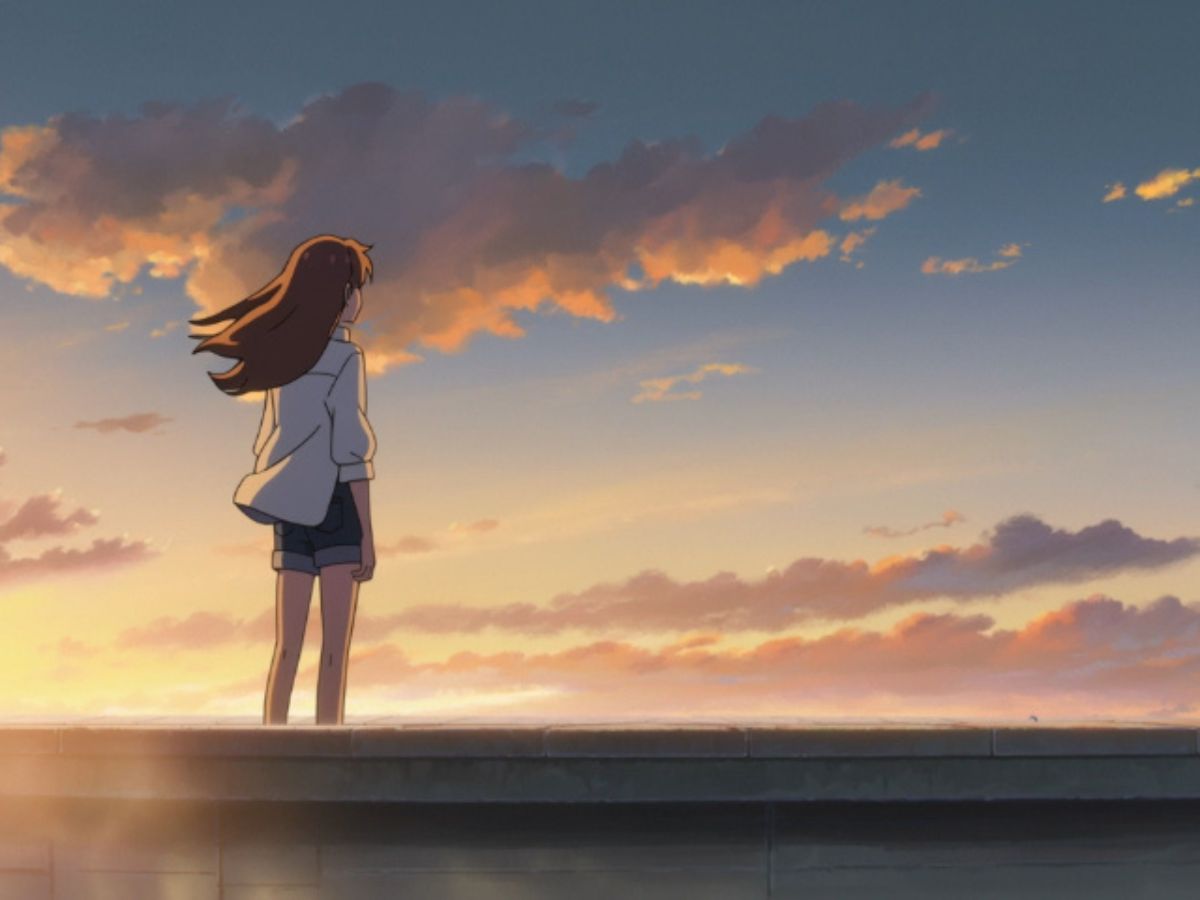
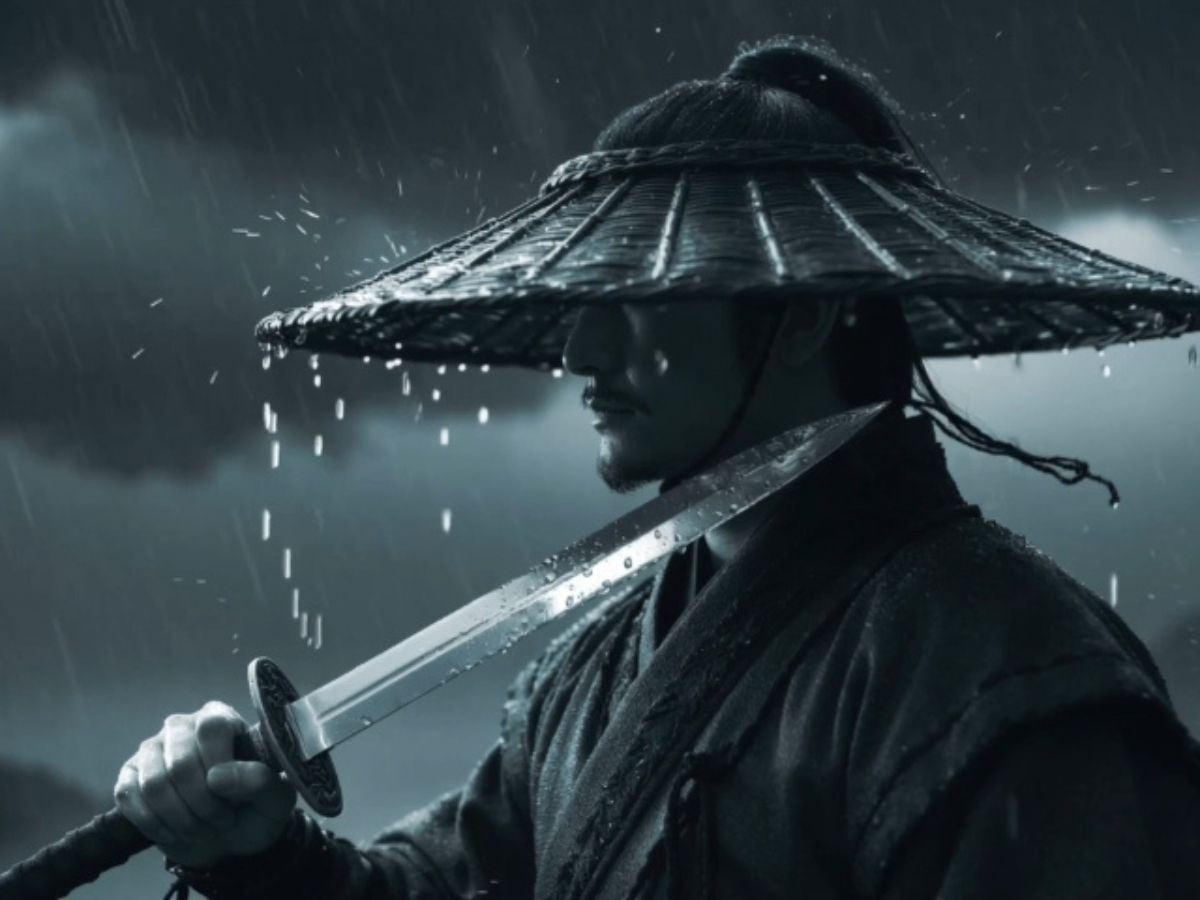
A Creative Playground for Anime Style

Distinctive Features of Vidu AI

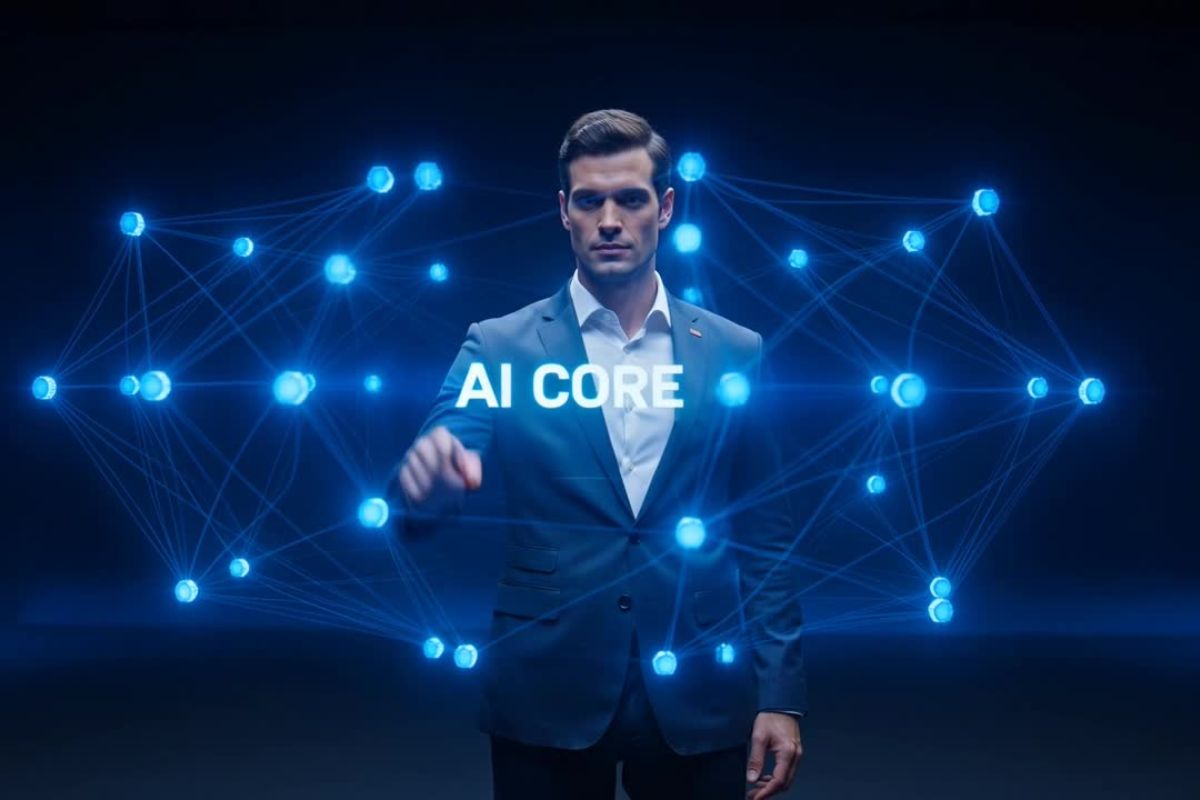
AI Text-to-Video Technology

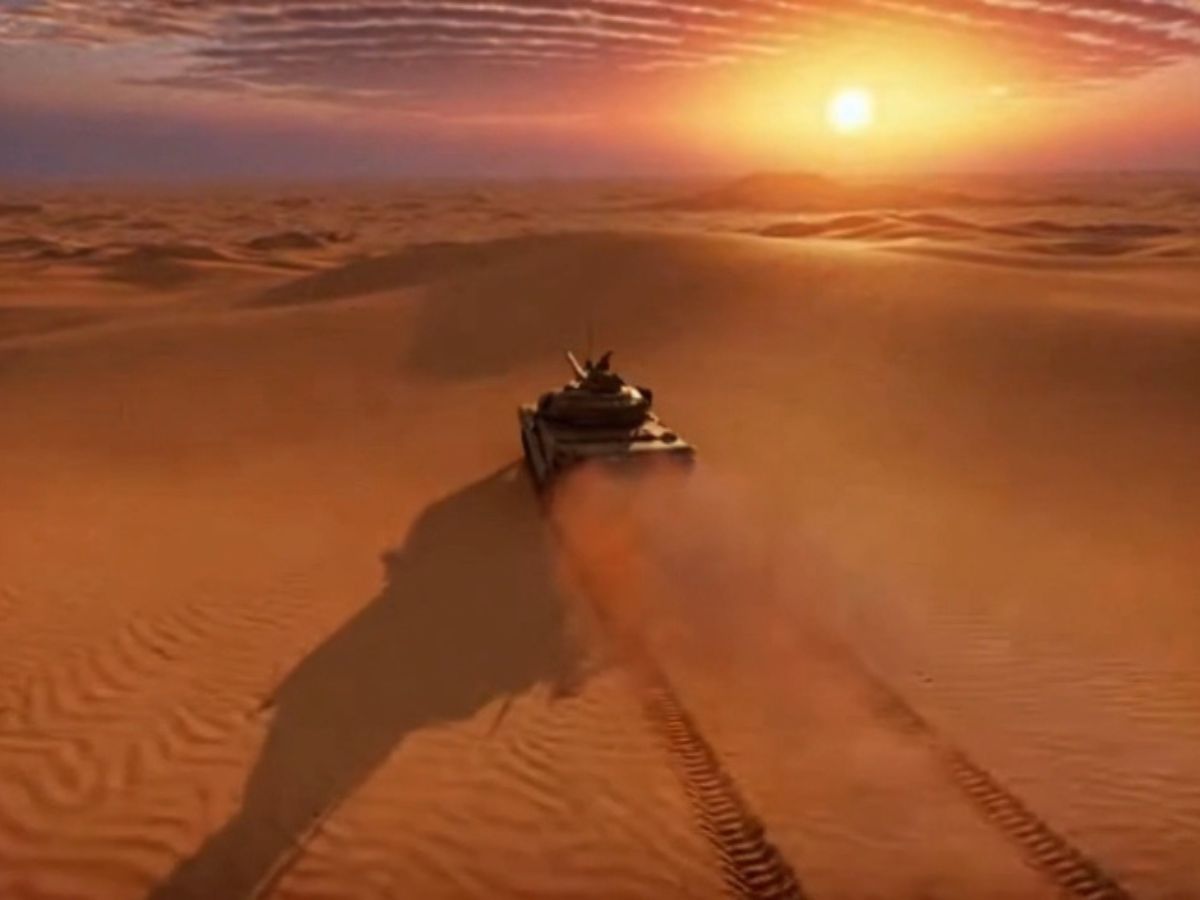
Convert detailed text descriptions into stunning short videos, capturing actions, characters, and environments seamlessly. Ensure coherence in video logic, creating professional results.

High-Resolution Output

Deliver video content up to 1080P resolution, ensuring visual fidelity across diverse genres and applications. Perfect for professional presentations and social media publishing.

User-Friendly Interface

Designed for simplicity and effectiveness, allowing creators to start video production swiftly without extensive technical knowledge.

How to Turn a Prompt Into Motion with Vidu AI?

01

Select the Vidu AI Model

Start by choosing the Vidu AI model inside the platform interface. Different models interpret prompts differently, and Vidu AI is commonly used for generating structured video motion.

02

Write Your Prompt

Describe the scene you want to create. Many creators experiment with Vidu AI video generator prompts, cinematic camera descriptions, or anime-style moments to guide the model.

03

Generate and Observe the Scene

Run the generation and watch the idea unfold into motion. Often the first result sparks new prompt ideas, leading creators to refine scenes and build a visual narrative step by step.

User Experiences with Vidu AI

Vidu AI FAQ: Guide to Prompts and Video Generation

Experience Vidu AI Today

Start creating high-quality videos effortlessly with Vidu AI's advanced tools and features.