
Pika AI: Create Videos Easily
Learn how to use Pika AI video generator free to turn text or images into engaging short videos quickly and effortlessly.
Pika AI
Learn how to use Pika AI video generator free to turn text or images into engaging short videos quickly and effortlessly.
Image Gallery Section
POV shot sprinting through a crumbling concrete corridor. A massive explosion erupts from behind — shockwave tears through dust and debris, shattering windows in slow motion. Camera violently lurches forward. Desaturated grey and brutal orange fireball. Slow-mo debris flies past lens. Raw, visceral, immersive.
POV walk through a narrow Japanese alley in early summer. Paper lanterns sway overhead. Cherry blossom petals drift downward in slow motion. Warm golden hour light catches each petal mid-air. Soft pastel pink and ivory. Bokeh background. Gentle breeze. Deeply intimate and nostalgic.
Interior cockpit shot — an astronaut in full helmet stares out at a gas giant filling the viewport. Helmet visor reflects swirling amber storm clouds. Gloved hand slowly reaches toward the glass. Deep space black, warm planet glow. Vast loneliness. Slow zoom into visor reflection.
Unleash Creative Potential with Pika AI Video Generator Online
User‑Friendly & Accessible Creativity
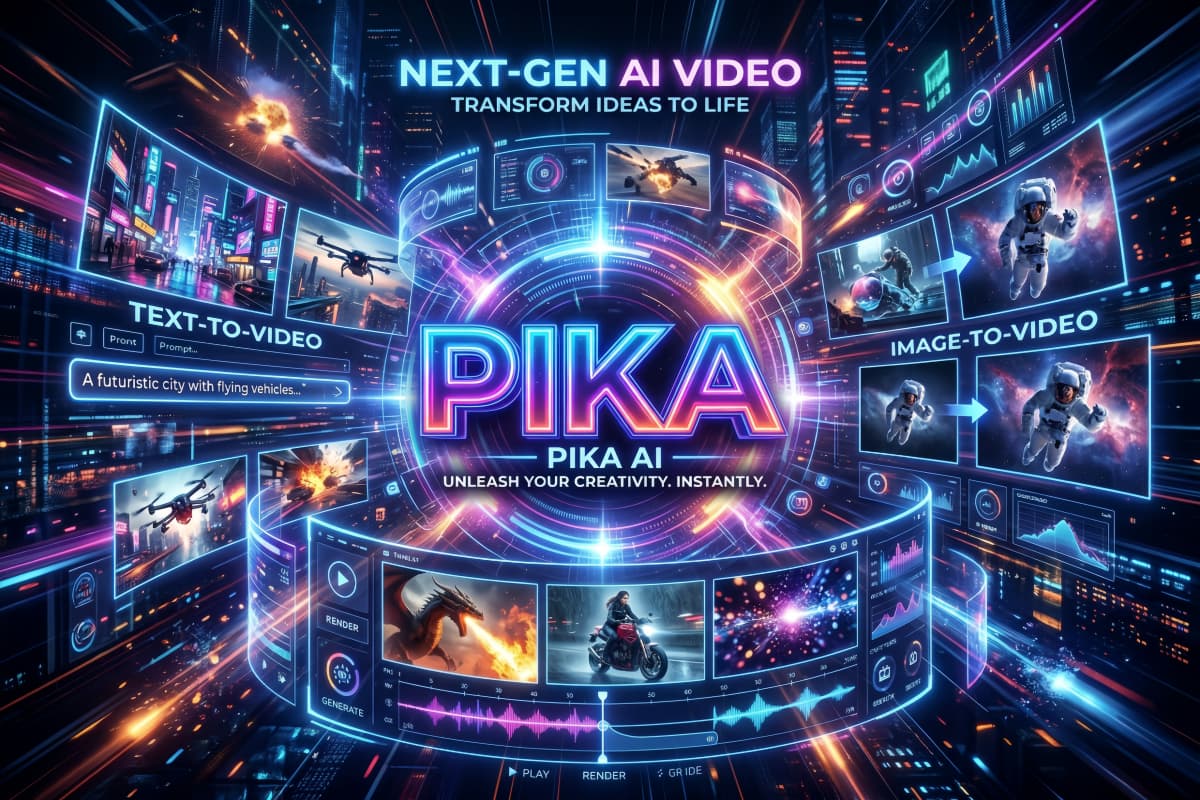
Unlike traditional editors, Pika removes technical barriers: no editing experience, no complicated software installs, and no video production skills needed. Just type a vivid idea, adjust a few settings, and the AI brings it to life. This ease of use makes it a strong companion to other tools like OCMaker AI for creators focusing on rapid content creation
Social‑Ready Formats & Fast Iteration
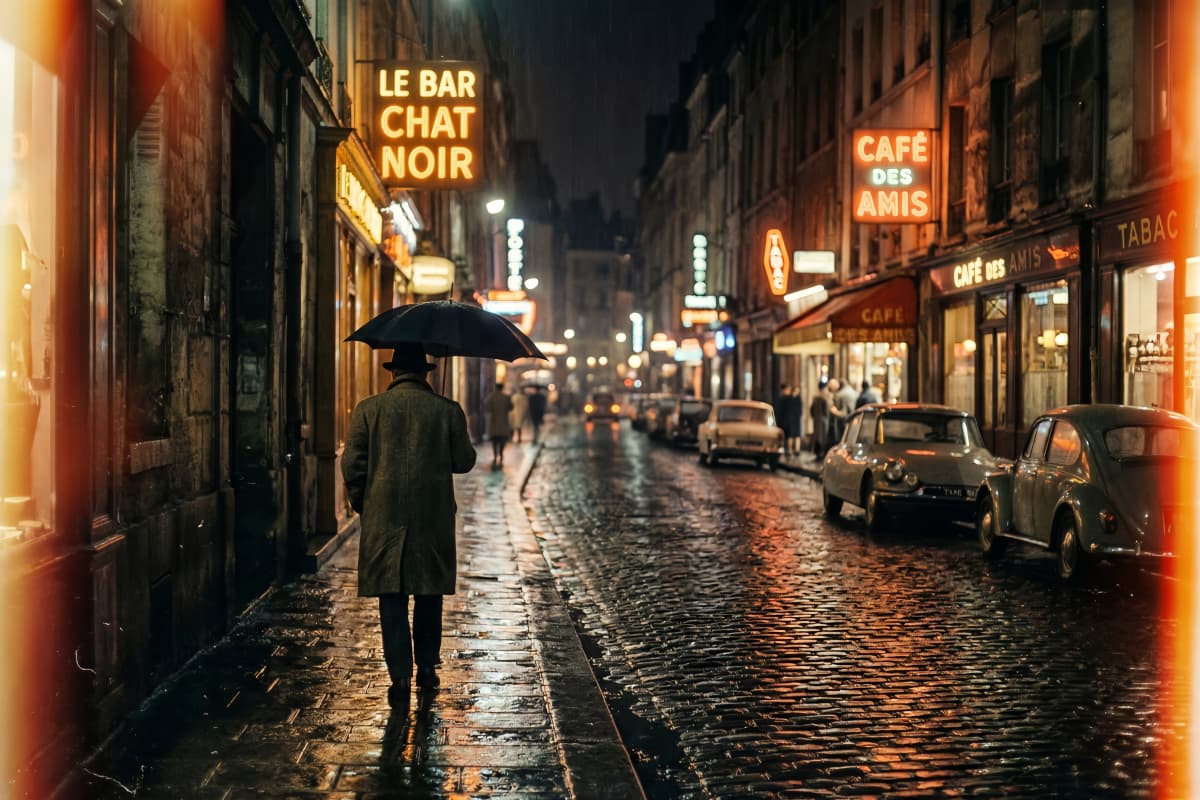
Pika supports multiple output aspect ratios (16:9, 9:16, 1:1), letting you tailor videos for TikTok, Instagram Reels, YouTube Shorts, or ads in a single workflow. Its rapid generation speed also means you can iterate many versions quickly to find the best look for your audience.
Instant Text & Image Generation
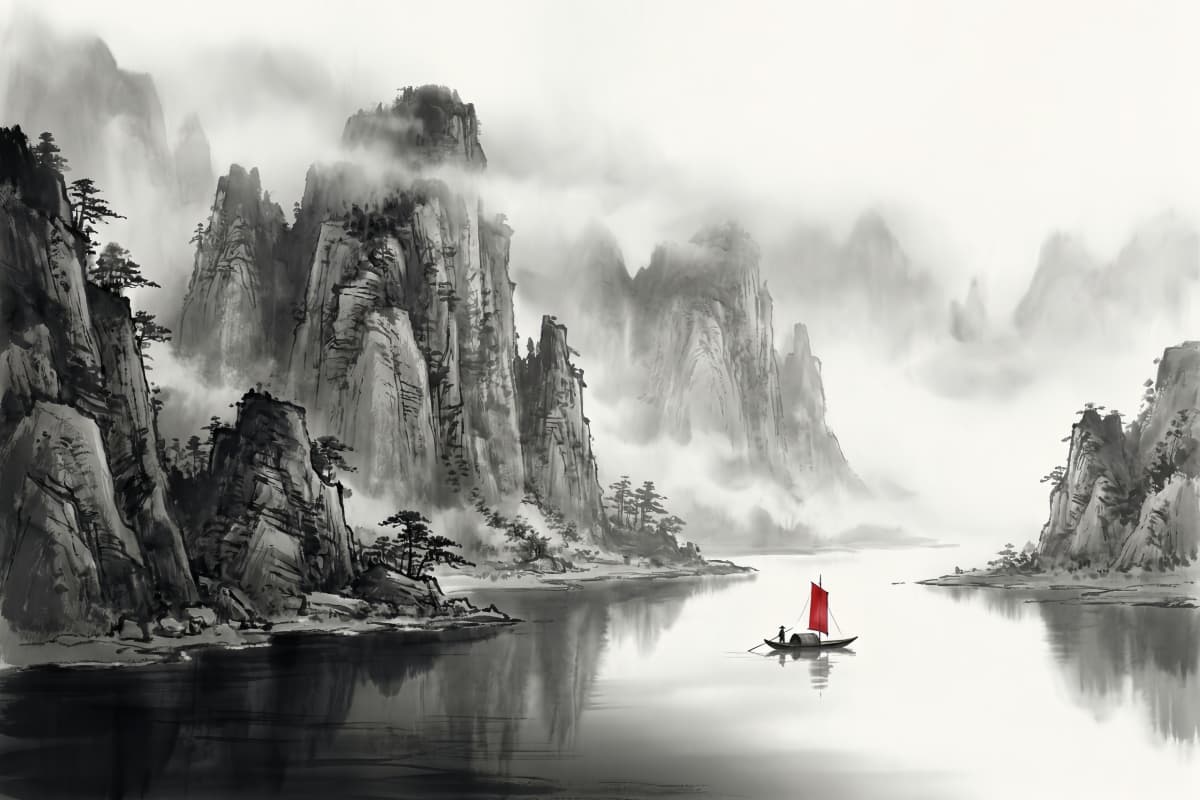
Pika AI excels at turning simple descriptions or still photos into short animated clips with just a few clicks. Whether it's social hooks, product reveals, or creative storytelling, the platform handles both text to video and image to video workflows seamlessly — no timeline, keyframes, or manual editing required. This makes it ideal for beginners and creators who want results fast without complex software.
Creative Motion & Camera Control
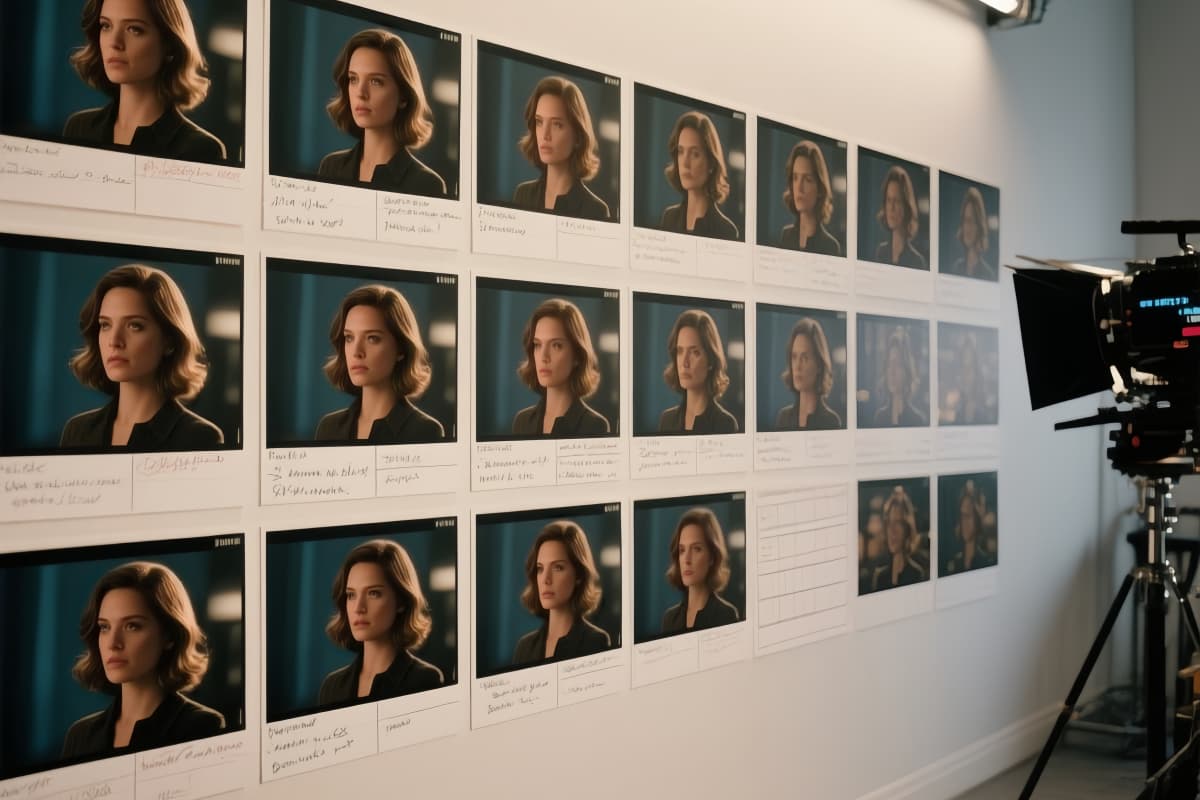
Beyond basic animation, Pika AI gives you prompt‑guided control over motion, camera movement, and scene feel. Simple keywords in your prompt can trigger dynamic panning, cinematic zooms, or lively transitions, giving a professional touch to short clips — a feature many simple generators don't offer.
Explore the Comprehensive Features of Pika AI
Effortless Video Generation
User-Friendly Interface
Versatile Output Styles
How to Use Pika AI Video Generator Free
Add Your Content
Enter a descriptive text prompt or upload an image you want to turn into a video. Be clear with your description to get the best results.
Adjust Video Settings
Choose your preferred aspect ratio (16:9, 9:16, 1:1), select video length, and add optional keywords for style, motion, or mood to guide the AI.
Generate and Save
Let AI work its magic, preview your video, and download the final result in high quality.
More Popular Models

Common Questions About Pika AI and Its Video Generator Tool
Experience Pika AI's Magic Yourself
Make the most of AI-powered video creation with Pika AI. Dive into a world where your creativity meets technology, offering unmatched video generation capabilities.