Seedream 5.0 AI Image Generator

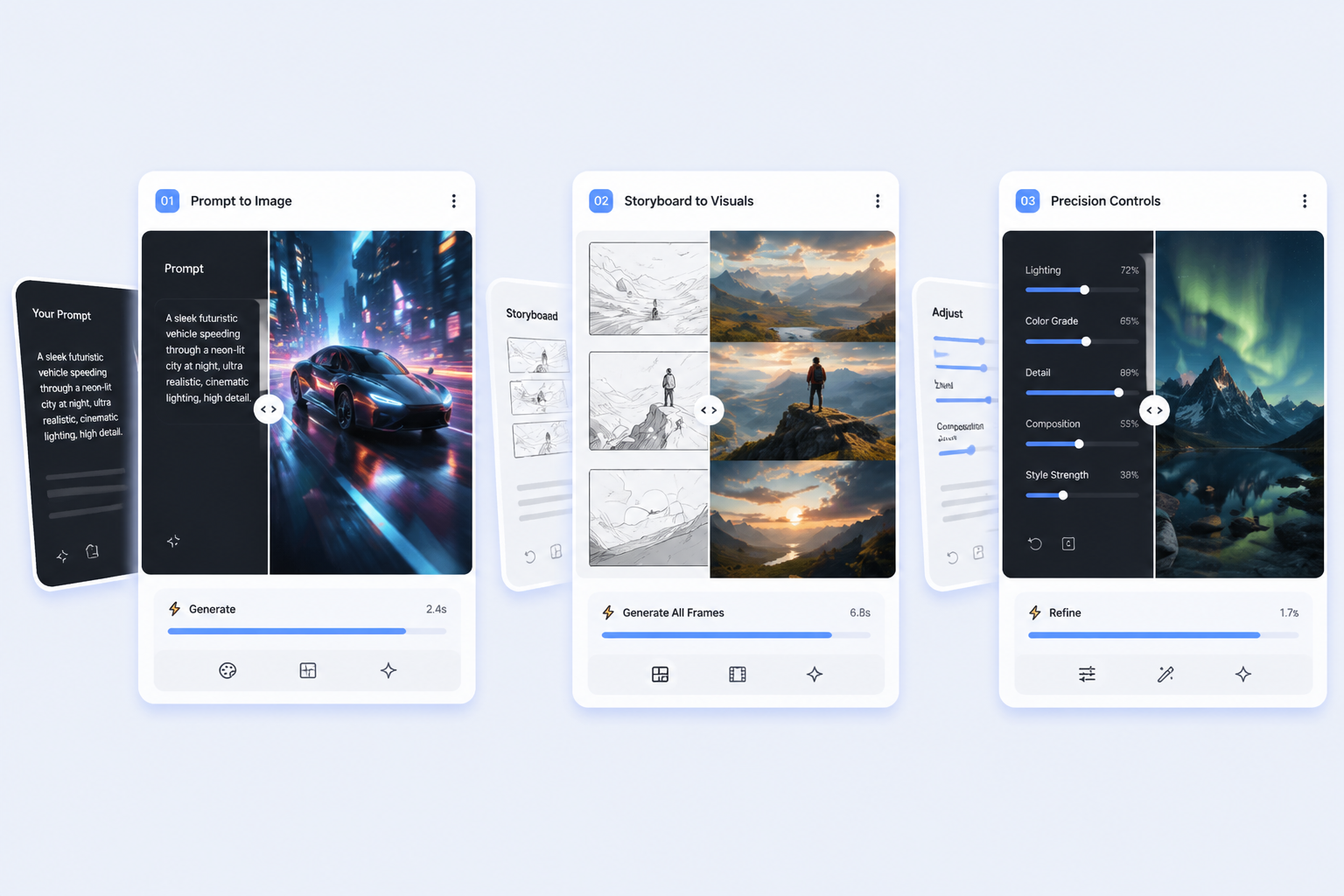
Seedream 5.0 is a better fit for teams that need consistent campaign visuals, cleaner reference-based edits, and image outputs that hold together across multiple revisions. Its biggest advantage is not.

Seedream 5.0 AI Image Generator

Core Reasons to Choose Seedream 5.0 AI Image Generator

0104

Why Teams Choose Seedream 5.0

The strongest reason to choose Seedream 5.0 is that it behaves like a production tool, not only like a demo engine. Campaign teams rarely need one lucky AI image. They need a set of visuals that still feel related after round three, after a new text line is added, or after a second language version enters the text to image brief.

Why Teams Choose Seedream 5.0

0204

What Seedream 5.0 Lite Can

Reference-based editing is one of the clearest reasons to take Seedream 5.0 Lite seriously. On fal.ai, the edit workflow accepts up to 10 reference images, which gives teams a practical way to show the model what should remain stable across revisions. That could mean subject identity, outfit continuity, lighting.

What Seedream 5.0 Lite Can

0304

Seedream 5.0 Text Rendering and

When text inside the image matters, Seedream 5.0 becomes more than a style generator. The Replicate guide points to multiple typefaces, punctuation, performer names, and multilingual text as areas where the model performs unusually well. That matters because many image tasks fail in design review for reasons that have.

Seedream 5.0 Text Rendering and

0404

Seedream 5.0 vs Nano Banana

Nano Banana 2 still has a strong case when throughput is the first priority. If a team needs fast drafts, large variant batches, or disposable experiments, speed matters and the competitor can absolutely be the better call. Pretending otherwise would make the page less trustworthy. Seedream 5.0 earns its place when.

Seedream 5.0 vs Nano Banana

How Teams Put Seedream to Work

Clear workflow cues for landing page visitors

  • 01

    A simple workflow starts with

    A simple workflow starts with the brief, not the style adjectives. Decide what has to remain stable: subject.

  • 02

    Next, attach references whenever possible

    Next, attach references whenever possible. If the platform supports reference images or editing mode, use.

  • 03

    Finally, review the output against

    Finally, review the output against the publication risk. Check text readability, layout stability, and.

Start in 3 Simple Steps

From idea to usable landing page asset

  1. Step 1: A simple workflow starts with

    A simple workflow starts with the brief, not the style adjectives. Decide what has to remain stable: subject identity,.

  2. Step 2: Next, attach references whenever possible

    Next, attach references whenever possible. If the platform supports reference images or editing mode, use them. They.

  3. Step 3: Finally, review the output against

    Finally, review the output against the publication risk. Check text readability, layout stability, and continuity.

Explore Related AI Image Models

A better fit for revision-heavy production

Seedream 5.0 earns trust when the second, fifth, and tenth asset still need to feel like they belong to the same campaign system.

Relevant Posts from X

Frequently Asked Questions

You may want to know

Is Seedream 5.0 a good fit for campaign production?

Yes, especially when a team needs visual consistency, reference-driven edits, and lower revision drift across a family of assets. Platform-specific terms should still be checked before production use.

Does Seedream 5.0 always beat Nano Banana 2?

No. Nano Banana 2 can still be the better fit when speed and high-volume draft generation matter more than revision control or layout stability.

What makes Seedream 5.0 valuable?

It stands out for reference-based editing, campaign consistency, multilingual text handling, and more stable revision behavior across related assets.

Should I use Seedream 5.0 for text-heavy design work?

It is a strong option when readable text, structured layouts, and design-oriented image generation matter enough to justify a more controlled workflow.

Which Seedream 5.0 version should I use?

OCMaker AI offers three. Seedream 5.0 Flash is the default image model, the fastest and cheapest at 2 credits per image. Seedream 5.0 Lite is the standard model at 4 credits per image, and Seedream 5.0 Pro is the members' tier with the richest detail, at 5 credits for 1K or 10 for 2K.

When is Seedream 5.0 not the best choice?

It is not always the best default for teams that mainly care about rapid draft volume and can tolerate more inconsistency between versions.

Build consistent visuals with OCMaker AI

Seedream 5.0 AI Image Generator