
Pricing
Log In
AI Generator
Seedream 4.5: Free Online AI Image Generator
Explore Seedream 4.5 for reference-heavy image generation, multi-image editing, stronger text rendering, and more consistent design workflows across AI image projects.
Seedream 4.5: AI Image Generator
Seedream 4.5 is a practical AI image generator for reference-led edits, typography-heavy visuals, and multi-image workflows that need more consistency than a one-off prompt can usually deliver.

Why Seedream 4.5 Works for Controlled AI Image Jobs
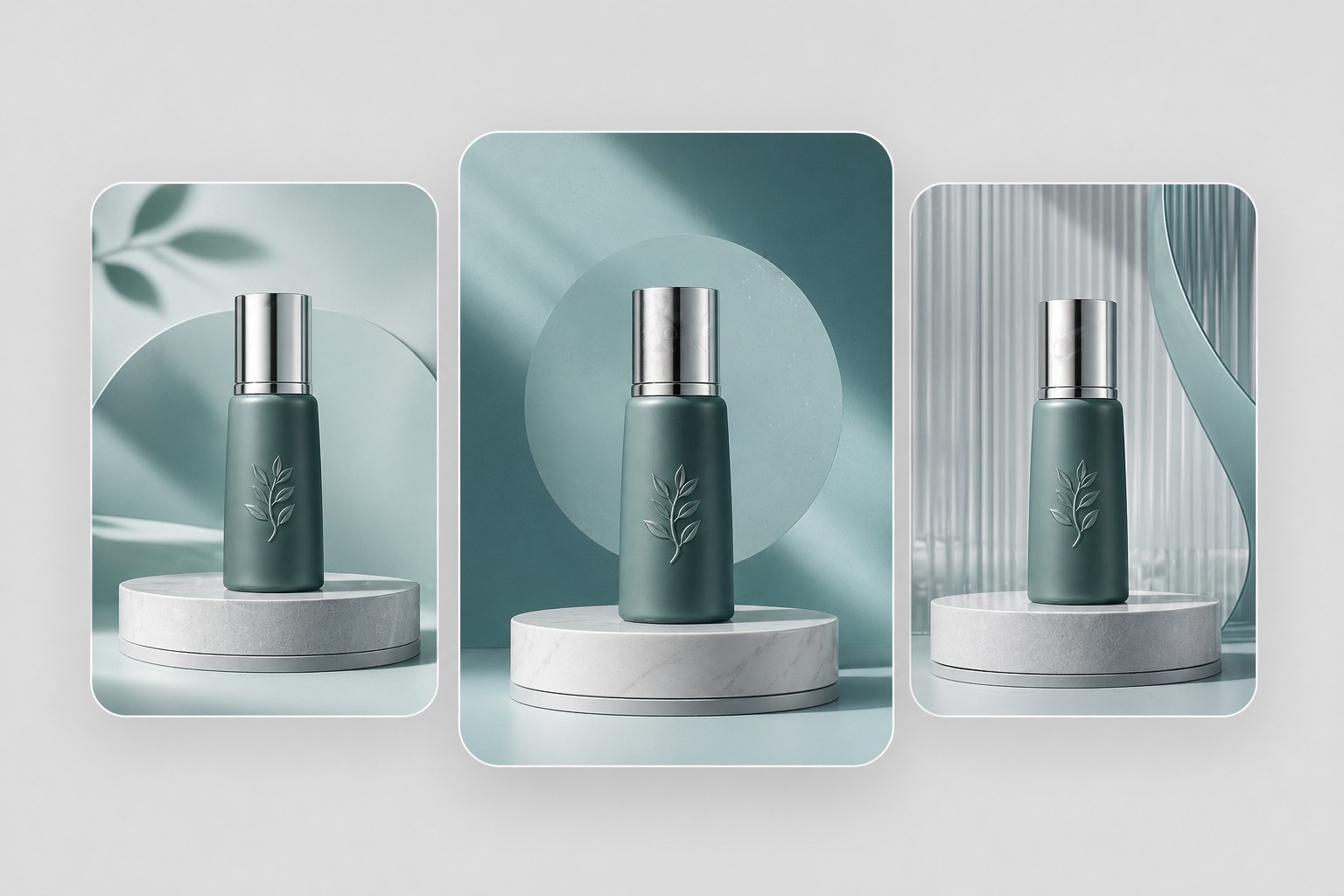
Built For Consistency
ByteDance positions Seedream 4.5 around high consistency and fidelity, which is a meaningful difference for teams making campaign systems instead of one lucky image. When the second and fifth asset still need to feel related, stronger reference preservation becomes more useful than chasing endless random variants.
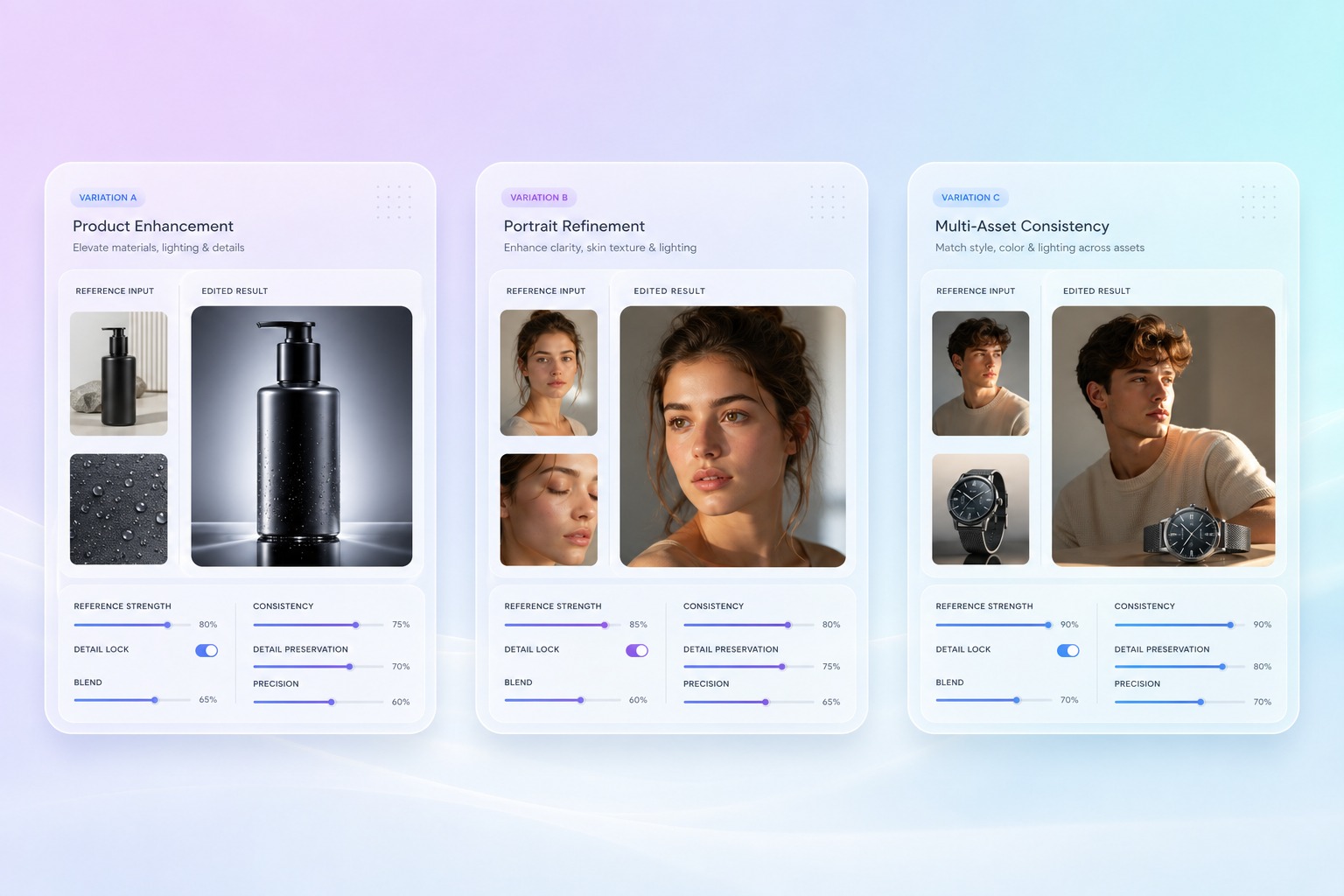
Reference Editing Matters
The official Seed page says Seedream 4.5 can identify main subjects in multi-image editing and preserve reference details. That is exactly what helps with product composites, portrait continuity, and revision-heavy art direction, because the model has visual anchors instead of rebuilding each scene from scratch.
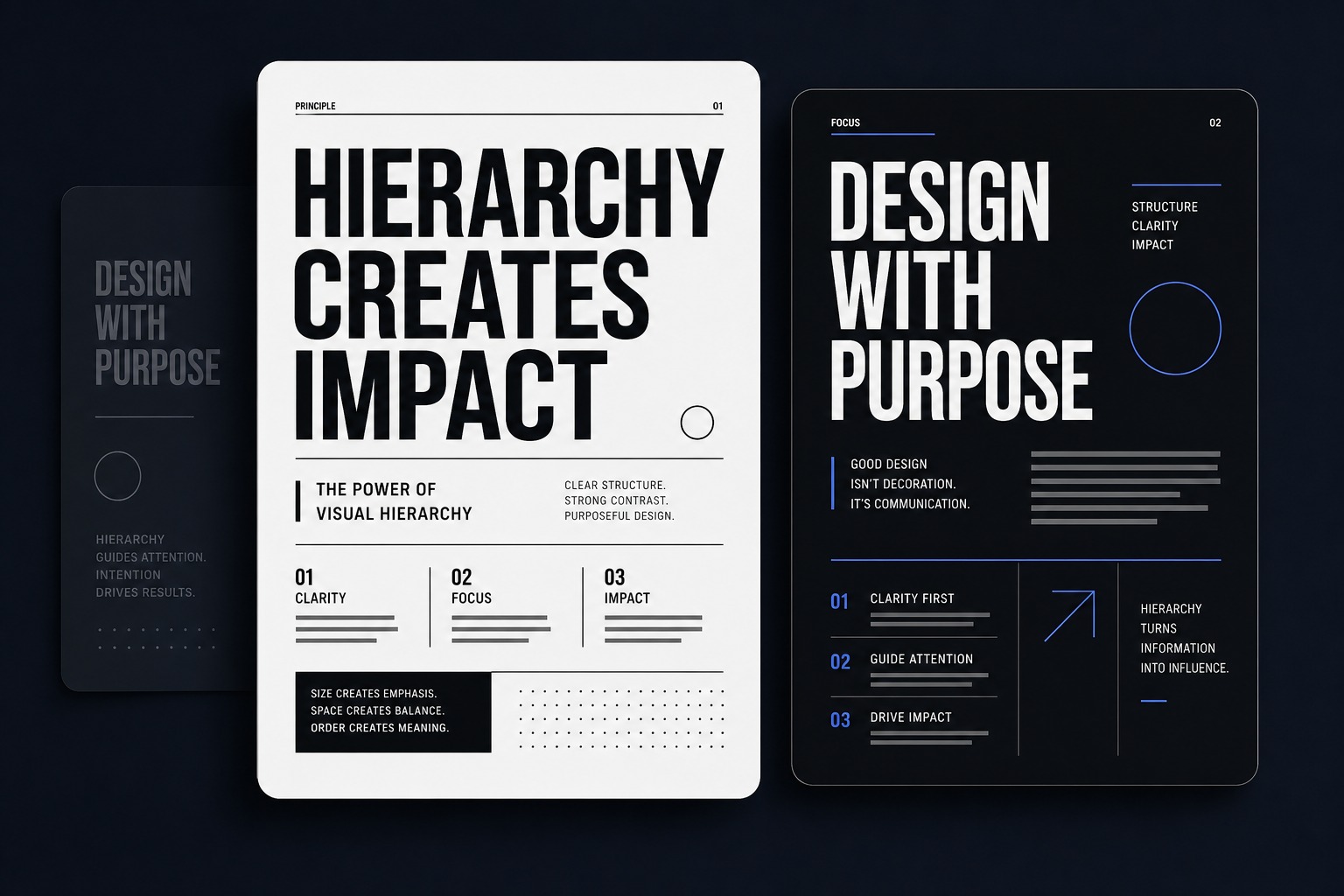
Text Holds Up Better
Poster layouts, product KVs, invitation designs, and small readable text appear throughout the official examples for a reason. Seedream 4.5 is a better fit when an image needs actual structure, not only atmosphere, so design teams can spend less time rescuing labels, headlines, and layout hierarchy after generation.
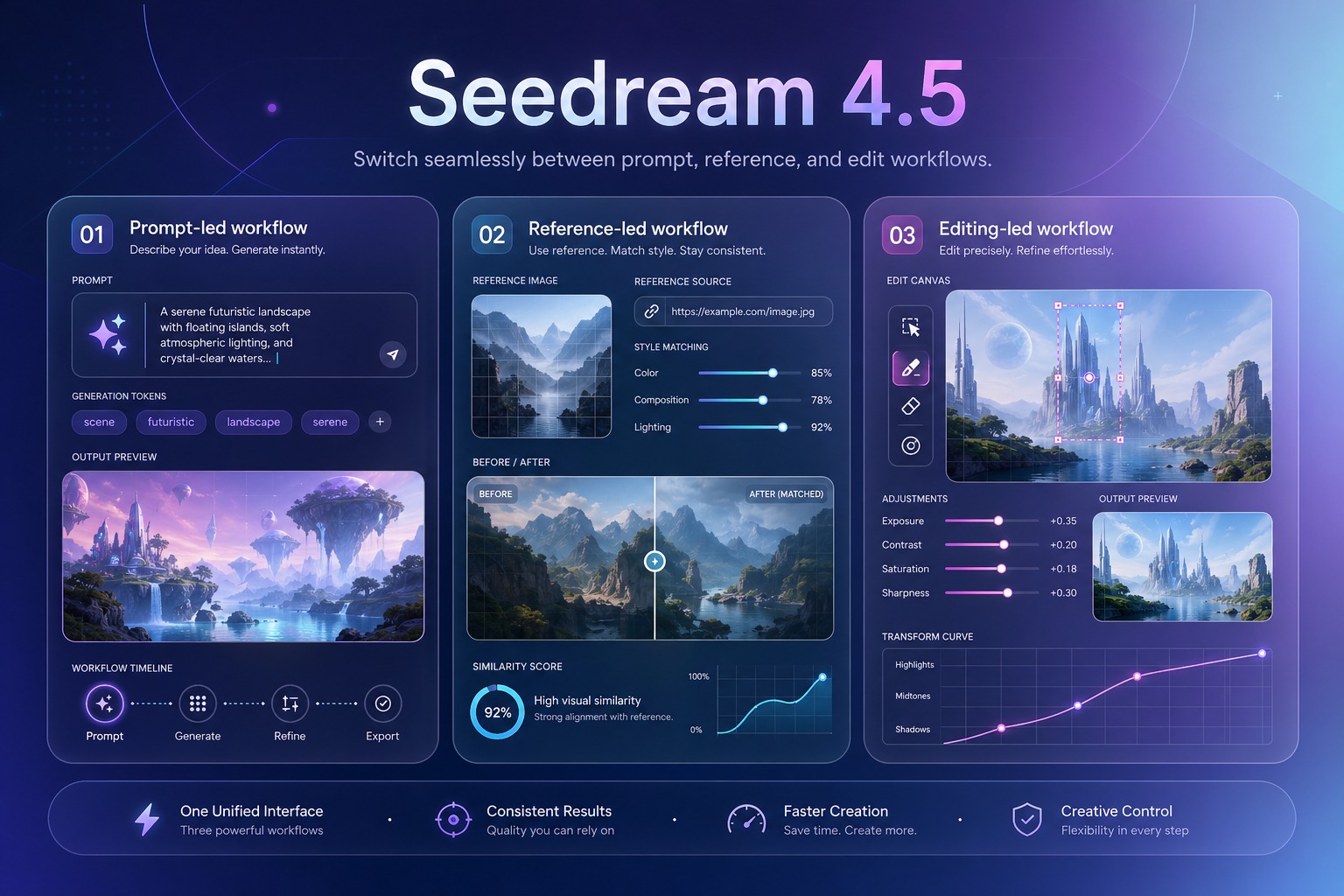
Platform Choice Changes Limits
Seedream 4.5 is more than a simple text-to-image button. Dreamina exposes multi-image fusion and sketch-to-image, fal emphasizes natural-language editing with up to ten references, and Replicate surfaces wrapper controls for image workflows. That makes platform fit part of the product decision, not an afterthought.
Practical strengths for real image workflows
What Makes Seedream 4.5 Easier to Trust
Reference Details Stay Anchored
Official positioning centers on preserving facial features, lighting, color tone, and other key details during edits.
Dense Text Renders Clearer
Poster copy, labels, and small typography are treated as real use cases instead of edge-case marketing promises.
Multi-Image Workflows Scale
Dreamina, fal, and Replicate all expose multi-reference paths, even though the exact limits differ by platform.
Spatial Instructions Read Better
Replicate highlights stronger spatial understanding, which helps with placement, structure, and more believable compositions.
Editing Feels More Directed
fal's wrapper emphasizes natural-language edits without manual masking, which is useful for composition-heavy revisions.
Creative Reviews Get Shorter
Less visual drift and stronger layout discipline can reduce how often teams need to rebuild nearly-correct images.
How to Use Seedream 4.5 in 3 Steps
Choose the right workflow before you generate
01
Define Visual Anchors
Start with what must stay stable, such as subject identity, product shape, layout structure, or text hierarchy, before you add stylistic flavor.
02
Choose The Input
Use prompt-only generation for open exploration, or switch to references, sketches, or existing assets when continuity matters more than novelty.
03
Review For Production
Check typography, spacing, subject consistency, and revision behavior the same way you would review a real asset before publishing.
Explore Related AI Image Models
Seedream 5.0
Use it when you want the newer Seedream generation and a stronger comparison point for revision-heavy image workflows.
Ideogram
Use it when readable text and poster-style composition are the main reasons you are choosing an AI image model.
Flux Kontext
Use it when guided variations and image editing control matter more than Seedream's design-oriented positioning.

GPT Image 2
Use it when you want a broad-purpose model for polished image generation across product, design, and illustration tasks.
Grok Image
Use it for faster social-first concept visuals when strict reference preservation is not the main priority.
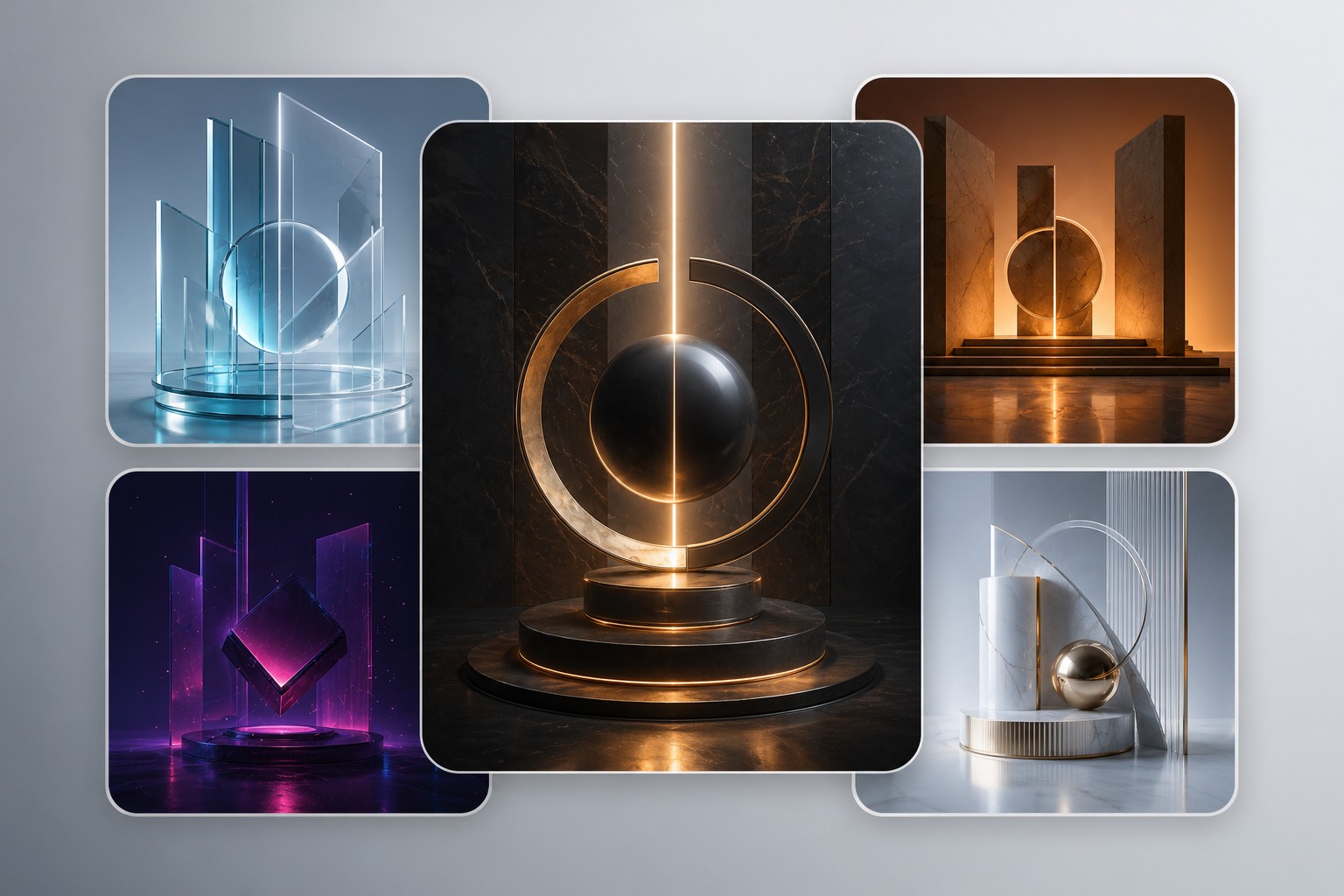
Midjourney
Use it when broad aesthetic exploration and style discovery matter more than structured multi-image editing.
Frequently Asked Questions
You may want to know
Seedream 4.5: Better when revisions are real
The clearest value of Seedream 4.5 is not one dramatic sample. It is how much more stable the workflow feels when references, text, and layout all need to survive another round.