Kling O1 Image: Multi Reference AI Image Generator

Kling O1 Image: AI Image Generator for multi-reference edits, character consistency, local image changes, and controlled image-to-image workflows.

Kling O1 Image: AI Image Generator

Kling O1 Image is built for creators who need a character, product, or style to stay recognizable across edits. It combines text instructions with reference images, making it a stronger fit for controlled image-to-image work than loose one-off prompting.

Kling O1 Image reference-driven AI image editing workflow

Why Kling O1 Image: AI Image Generator Stands Out

Kling O1 Image matters most when continuity is part of the job, not just visual novelty.

0104

Multi-Reference Consistency

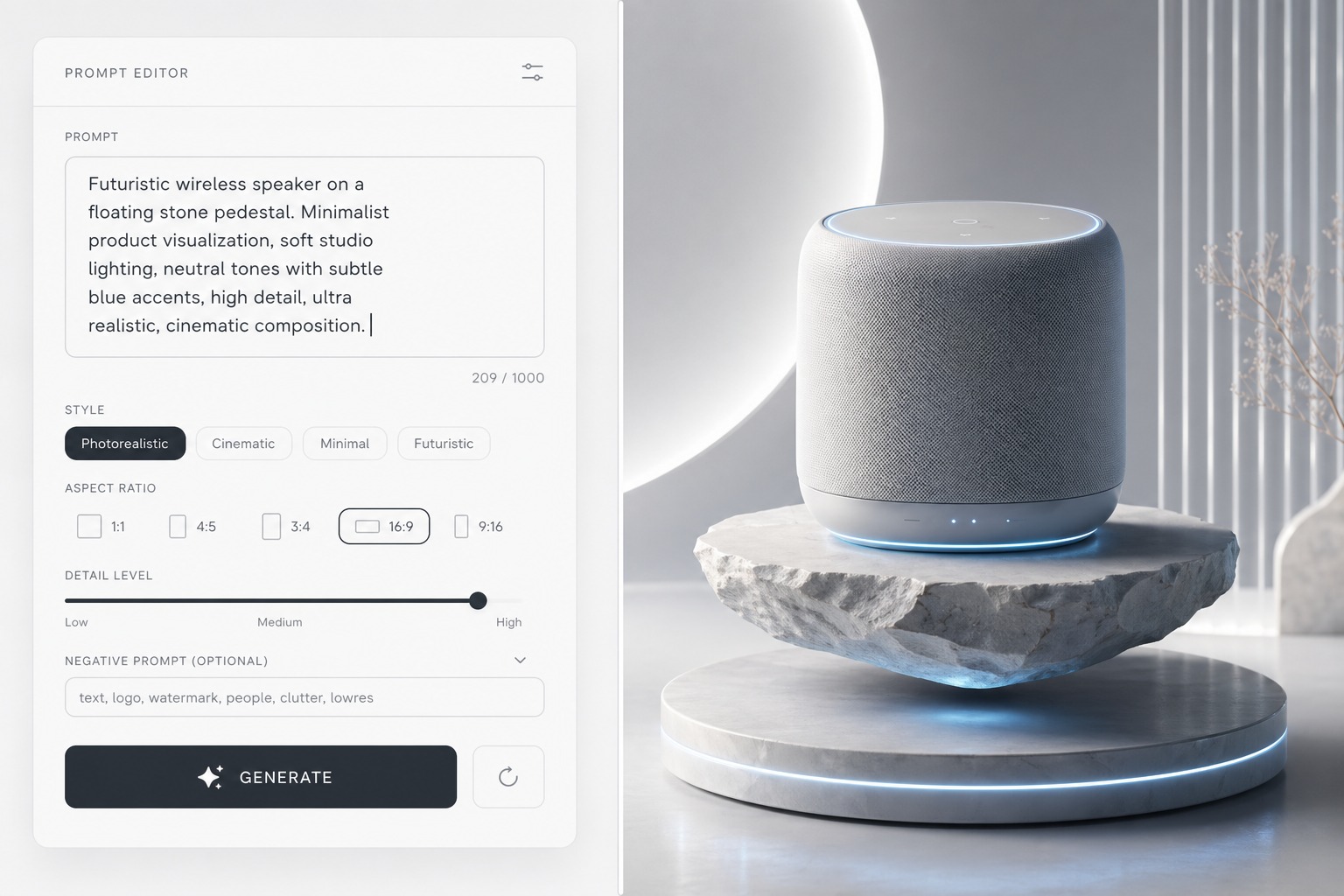
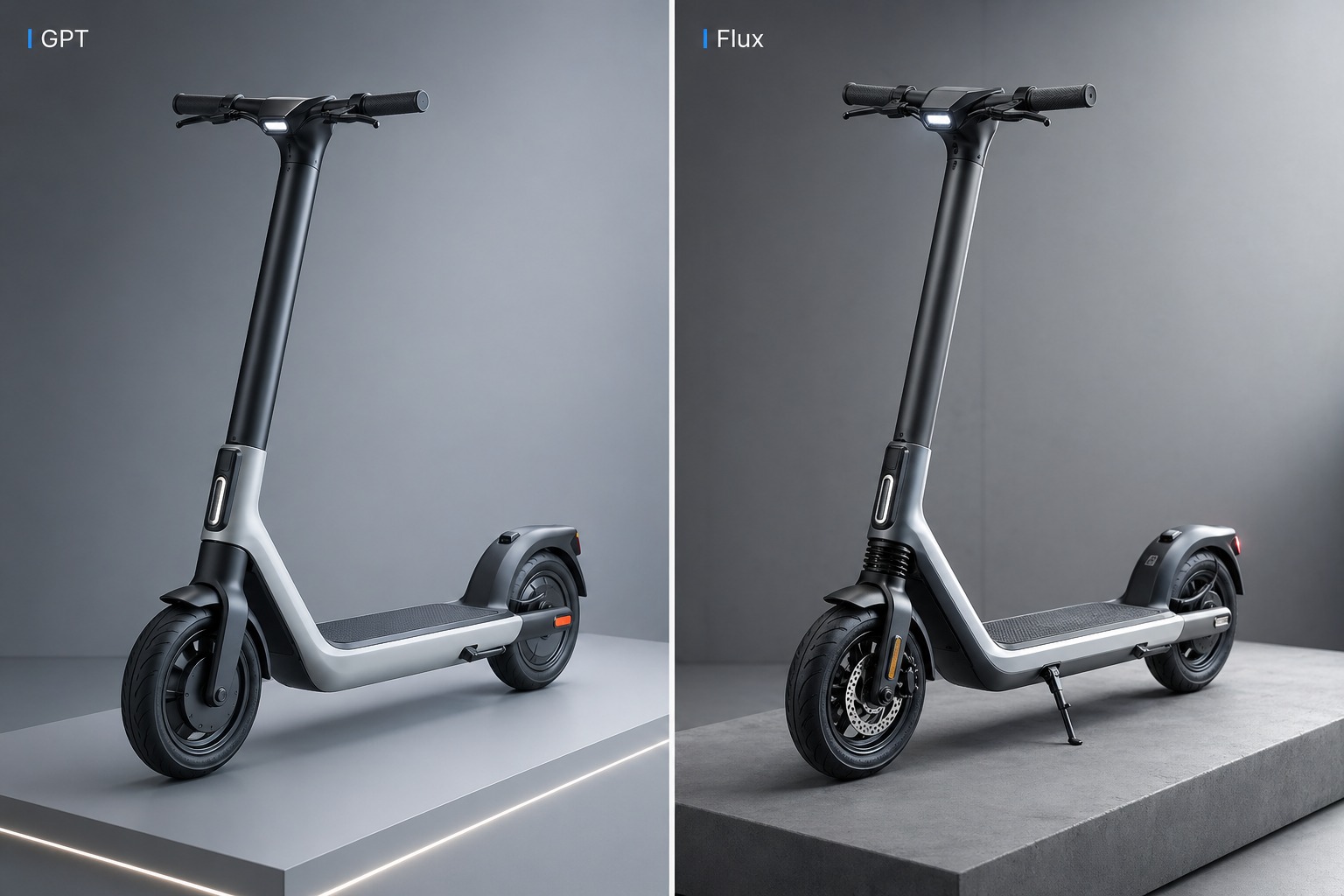
The official GoEnhance page says Kling O1 Image supports up to 10 reference images, which is exactly the kind of setup that helps when a single photo cannot describe the whole subject. That makes it useful for character packs, comics, mascots, and product families where identity drift becomes expensive after the first round.
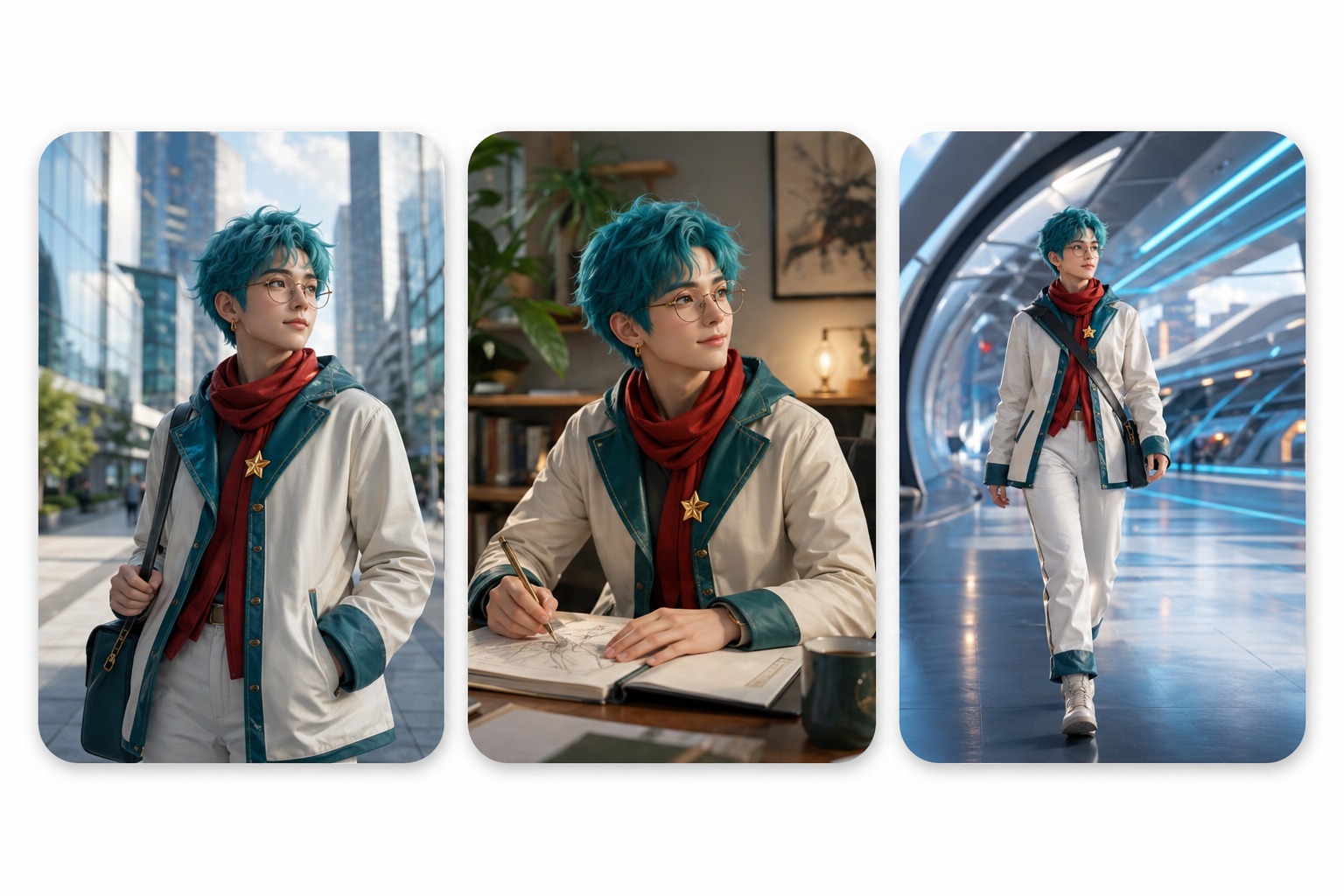
Kling O1 Image keeping the same subject consistent across multiple edited outputs

0204

Localized Scene Edits

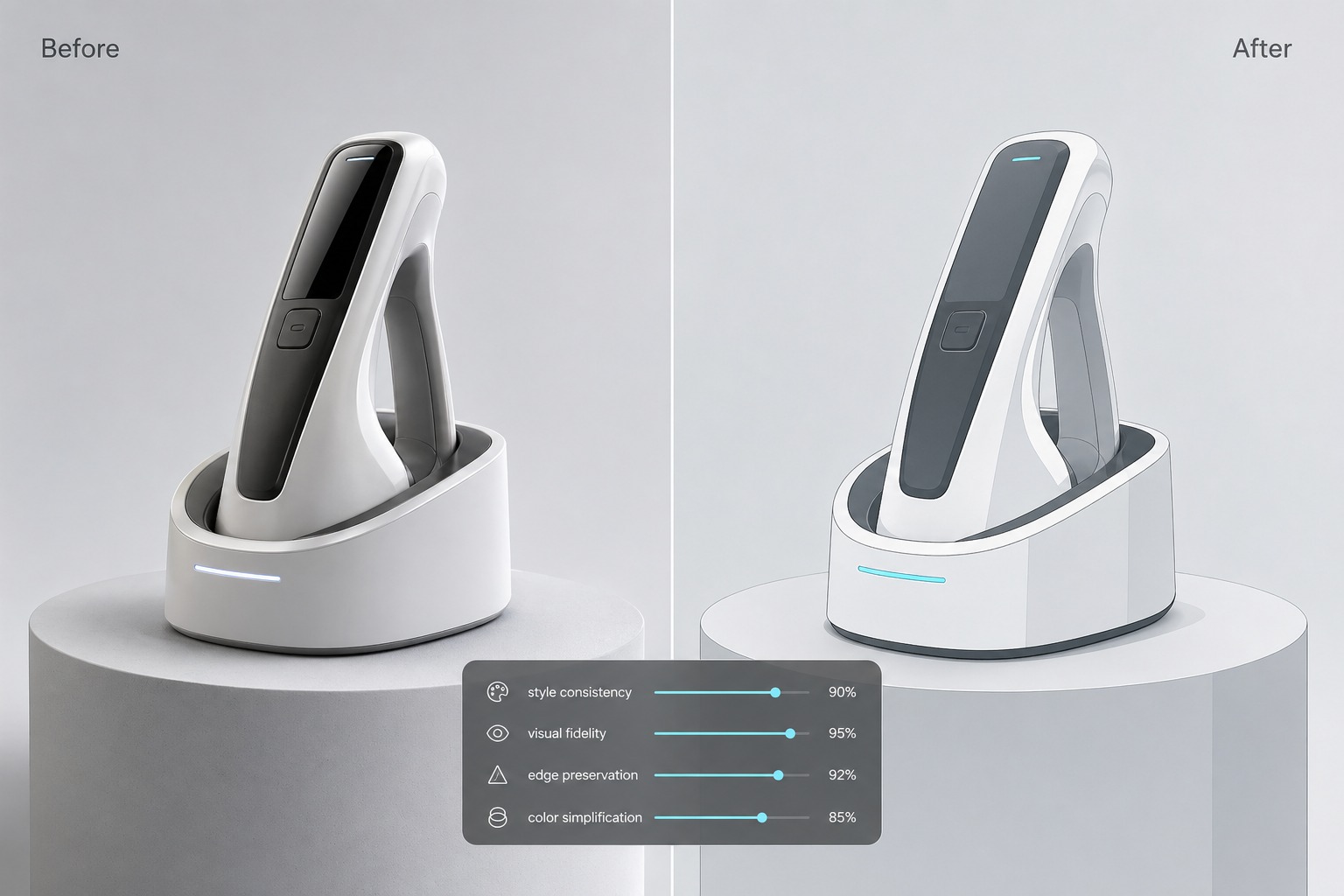
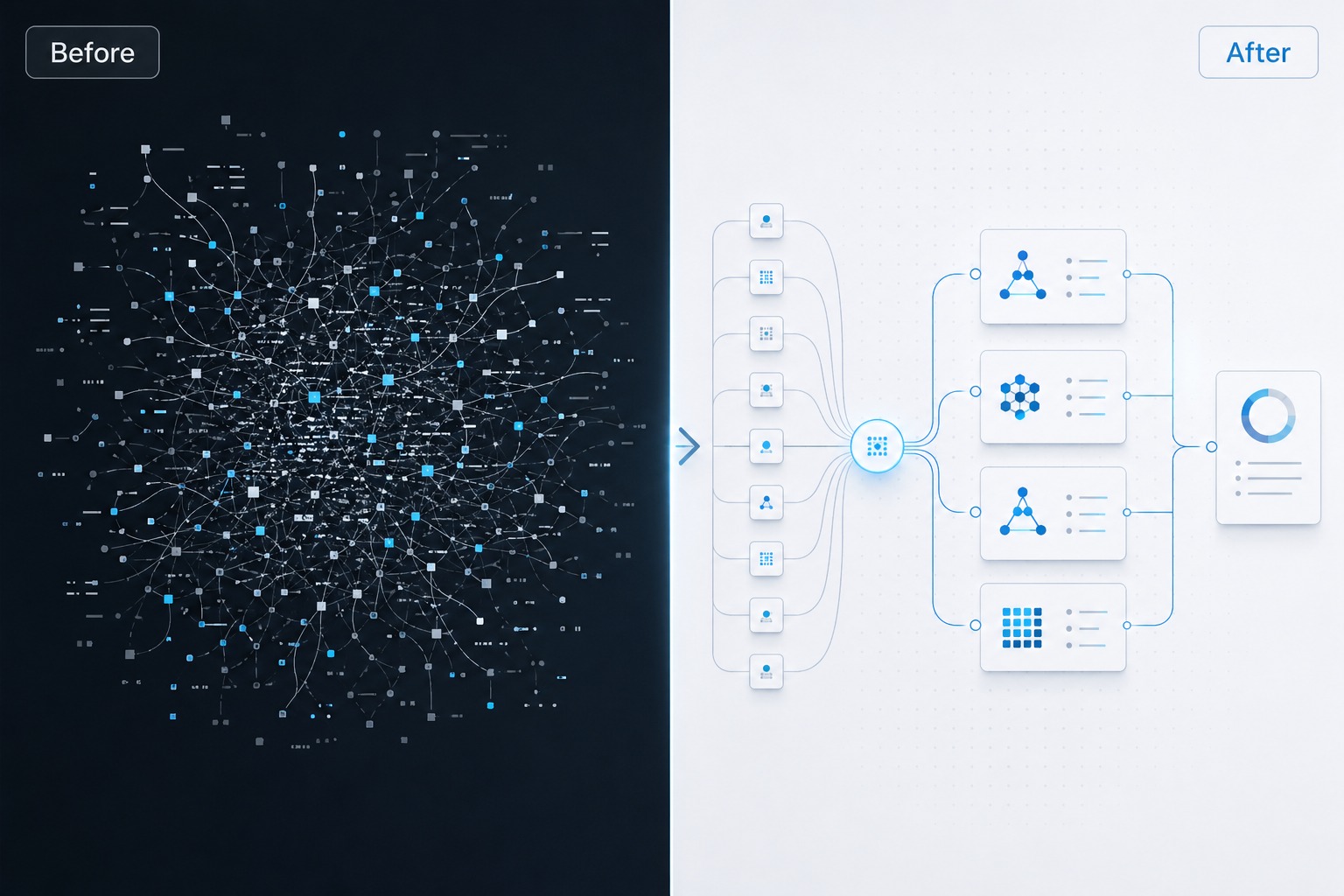
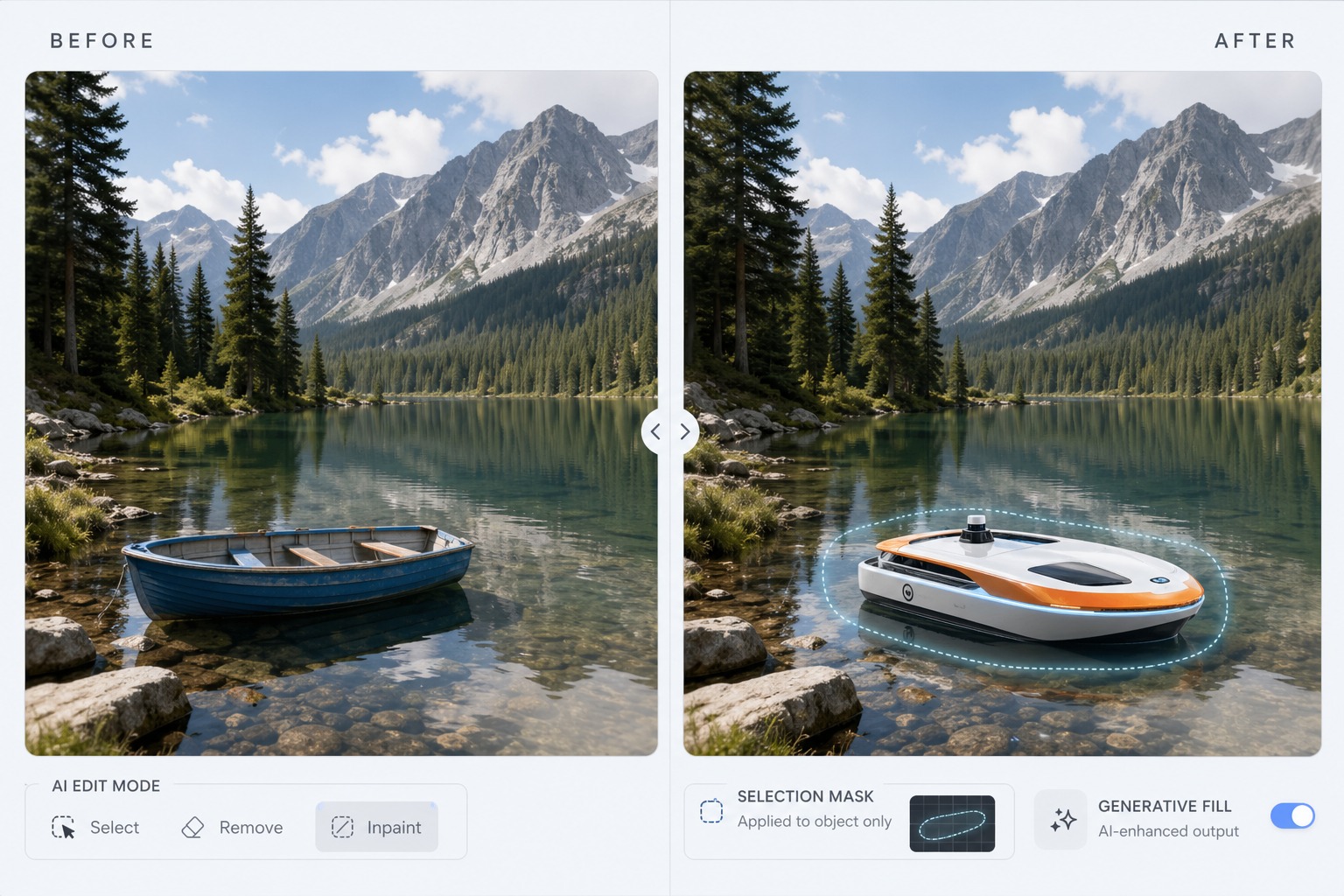
Kling O1 Image is better than a blank restart when the frame is already close and you only need to change an outfit, prop, background, or expression. In that kind of `/image-to-image` workflow, natural-language edits reduce rework because the composition and subject logic do not have to be rebuilt from scratch each time.

Kling O1 Image making a targeted local edit while preserving the rest of the image

0304

Style-Controlled Revisions

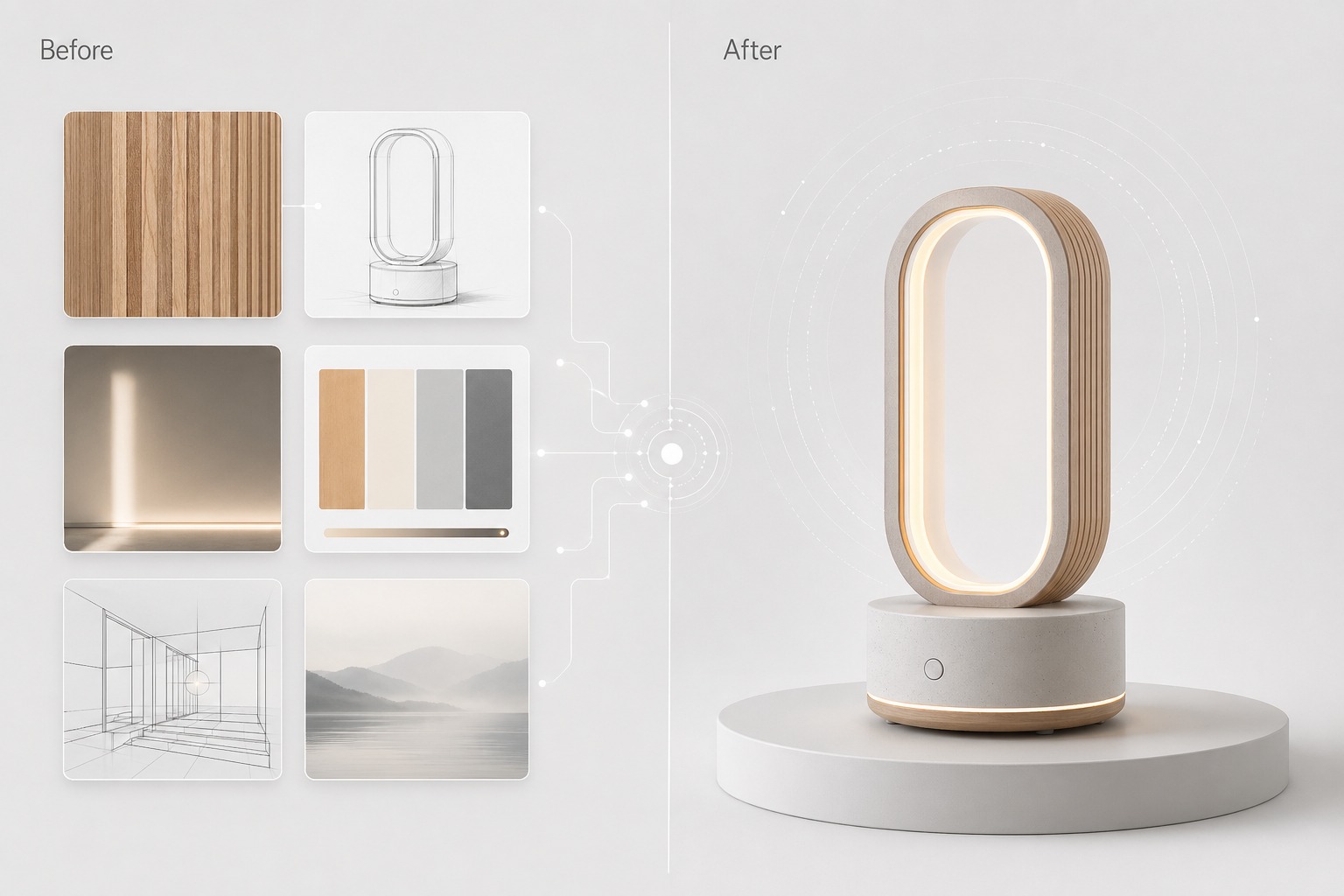
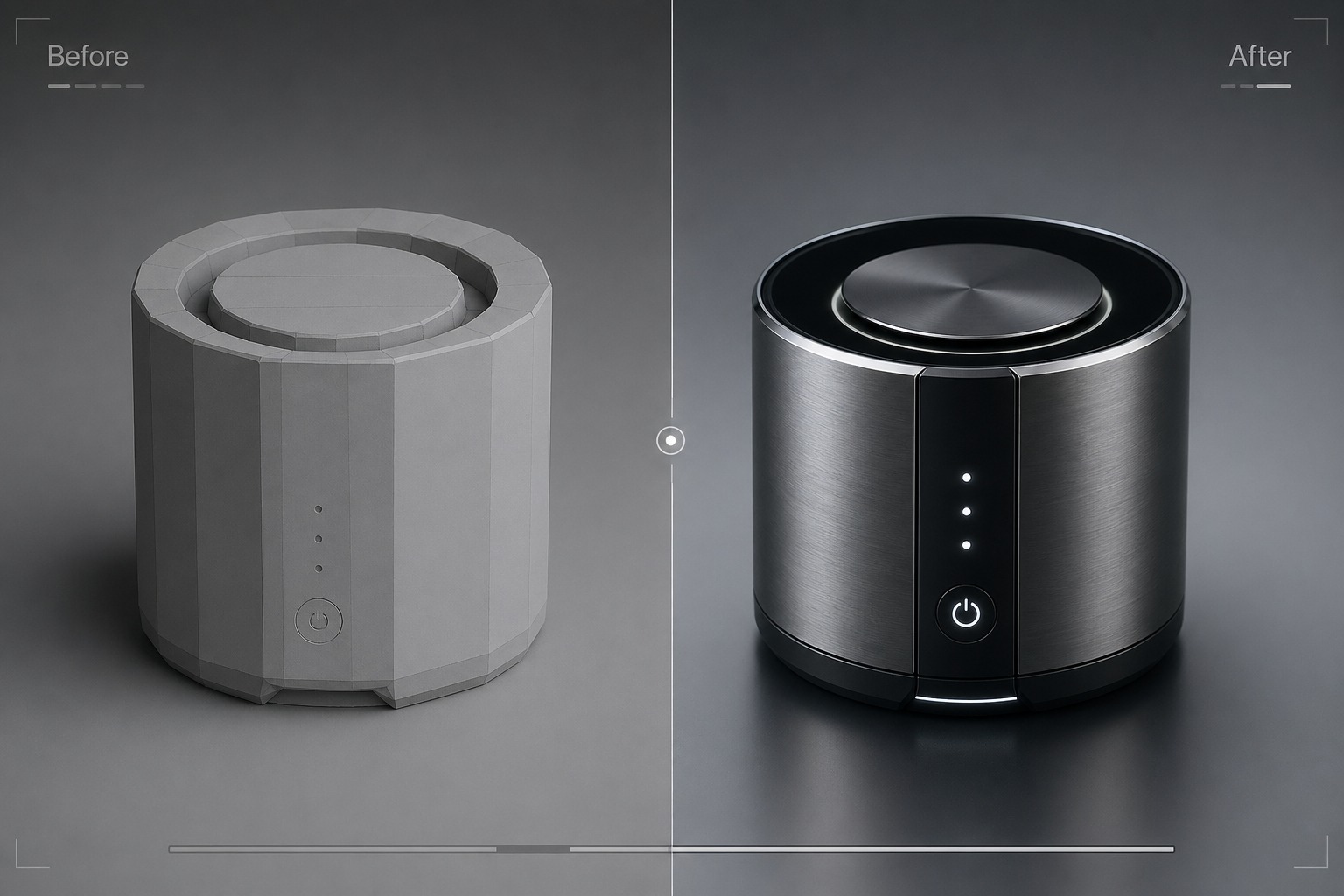
The model is positioned around full-scene style control, which is more valuable than it sounds when a team needs several visuals to feel related. Instead of chasing one lucky render, you can use reference-driven generation to keep color mood, lighting direction, and overall art style closer across a campaign or story sequence.

Kling O1 Image transferring a consistent visual style across several related images

0404

Composition From Several Sources

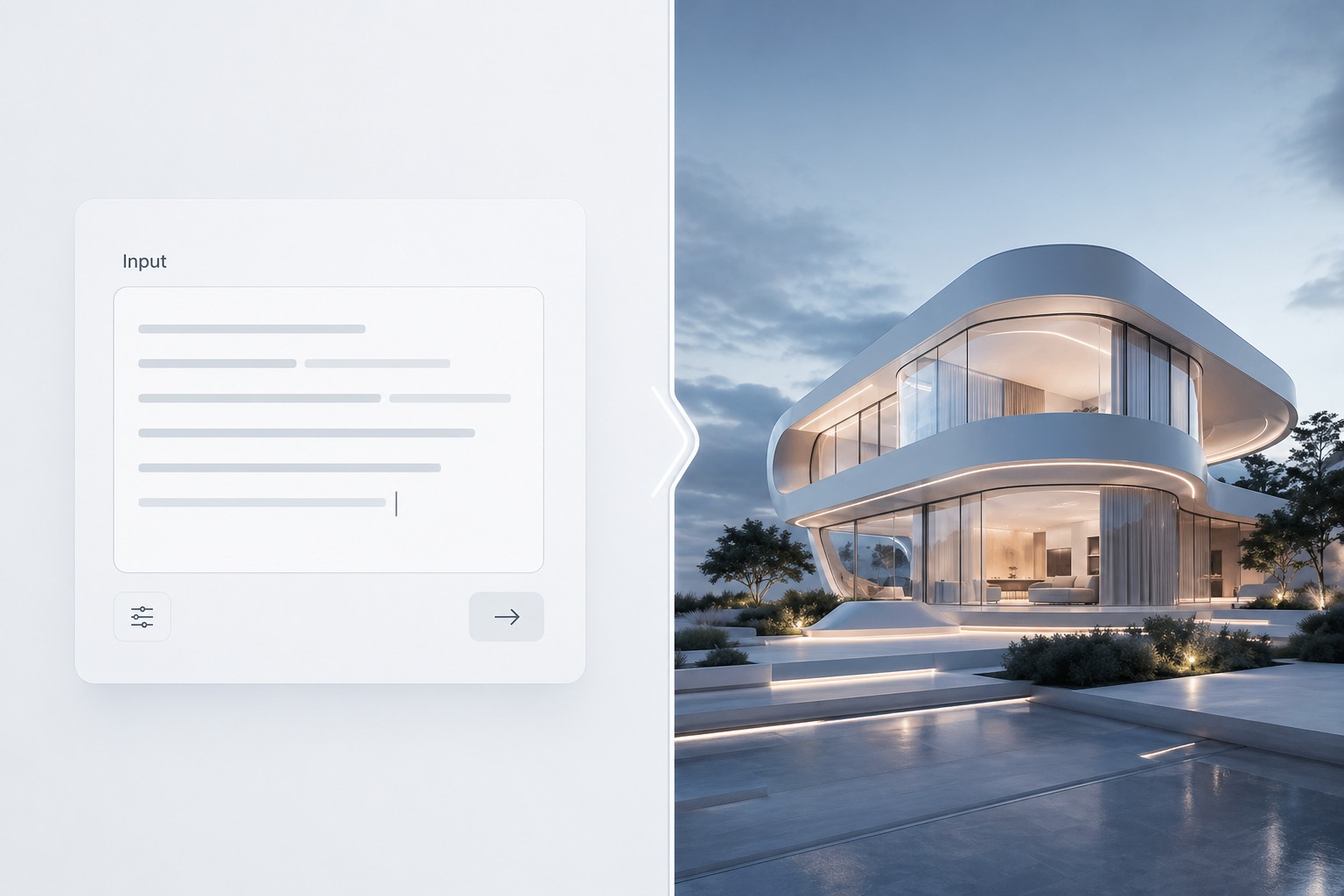
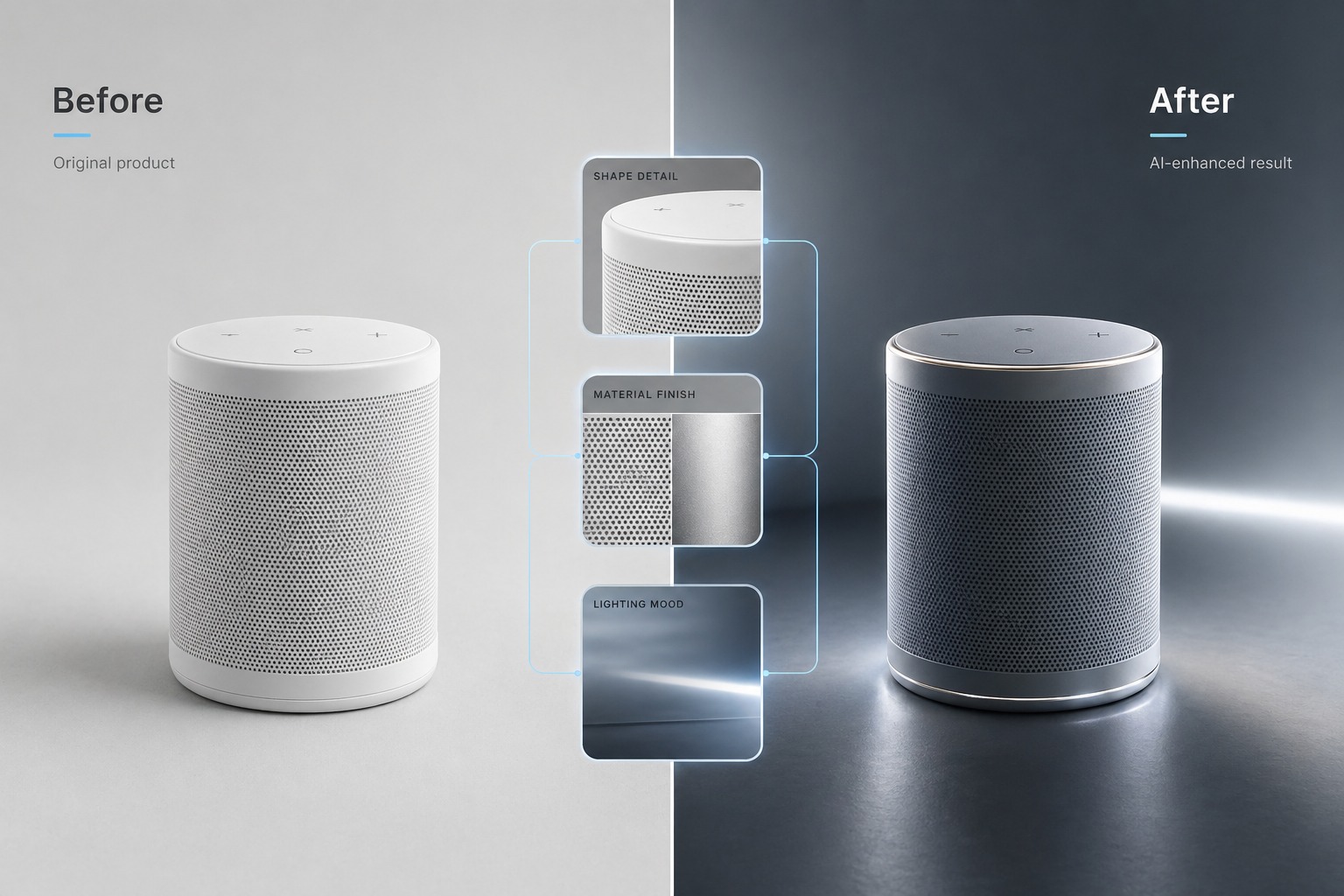
Kuaishou's multi-image reference materials and fal's model page both point to workflows that combine more than one source image inside a single prompt. That is the real appeal for lookbooks, scene composites, or product storytelling: you can show the model the subject, the style, and the environment instead of trying to describe every relationship from zero.

Kling O1 Image combining several source images into one coherent composition

What Kling O1 Image Gives You in Practice

Workflow benefits creators actually notice

  • 01

    Up to 10 references

    Useful when one image cannot capture the face, outfit, angle, and product detail you need to preserve.

  • 02

    Natural language editing

    Describe what should change instead of rebuilding the whole image every time the brief shifts slightly.

  • 03

    Cleaner subject continuity

    Better suited to recurring characters, branded scenes, and product families than purely one-off drafts.

  • 04

    Multi-image composition control

    Lets several source images inform one output when the final scene depends on more than one reference.

  • 05

    Style-aware revision loops

    Helpful for campaign sets and story sequences where the outputs should still feel visually related.

  • 06

    Honest tradeoff profile

    Usually stronger for controlled revisions than for fast open-ended ideation, so clean references still matter.

How to Use Kling O1 Image: AI Image Generator

Three practical steps

  1. Choose the right starting mode

    Use a blank prompt only when you are exploring from scratch. If you already have useful source material, start with a reference-driven image-to-image setup instead.

  2. Upload only the references that matter

    Pick a small, clean set that agrees on the subject or style. Mixed references usually create more confusion than control.

  3. Refine in narrow edit rounds

    Lock the identity first, then adjust outfit, props, scene, or mood one step at a time rather than stacking every request into one overloaded prompt.

Explore Related AI Image Paths

Frequently Asked Questions

Common Questions About Kling O1 Image

What is Kling O1 Image?

Kling O1 Image is a reference-driven AI image model associated with Kuaishou's Kling ecosystem. It is positioned around combining text instructions with reference images so users can preserve subject identity, edit local details, and compose new scenes without treating every output as a full restart.

How many reference images does Kling O1 Image support?

The official GoEnhance page and the fal deployment page both say Kling O1 Image supports up to 10 reference images. That matters in practice because a face, outfit, palette, and product detail often cannot be captured well enough by a single source image.

What is Kling O1 Image best for?

It is best for workflows where continuity matters: comics, mascots, lookbooks, product families, campaign asset sets, and any image series where reviewers will compare several outputs side by side. It is less about surprise and more about preserving what already works while making controlled changes.

Is Kling O1 Image better than plain text-to-image?

Not always. A plain text-to-image tool can be faster for loose exploration when you have no references and no need to match earlier assets. Kling O1 Image becomes the better fit when identity drift or scene drift would create extra rework later in the project.

Can Kling O1 Image make local edits instead of regenerating everything?

That is one of its main selling points. The official page explicitly frames the model around adding, removing, or modifying objects and characters with natural-language instructions while preserving the rest of the frame as much as possible. It still helps to make those edits in small rounds.

What are the main limitations to expect?

The biggest limitation is not quality in the abstract. It is reference quality and prompt discipline. If your references disagree with each other, or if the prompt asks for too many changes at once, results can become muddy. Clean reference sets and narrower revision loops usually work better.

Can I use Kling O1 Image for commercial work?

Maybe, but check the terms of the platform you are using. The GoEnhance page says commercial use depends on your plan and terms of service. That is the safest way to treat rights questions here instead of assuming the same answer applies everywhere the model is deployed.

How should I start if I am new to this kind of workflow?

Start with the job, not the style words. Decide what must stay stable, gather a small set of clean references, and make one clear change per round. If you need open-ended exploration first, begin in `/text-to-image`, then move to `/image-to-image` once you have a direction worth protecting.

Try Kling O1 Image for controlled visual revisions

Kling O1 Image keeps continuity usable

Its real advantage is not random novelty. It helps teams preserve identity across revisions, which is exactly what makes recurring image systems easier to review, compare, and ship.

Kling O1 Image: Multi Reference AI Image Generator