AI IP Design

AI IP Character Design

Design a whole character family that stays consistent — sketch, clay render, outfits, poses and posters, one step at a time.

3–5 characters · 6 guided steps · every version kept

  1. 1Sketch
  2. 2Split
  3. 3Material
  4. 4Outfit
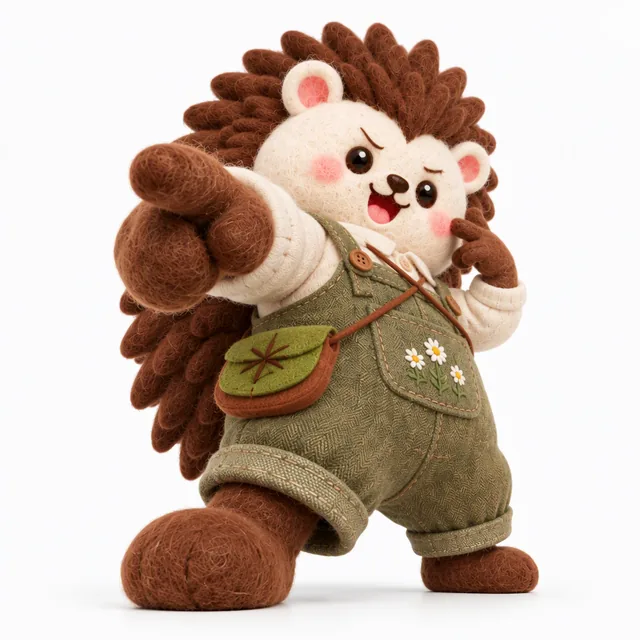
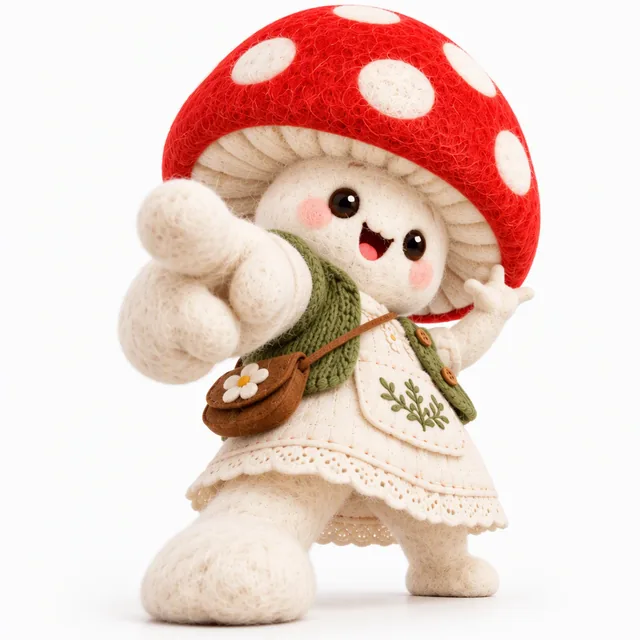
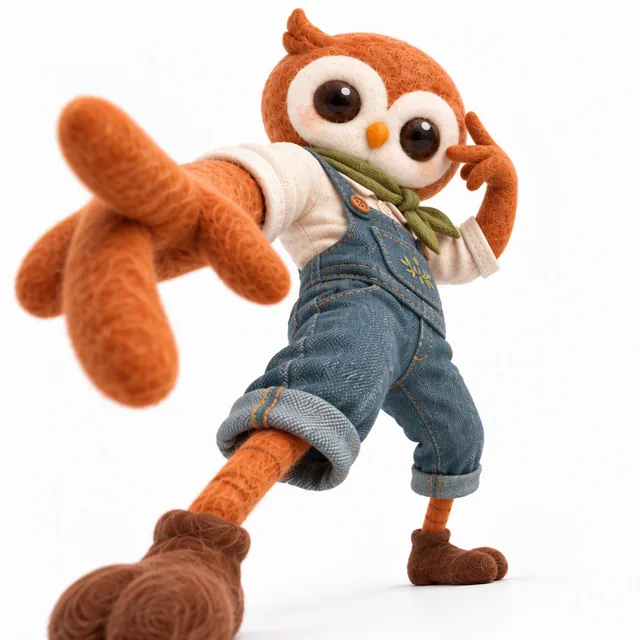
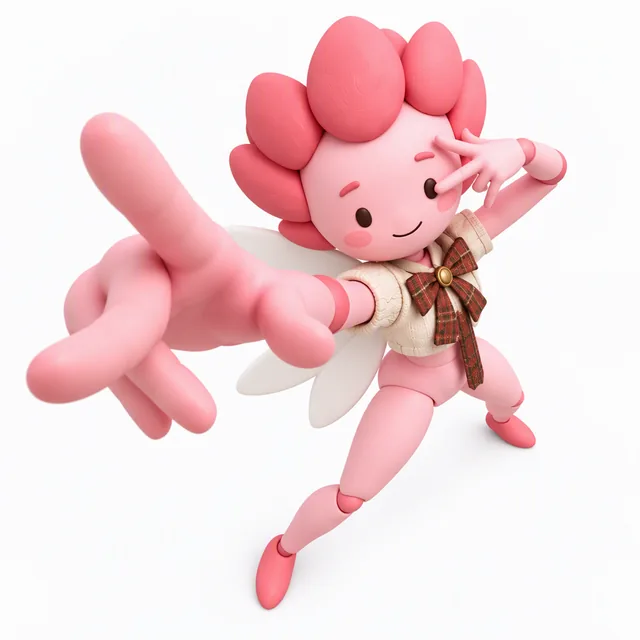
  5. 5Pose
  6. 6Scene
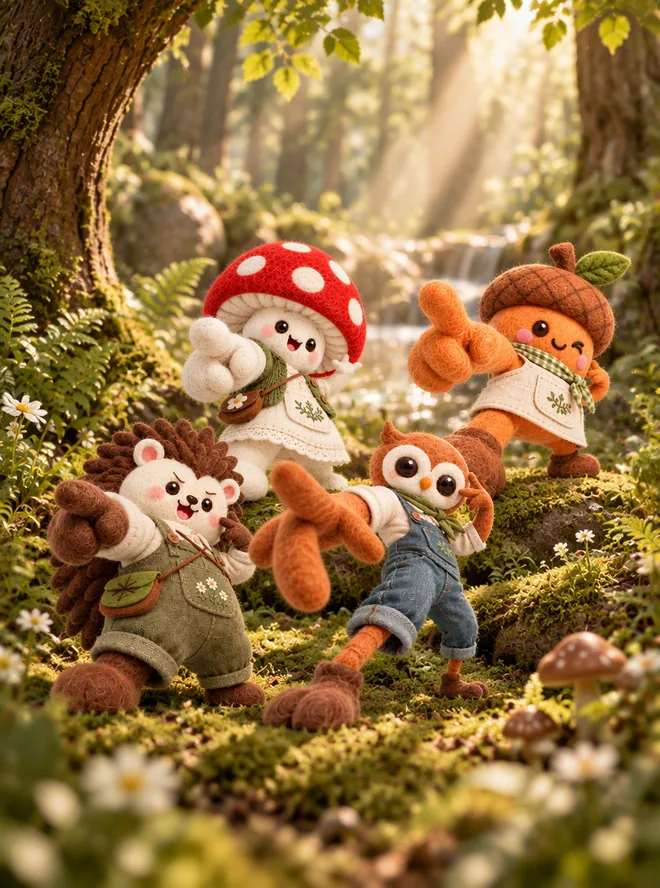
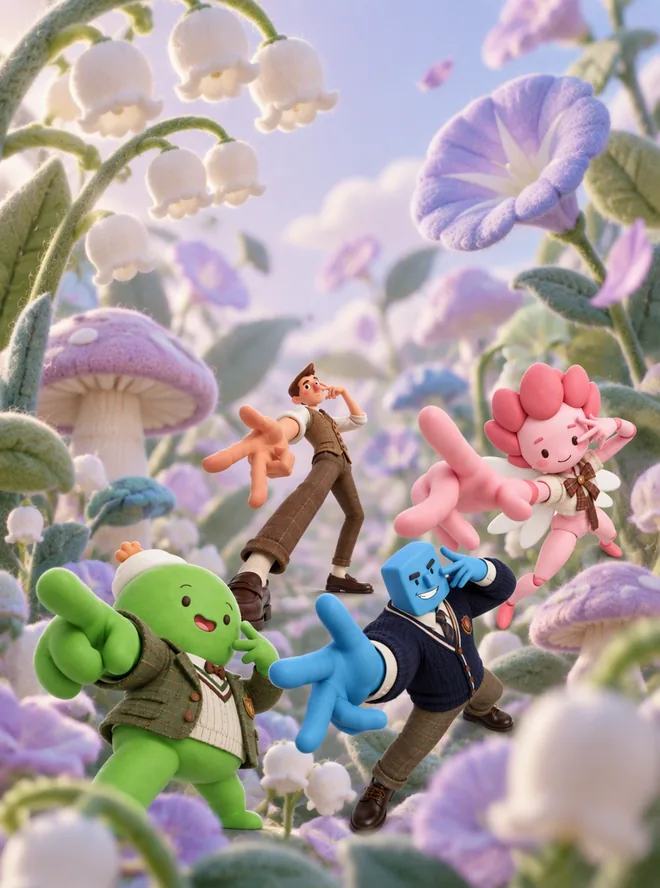
A character family poster made with AI IP Design

Watch a character family come to life

Real outputs from the six steps, untouched. Pick a family and step through it.

  • Chibi sticker
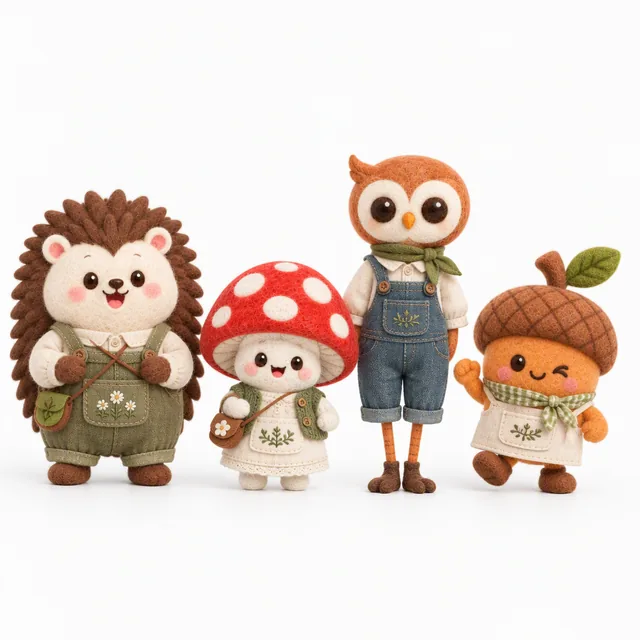
  • Wool felt
  • Cottagecore
  • Forest morning

Step 1 of 6

Sketch

One style, one generation: the whole family is sketched together, so the proportions contrast on purpose — tall, tiny, round, lanky.

Forest Bakery, step 1: Sketch

Families made with AI IP Design

Same six steps — a different style, material, outfit and scene each time.

  • Forest Bakery, step 6: Family poster

    Forest Bakery

    4 characters
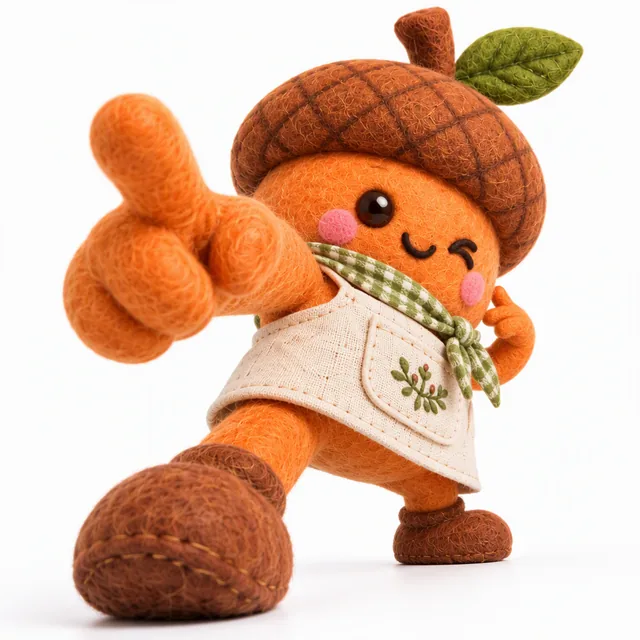
    Forest Bakery, step 5: Character 1
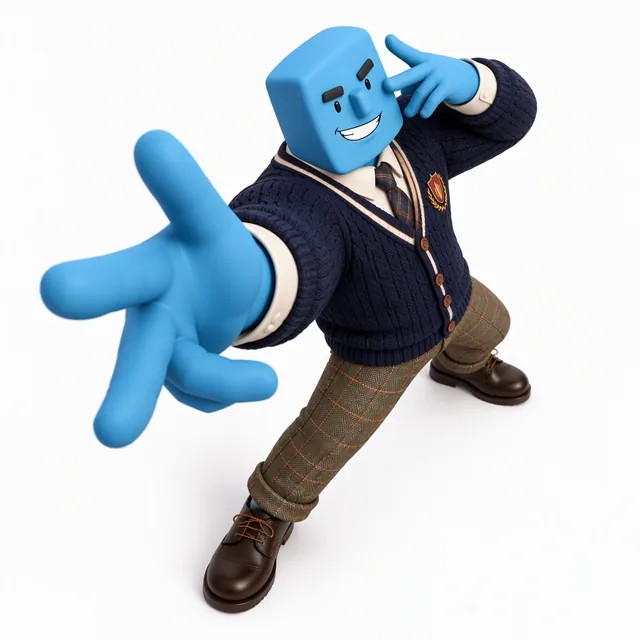
    Forest Bakery, step 5: Character 2
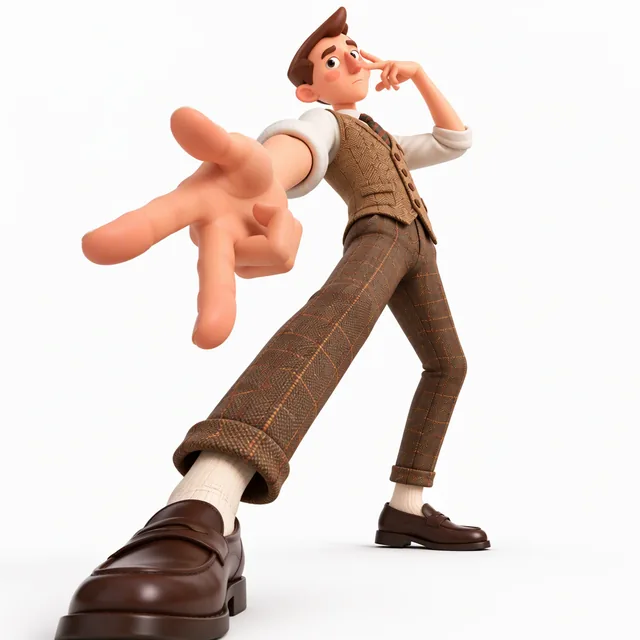
    Forest Bakery, step 5: Character 3
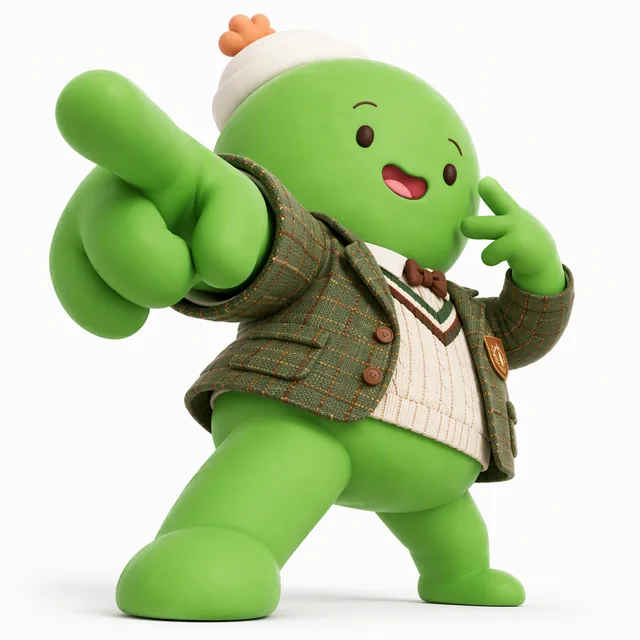
    Forest Bakery, step 5: Character 4
    • Chibi sticker
    • Wool felt
    • Cottagecore
    • Forest morning
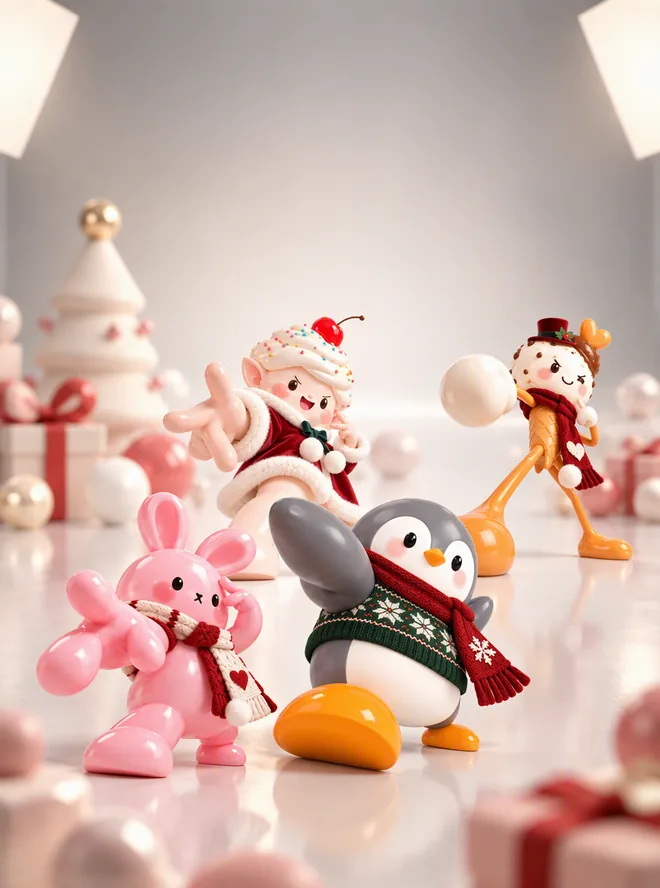
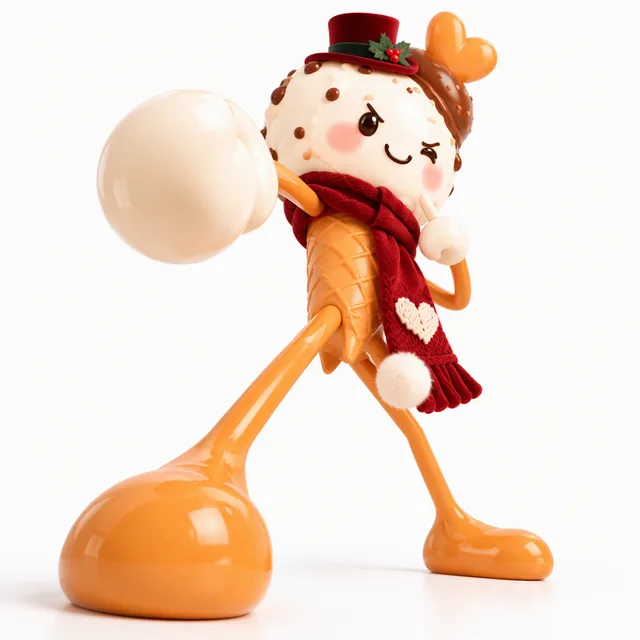
  • Winter Dessert Club, step 6: Family poster

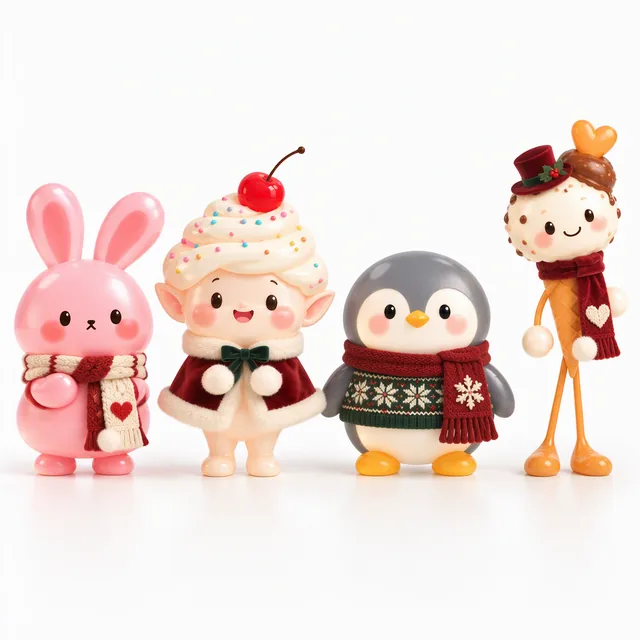
    Winter Dessert Club

    4 characters
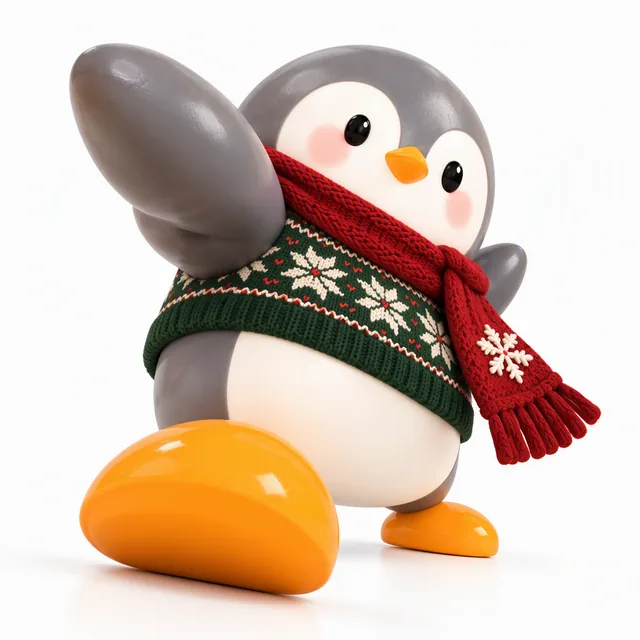
    Winter Dessert Club, step 5: Character 1
    Winter Dessert Club, step 5: Character 2
    Winter Dessert Club, step 5: Character 3
    Winter Dessert Club, step 5: Character 4
    • Storybook
    • Silicone
    • Festive
    • Minimal studio
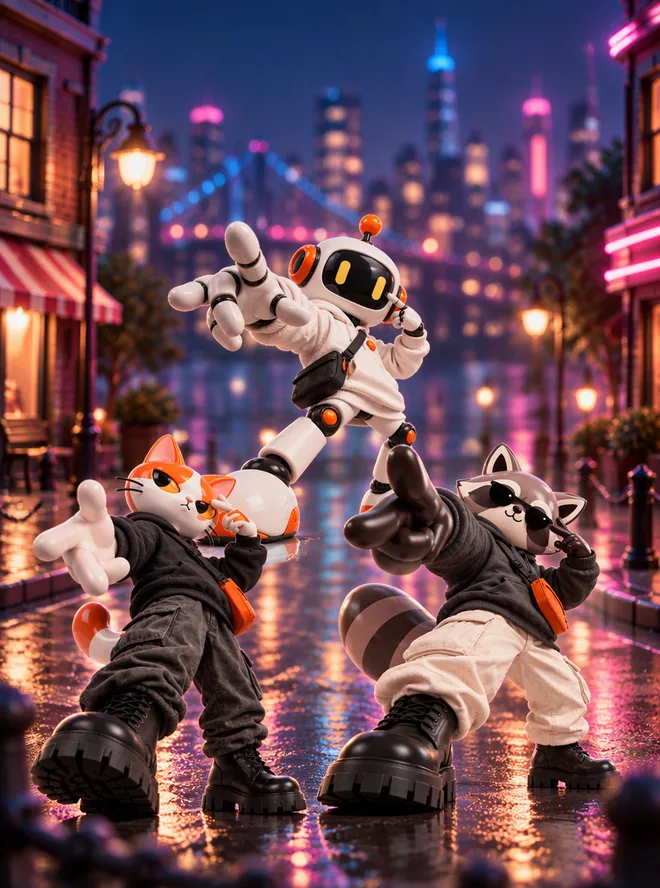
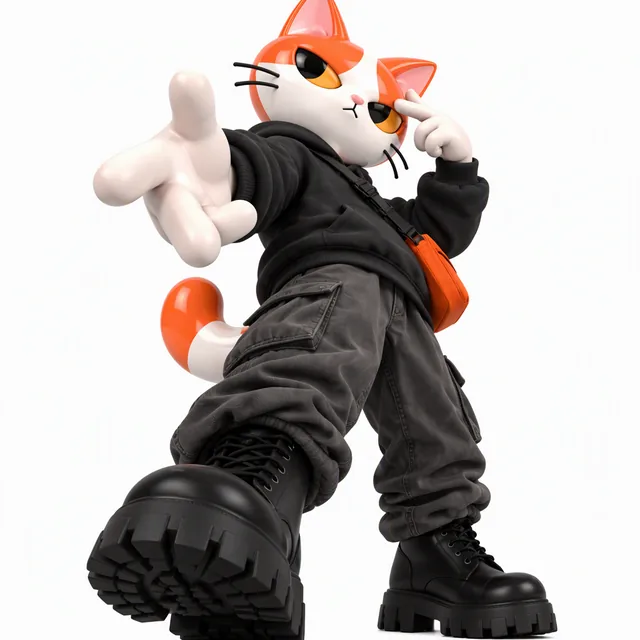
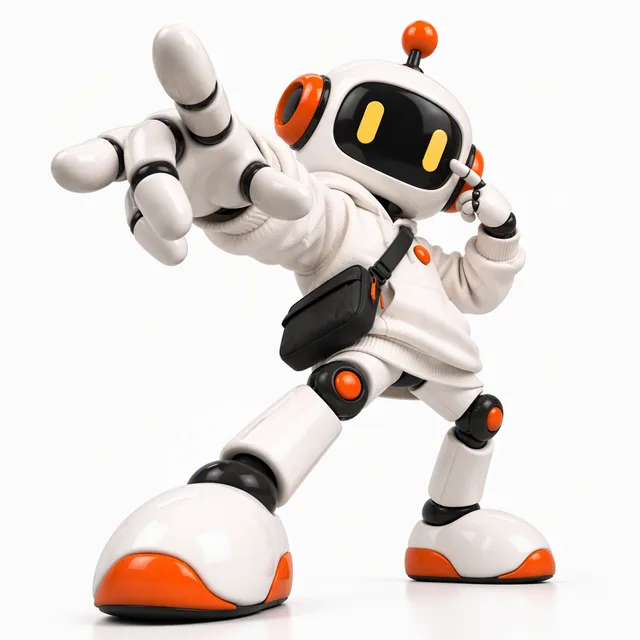
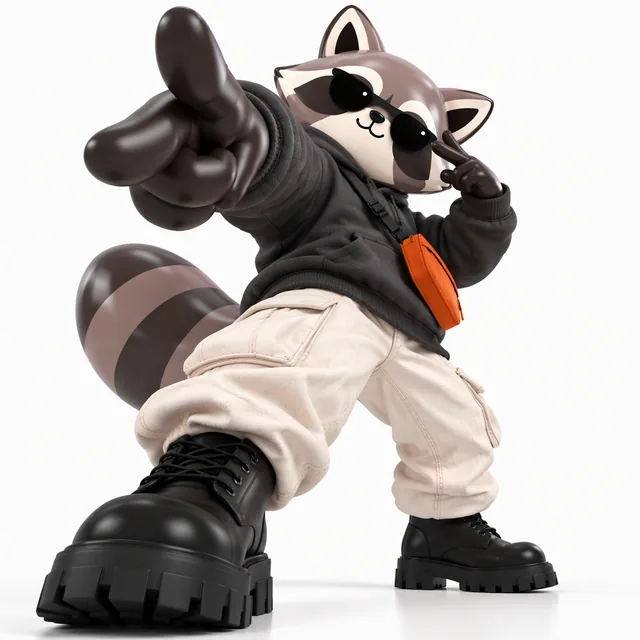
  • Skate Crew, step 6: Family poster

    Skate Crew

    3 characters
    Skate Crew, step 5: Character 1
    Skate Crew, step 5: Character 2
    Skate Crew, step 5: Character 3
    • Flat vector
    • Vinyl toy
    • Streetwear
    • City night
  • Campus Club, step 6: Family poster

    Campus Club

    4 characters
    Campus Club, step 5: Character 1
    Campus Club, step 5: Character 2
    Campus Club, step 5: Character 3
    Campus Club, step 5: Character 4
    • Soft illustration
    • Clay
    • Vintage academia
    • Felt garden

AI IP Character Design

Build a character family that stays consistent — from a 2D sketch to 3D renders, matching outfits, dynamic poses and a family poster, one guided step at a time.

  • 3–5 characters designed as one family
  • Clay, felt, silicone, vinyl or wood 3D renders
  • Every version kept on one family board
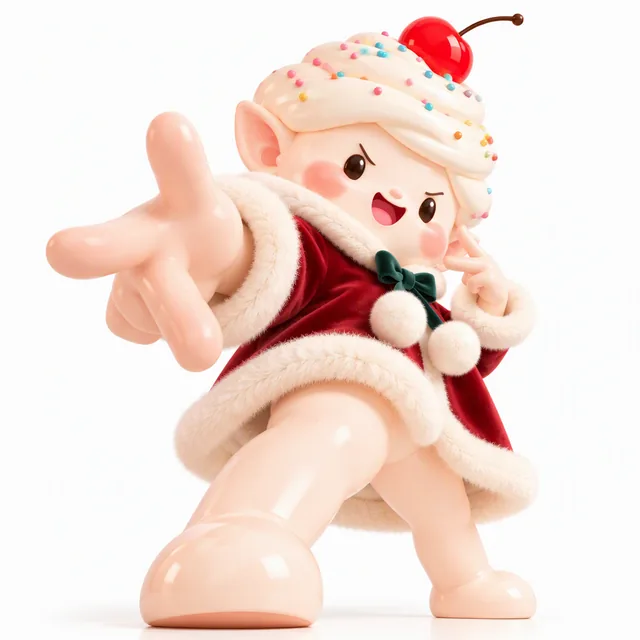
A silicone dessert character family dressed in matching festive outfits

0104

Design a Character Family, Not a One-Off Character

Most generators give you one good character and no way to make a second that belongs with it. Here the whole family is sketched in one go — 3 to 5 characters with deliberately different heights, shapes and proportions — so they read as a set from the very first image.
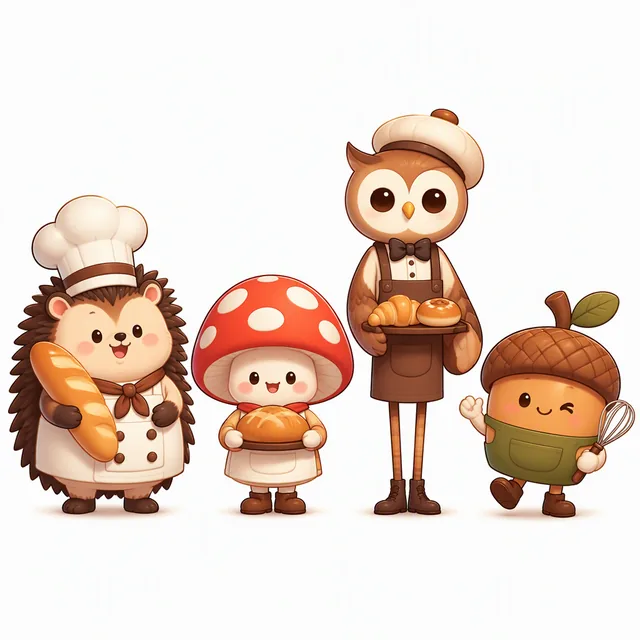
A four-character family sketched together in chibi sticker style

0204

2D to 3D in the Material You Choose

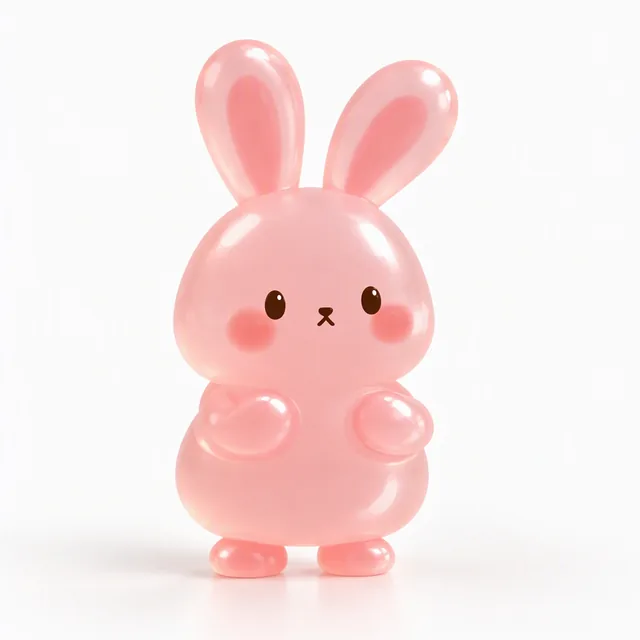
Clean up the lines, split every character onto its own canvas and render them in clay, felt, silicone, vinyl or wood. Each material comes with our own reference renders, so the whole family shares one texture while keeping its colors and proportions.

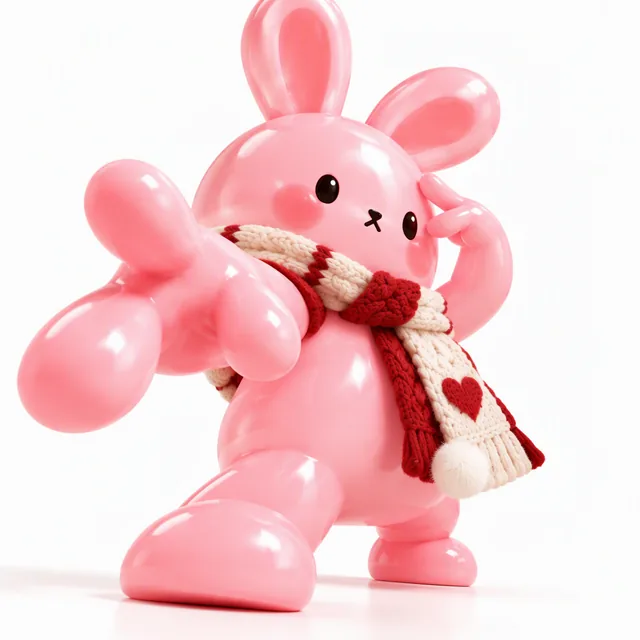
A jelly bunny character rendered in translucent silicone

0304

Outfits That Match Across the Whole Family

Dress everyone in one pass — vintage academia, streetwear, outdoor, cottagecore, business or festive — and each outfit is adapted to the body it goes on: no sleeves for characters without arms, fewer layers for tiny ones. From this step on the outfit is locked, so it never drifts.

A wool-felt character family dressed in matching cottagecore outfits

0404

Dynamic Poses, Scenes and a Family Poster

Give each character an exaggerated, foreshortened pose, build a scene around it without moving the character, then put the whole family on one poster — ready for social posts, merch mockups or a pitch deck.

A vinyl toy street crew family poster on a rainy neon city street

What You Can Choose

Every step comes with presets, so you never start from an empty prompt.

  • 01

    Characters

    3 to 5 per family, sketched together.

  • 02

    Illustration Styles

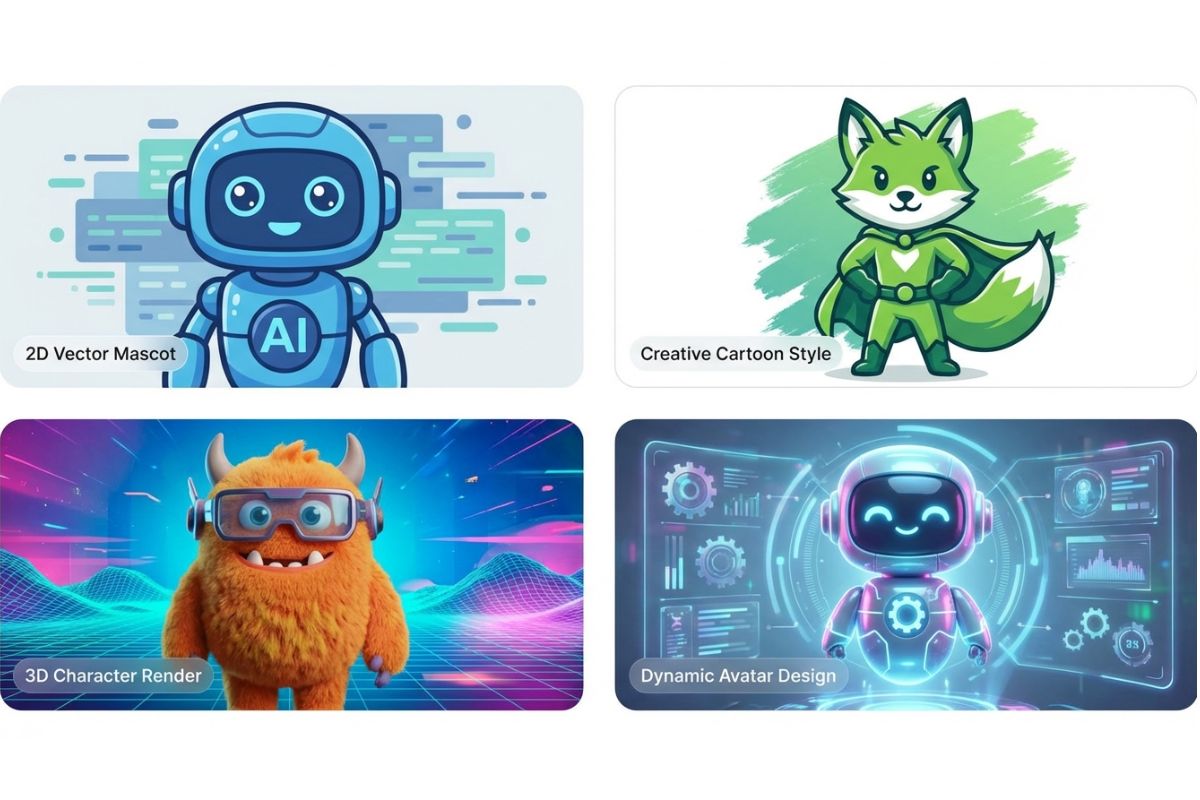
    Soft illustration, flat vector, storybook, chibi sticker, retro print and minimal geometric.

  • 03

    Materials

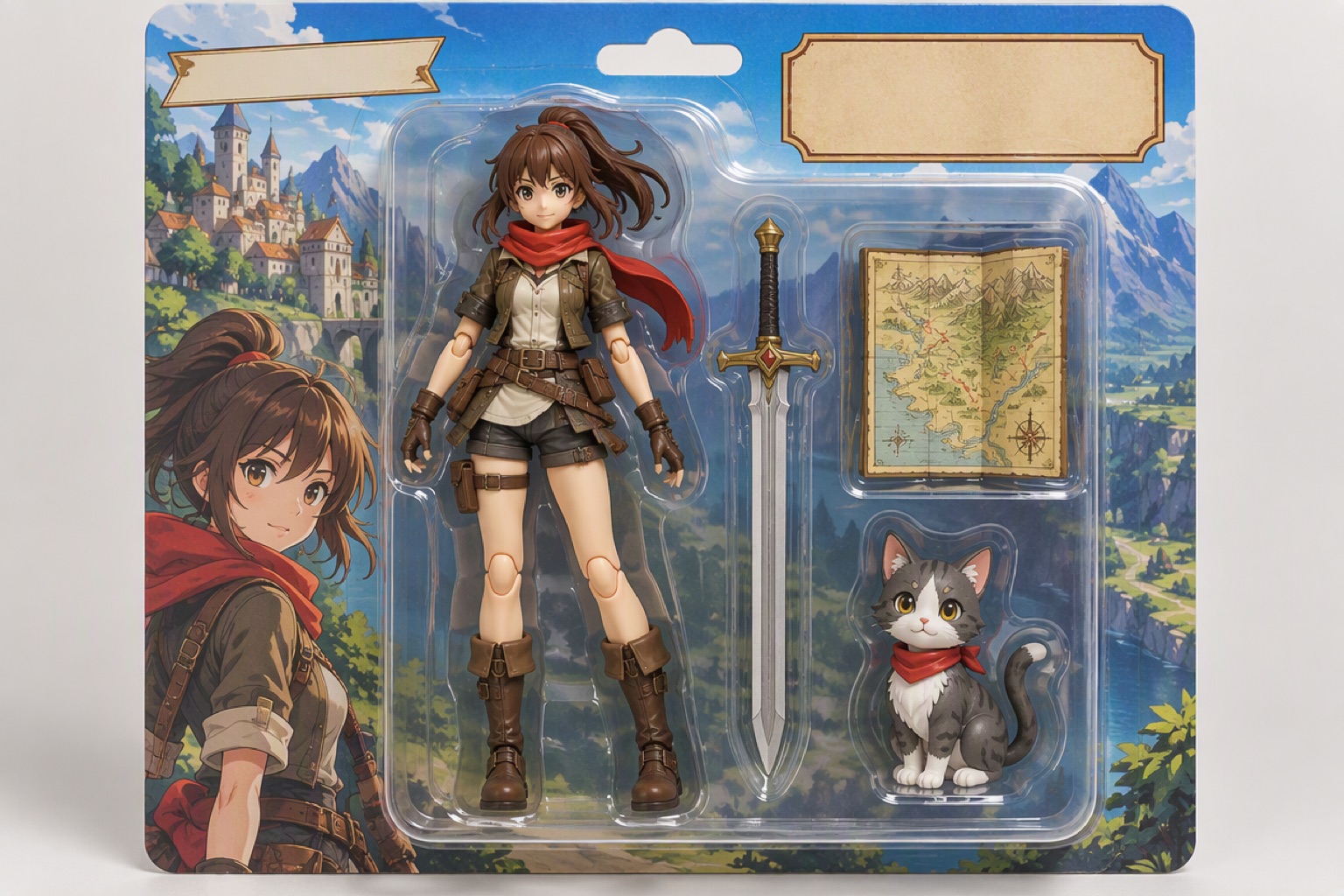
    Clay, silicone, wool felt, vinyl toy and natural wood.

  • 04

    Outfits

    Vintage academia, streetwear, outdoor, cottagecore, business and festive.

  • 05

    Scenes

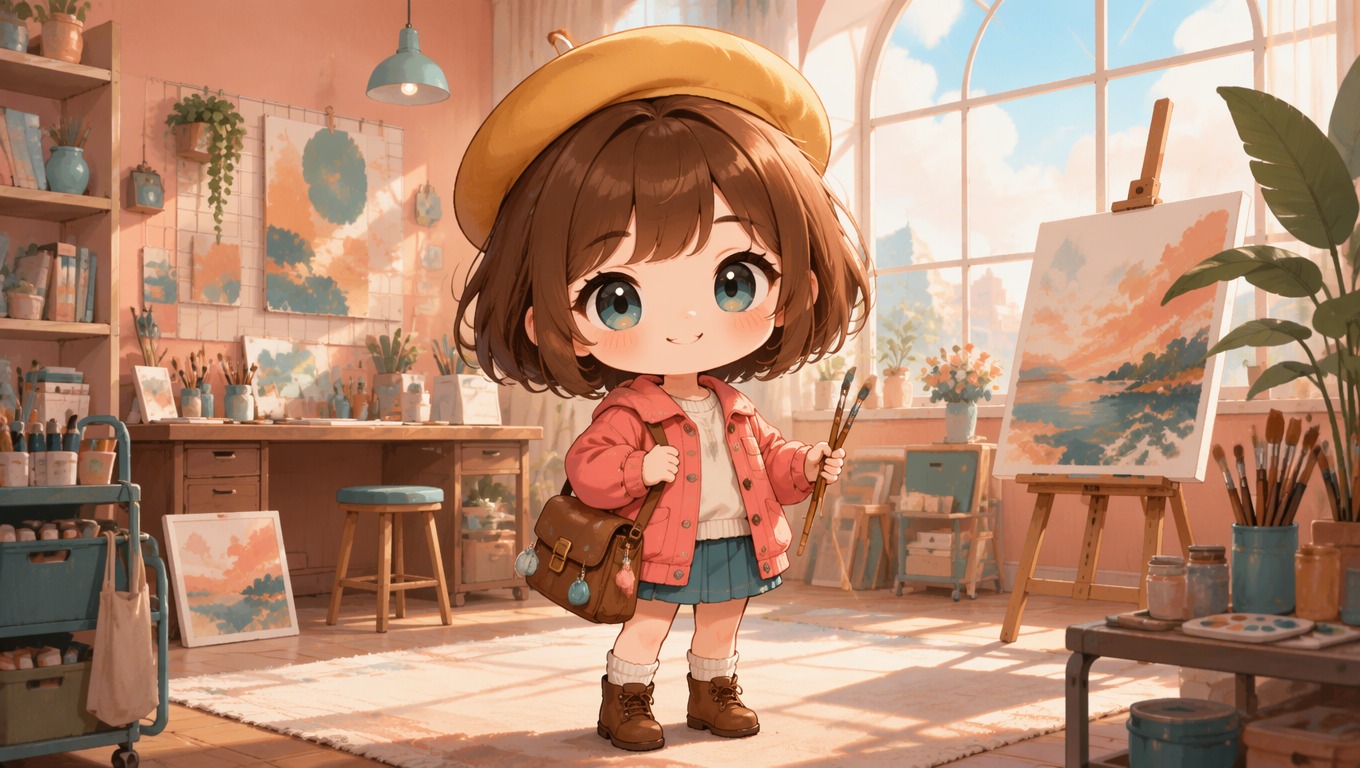
    Felt garden, clay town, forest morning, city night and minimal studio.

  • 06

    Exports

    A family sheet, a ZIP of the images you picked, the family poster, or single characters saved to your library.

How to Design an IP Character Family with AI

  1. Sketch the Family

    Pick an illustration style, set 3–5 characters and, if you like, a theme and species. The whole family is drawn together on a clean white background.

  2. Split and Render in 3D

    Clean up the lines, separate every character, then choose a material. Each character is rendered in the same material with its colors kept.

  3. Dress and Pose

    Choose an outfit theme to dress the family in one pass, then give each character a dynamic, foreshortened pose.

  4. Set the Scene and Export

    Pick a scene mood, make the family poster and export a family sheet, a ZIP or single characters.

More Character Tools

AI IP Character Design FAQ

What is AI IP character design?

It's how studios develop a mascot family: a group of characters that share one style, one material and one look, so they work together on posters, merch and social posts. This tool walks you through that process in six steps instead of a single prompt.

How is it different from the AI Mascot Generator?

The mascot generator makes one character from one prompt. IP Design builds a family of 3–5 characters through six steps, so you can keep extending it — new outfits, poses and scenes — without the characters drifting.

How many characters can a family have?

3 to 5. The family is sketched together in step 1, so every character is designed next to the others — that's what keeps their proportions and style related.

Do I need to write prompts?

No. Each step has presets — illustration style, material, outfit and scene — and the prompts behind them are already tuned. If you want something specific, add a short note to any run.

Is it good for brand mascots?

Yes. A brand mascot family needs exactly what this tool keeps fixed: one style, one material and matching outfits across every character. Put your brand's theme into step 1 and pick a material that suits your merch.

How many credits does a family cost?

You pay per image: for example 6 credits for the sketch, 3 per character for splitting, 6 per character for the 3D render and 8 per scene. A four-character family from sketch to poster is about 130–160 credits, depending on how many variants you try.

Can I change one step without starting over?

Yes. Every run is kept as a version. Pick a different version on the family board and the later steps are flagged, not deleted, so you decide what to redo.

What can I export?

A family sheet (every character at every step on one image), a ZIP of all the images you picked, and the family poster. You can also save any finished character to your character library and use it in videos.

Start Your Own IP Character Family

Explore More Tools