candidate-0
candidate-1
candidate-2
candidate-3
Demo Preview

PixVerse V5.5

PixVerse V5.5

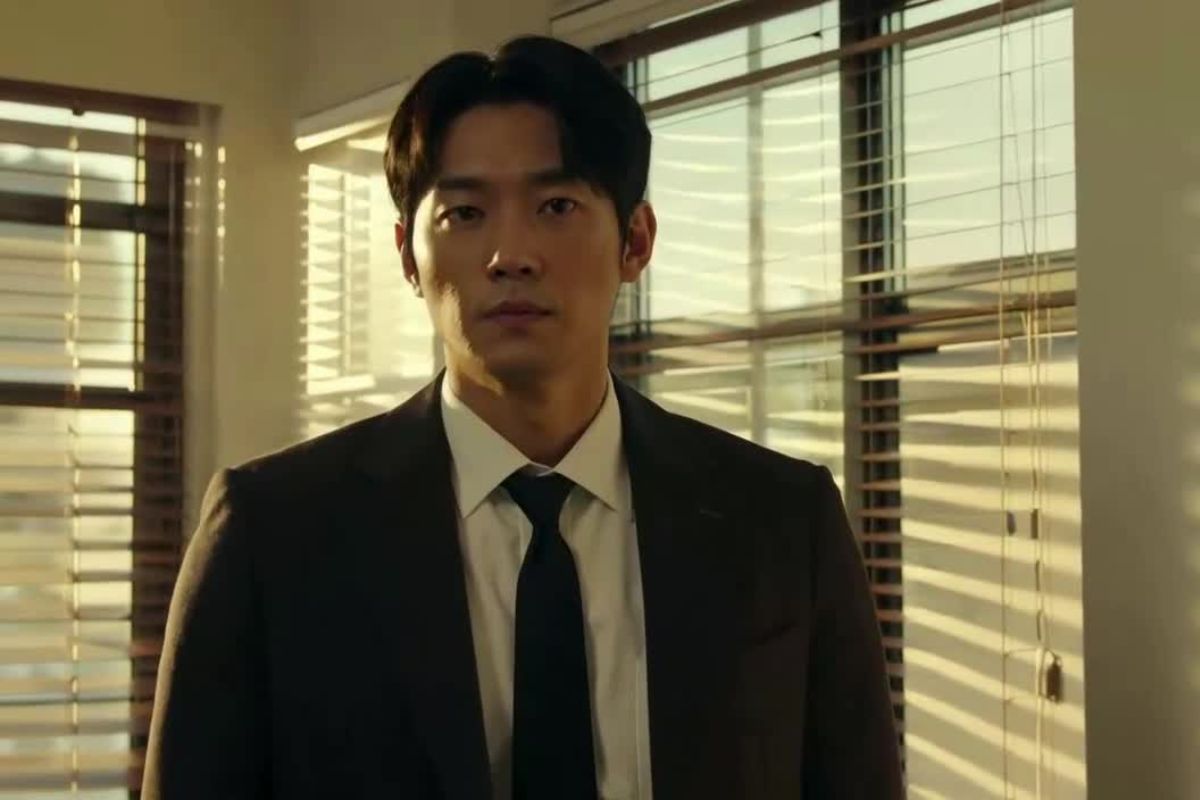
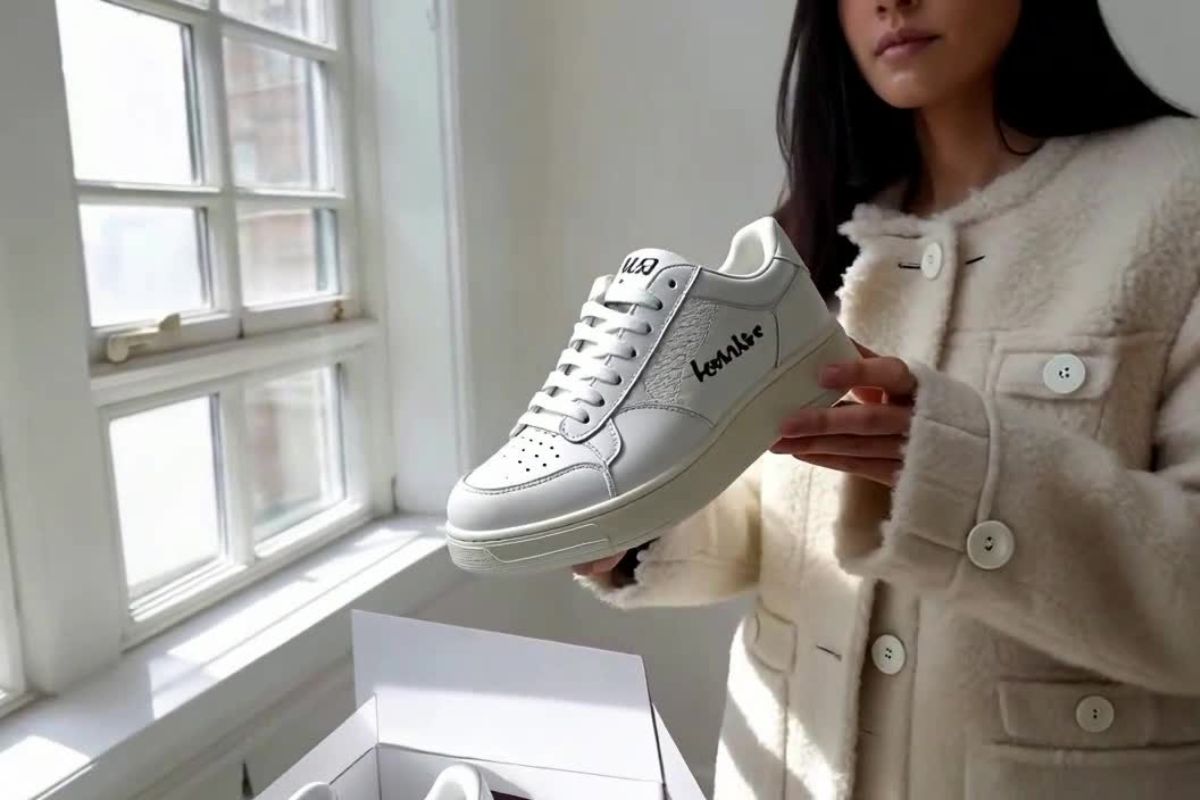
Unleash the power of AI-driven video creation with PixVerse V5.5 Lip. Transform simple text into multi-shot videos with synchronized audio and lip movements, creating captivating narratives without cumbersome edits.

How PixVerse V5.5 Turns Ideas Into Cinematic Clips

Bright Moon in the Lake
Golden Desert
Moon Goddess
The Dragon's Gaze

Explore Key Features of PixVerse V5.5 Lip

Automated Script-to-Video Creation

Convert written scripts into multi-shot videos with synced audio using PixVerse V5.5 Lip, eliminating the need for manual editing and providing a platform for efficient content creation.

Intelligent Camera Angles and Shot Sequences

PixVerse AI automatically selects and synchronizes various camera angles, building coherent story sequences that captivate audiences without cumbersome sequencing.

Real-Time Lip Sync and Dialogue Generation

Generate spoken dialogue that aligns with lip movements in real-time, ensuring smooth transitions from script to video and enhancing storytelling by maintaining narrative fluidity.

How to Use PixVerse V5.5 Script to Video Generator

Create Cinematic Clips with PixVerse V5.5 Text to Video
01

Enter a Scene Prompt or Short Script

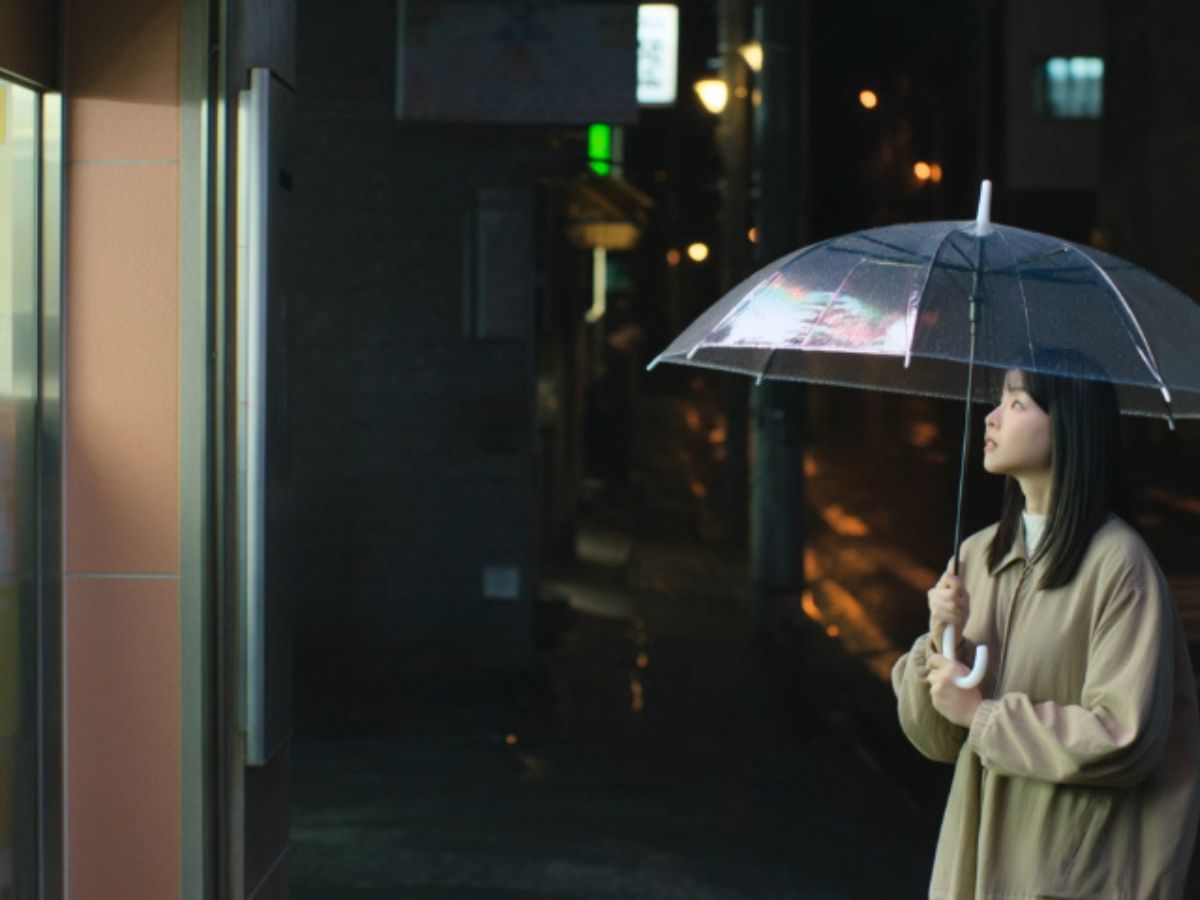
Start by writing a short script or scene description. PixVerse V5.5 works best when the prompt includes a subject, an action, and a setting. For example: a character walking through a rainy street at night. The AI reads the script and uses it as instructions for generating the video scene.

02

Let the AI Plan Shots and Audio

After submitting the prompt, PixVerse V5.5 automatically organizes the scene. The system may generate multiple camera shots such as wide views, medium frames, or close-ups. If dialogue is included, the AI video generator can also add voiceover and match mouth movement through lip sync.

03

Generate the Video and Export the Clip

Click generate and allow the system to render the video. Within a short time, PixVerse V5.5 produces a short cinematic clip with motion, transitions, and synchronized audio. You can then preview the result and download the final video.

Real Experience Using PixVerse V5.5 Text to Video Generator

FAQs about PixVerse V5.5 Lip

Experience PixVerse V5.5 Lip

Discover PixVerse V5.5 Lip and unlock advanced video storytelling capabilities for compelling content. Transform your scripts into dynamic visual narratives seamlessly.