AI Generator

Kling Video 3.0: Use It on OC Maker

Create realistic images with Kling 3.0 on OC Maker. Advanced lighting, scene consistency, and optimized prompts for commercial and creative use.

Kling Video 3.0

Create realistic images with Kling 3.0 on OC Maker. Advanced lighting, scene consistency, and optimized prompts for commercial and creative use.

Kling Video 3.0 Examples

Example clips created on OC Maker.

  • 01

    Stockholm. Winter night interrogation room. One and a half fluorescent tubes. Constant hum. Steel table. Two chairs. One-way mirror. Female detective across the table. Beige trench coat still on. Untouched coffee beside her. Opposite: a man, mid-fifties. Suit immaculate. Expression as calm as a board meeting. She slides a photograph across. Speaks Swedish: "Vi hittade den i ditt garage." He looks down. Three seconds. Looks up. Same calm: "Jag har aldrig sett den förut." Shot / reverse shot. Cut to close-up: her finger on the photo corner. Not releasing. Cut to close-up: his hands interlocked on the table. Knuckles normal. Cut to medium shot: silence. She picks up the coffee. Doesn't drink. Sets it down. Cut to mirror: both their backs reflected in the glass. Cold white fluorescent light. No BGM. Only tube hum and low-frequency air conditioning.

  • 02

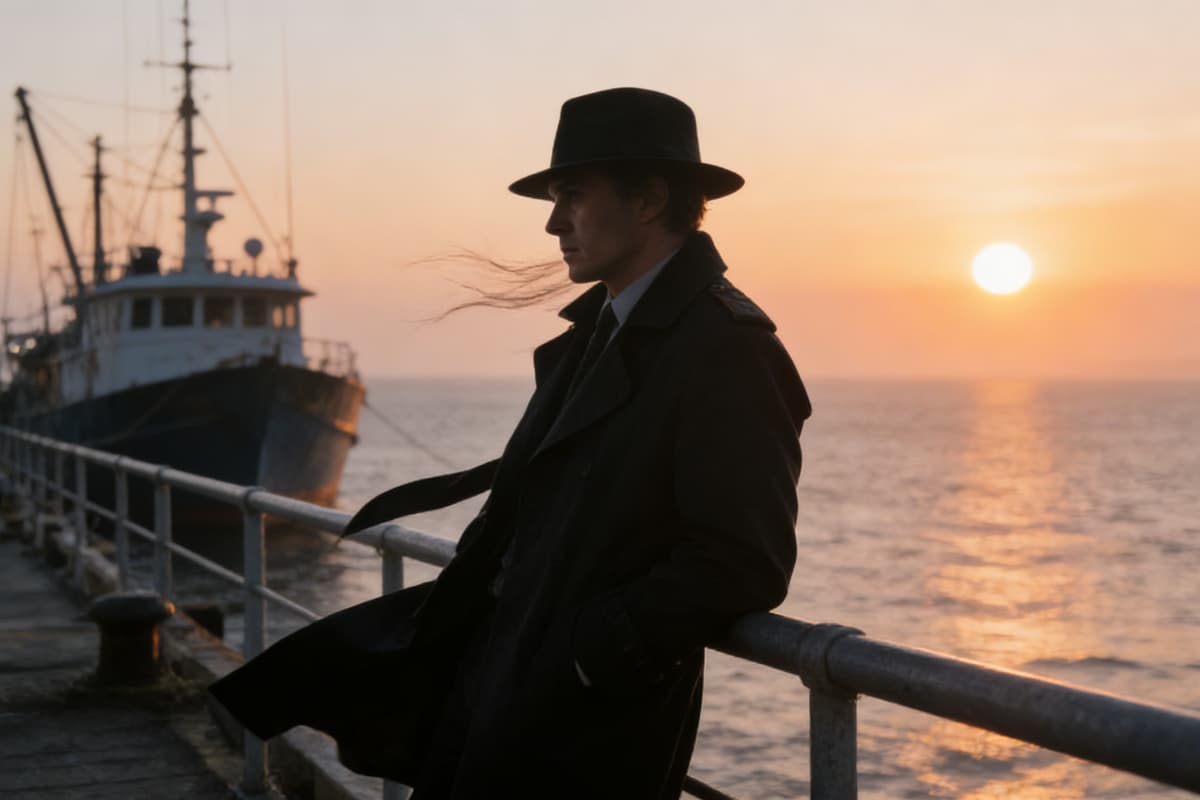
    New Mexico. Last five minutes of golden hour. Sun at the horizon. Shadows at maximum length. Dust suspended. Main street. One figure at each end. Thirty meters. Neither moves. Left: wide-brim black hat, old bloodstain on his duster, right hand near the holster. Not touching. Just close. Right: no hat, wind-blown hair, both hands empty. Not surrender eyes. Cut to close-up: left man — eyes narrowed, locked. Golden light slicing across his face. Shadow edge like a blade. Cut to close-up: right man's hand — fingers slightly spread, knuckle shadows on his thigh. No tremor. Cut to wide shot, side angle: the full street.Two figures at opposite ends. Thirty empty meters. Dust drifting slowly between them. Cut to top view: two figures, one line, town outlines around them.Frame holds. Right man's mouth moves. Barely a whisper: "I'm not drawing first." Orange-red golden hour. One distant crow. Low wind over sand. No music.

  • 03

    Deep space. Absolute silence. Old single-crew cargo ship, hull scarred and welded, drifting. Cut to medium shot: dim amber cabin light. Astronaut by the porthole, helmet on knees, staring blankly at the nebula. Fingers tap his knee. Stop. Cut to close-up: one water droplet slides down the porthole glass. Nebula reflects inside its curved surface — stretching, warping. Cut to wide shot: the entire ship, dust-particle small, suspended inside a blue-purple nebula. Gas flowing like slow-motion ink in water. Cut to top view: slowly pulling back. The ship disappears into the stars. No dialogue. No music. Only cabin ventilation hum. Cold blue-purple light. IMAX texture. Film-grade depth of field.

Kling Video 3.0 Features

0103

Industry-Leading Lighting Consistency

Kling 3.0 delivers highly realistic light and shadow behavior, even in complex environments. When used on OCMaker AI, lighting remains stable across different camera angles, subject movements, and layered compositions — making it especially reliable for professional-grade visuals that require physical accuracy.
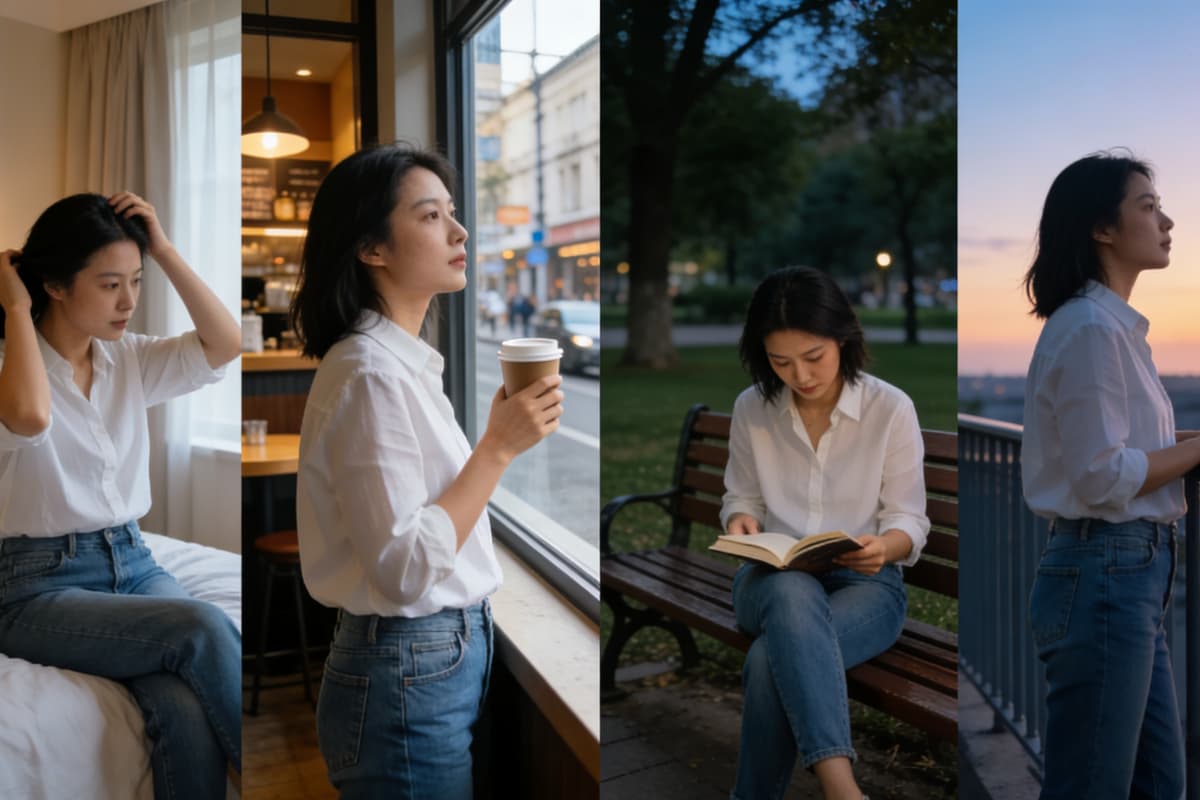
generation quality demonstration

0203

Strong Scene & Object Coherence

From architectural spaces to detailed characters, Kling 3.0 maintains consistent object proportions, textures, and spatial relationships throughout the image. This significantly reduces common AI artifacts and helps scenes feel grounded and believable, especially in multi-object compositions.

AI image generator interface

0303

Ready for Commercial & Creative Use

Whether you're creating marketing visuals, concept art, or social media content, Kling 3.0 outputs generated on OC Maker are clean, detailed, and production-ready. The platform also supports seamless transitions from image creation to dynamic formats, including image to video and text to video, making it easier to scale visuals across different content types and channels.

Kling 3.0 prompt tips for camera control

Core Capabilities of Kling Video 3.0

  • 01

    Physics-Accurate Simulation

    Powered by the Omni One architecture, the AI models physical interactions to ensure gravity, collision, and inertia are rendered accurately.

  • 02

    Native Audio Synchronization

    Generate lip-synced dialogue and ambient sound effects in a single pass, ensuring the audio matches the AI video perfectly without post-processing.

  • 03

    High-Fidelity Resolution

    Achieve cinema-grade visuals with native 1080p and 4K output at 30fps, supporting 16-bit HDR color for professional editing pipelines.

  • 04

    Precise Camera Control

    Direct shots with professional terminology, controlling pans, tilts, zooms, and rack focus to achieve exact cinematic compositions.

  • 05

    Draft Mode Iteration

    Rapidly prototype ideas using the Turbo model to test camera angles and motion up to 20 times faster before committing to final renders.

  • 06

    Consistent Character Identity

    Maintain strict subject identity across multiple generated clips, making it possible to assemble coherent narratives from separate AI shots.

How to Generate Images with Kling 3.0

  1. Choose Kling 3.0 Model

    Select Kling 3.0 inside OC Maker to ensure high lighting accuracy and scene realism.

  2. Write a Clear, Descriptive Prompt

    Describe lighting, environment, and subject behavior in one complete sentence — Kling 3.0 performs best with contextual clarity.

  3. Refine with Small Adjustments

    Instead of rewriting prompts, adjust light direction, material, or camera distance for precise control.

Reviews on Kling 3.0 AI Video Generator Online

  • The motion consistency in Kling Video 3.0 is unmatched. I created a 10-second clip where the character turned around without morphing—something previous models couldn't handle. The physics engine really makes a difference in weight and inertia.

    Lena

  • Kling 3.0 realistic lighting AI completely changed my workflow. The way it handles shadows and depth of field looks like actual camera footage, not a generated mess. The native audio sync also saved me hours of post-production.

    Ethan

  • Using the Kling 3.0 prompt tips significantly improved my output. The director-mode controls allow for precise camera movements like pans and zooms that feel intentional. It's the first time I've been able to cut shots together into a real story.

    Aria

Frequently Asked Questions

Answers to common questions about the Kling Video 3.0 AI engine.

What distinguishes Kling Video 3.0 AI from previous versions?

Kling Video 3.0 is a unified multimodal AI engine that combines text, image, and video processing. It utilizes the Omni One architecture to generate physics-accurate video content, ensuring that AI-generated motion adheres to real-world laws of gravity and inertia.

How does the AI handle physics and motion realism?

The Kling 3.0 AI Video generator online uses Chain-of-Thought reasoning to simulate physical interactions. This means the AI calculates how objects should move, collide, and balance in a 3D space, preventing the distortion and floating artifacts often seen in other AI video tools.

Can the AI generate audio synchronized with the video?

Absolutely. The AI engine includes a native audio generation feature that produces synchronized voiceovers, lip-synced dialogue, and ambient sound effects. This allows the AI to deliver a complete audiovisual experience in a single generation pass.

How does Kling 3.0 realistic lighting AI improve visual quality?

Kling 3.0 realistic lighting AI simulates light transport within the scene, creating volumetric shadows and reflections that interact naturally with moving subjects. This provides a cinematic look that feels organic rather than like a filter applied over the footage.

What are some effective Kling 3.0 prompt tips for better results?

The best AI results come from using a 'shot list' structure. Break your prompt into scene, subject, camera movement, and action. Kling 3.0 prompt tips suggest defining what must stay static to help the AI focus on the intended motion, reducing identity drift.

What kind of prompts actually work best with Kling 3.0?

From hands-on testing, Kling 3.0 responds best to clear physical descriptions rather than abstract style keywords.
For example, describing light direction, material texture, and camera distance produces more stable results than stacking artistic styles. On OC Maker, short but complete sentences consistently outperform long, experimental prompts.

Why do my images look more "real" on OC Maker than other Kling 3.0 sites?

The main difference is output stability. OC Maker is tuned to reduce variation between generations, especially in lighting and object proportions. In practice, this means fewer distorted edges, more consistent shadows, and less need to regenerate the same prompt multiple times.

Start Your AI Video Journey

Join millions of creators using the Omni One architecture to produce cinema-grade AI videos.

Kling Video 3.0: Use It on OC Maker