Runway
Runway
Create cinematic clips with a runway AI video generator—explore text to video, image to video, and real scene transformation.
Runway Video Examples
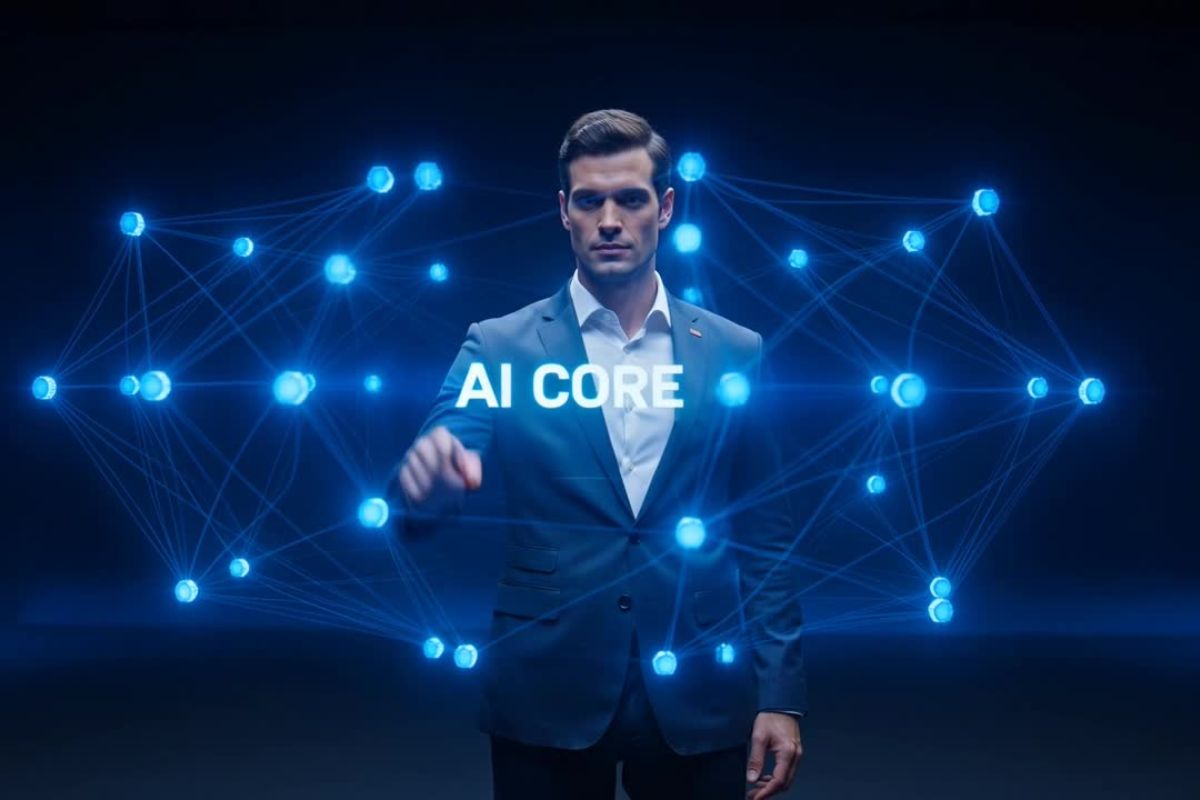
The Emperor Brandishes His Sword
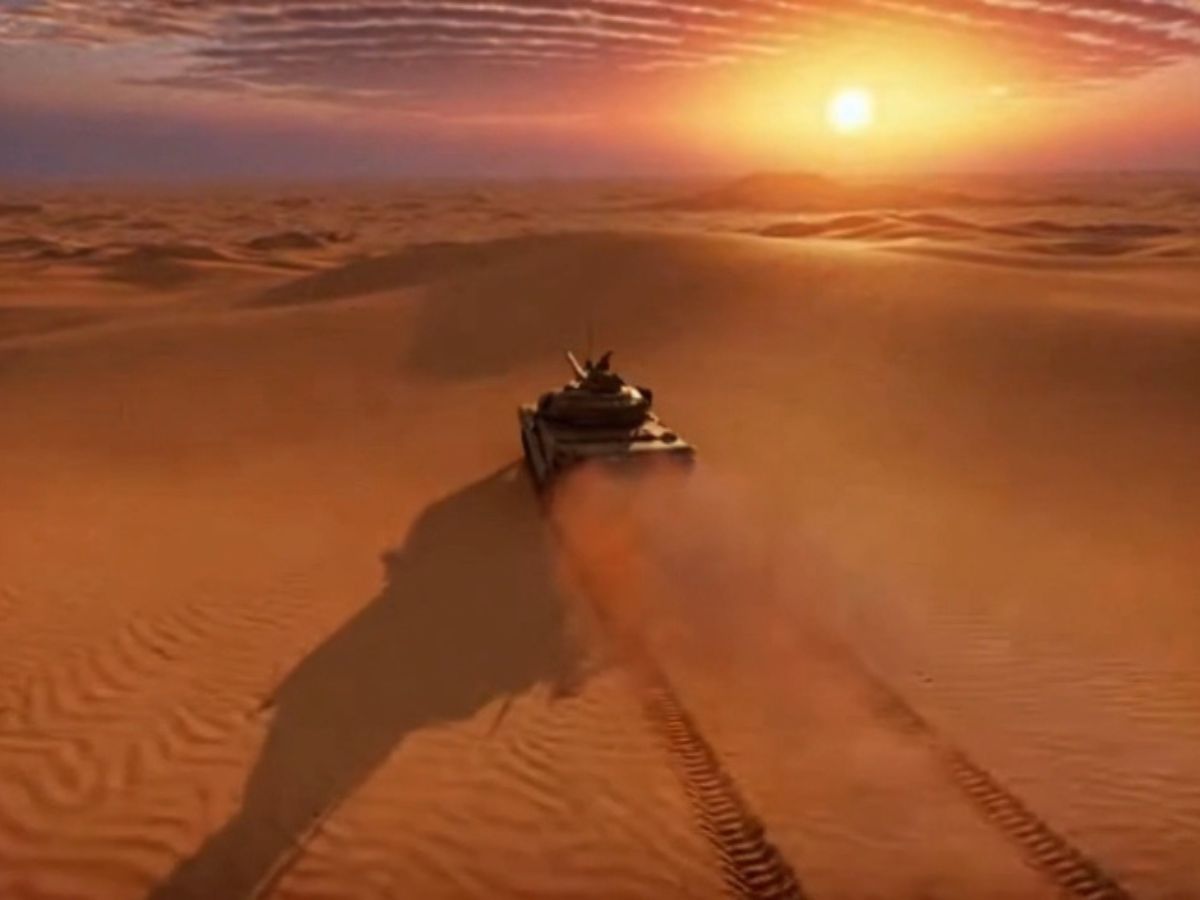
The Cat Coin Knight Guarding the Castle
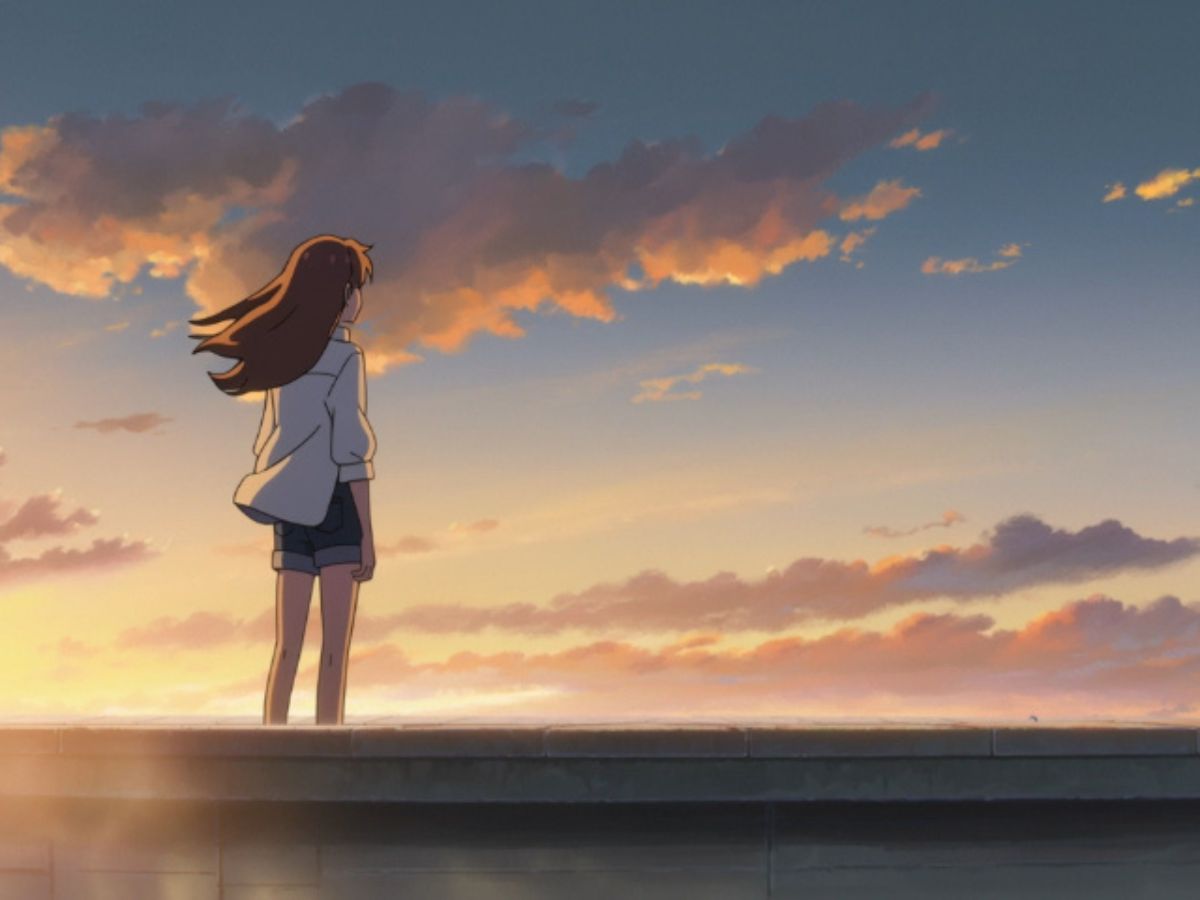
The Awakening Serpent Woman
What You Can Create with Runway
A quiet toolkit for creators who think in sequences, not just frames.
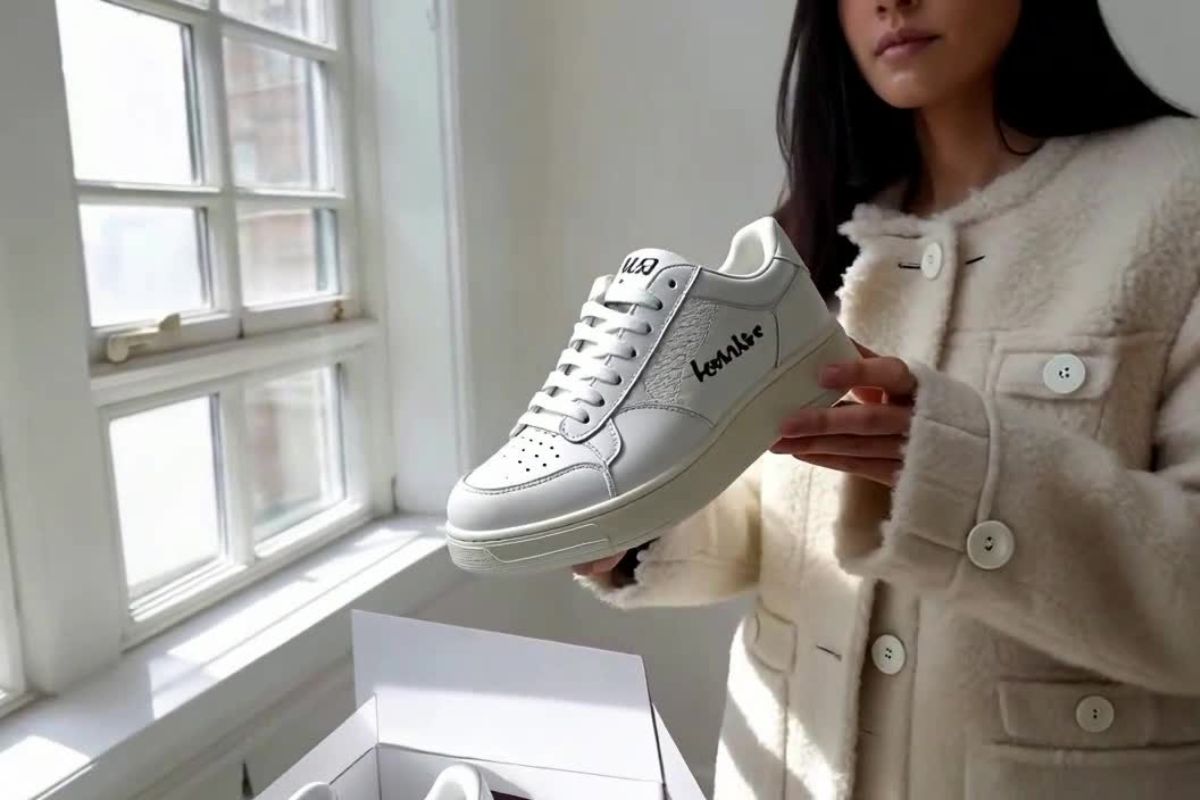
Images Start Breathing
Animate still visuals while keeping their original structure intact.
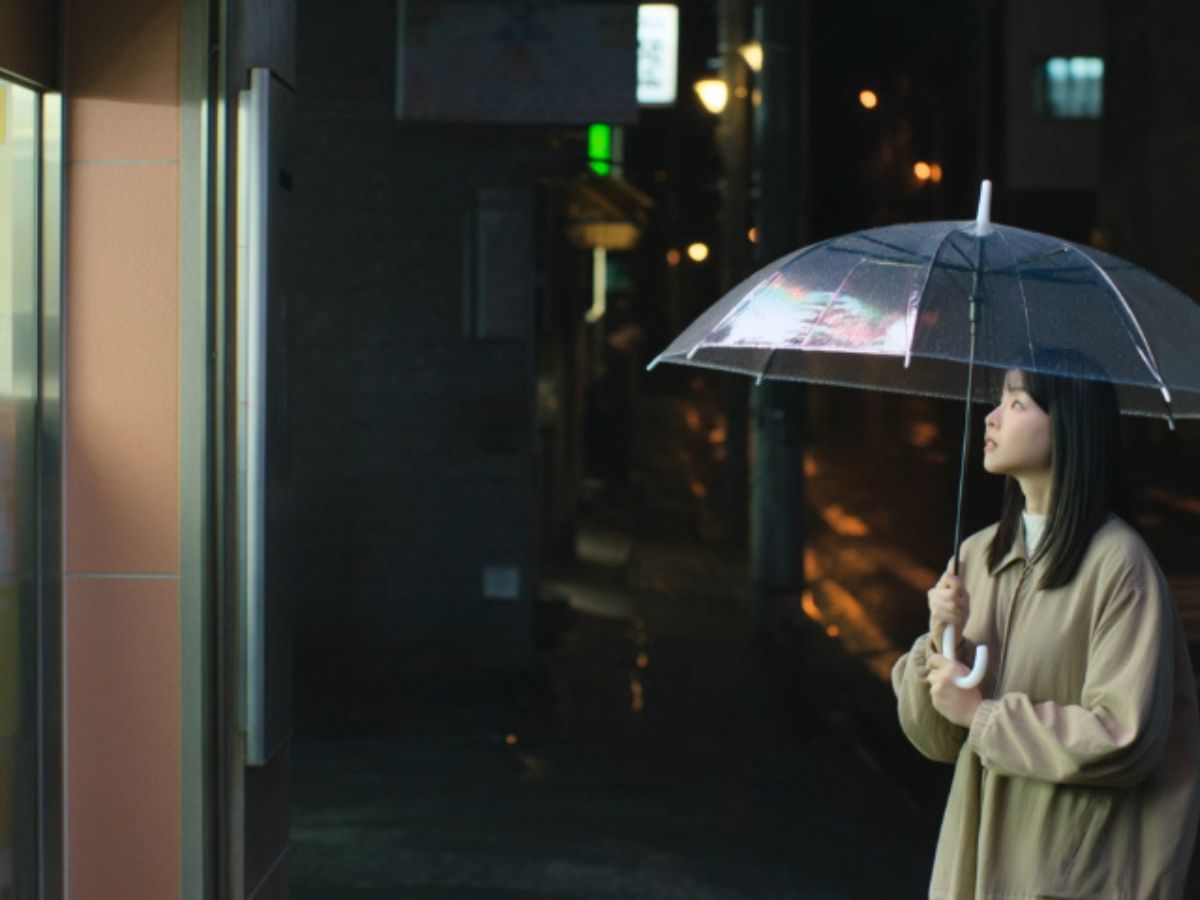
Objects Fade Away
Remove unwanted elements without breaking the scene's logic.
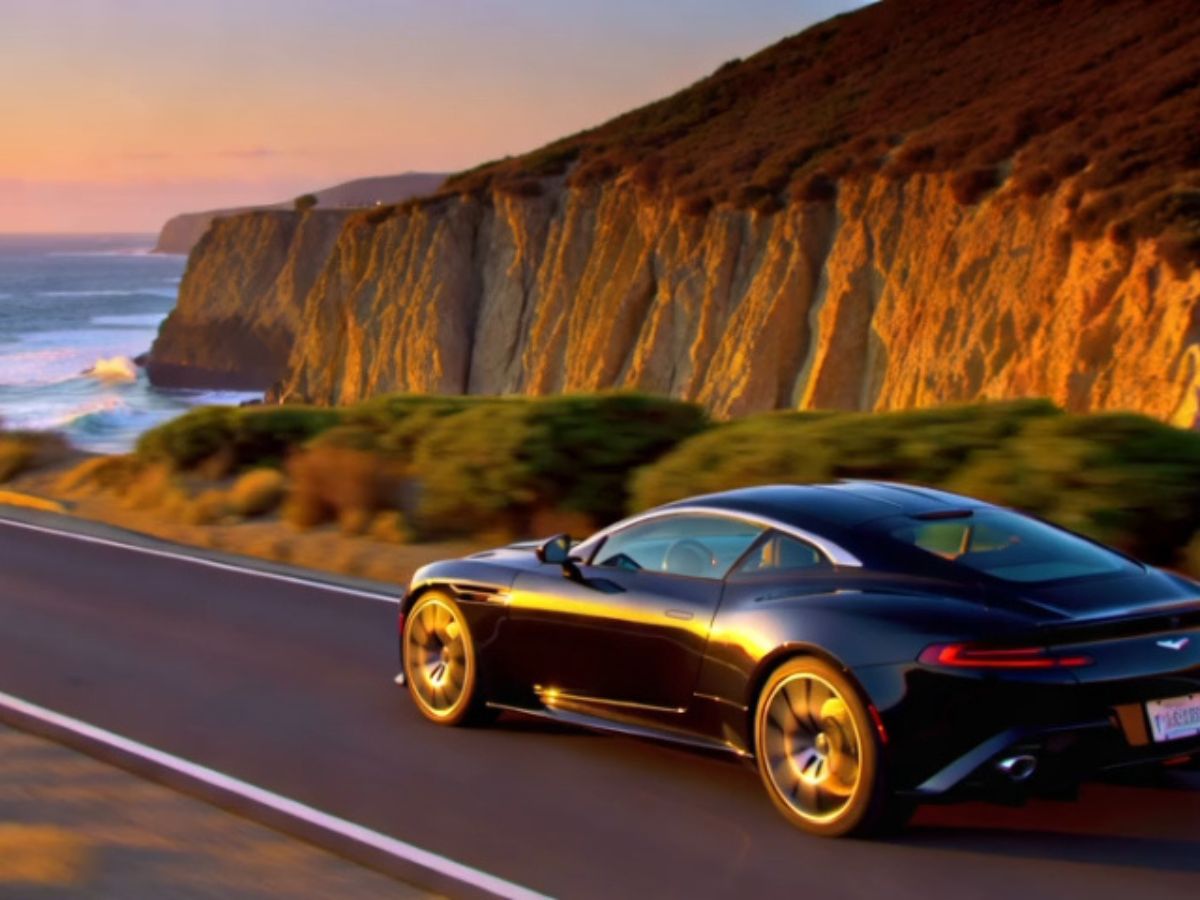
Style Evolves Across Frames
Transform videos into new aesthetics while preserving motion flow.
Runway AI Video Generator: Where Motion Becomes Direction
Creating Motion, Not Just Clips
Start with OCMaker AI, then move into Runway when your idea needs time and movement. What stands out is how Runway treats motion as something continuous—not, not a sequence of stitched frames. Even simple prompts can result in scenes that feel like they were "directed," with a beginning, middle, and subtle emotional flow.
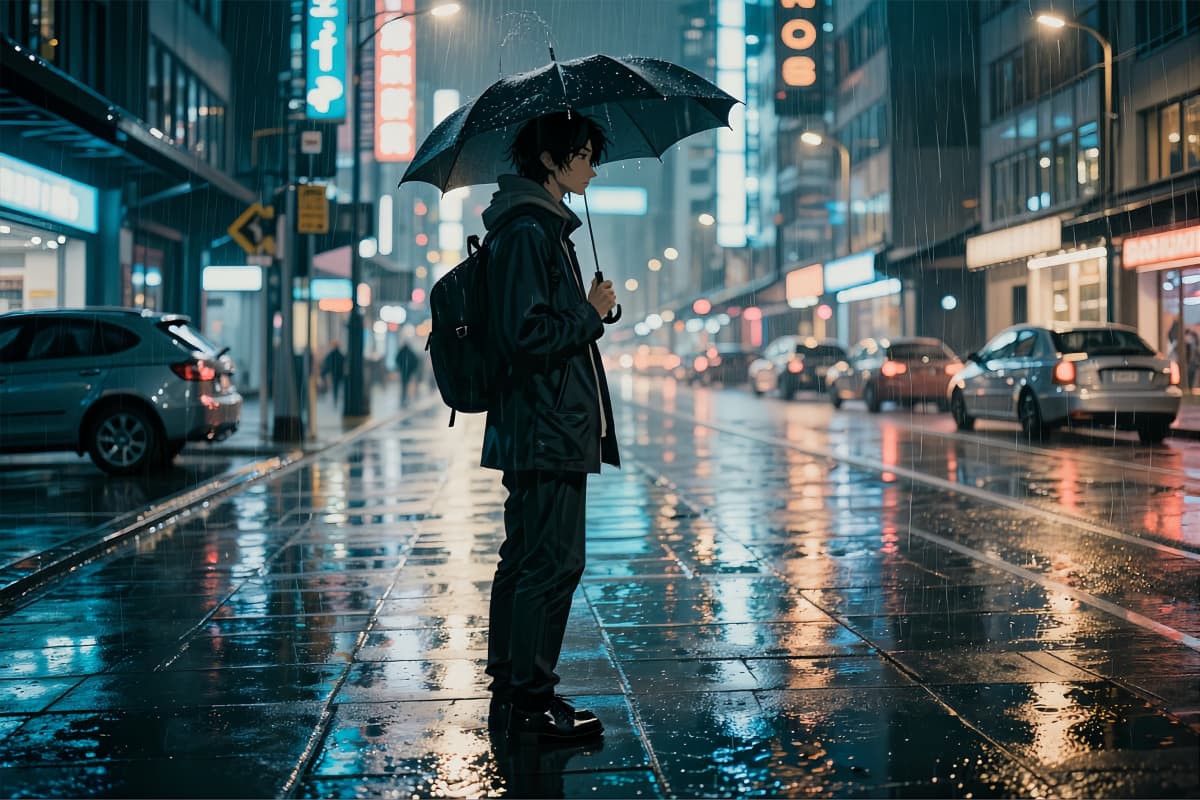
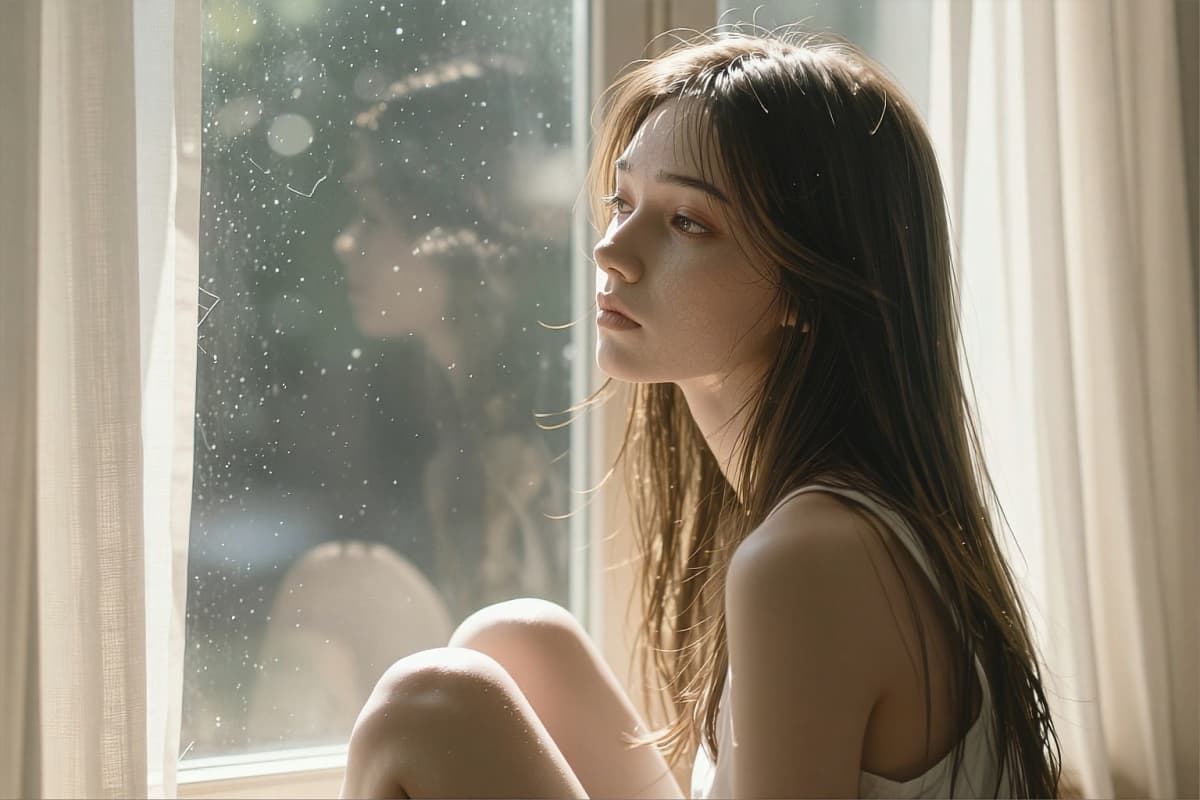
Runway AI Text to Video Feels Like Filmmaking
With text to video, Runway responds better to intent than rigid descriptions. Instead of listing objects, you can describe pacing, atmosphere, or tension—and, and the model often translates that into believable motion. Compared to many tools, it handles temporal consistency more gracefully, especially in lighting and camera feel.

Runway AI Image to Video Preserves Identity
Using image to video, Runway tends to respect your original composition. Characters don't drift as aggressively, and framing stays closer to the source. This makes it especially useful if you're working with carefully designed visuals and want motion without losing identity.

Runway AI Remove Object from Video, Naturally
Object removal here feels less like patching and more like reconstruction. When you remove something, Runway often rebuilds the surrounding space in a way that blends with motion and lighting. It's not just about hiding objects—it's about maintaining the illusion that they were never there.

Comprehensive Features of Runway AI Video Generator
High Quality Video Output
Intuitive Interface
Versatile Content Creation
Advanced AI Models
Freemium Access
Dynamic Style Adaptation
Steps to Utilize Runway AI Video Generator
Choose a Runway Model
Select the mode that fits your idea—text to video, image to video, or video transformation.
Describe Your Scene
Write a prompt that focuses on motion, mood, and subtle actions rather than static details.
Generate and Refine
Let the scene unfold, then adjust your prompt to shape timing, emotion, and visual consistency.
More Popular Models
What Creators Actually Notice Using Runway
Unlock Creative Potential with Runway AI
Discover the possibilities of AI video generation with OCMaker AI and transform your creative process.