0104
Text to Video Anime
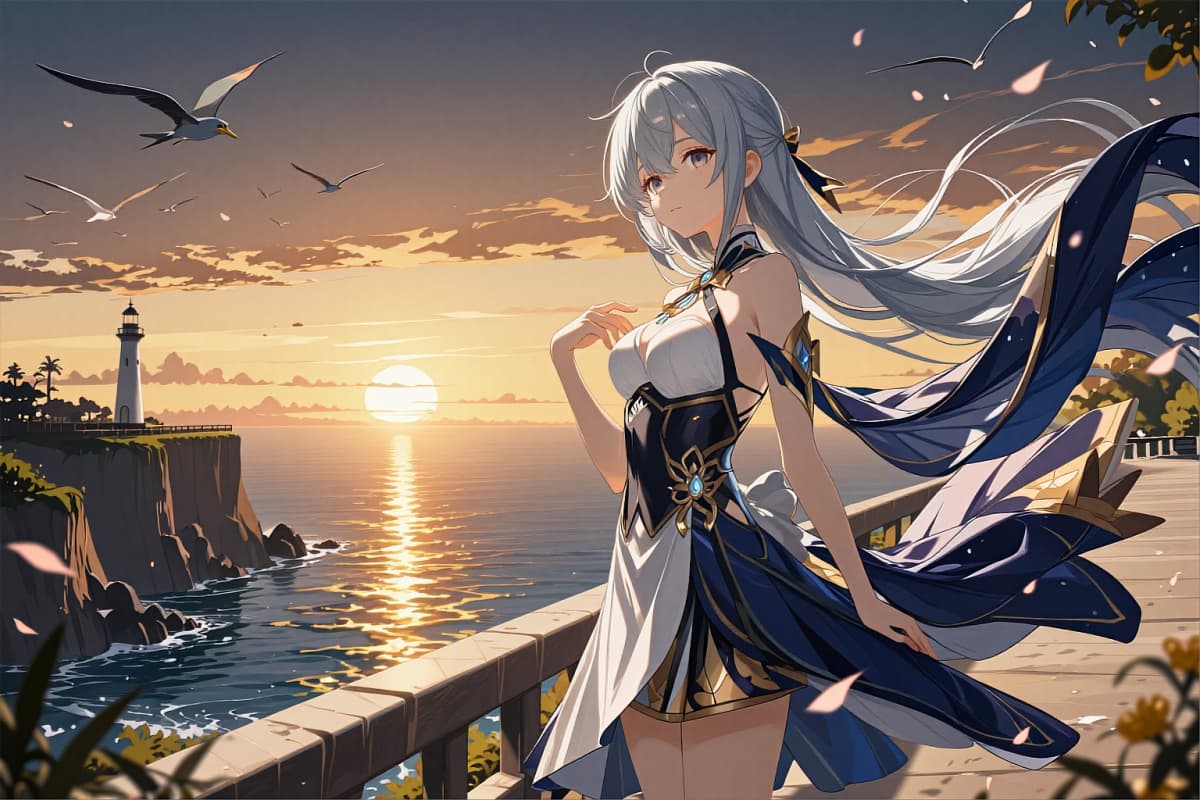
Type a scene prompt, hit generate, and get an anime video with cinematic motion—ideal for story beats, PV-style shots, and short-form clips you can post the same day.

AI Video Generator
Seedance, Kling, Wan and more — one box for every video model.
Create anime-style videos from text, images, or existing clips with OCMaker—pick a style, guide the motion, and export a clean, share-ready result in minutes. Make your OC move naturally, keep character identity consistent, and generate scroll-stopping short videos in minutes.
0104
Type a scene prompt, hit generate, and get an anime video with cinematic motion—ideal for story beats, PV-style shots, and short-form clips you can post the same day.
0204
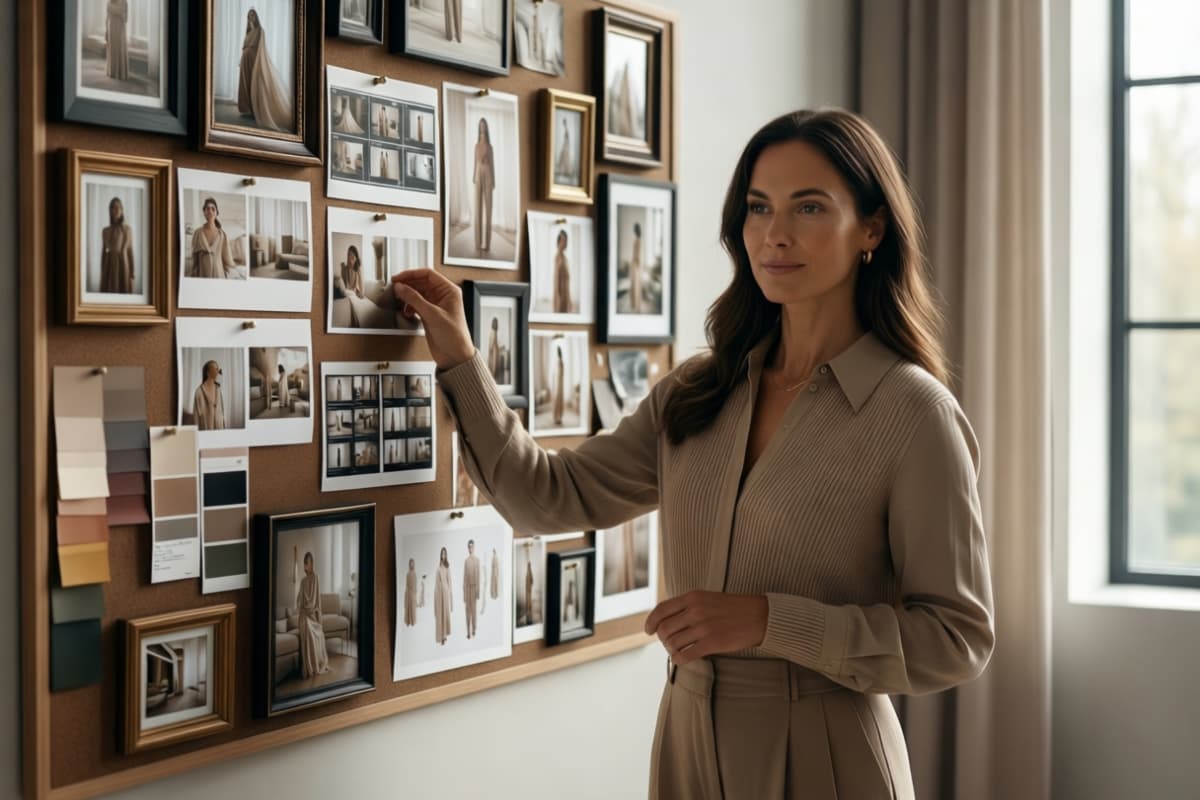
Upload a character image to create smooth motion and expressive animation—ideal for turning illustrations into alive moments.
0304
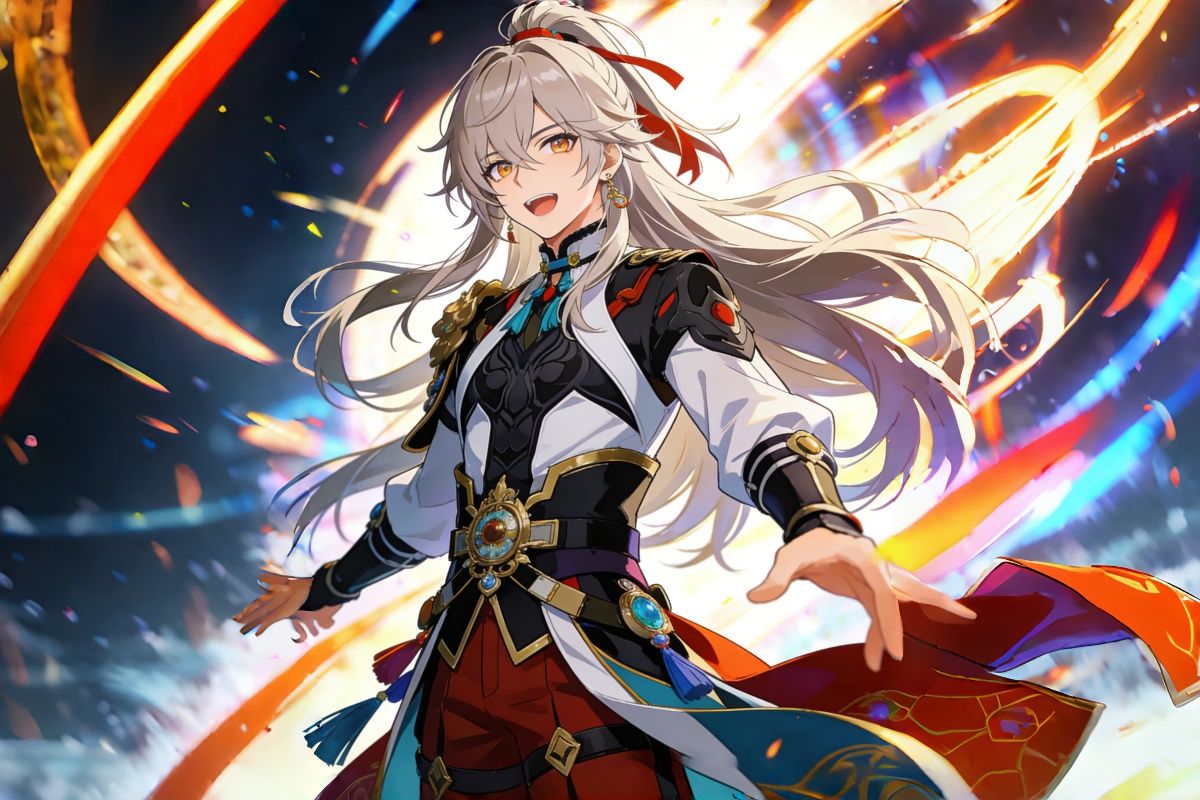
Transform an existing clip into anime, cel-shaded, or toon styles while preserving the original motion and timing. By using OC maker, creators can restyle footage while maintaining camera movement, temporal consistency, and the original storytelling rhythm.
0404
Keep the same face, outfit, and identity across multiple shots—made possible through advanced video models like Sora 2, and built for OC series, episodic storytelling, and brand mascots.
I can finally bring my OC to life—no complex tools to learn. The motion looks smooth and the character stays recognizable across clips.

Aya K.
OC Illustrator
Templates + anime styles make production insanely fast. It’s perfect for Reels and Shorts where you need output every day.
Minho Park
Short-Form Editor
Text-to-video helps me storyboard quickly, then I refine with image-to-video for the final character shots.

Sofia R.
Community Creator
Frequently Asked Questions
An AI video generator creates videos from text prompts, images, or existing videos—helping you produce motion content faster with less manual editing.
Yes. Use the consistent character workflow to keep identity stable across multiple shots—great for OC series and recurring characters.
You can generate from text, animate an image into video, or transform an existing video into anime/toon styles.
Yes. The workflow is optimized for fast iteration, vertical-friendly outputs, and template-based motion that works well for short-form platforms.
No. Start with templates or simple prompts, then iterate with style options and motion intensity until it matches your vision.
Use a simple structure: character + action + setting + camera + mood. Keep it concrete (what happens on screen), add 1–2 cinematic cues (close-up, dolly-in, handheld), and avoid packing too many changes into one prompt.