
Wan 2.1: A Thoughtful AI Video Generator
Bring your ideas to life with Wan 2.1, turning words and images into captivating videos that let your stories move, breathe, and inspire.
Wan 2.1
Bring your ideas to life with Wan 2.1, turning words and images into captivating videos that let your stories move, breathe, and inspire.
Prompt to Video Creations
Epic cinematic scene, a brave female warrior chasing a dark armored enemy across an ancient stone bridge between towering mountains, sword clash with sparks flying, wind blowing dust and cloaks, wide-angle camera following the action, cinematic slow motion, golden sunset lighting, dramatic composition, volumetric lighting, 4K, blockbuster style
Fashion commercial video, a beautiful virtual female model walking confidently on a modern minimalist runway wearing a stylish everyday fashion dress, elegant fabric movement as she walks, natural poses showing the details of the clothing, soft studio lighting highlighting the textures and colors of the dress, smooth camera tracking from different angles, fashionable urban style, clean background, luxury fashion advertisement aesthetic, cinematic lighting, high-end fashion brand look, ultra detailed
Beautiful anime style female hero character standing on a glowing magical platform, long flowing silver hair and elegant fantasy outfit with subtle armor details, she slowly turns around and gracefully spins to face the camera, confident smile and expressive eyes, soft magical particles floating around her, dynamic cape movement in the wind, cinematic orbit camera movement like a game character reveal, vibrant anime lighting, highly detailed character design, smooth character animation, premium game cinematic style similar to high-end anime games, ultra detailed, 4K
Where Wan 2.1 Expands Creative Video Making
A Model That Understands Interaction
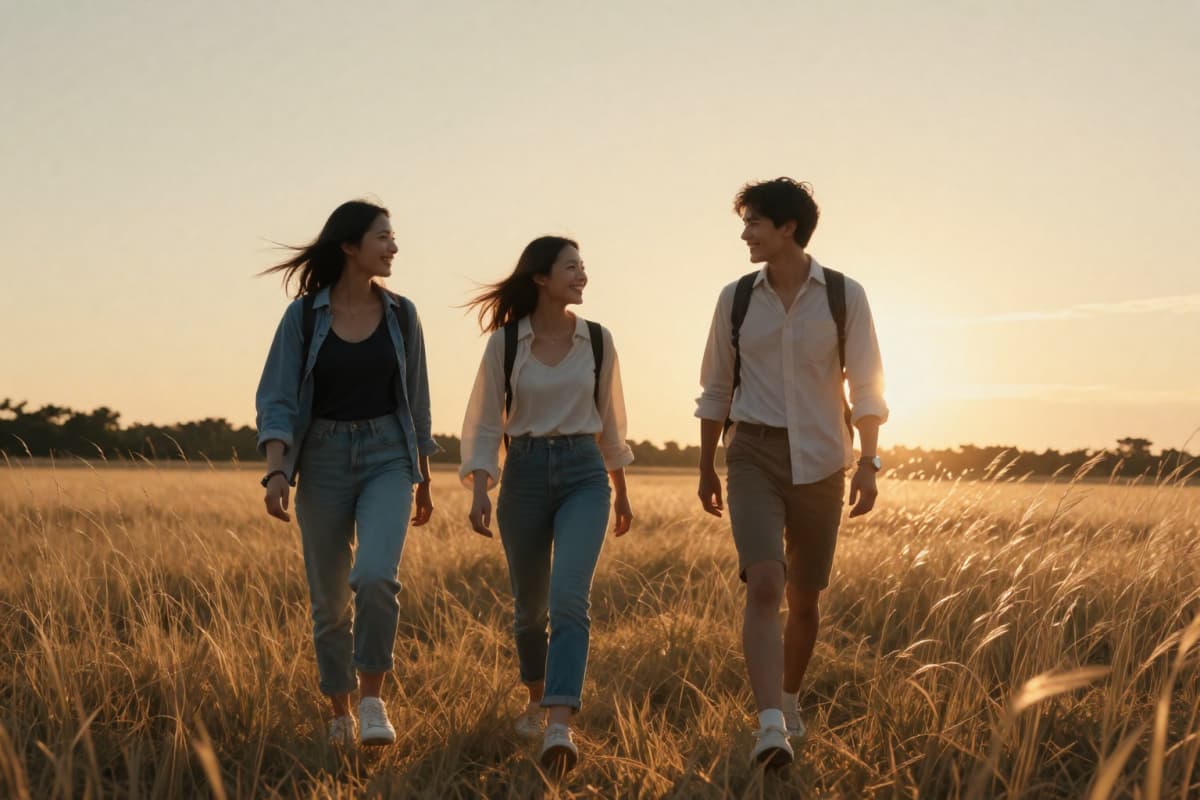
Inside OCMaker AI, Wan 2.1 shines when a scene involves more than a single subject. It handles multi-object interaction video with surprising clarity—characters moving around each other, shared motion, and coordinated gestures. This makes it especially useful for creators building AI video model for multi character scenes, where storytelling depends on how subjects relate to each other in motion.
Turning Words Into Motion
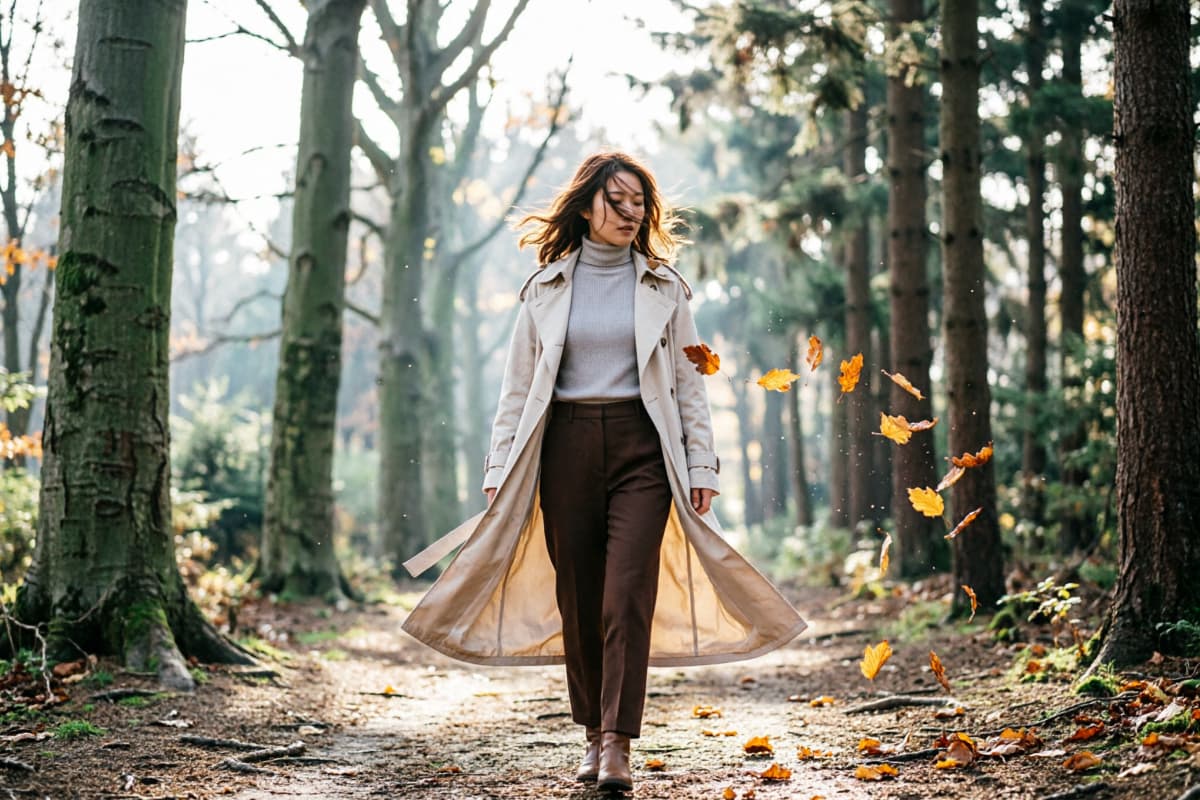
Wan 2.1 approaches prompt almost like visual directions. When using text to video, descriptive language becomes movement: camera drift, environment changes, and character action can emerge naturally from a thoughtful prompt. The result often feels less like a slideshow of frames and more like a moment unfolding.
Images That Continue Their Story
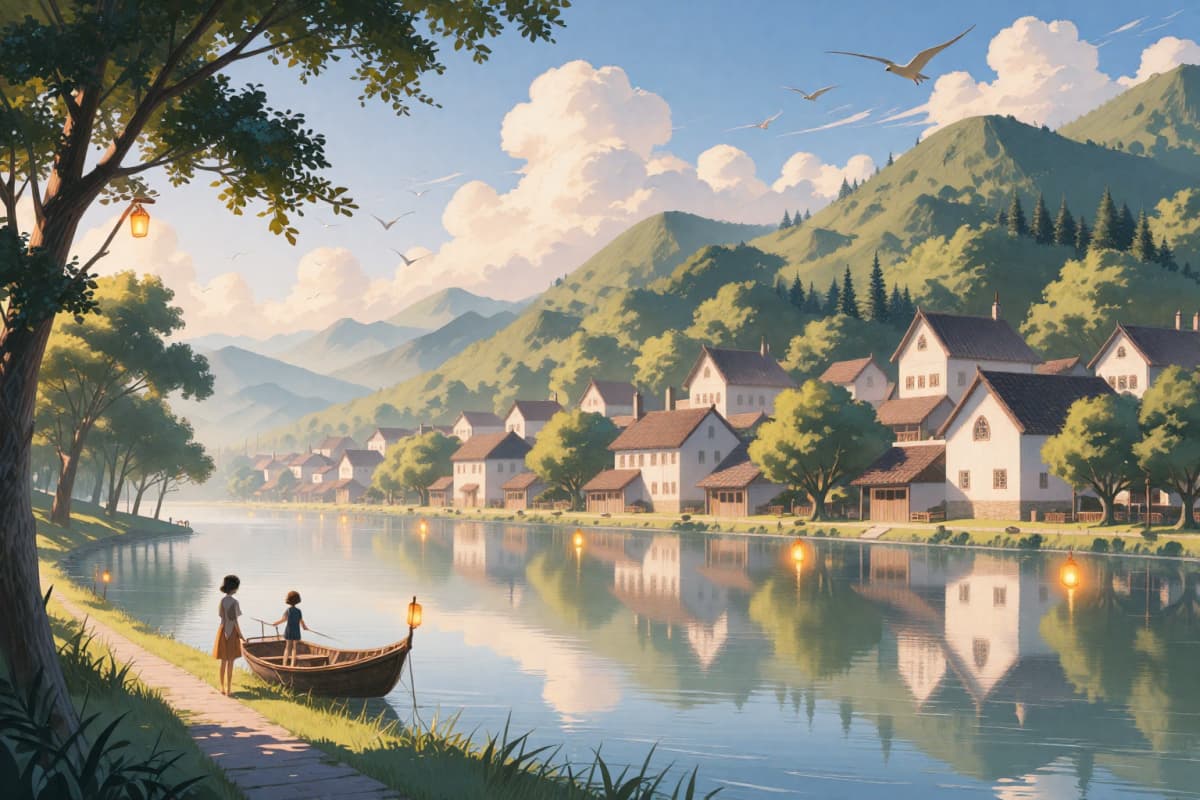
Some ideas begin as still images. With image to video, Wan 2.1 extends those images into time—subtle wind, lighting shifts, or character motion appearing organically. This makes it particularly appealing for artists who want illustrations, concept art, or portraits to gently evolve into video.
Built for Complex Scenes
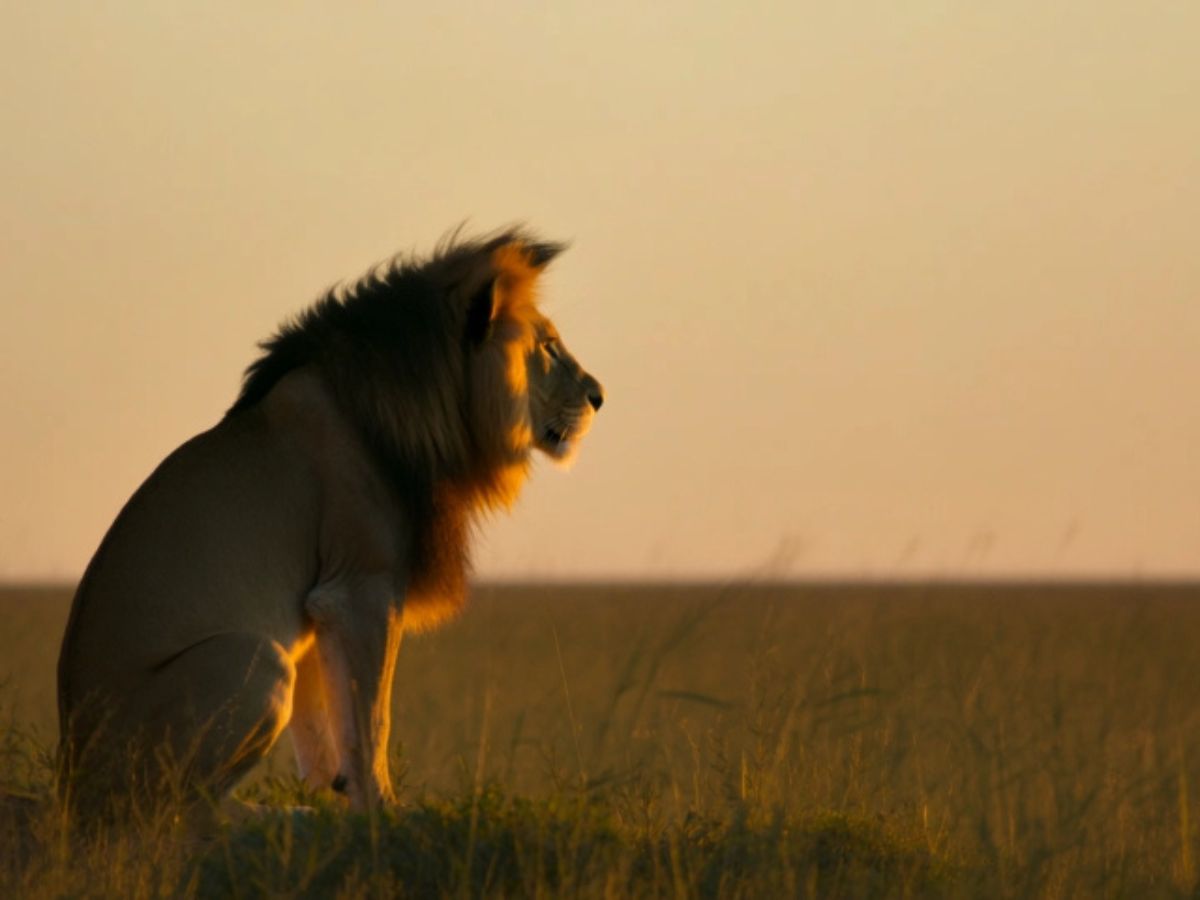
Many video models struggle when a scene becomes crowded. Wan 2.1 is designed to manage multiple moving elements at once, making it a strong wan 2.1 video generation model for dynamic compositions—groups of characters, layered environments, and moments where several things happen simultaneously.
Small Details That Make Wan 2.1 Feel Different
Multi Object Interaction Video
Efficient Resource Management
Open Source Versatility
How to Create a Video with Wan 2.1?
Select the Wan 2.1 Model
Begin by opening the generator and choosing the Wan 2.1 model from the available options.
Write Your Prompt
Describe the scene you want to explore. A few thoughtful details—lighting, motion, atmosphere—can guide the model toward richer visual storytelling.
Generate the Video
Click generate and allow the model to transform the idea into motion. In a short time, your prompt becomes a small cinematic moment.
More Popular Models



Questions Creators Often Ask About Wan 2.1
Explore the Future of AI Video Generation
Unlock the full potential of Wan 2.1 for your video creation needs. Perfect for professionals and enthusiasts alike seeking to innovate in video storytelling.