Midjourney Video

Transform images into dynamic videos with AI precision. Embark on a creative journey with Midjourney Video, turning static visuals into engaging clips.

Midjourney Empowers Art

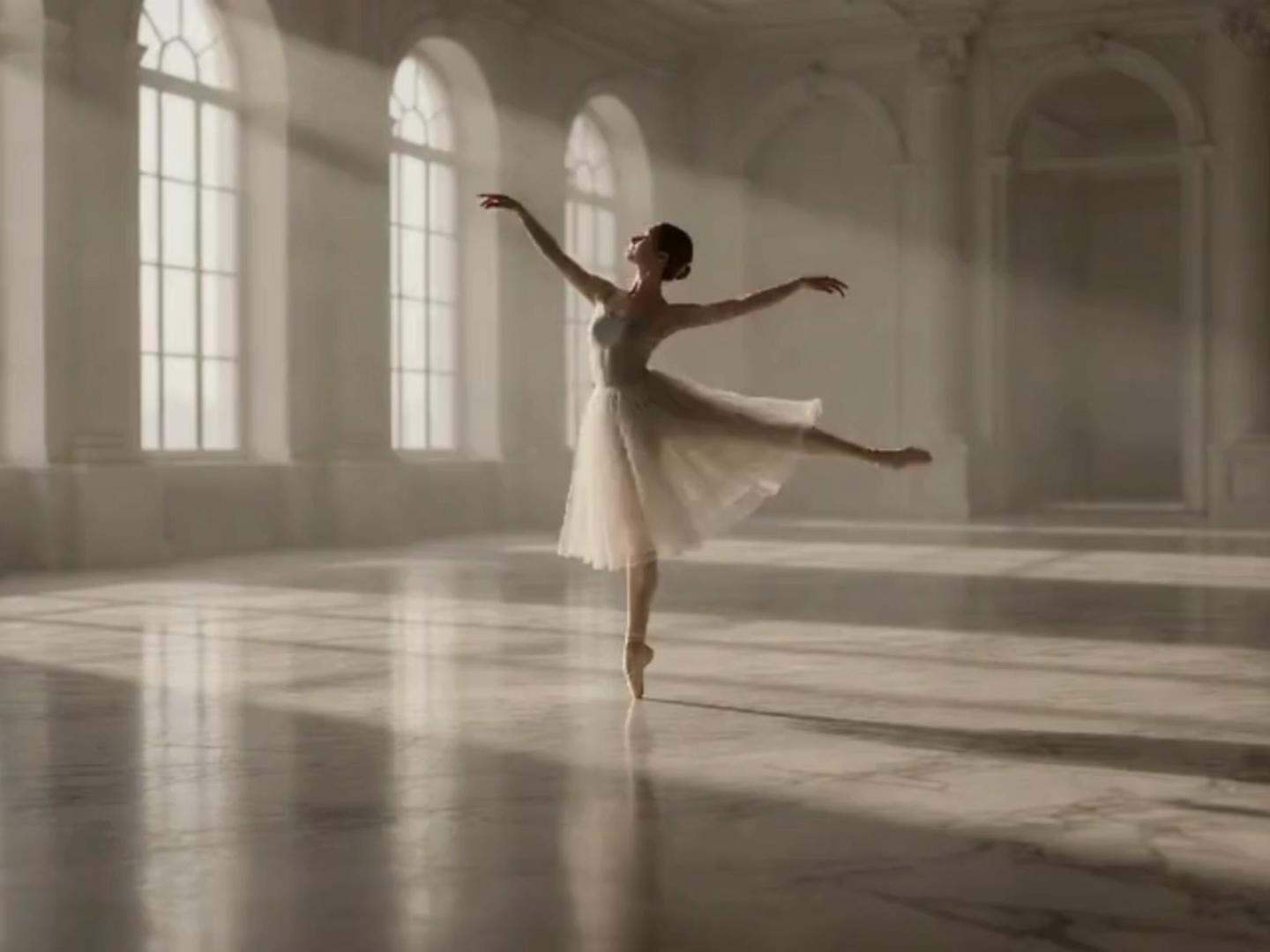
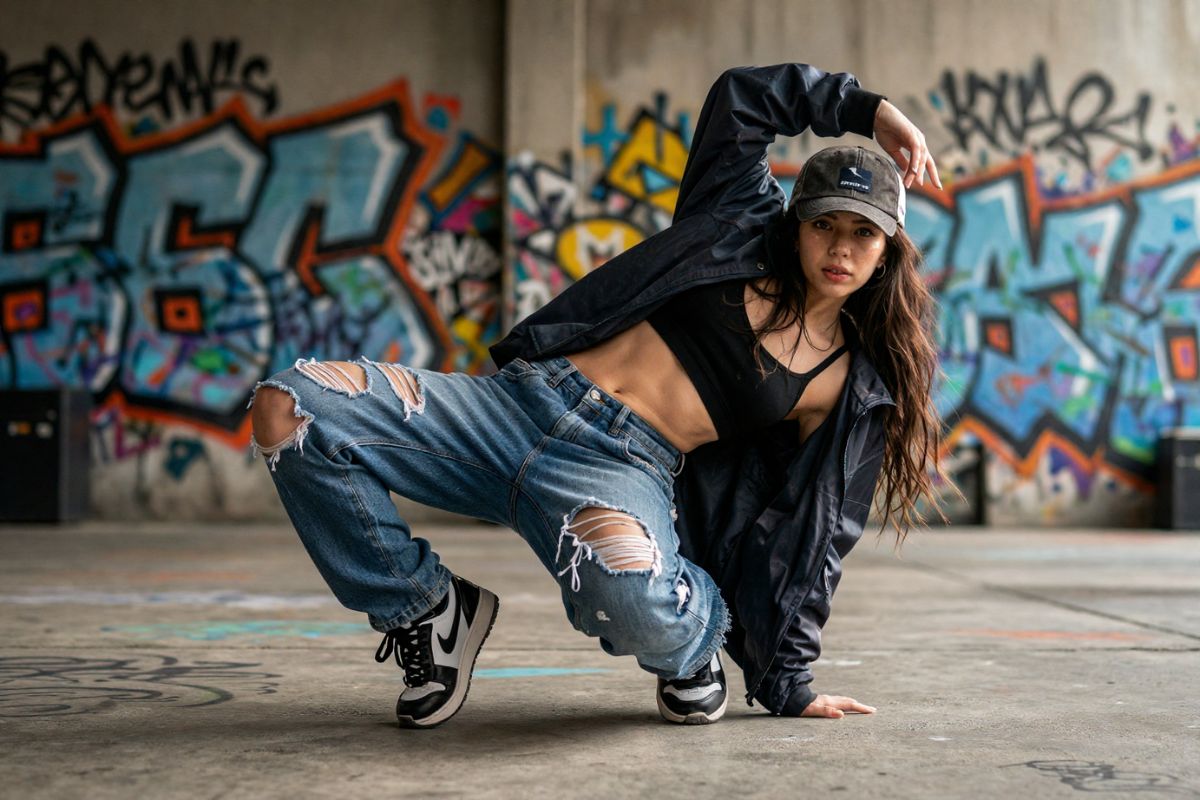
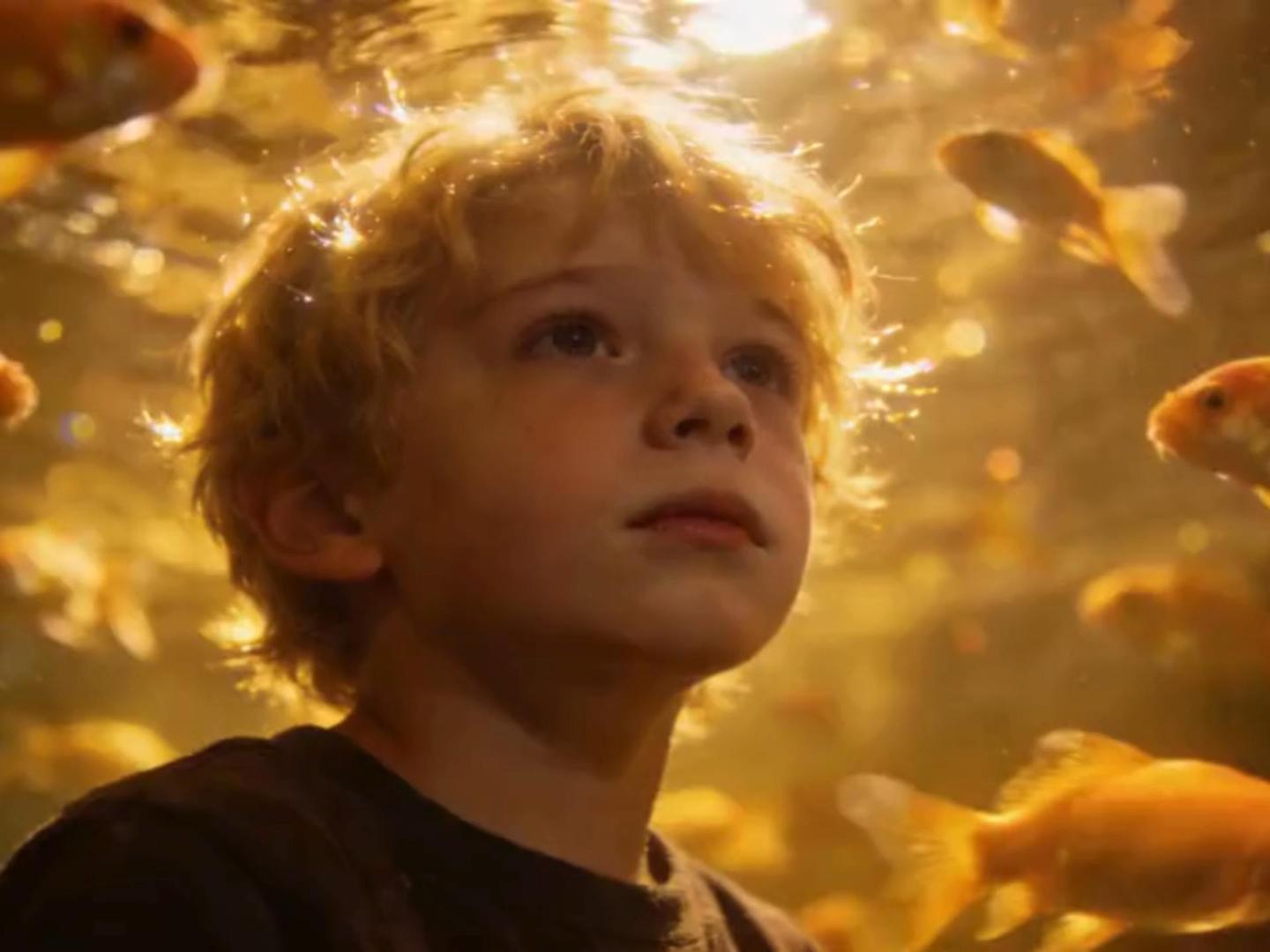
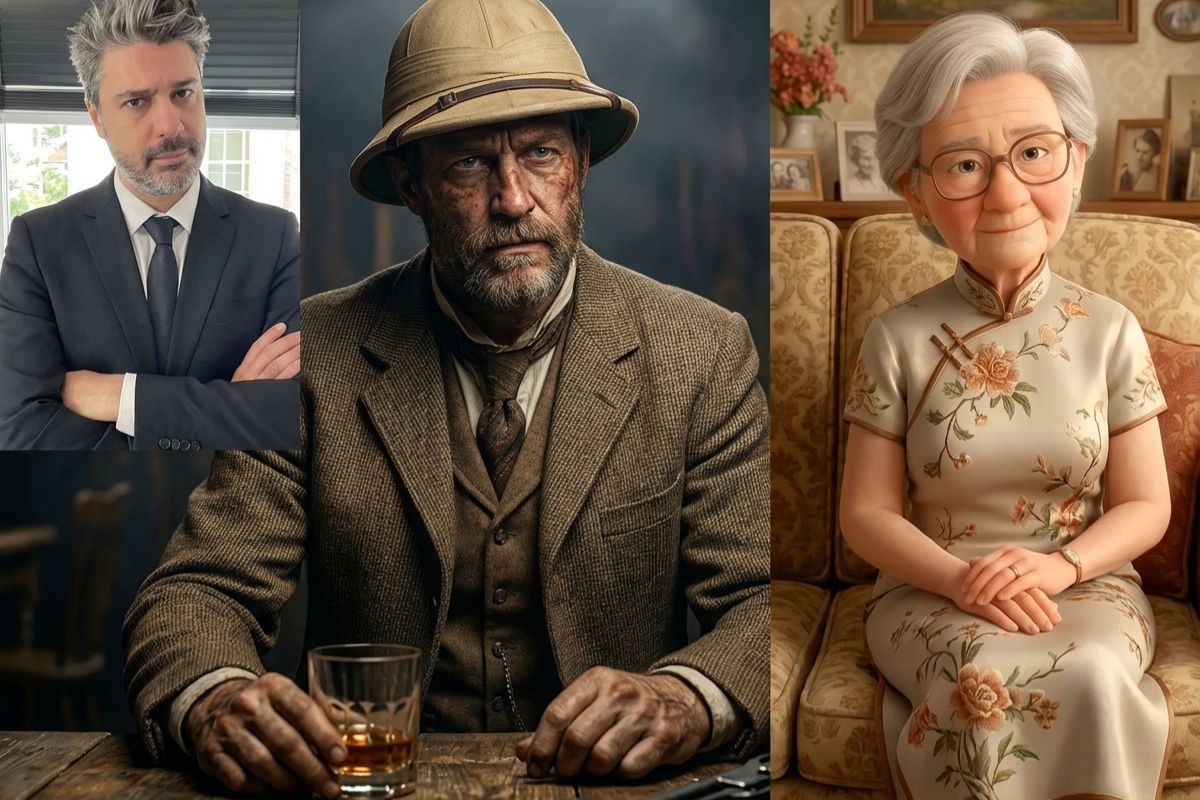
Example clips created on OC Maker.

  • 01

    Clean and engaging educational explainer video about space exploration, animated 3D Earth rotating in space, satellite orbit visualization, smooth infographic transitions, clear visual hierarchy, modern motion graphics style, bright and professional tone, seamless scene transitions, visually coherent storytelling

  • 02

    Epic travel cinematic video, aerial drone shot over tropical coastline at sunrise, waves crashing against cliffs, traveler standing at edge looking into horizon, smooth drone pull-back transition, golden hour lighting, atmospheric fog, natural environmental motion, documentary-style storytelling

  • 03

    Cinematic fantasy creature reveal, ancient dragon emerging from mountain cave, dust and debris falling, glowing eyes opening slowly, dramatic orchestral mood, dynamic camera orbit shot, volumetric lighting, high-detail scales and textures, epic atmosphere, slow build-up with smooth shot transitions

Midjourney Video Showcase for Creative Storytelling

0103

Explore the Midjourney AI Video Generator

Discover how to create a video in midjourney through its innovative interface. This AI-powered generator enables users to craft stunning videos effortlessly. Whether it's about animating OCMaker AI art or bringing personal artwork to life, Midjourney ensures high-quality output.

0203

Transform AI Images to Video with Midjourney

Effortlessly turn static ideas into animated visuals. The AI images to video conversion process maintains the essence of the original imagery while adding vibrant motion. Integrate image to video techniques to elevate your creative projects.

0303

Optimize Midjourney Video Length for Impactful Stories

Leverage the potential of short, impactful clips. Midjourney's video length optimization allows creators to maintain viewer engagement without losing the narrative essence. Perfect for social media snippets, concise storytelling, or text to video content.

Applications of Midjourney Video Creation

Understand the diverse applications and potentials of Midjourney Video in various creative fields.

Cinematic Storytelling

Develop captivating narratives by combining AI-generated video with consistent art direction.

Explore the Dynamic Features of Midjourney Video

  • 01

    Effortless Animation Process

    Unleash creativity by effortlessly animating static images. Midjourney automates the animation process, making it accessible for creators without advanced skills, providing intuitive controls over motion and camera work.

  • 02

    Flexible Video Formats

    Generate videos in multiple formats to suit diverse platforms. Midjourney supports various aspect ratios, enabling creators to tailor outputs for social media, professional presentations, or personal collections.

  • 03

    Precision in AI Motion

    Utilize intelligent AI to ensure smooth transitions and dynamic motions. With Midjourney, each frame is meticulously crafted to produce fluid animations, maintaining artistic integrity across sequences.

Frequently Asked Questions about Midjourney Video

Your guide to mastering AI-generated videos

What is the Midjourney Video Generator?

Midjourney does not currently offer a full native video generation model. However, creators can use Midjourney-generated images as high-quality visual assets and animate them using external video or AI animation tools to create dynamic video content.

Can I control video length in Midjourney AI?

Midjourney itself does not provide built-in video duration controls. Since it primarily generates images, video length and timing must be adjusted in external animation or editing software after exporting the visuals.

How does AI ensure video quality in Midjourney?

Midjourney ensures high visual quality at the image level through advanced diffusion-based rendering, producing detailed, stylistically rich frames. When used in video workflows, overall motion quality depends on the animation tools applied after image generation.

Is Midjourney suitable for professional use?

Yes. Midjourney is widely used by professional artists, designers, and creative studios for concept art, storyboarding, marketing visuals, and cinematic references. While it is not a dedicated video editor, its high-quality imagery makes it valuable in professional creative pipelines.

What are the best workflows for creating videos with Midjourney images?

A common workflow includes:

1.Generate high-resolution visuals in Midjourney
2.Upscale and refine images

3.Import into AI video tools or editing software

4.Add motion, transitions, and audio externally.

This hybrid approach allows creators to maintain artistic control while achieving cinematic results.

Can Midjourney images be used commercially in video projects?

Usage rights depend on the subscription plan and Midjourney's licensing terms. Many paid plans allow commercial use, but users should always review the latest official terms before publishing.

Explore More about Video Family

User Experiences

  • Creating videos with Midjourney is a seamless experience. The AI provides stunning motion effects that elevate my content.

    Jessie Dolly

  • Midjourney Video Generator transformed my static images into dynamic storytelling pieces, enhancing the visual appeal greatly.

    Jane Smith

  • The video quality is outstanding, and the ease of use makes it ideal for quick project turnarounds.

    David Clark

Transform Your Images with Midjourney

Embark on a transformative creative journey with Midjourney's image to video capabilities. Elevate your storytelling with high-quality, AI-powered animations.

Midjourney Video: Start Your Creation Journey!