Index Anisora
Index‑AniSora
Explore Index Anisora, an anime AI video generator free for image to video anime, shaped by real creator workflows and animation-focused control.
See How Ideas Become Anime AI Videos
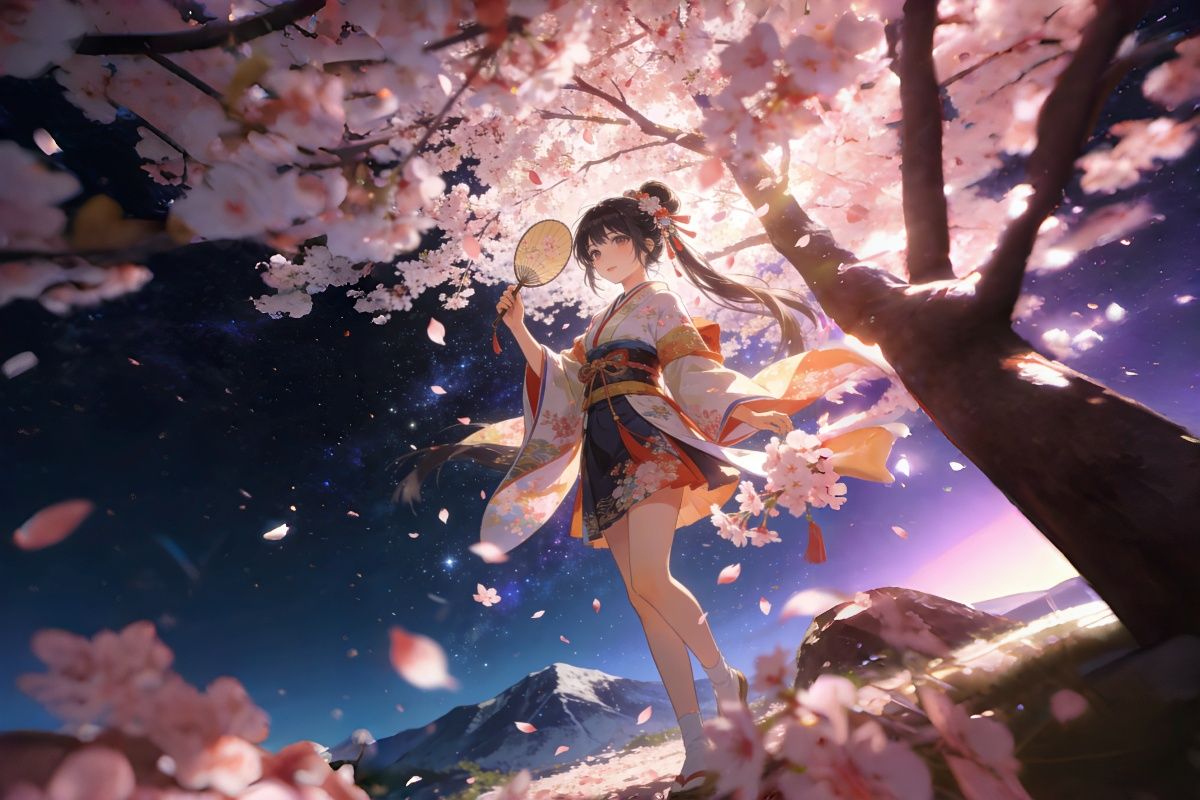
Cinematic video, 1girl, long silver wavy hair, white iridescent dress, iridescent butterfly wings, flying upward, swirling purple-coral sky with nebulae, wings flapping, hair/dress flowing, camera tracking, lens flare, glowing particles, 60fps, fantasy, smooth animation
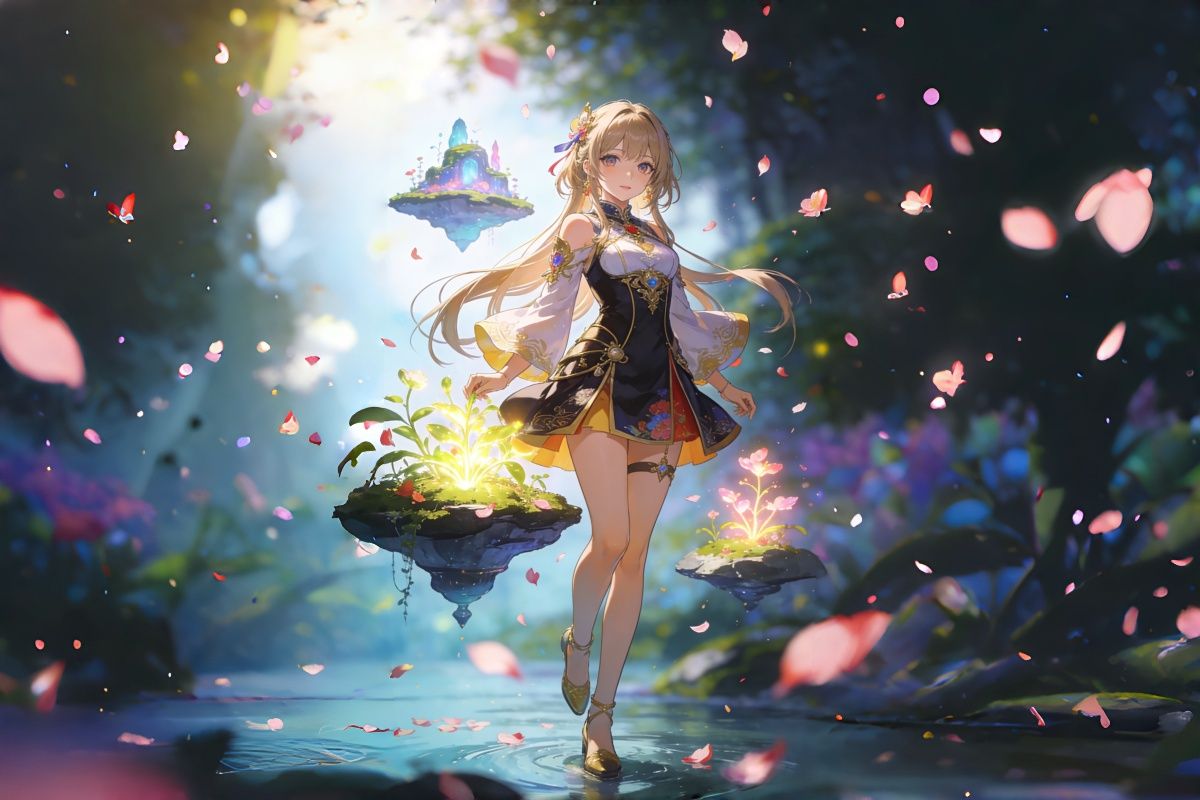
Masterpiece, best quality, ultra-detailed, 8k, cinematic anime video:1.4, 1girl, solo, back view, long icy blue hair with double braids and silver star hair ornaments, floating hair strands, parted bangs, white eyelashes, soft expression, backless glittering light blue satin dress with lace trim, silver lace choker, crystal dangling earrings, layered star chain necklace, black background, floating transparent bubbles, sparkling star particles, dynamic motion: (arms slowly spreading outward, body gently tilting upward, hair and dress flowing with invisible current:1.6), bubbles rising and popping softly, star particles twinkling and trailing behind her movements, camera: slow orbit around her back, focusing on hair and dress texture, subtle lens flare on sparkles, smooth 60fps animation, high contrast lighting, glossy satin texture, clean line art, elegant and ethereal atmosphere, ambient soft water sound
Mmasterpiece, best quality, ultra-detailed, 8k, cinematic anime video:1.4, 1girl, long curly pale pink hair with soft highlights, large sparkling crystal eyes with star reflections, gentle calm expression, faint blush on cheeks, black gothic lolita wide-brim hat with white lace frills and pearl tassel bow, black velvet ruffled high-neck dress with lace trim, diamond drop earrings and layered teardrop diamond necklace, background: gothic cathedral interior, stained glass windows, tall marble columns, warm golden sunlight shifting across the scene, dynamic motion: (slowly tilting head slightly downward, eyes gently half-lidding as if admiring the light:1.3), (curly hair swaying softly with subtle breeze:1.2), (hand lightly brushing a strand of hair behind her ear:1.1), camera: slow pan from her hat to her face, soft focus transition, lens flare from stained glass light, floating glowing dust particles drifting slowly, smooth 60fps animation, elegant and serene atmosphere, high fabric an
Why Creators Choose This Anime AI Video Generator
A closer look at how Index Anisora supports creative exploration—from, from early sketches to moving sequences.
Consistent Character Presence
Characters remain recognizable across frames.
Connected Scene Flow
Transitions feel like part of a sequence, not separate clips.
Prompt as Direction, Not Command
Your input shapes behavior, not just output.
Create Anime AI Videos with Real Motion Control
Where Animation Starts to Feel Directed
With OCMaker AI, Index Anisora becomes less about generating clips and more about shaping scenes. Instead of rigid prompts, you describe motion, pacing, and emotion, and the model responds in a way that feels closer to directing than prompting. That shift—subtle but important—is, is where creative control begins.
From Still Frames to Living Moments
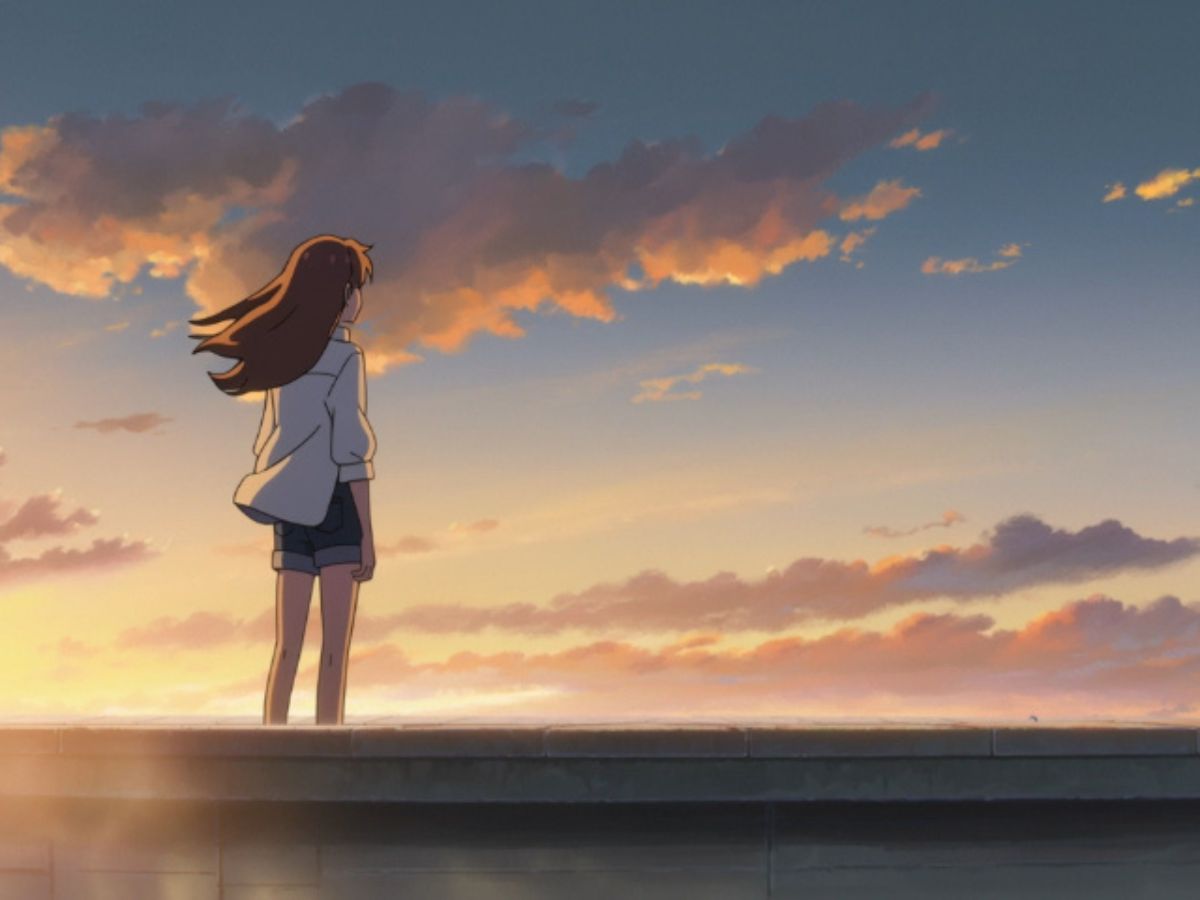
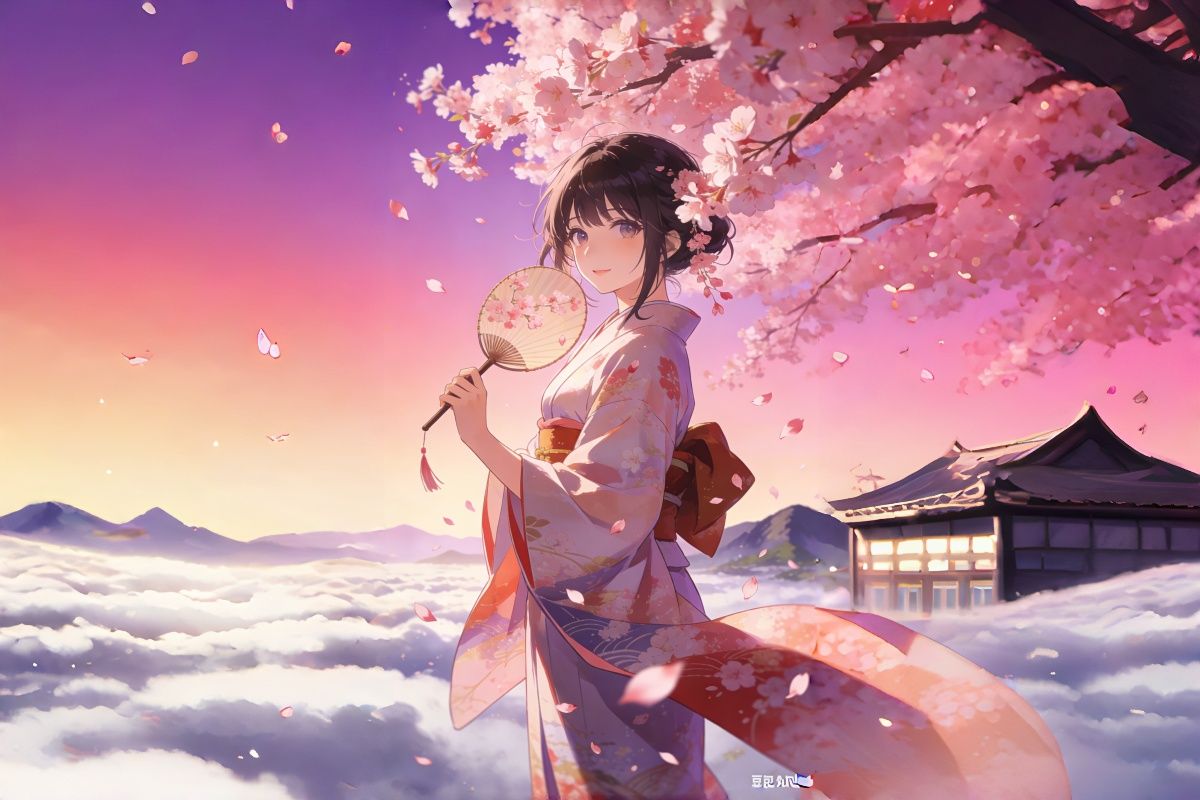
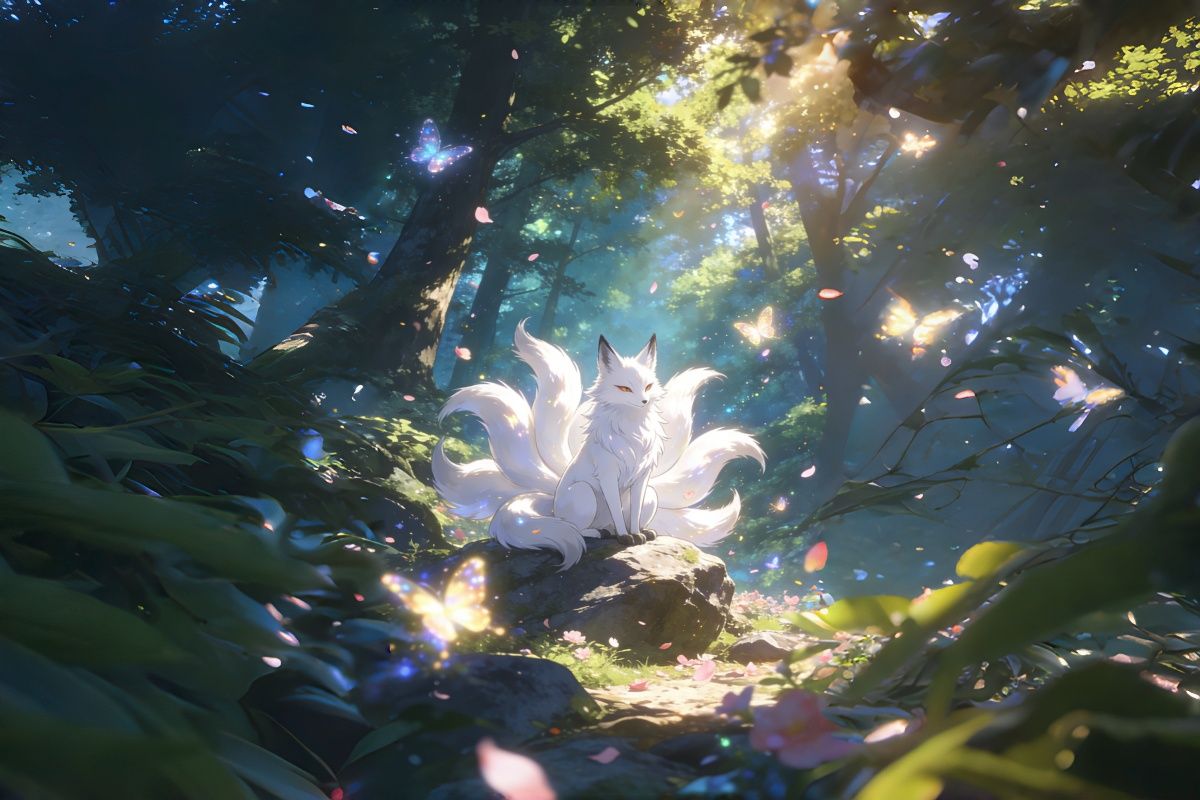
Using image to video, a single illustration can unfold into motion with surprising continuity. In practice, what stands out is not just movement, but restraint—small gestures, breathing space, and timing that feel intentional rather than mechanical.

Narrative Flow Through Motion
With text to video, scenes don't appear as isolated outputs. They evolve. Camera movement, character actions, and transitions carry a sense of rhythm, which is often where general video models fall short when handling animation.

Built for Anime, Not Adapted to It
Many tools attempt anime as a style overlay. Index Anisora approaches it as a foundation. Expressions stretch naturally, motion exaggeration feels expected, and visual consistency holds longer across frames—especially in character-driven scenes.

How Creators Use Index Anisora for Anime AI Video Generation
Choose the Index Anisora Model
Start by selecting Index Anisora from the available models. This step matters more than it seems—it. It ensures the system interprets motion and style through an animation-first lens.
Describe the Scene or Add an Image
Write a prompt or upload a reference. Focus less on technical wording and more on intent—what the character is doing, how the moment feels, and how the camera might behave.
Generate and Refine the Motion
Generate your video and observe how motion unfolds. Small prompt adjustments can shift pacing, emotion, or focus, making iteration part of the creative process rather than a correction step.
More Popular Models
Real Questions from Creators Using Index Anisora
Ready to Create Anime Magic?
Harness the power of Index‑AniSora to transform your ideas into compelling anime-style videos. Explore our tools and start creating today.