AI Anime Video

Bring your anime characters to life in motion.

AI Anime Video Generator

Create expressive clips with an AI anime video animation generator—turn prompts or images into short animated anime scenes.

Versatile Applications of AI Anime Video Generation

Ideal for creatives looking to innovate their visual storytelling with state-of-the-art AI technology.

Discover diverse AI models like AniSora and Marey that cater to a range of artistic styles and precise motion control.

Animation Features That Bring Anime Scenes to Life

Short animated moments can reveal character, atmosphere, and story in ways static images cannot. These features focus on turning simple ideas into visual motion without requiring traditional animation workflows.

  • 01

    Prompt-to-Animation

    Describe a scene and watch it evolve into a short anime animation clip.

  • 02

    Image Motion

    Turn an existing illustration into a lightly animated moment.

  • 03

    Character Micro-Expressions

    Subtle gestures and facial shifts add personality to characters.

  • 04

    Atmospheric Scene Movement

    Lighting, wind, and camera motion create cinematic anime moods.

  • 05

    Clip-Based Story Building

    Generate small animated segments that can form a larger narrative.

When Anime Concepts Begin to Move

0104

Turn Written Ideas Into Animated Anime Moments

A short prompt can become the seed of a moving anime scene. Describe a character, a setting, or a moment—rain falling in a neon alley, a quiet stare before a duel—and the animation grows from that idea. Creators who already experiment with AI anime generator often use animation as the next step, transforming static concepts into scenes with rhythm and motion.
0204

Animate Existing Artwork Into Living Frames

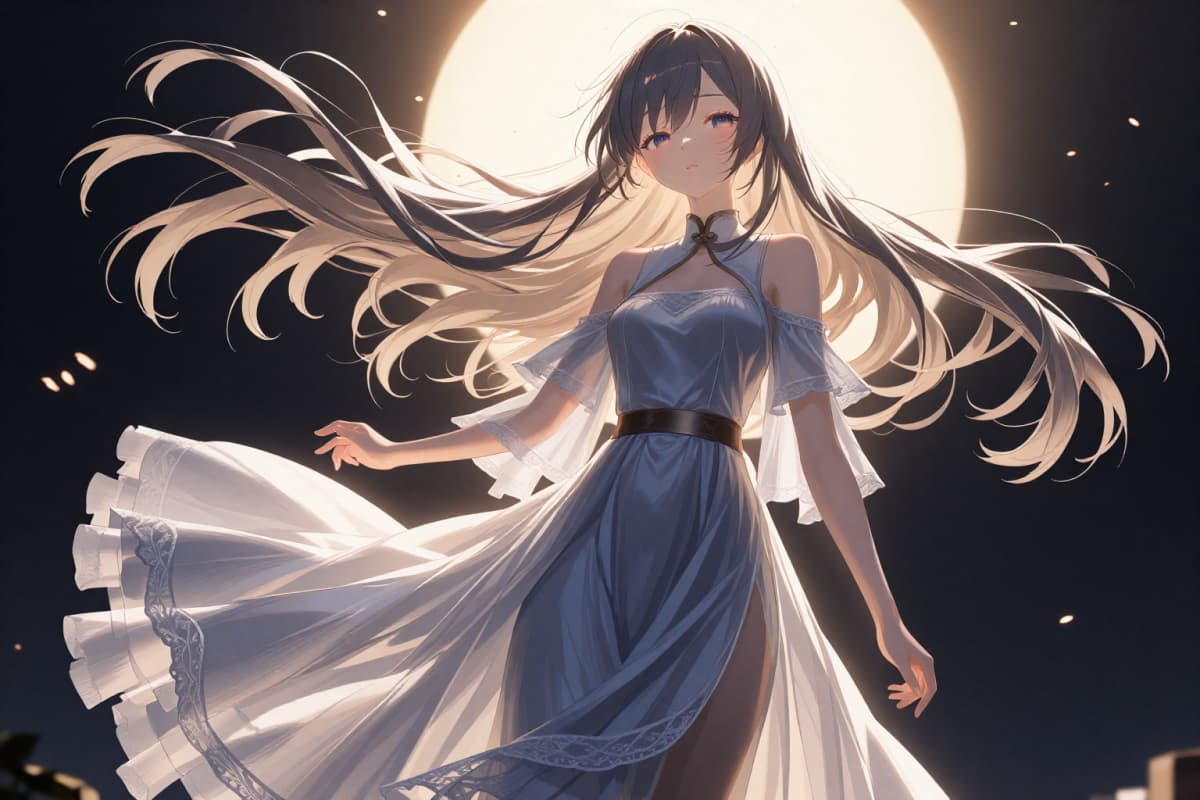
Sometimes the right visual already exists. Upload an illustration, character portrait, or concept art and watch subtle movement emerge. Small motions—wind through hair, shifting light, camera drift—turn still images into animated fragments. Many creators generate variations first using image to image, then animate the version that best captures the character or mood.

Animate Existing Artwork Into Living Frames

0304

Shape Short Anime Stories Through Motion

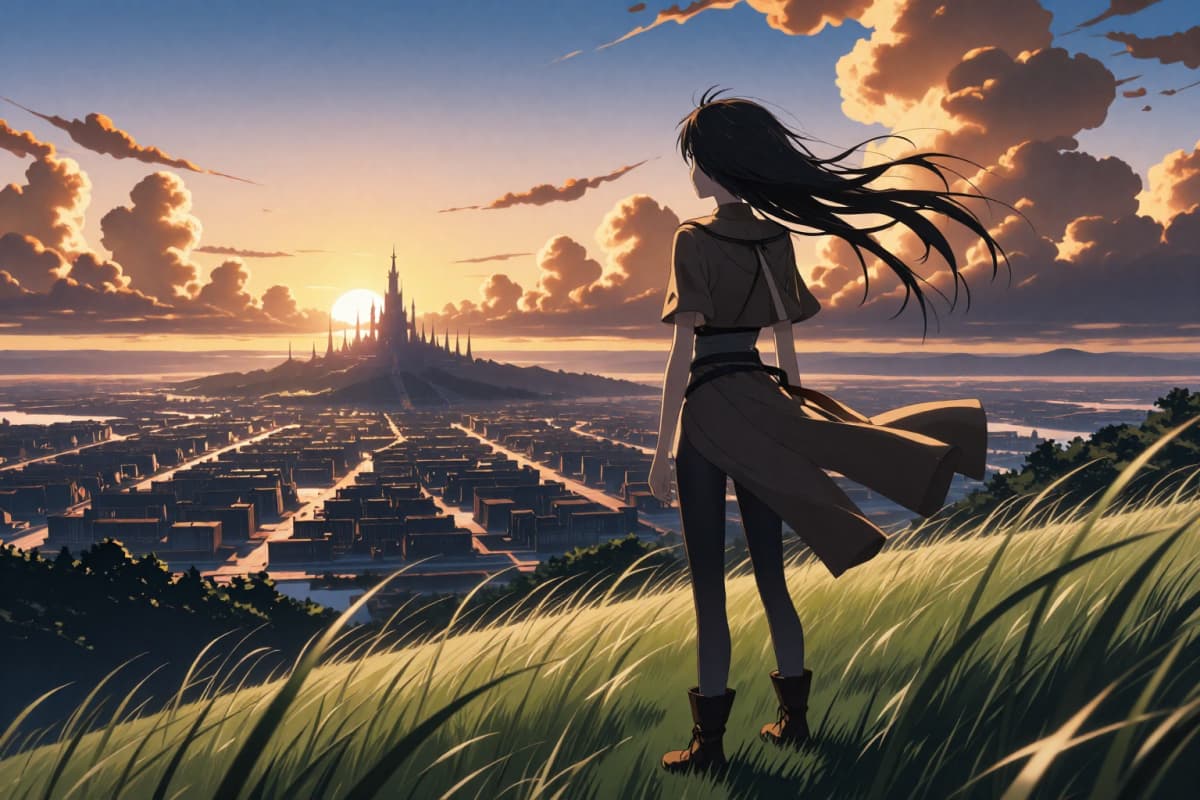
Animation works beautifully as a visual sketchbook. Instead of committing to a full animation project immediately, creators can generate short clips that represent emotional beats of a story. By starting with a prompt or an image created through text to image, scenes gradually evolve into a sequence of connected animated ideas inside OCMaker AI.

Shape Short Anime Stories

0404

Give Original Characters a Sense of Presence

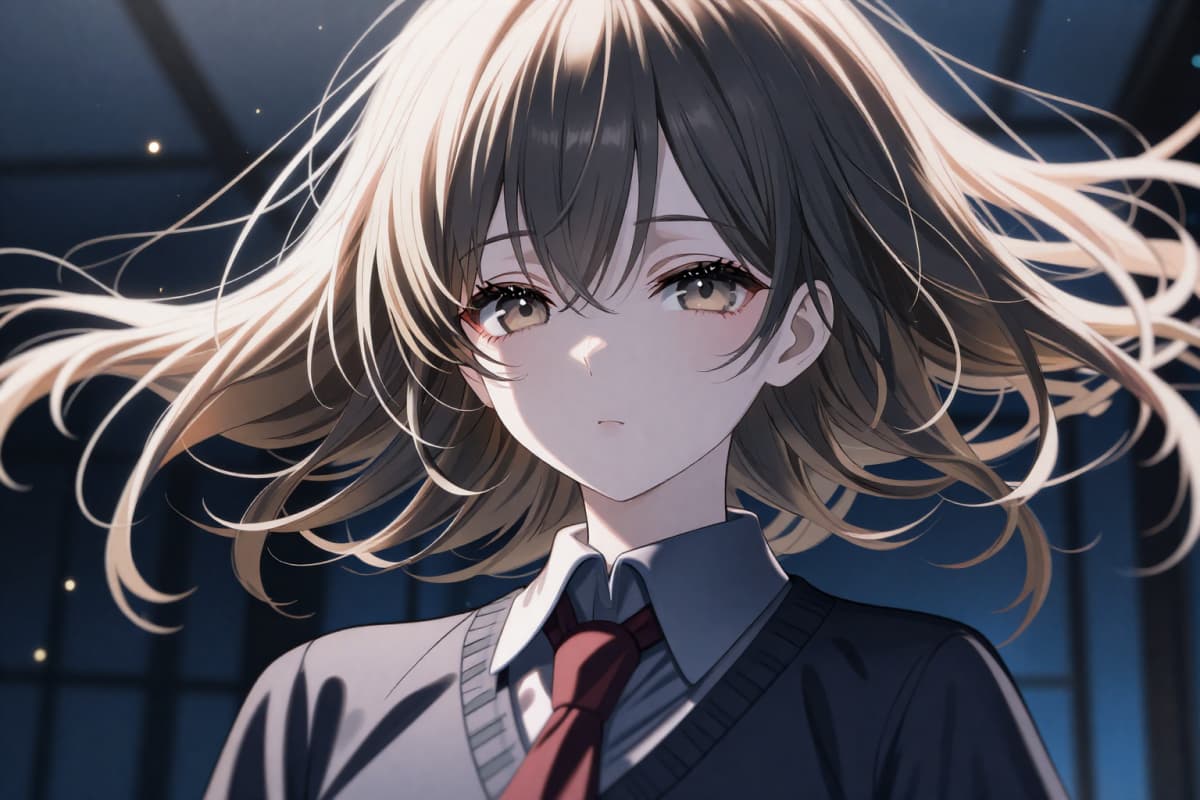
Character design changes when motion is introduced. A portrait becomes a moment of expression—eyes shifting, clothing moving with the wind, the environment reacting to their presence. Creators who design characters often use animation to explore personality and atmosphere before committing to a full narrative.

Give Original Characters a Sense

Small Animations That Expand Creative Possibilities

  • 01

    Text-to-Anime Conversion

    Turn written descriptions into engaging animations. Experience animation creation where your prompts determine the story's visual journey.

  • 02

    High-Quality Output

    Trust in advanced AI to deliver seamless animation with high-definition quality, matching professional standards.

  • 03

    Effortless Integration

    The AI tool is designed for easy implementation. No need for extensive animation software knowledge—just input your ideas and watch them unfold.

How Creators Generate Anime Animation Step-by-Step

  1. Describe the Scene or Character

    Start with a short prompt describing a character, environment, or moment. The clearer the emotional tone, the more natural the resulting animation feels.

  2. Add a Visual Starting Point

    Upload an illustration or generate one beforehand if you want the animation to begin from a specific frame or character design.

  3. Generate the Anime Animation Clip

    The system transforms the prompt or image into a short animated sequence, adding subtle movement and scene atmosphere.

  4. Refine the Motion or Create Variations

    Adjust prompts or regenerate clips to explore different camera motion, mood, or character expression.

Practical Questions Creators Ask When Using an AI Anime Video Generator

How Does the AI Anime Video Generator Work?

AI algorithms translate text or images into dynamic animations, providing creators with powerful tools to visualize stories.

How detailed should my prompt be for good animation results?

In practice, short prompts often work best. Instead of writing a long paragraph, many creators describe one clear moment—such as "anime girl standing in rain, neon lights reflecting on the street." Starting simple makes it easier to adjust the motion or atmosphere in later generations.

What helps maintain character consistency across multiple animations?

Using the same starting image or repeating core prompt elements usually helps. Creators often keep key details—hair color, clothing, environment—consistent while experimenting with motion or camera angles.

Why do some animations feel more cinematic than others?

This usually comes from the way the prompt describes motion or environment. Scenes that mention wind, lighting, or perspective tend to produce more dynamic animation. For example, including details like "camera slowly panning" or "wind moving hair" often creates more natural movement.

Can I animate characters that I generated earlier?

Yes, and many creators prefer that workflow. They design characters first, experiment with variations, then animate the version they like most. This approach makes it easier to keep the character consistent across multiple clips.

What length are the generated animation clips usually?

Most clips are short—typically a few seconds. That might seem brief at first, but it actually works well for experimentation. Creators often generate several clips and combine them into longer visual sequences.

Is it better to animate prompts or images?

Both approaches work differently. Prompt-based animation feels more exploratory, while image-based animation keeps characters and composition consistent. Many creators use both depending on whether they are exploring ideas or refining a specific scene.

How do creators usually use these animation clips?

In real workflows, clips are often used as visual references, short story moments, social content, or concept previews. They can also act as early storyboards before moving into full animation production.

Start Your Animation Journey Now

Step into a world of innovation with OCMaker AI's Anime Video Generator. Harness the power of AI to create compelling, professional-grade videos without traditional hurdles.

AI Anime Video Generator: Bring Ideas Into Animation