candidate-0
candidate-1
candidate-2
Empty state

AI Anime Upscaler

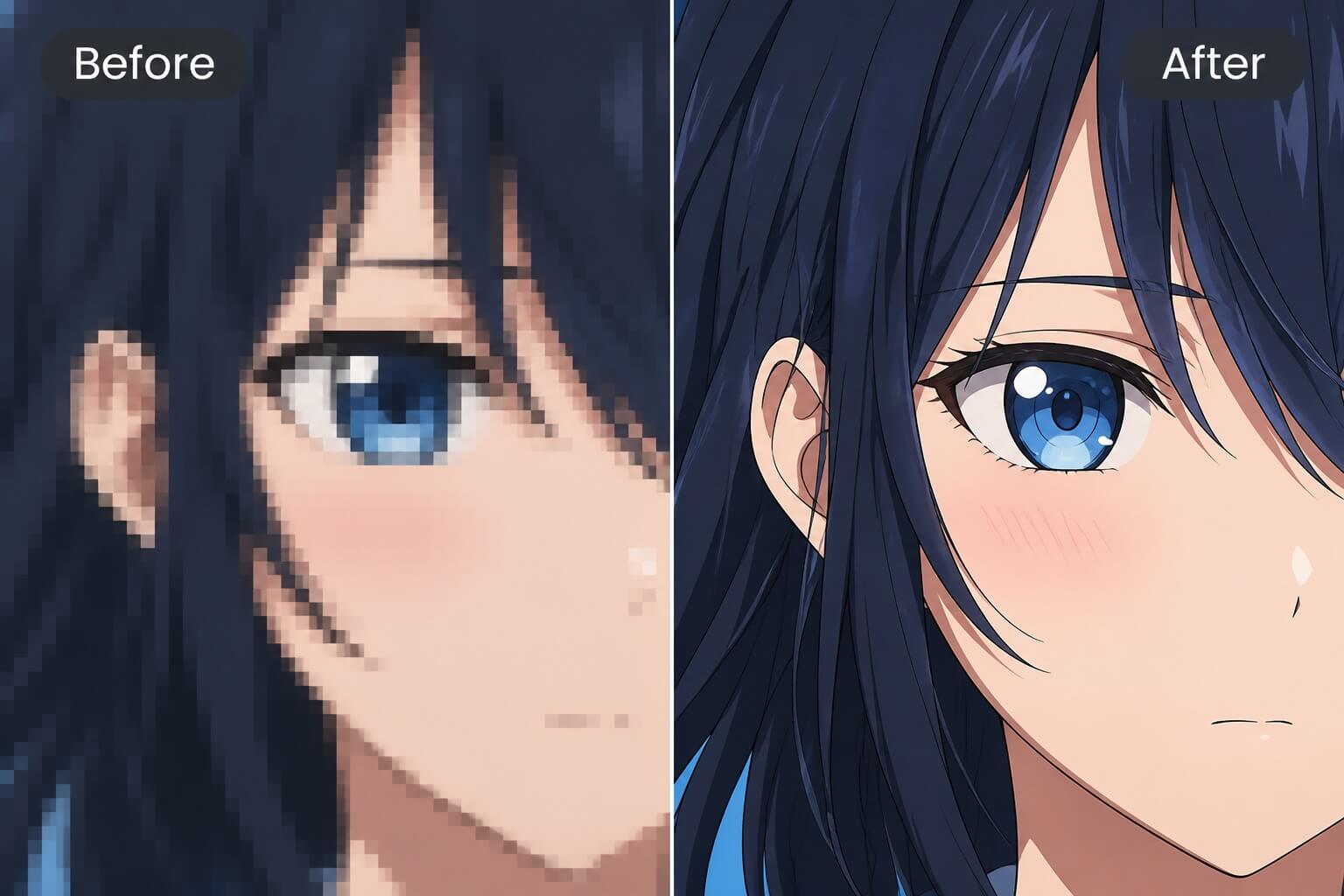
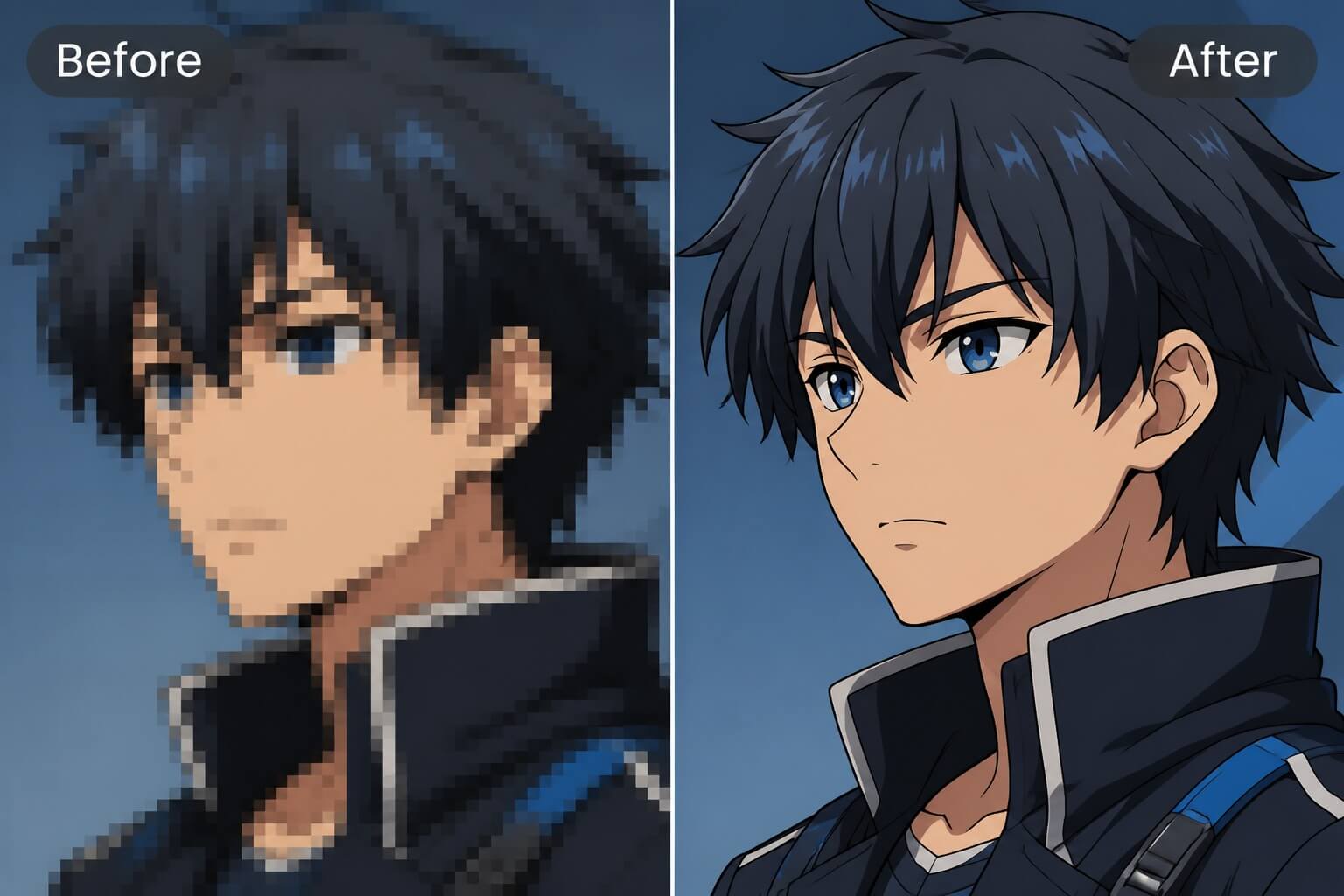
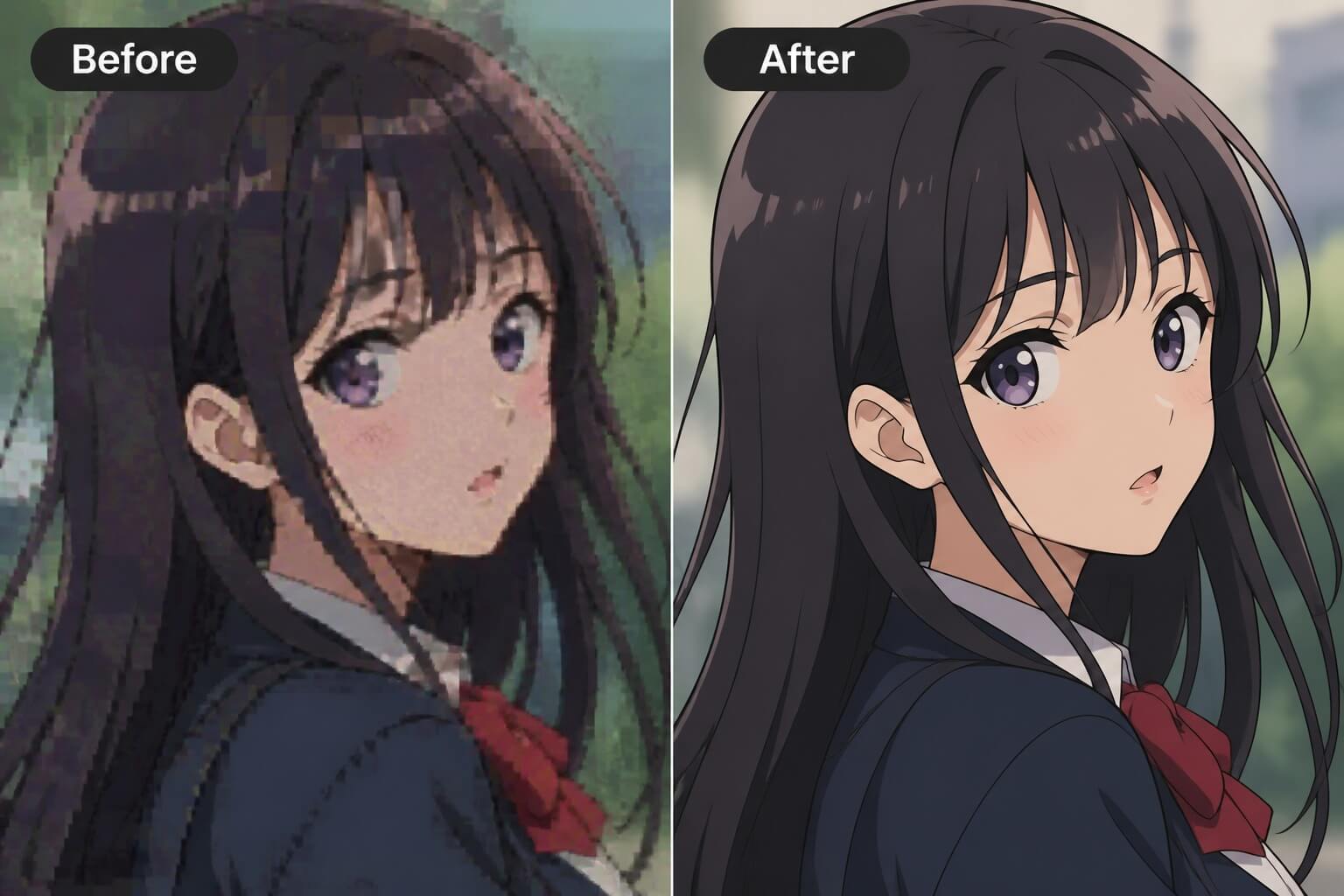
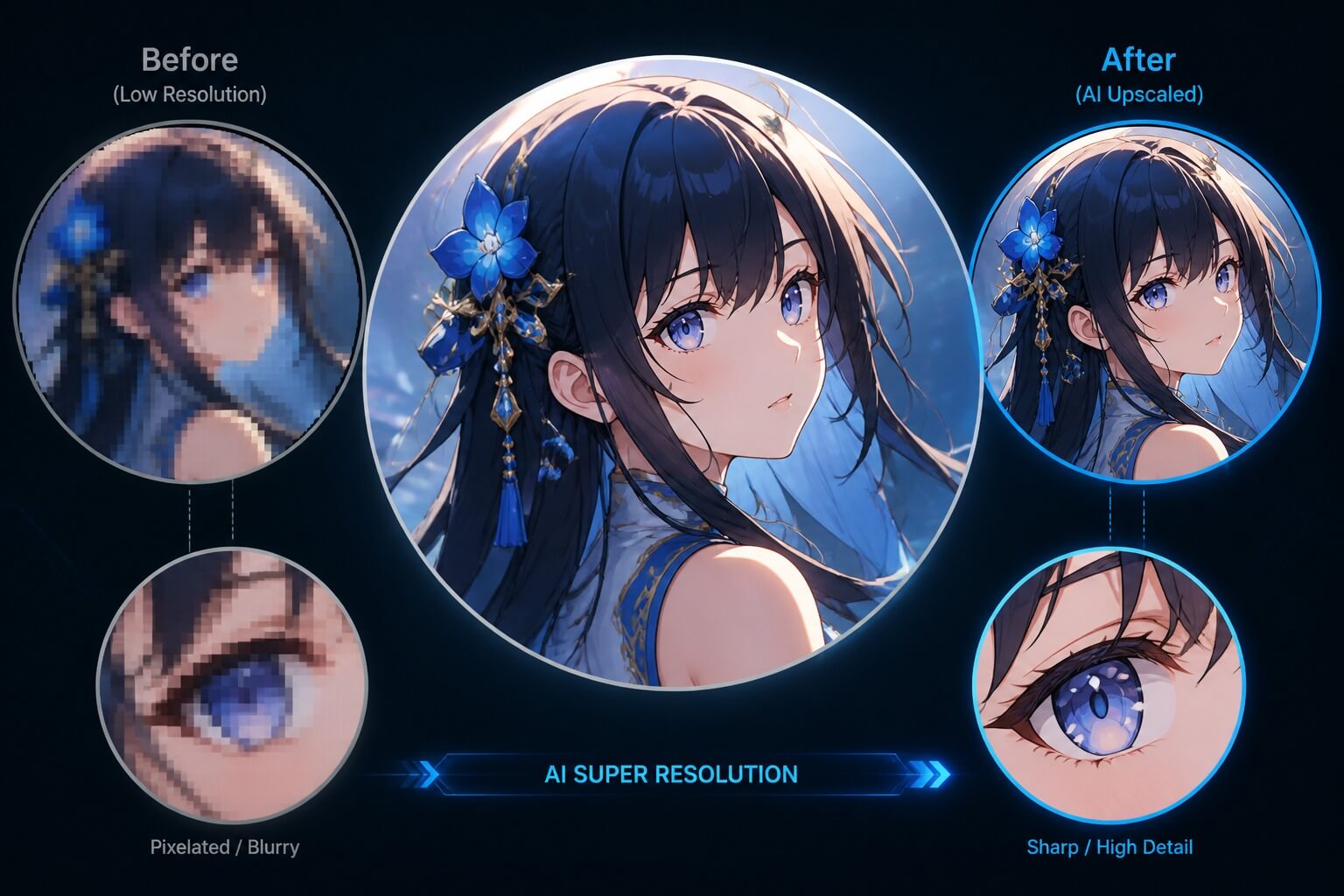
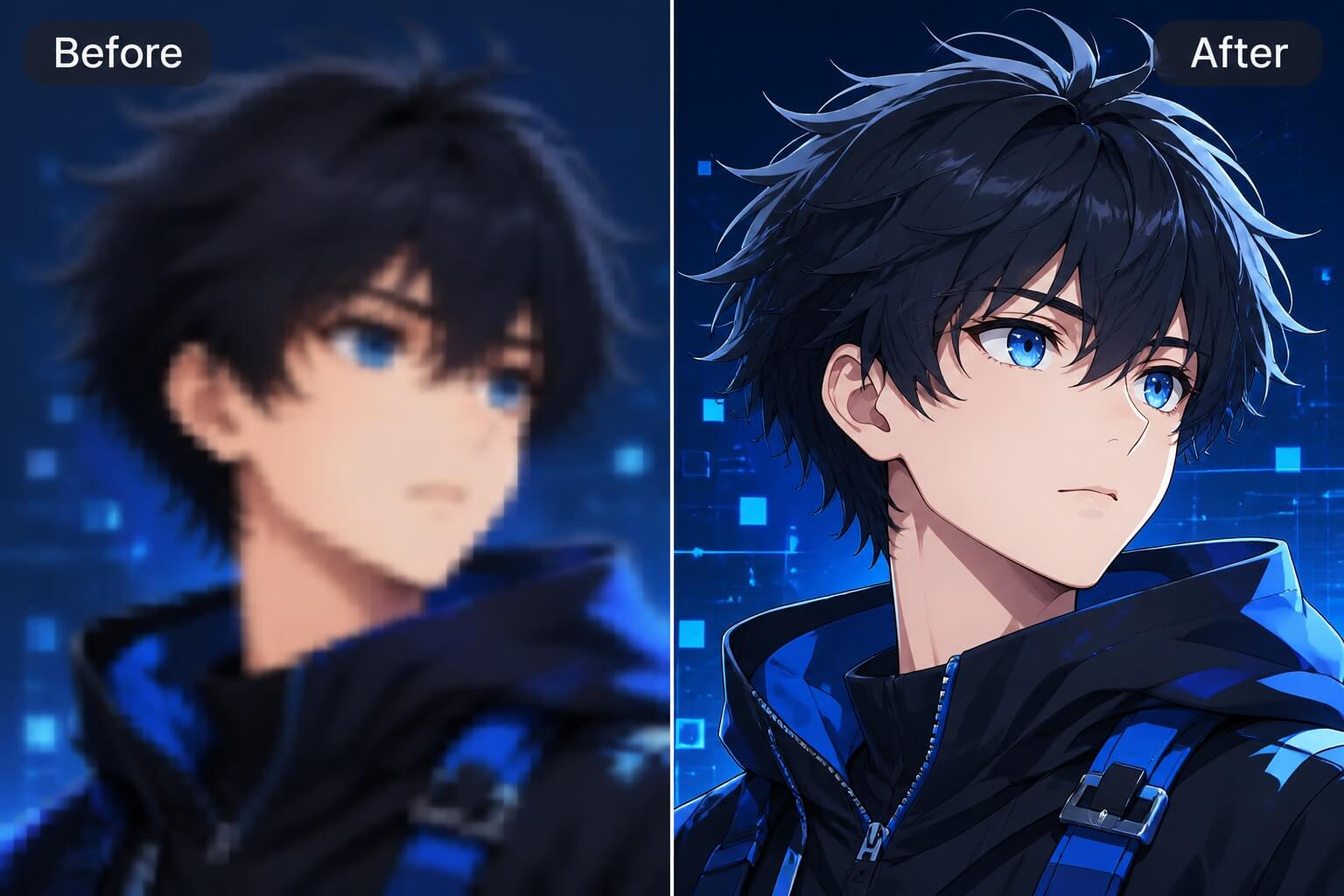
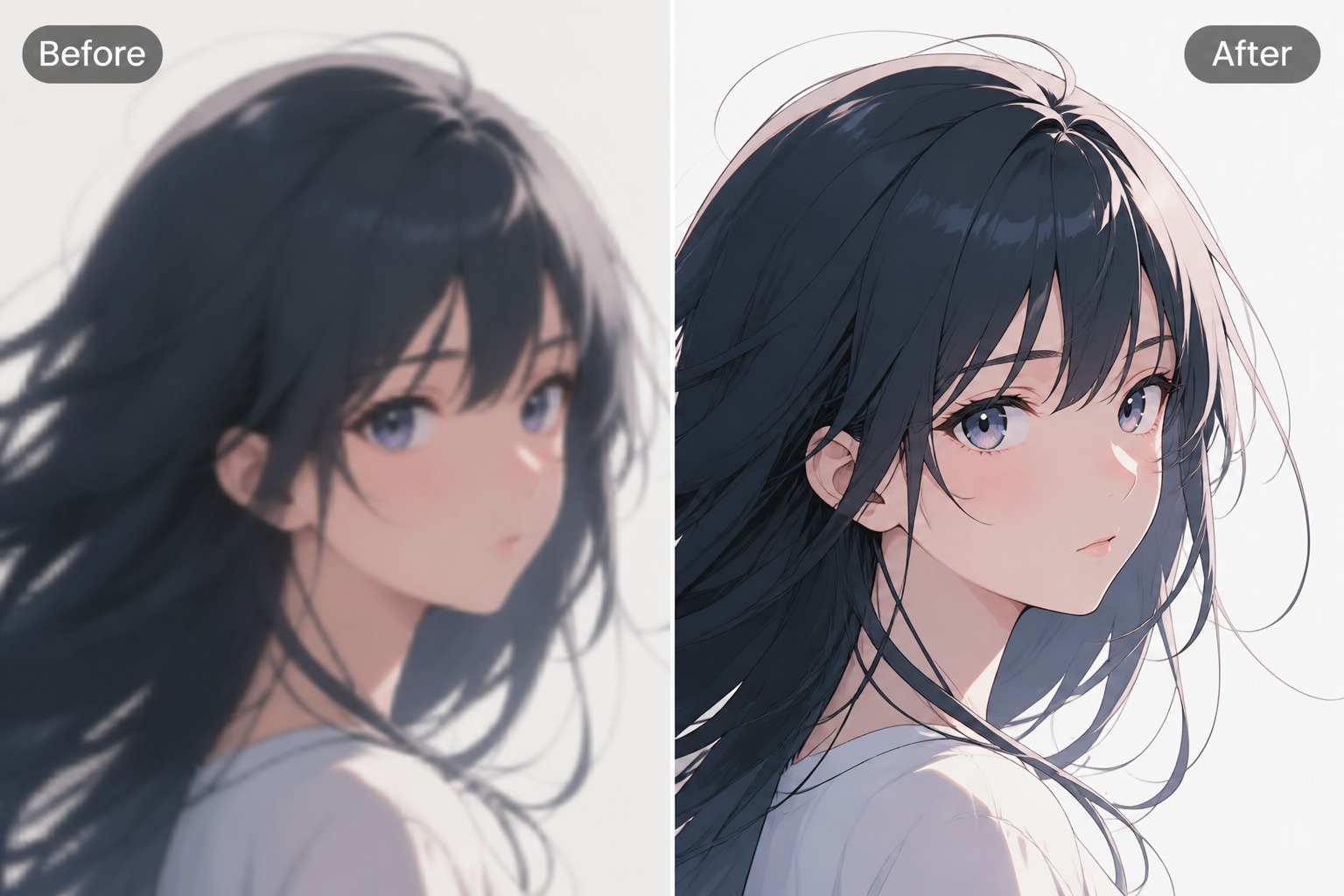
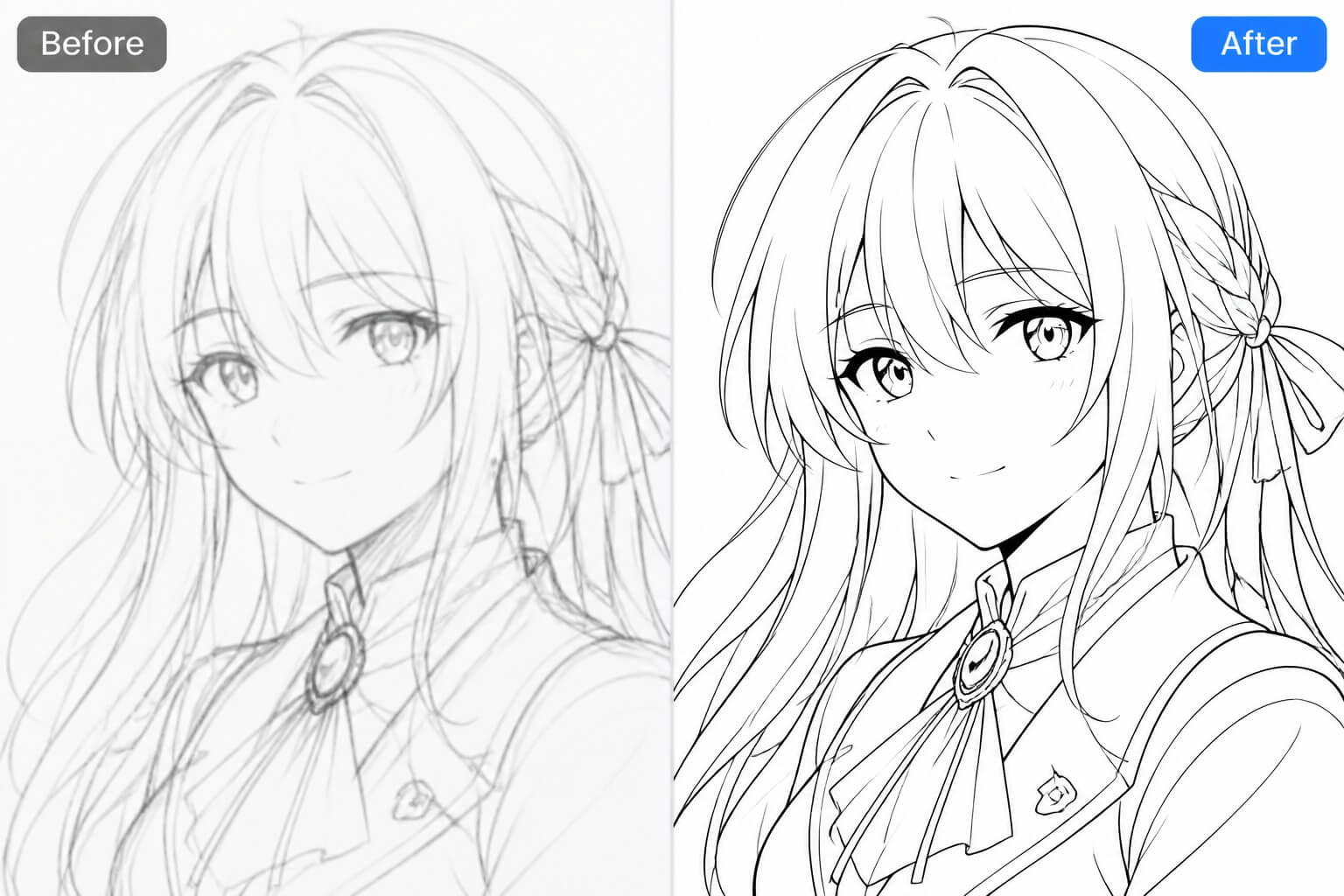
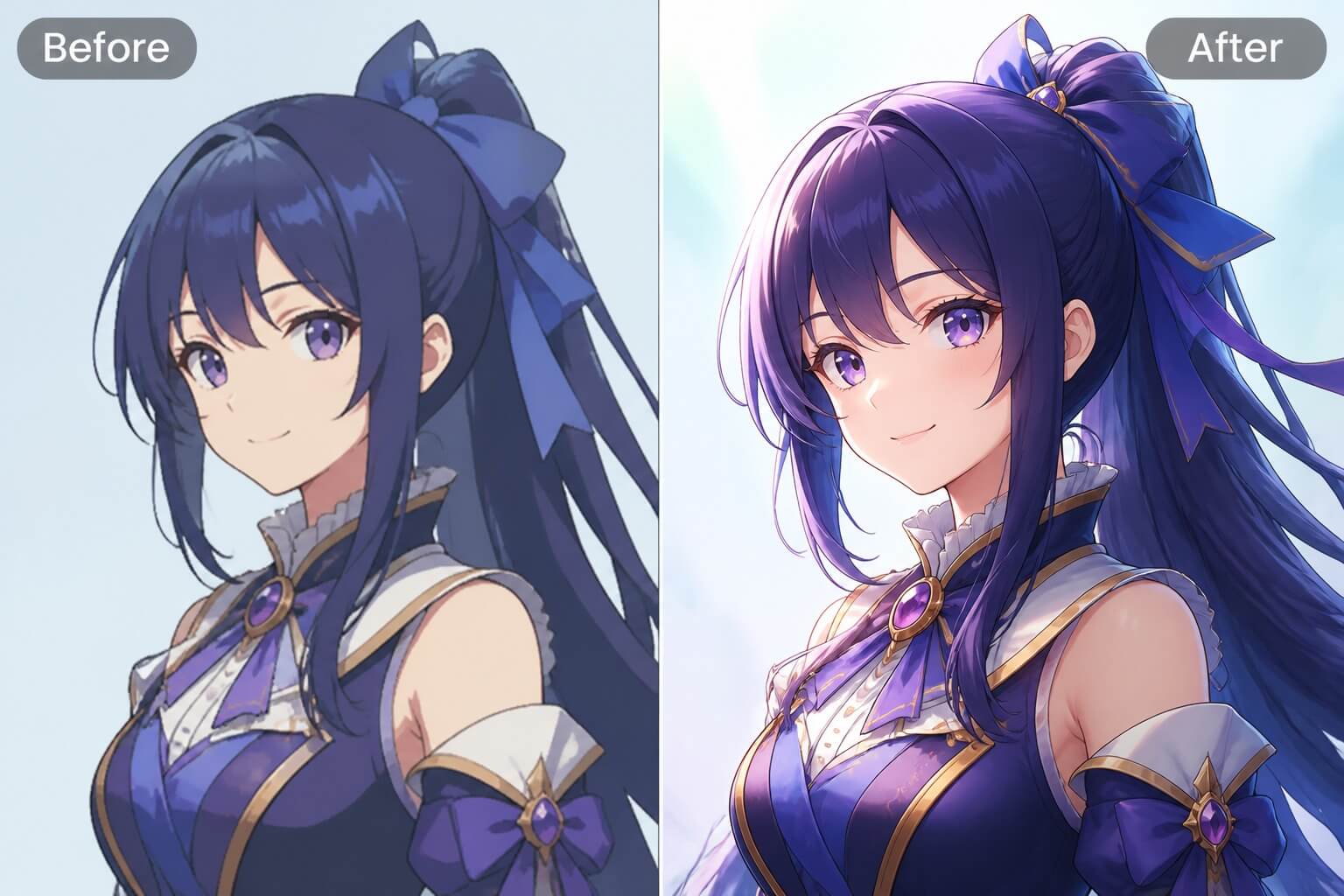
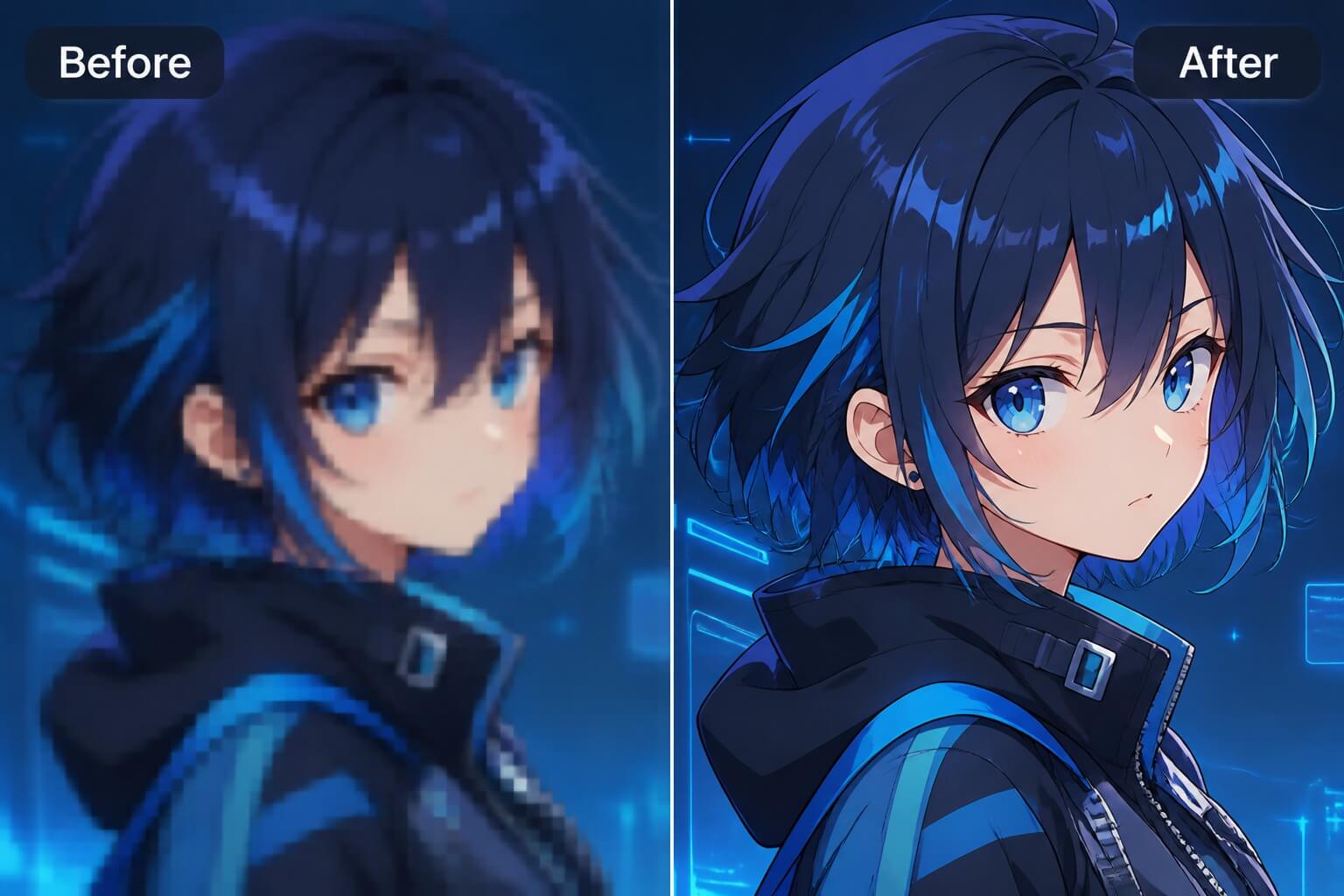
Enhance anime portraits, avatars, and illustration drafts by improving resolution, edge clarity, color smoothness, and small character details while keeping the original anime style recognizable.

Free AI Anime Upscaler

Turn Soft Anime Images Into Cleaner Assets

Recover Character Detail
Create Higher-Resolution Anime Art
Clean Blur and Compression Noise
Prepare Creator-Ready Visuals
Focus on resolution, edge control, artifact cleanup, and final-use checks instead of treating every image as automatically publishable.

What Makes a Good Anime Upscale

Sharper Edges Without Style Drift

A good upscale improves line clarity around eyes, hair, clothes, and accessories while keeping the original anime style intact. If the face shape or outfit identity changes too much, rerun with a gentler enhancement target.

Cleaner Avatars at Small Sizes

Profile icons need clear eyes, expression, and silhouette even after compression. Upscaling helps most when the crop is already simple and the background does not compete with the face.

Better Detail for Concept Reviews

Higher resolution makes it easier to inspect costume details, color balance, and reference-sheet usability. Use the result as a stronger review draft, not as proof that every anatomy or design issue is fixed.

Safer Reuse Across Formats

Enhanced anime images can be reused for banners, thumbnails, wallpapers, and character references. Before commercial or public use, confirm you own the source image and avoid protected character, logo, or likeness problems.

Free Upscaling Expectations

An AI upscaler for free may use limited credits, queues, watermarks, or size limits depending on the current plan. Check the live pricing and export options before relying on it for a large batch.

Quality Review Before Download

Inspect eyes, hands, hair tips, jewelry, text-like shapes, and background edges after enhancement. Upscaling can reveal hidden artifacts, so a clean preview matters more than a larger file size alone.

How to Use AI Anime Upscaler

A simple workflow for turning a usable anime image into a cleaner high-resolution asset.
01

Start With a Usable Anime Image

Choose a portrait, avatar, or illustration that already has a readable face, pose, and style. Upscaling improves clarity best when the original image is not extremely tiny, cropped through the face, or filled with heavy artifacts.

02

Choose the Output Goal

Decide whether the enhanced image is for a profile icon, wallpaper, reference board, banner, or social preview. The goal affects how much sharpness, crop safety, and background cleanup you should prioritize.

03

Run the Upscale and Compare Details

Enhance the image, then compare the original and upscaled version around the eyes, hair edges, clothing trims, hands, and background. Keep the version that improves clarity without changing the character identity.

Frequently Asked Questions

Common Questions About AI Anime Upscaler

Upscale Your Anime Image
Try AI Anime Upscaler