Veo 3 AI Video Generator: Make Videos with Sound Online

Create Veo 3-style videos with built-in sound on OCMaker AI. The generator runs Google's newer Veo 3.1 (Lite, Fast or full) for 4–8 second clips at up to 4K.

Veo 3 AI Video Generator

Veo 3 is the Google video model that made sound part of the video itself — effects, ambience and music generated with the picture. On OCMaker AI the generator runs Veo 3.1, the newer version of Veo 3, so you can turn text or an image into a 4, 6 or 8-second clip with sound at up to 4K.

How to Make a Veo 3 Video

  1. Open the generator

    Veo 3.1 Fast is already selected above. Pick Veo 3.1 for the highest quality or Veo 3.1 Lite for the lowest price.

  2. Write the scene and its sounds

    Type your prompt or add a photo. Describe each shot, how the camera moves and what you should hear.

  3. Set length and resolution

    Choose 4, 6 or 8 seconds and 720p, 1080p or 4K, check the credit cost, and generate. Download the clip when it is done.

Veo 3 Examples

Example clips created on OC Maker.

  • 01

    cozy Japanese restaurant

  • 02

    campfire on beach

  • 03

    luxurious beauty campaign

Ideas to Try with Veo 3

Example clips created on OCMaker AI, each with a prompt idea you can run with Veo 3.1 in the generator above.

0104

Hear the Scene, Not Just See It

Describe what each moment sounds like — chugging wheels, a long whistle, rails rattling over a bridge — and the audio arrives with the picture. Prompt idea: a steam train winds through a snowy pine forest at dusk, whistles, and crosses a frozen river bridge.

0204

Animate a Photo You Already Have

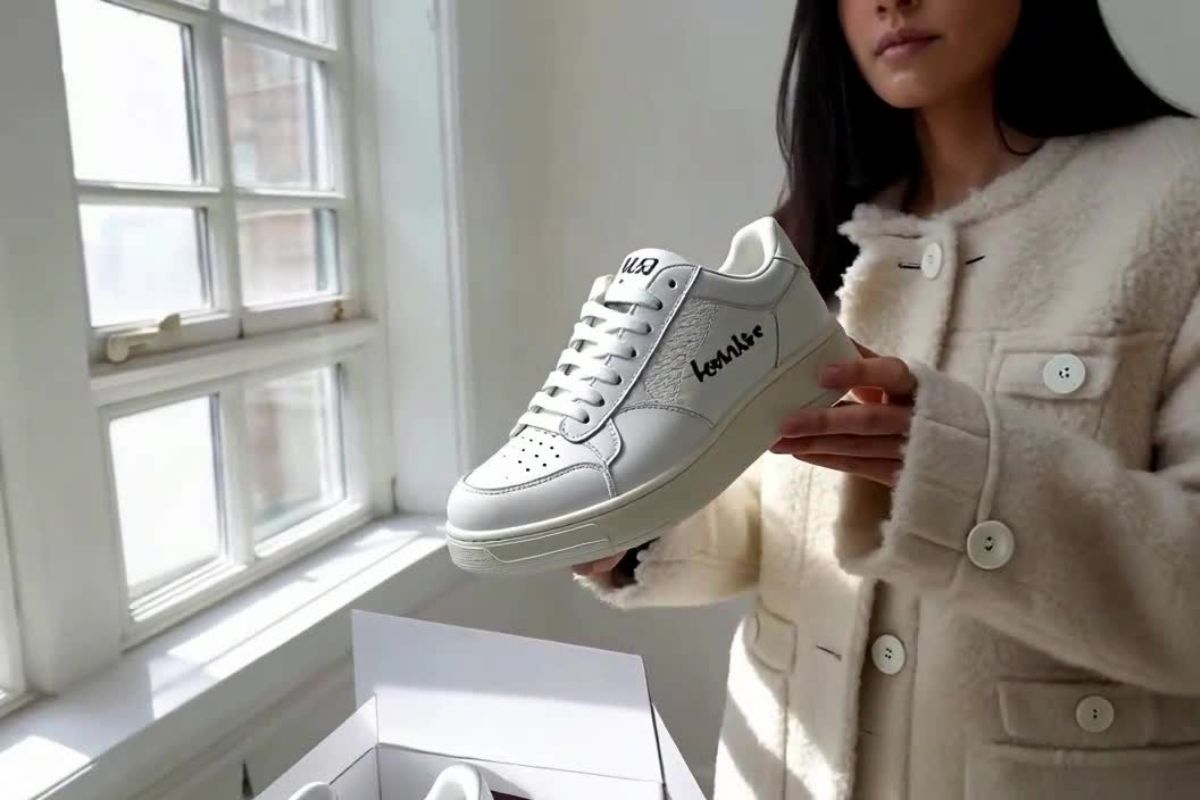
Start from your own picture and it becomes the opening frame, so the person and place stay recognizable while they move. Prompt idea: the florist adds a last peony, ties the bouquet with a ribbon and smiles at the camera.

0304

Plan Shots Like a Director

List your shots with a camera move for each — a low glide over the water, a drone shot rising up the canyon, a tracking shot through rapids. Prompt idea: a kayaker paddles a turquoise canyon river, rides a small rapid and rests to smile up at the light.

0404

Animated Characters with Personality

Ask for 3D animation or anime and give your character small, readable actions and a reaction. Prompt idea: a red panda in a knitted scarf builds a snowman, sneezes at a snowflake and hugs its creation.

What You Get with Veo 3 on OCMaker AI

  • 01

    Runs Veo 3.1

    The newest Veo generation in three versions: Veo 3.1, Veo 3.1 Fast and Veo 3.1 Lite.

  • 02

    Sound in every clip

    Effects, ambience and music come with the video; there is nothing to switch on.

  • 03

    Start from text or a photo

    Write a prompt, or add a photo to use as the first frame.

  • 04

    Up to 4K

    720p and 1080p on every version, 4K on Veo 3.1 and Veo 3.1 Fast.

  • 05

    4, 6 or 8 seconds

    Shorter clips cost fewer credits; Veo 3.1 Lite starts at 11 credits.

  • 06

    Vertical or wide

    9:16 for Shorts and Reels or 16:9 for widescreen; photo clips keep your image's shape.

More AI Video Models

Veo 3 FAQ

Is this Veo 3 or Veo 3.1?

The generator on this page runs Veo 3.1, Google's newer version of Veo 3. It keeps what made Veo 3 popular — sound generated with the video — and comes in three versions: Veo 3.1, Veo 3.1 Fast and Veo 3.1 Lite.

Can Veo 3 make videos with sound?

Yes. Every clip includes sound effects, ambience and music generated together with the picture. Sound cannot be turned off; mute the clip if you want your own soundtrack.

How much does a Veo 3 video cost?

It is available to members. At 720p or 1080p, a 4, 6 or 8-second clip costs 11, 16 or 21 credits with Veo 3.1 Lite, 21, 31 or 41 with Veo 3.1 Fast, and 84, 126 or 168 with Veo 3.1. At 4K it costs 61, 91 or 121 credits on Veo 3.1 Fast and 125, 187 or 249 on Veo 3.1.

Can I turn a photo into a Veo 3 video?

Yes. Add an image and it becomes the first frame; the clip follows the shape of your image. Without an image, it works from text alone in 9:16 or 16:9.

How long can a Veo 3 video be?

Each clip is 4, 6 or 8 seconds long. For longer clips, Kling 3.0 and Grok Imagine 1.5 go up to 15 seconds.

Where can I learn more about Veo 3.1?

See our Veo 3.1 page for a closer look at the three versions, or try MiniMax H3 if you want a model with sound that needs no membership.

Make a Veo 3 Video on OCMaker AI

Text or photo to video with built-in sound, powered by Veo 3.1: 4 to 8 seconds, up to 4K.

Veo 3 AI Video Generator: Make Videos with Sound Online