AI Generator

AI VTuber Maker

Build your VTuber character, then give it short videos with sound.

See what you can make

Real output from these templates — same pipeline you'll run

Vlog

Cat's Daily Vlog

Mochi

Cozy

Blanket Fort Sunday

Mochi

Comedy

Midnight Snack Raid

Mochi

Absurd

Elevator to Nowhere

Mochi

Vlog

First Day at Work

Sesame

Cozy

Rainy Window Watch

Sesame

Comedy

The Judging Stare

Sesame

Absurd

The Board Meeting

Sesame

Vlog

Slow Morning Routine

Cloud

Cozy

The Long Nap

Cloud

Comedy

The Yarn Incident

Cloud

Absurd

The Tiny Umbrella

Cloud

Vlog

A Day at the Office

Rin

Cozy

Rooftop Tea Break

Rin

Comedy

The Printer War

Rin

Absurd

The Floating Toast

Rin

Vlog

Campus Everyday

Kai

Cozy

Late-Night Diner

Kai

Comedy

Pop Quiz Panic

Kai

Absurd

Locker to the Beach

Kai

Vlog

Gym Diary

Mei

Cozy

Sunset Stretch

Mei

Comedy

Breaking News

Mei

Absurd

The Balloon Dumbbell

Mei

Vlog

Get Ready With Me

Sofia

Cozy

Balcony Breakfast

Sofia

Comedy

Monday Face

Sofia

Absurd

Croissant Rain

Sofia

Vlog

Morning Coffee Run

Lin

Cozy

Bookstore Corner

Lin

Comedy

The Umbrella Duel

Lin

Absurd

Rush Hour, Frozen

Lin

AI VTuber Maker

Create an AI VTuber avatar for streaming, talking videos, and anime-style creator identity. Start with a clear persona, outfit direction, expression range, and platform use case.

AI VTuber Maker

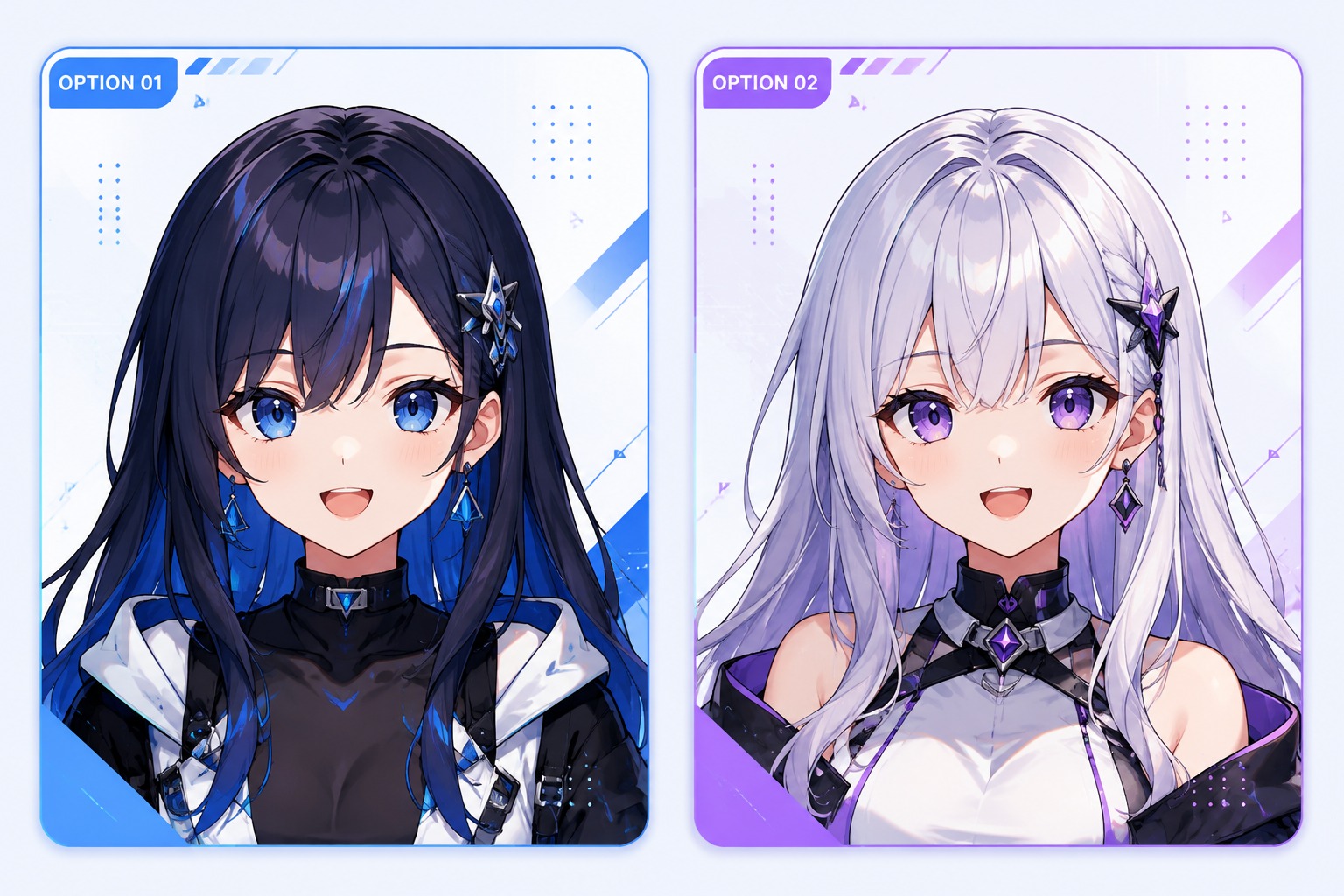
AI VTuber Avatar Gallery Ideas

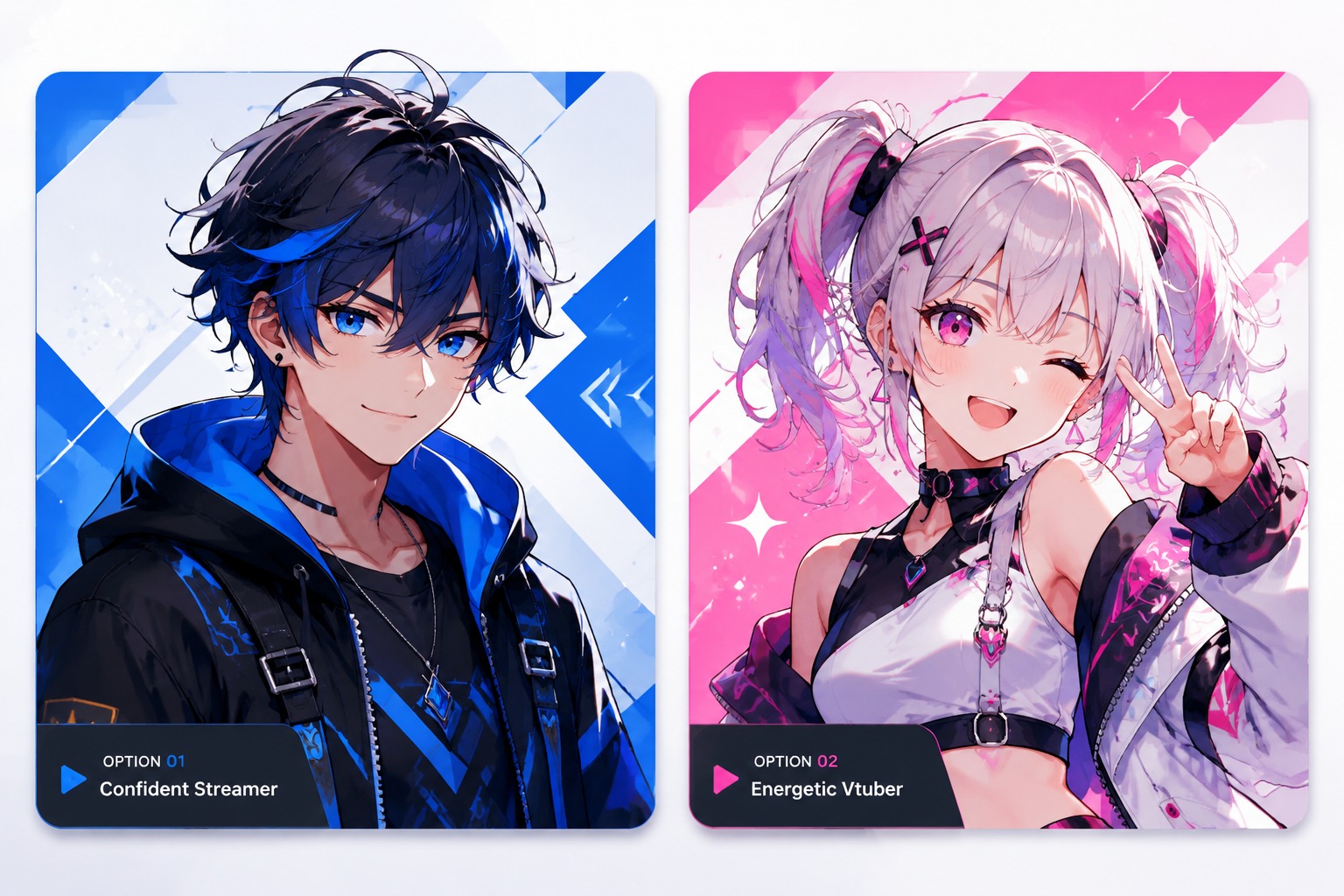
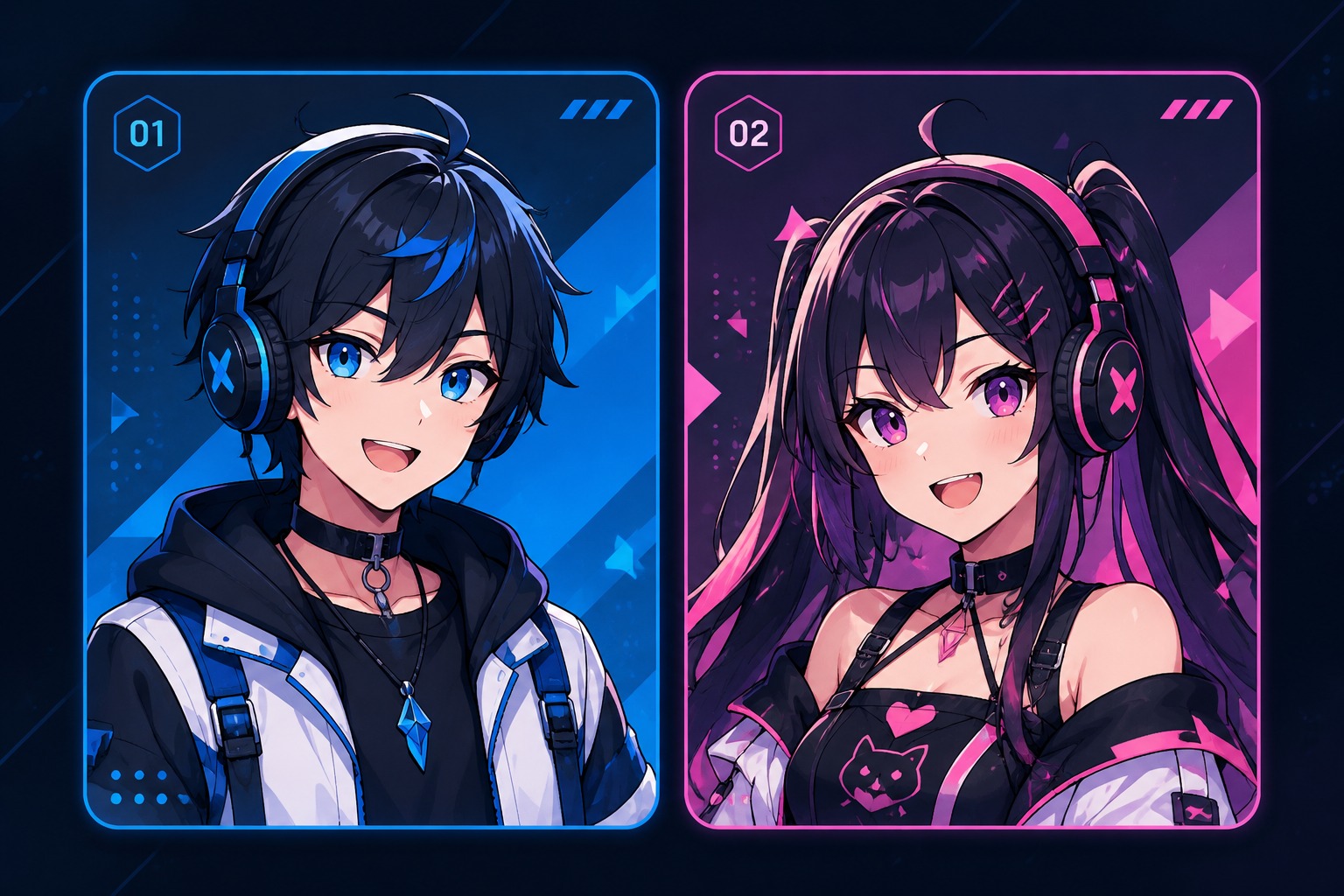
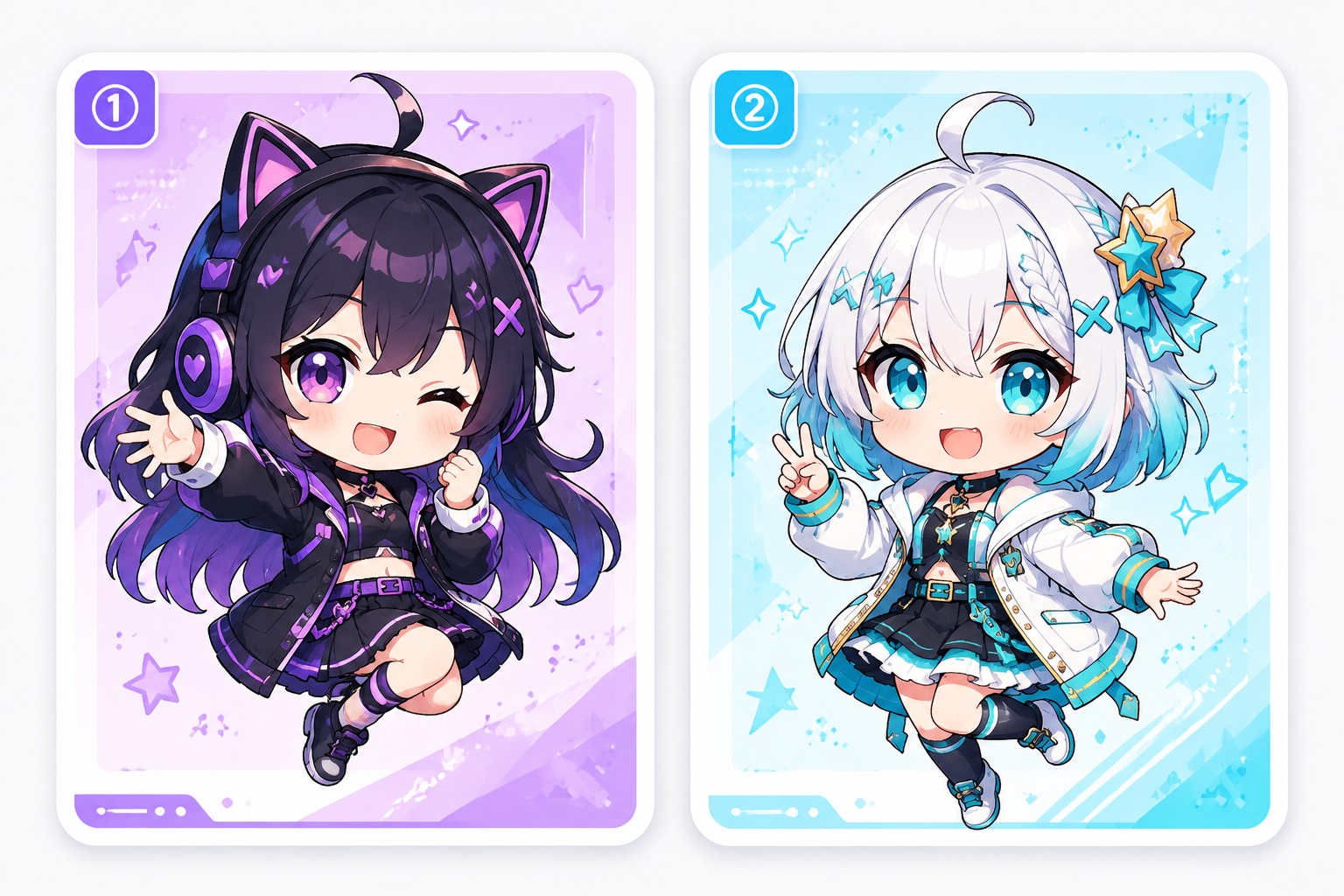
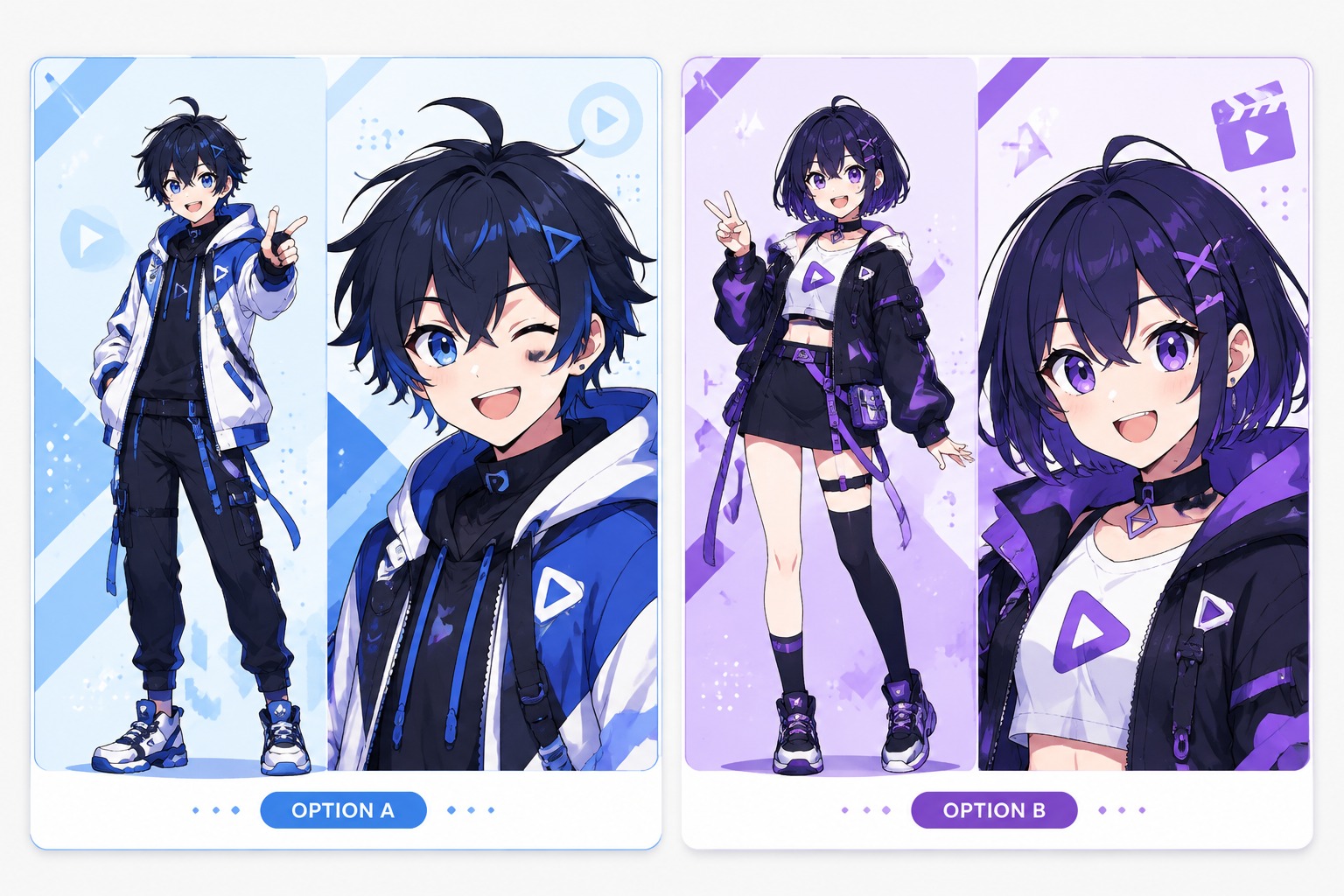
Preview VTuber character directions before generating: anime streamer avatars, chibi hosts, mascot presenters, and polished talking avatar concepts. Keep the persona readable before adding complex props.

  • Anime Streamer Avatar01

    Anime Streamer Avatar

  • Chibi VTuber Host02

    Chibi VTuber Host

  • Mascot Presenter03

    Mascot Presenter

  • Talking Avatar Concept04

    Talking Avatar Concept

Core Features for AI VTuber Character Creation

Build a streaming-ready persona with OCMaker AI. Use the OC maker to plan original character identity, or explore the AI anime generator for anime-style avatar portraits and visual variations.

0104

Streaming Persona Design

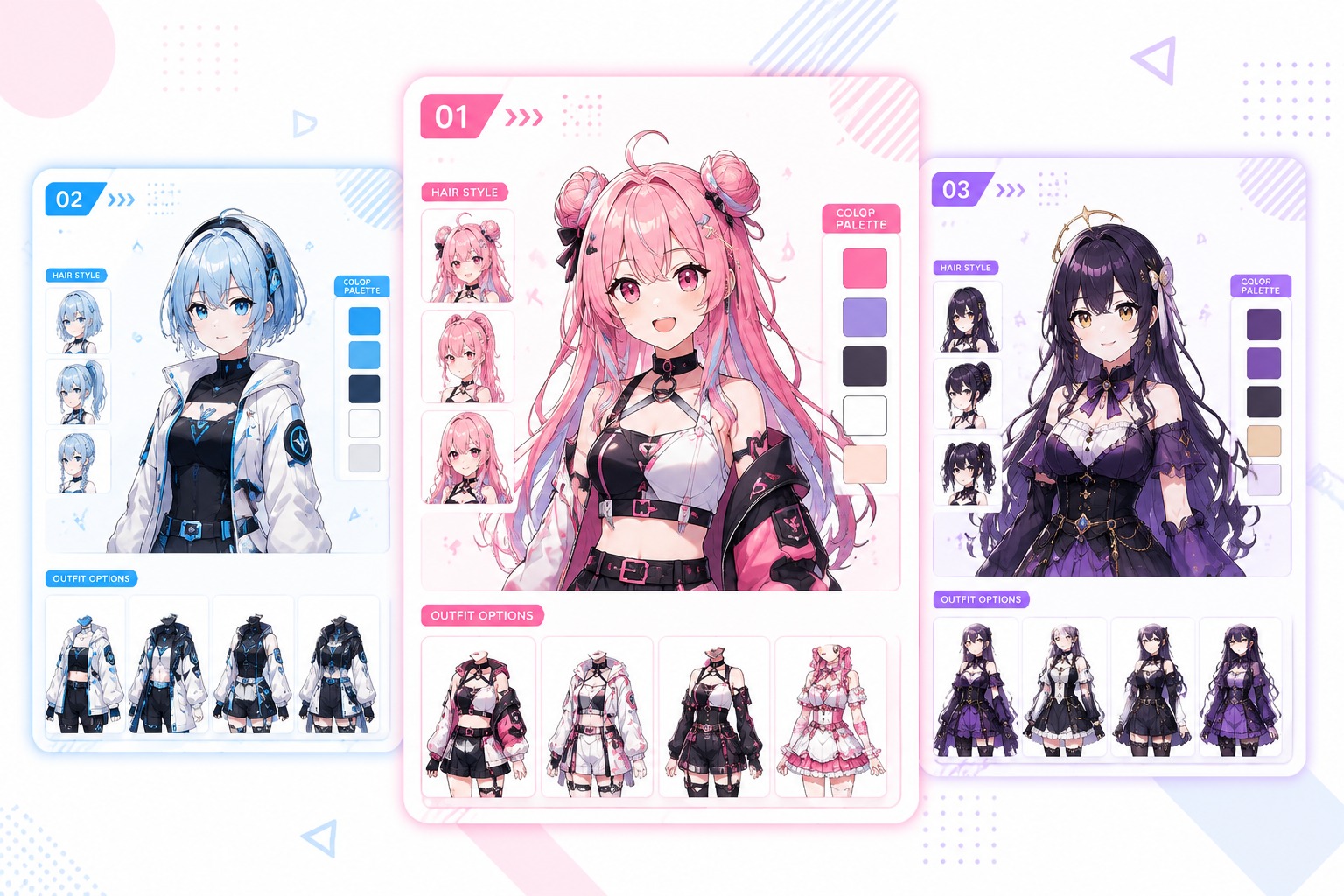
OCMaker AI helps turn a channel concept into a recognizable VTuber avatar with hairstyle, outfit, palette, and expression cues working together. It is strongest when you define the role first: cozy host, gaming commentator, idol performer, or lore-driven character.
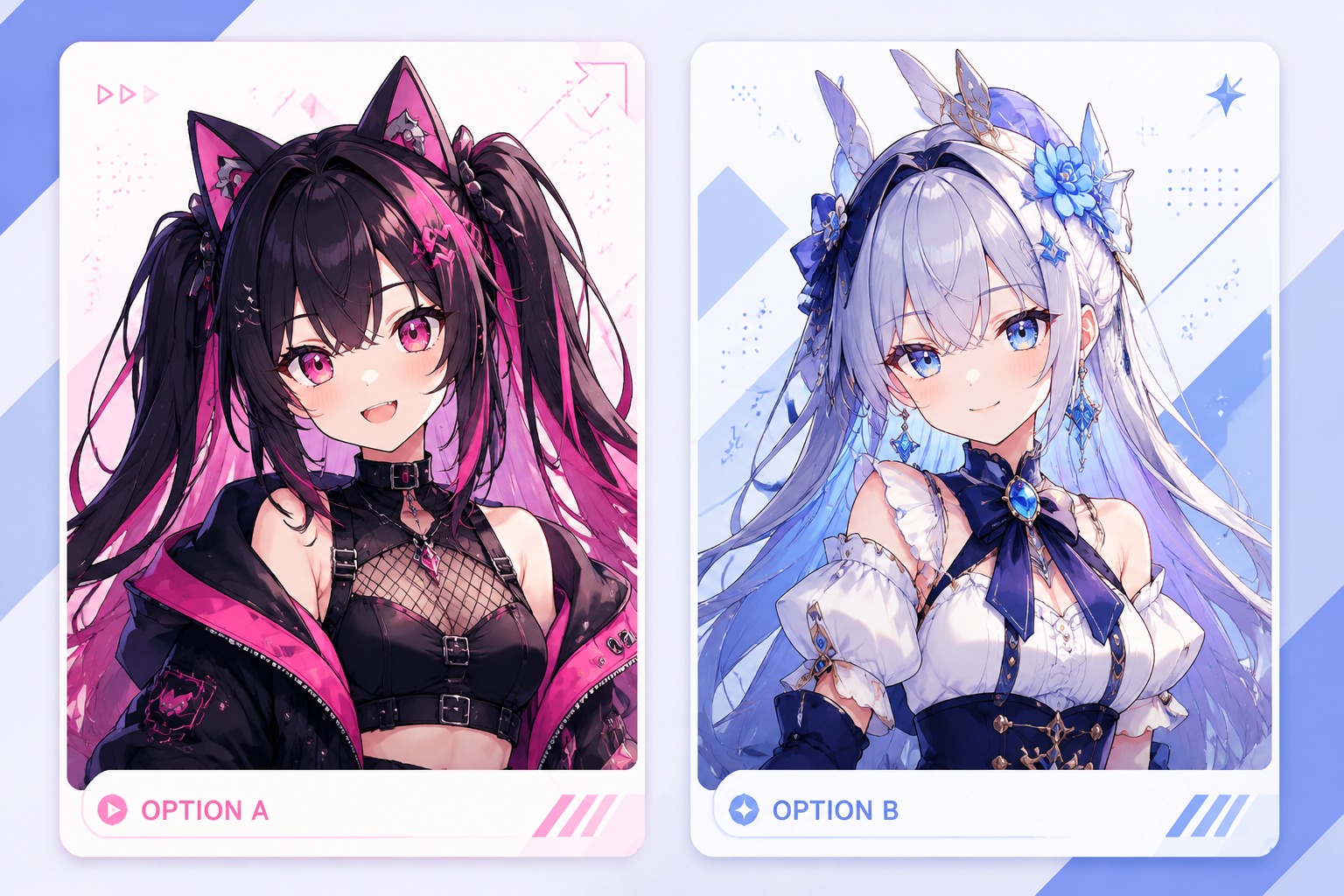
Streaming Persona Design

0204

Anime Avatar Direction

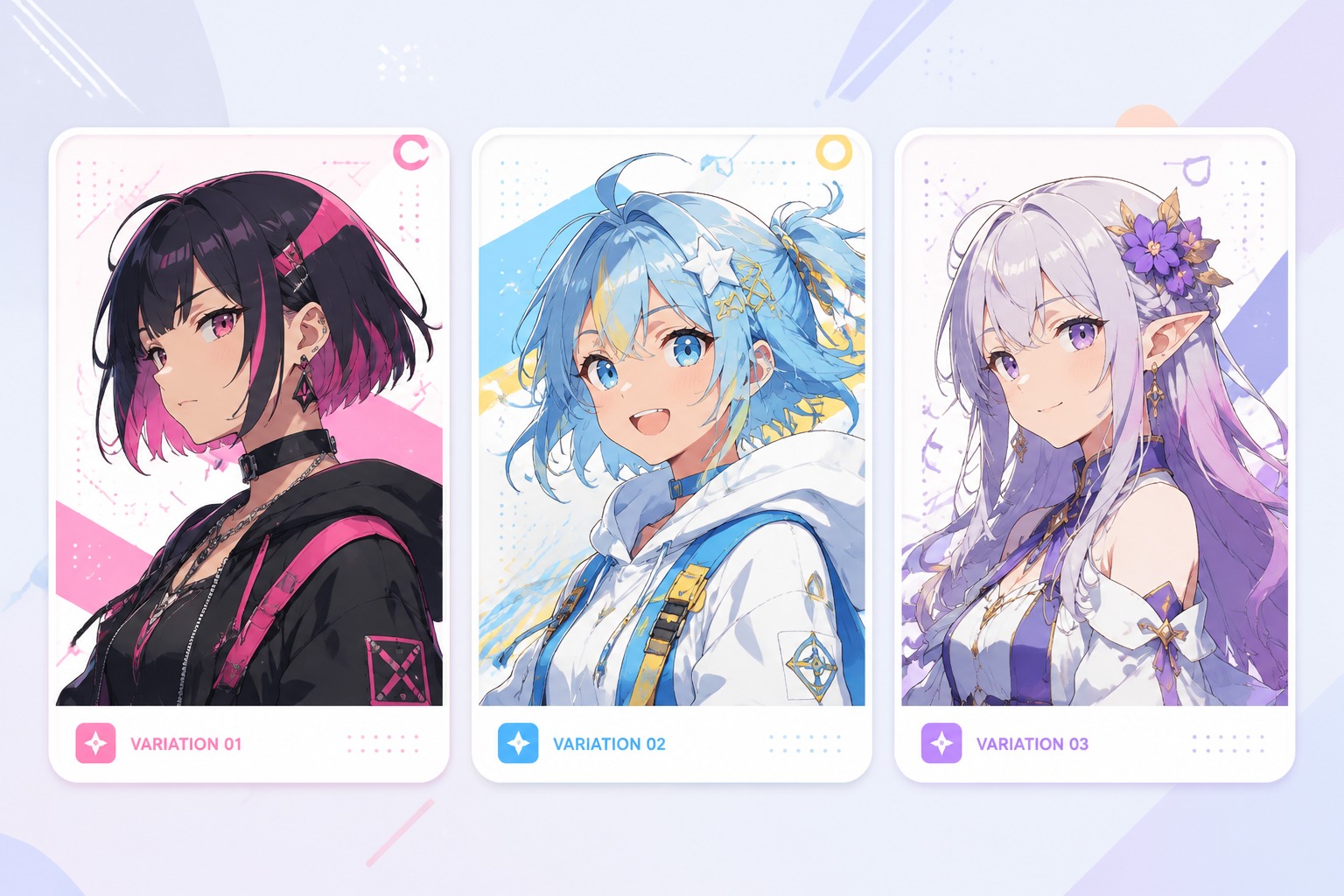
Shape the look with anime-inspired proportions, clean facial features, expressive eyes, and creator-friendly costume details. The best briefs separate fixed identity traits from optional style variations so the avatar remains recognizable across future images.

Anime Avatar Direction

0304

Talking Video Ready

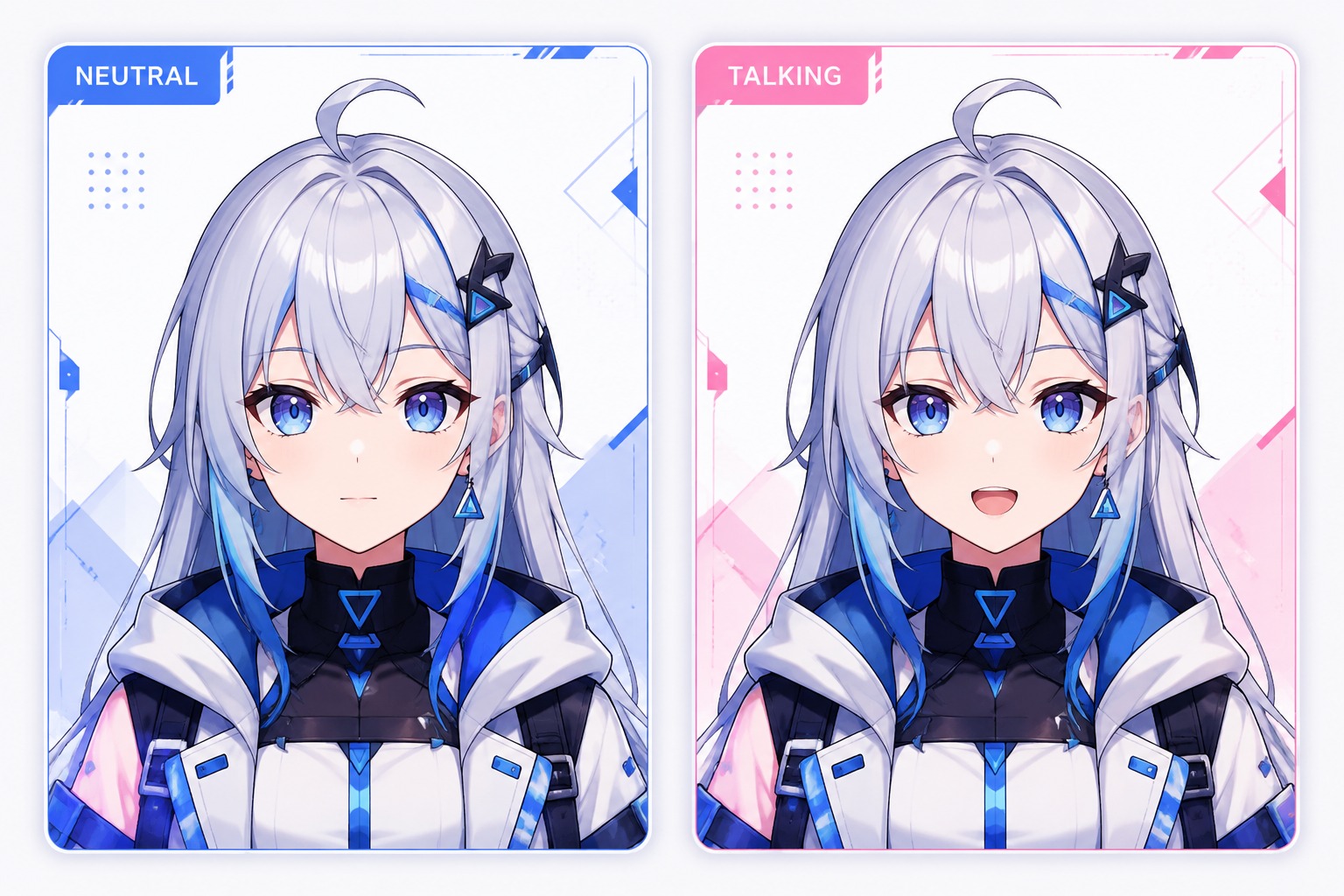
A good VTuber image needs more than a pretty portrait. OCMaker AI can help create front-facing avatars with readable mouth area, clear head shape, and simple accessories, which makes the design easier to reuse for talking avatar videos and short-form intros.

Talking Video Ready

0404

Creator Asset Workflow

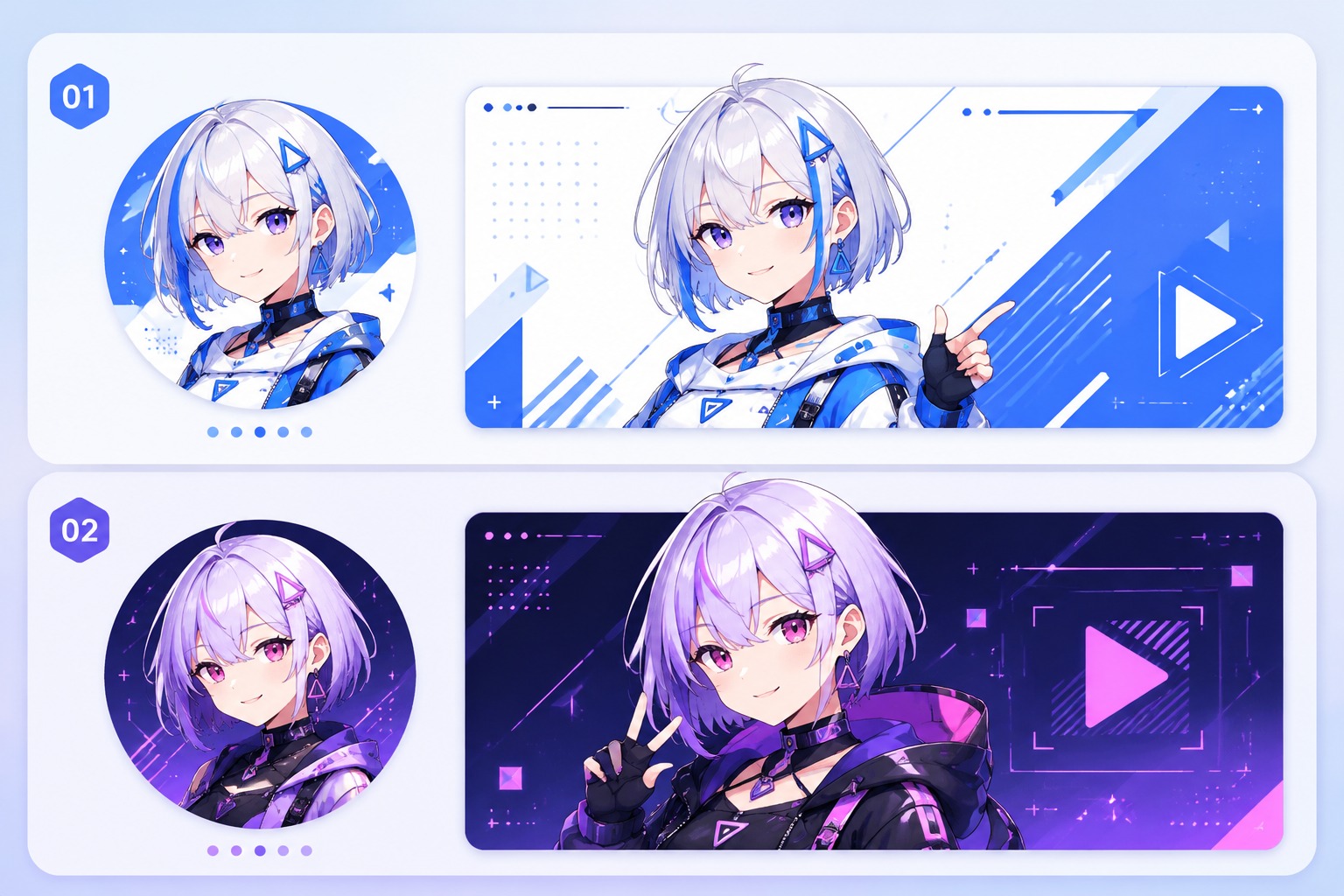
Use generated VTuber concepts as profile images, channel banners, character references, stream overlays, and thumbnail art. Review small-size readability, hand placement, and accessory clutter before treating one image as the main brand reference.

Creator Asset Workflow

Creator-focused avatar design

Why Choose OCMaker AI for VTuber Avatars?

  • 01

    Persona-First Character Design

    Start from a streamer role, lore hook, mood, and audience fit instead of a generic anime face.

  • 02

    Anime and Mascot Styles

    Create cute hosts, polished anime avatars, chibi personas, and mascot-like creator characters.

  • 03

    Better Brief Control

    Guide hairstyle, palette, outfit, accessories, expression, and pose with one focused VTuber brief.

  • 04

    Reusable Channel Assets

    Use outputs for profile images, stream panels, thumbnails, reference sheets, and social posts.

  • 05

    Fast Concept Iteration

    Test several avatar directions before investing in rigging, animation, or a full live model workflow.

  • 06

    Honest Creative Boundaries

    Best for visual concepts and avatar art; complex rigging and motion setup still need separate tools.

How to Create an AI VTuber Avatar

Three practical steps from persona to usable concept

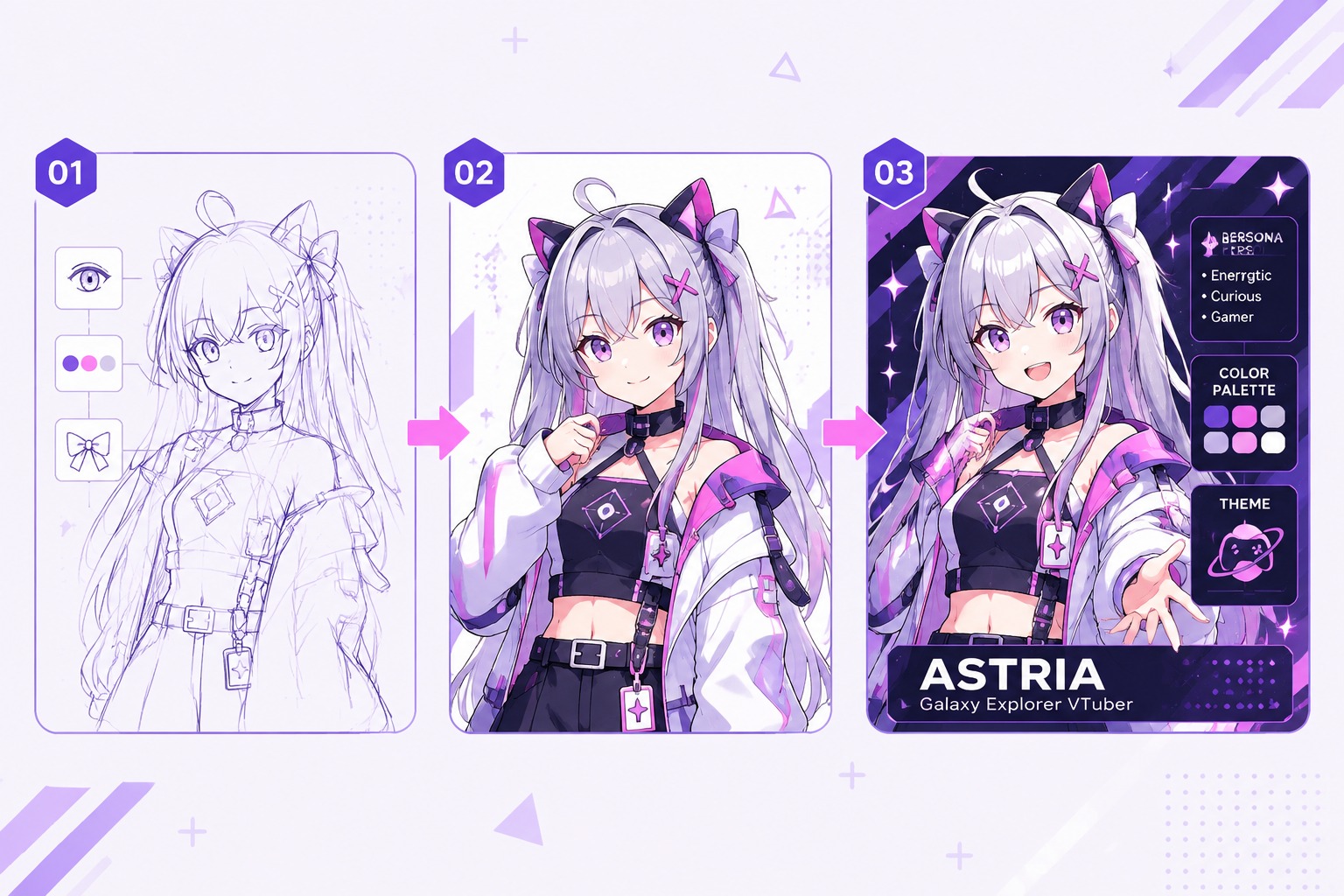
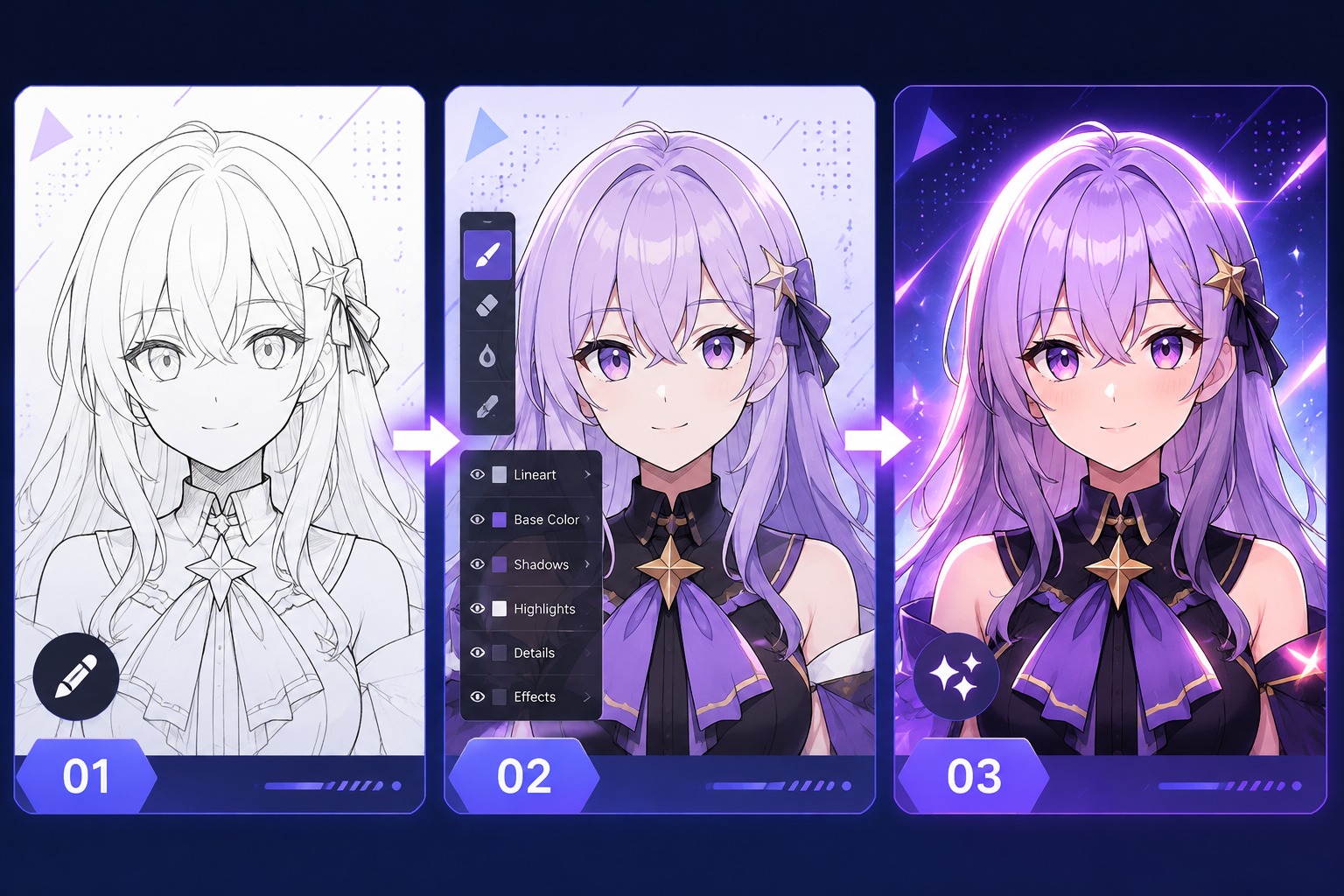
  1. Write a VTuber persona brief

    Define the Persona

    Choose the channel role, personality, audience, color palette, and fixed identity traits. A clear VTuber persona brief gives the generator stronger design direction.

  2. Generate AI VTuber avatar variations

    Generate Avatar Options

    Create several anime avatar directions, then compare silhouette, expression, outfit logic, and small-size readability before choosing the strongest base design.

  3. Refine VTuber avatar assets for content

    Refine for Content

    Use the selected avatar for profile images, talking video concepts, thumbnails, and reference art. Simplify accessories if the design becomes hard to read on mobile.

Common Questions About AI VTuber Maker

Practical answers before you create your avatar

What is an AI VTuber Maker?

An AI VTuber Maker helps you create the visual identity for a virtual streaming persona. With OCMaker AI, you can generate anime-style avatar concepts, mascot hosts, chibi characters, and talking-avatar-ready portraits from a written brief. Treat it as the design and ideation stage: it helps you find a strong character look before you move into animation, lip sync, or live rigging tools.

Can I create an AI VTuber avatar without drawing skills?

Yes. The useful part of an AI VTuber avatar workflow is that you can start with words instead of finished artwork. You still need to make creative choices: personality, hairstyle, outfit, color palette, expression, and channel role. The better your brief, the less random the output feels. If you only type “cute anime girl,” the result may look polished but generic.

Is this for 2D or 3D VTuber models?

This page is best understood as a character concept and avatar art workflow, not a full 2D rigging or 3D model builder. You can create a strong front-facing VTuber design, profile image, or talking avatar concept, then use dedicated animation, lip sync, or rigging software if you need live motion control. That separation keeps expectations realistic and helps avoid overbuilding too early.

What should I write in an AI VTuber prompt?

Start with the persona before the outfit. Include the streamer role, personality, age impression, visual mood, palette, hair shape, outfit type, expression, and intended use. For example: “cozy gaming VTuber, warm purple palette, short silver hair, oversized hoodie, friendly confident smile, clean front-facing anime portrait.” Avoid stacking too many props, because clutter hurts avatar readability.

Can I use the avatar for streaming or social profiles?

You can use generated concepts as a starting point for channel identity, profile images, thumbnails, overlays, and reference art, subject to the tool terms and your own review. For serious streaming brands, check the final image carefully for accidental artifacts, confusing accessories, and similarity to existing characters. A distinctive original persona is safer and more memorable than a design that feels copied.

How is this different from a normal AI anime generator?

A general anime generator can make attractive portraits, but a VTuber workflow needs stronger identity thinking. The avatar must read clearly at small sizes, match a channel personality, and stay reusable across thumbnails, intros, and talking videos. OCMaker AI is useful when you frame the task around original character identity, not just one pretty image.

What are the limits of AI VTuber avatar generation?

The main limits are consistency, fine detail, and production readiness. A single generated image may not give you every expression, pose, or rigging layer a live VTuber model needs. Hands, small accessories, and asymmetrical costume details also need review. Use the output to choose a direction, then refine the chosen design if you need a full model sheet or animated setup.

Who is AI VTuber Maker best for?

It is strongest for new streamers, faceless creators, anime channels, gaming commentators, educators, and indie brands that need a character identity quickly. It is weaker for teams that already need production-grade rigging files, live tracking, or a finished commercial model. In that case, use the generated concept as a brief for an artist or modeler.

Ready to Create Your AI VTuber Avatar?

Start with a clear persona brief and generate an anime-style VTuber concept you can use for profiles, thumbnails, and creator branding.

AI VTuber Maker - Create Your Anime Streaming Avatar