candidate-0
candidate-1
candidate-2
candidate-3
Vidu Q3

Vidu Q3: The Cinematic AI Video Generator

Create 16-second cinematic AI videos with sound, dialogue, and camera control. OCMaker is powered by Vidu Q3.

Vidu Q3 Examples

A soft and beautiful campus setting in spring, sunlight filtering through trees, gentle wind. Two young students stand close to each other. The female character looks up and softly. The male character smiles. Exact lip sync to the dialogue. Pure, romantic emotion, natural acting, clean cinematic lighting, pastel color tones, dreamlike but realistic atmosphere, duration 5 seconds, film-quality realism.

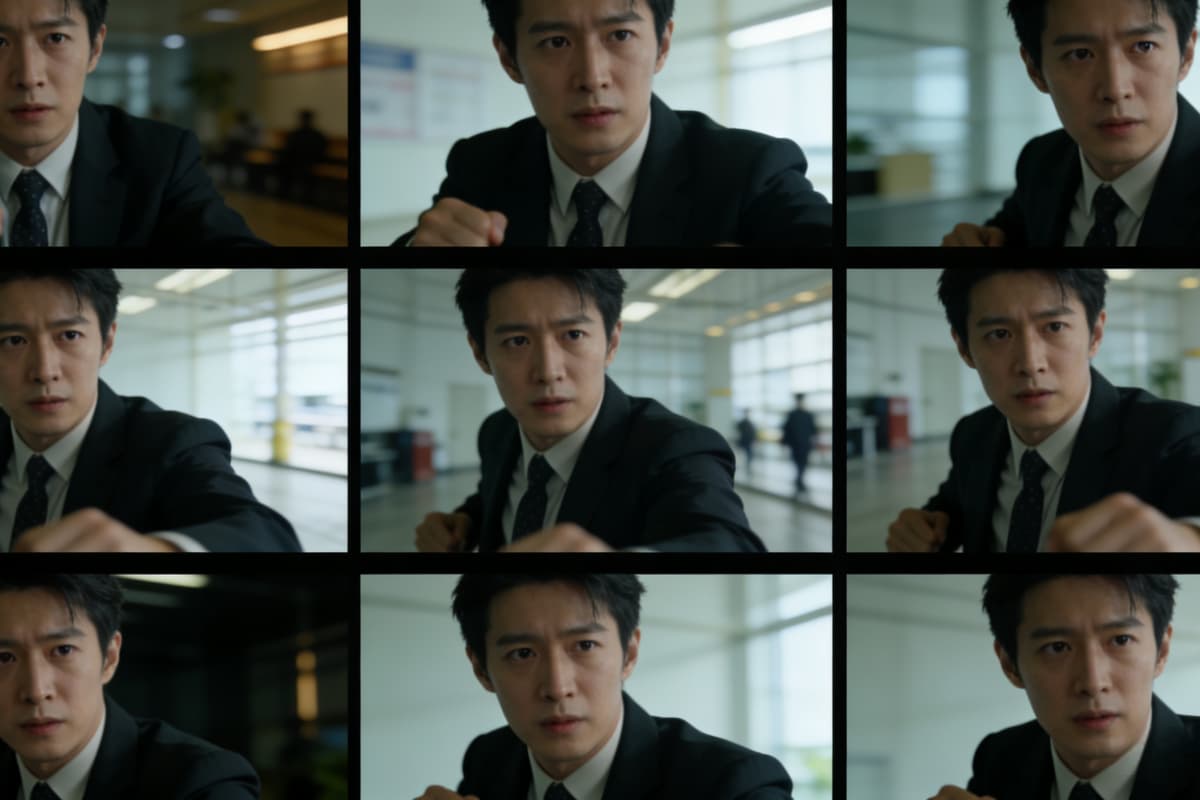
A cinematic scene with intentional camera framing, professional film composition, strong foreground and background depth, close-up shot with emotional focus, director-style camera language, controlled perspective, movie-quality cinematography.

Early morning Paris apartment. Blue-gray light through blinds, slicing the space. Subject: Square transparent perfume bottle on white marble counter. Engraving clearly legible. Shot 1: Slow push-in — light refracts through bottle, rainbow prism effect. Shot 2: Side close-up — finger touches cap, pauses. Shot 3: Wide — bottle at golden ratio point, Paris rooftops softly blurred beyond window. Bottle visible throughout. No distortion. Background must not change.

Vidu Q3: The Ultimate Cinematic AI Video Generator

One-Shot 16-Second Video Generation

OCMaker AI is powered by Vidu Q3, the world's first model capable of generating a full 16-second video in a single shot. It produces visuals, dialogue, music, sound effects, and narrative progression simultaneously, ensuring complete audiovisual synchronization without any stitching or post-production. This transforms simple moving images into fully realized short stories, perfect for cinematic storytelling.
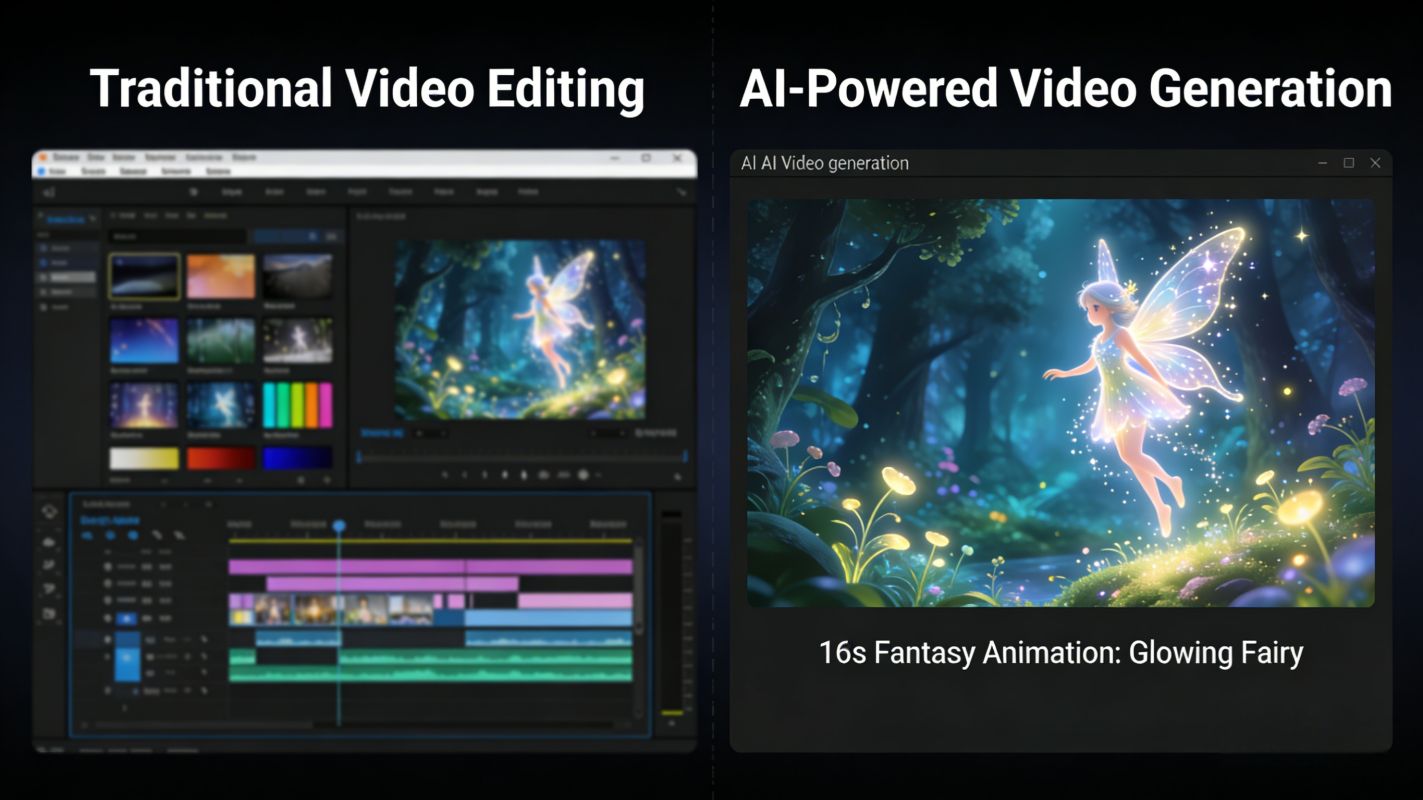
AI video generation

Native Audio-Visual Storytelling

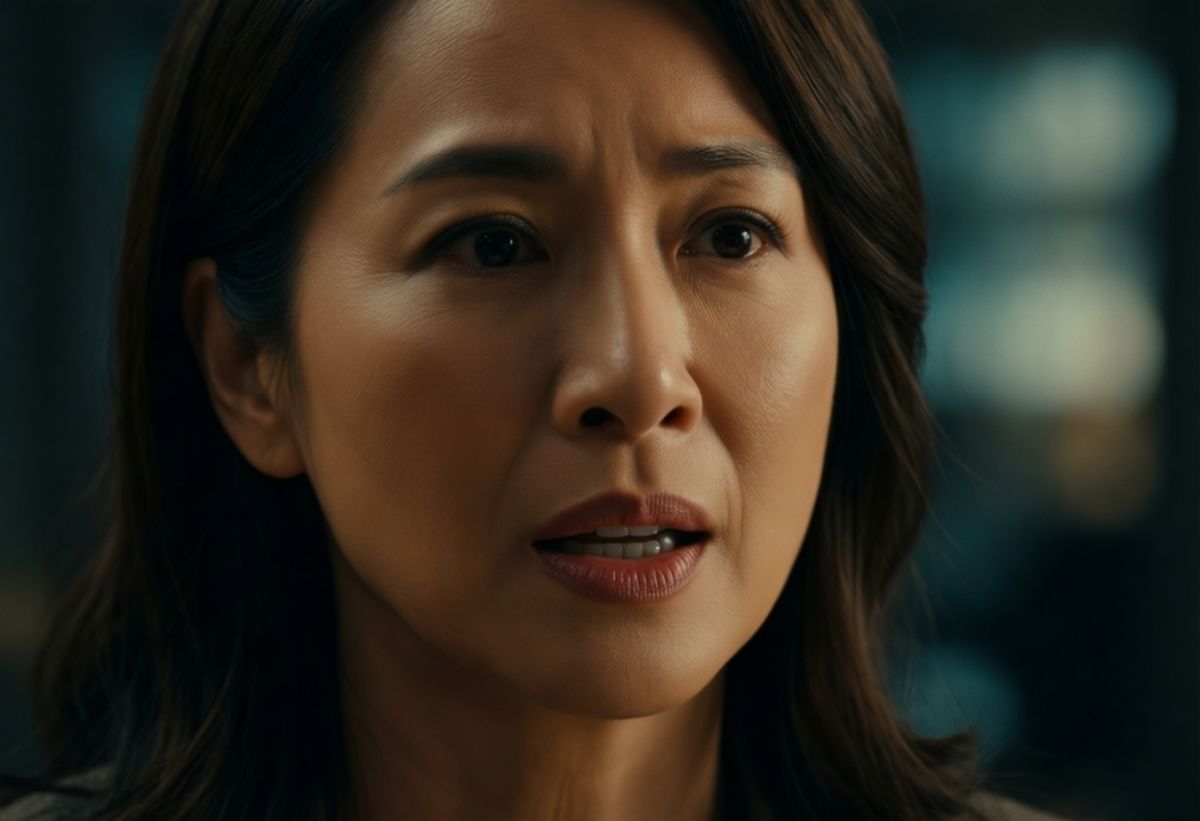
Vidu Q3 allows for true audiovisual creation where sound and visuals are generated together rather than layered afterward. It supports multi-character dialogue, expressive voice tones, and environmental sounds like waves or footsteps, while lip sync, voice, and expressions match naturally. Creators using OCMaker AI can now move beyond basic animation into real narrative-driven video production.

Native Audio-Visual Storytelling

Director-Level Camera Control

With intelligent camera operations and automatic scene transitions, Vidu Q3 gives creators full control over framing, angles, and motion. Whether you upload a storyboard or generate video from image to video or text to video, the AI adapts shots dynamically, producing professional-level cinematography that follows the story's rhythm.

Controllable camera movement AI video

Detailed Visuals and Multi-Language Support

Vidu Q3 excels in rendering fine details such as micro-movements, textures, and realistic physics for complex actions, ensuring the resulting video feels like a believable world rather than simple effects. It also supports accurate text and dialogue in multiple languages including English, Chinese, and Japanese, making it ideal for international campaigns and creative projects using OCMaker AI.

Detailed Visuals

Vidu Q3 Features for AI Video for Ads / Short Films / Creators

Extended Duration

Generates clips up to 16 seconds in a single pass, allowing for more complex storytelling and established scenes.

Audio-Visual Sync

Automatically creates synchronized background music, sound effects, and dialogue that match the visual actions.

Multi-Shot Narratives

Supports multi-shot sequences within one video, simulating professional editing and pacing techniques.

Native On-Frame Text

Renders text directly into the scene (signage, labels) with correct perspective and lighting integration.

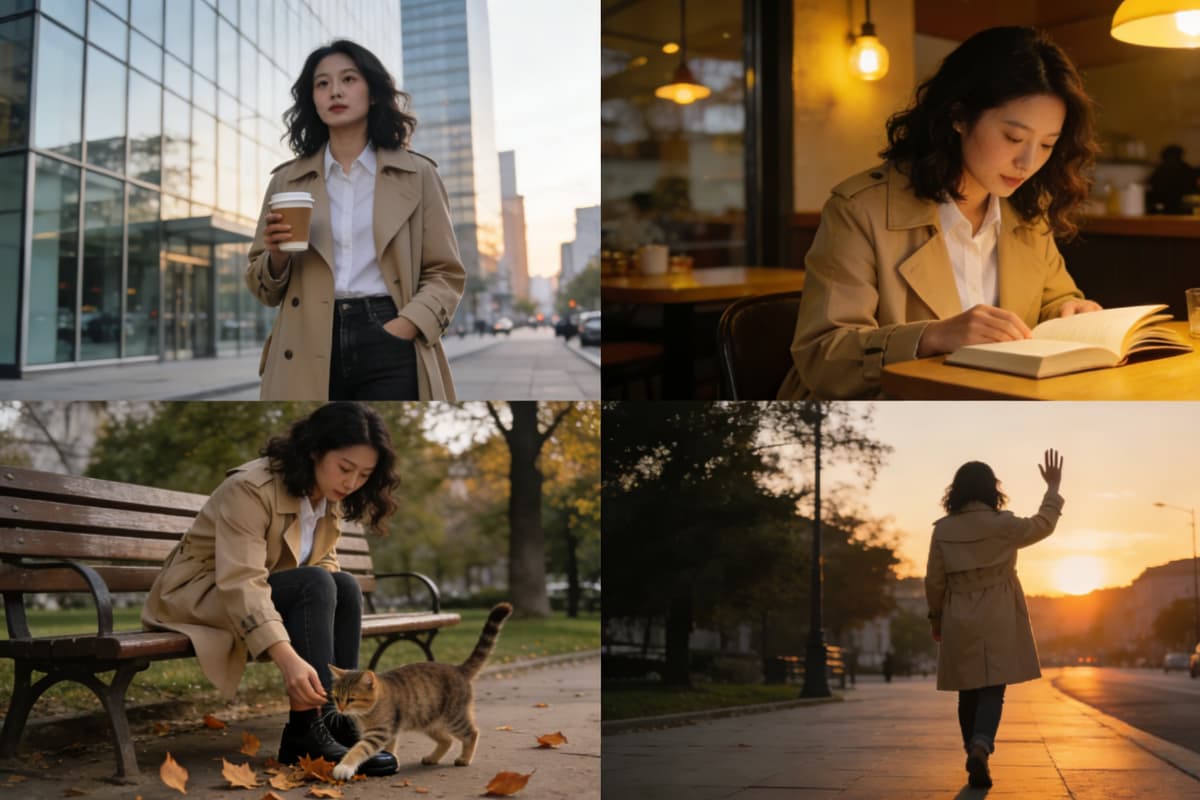
Character Consistency

Maintains subject identity and style consistency across the entire 16-second duration.

High-Definition Output

Outputs in high-definition 1080p, ensuring sharp details suitable for professional broadcasting.

How To Use OCMaker + Vidu Q3?

01

Upload Your Reference

Drop in a photo, character illustration, or short clip. Vidu Q3 uses it as the anchor for everything that follows — face, outfit, props, and mood stay locked across every shot.

02

Write Your Shot Notes

Describe your scene like a director, not a wisher. Scene → Subject → Camera move → Action → Constraints. One camera move per beat. Tell it what must never change.

03

Generate, Tweak Once, Export

Preview your clip. If something's off, change one variable and regenerate — don't rewrite everything. Export in 4K, ready for your edit.

FAQs About Vidu Q3 One-Shot 16s AI Video

Creator Feedback on Vidu Q3

Experience Vidu Q3 Controllable Camera Movement AI Video Today

Unlock the power of professional generation. Create stunning, sound-synced clips with precise camera control in seconds.