Grok Imagine
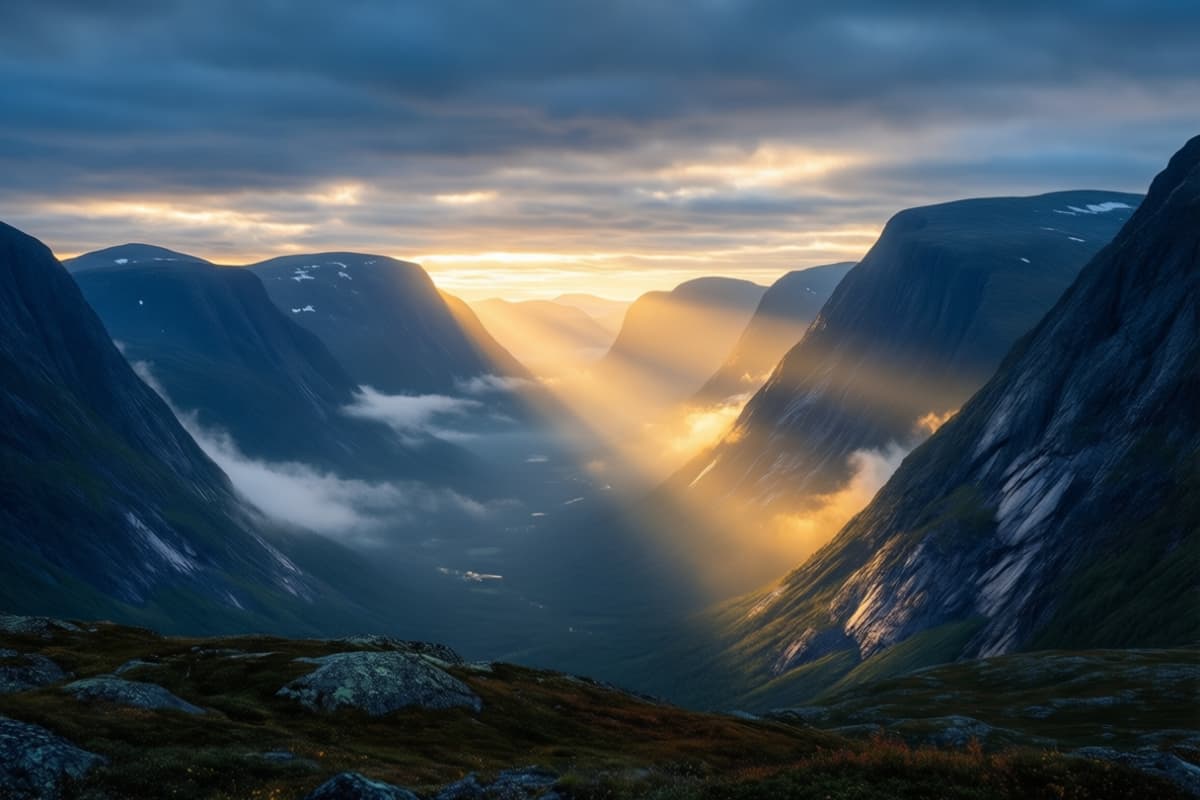
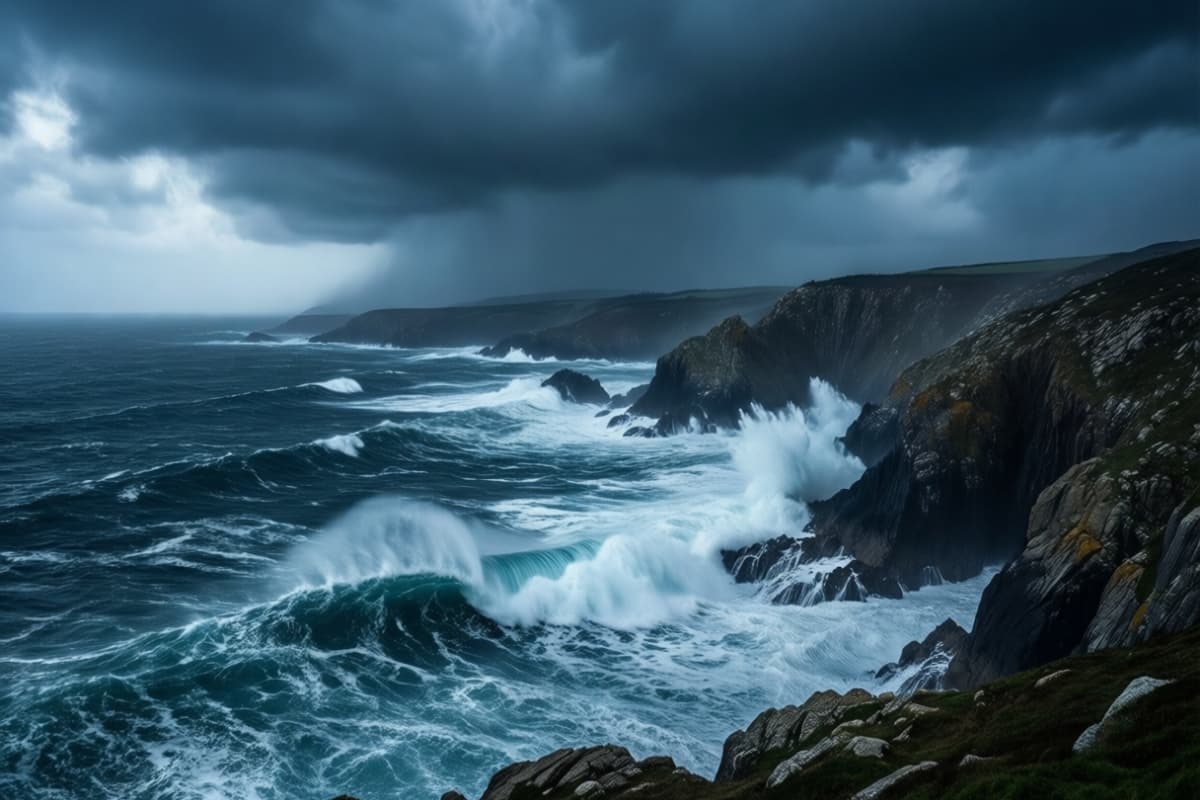
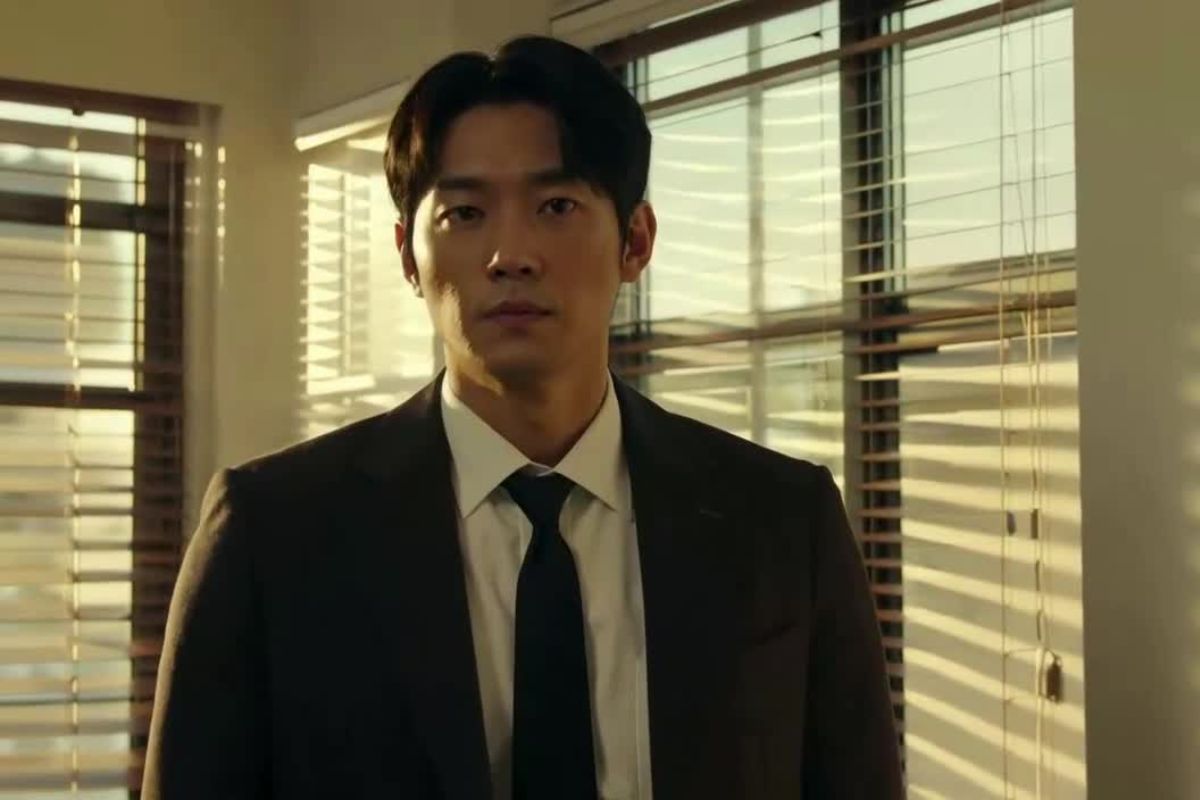
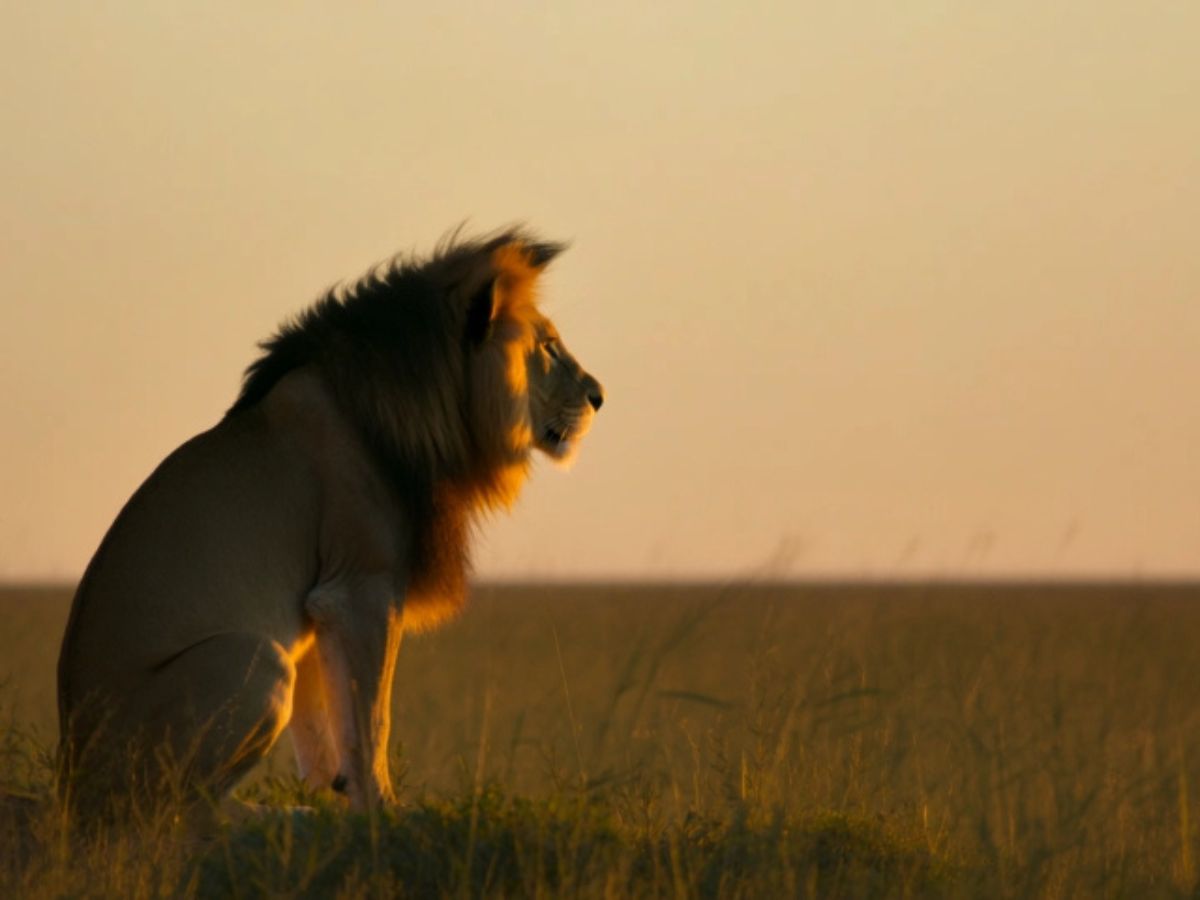
Grok Imagine Examples
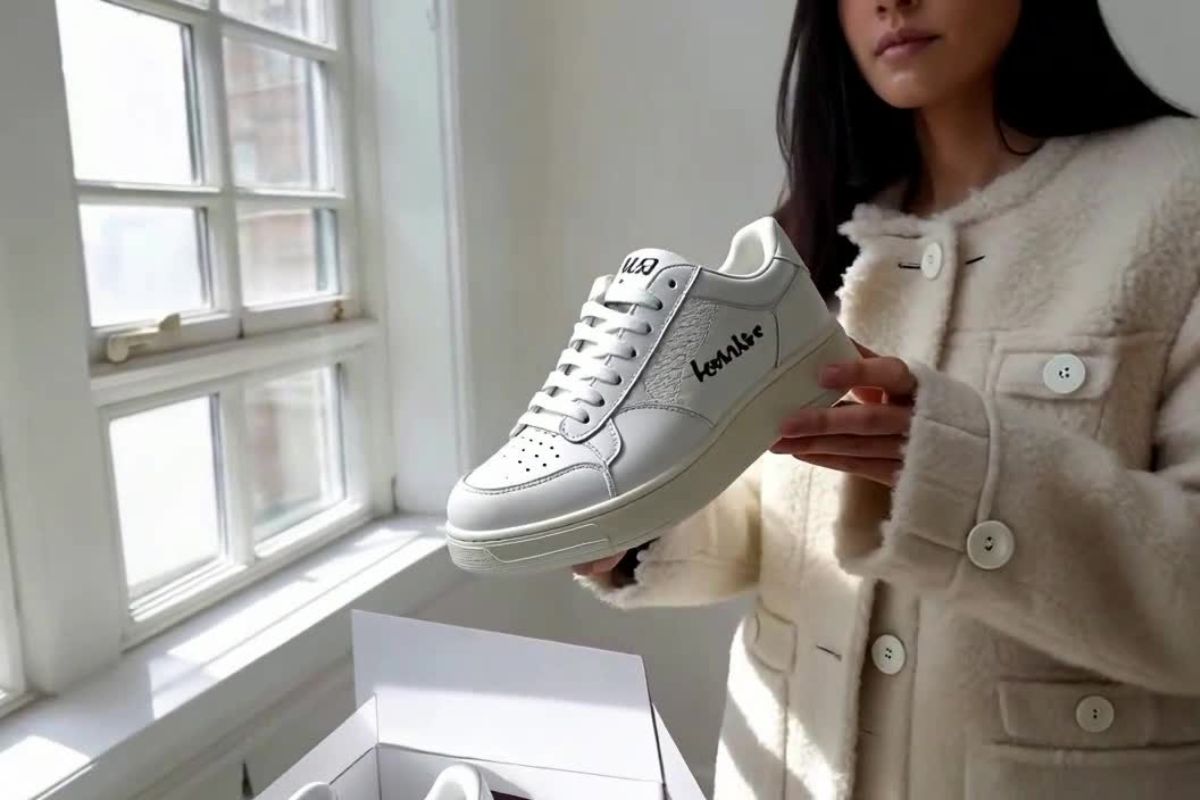
Dancing Between Steel and Shadows
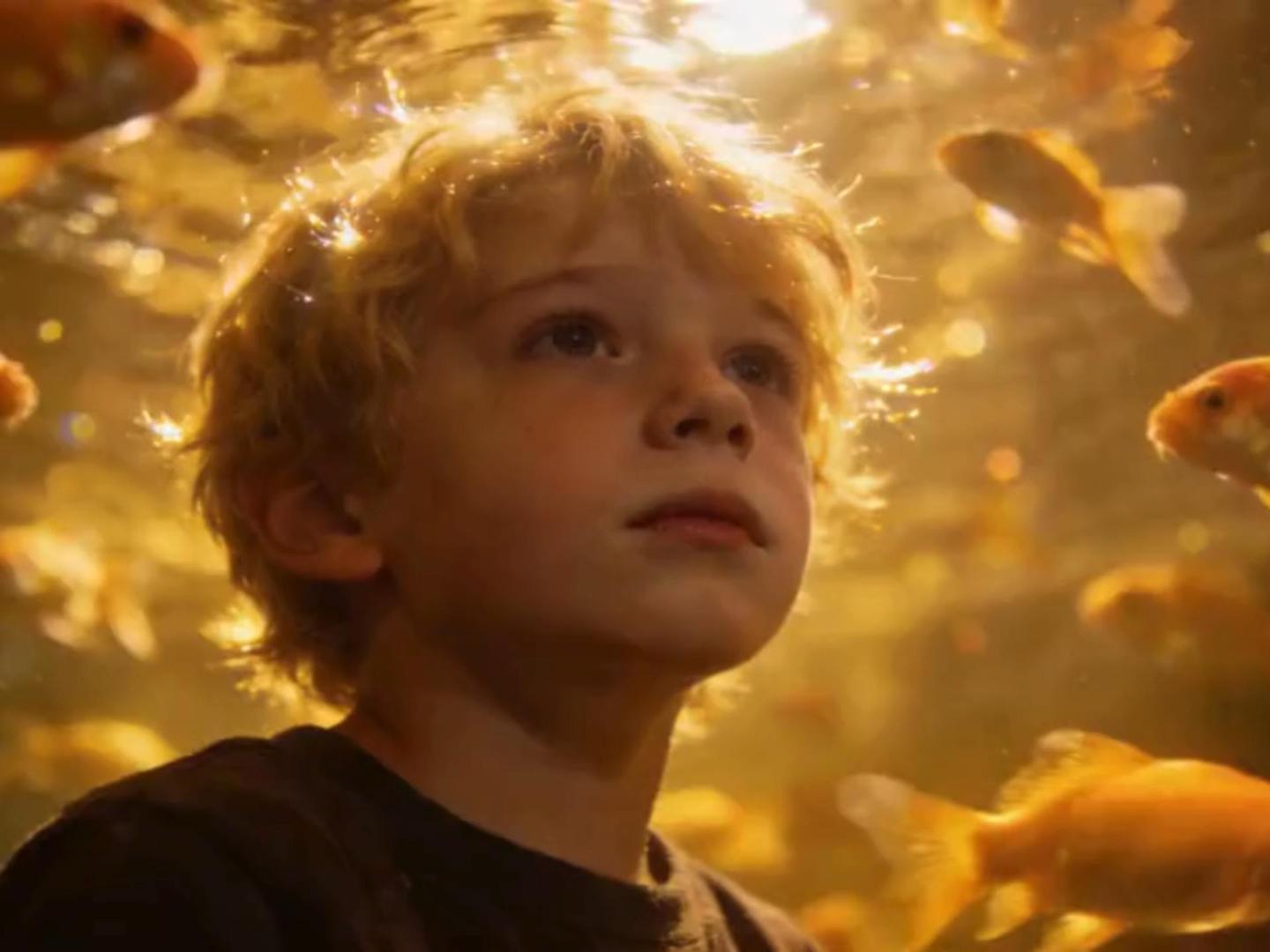
The Blue Beneath
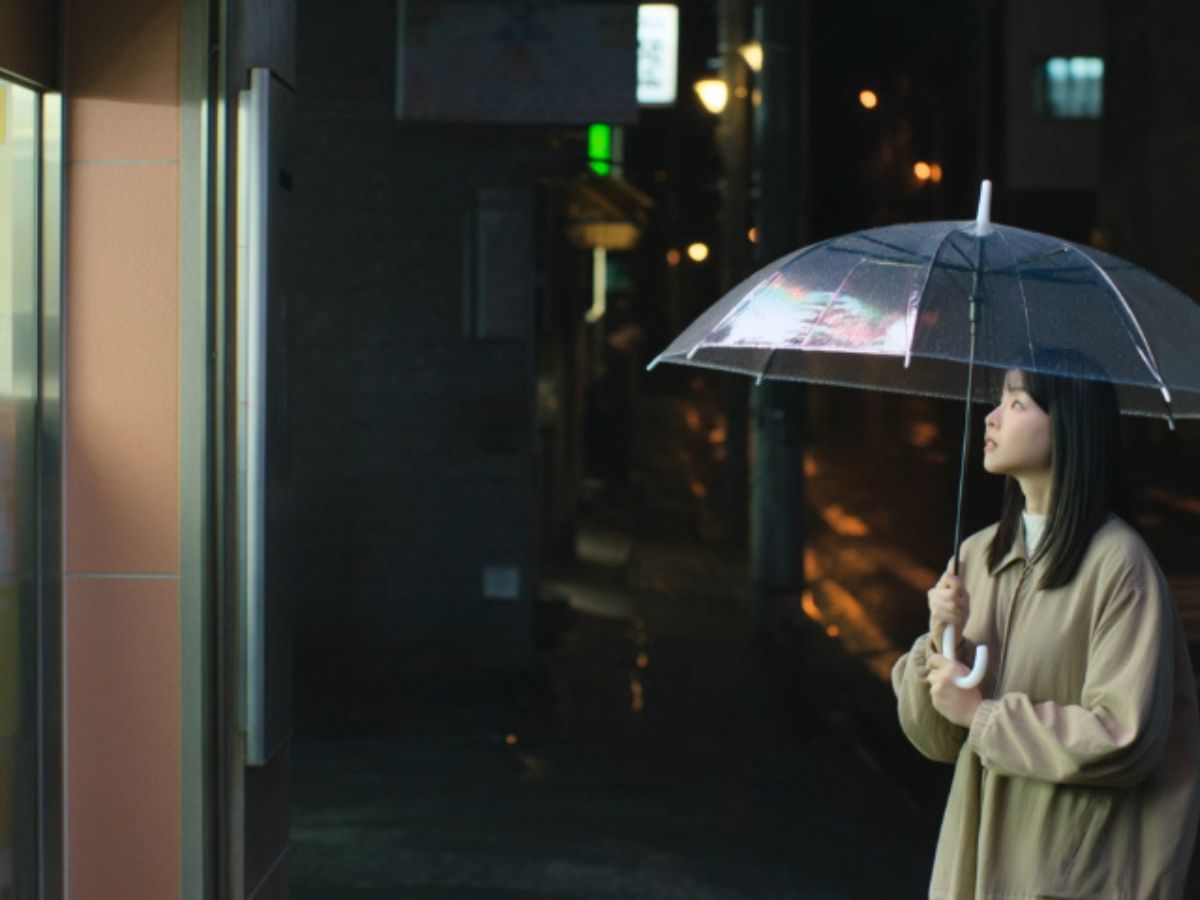
The Last Train Before Dawn
Explore Grok Imagine's Robust Features
Integrated AI Creative Ecosystem
As part of the broader OC Maker AI ecosystem, Grok Imagine fits naturally into a unified creation workflow. Users can generate a concept image, refine it, convert it into motion, and produce ready-to-share short videos without switching platforms. This end-to-end structure minimizes production friction and supports iterative experimentation — ideal for designers, marketers, and content creators who require both speed and visual consistency.
Seamless Text-to-Video Creation
With text to video generation, Grok Imagine transforms descriptive prompts into short cinematic clips ranging from 6 to 15 seconds. The model interprets camera movement, lighting dynamics, motion pacing, and environmental sound automatically, reducing the need for manual direction. Unlike basic generators, it emphasizes temporal coherence, ensuring that frames transition smoothly without facial distortion or unstable anatomy.
For creators publishing on social platforms, this means loop-ready visuals that maintain structure, motion logic, and atmosphere — even from simple prompts.

Advanced Image-to-Video Animation
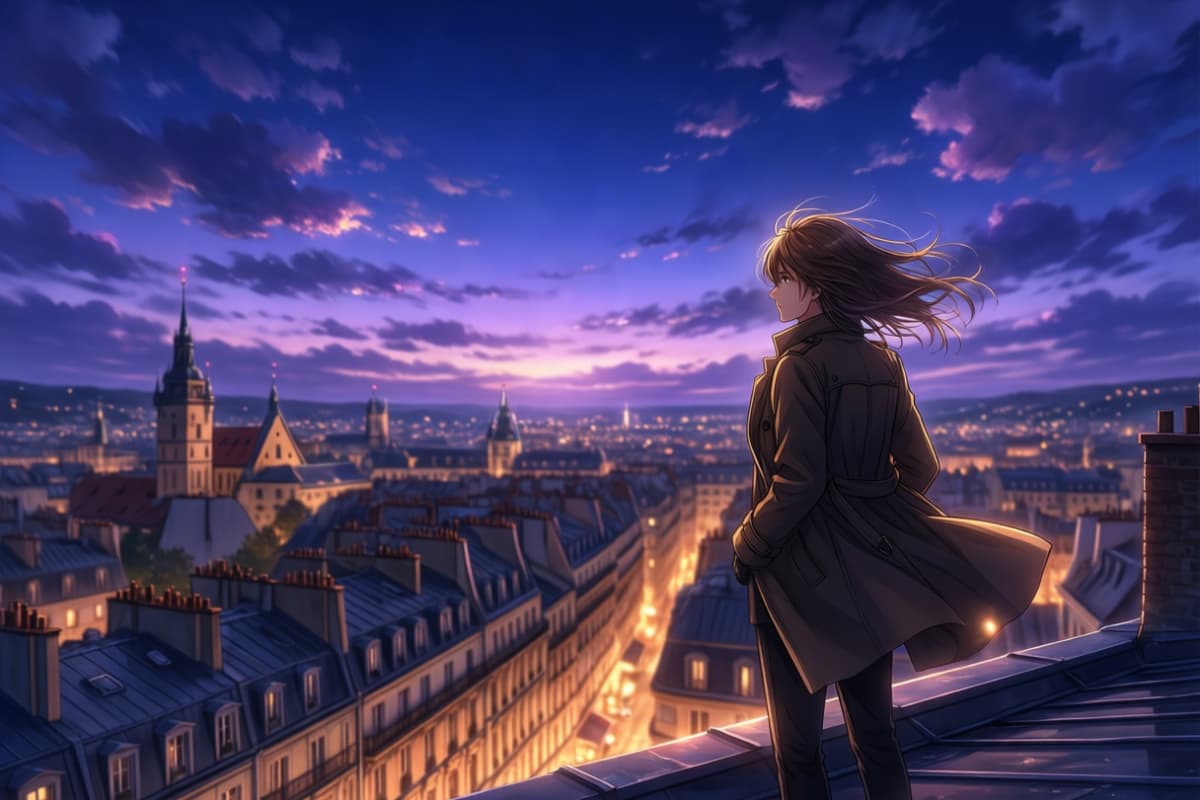
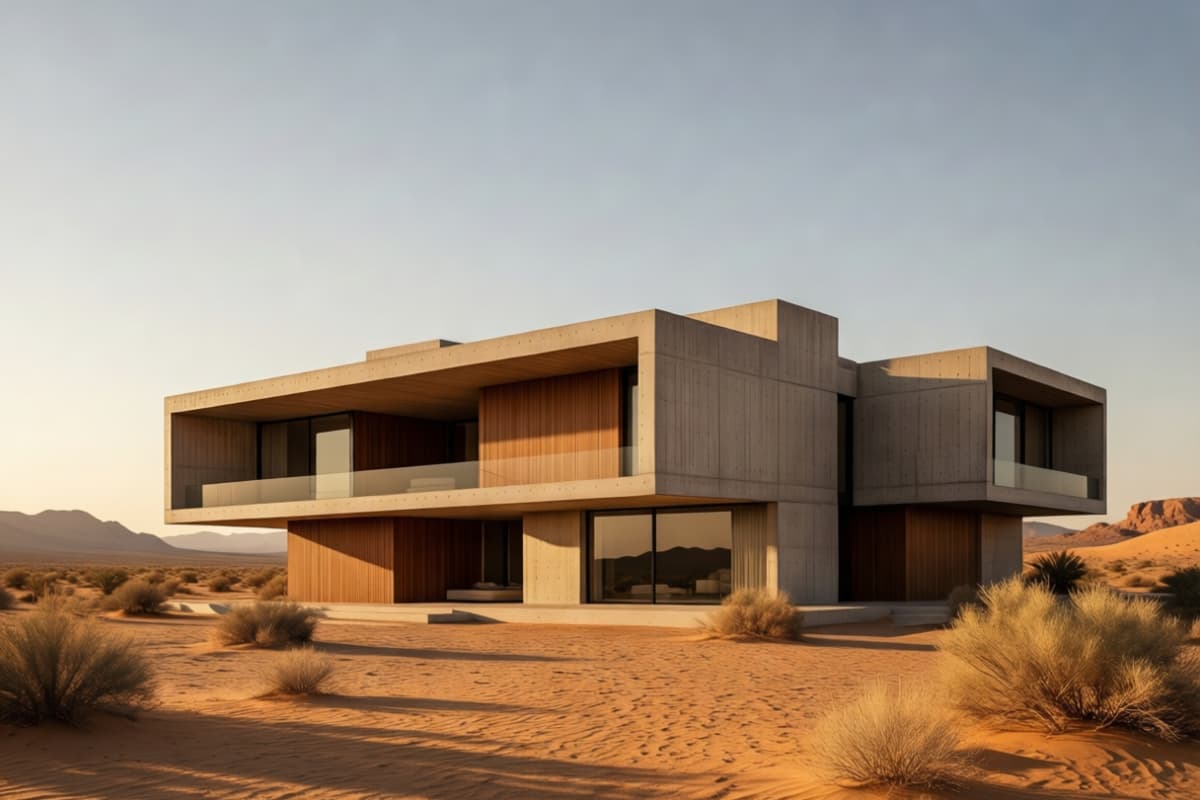
Grok Imagine excels at animating static visuals. Through image to image transformation pipelines and motion synthesis, uploaded artwork or photos can be converted into dynamic short-form video sequences. The engine preserves original aspect ratio and compositional balance while introducing natural motion layers such as subtle camera drift, environmental movement, or lighting shifts.
This makes it particularly effective for poster animation, character reveals, product teasers, and stylized concept loops where visual integrity must remain intact.

Intelligent Multi-Modal Prompting
Users can input ideas via text or voice, and Grok Imagine interprets intent across style, movement, tone, and pacing. When paired with text to image generation workflows, creators can first design a key visual and then animate it within the same creative pipeline. This multi-stage process improves control and creative continuity, making it suitable for both rapid prototyping and more deliberate visual storytelling workflows.

Key Features of Grok Imagine AI Video Generator
Text to Video and Image to Video
Reference Image Guidance
Cinematic Motion Control
Flexible Aspect Ratios and Resolution
Video Editing and Scene Changes
Faster Creative Iteration
How to Use Grok Imagine for AI Image to Video
Choose the Grok Imagine Model on OCMaker
Go to OCMaker and select the Grok Imagine model in the AI image to video workflow. This page focuses on turning a still image into a short video, so the first step is choosing the right model before generation.
Upload Your Image
Upload the image you want to animate. Clear subjects, stable framing, and simple composition usually make motion results look cleaner and more natural.
Generate and Refine the Video
Click generate to create the video, preview the result, and adjust your image or prompt if needed. If motion feels too strong, too weak, or slightly off, refine the input and test another version.
More Popular Models
Grok Imagine Image to Video FAQs
Start Your Creative Journey with Grok Imagine
Explore Grok Imagine's innovative features and bring your creative visions to life effortlessly. Embark on your video creation journey with advanced AI tools that transform the ordinary into extraordinary.