
Pricing
Log In
AI Generator
Grok AI Image Generator
Create bold social visuals with Grok Image, with fast prompting, reference-aware edits, x.com-inspired examples, and a clear GPT Image 2 comparison.
Grok AI Image Generator
Grok Image is a strong fit for creators who need fast visual ideas for social posts, concept frames, and campaign mockups without slowing down on every iteration. It is more useful as a social-first image.
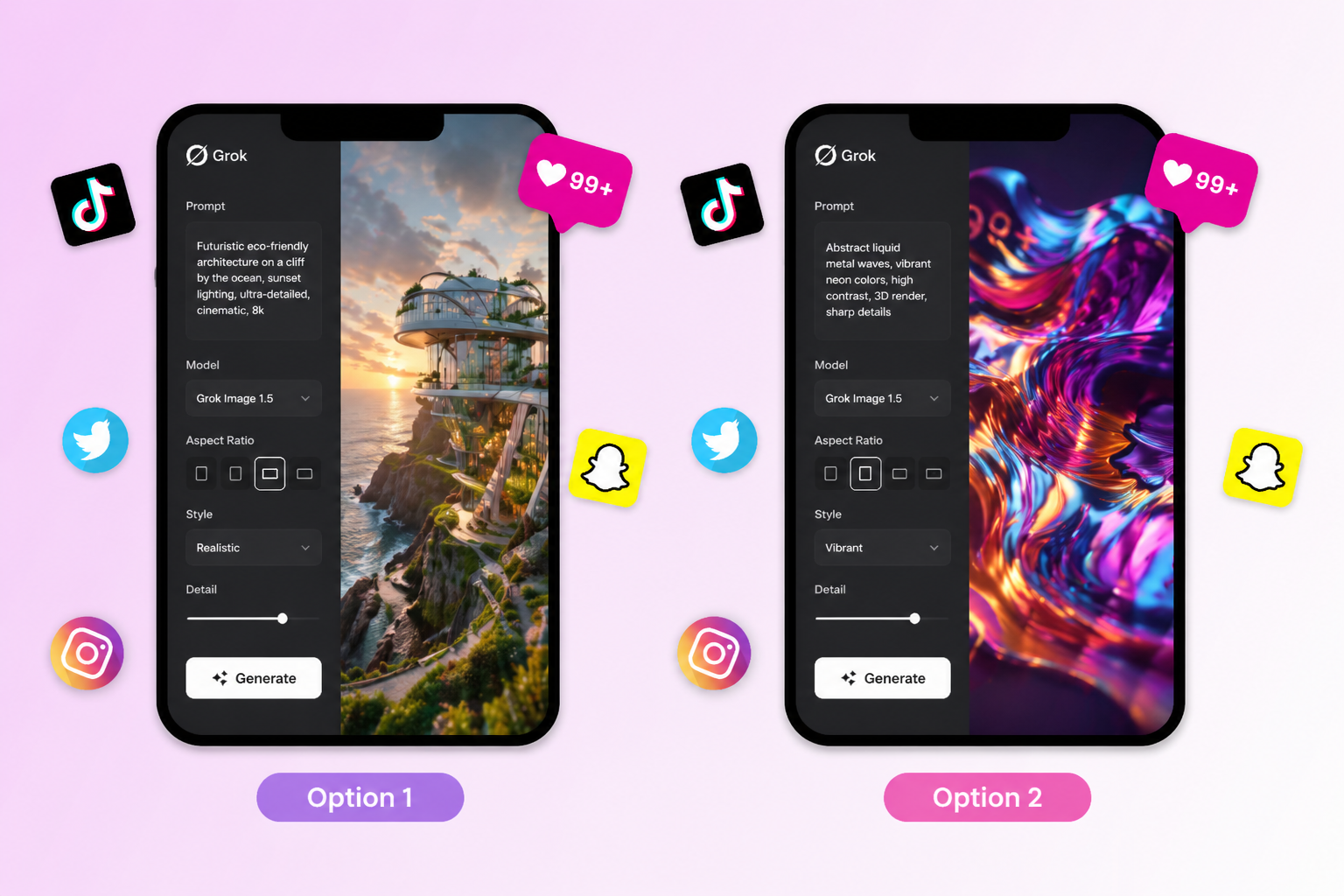
Core Reasons to Choose Grok Image
Why Creators Use Grok Image
The biggest reason creators reach for Grok Image is speed with personality. A lot of image tools can make something clean, but not every model is equally good at turning a rough scene idea into a visual that already feels postable. Grok works well when the job is to produce a strong concept quickly, whether that means.
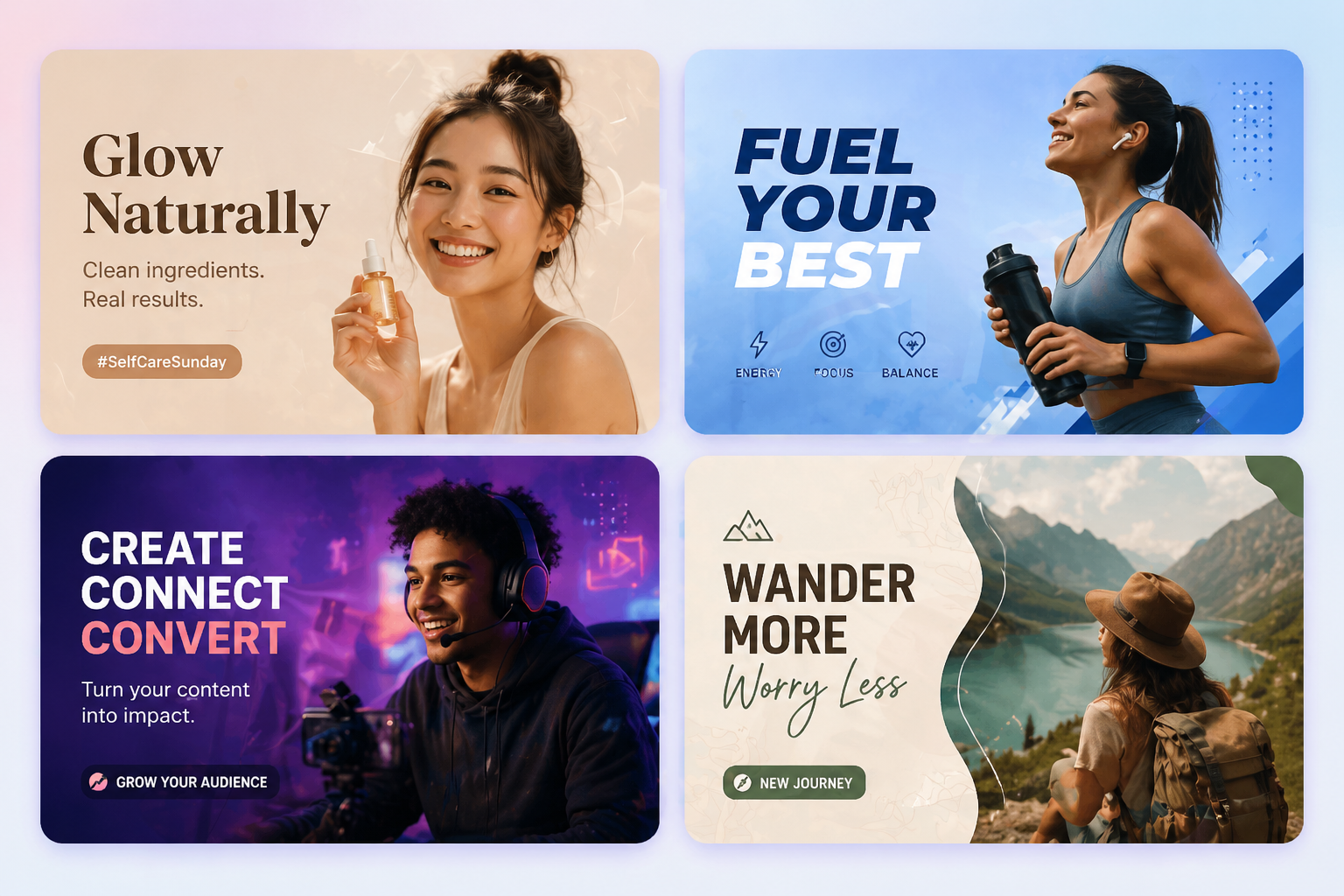
What You Can Make With
Grok Imagine is more flexible than a simple text-to-image button. The xAI docs show image generation plus image-to-image prompting through `image_url`, which means you can start from a reference and push it into a new look instead of rebuilding every idea from scratch. That is practical when a team already has source.
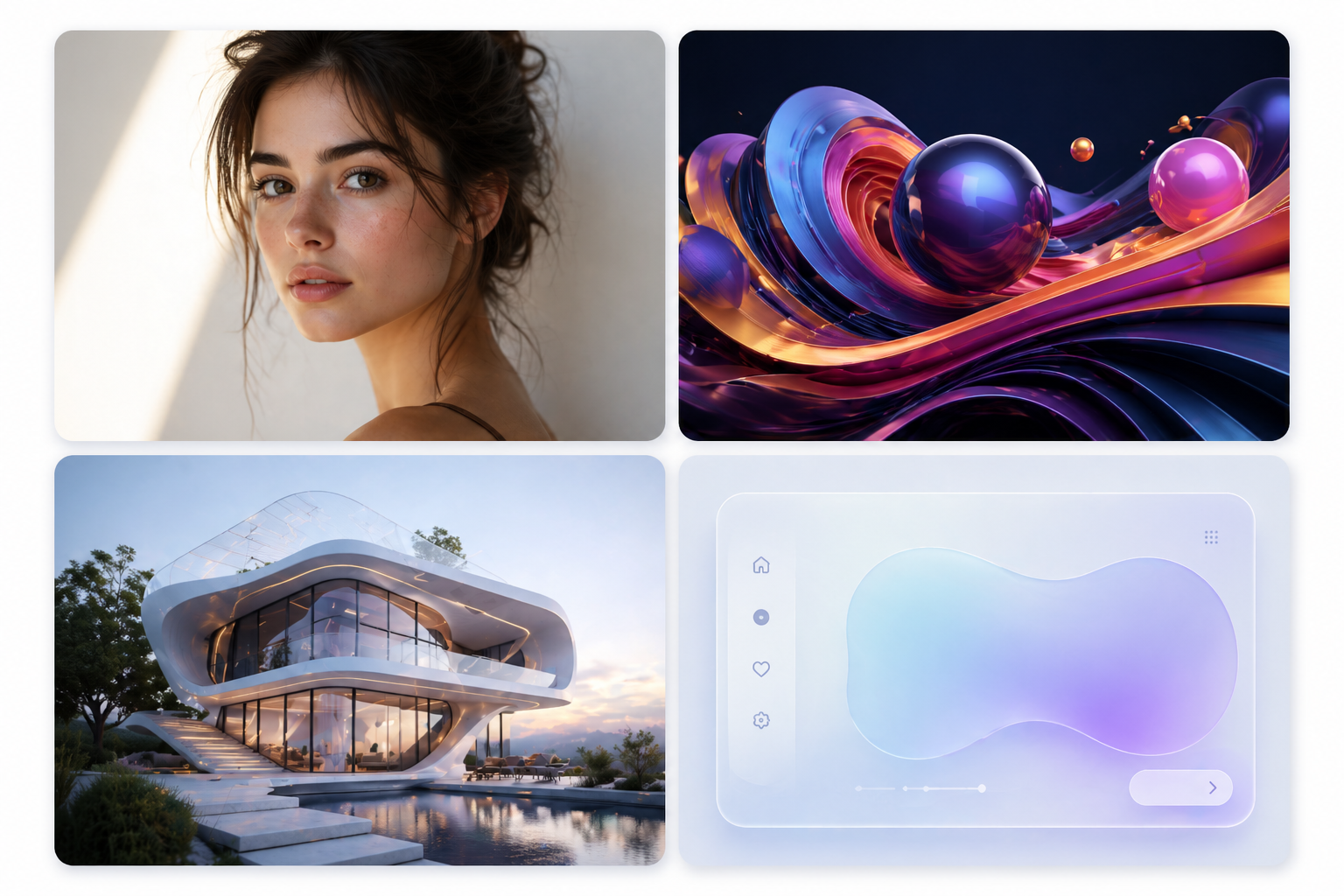
Grok Image Prompt Tips That
The fastest way to get better Grok Image results is to stop writing prompts like unordered wish lists. Start with composition. If you want an isometric product scene, a dramatic close-up, or a Dutch-angle cinematic frame, say that first. Once the camera logic is locked, the rest of the prompt becomes easier for the.
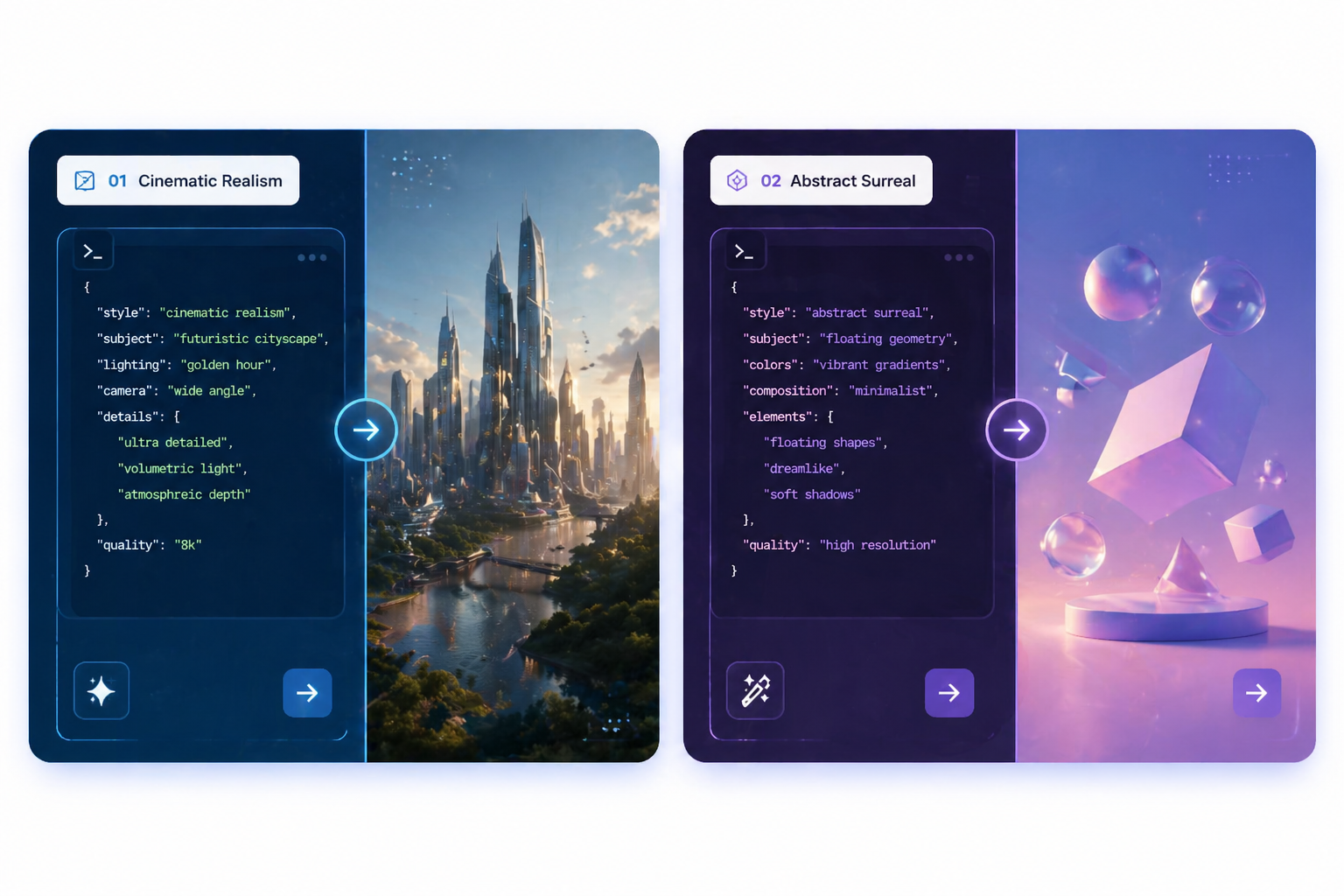
x.com Examples That Show How
The x.com examples around Grok Image are useful because they act like living case studies. You do not only see polished final visuals. You see the actual phrasing that creators use, the kinds of scenes they test, and the way prompts evolve across replies and remixes. That gives buyers something more practical than a.
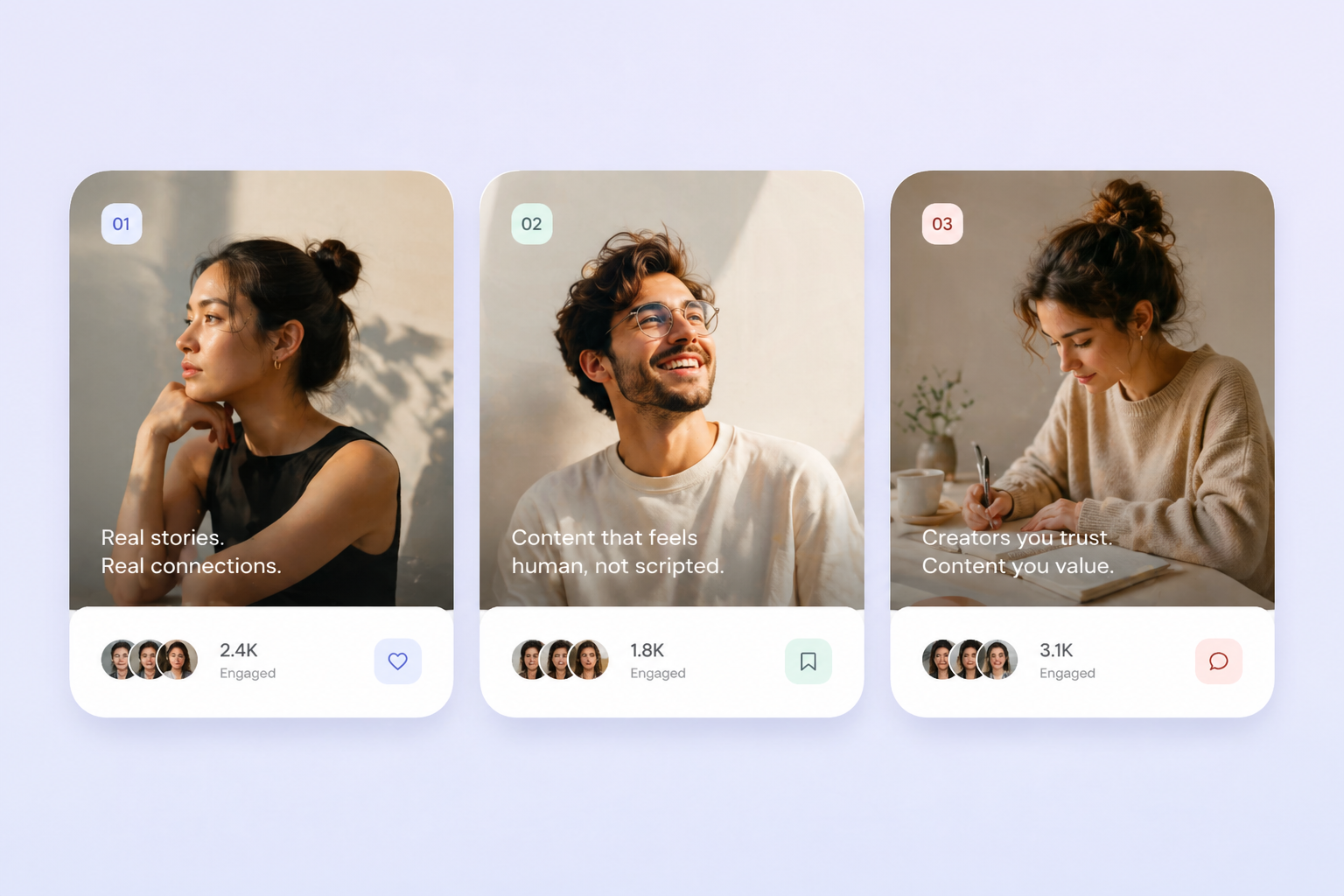
The practical reasons teams choose this tool
Key Workflow Advantages
The fastest way to get
The fastest way to get better Grok Image results is to stop writing prompts like unordered wish lists. Start.
Next, define the scene constraints
Next, define the scene constraints that matter most. Instead of stacking abstract adjectives, specify the.
A third move borrowed from
A third move borrowed from creator examples is to end with what the image should be showcasing. That small.
Start in 3 Simple Steps
From idea to usable landing page asset
01
Step 1: The easiest workflow starts by
The easiest workflow starts by choosing a specific image job, not a vague ambition. Decide whether you are making a.
02
Step 2: Then build the prompt in
Then build the prompt in layers. Lead with angle or composition, add scene constraints, and end with the exact thing.
03
Step 3: Finally, review the image like
Finally, review the image like a publisher, not a fan. Check whether the scene communicates the idea fast enough,.
Explore Related AI Image Models
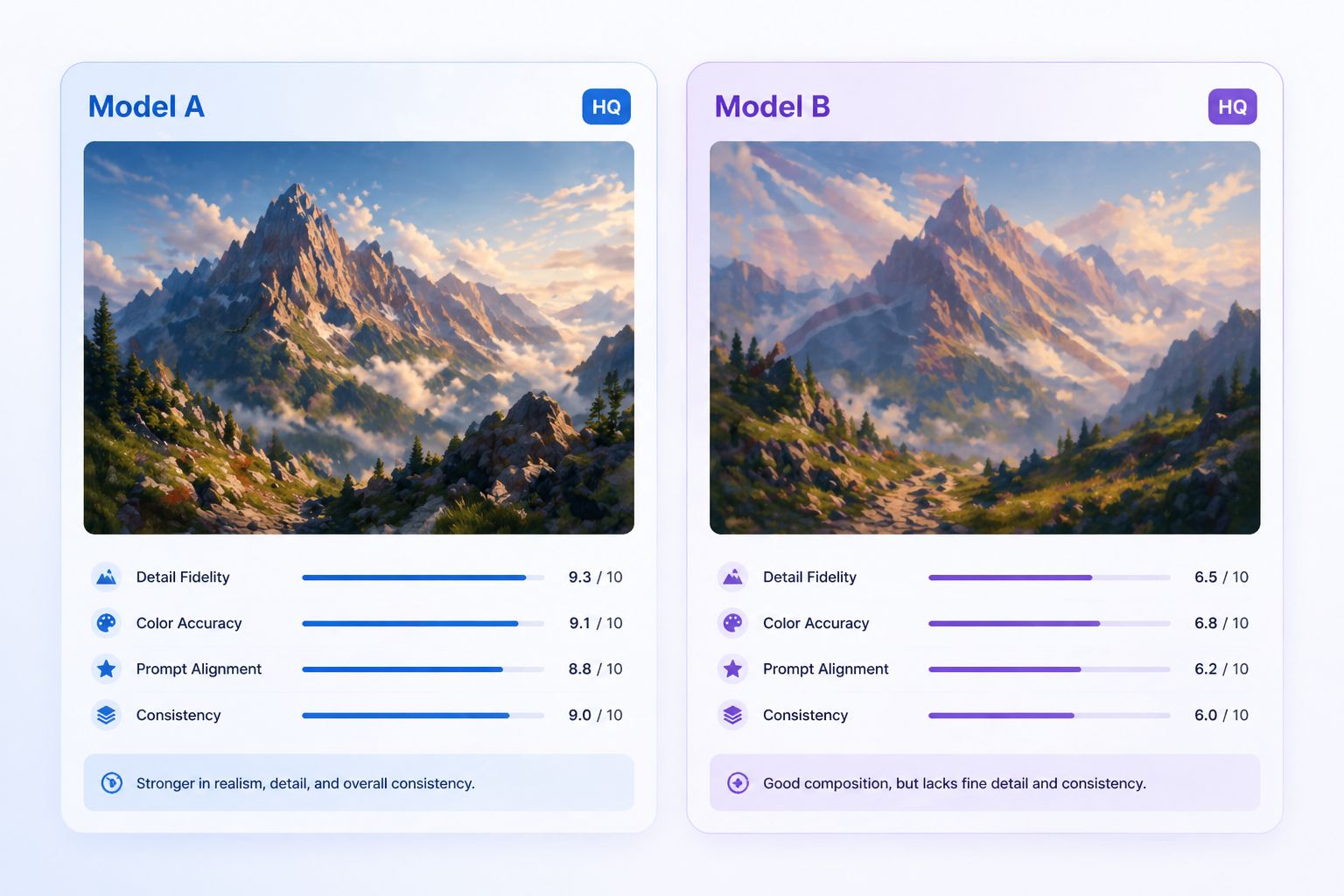
GPT Image 2
Use it when text accuracy, multilingual layouts, and design-heavy assets matter more than social-first concept speed.
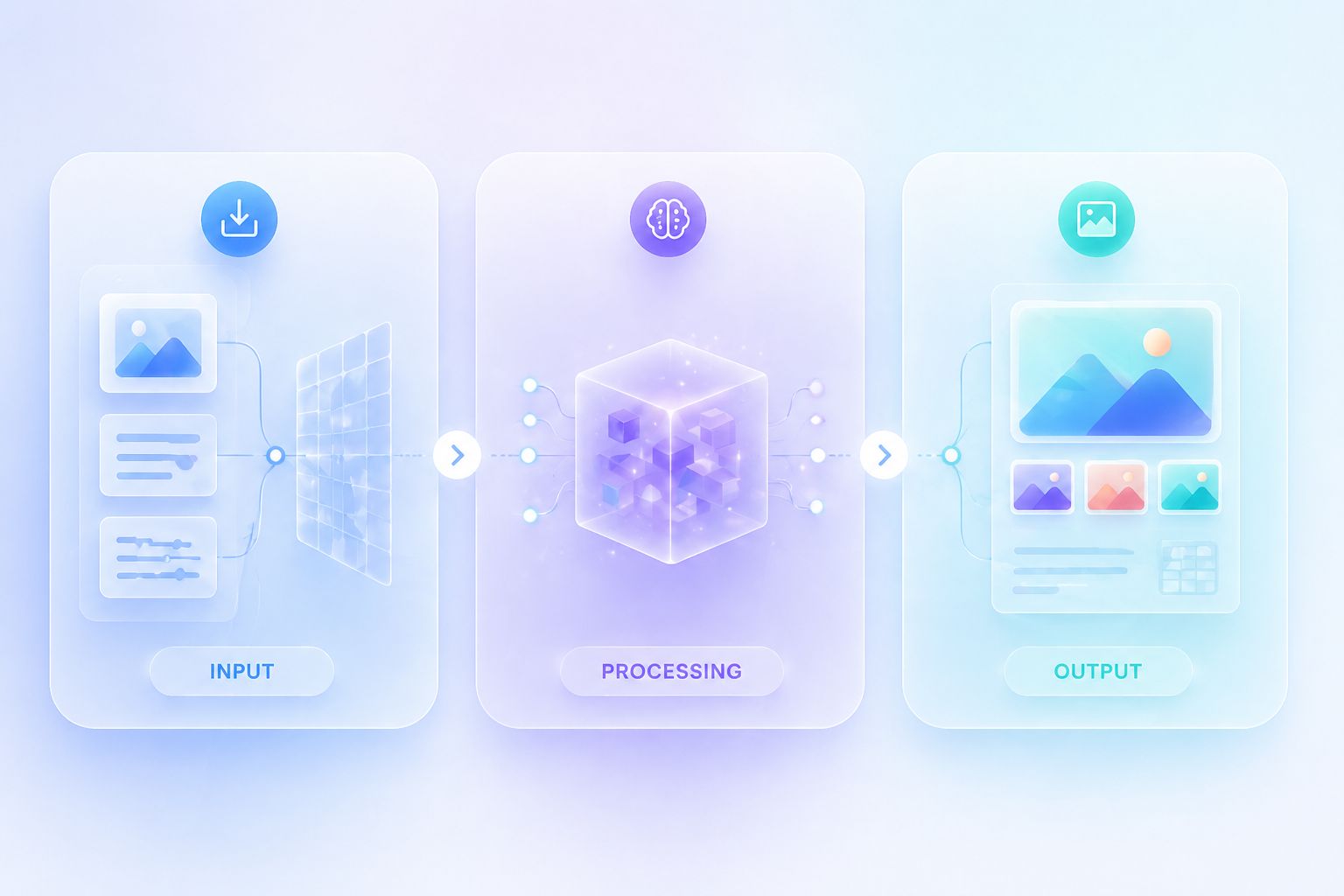
Seedream 5.0
Use it for reference-heavy editing, campaign consistency, and more structured visual control across repeated assets.
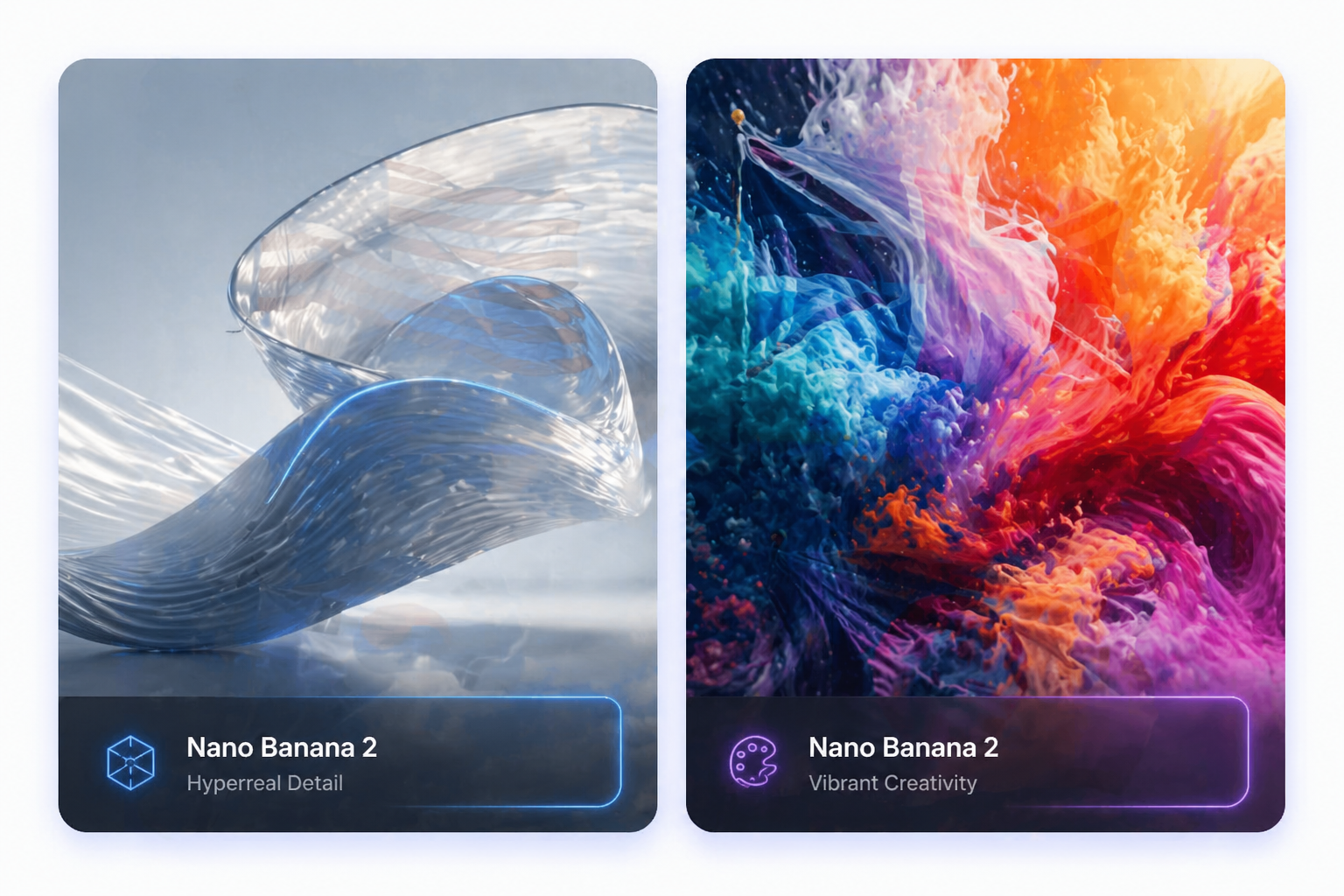
Nano Banana 2
Use it when your team needs fast draft throughput and rapid batch iteration before creative review.
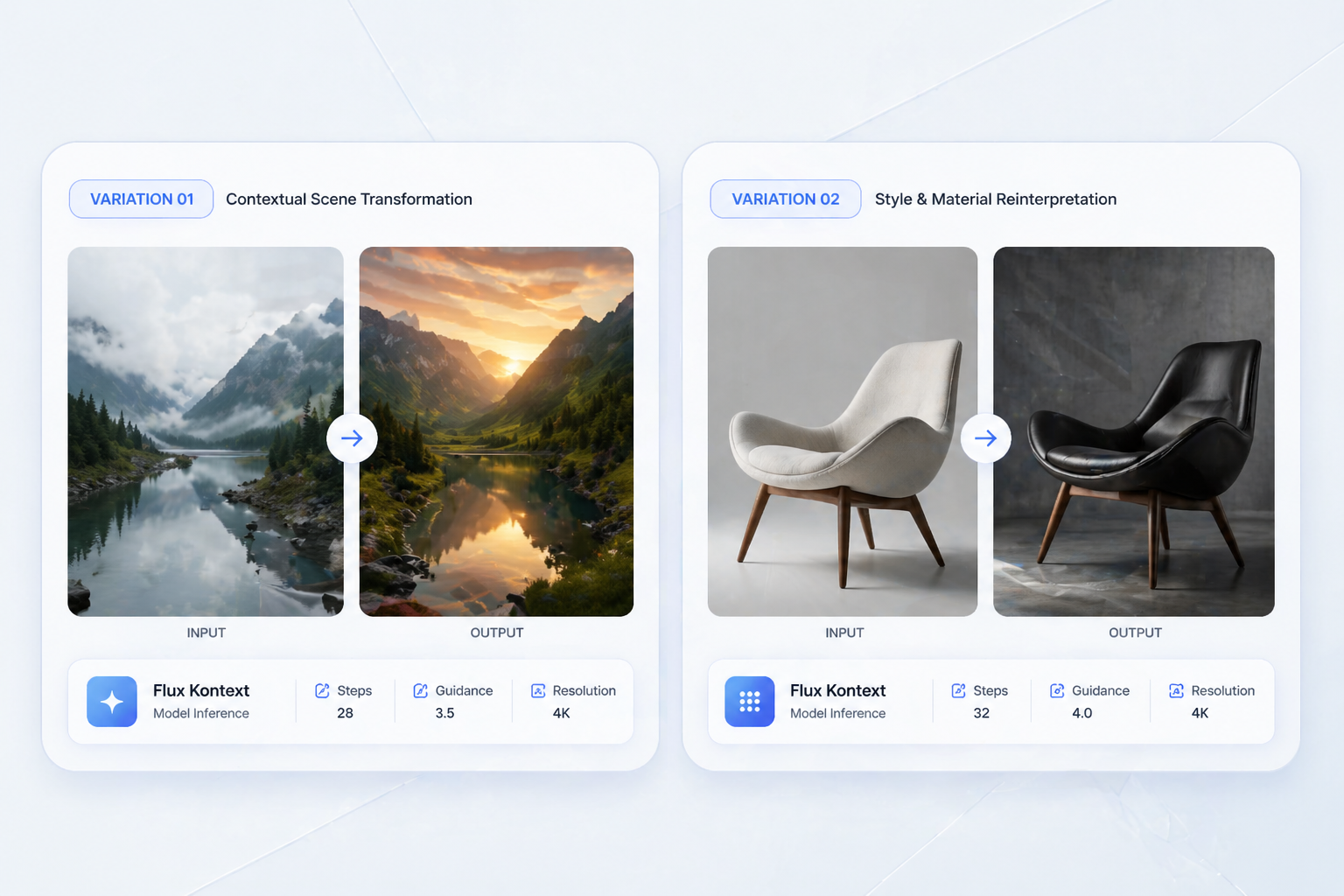
Flux Kontext
Use it for style-locked visual variations when you need clean concept exploration and controlled edits.
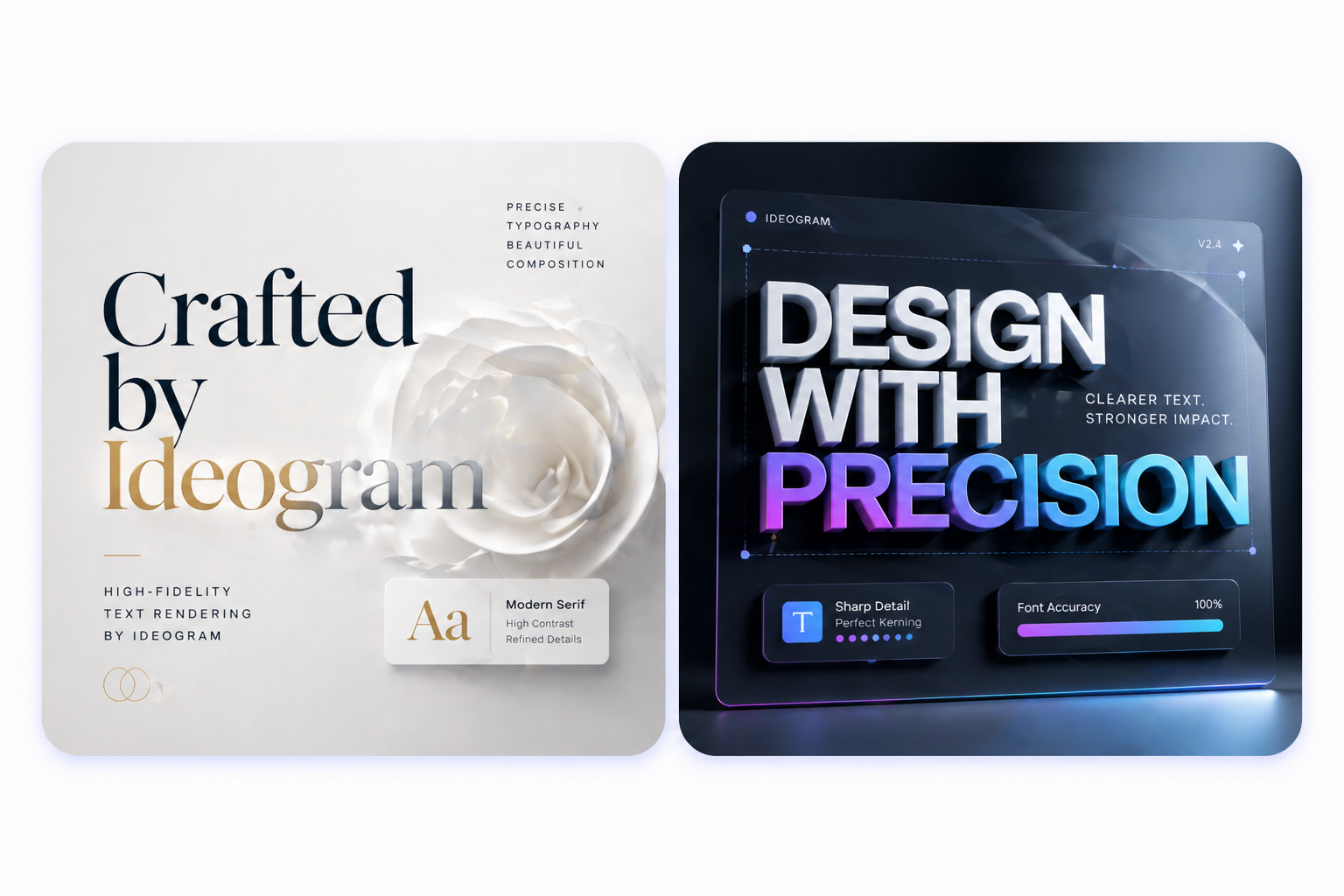
Ideogram
Use it when text in image and poster-style generation are more important than cinematic social mood.
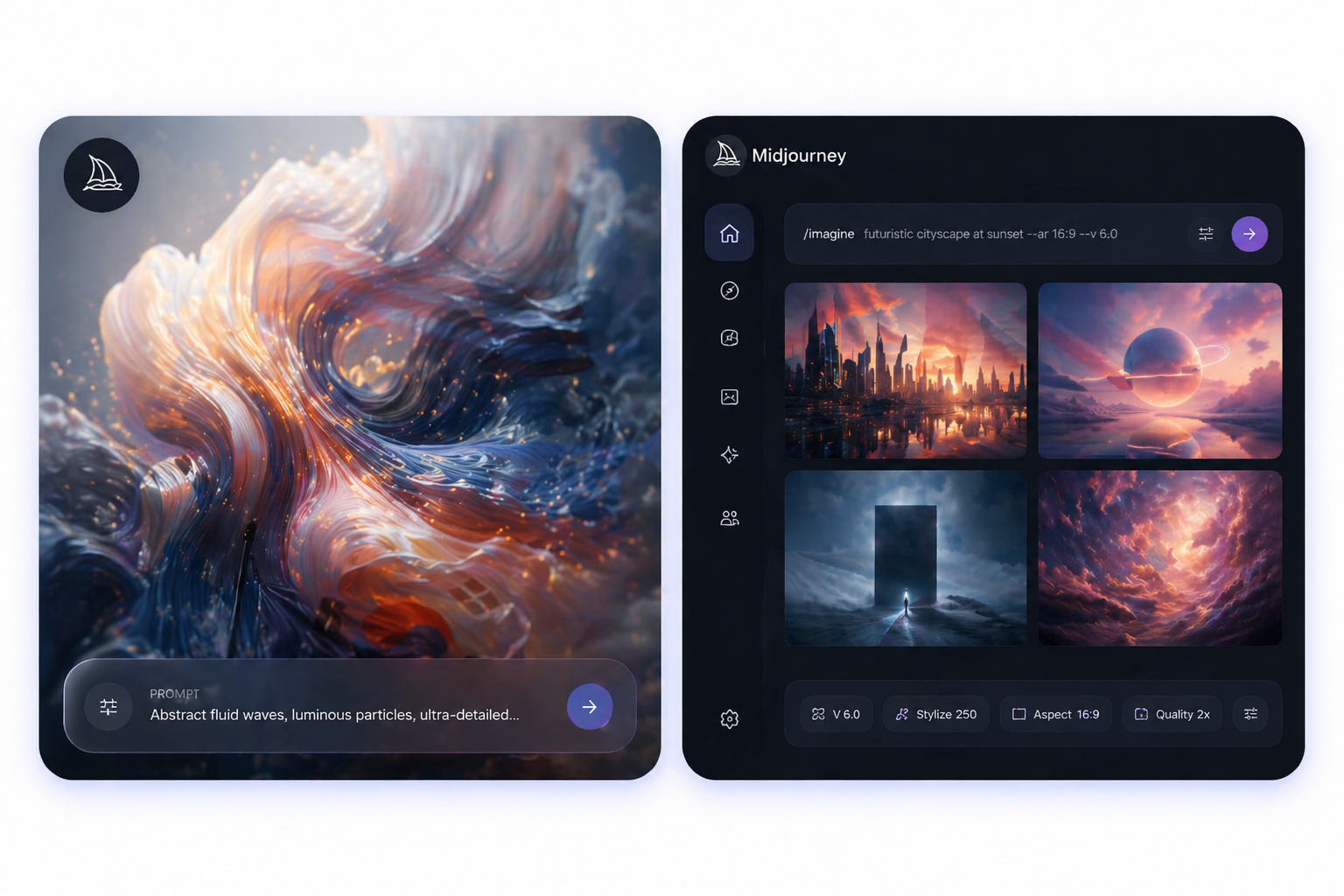
Midjourney
Use it when the goal is polished art direction and high-aesthetic exploration rather than fast public prompt remixing.
Frequently Asked Questions
You may want to know
A stronger fit for fast social publishing
Grok Image is most valuable when the visual idea needs to land quickly and the workflow rewards momentum over meticulous layout cleanup.