AI Generator

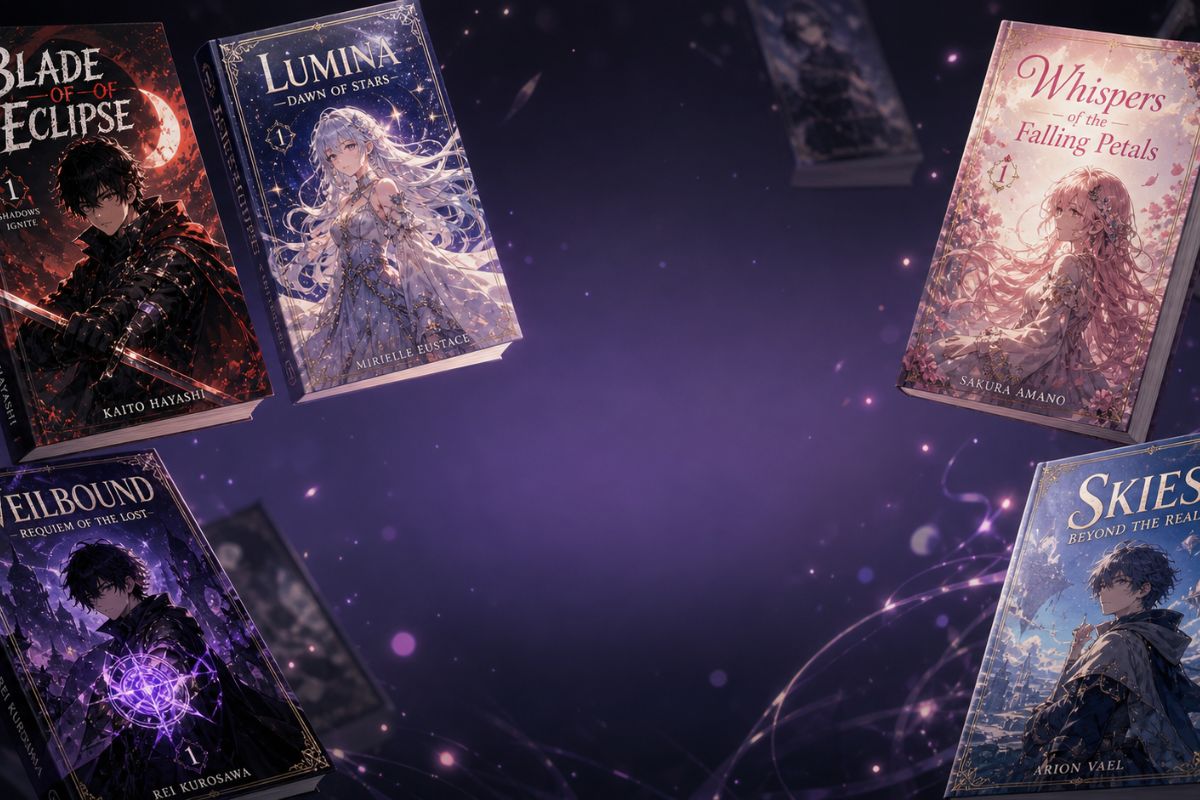
Free Manga Cover Generator: Generate AI Manga Cover Art

Create manga cover concepts with stronger title-safe composition, character focus, genre mood, and creator-ready visual direction.

Manga Cover Generator

Use OCMaker AI as a manga cover generator for cover-style character art, genre mood boards, thumbnail concepts, and story-pitch visuals.
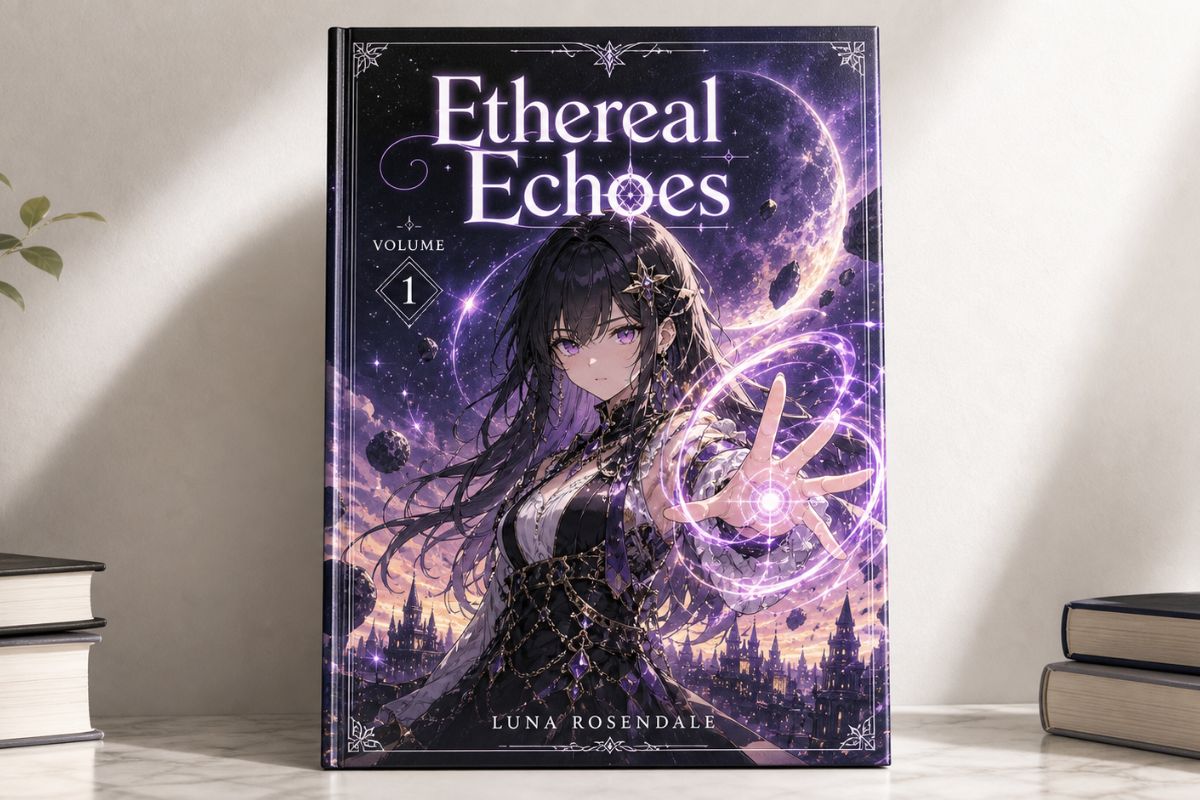
Manga Cover Generator Examples

Use these examples to compare composition, readability, and reuse value before saving a final visual direction.
  • Character-Led Cover Concept01

    Character-Led Cover Concept

    Start with the main character, pose, genre, and background energy so the cover reads as a story pitch rather than a random illustration.

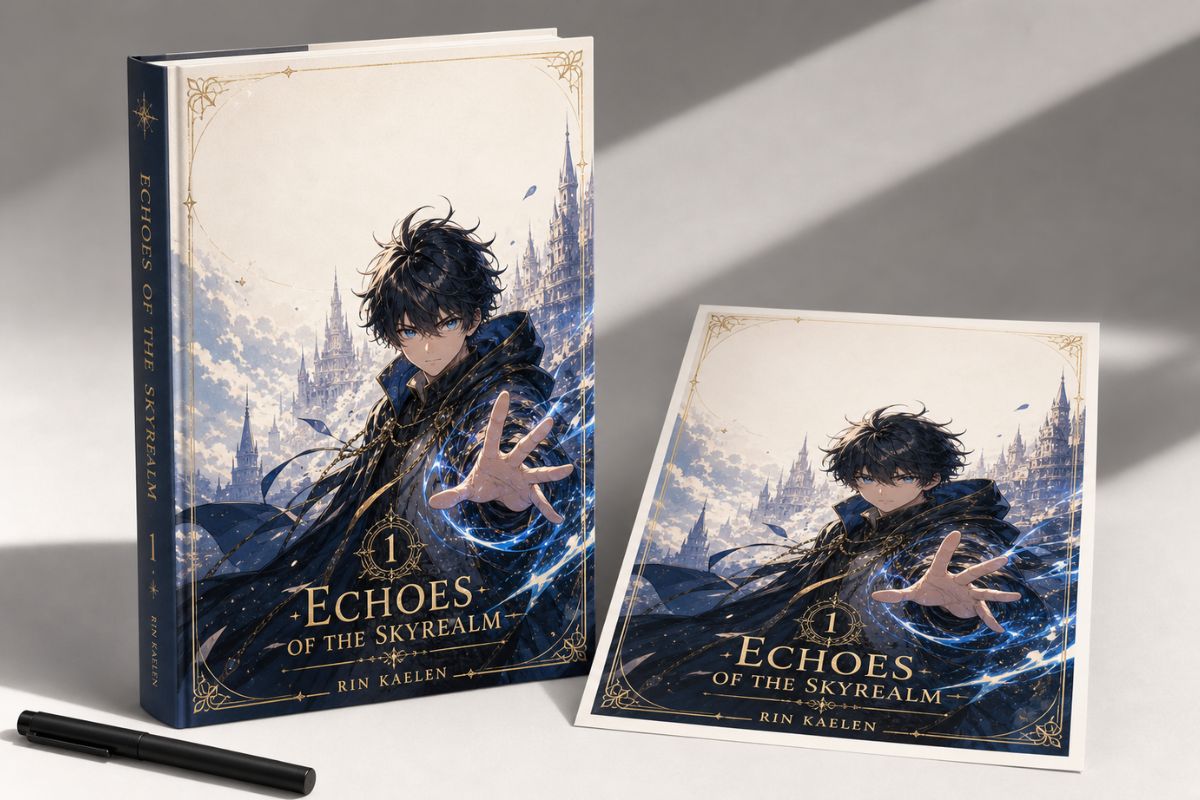
  • Title-Safe Layout Space02

    Title-Safe Layout Space

    Use AI manga cover generator intent to create cover art with clean visual zones where designers can later add titles, subtitles, or issue marks manually.

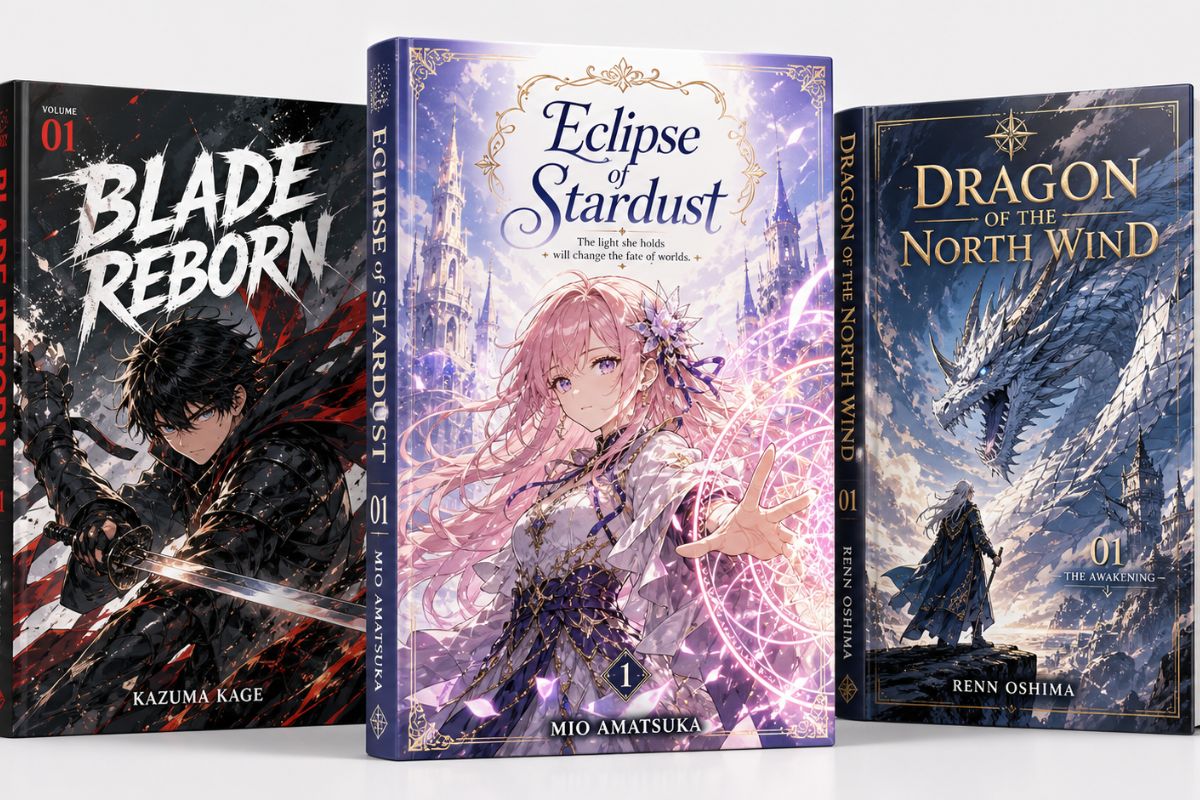
  • Genre Mood Cover Draft03

    Genre Mood Cover Draft

    Explore romance, action, horror, fantasy, school drama, or slice-of-life mood through pose, color, lighting, and cover composition.

Core Results You Can Create

See how OCMaker AI turns rough creative briefs into usable anime visuals, profile assets, and design-ready drafts.

0104

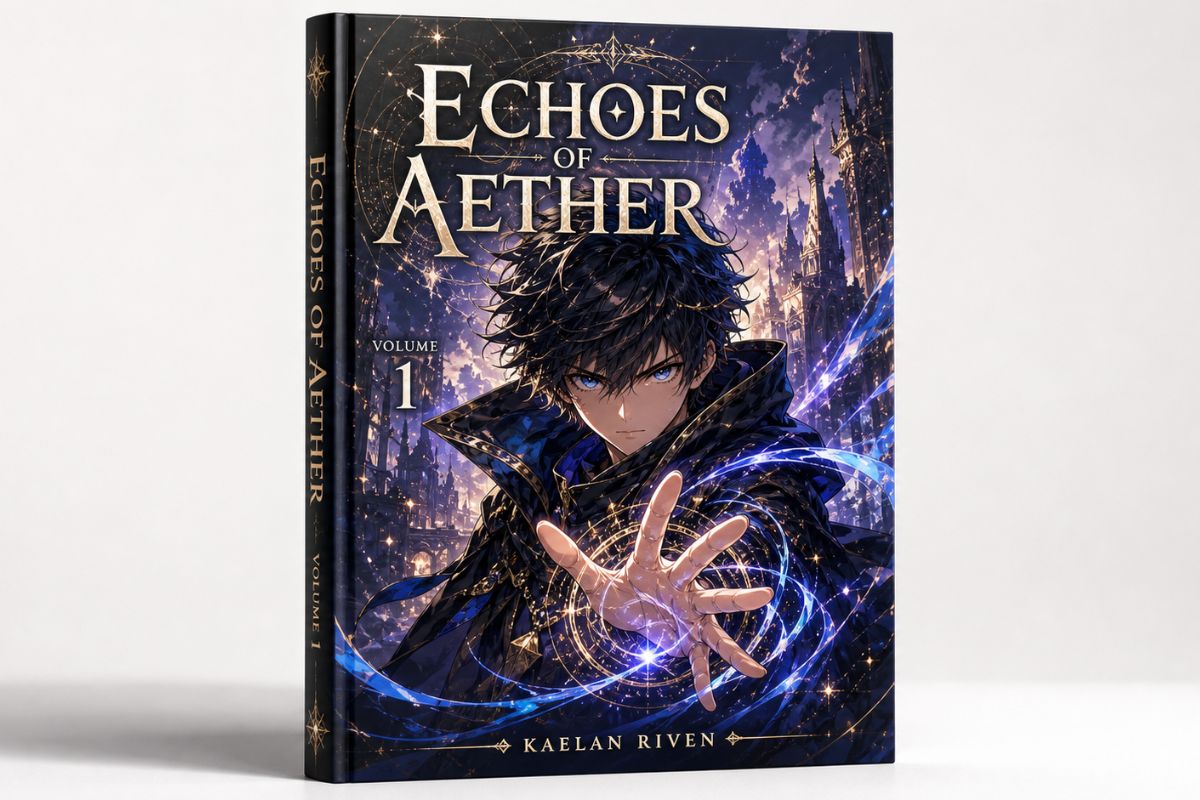
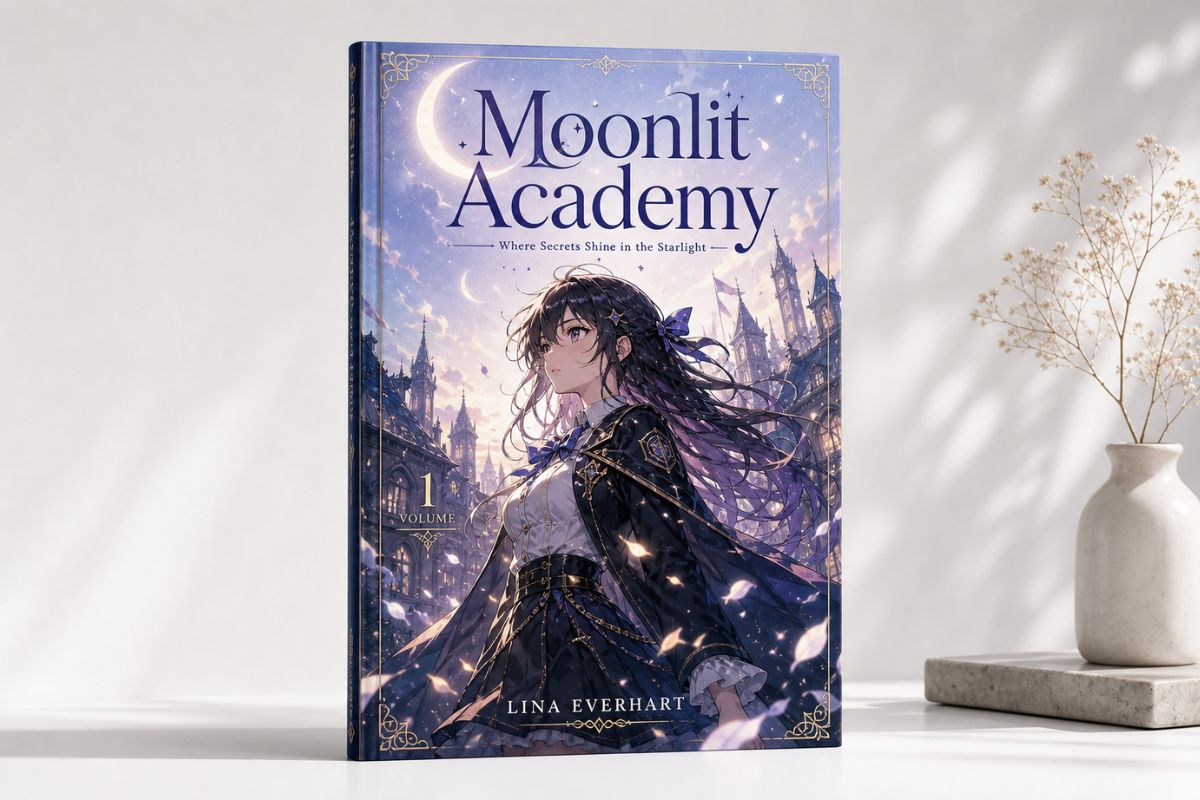
Generate Manga Cover Concepts

OCMaker AI turns a story brief into manga cover-style visuals with character focus, genre mood, and layout direction. As an AI anime generator, it helps creators test cover concepts, pitch visuals, and thumbnail drafts before final design work.
Generate Manga Cover Concepts

0204

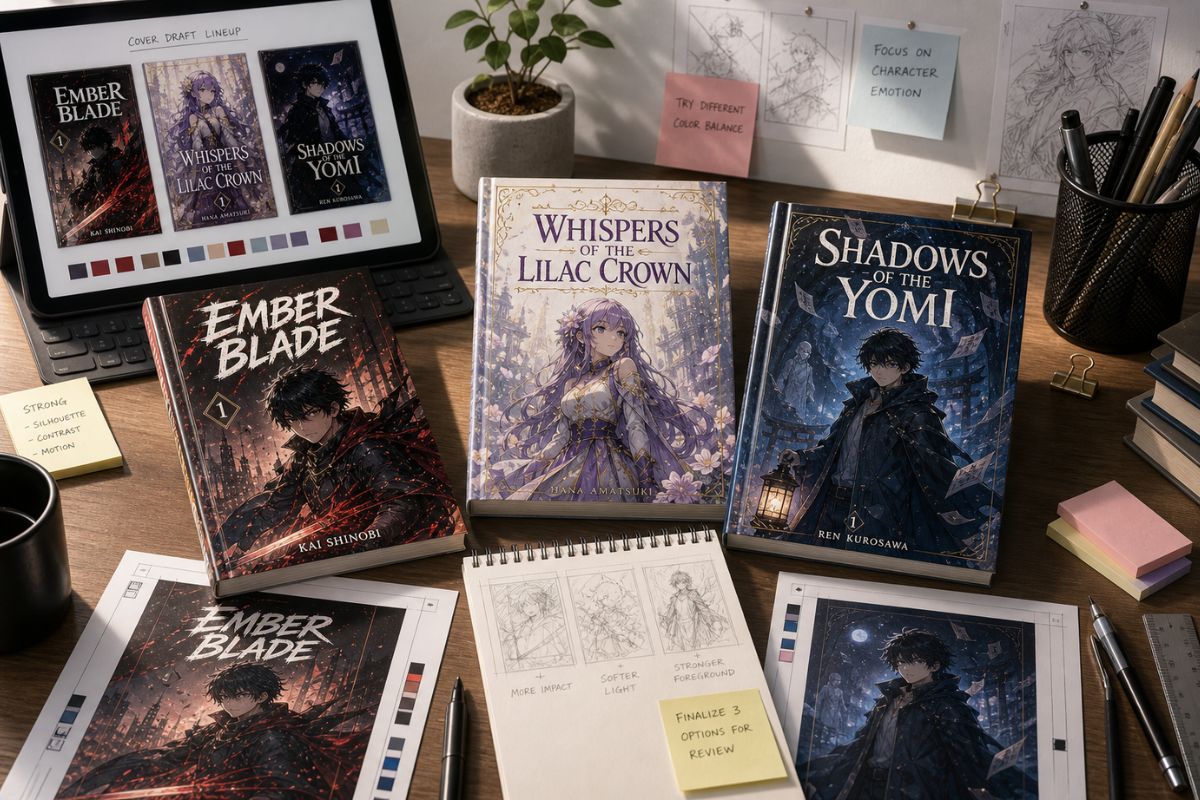
Create Text-Free Cover Artwork

The tool can generate cover art with clear composition and title-safe visual space while keeping lettering out of the image. Users get more editable results because designers can add typography, logos, or series marks later instead of fighting broken AI text.
Create Text-Free Cover Artwork

0304

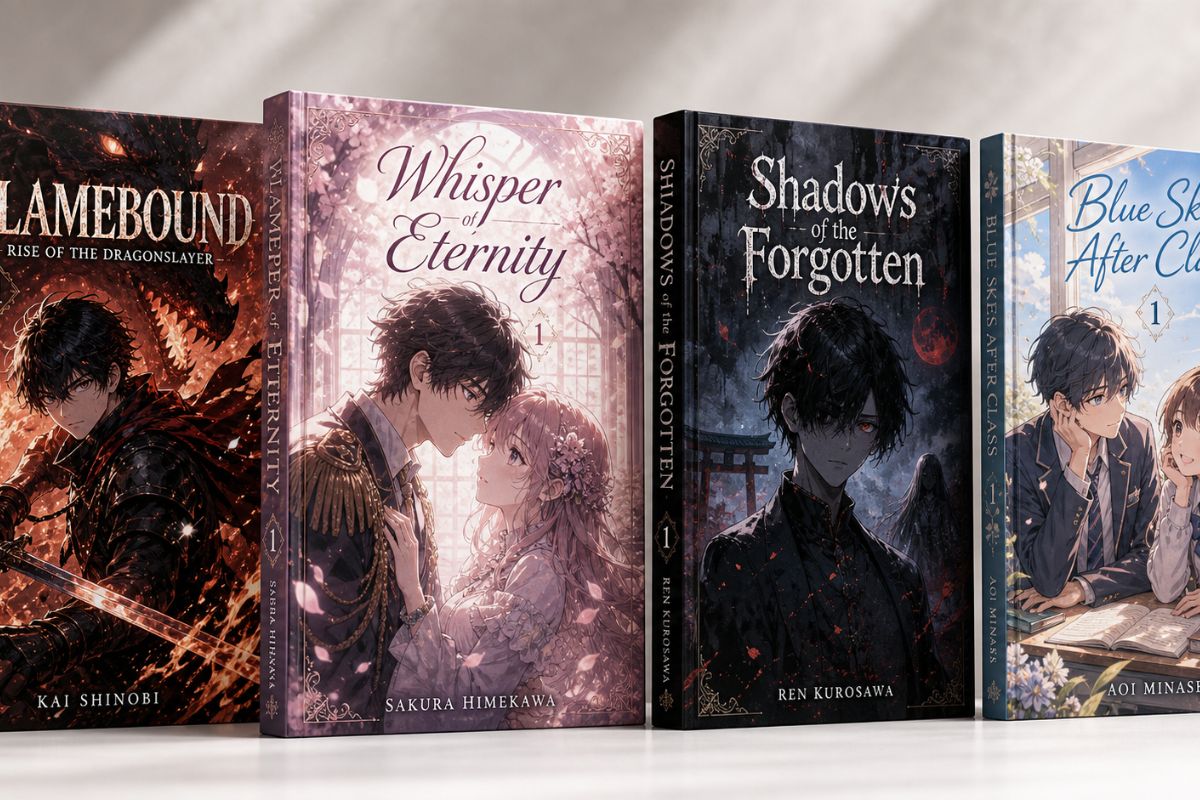
Match Cover Mood to Story Genre

OCMaker AI can translate action, romance, mystery, horror, fantasy, or school-drama intent into pose, lighting, palette, and background energy. This is valuable for writers, artists, and OC maker users who need cover-like visuals for story pitches or character projects.
Match Cover Mood to Story Genre

0404

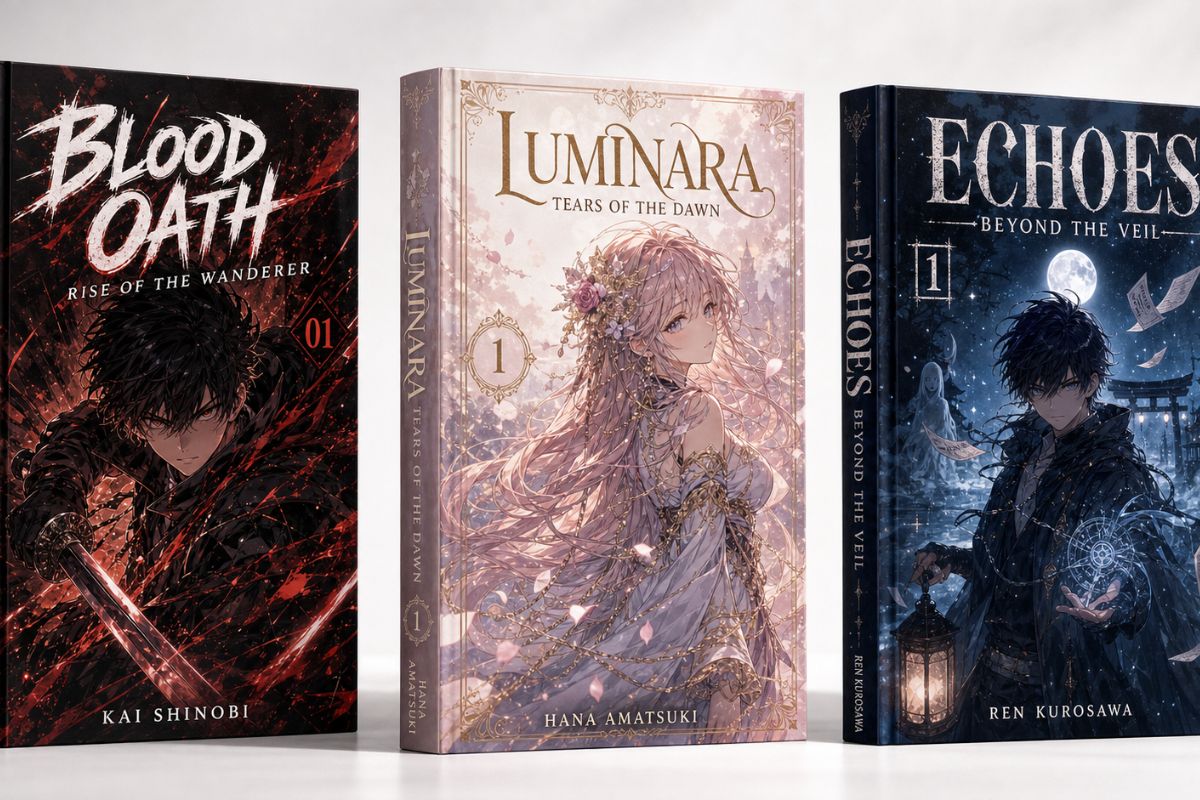
Build Shareable Drafts for Review

The product helps users create quick cover drafts for mood comparison, social previews, client discussions, or personal manga projects. It is strongest for concept art and weaker for print-ready typography, so final covers should still be checked by a designer before publishing.
Build Shareable Drafts for Review

Practical Checks Before You Save

Use these checks to make the result easier to refine, publish, or reuse.

  • 01

    Cover Composition Control

    Focus on character placement, background energy, and title-safe areas so the result can become a real design draft.

  • 02

    Genre-Specific Visual Mood

    Use lighting, pose, and palette to show whether the cover feels romantic, dramatic, mysterious, comedic, or action-heavy.

  • 03

    Editable Text-Free Output

    Keep AI-generated images free of lettering so titles and branding can be added cleanly in a design tool later.

How to Use Manga Cover Generator

Start with a focused creative brief, generate a visual draft, then review clarity and reuse value before saving.

  1. Define the output format

    Name whether you need an icon, cover, outfit, avatar, or concept draft before adding style details.

  2. Generate a focused version

    Use one main subject, mood, and layout goal so the first result is easier to evaluate.

  3. Review before publishing

    Check crop, text safety, originality, commercial risk, and whether the image fits the intended platform.

Manga Cover Generator FAQ

Answers to common questions before generating and refining your result.

What is Manga Cover Generator?

Manga Cover Generator is an AI image tool for creating manga cover-style concepts, character-led cover art, genre mood drafts, and story-pitch visuals. It helps users explore cover directions before doing final layout, typography, or publishing design work.

What can I create with it?

You can create manga-style cover concepts, protagonist-focused artwork, genre mood boards, webcomic thumbnails, story pitch visuals, and social previews. It is strongest for visual direction and weaker for final print-ready covers that need precise typography and layout control.

Should the cover image include text?

Usually no. AI-generated text can be distorted or hard to edit. A better workflow is to generate clean cover artwork with empty title-safe space, then add the title, author name, logo, or issue details later in a design tool.

Do I need illustration experience?

No. Beginners can describe the main character, genre, pose, mood, and cover format in plain language. Artists and writers can use the output as a concept draft before refining composition, typography, anatomy, and final production details manually.

Can I use AI manga cover art commercially?

Commercial use may depend on OCMaker AI terms, your prompt, source materials, and whether the result includes protected characters, logos, likenesses, or copyrighted style elements. For books, merchandise, or client projects, review licensing and local rules before publishing.

What copyright risks should I check?

Avoid copying specific manga characters, logos, title designs, publisher marks, or recognizable cover layouts. Review the final image for accidental resemblance, trademark issues, and misleading claims before using it publicly or commercially.

Does Manga Cover Generator offer free credits?

OCMaker AI may offer free credits or a free trial so users can test cover generation first. After credits are used, more generations may require paid credits or a plan. Check the current pricing page because rules and limits can change.

What input creates better cover results?

Use a focused brief with protagonist, genre, pose, background mood, camera framing, and whether you need space for later typography. Avoid asking the image model to write the title directly because clean manual text usually looks more professional.

Create a Cleaner Anime Visual Draft

Open OCMaker AI, describe the format, subject, and style direction, then refine the strongest result into a usable visual asset.
Free Manga Cover Generator: Generate AI Manga Cover Art