
Pricing
Log In
AI Generator
Hailuo 2.3 Video Generator Online: Cinematic T2V & I2V Model
Hailuo 2.3 lets creators generate cinematic AI videos from image inputs, delivering realistic motion, expressive faces, and versatile styles in minutes.
MiniMax Hailuo 2.3
Hailuo 2.3 is a next-generation video model built for creators, offering precise motion control, expressive character performance, and cinematic visuals. With multi-style support and a fast, cost-efficient variant, it helps creators iterate faster and scale production with ease through web, app, and API workflows.
What Makes Hailuo 2.3 Different
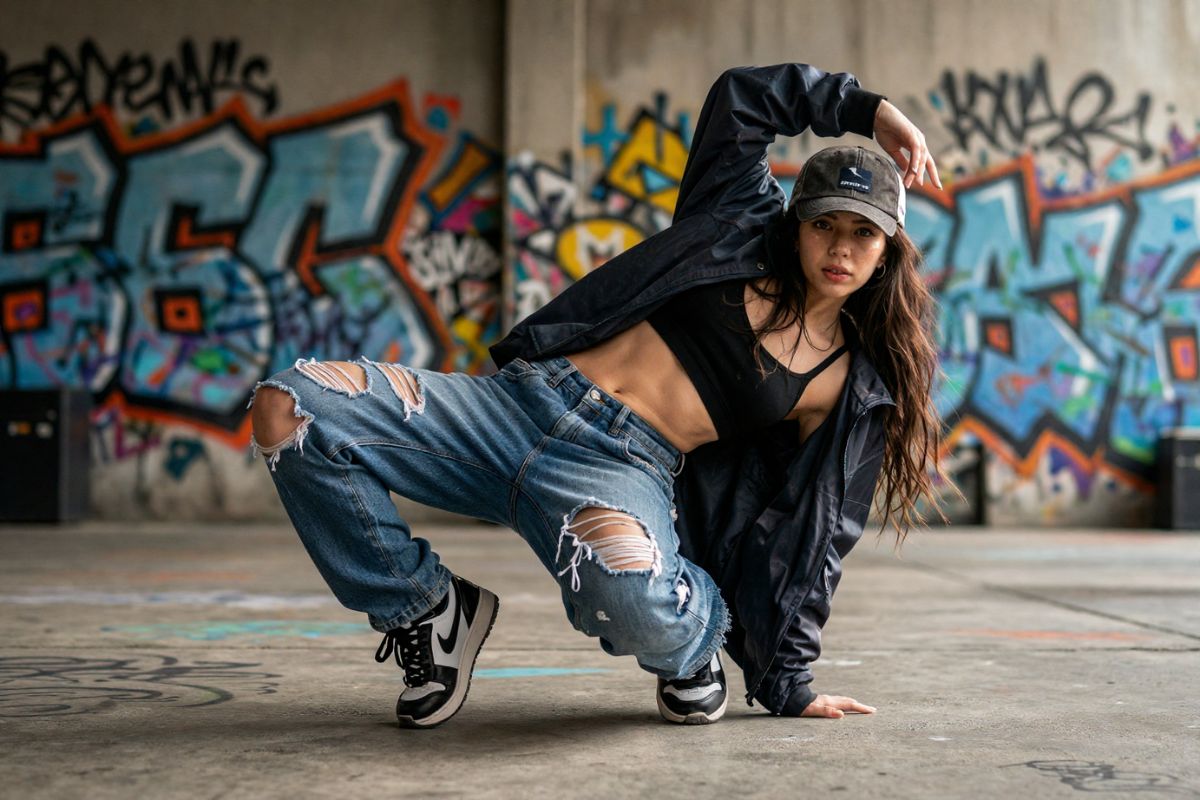
Human-Level Motion & Precise Control
Delivering lifelike choreography and believable physical interaction, this feature gives creators fine-grained control over complex body language and fast-moving scenes, and it is available on OCMaker AI for rapid character setup and rigging.
The result: fewer retakes, cleaner keyframes, and animation that matches directorial intent for commercial and social campaigns.
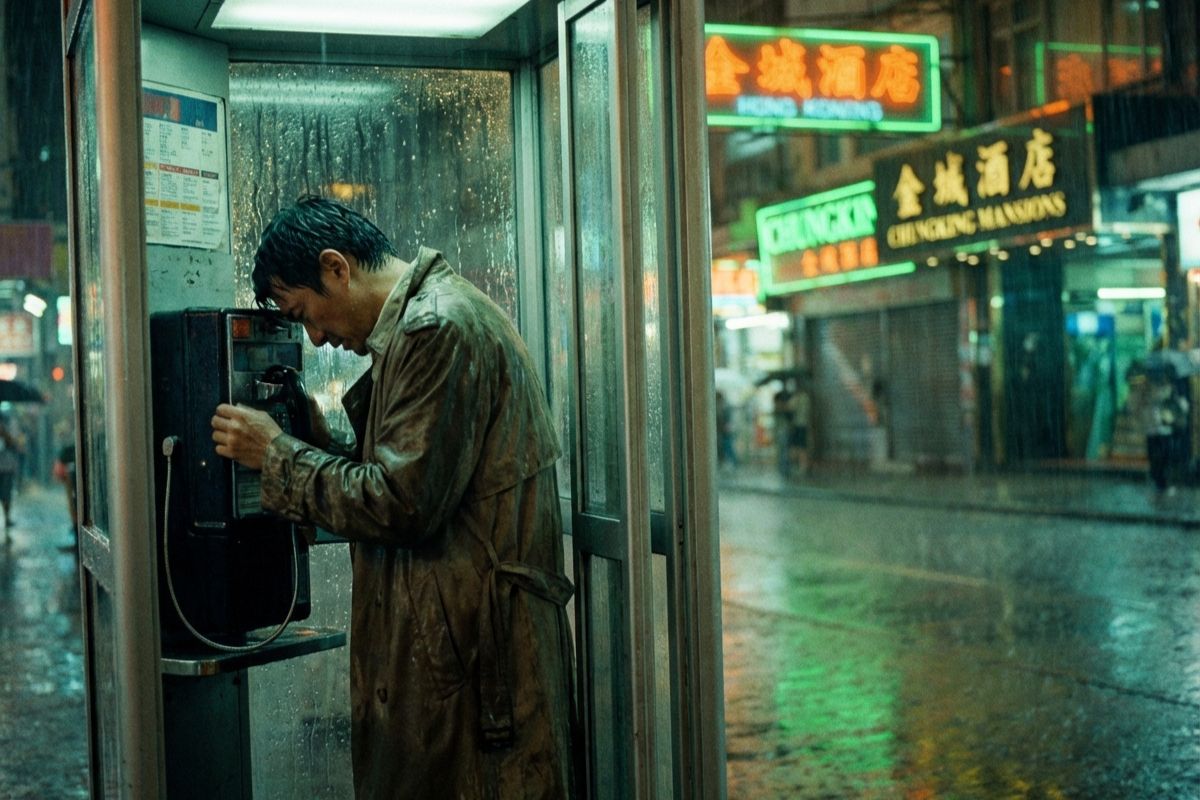
Cinematic Lighting & Photographic Realism
Engineered to reproduce realistic light direction, tonal transitions, and motion-aware exposure, Hailuo 2.3 produces footage with the depth and subtlety of on-set cinematography—ideal for high-impact ads and narrative shorts where visual authenticity converts viewers into customers.
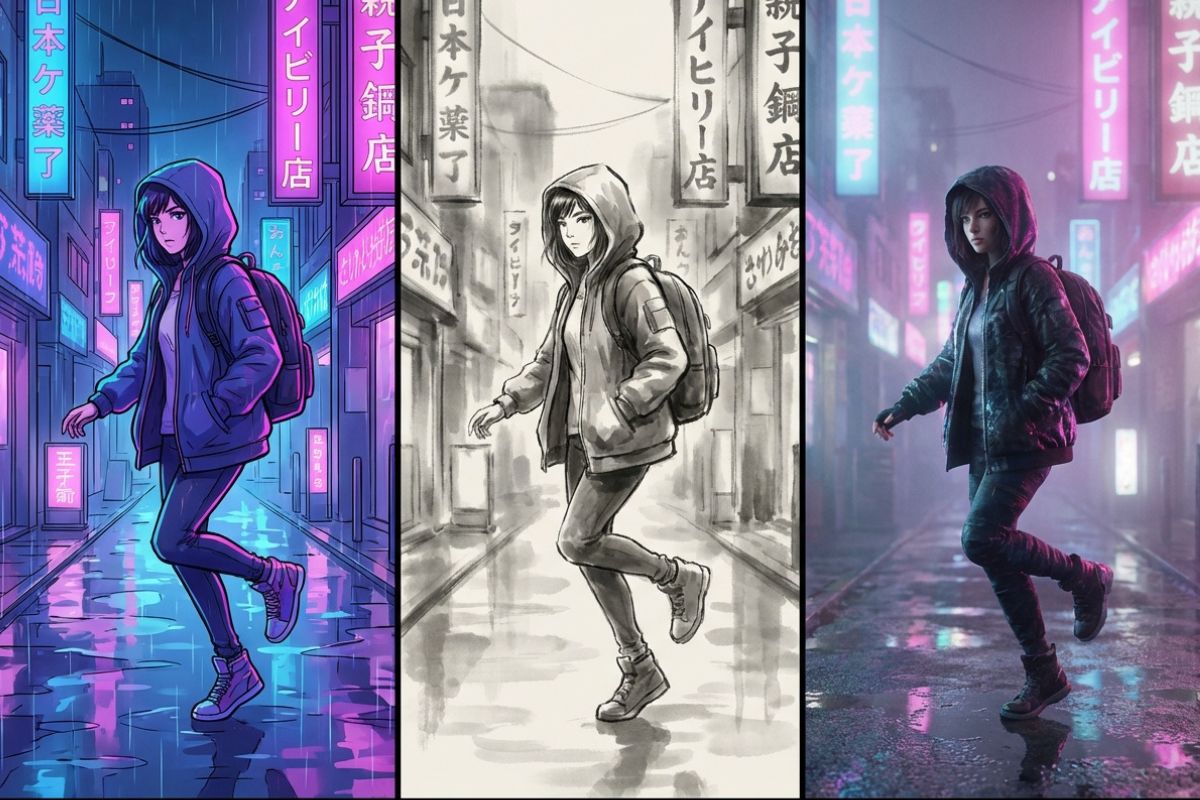
Versatile Artistic Stylization
Support for anime, illustration, ink-wash, and game-CG styles lets teams move between genres without rebuilding pipelines; the same scene can be rendered with vastly different aesthetics using Hailuo video presets and consistent motion fidelity, making A/B testing and creative iteration fast and predictable.
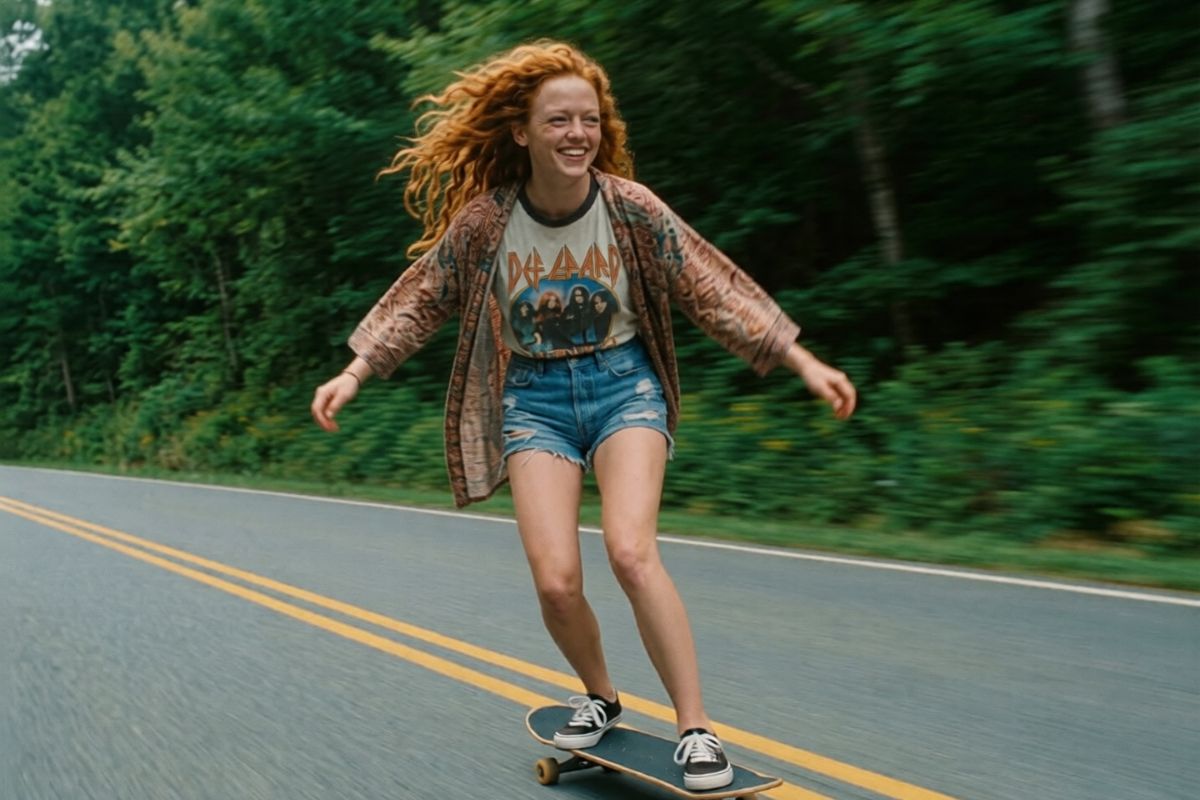
Micro-Expression Fidelity & Native Audio Sync
With much-improved facial nuance and frame-level timing control, the system captures tiny emotional shifts that sell character-led stories, and it pairs perfectly with Hailuo audio for accurate lip-sync and expressive voice-driven performance in finished cuts.
Fast, Cost-Effective Production at Scale
Optimized inference paths and a dedicated fast variant enable batch creation and high-throughput pipelines while keeping per-minute costs low—try Hailuo AI free entry tiers for proof-of-concept runs, then scale to production with predictable pricing and API-ready integrations.
How to Use Hailuo 2.3?
Simple steps to generate cinematic AI video
01
Upload your reference media
Start by uploading a reference image to define the visual style, character look, and scene atmosphere for your Hailuo 2.3 output.
02
Describe your scene and motion
Write a clear prompt outlining the action, camera movement, lighting, and mood. Include any key gestures, expressions, or style preferences to guide the model.
03
Choose settings and generate
Pick your resolution, aspect ratio, and duration, then click Generate. Review the result, fine-tune if needed, and export the final video.
Frequently Asked Questions