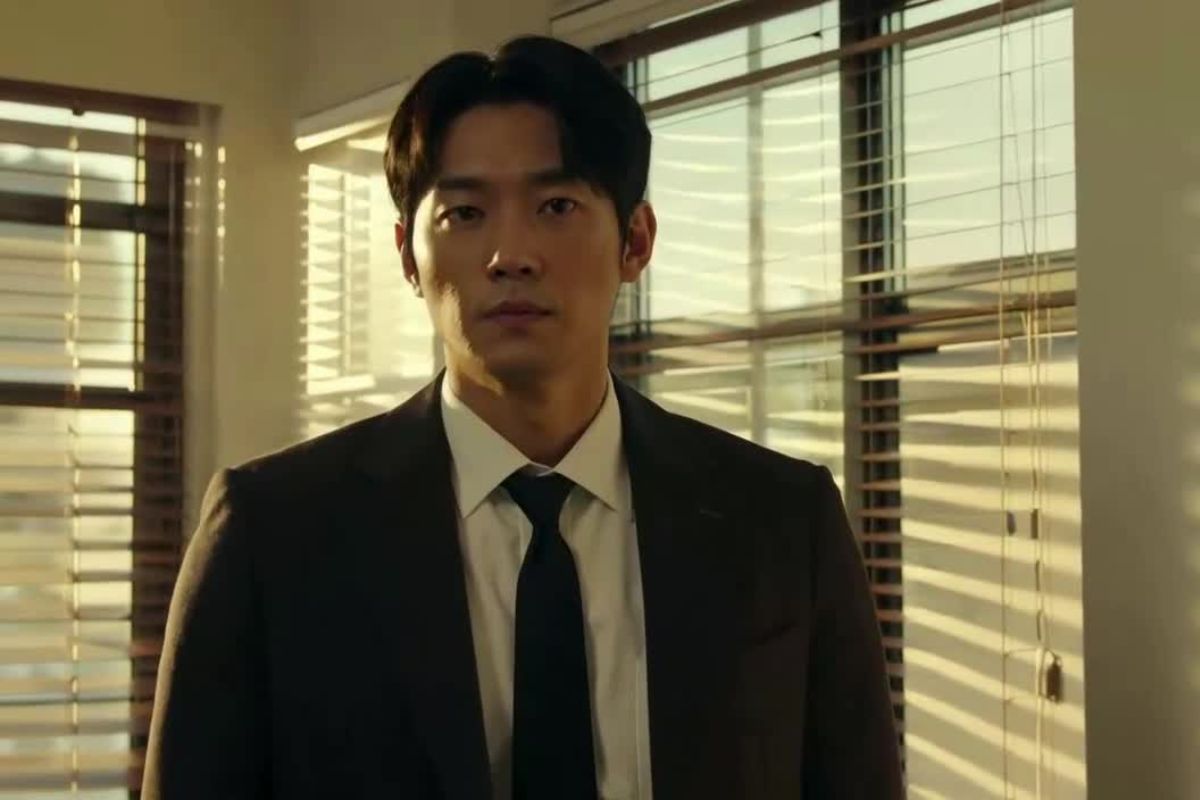
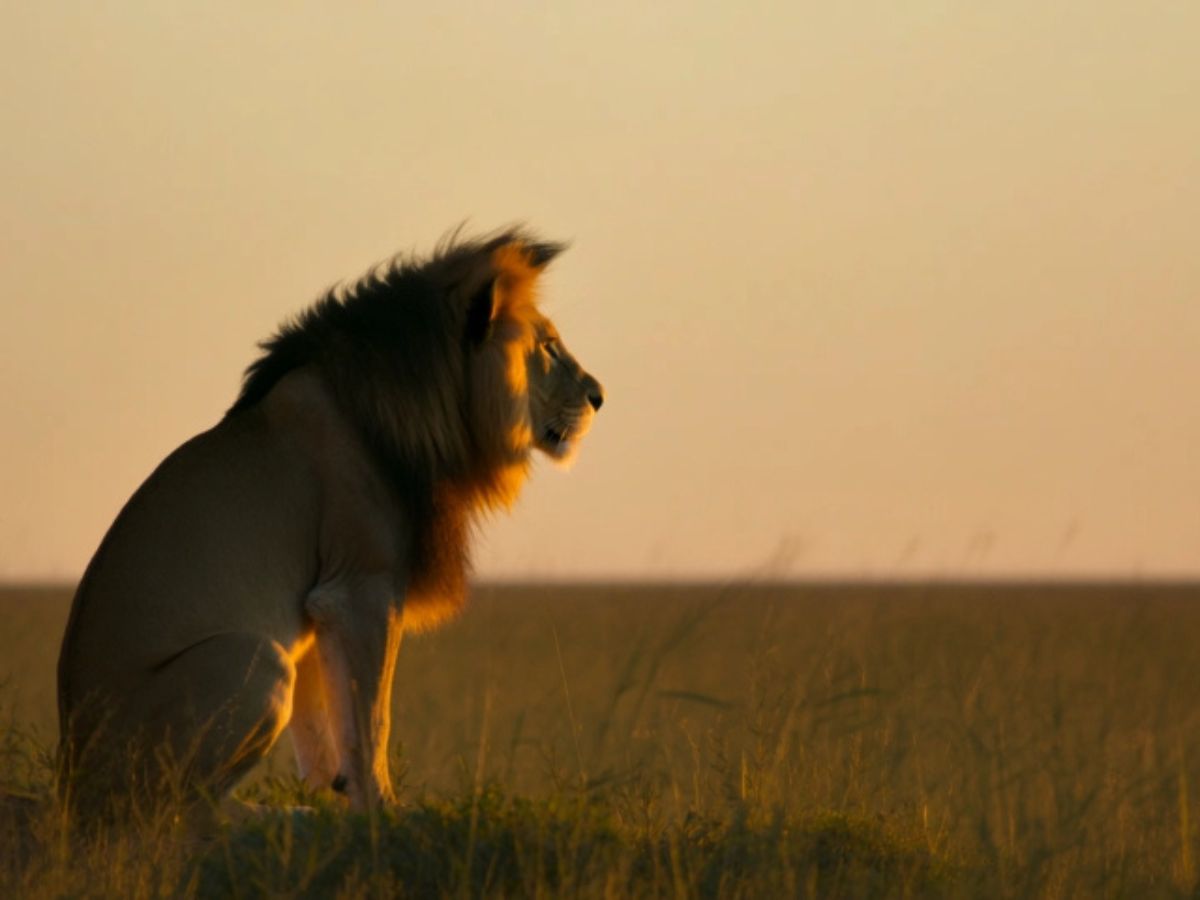
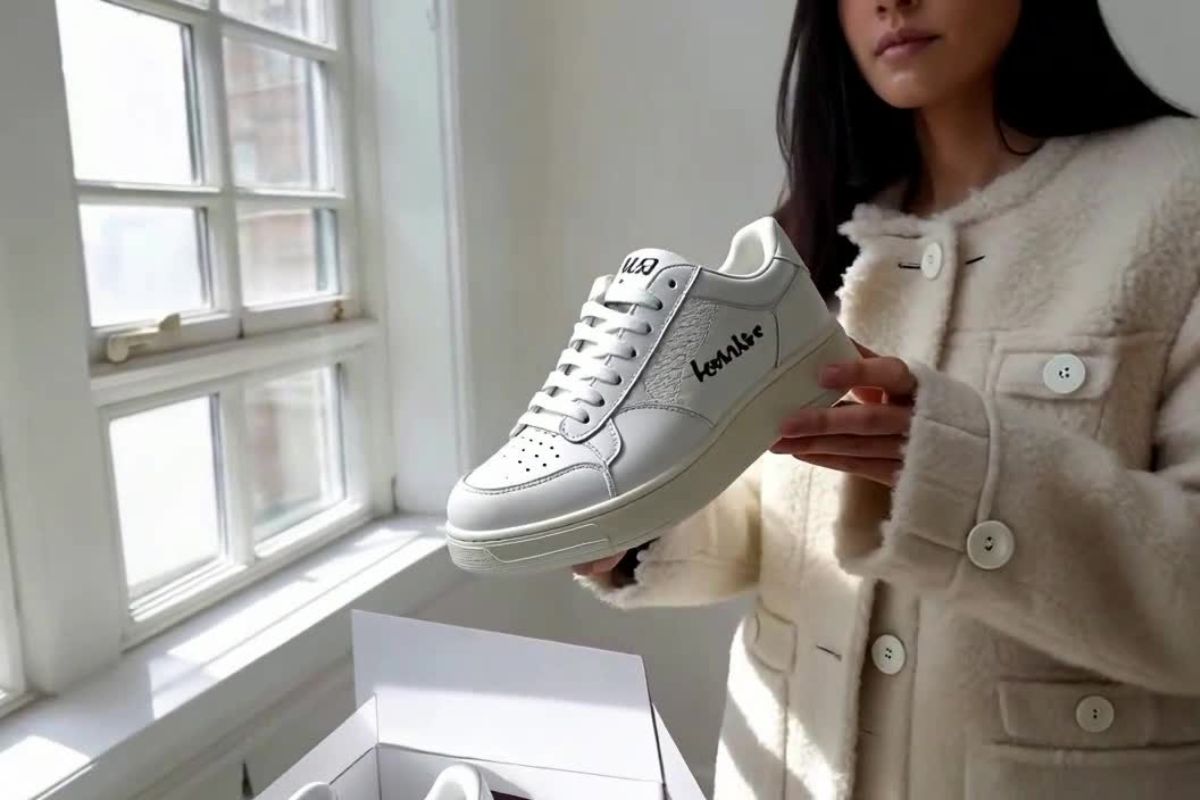
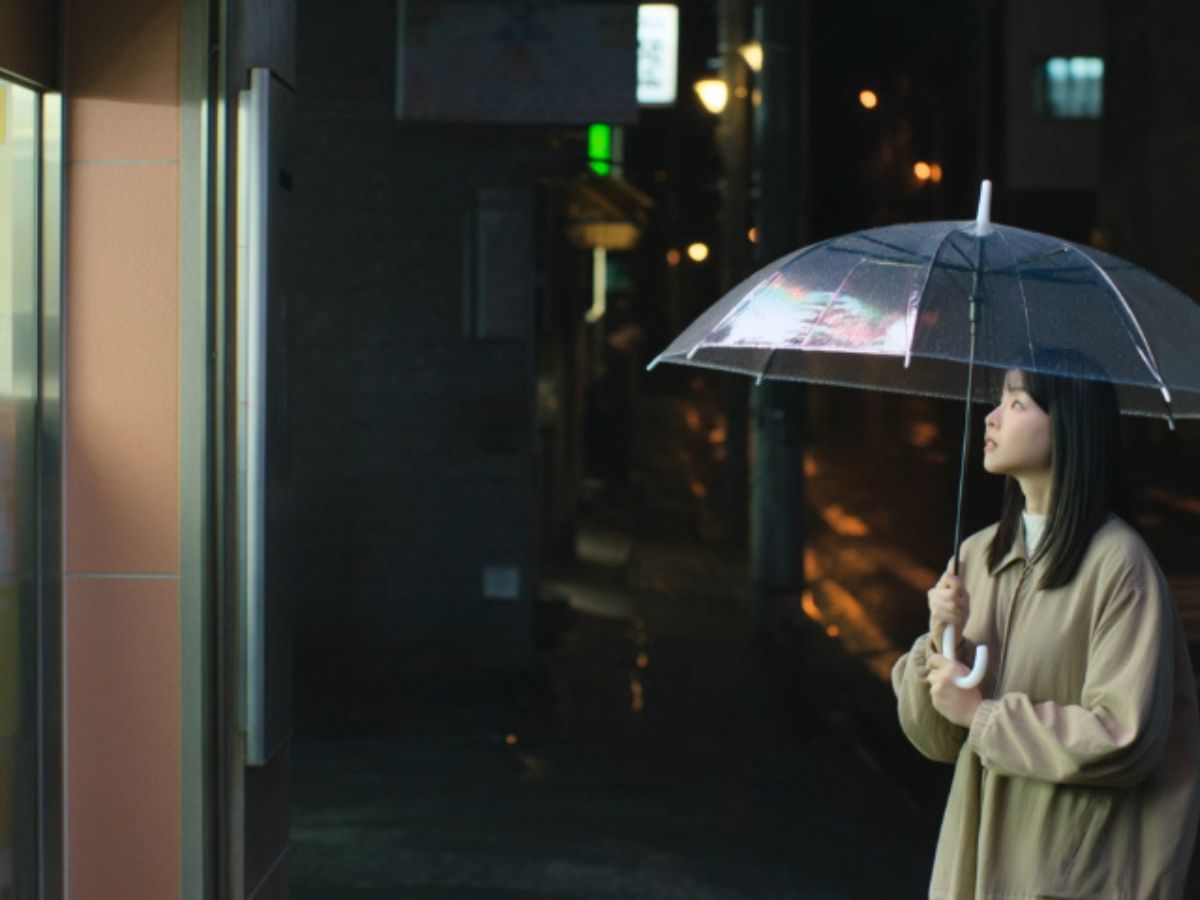
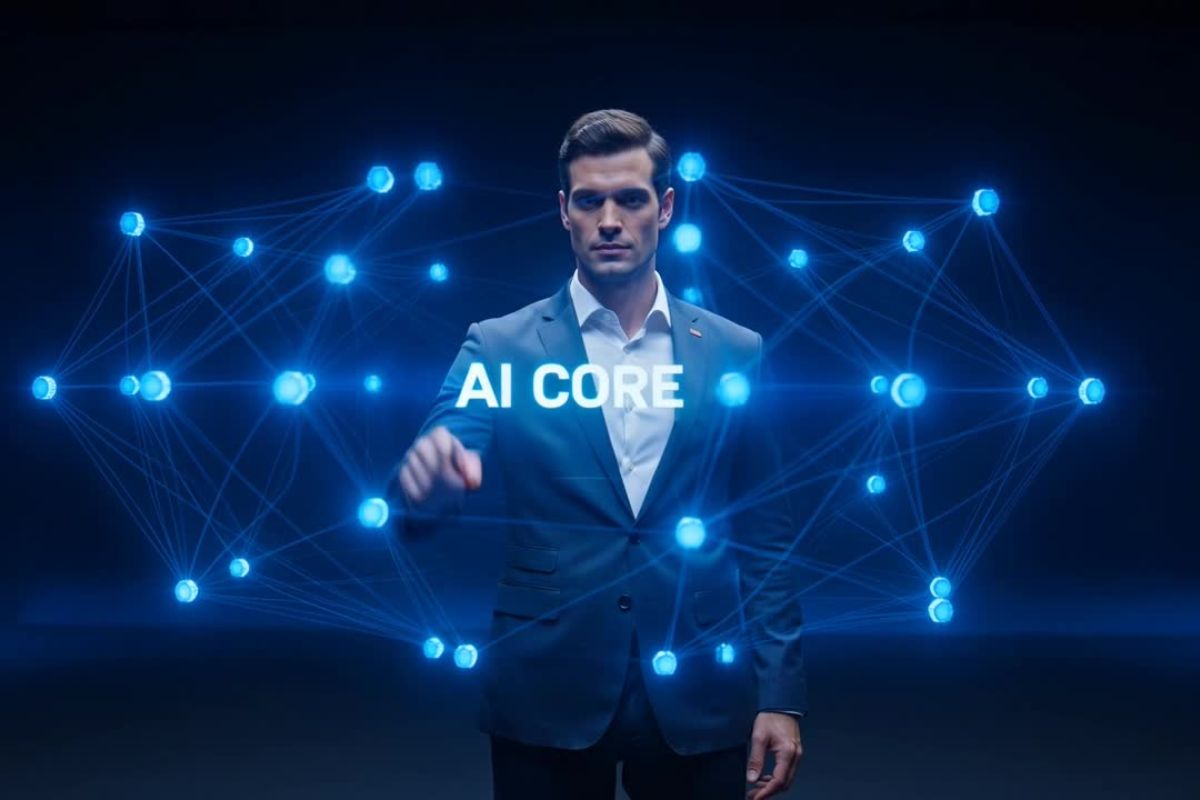
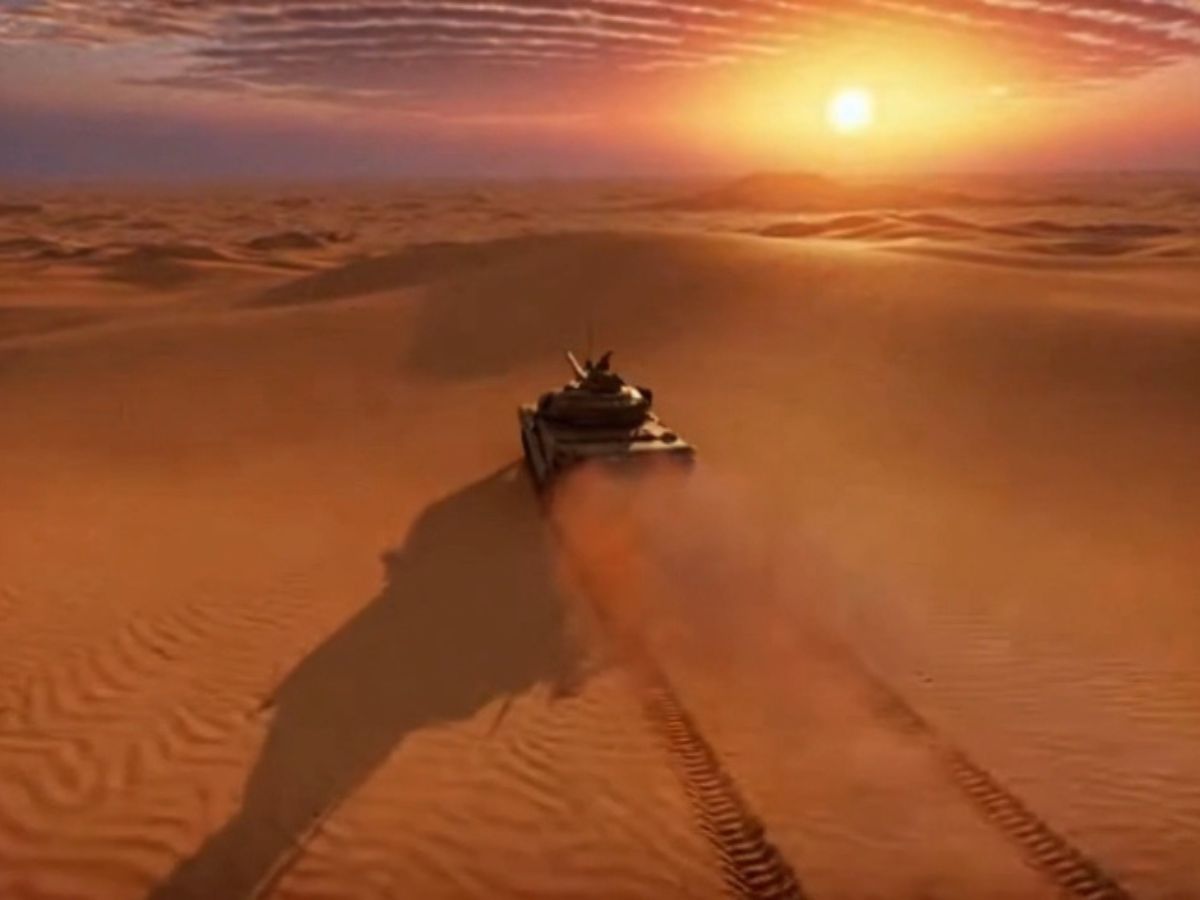
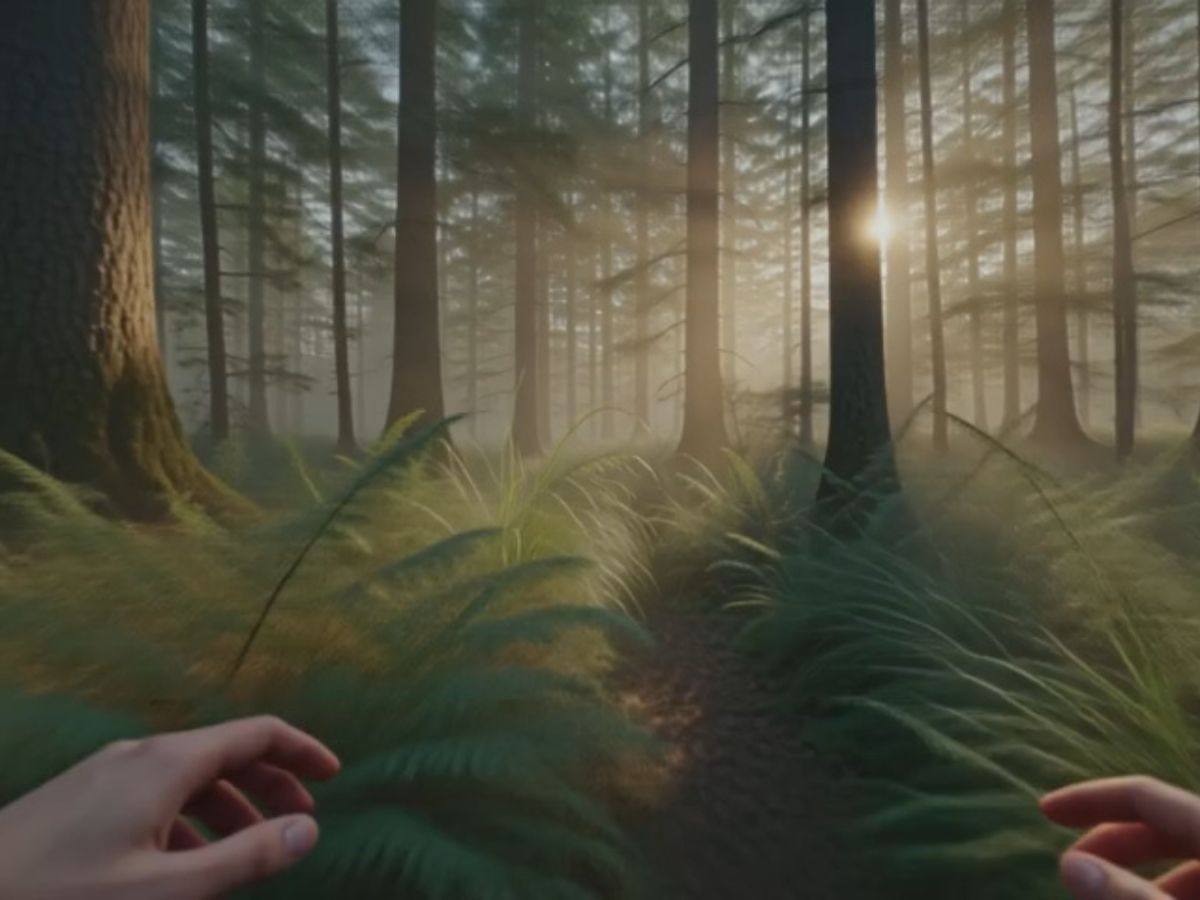
Film Makers & Visionaries
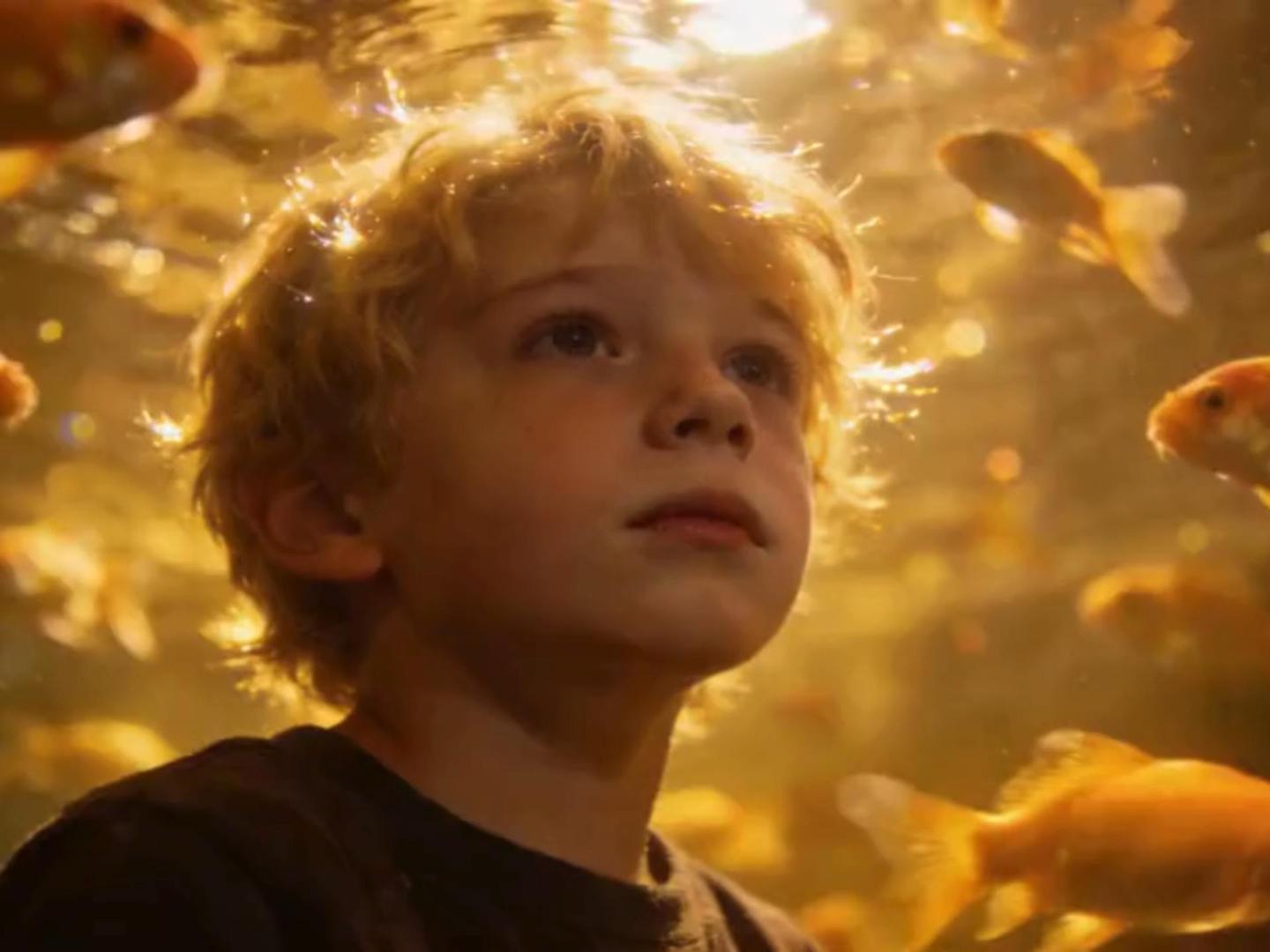
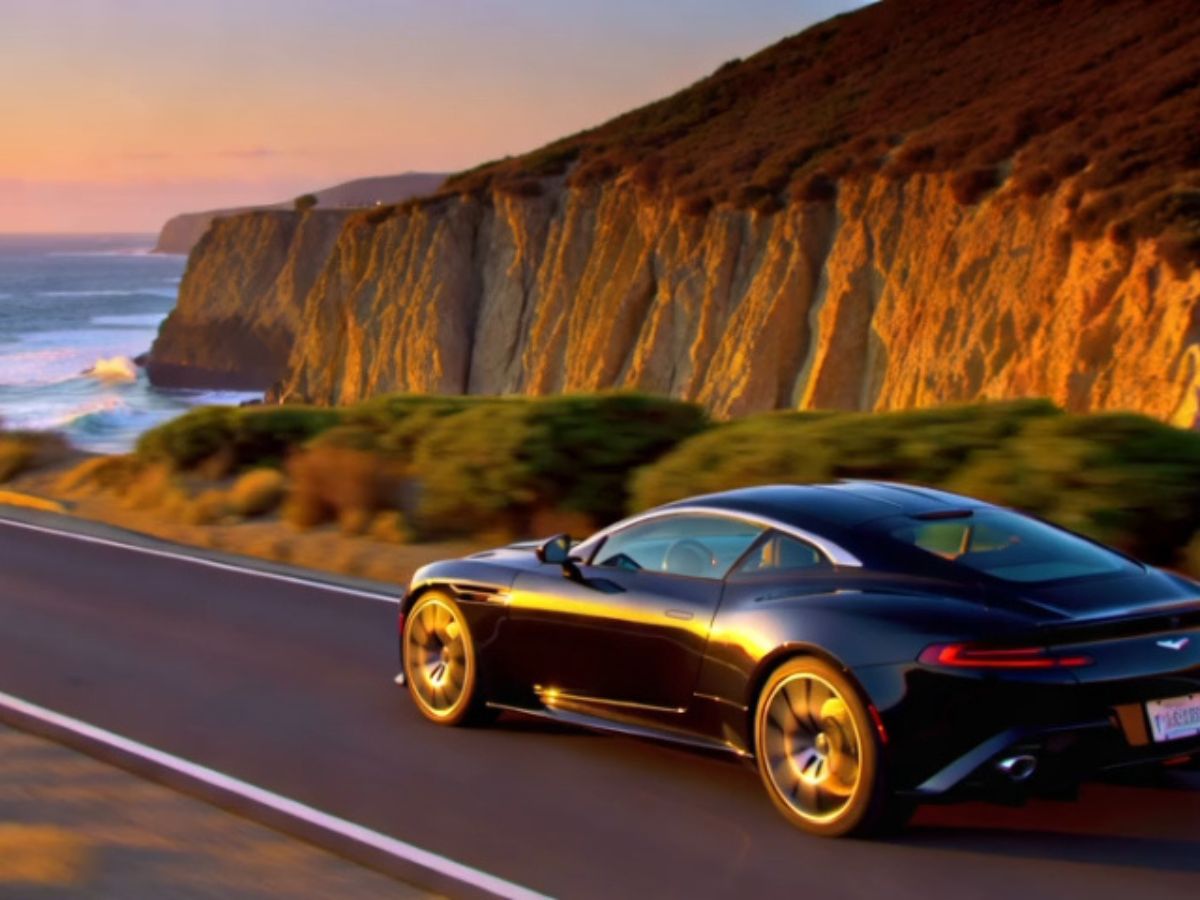
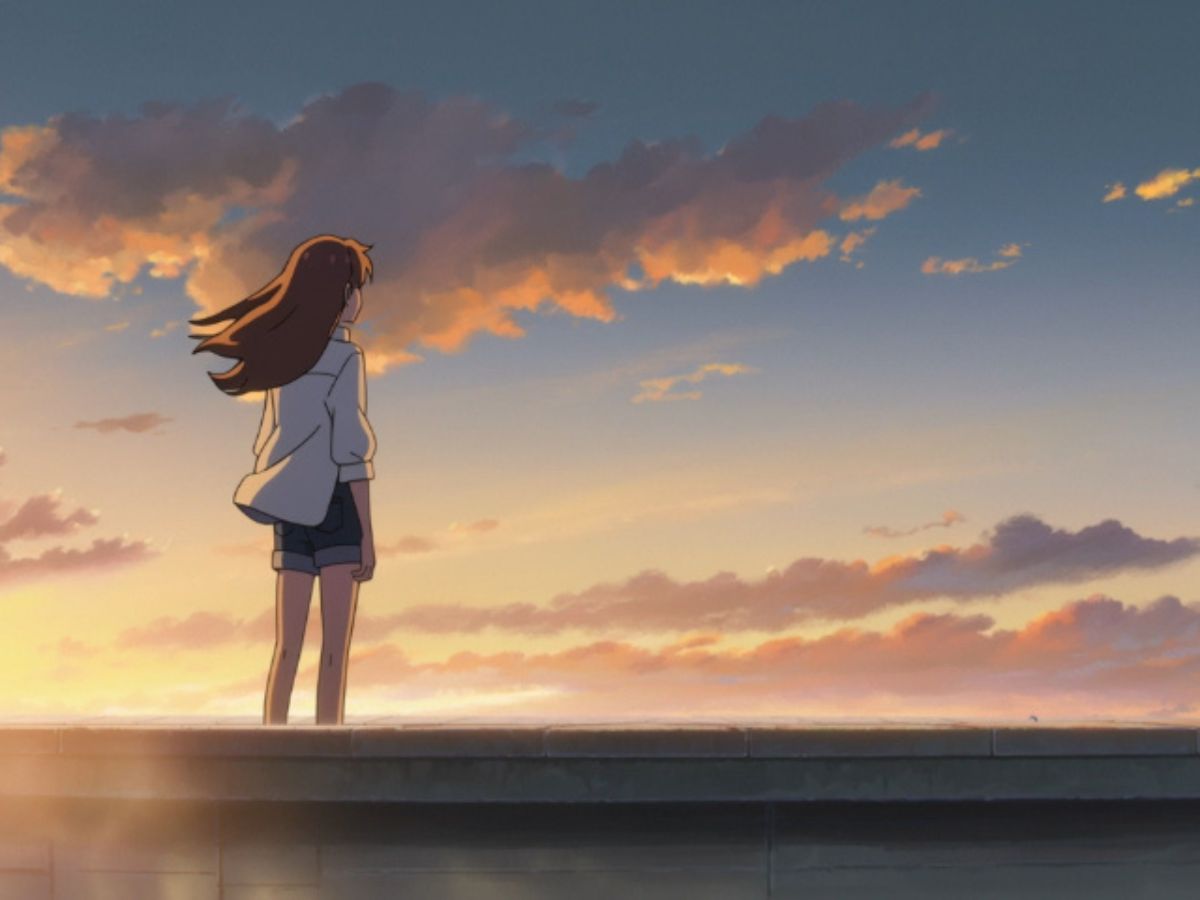
Utilize advanced AI to generate captivating narratives and immersive scenes for your projects.

Kling 2.5: A Cinematic AI Video Generator
Explore the Kling 2.5 AI video generator and discover how creators generate cinematic video using Kling 2.5 from simple prompts or images.
Discover the Kling 2.5 AI video generator and see how creators turn simple prompts or images into cinematic video moments using Kling 2.5.
Utilize advanced AI to generate captivating narratives and immersive scenes for your projects.
Creators often describe Kling 2.5 less as a tool and more as a creative collaborator. Its strengths appear in subtle places—how motion unfolds, how scenes hold together, and how closely visuals reflect the original idea.
Movements feel smoother and more believable across short cinematic moments.
Objects, lighting, and characters remain more consistent across frames.
A single image can gradually evolve into a moving environment.
One of the most noticeable qualities of kling ai 2.5 is how it handles movement. Characters don't simply slide across a frame—they breathe, shift weight, and react to the environment in ways that feel more believable than many earlier AI video models. Many creators begin developing their characters on platforms like OCMaker AI, then bring them into Kling 2.5 to explore how those characters might move within a cinematic scene.
A common frustration with video models is when the final scene drifts far from the original prompt. Kling 2.5 text to video generator is known for staying surprisingly close to the creator's written description. When you describe lighting, atmosphere, or camera perspective, the system often interprets those details with a level of visual consistency that makes experimentation feel rewarding rather than random.

Earlier AI video models sometimes struggled to keep objects or characters stable between frames. Kling 2.5 ai video generator improves this by maintaining better continuity across motion, which helps scenes feel less fragmented. This becomes especially noticeable in storytelling shots—moments where a character moves through space or interacts with their environment.
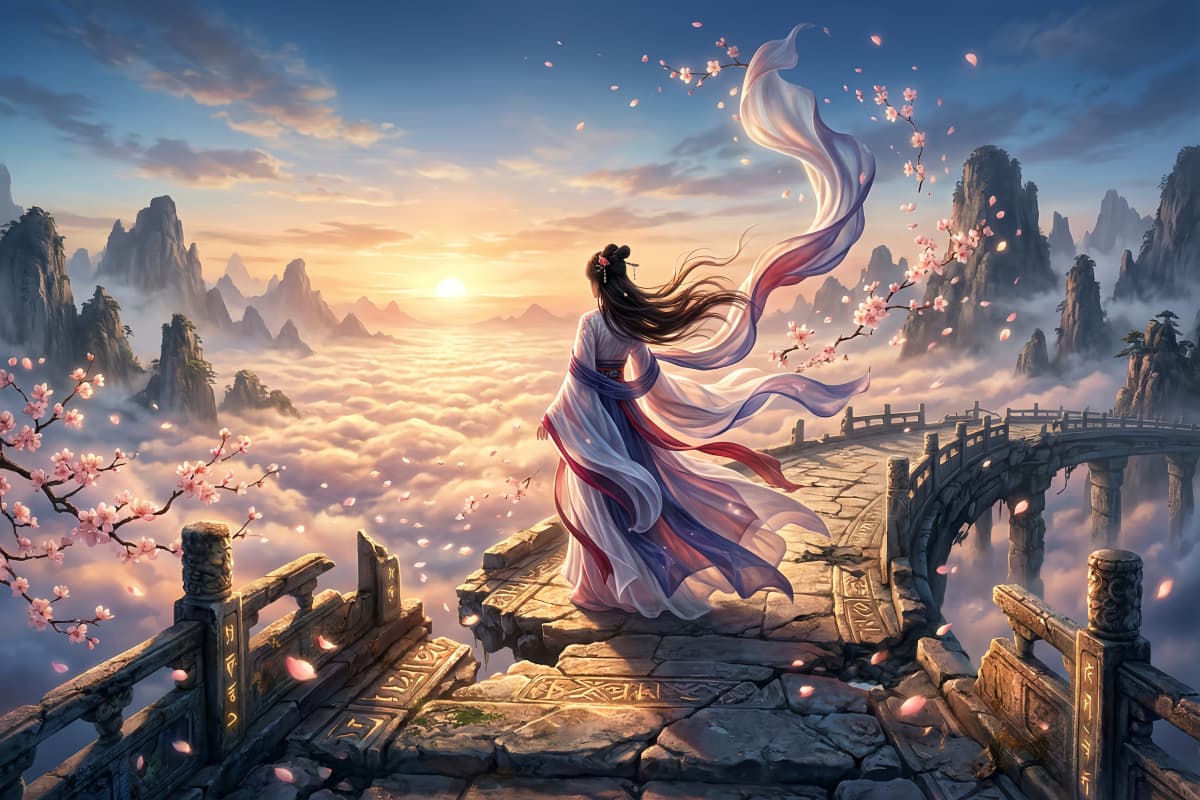
Still images often contain the seeds of a larger story. With the kling 2.5 image to video generator, an illustration or photo can gently unfold into motion rather than abruptly animate. Creators who already experiment with image to video workflows or text to video ideas often find Kling 2.5 particularly expressive when exploring these transitions.
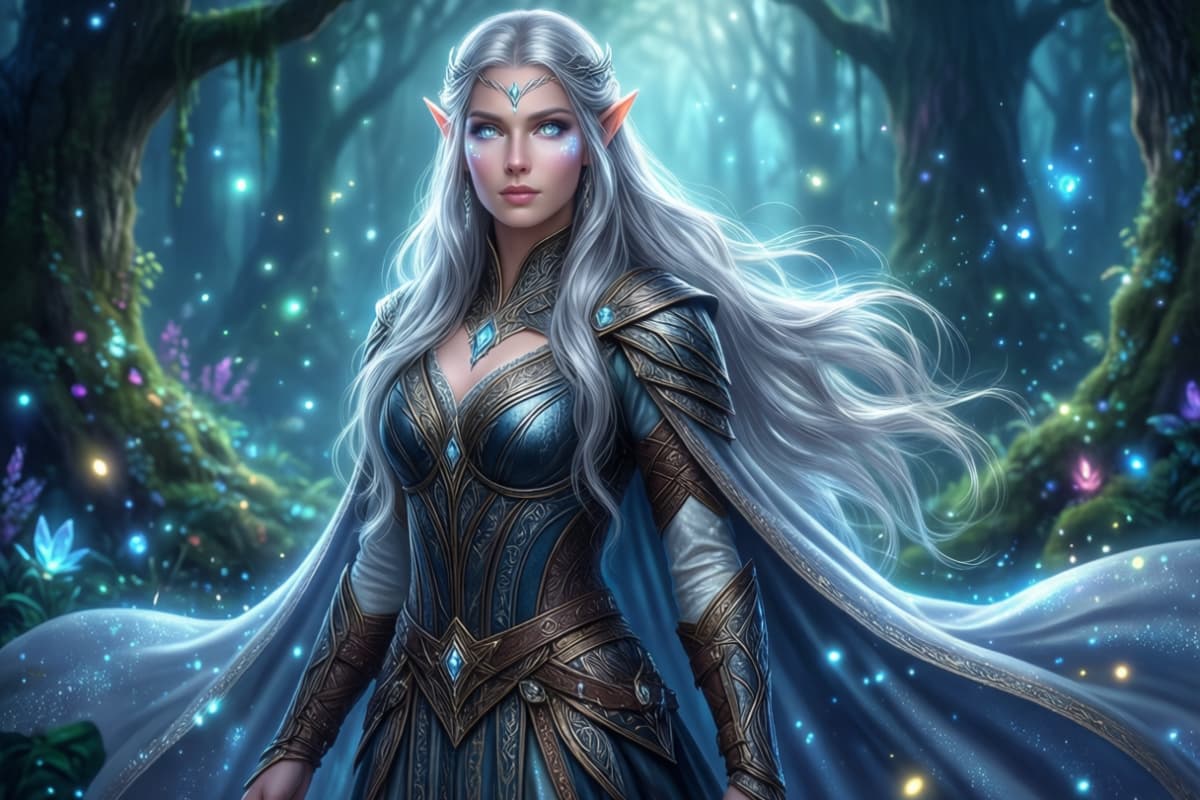
Begin by selecting Kling 2.5 from the available video models. This ensures the generation process uses the motion and scene consistency that the model is known for.
Describe the moment you imagine. A short prompt that mentions atmosphere, environment, and movement often works well when using the kling 2.5 text to video generator.
Start the generation process and watch the scene come to life. Many creators generate several variations, refining the prompt each time until the mood and motion feel right.
Start creating innovative cinematic videos using Kling 2.5 today. Experience unparalleled AI-driven transformation in video production.