
Pricing
Log In
AI Generator
Kling O1 AI Video Generator: Multi-Modal Creation
Create cinematic clips with the Kling O1 AI video generator. A unified multi-modal video creation tool that turns text, images, and references into short videos.
Kling O1 AI Video Generator
Create cinematic clips with the Kling O1 AI video generator. A unified multi-modal video creation tool that turns text, images, and references into short videos.
Kling O1 Video Examples
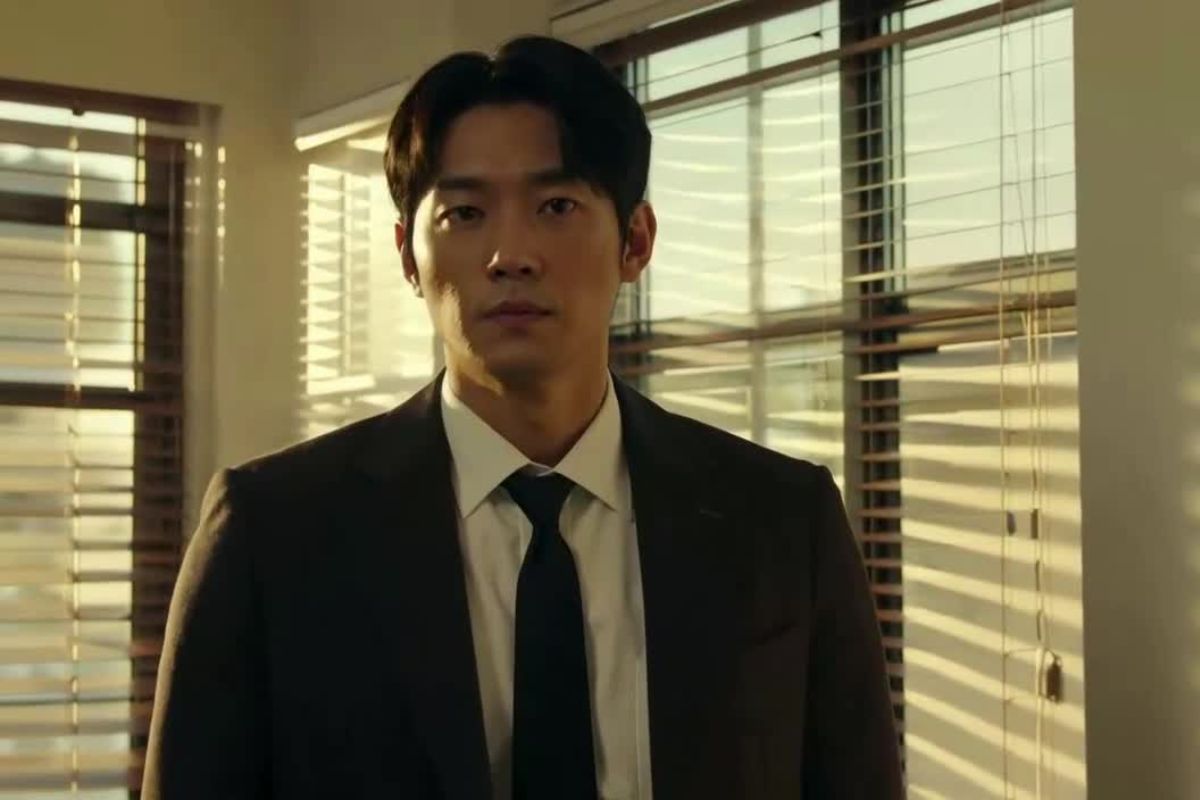
Funny Hamster Office Video
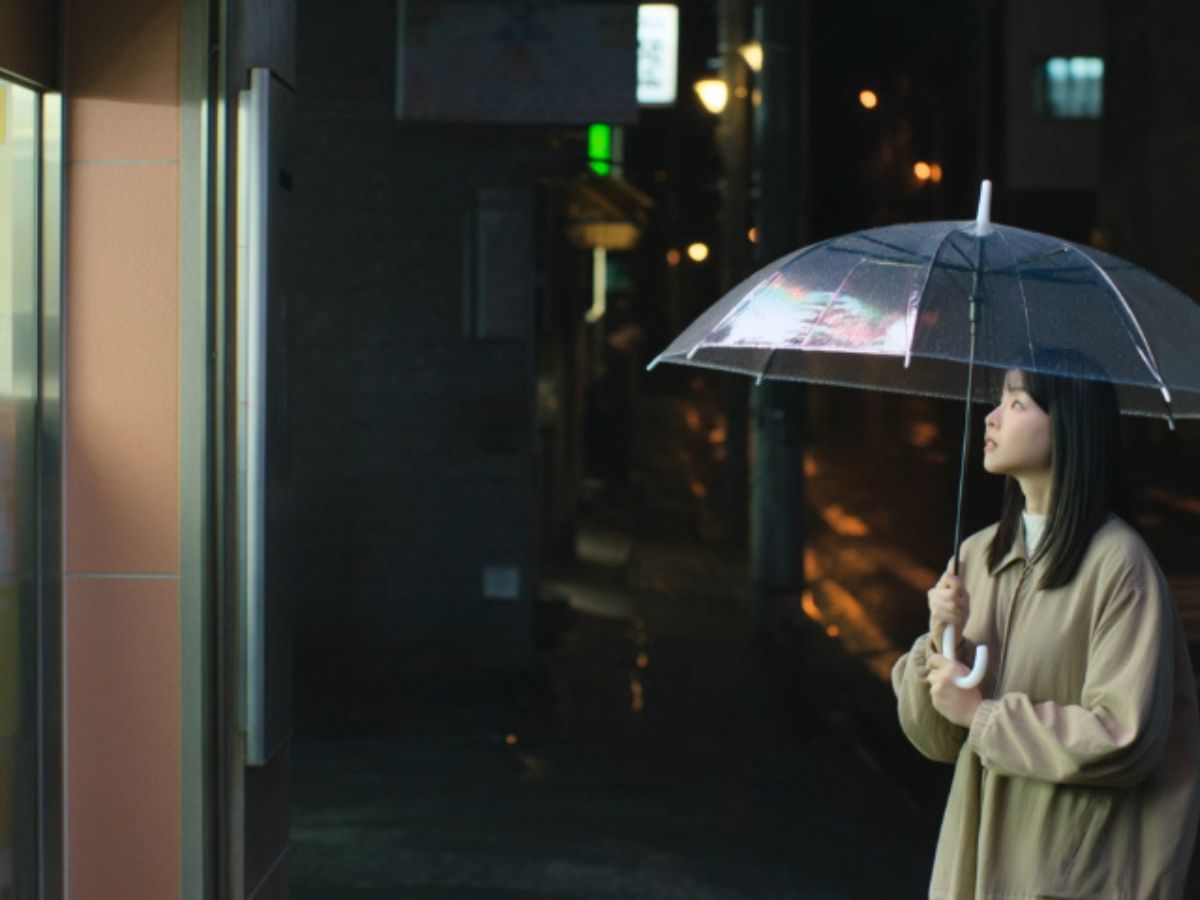
Healing Forest Stream Video
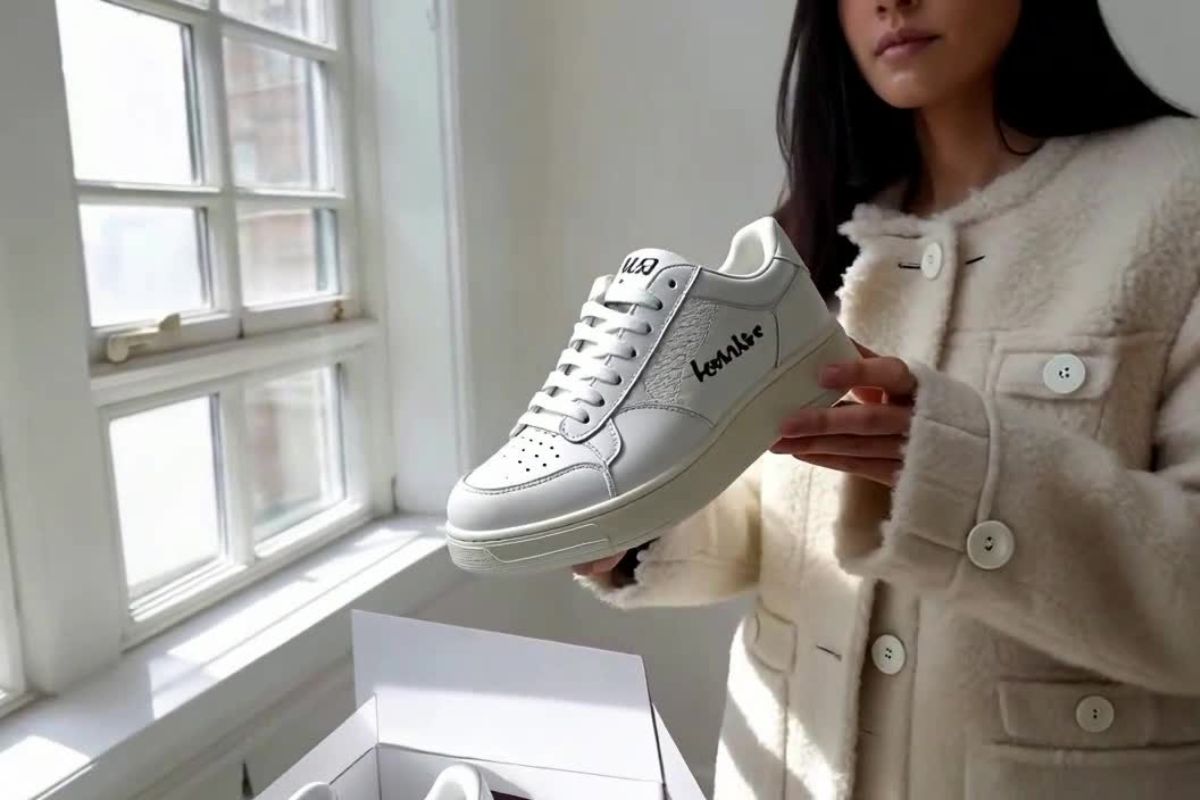
Cinematic Coffee Commercial Video
Key Features of the Kling O1 Video Model
Feature 1
Characters remain consistent across frames, keeping facial features, clothing, and expressions intact even as the camera or scene changes.
Feature 2
Backgrounds, props, and lighting stay aligned, ensuring every frame maintains visual harmony and a coherent style.
Feature 3
Text, images, and reference clips are treated as a single instruction, allowing the model to generate short sequences that match your creative intent.
Feature 4
Camera paths and character movements from reference clips can be applied to new scenes, producing smooth and natural motion.
Feature 5
A unified multi-modal model removes the need to juggle multiple generators and editors, simplifying the workflow while keeping results consistent.
What Makes Kling O1 Different
Stable Characters and Scenes
One of the biggest challenges in AI video is keeping subjects consistent across frames. Kling O1 focuses heavily on identity stability. When you provide a character reference, the model keeps facial structure, hairstyle, clothing, and expressions recognizable as the camera moves or the environment changes. This makes it easier to animate characters designed in tools like OCMaker AI, turning static designs into short narrative clips without the usual frame-to-frame drift.
Camera and Motion Transfer
Kling O1 can learn movement directly from reference footage. You can upload a short clip that contains the camera motion or character action you like, then apply that motion to a completely new subject. The model reproduces the rhythm of the shot while adapting it to the new scene. This makes it simple to generate orbit shots, push-ins, or handheld cinematic movement starting from a single visual reference using image to image style inputs.

Edit Video with Simple Instructions
Instead of rebuilding a scene from scratch, Kling O1 lets you modify existing clips with short instructions. You can change outfits, remove objects, adjust lighting, or alter the atmosphere while keeping the original composition and timing. The editing process feels closer to giving notes to a video editor than operating complex software. Even images created with text to image can evolve into animated scenes and then be refined through simple prompts.
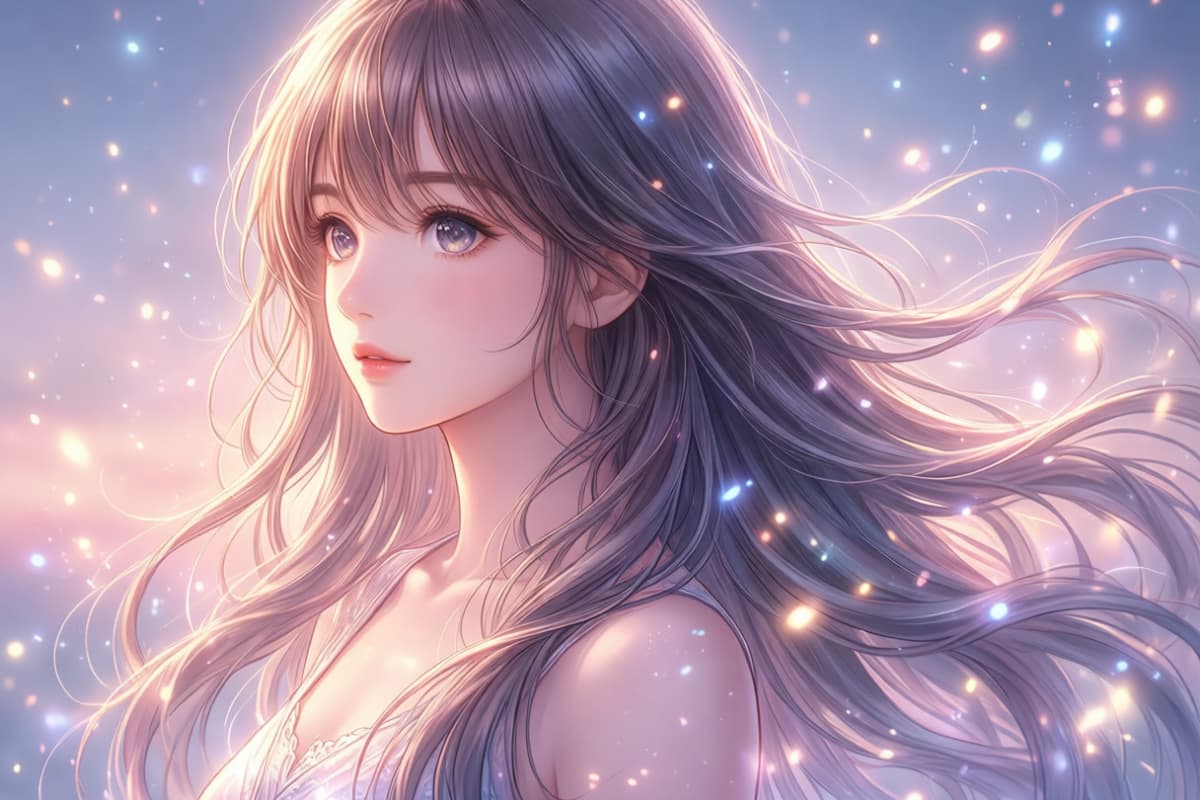
Unified Multi-Modal Generation
Kling O1 treats text, images, and reference clips as a single creative instruction instead of separate inputs. You might start with a still portrait, a product render, or a simple camera reference, then describe the mood, motion, and pacing you want. The model reads everything together and turns it into a coherent short scene. A simple text to video prompt can quickly become a cinematic 3–10 second shot where movement, lighting, and framing follow the same visual logic.

How to Use Kling O1 AI Video Generator
Create Video with a Text to Video AI Model
01
Input Your Prompt
Start by typing a detailed text description of your desired video or uploading your source image.
02
Define Style and Motion
Describe how the scene should look and move. You might specify lighting, camera movement, pacing, or atmosphere. Kling O1 reads these instructions together as a single creative brief.
03
Generate the Video
Click generate and the model produces a short 3–10 second clip. The result usually keeps character identity, scene structure, and motion consistent across the sequence.
More Popular Models

FAQs About Kling O1 AI Video Generator
Revolutionize Your AI Video Creation Process
Engage with Kling O1’s powerful AI to redefine video creation. Unlock seamless, multi-modal video generation and editing today.