Ideogram: AI Image Generator

Ideogram is one of the clearest specialists in AI image generation when the image needs readable text, design structure, and messaging hierarchy instead of only atmosphere. The official docs and product.

Ideogram AI Image Generator

Core Reasons to Choose Ideogram: AI Image Generator

0104

Typography-First Image Creation

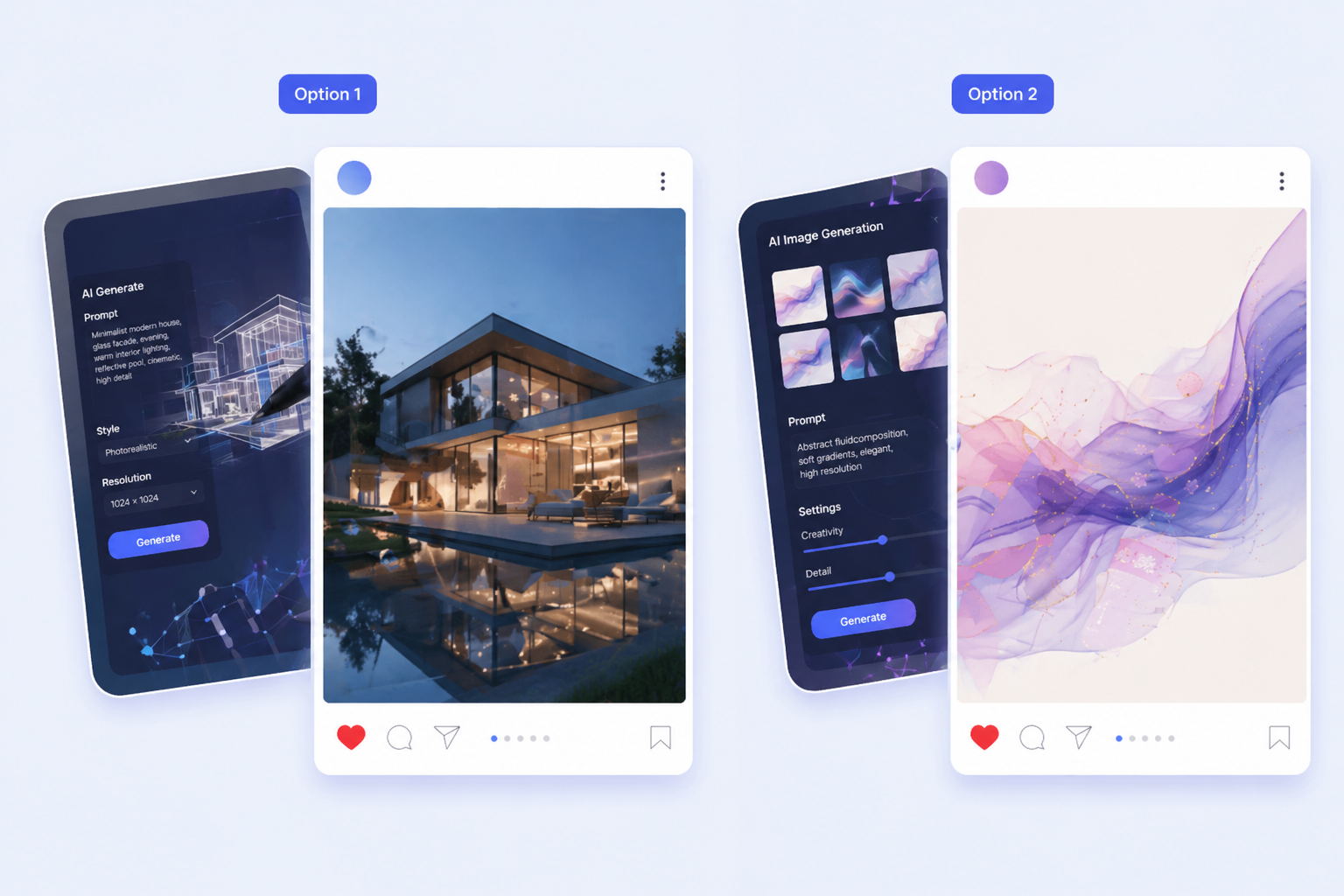
Ideogram’s docs explicitly position the platform as strong at logos, posters, and text rendering inside images. The prompting guide even provides poster-style examples where the wording itself is part of the visual request. That makes Ideogram valuable when the output needs to communicate a message, not only set a visual mood, especially in AI image projects where text to image prompts must include clear readable words.

Typography-First Image Creation

0204

Editable Text Layers and Canvas

On X, Ideogram announced editable text layers and design categories, which means copy can be rewritten, resized, or restyled without rebuilding the image underneath. That is a meaningful workflow distinction. It moves Ideogram closer to a design-support tool rather than a single-shot image toy. Combined with Ideogram.

Editable Text Layers and Canvas Workflows

0304

On-Brand Visual Systems

Another differentiator is Ideogram’s public push into custom models for brand visuals. Their announcements frame it around following a team’s art direction, typography, and visual identity. That makes Ideogram more interesting for teams creating recurring campaign assets, social graphics, and visual systems that need.

On-Brand Visual Systems

0404

Designed for Poster, Logo, and

Ideogram fits best when the expensive failure is unreadable text, weak layout, or a missing message hierarchy. Compared with more cinematic models, it behaves more like a specialist for visual communication. If the output is a poster concept, product ad mockup, event graphic, or social tile, Ideogram is often easier.

Designed for Poster, Logo, and Social Graphics

How Teams Use Ideogram

Clear workflow cues for landing page visitors

  • 01

    Write the exact text or

    Write the exact text or headline the image needs to contain before deciding on style.

  • 02

    Describe the layout type, such

    Describe the layout type, such as poster, social graphic, logo concept, or ad visual, so the model.

  • 03

    Review the result for readability,

    Review the result for readability, spacing, hierarchy, and brand fit before exporting or refining the next.

Start in 3 Simple Steps

From idea to usable landing page asset

  1. Step 1: Write the exact text or

    Write the exact text or headline the image needs to contain before deciding on style.

  2. Step 2: Describe the layout type, such

    Describe the layout type, such as poster, social graphic, logo concept, or ad visual, so the model understands the job.

  3. Step 3: Review the result for readability,

    Review the result for readability, spacing, hierarchy, and brand fit before exporting or refining the next version.

Explore Related AI Image Models

Made for message-led visuals

Ideogram is most useful when text, layout, and image generation have to work together from the first draft instead of being stitched together later.

Relevant Posts from X

Frequently Asked Questions

You may want to know

Is Ideogram good for commercial workflows?

Ideogram is especially useful for message-led visuals such as posters, ads, and branding concepts, but commercial usage should still follow the terms of the platform or API the team is using.

What is Ideogram best for?

It is best for posters, logo concepts, social graphics, and text-rich visuals where readable wording is part of the asset itself.

Does Ideogram support text-focused workflows better than generic models?

Yes. Its docs and launch material repeatedly emphasize text rendering, design control, and layout-aware image generation.

Why is editable text important on a landing page?

Because it shows the tool is useful not only for generating a picture, but for evolving the wording and design direction without restarting the whole asset.

Why add X posts as a separate module?

Because product launches, feature updates, and third-party reactions work better as visible proof than as another paragraph inside the page body.

When is Ideogram not the best choice?

It is not the most obvious choice when the project depends more on cinematic atmosphere or precision image editing than on text-led visual communication.

Create with OCMaker AI today

Ideogram: Free Text to AI Image Generator