0104
Natural, Photoreal Portraits
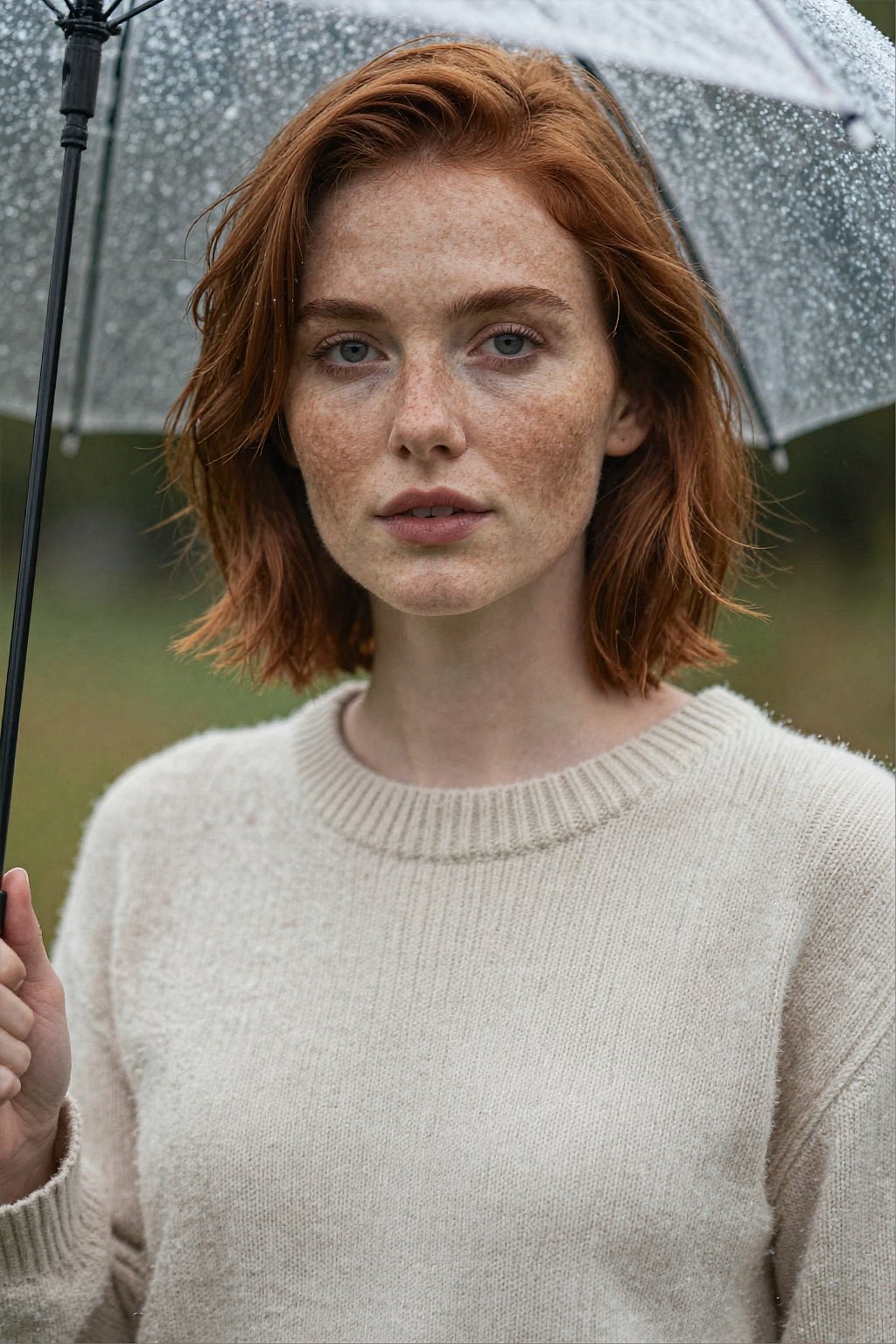
Describe the person, the light and the lens, and it keeps skin, hair and fabric looking real. Prompt idea: an 85mm portrait of a freckled young woman with short auburn hair under an umbrella in soft rain.

Z-Image Turbo AI Image Generator: Free, Fast & Photoreal
Use Alibaba's Z-Image Turbo on OCMaker AI for fast, photoreal images with clean Chinese and English text. Free to use at 1 credit per image.
Z-Image Turbo is a fast, open image model from Alibaba's Tongyi lab, known for photoreal results and clean Chinese and English text. On OCMaker AI it turns a prompt into an image quickly, free to use at 1 credit per image.

Every image below was made with Z-Image Turbo on OCMaker AI. Each description includes the idea behind the prompt.
0104
Describe the person, the light and the lens, and it keeps skin, hair and fabric looking real. Prompt idea: an 85mm portrait of a freckled young woman with short auburn hair under an umbrella in soft rain.
0204
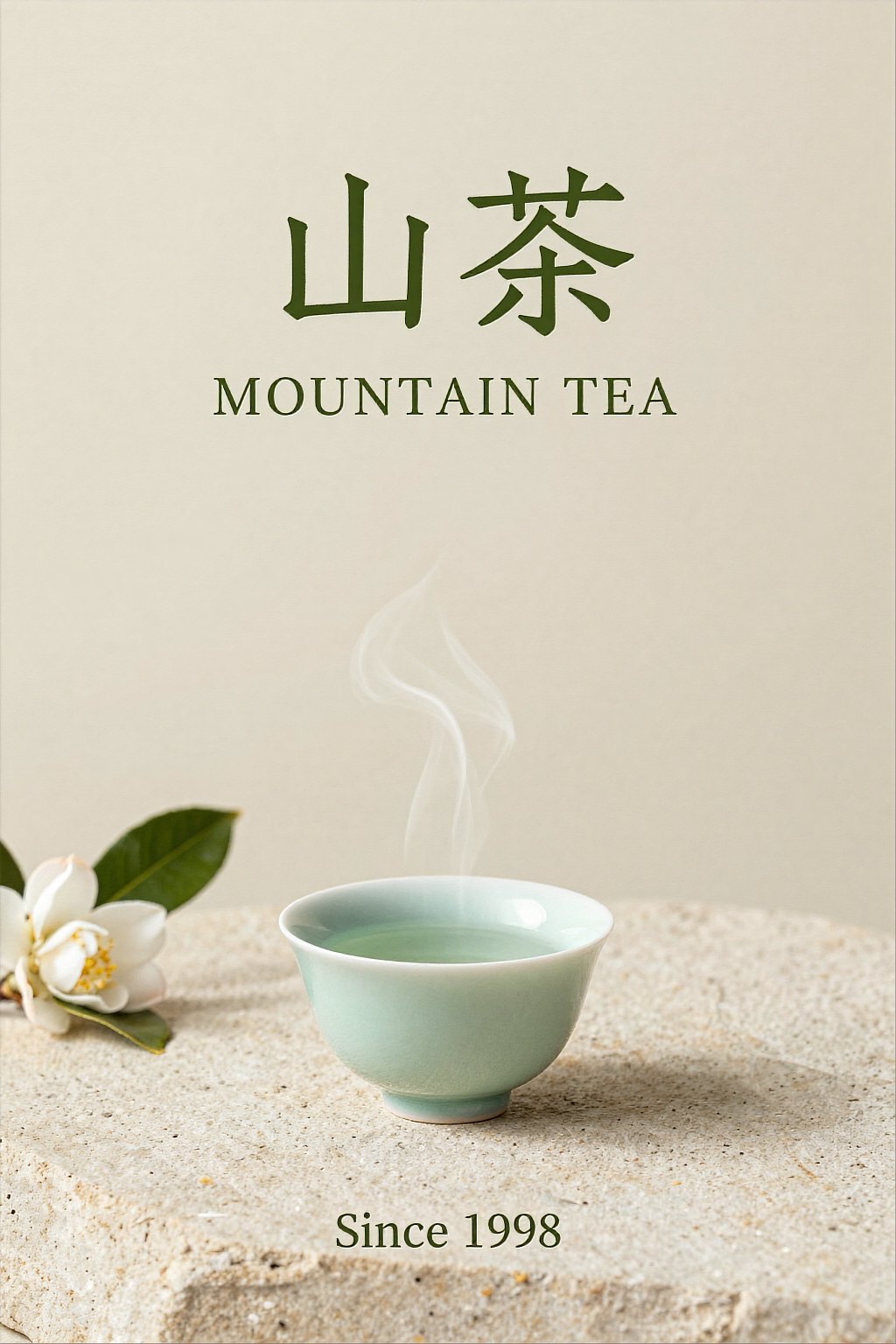
Put the exact words in quotes and it lays them out cleanly in both scripts, which suits posters, menus and packaging mockups. Prompt idea: a minimalist tea poster with the Chinese title "山茶", the English line "MOUNTAIN TEA" and "Since 1998" at the bottom.
0304
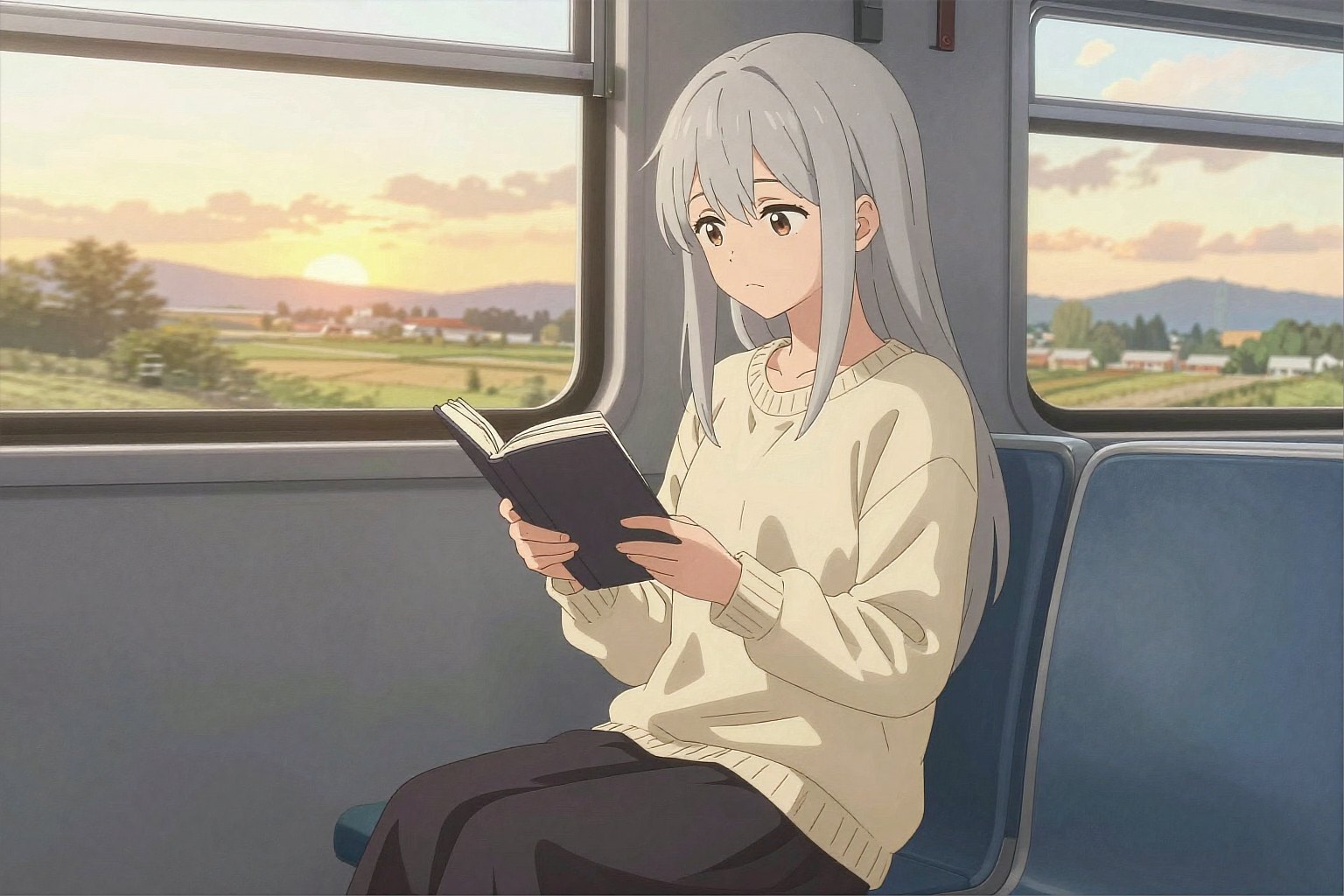
Ask for an anime illustration and describe the character and the moment. Prompt idea: an anime woman with long silver hair reads a book on a train at sunset as the countryside passes by.
0404
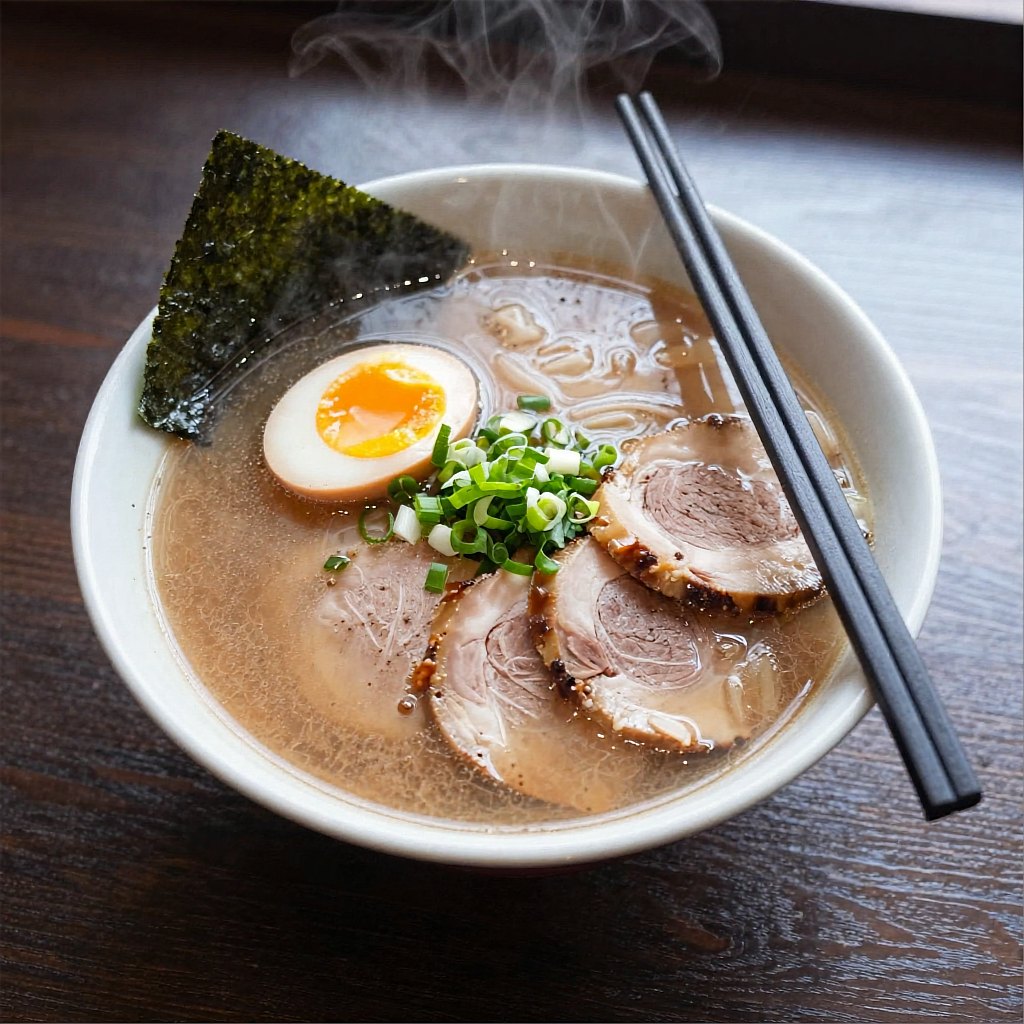
Overhead food and simple product scenes come out appetizing and clean. Prompt idea: an overhead photo of a bowl of ramen with a soft-boiled egg, chashu and nori on a dark wooden table.
Z-Image Turbo needs no membership; each image costs 1 credit.
A distilled turbo model, so images come back quickly and you can try many ideas.
Realistic skin, light and textures for portraits, food and everyday scenes.
Short titles and labels in quotes come out clean in both languages.
1:1, 9:16, 16:9, 2:3 or 3:2.
Generate up to four images per run and keep the best.
Z-Image Turbo is already selected in the generator above. It works from text only, so there is no image to upload.
Write the subject, setting, light and style, and put any words you want in the image in quotes.
Pick an aspect ratio and 1, 2 or 4 images, then generate. Download the ones you like.
Z-Image Turbo is a fast, open text-to-image model from Alibaba's Tongyi lab. On OCMaker AI you can use it free, at 1 credit per image.
Yes. It does not need a membership. Each image costs 1 credit, so 1, 2 or 4 images cost 1, 2 or 4 credits.
Yes. Put the exact words in quotes. Short titles and labels in Chinese or English come out clean; long paragraphs are less reliable.
No, here it works from text only. To edit an image, try Qwen Image 3.0 or Nano Banana Pro, which both accept an image.
About 1 to 1.6 megapixels, for example 1024 × 1536 pixels for a 2:3 image or 1696 × 960 for 16:9. For 2K images, try Nano Banana Pro.
Pick Z-Image Turbo for fast, free photoreal images. Qwen Image 3.0 and GPT Image 2.5 cost 2 credits and can also edit images, and Nano Banana Pro gives 2K results for members.
Fast photoreal images with clean text, 1 credit each.
Z-Image Turbo is the quick way to try many ideas: realistic images and clean bilingual text for 1 credit each, no membership needed.