0108
One-Click Anime OC Creation
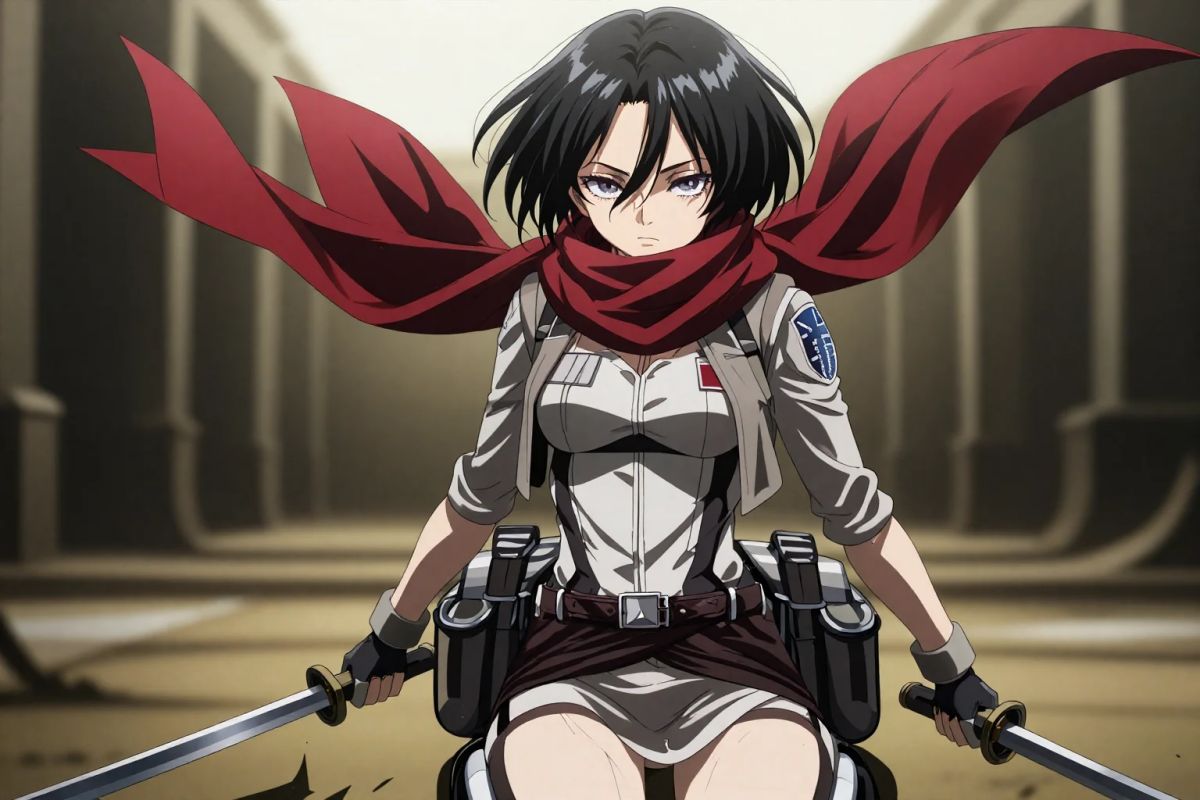
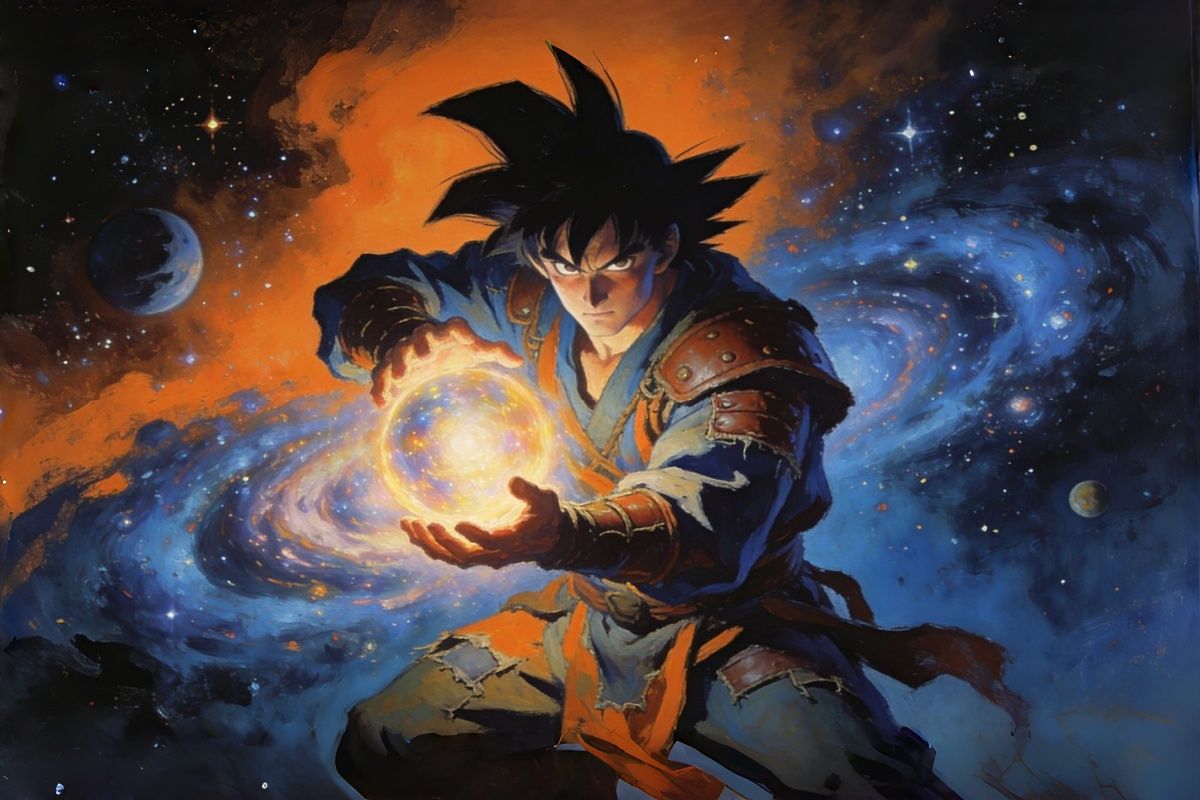
From a simple prompt, OC Maker AI outputs a complete character: silhouette, color palette, face ratio, hairstyle, outfit, and expression aligned with modern anime aesthetics.


Turn text or photos into studio-quality anime art in seconds. Choose styles, control details, and generate characters, scenes, and wallpapers with OCMaker AI.



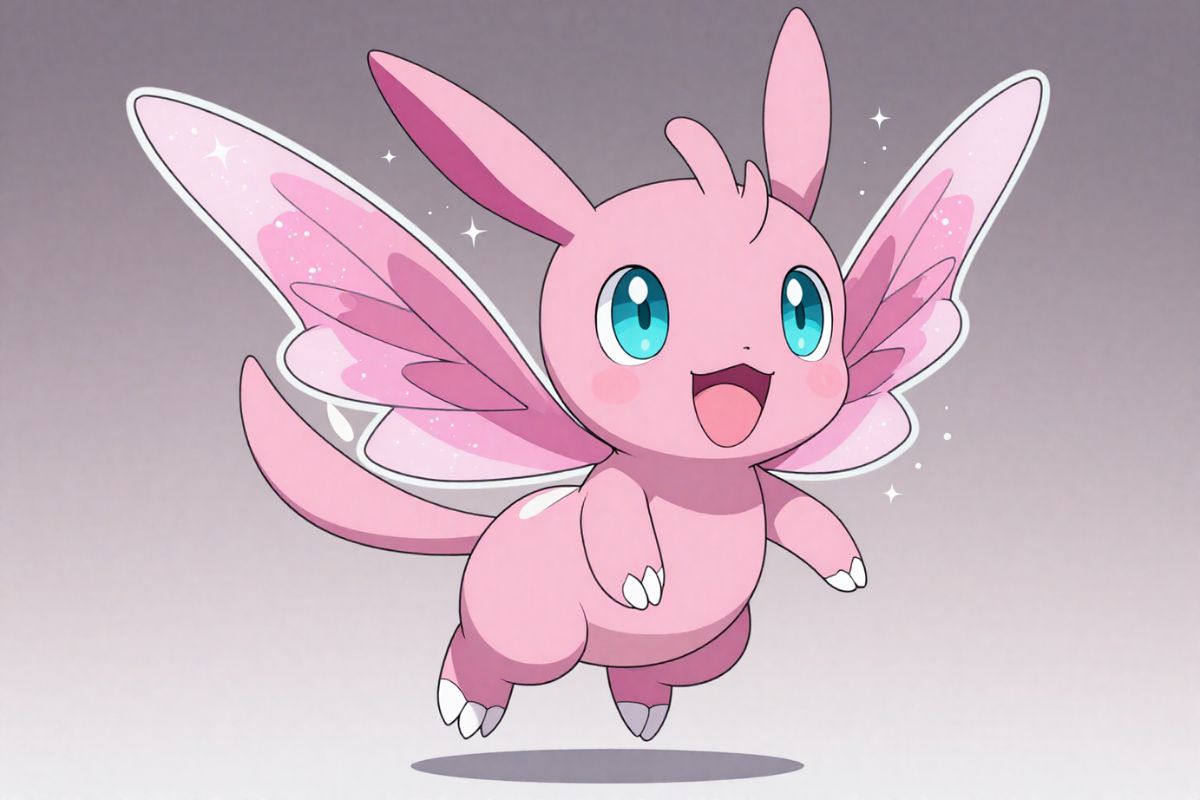
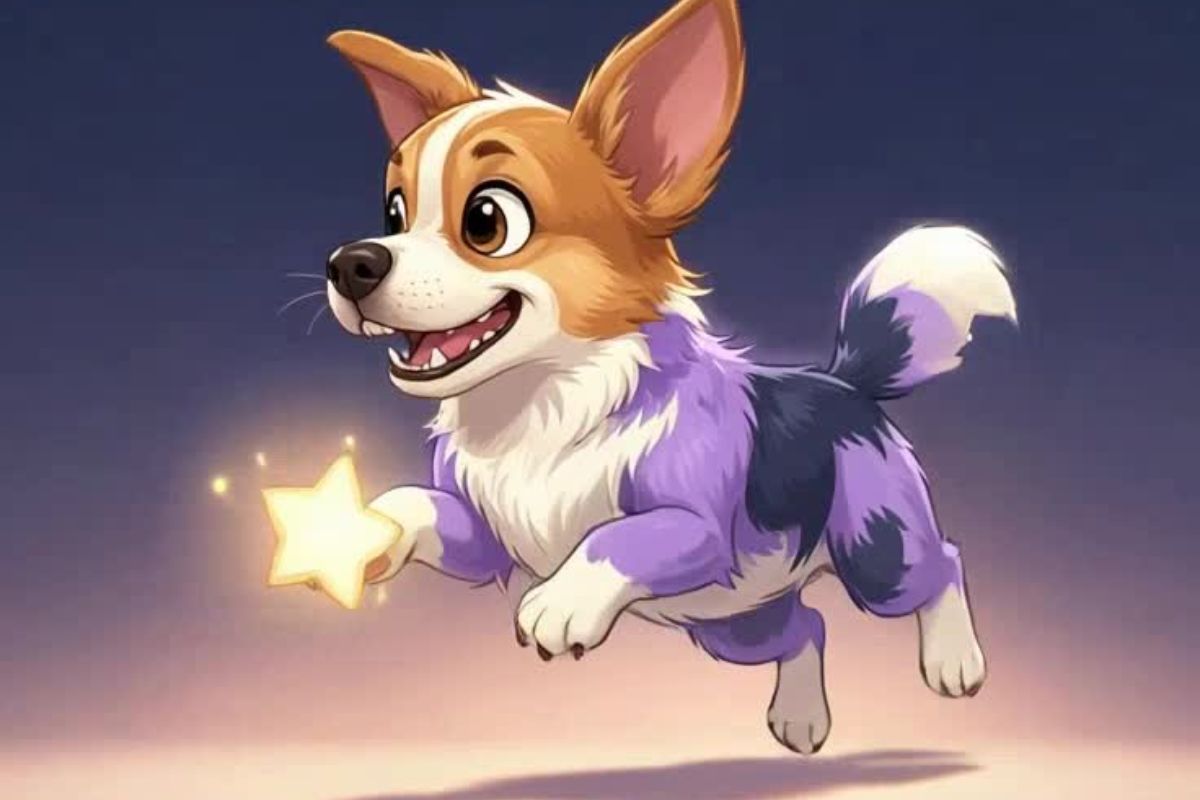
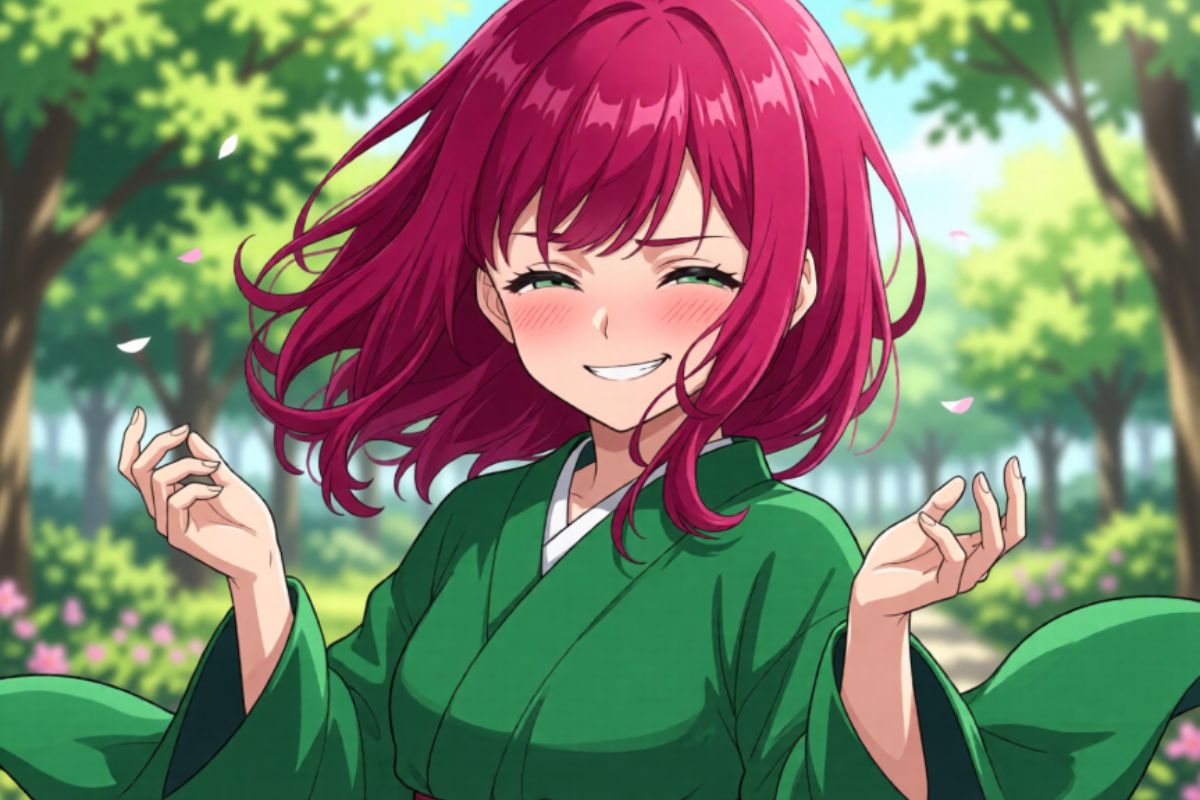


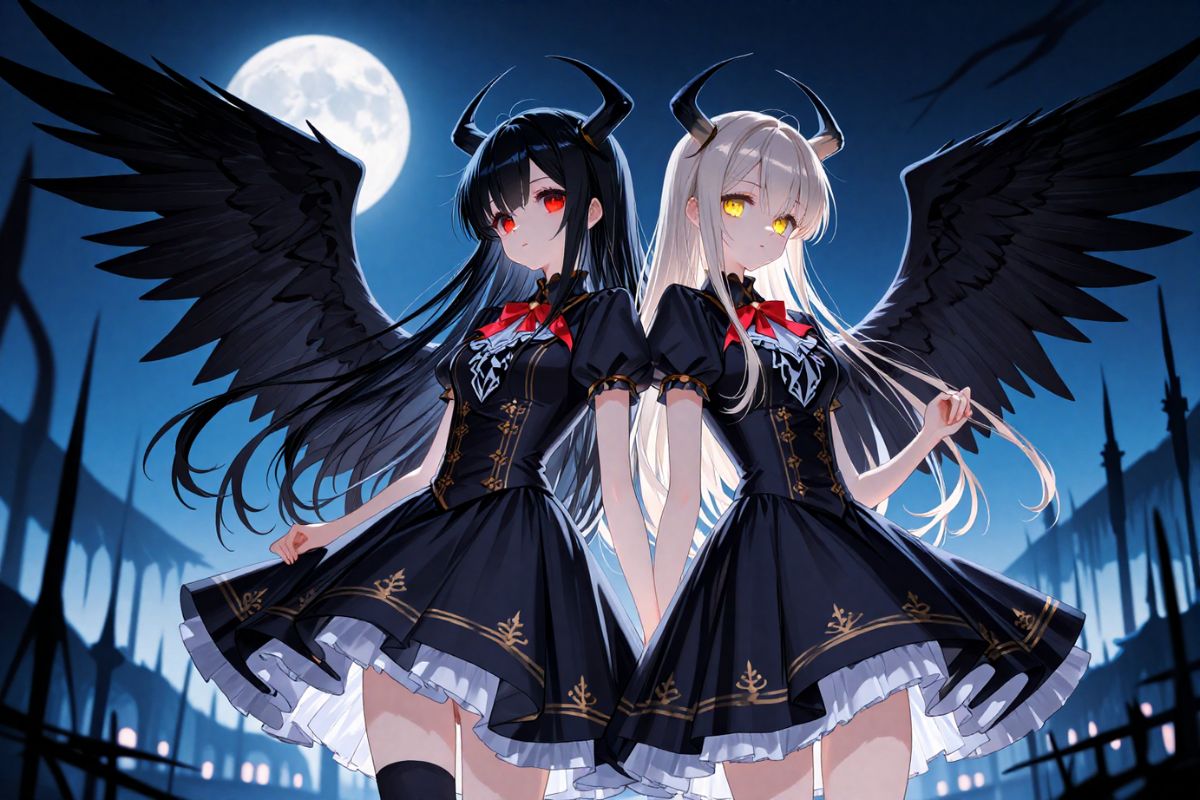

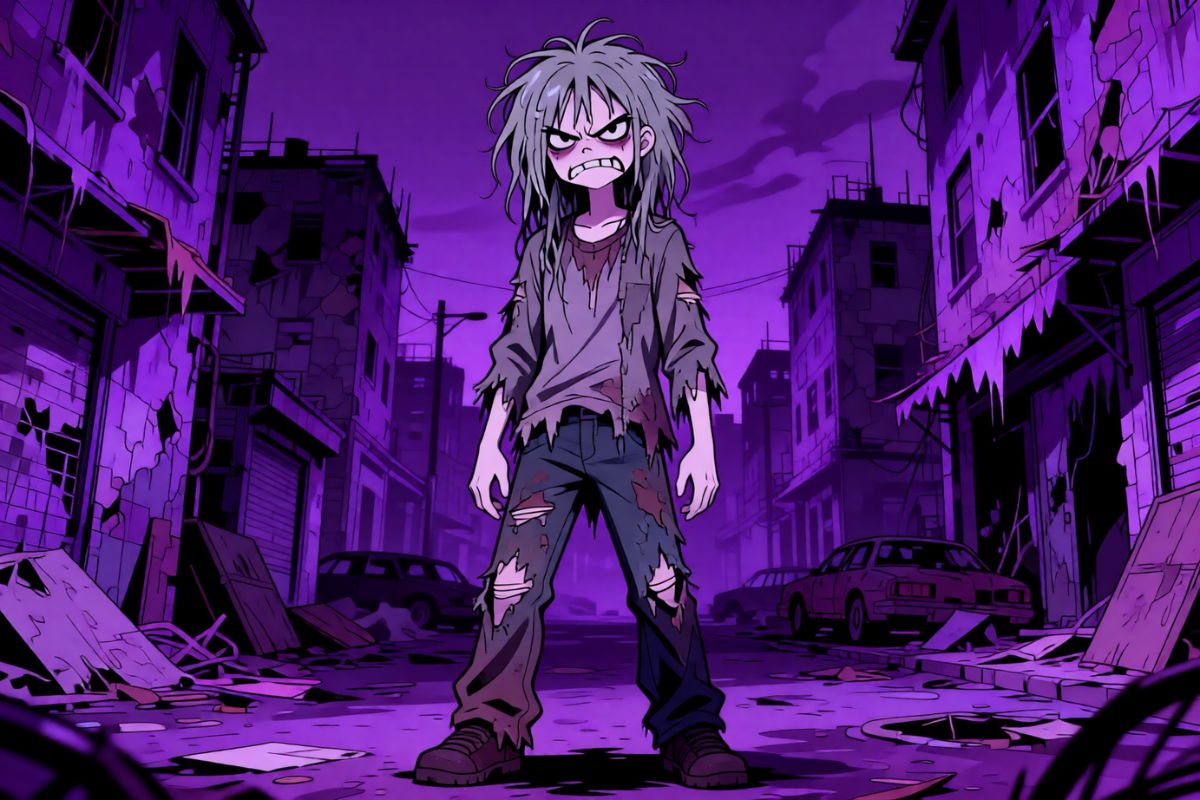

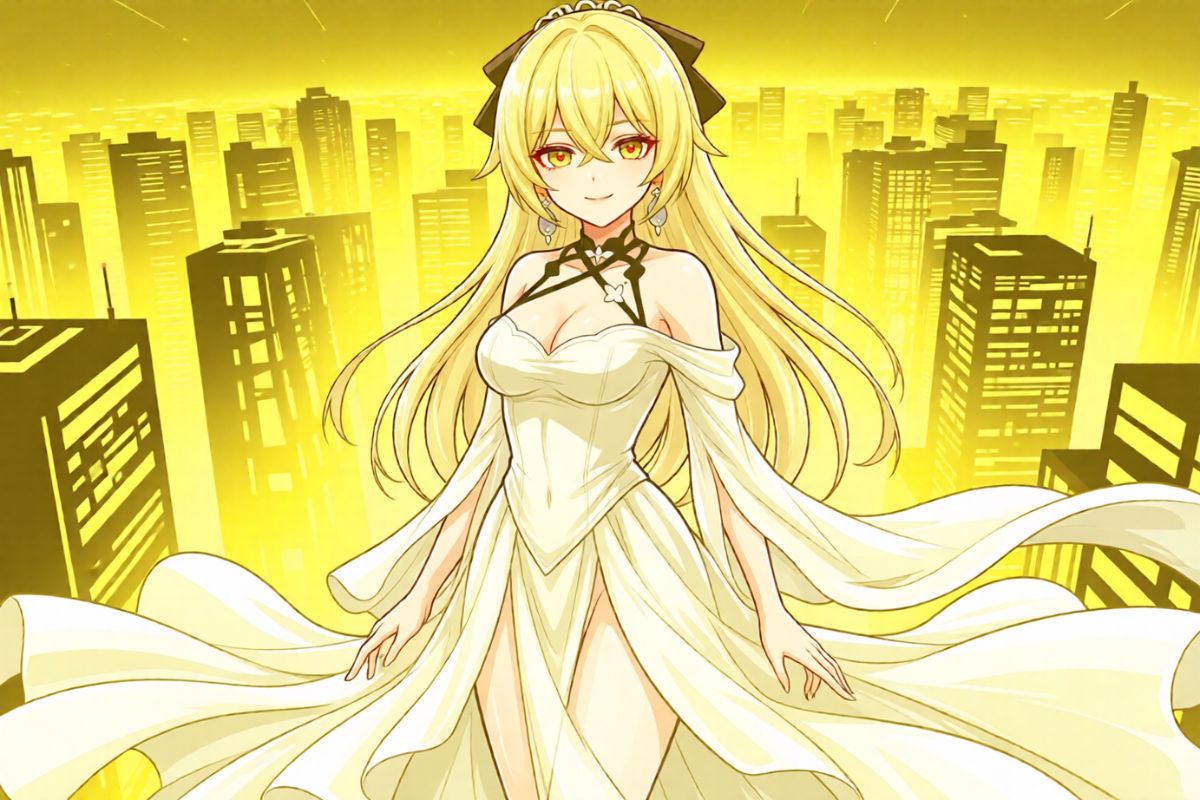


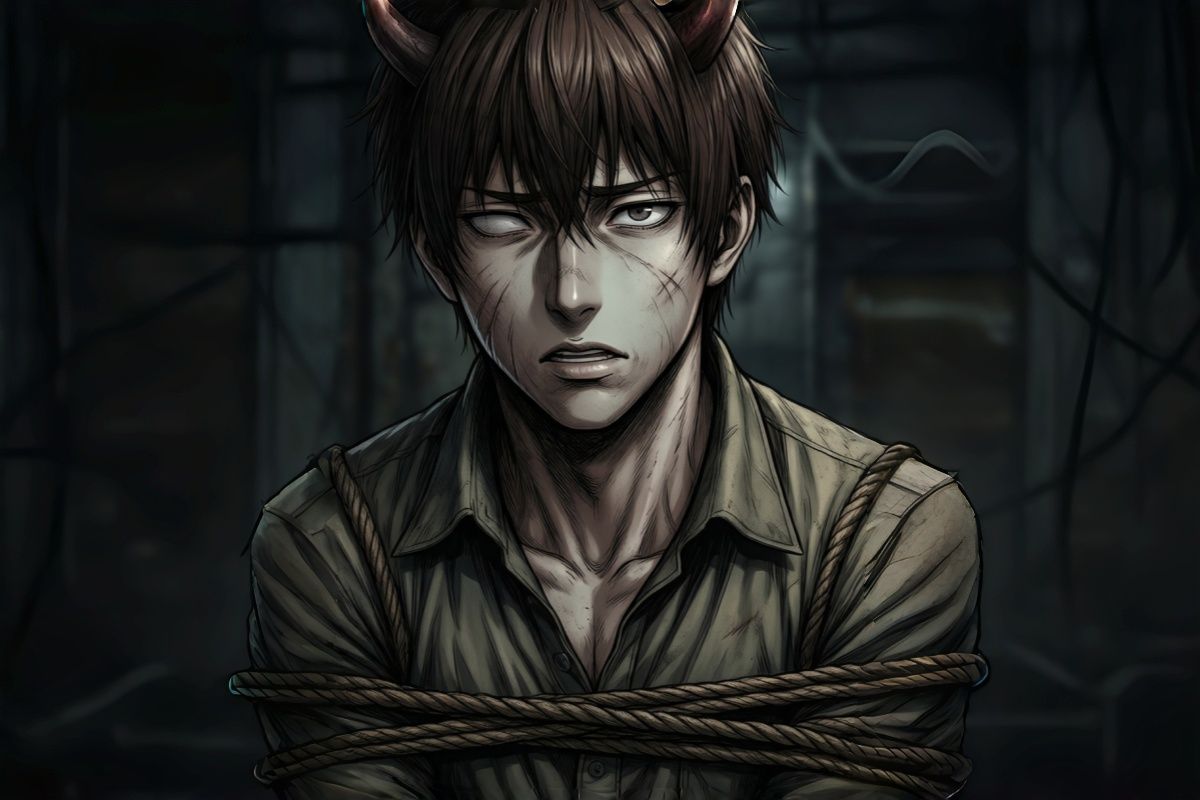

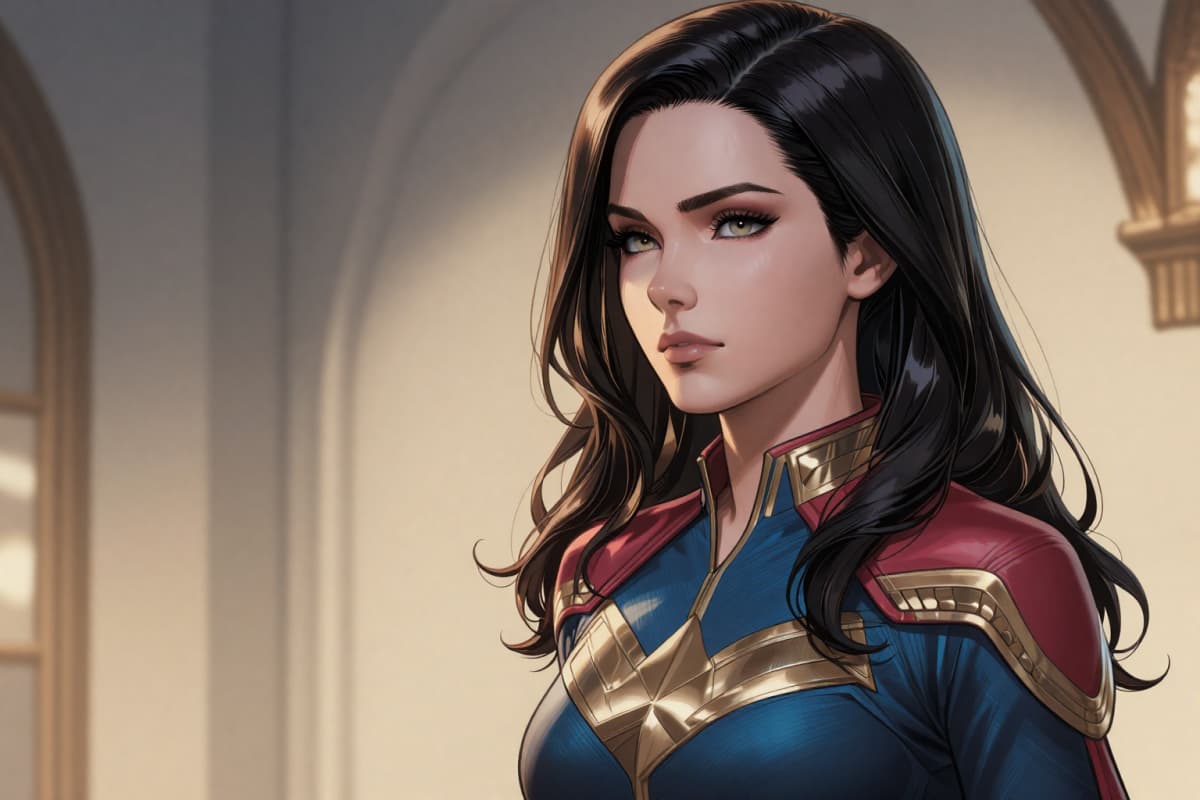

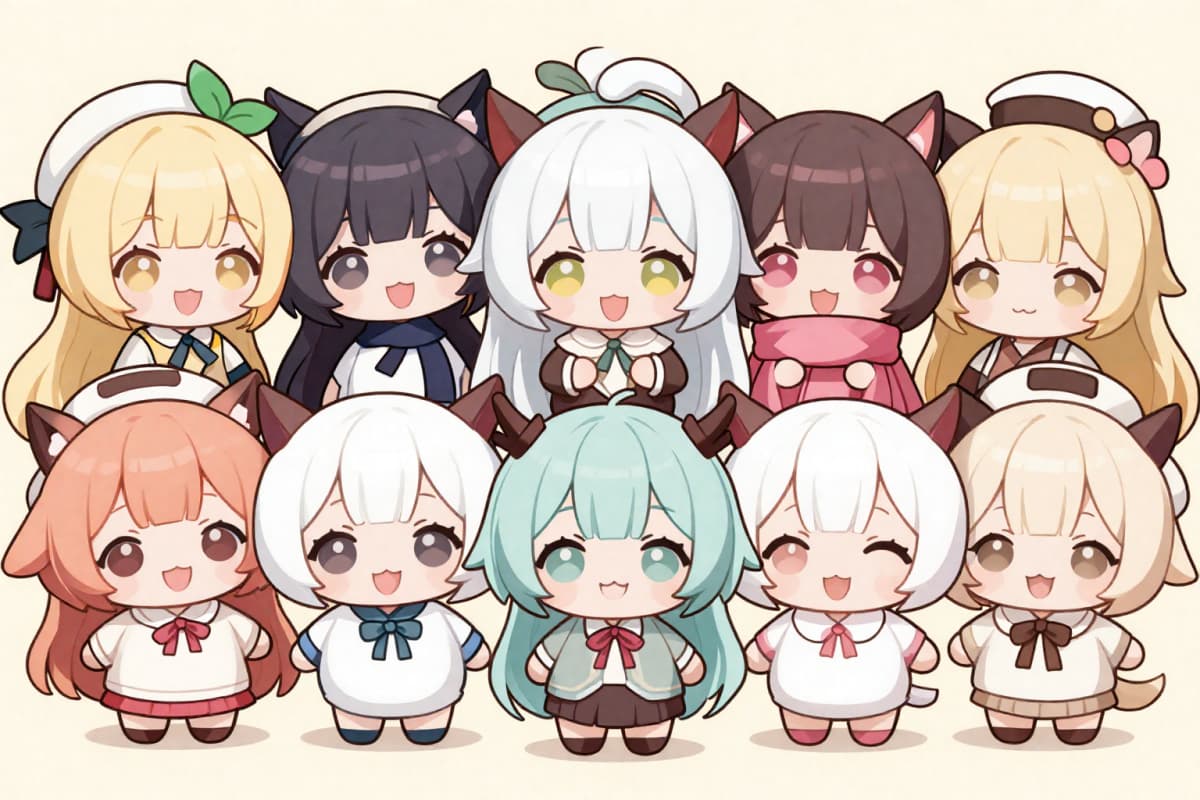


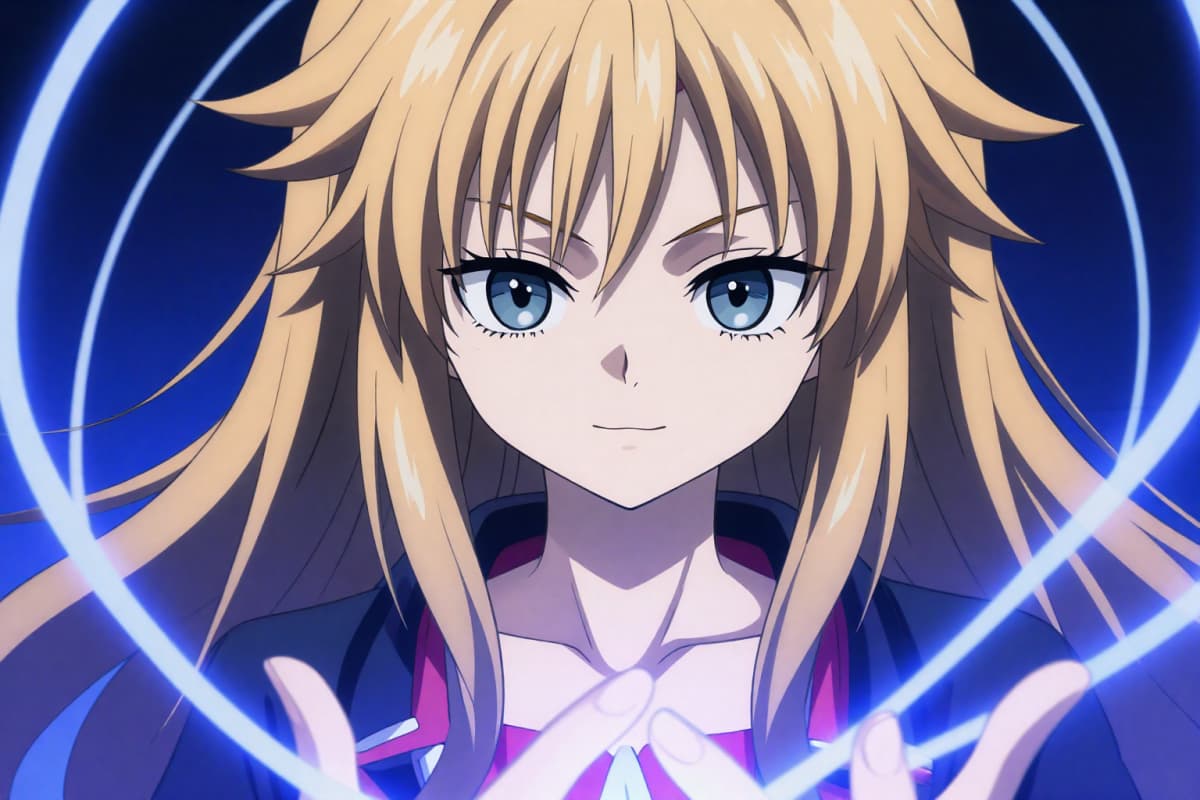


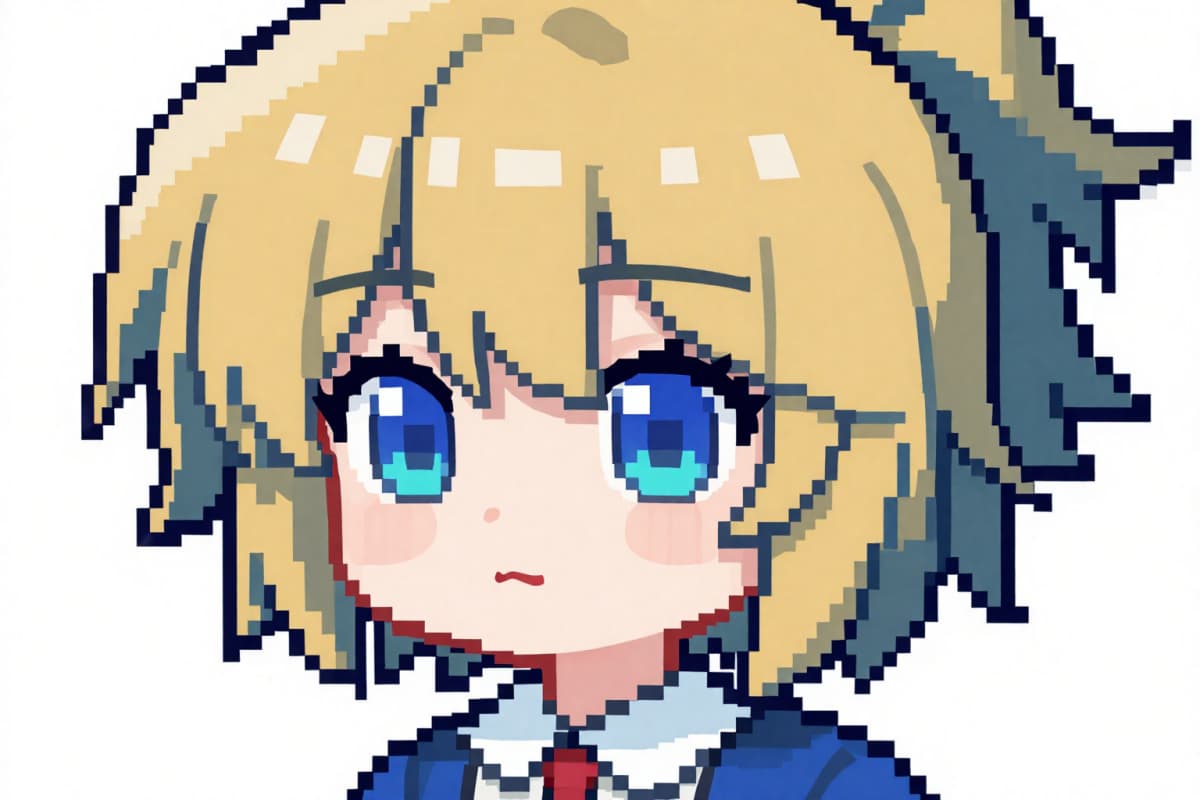


I prototyped three heroine designs in one afternoon. The line quality and color balance feel very anime-authentic!
Yuki
Illustrator
The lore generator helped me lock in personalities fast. Now each chapter gets a matching illustration in minutes.
Kenji
Light Novel Writer
I use OC Maker AI for outfit references. Accessories and fabric cues are super clear—great for planning crafts.

Aiko
Cosplayer
Consistency mode keeps my character on-brand across thumbnails and stream banners. Huge time saver!
Sora
VTuber
No drawing skills needed. I just prompt ‘silver hair tsundere, sailor uniform’—boom, perfect OC!
Mina
Student & Fan Creator
0108
From a simple prompt, OC Maker AI outputs a complete character: silhouette, color palette, face ratio, hairstyle, outfit, and expression aligned with modern anime aesthetics.
0208
Faithful to popular Japanese trends: soft gradients, glossy eyes, hair highlights, clean line art, and balanced proportions across shoujo/shounen/moe styles.

0308
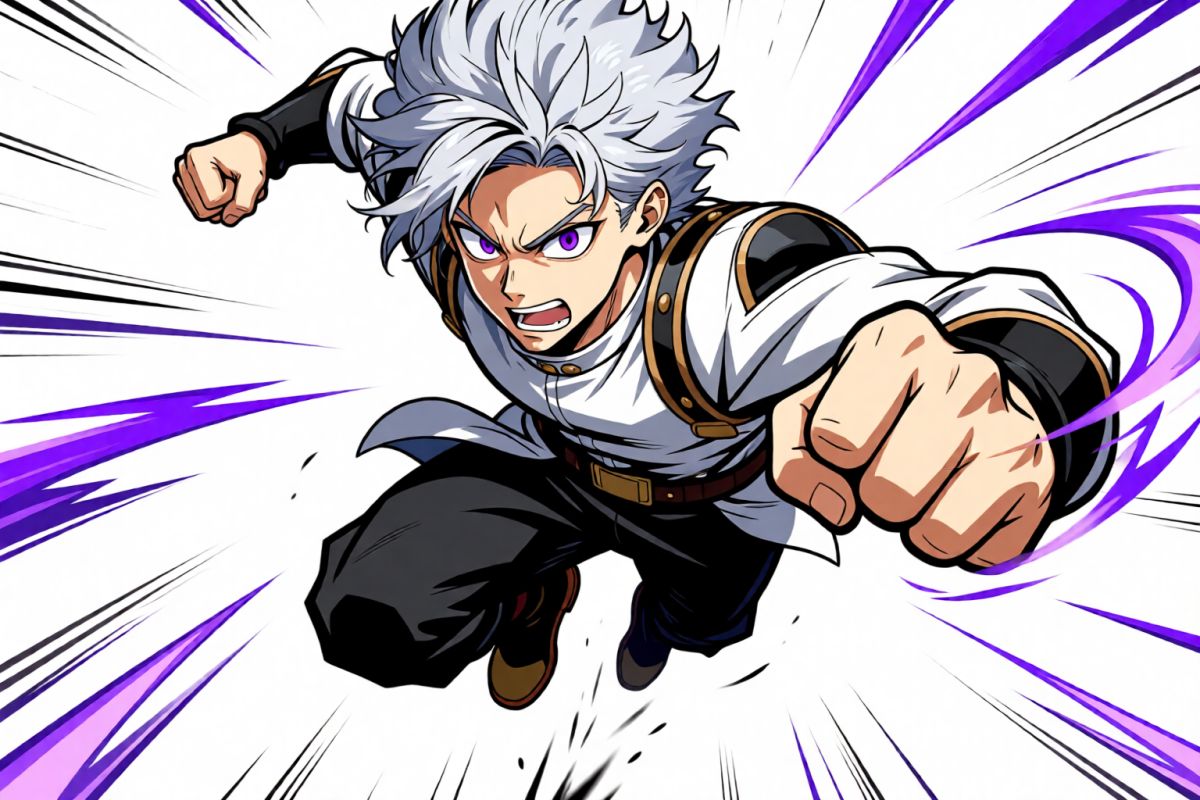
Fine-tune hair & eye color, iris sparkle, bangs, accessories (ribbons, headphones, chokers), uniforms, armor, kimono, and more. Set poses (standing, dynamic action) and moods.

0408
Choose from cute, cool, genki, kuudere, or tsundere expressions. Control framing (bust, half-body, full-body), camera angle, and lighting for consistent results.

0508
Auto-generate short backstories and themed scenes: school courtyard, festival night, cyber-city skyline, shrine path, classroom, or mecha hangar.

0608
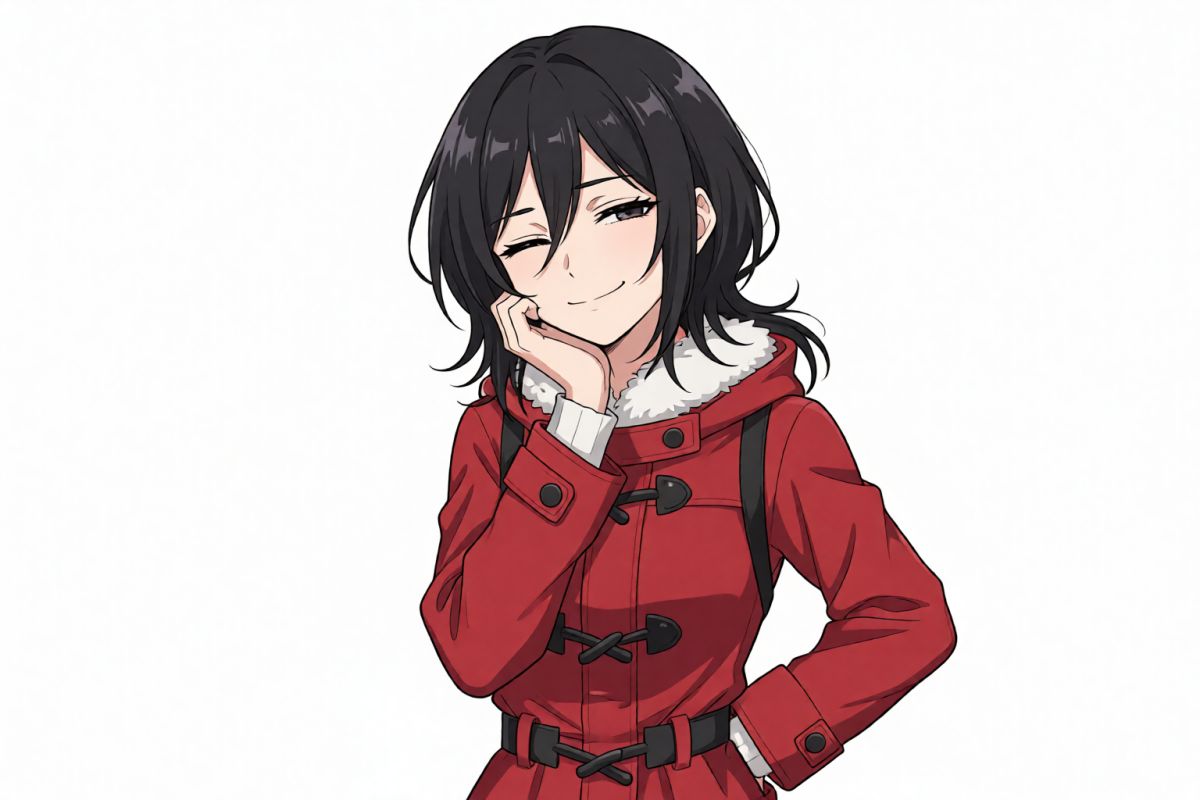
Export in HD with clean backgrounds or transparent PNG for easy compositing. Perfect for profile icons, banners, VTuber references, and merch mockups.

0708
Lock your OC’s identity and regenerate new outfits, poses, and scenes while keeping the same face and palette—great for episodic posts and manga panels.

0808
Bring your ideal anime character to life by customizing their appearance, hairstyle, outfit, personality, pose, expression, and story. Create a unique OC that matches your imagination and visual style.

Use a clear front-facing photo for reference (optional) or start from text. Example tags: “silver hair, tsundere, magical girl, sailor uniform, shy smile”.
Choose from moe, shoujo, shounen, fantasy, sci-fi mecha, school life, and more. Adjust hair/eye color, outfit, accessories, pose, and emotion.
Click “Generate” to get high-quality OC art in seconds. Regenerate variations, tweak details, add background or short lore, then download in HD.
01
Start with a visual style that matches your character idea.
Choose from Modern Anime, Realistic, Studio Ghibli, Stylized 3D, and other available styles to establish the overall look before generating your character.
02
Create more than standard human anime characters.
Select different character types such as humans, elves, aliens, insects, reptiles, amphibians, and other imaginative forms to build a more distinctive OC.
03
Create characters through guided controls or custom ideas.
Use Builder mode for structured character creation or switch to Prompt mode when you want to describe a more specific concept in your own words.
04
Shape the character’s core visual identity.
Adjust gender, age, hairstyle, hair color, skin tone, eye color, body type, and other appearance details to create a more intentional character design.
05
Add clothing and design details that support the character concept.
Choose an outfit and add extra features to reflect the OC’s role, personality, species, theme, or fantasy setting.
06
Give your OC a clear emotional direction.
Select an expression that helps communicate the character’s mood and personality, from cheerful and friendly to serious, mysterious, or confident.
07
Turn your settings into an anime character in a short workflow.
Set the main character details, select your preferred style, and generate an original character concept without manually drawing every design element.
An OC is a character you create yourself—distinct look, personality, and story—commonly used in anime, manga, VTubing, games, and fan communities.
No. Just describe your character (e.g., hair/eye color, outfit, traits), pick a style, and the AI generates illustration-level results automatically.
Yes. Use Consistent Character Mode to preserve facial identity, palette, and key features while changing outfits, poses, and backgrounds.
Personal use is allowed by default. For commercial licenses (merch, covers, monetized videos), please review our terms and obtain the appropriate license.
Combine clear attributes and style tags: “silver hair, blue eyes, twin tails, sailor uniform, shy smile, soft lighting, shoujo style, full-body, standing pose”.
Yes. Enable background generation (school courtyard, festival night, cyber city, shrine path) and add 1-2 sentence lore for personality and motivation.
If using a reference photo, pick a clear, front-facing, well-lit image. Avoid heavy filters, masks, or extreme angles for the most accurate results.
We respect your privacy. You can opt to auto-delete generated images or remove them anytime from your account dashboard.
English and Japanese are fully supported for prompts and UI. Additional languages are planned.
Yes. Download PNG with transparent background for easy compositing into posters, banners, or thumbnails.
Type a prompt, pick a style, and watch your character come to life. Create moe, shoujo, shounen, fantasy, or sci-fi OCs in seconds.