Style*
Background
4tokens•~30s

Kingdom Hearts OC maker

Generate character portraits, full-body art, and cinematic scenes for a traveler shaped by dreamlike doors, divided worlds, and a personal reason to cross between them. This Kingdom Hearts character creator turns your visual direction into images without requiring drawing skills.

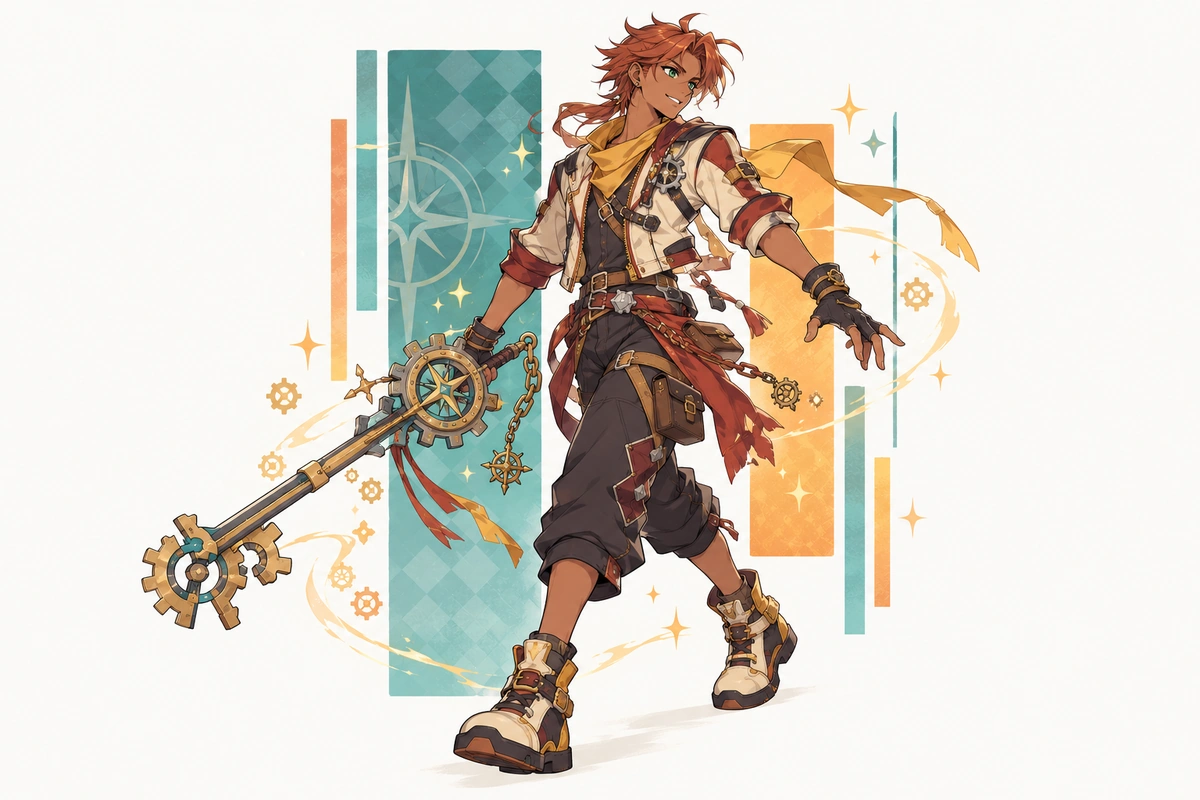
Copper-haired original character in a gear-accented outfit, shown in a wide fantasy scene

Three Ways to Cross a Dream-Touched Threshold

See how a doorway mechanic, memory ferryman, and glass-garden sentinel create different silhouettes, motion, moods, and visual stakes.

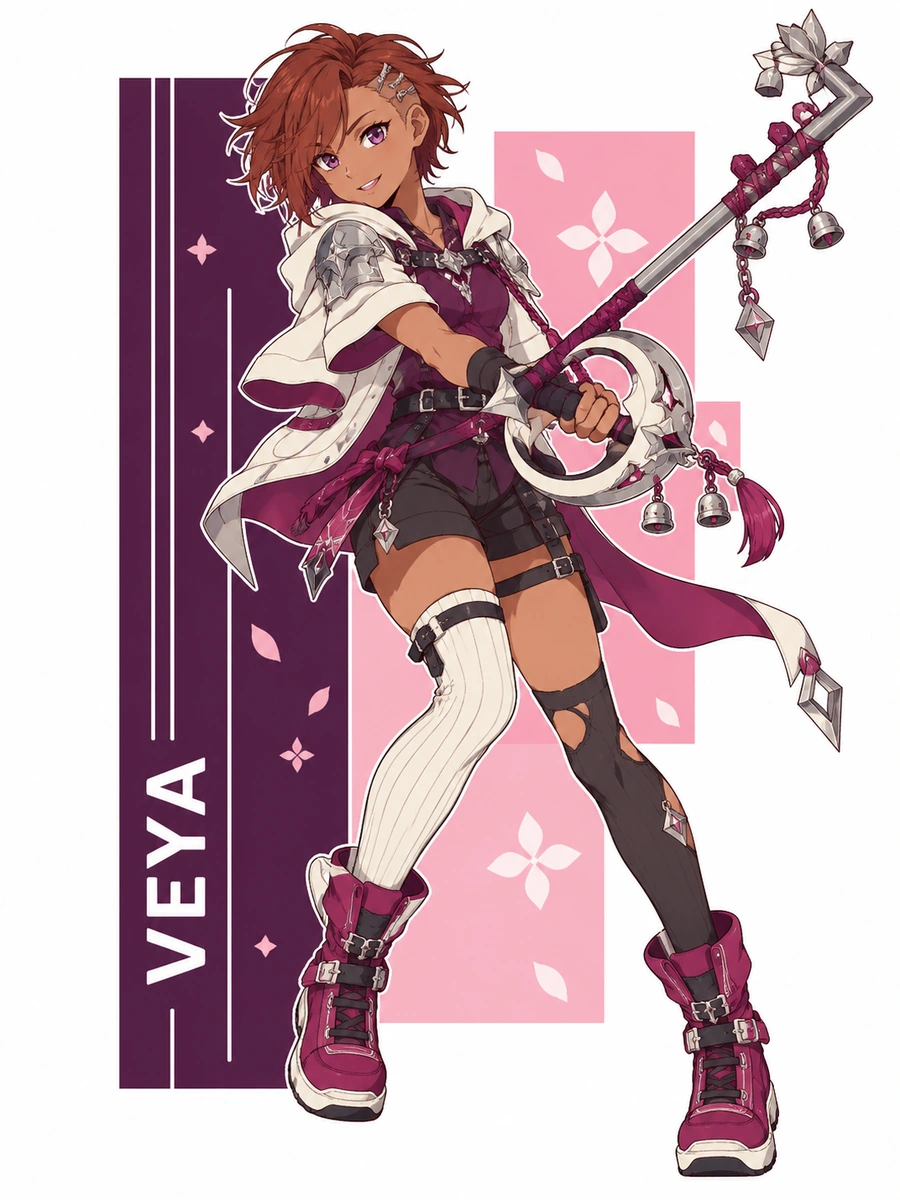
  • Auburn-haired original character in a plum mantle with a crescent-themed keyblade01

    Doorway Mechanic

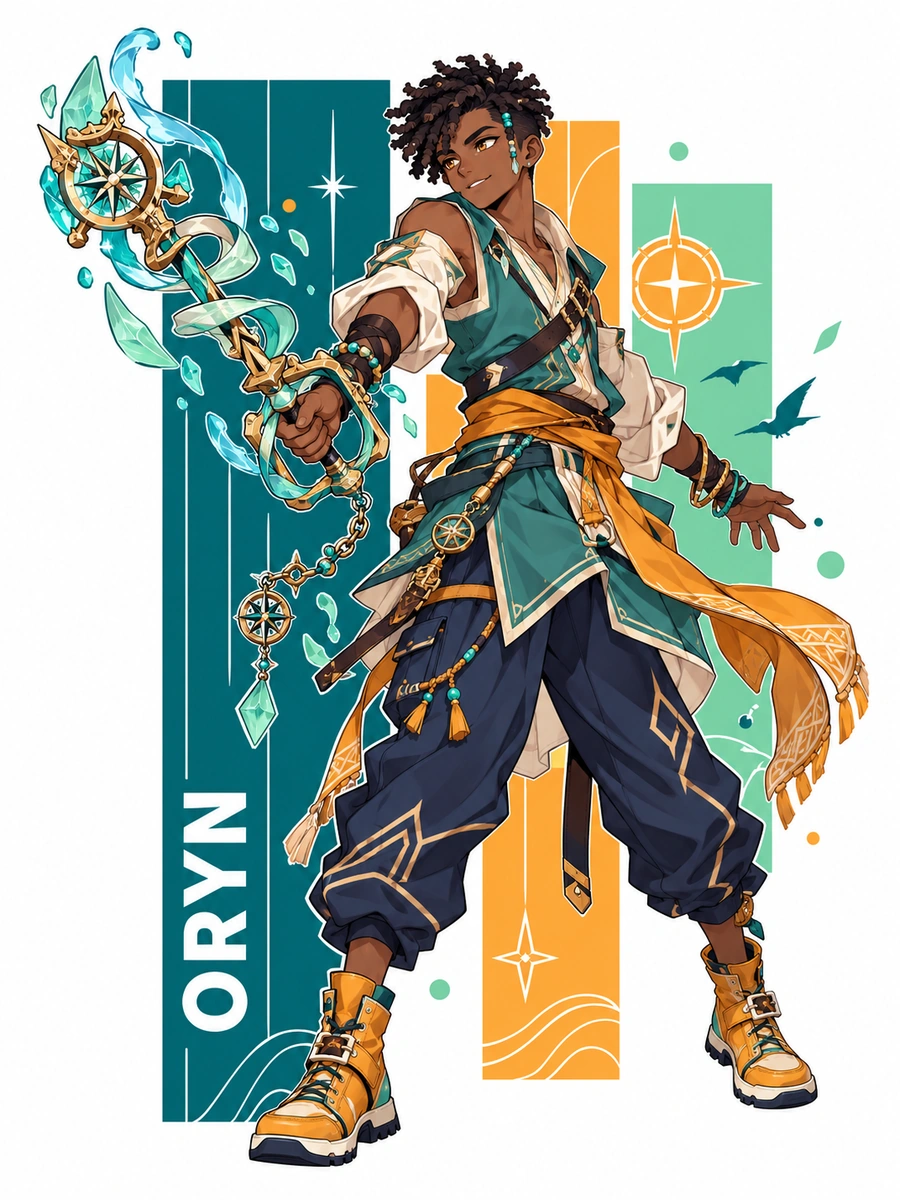
  • Dark-skinned original character in a teal tunic with a wave-themed keyblade02

    Memory Ferryman

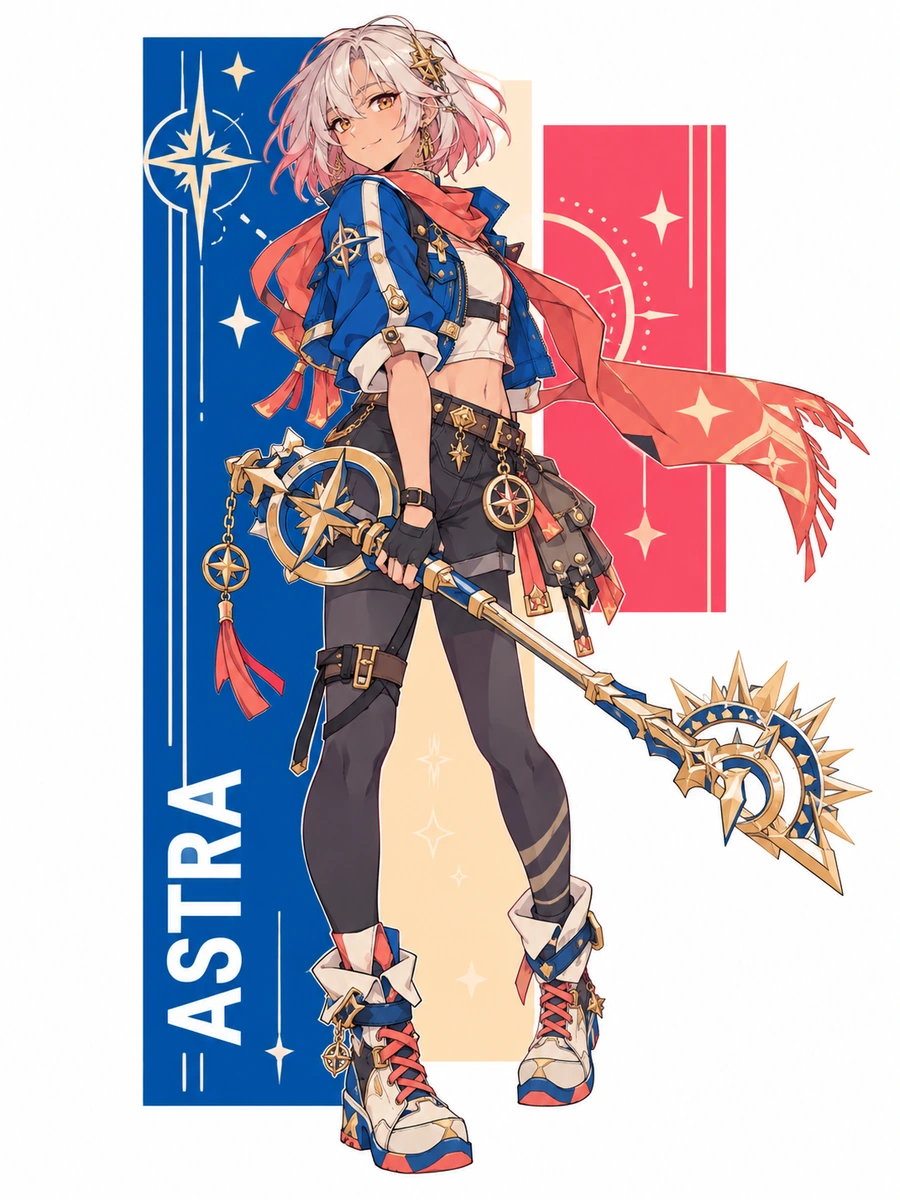
  • Silver-pink-haired original character carrying a compass-themed keyblade03

    Glass-Garden Sentinel

How to Create a Kingdom Hearts Character Image

Connect the traveler’s purpose to a visible role, tool, threshold, and emotional atmosphere

  1. Name the Crossing Problem

    Decide what the doorway prevents or enables, who needs to cross it, and what visual consequence appears if the passage fails.

  2. Translate Purpose Into the Frame

    Describe the traveler’s build, layered materials, non-sword tool, action, camera distance, portal geometry, destination color, and weather.

  3. Inspect the Fantasy Language

    Generate the image, then check hands, tool shape, door edges, symbols, resemblance, and scene clarity. Replace borrowed-looking cues before another pass.

Shape a Door-Crossing Hero Through Visible Choices

Turn a world-travel role into character art where every tool, material, gesture, and threshold supports the same visual idea.

0104

Give Every Door a Purpose

Build a portrait around why the traveler opens sealed passages: rescue, repair, mapping, message delivery, or escape. Set the character’s stance, portal shape, surrounding debris, and destination light, then use the OC maker to produce an image whose threshold reveals both occupation and immediate visual stakes.
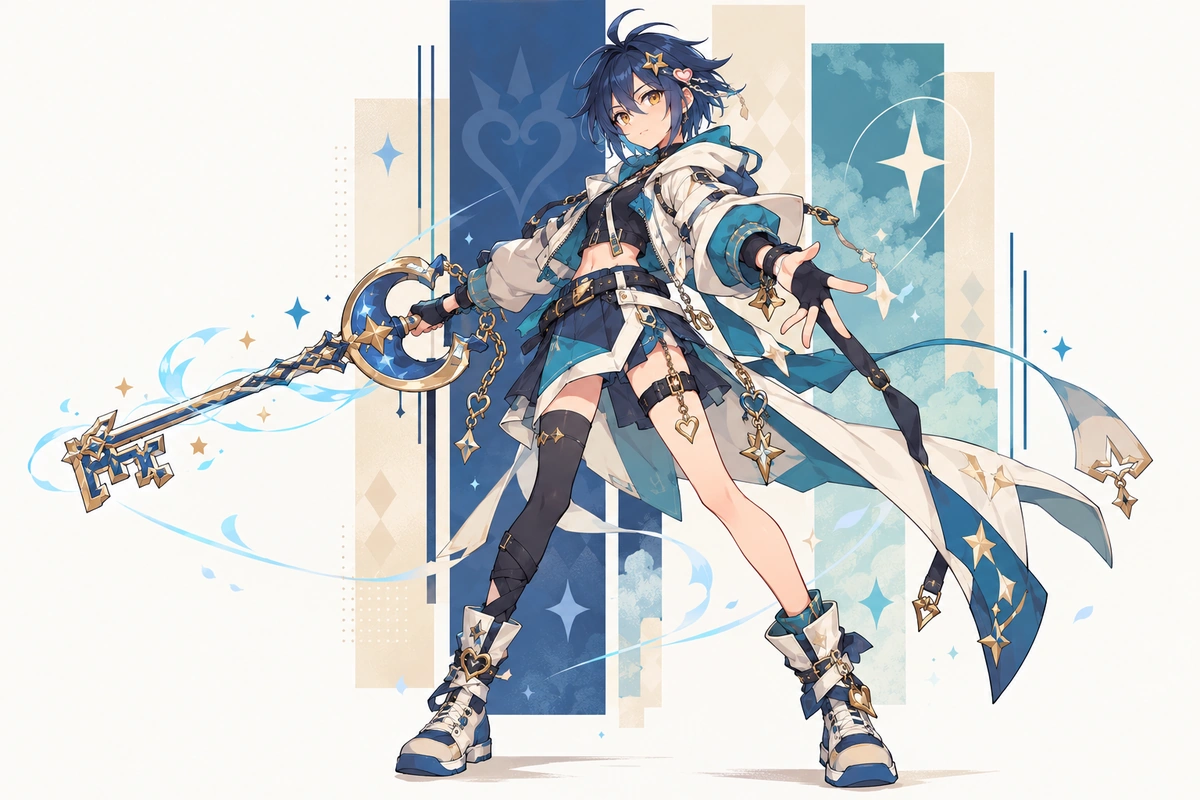
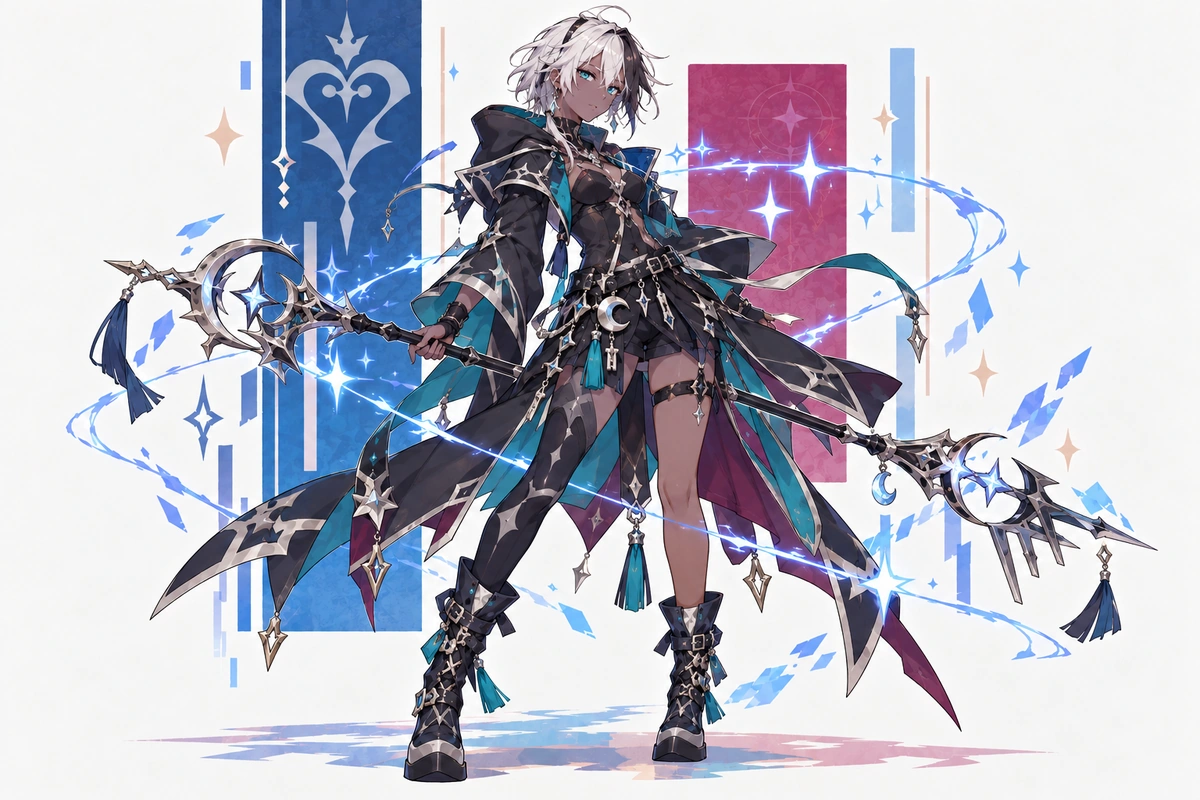
Midnight-blue-haired original character wielding a keyblade in a wide fantasy scene

0204

Invent a Non-Sword Travel Tool

Replace the familiar key-shaped weapon idea with a device built for the role: a compass staff, hinge tuner, ribbon reel, prism lantern, or folding astrolabe. Control its materials, grip, scale, wear, and light response so the Kingdom Hearts OC creator generates a useful prop that changes the pose without echoing a known weapon silhouette.

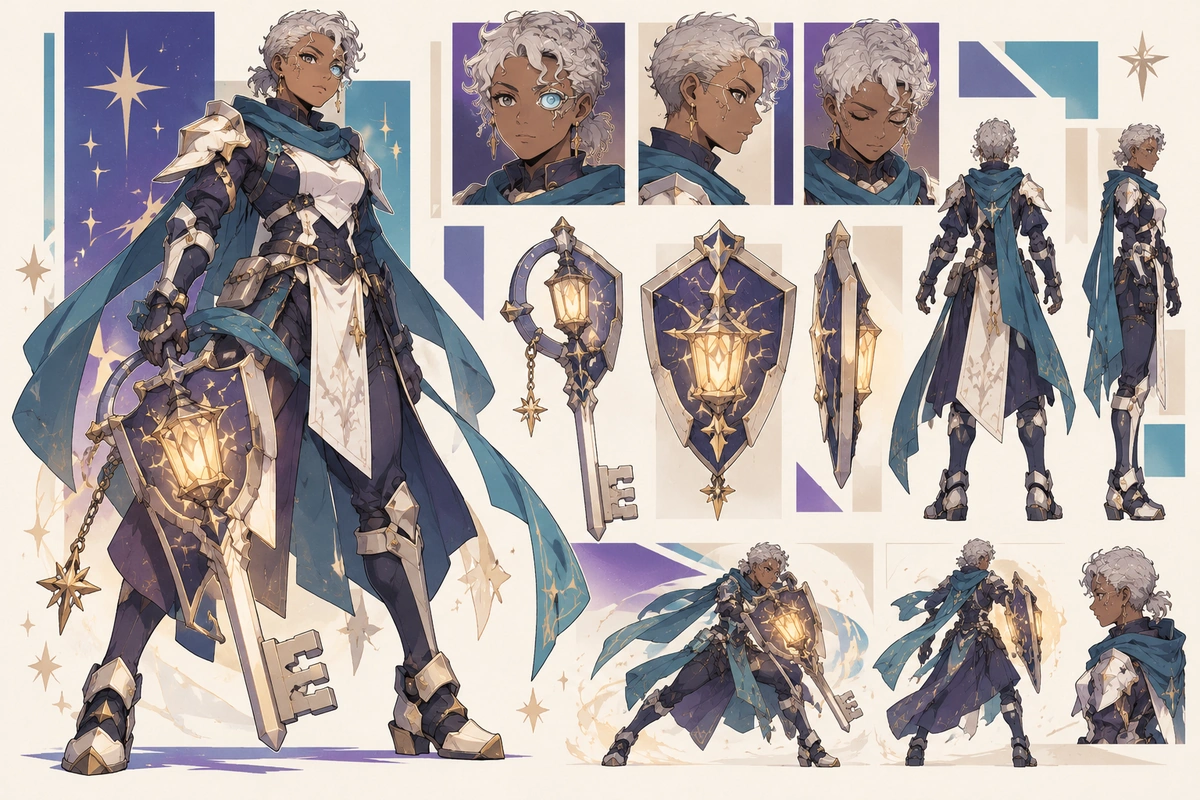
Silver-haired original character shown in a wide lantern-and-shield guardian turnaround

0304

Visualize Memory as Weather

Turn an emotional memory into a visible condition rather than a franchise symbol: paper rain for regret, warm mist for reassurance, drifting glass pollen for forgotten names, or reversed shadows for doubt. Direct expression, body angle, lens distance, and atmosphere to create an illustration suited to a character reveal or turning-point scene.

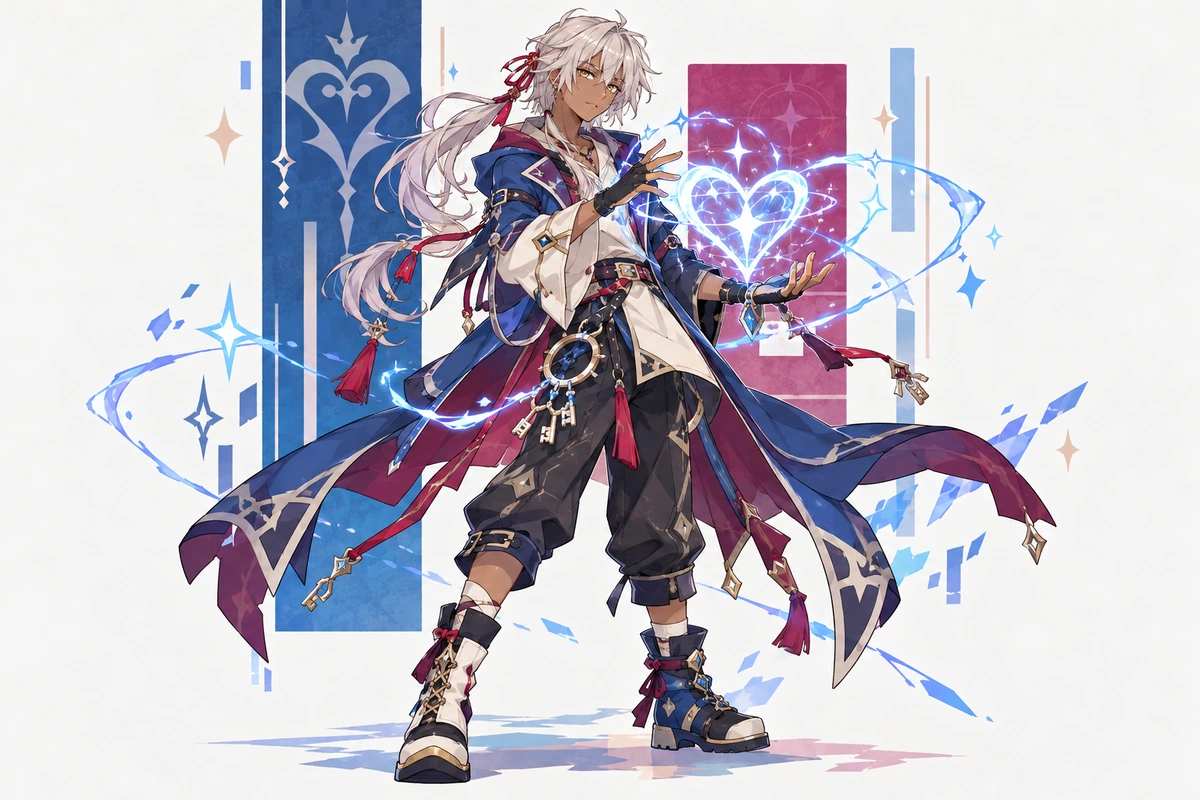
Silver-haired heart mage original character casting light in a wide scene

0404

Stage Meetings Between Worlds

Place two travelers at a temporary crossing and make their relationship visible through spacing, eye lines, contrasting gear, and light from each side of the doorway. The AI anime generator supports stylized encounter art for profile banners, roleplay references, or scene planning without reproducing a familiar cast or location.

Two original keyblade warriors in twilight cloaks shown together in a wide scene

Why Use This Kingdom Hearts Character Creator

Develop portal-fantasy character images with stronger silhouettes, clearer atmosphere, and more intentional scene composition.

  • 01

    Create Material Contrast

    Create tactile combinations of weathered cloth, ceramic armor, translucent glass, braided cord, and aged metal.

  • 02

    Generate Expressive Movement

    Generate leaps, cautious approaches, mid-repair poses, and wind-driven gestures that fit travel between unstable places.

  • 03

    Maintain Portal Logic

    Maintain a consistent geometry and light behavior for the same threshold concept across related character images.

  • 04

    Produce Dreamlike Depth

    Produce layered cloud roads, folded interiors, distant doorways, and floating ruins with clear foreground separation.

  • 05

    Get Mood Variations

    Get hopeful dawn, uneasy violet dusk, rain-muted grief, or warm reunion light without changing the core design.

  • 06

    Create Cleaner Silhouettes

    Create a readable outline through capes, satchels, tools, and posture while excluding franchise-coded shapes and marks.

Frequently Asked Questions

Questions About Building a Door-Crossing OC

How can I create a Kingdom Hearts character without copying the familiar heroes?

Change the whole visual system, not just the colors. Start from a different occupation, body silhouette, travel problem, clothing construction, and tool category. Exclude signature hairstyles, black coat shapes, checkered outfits, branded accessories, and famous weapon profiles, then use an unfamiliar environment and camera angle.

What can replace a Keyblade in my traveler’s design?

Use an object that solves the character’s specific crossing problem: a hinge tuner for broken portals, ribbon reel for marking safe routes, glass barometer for memory storms, folding astrolabe for orientation, or prism lantern for revealing false exits. Avoid key teeth, long sword proportions, ornate guards, and weapon-like poses.

How do I make a magical door look important in one image?

Show cause and consequence around it. Tilt nearby architecture, pull loose fabric toward the opening, cast destination light across the traveler, and place one object halfway through. A plain glowing rectangle often feels generic; distinctive hinge construction, surface material, depth, and environmental reaction make the threshold carry the scene.

Why does my OC keep getting crowns, hearts, or checkered clothing?

Those cues are strongly associated with the source material, so remove them explicitly rather than asking only for a different style. Replace crown and heart motifs with asymmetrical knots, tide lines, mineral fractures, or botanical patterns. Specify plain hems, non-checkered panels, and an unrelated color rhythm across the outfit.

Can the image show a transformed dream-world version of the same traveler?

Yes, describe which features must remain visible and which should respond to the new world. Keep the face shape, build, and core material palette, then change gravity, garment movement, surface texture, tool function, and lighting. If the result drifts too far, reduce the transformation to one body feature and one environmental rule.

What should I check before sharing door-fantasy fan character art?

Review OCMaker AI’s current terms, your rights to any inputs, the generated output, and the rules for your intended use. Remove official character or actor likenesses, Keyblade silhouettes, crown or heart emblems, copied outfits and hairstyles, Disney characters, named locations, and other recognizable franchise assets.

What if the portal tool or doorway comes out malformed?

Simplify the geometry before adding decoration. Describe one tool with a single handle and a clear working end, or one doorway with a visible frame, opening, and destination plane. Request an unobstructed hand position and a three-quarter view. If details fuse together, remove floating ornaments and widen the space between the character and portal.

Open a Door Only Your Traveler Could Find

Create your own Kingdom Hearts character as a generated image built around a personal crossing role, an unexpected travel tool, and a world-changing threshold.

Kingdom Hearts OC Maker: Generate Kingdom Hearts Characters