0104
Story Consistency
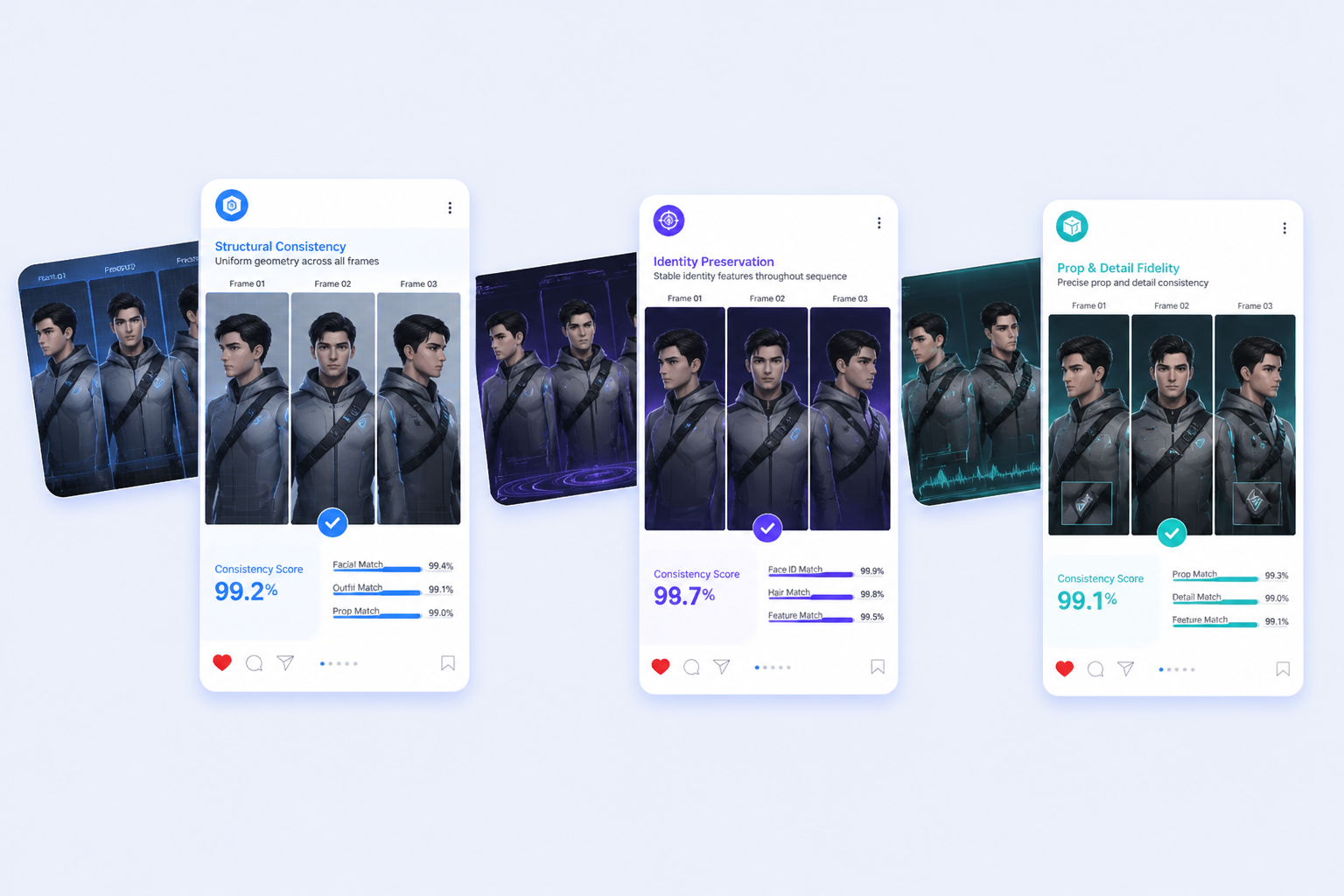
Nano Banana 2 can hold up to five recurring characters and as many as 14 objects together more reliably, which makes storyboard sequences, mascot campaigns, and repeat-scene concepts far easier to iterate without visual drift.

Nano Banana 2 Image Generator
Explore Nano Banana 2 for fast image generation with stronger prompt control, subject consistency, 4K outputs, and Gemini-to-API workflow coverage.
Nano Banana 2 helps teams generate and revise images quickly while keeping better prompt control, subject consistency, and format flexibility from Gemini app testing to API-driven production.
0104
Nano Banana 2 can hold up to five recurring characters and as many as 14 objects together more reliably, which makes storyboard sequences, mascot campaigns, and repeat-scene concepts far easier to iterate without visual drift.
0204
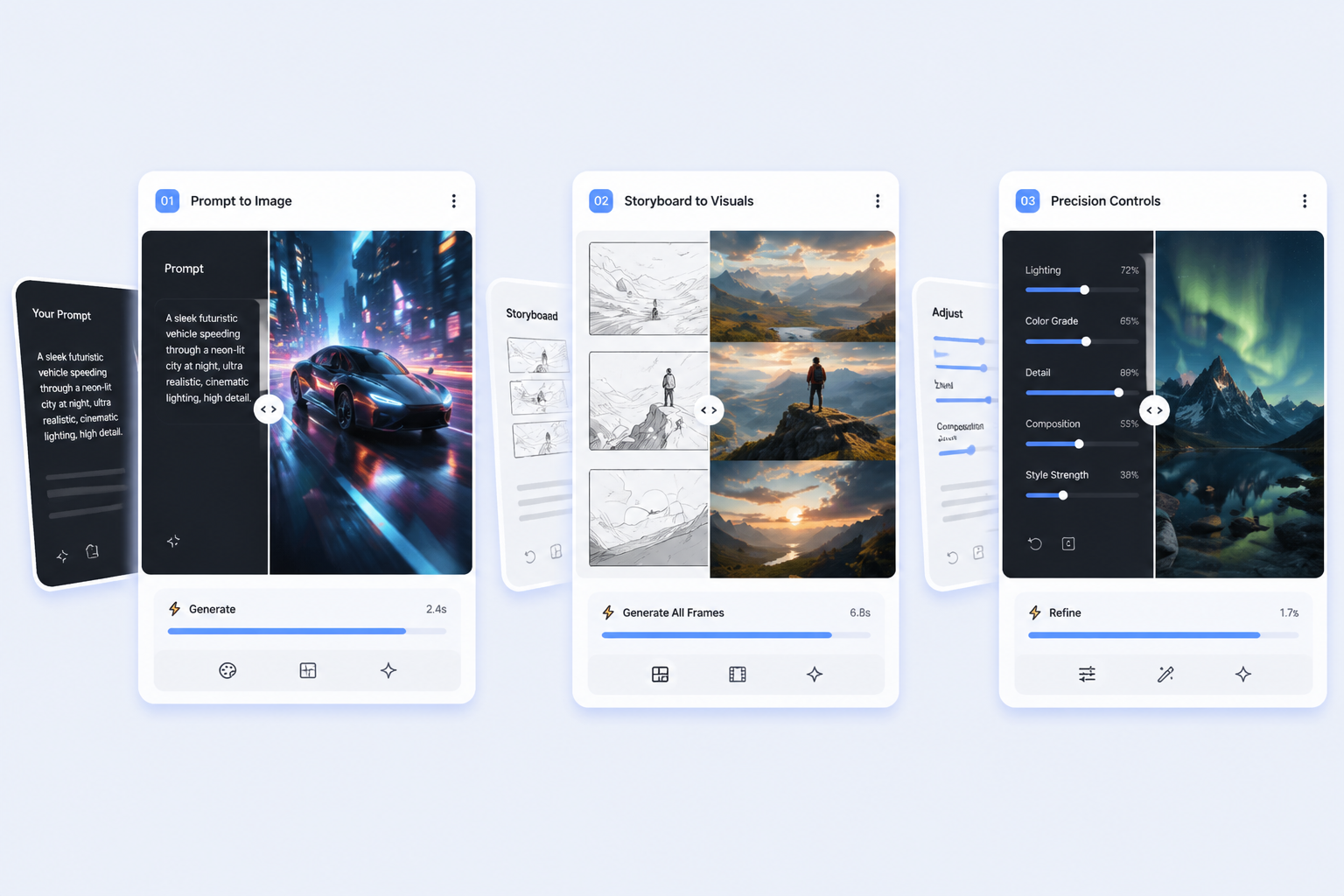
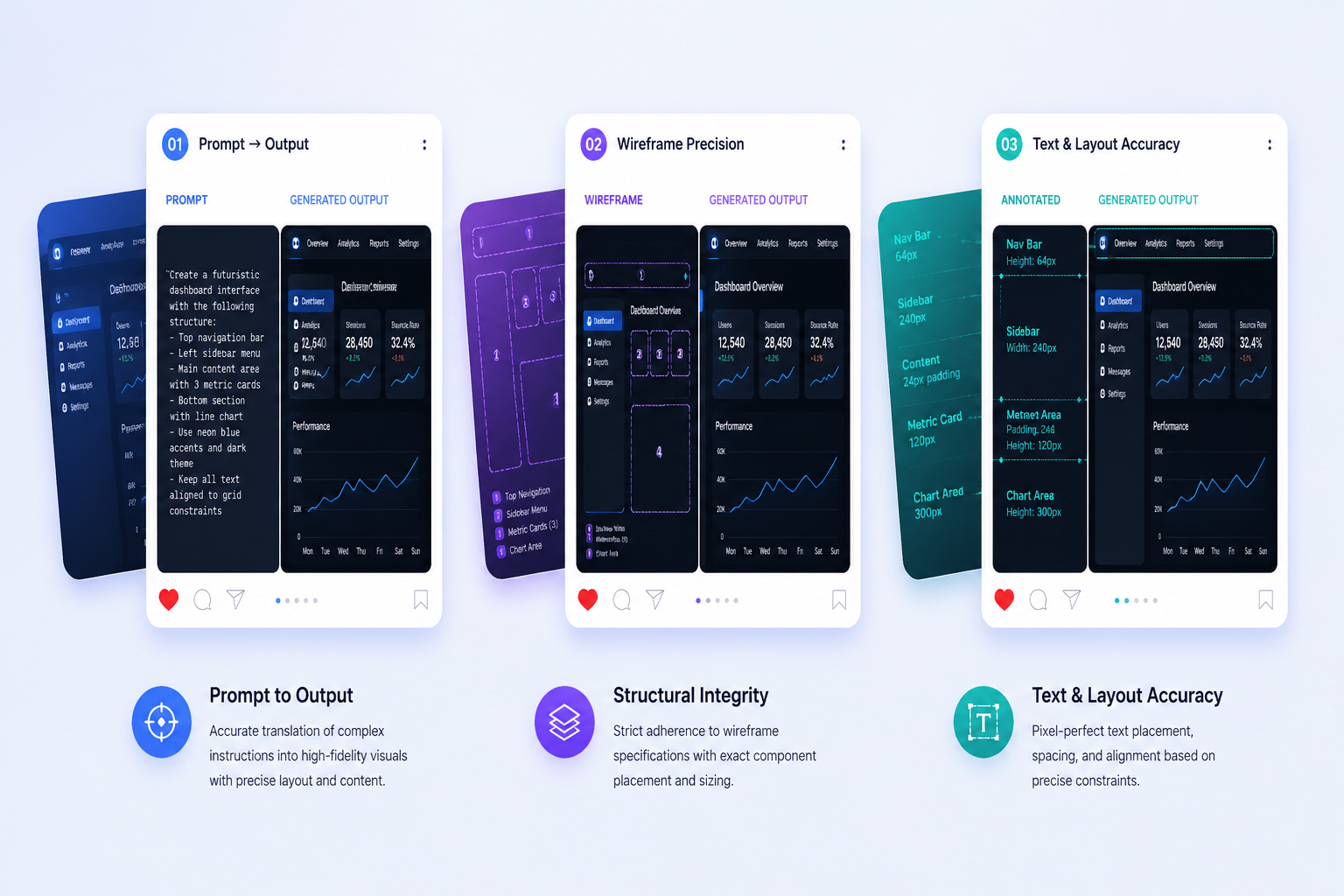
Google is pushing stricter instruction following and configurable thinking so complex image briefs behave more like guided edits. That matters when layout, text, composition, and output format all need to survive the revision loop together.
0304
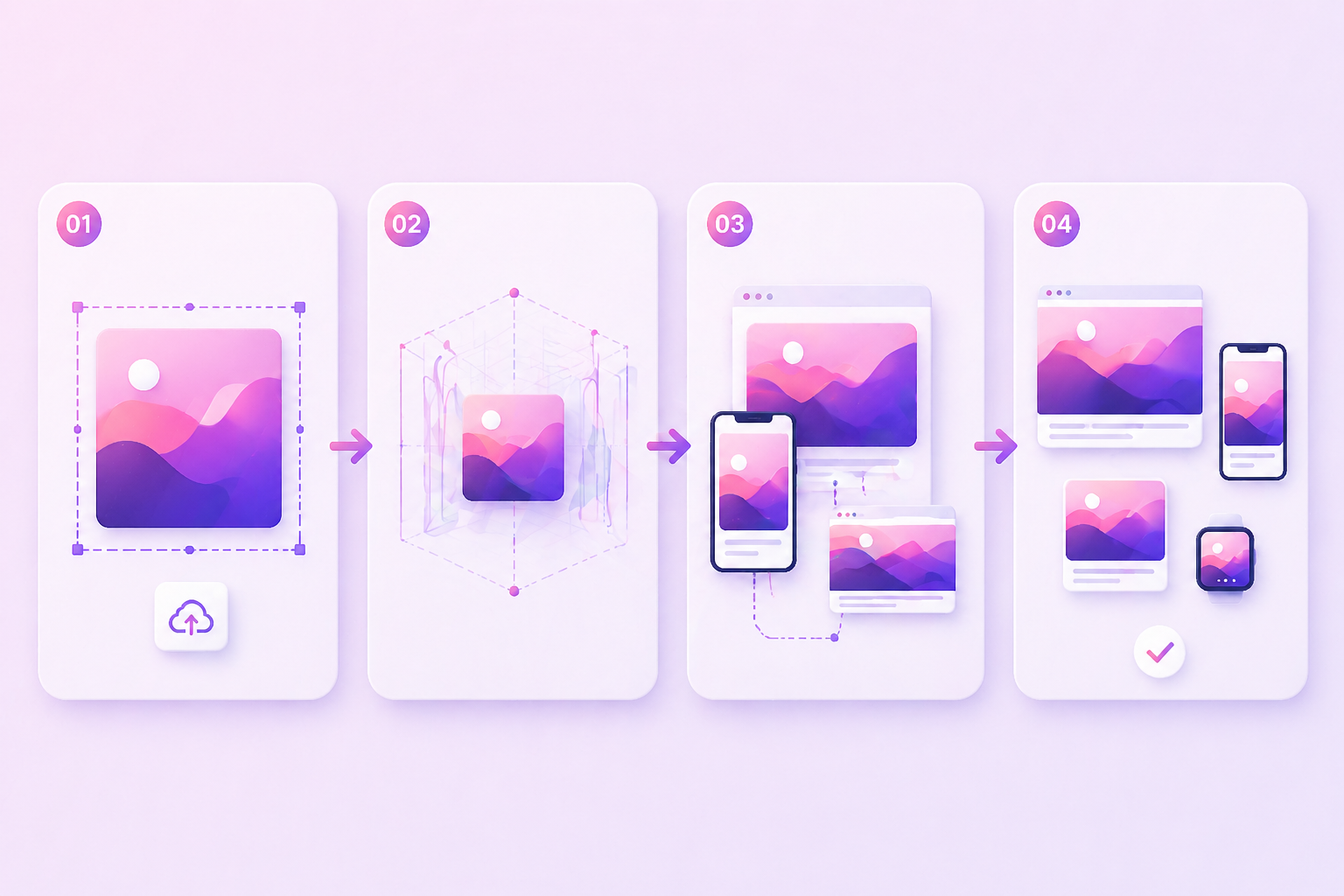
Support for 512px through 4K outputs plus broader native aspect ratios makes one concept easier to adapt into social crops, banner-like layouts, deck visuals, and larger campaign assets without rebuilding everything from scratch.
0404
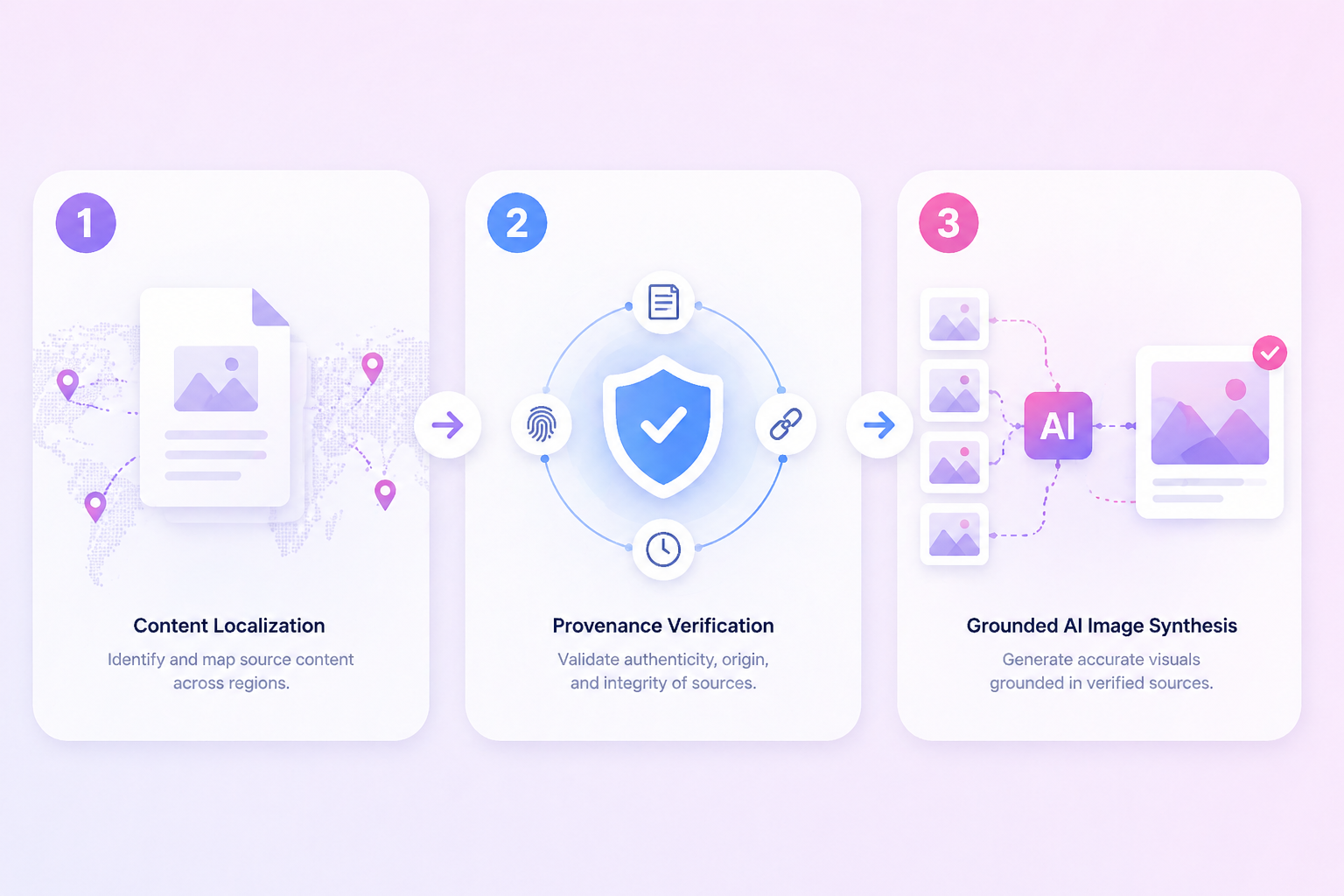
Search grounding, localization, and provenance make Nano Banana 2 more usable for commercial teams. The model is not just fast, it is better aligned with review, translation, and approval-heavy image workflows.
Practical workflow fit
Fast output matters because the model keeps more of your prompt structure intact while you revise.
Recurring characters, props, and layouts hold together better than in one-off-only image workflows.
Google emphasizes cleaner text rendering and in-image localization for ads, graphics, and explainers.
You can start in Gemini app, then move the same use case into AI Studio, API, or Vertex AI.
AI Mode quotas affect how casually or heavily you can rely on the tool each day.
Nano Banana Pro remains the safer pick for slower, higher-stakes image work where mistakes cost more.
A simple 3-step workflow
Define composition, readable text, subject relationships, and output size before you add style language.
Use the speed advantage to compare close prompt versions instead of chasing one perfect first render.
Check small objects, text edges, and crowded scenes before treating the image as ready for external use.
What people usually want to know about Nano Banana 2
Nano Banana 2 is best for fast image generation tasks where you still need useful control, such as ad concepts, storyboard frames, localized creative, infographics, and repeatable visual drafts. It is more interesting as a workflow tool than as a novelty image generator.
Nano Banana 2 is positioned as the faster, more iteration-friendly option, while Nano Banana Pro is still the better fit when maximum factual accuracy, slower deliberate reasoning, or higher-stakes visual precision matter more than turnaround speed.
Google says Nano Banana 2 can preserve resemblance for up to five characters and fidelity for up to 14 objects in a workflow. That makes it promising for recurring scenes, but teams should still check brand-sensitive details and faces before publishing.
Yes, Google says the model supports output settings from 512px through 4K. The practical value is not just higher resolution, but easier movement from rough concept work into larger-format assets across multiple aspect ratios.
Google says Nano Banana 2 is available across Gemini app, Search AI Mode, AI Studio, the Gemini API, Vertex AI, Flow, and Google Ads. The right starting point depends on whether you are casually exploring, building repeatable prompts, or integrating generation into a production pipeline.
Yes. Google documents daily AI Mode limits based on plan tiers, from 20 images in 24 hours with no plan to 1000 with Google AI Ultra. Those limits matter if you are deciding whether AI Mode is enough or whether an API workflow makes more sense.
The biggest practical limitations are still fine-detail drift, crowded-scene edits, small-object distortion, and the need for human review when accuracy matters. Speed helps, but it does not remove the need for QA in commercial work.
They matter when AI-generated images move through approvals. Provenance gives teams more context about how content was created, which helps with client review, legal checks, and brand safety rather than leaving everything to guesswork.
Nano Banana 2 is strongest when you need speed with decent control, but small details, brand-sensitive imagery, and crowded edits still deserve a human pass or a slower Pro workflow.