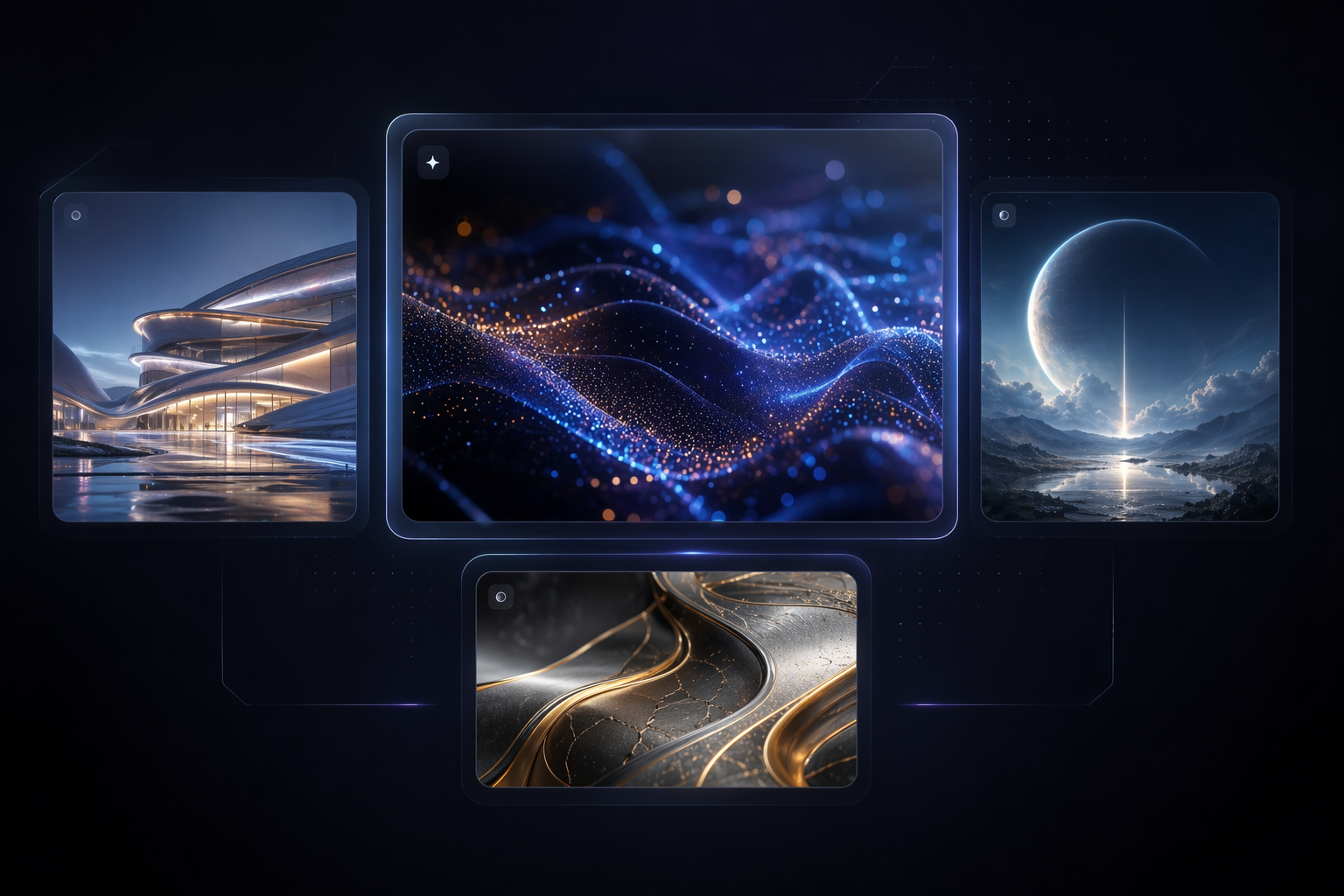
0104
Editing-First Control
Wan 2.7 Image is more useful than a generic generator when you need to revise approved assets, preserve subjects, and move between concept work and controlled edits without switching tools.
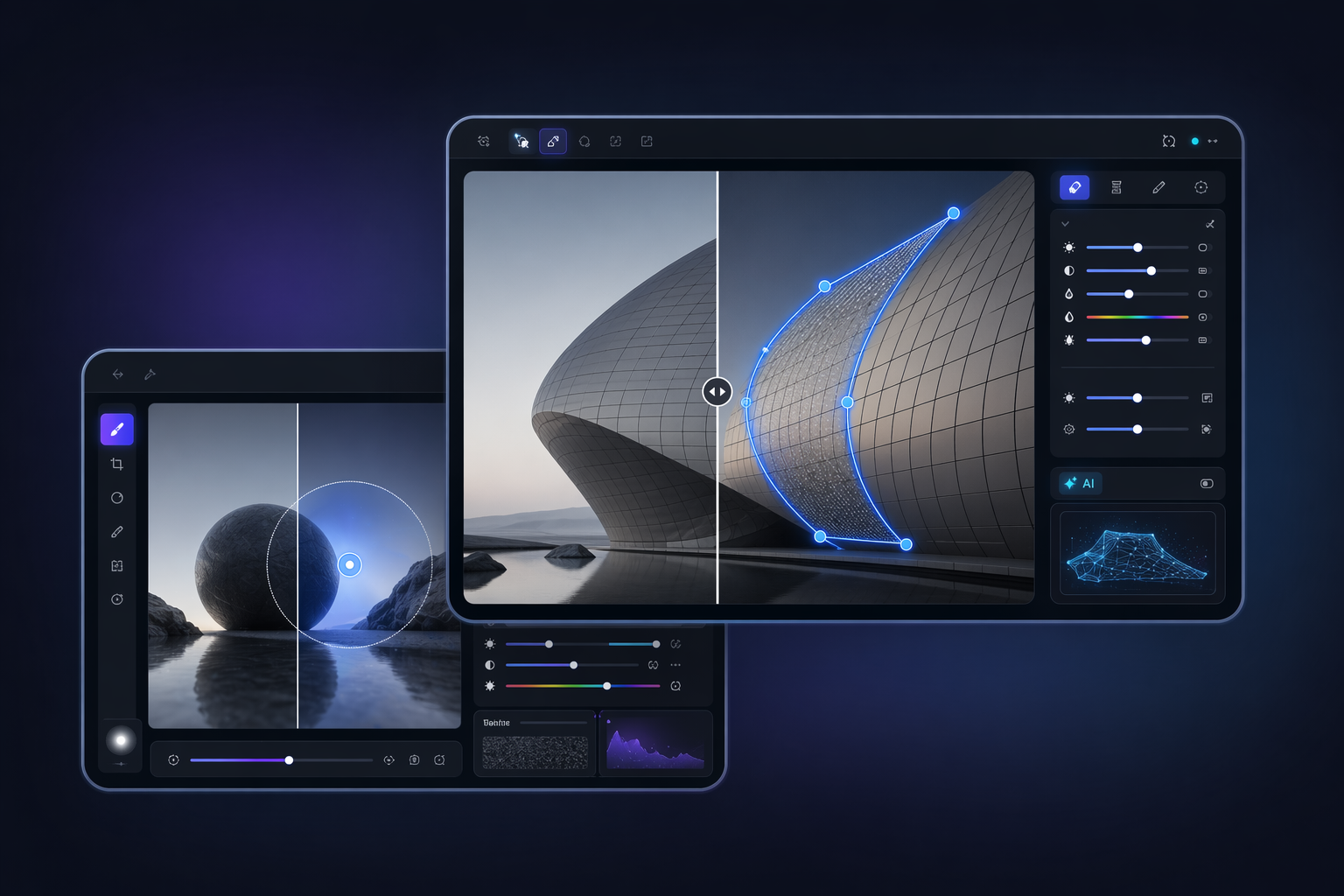

Wan 2.7 Image AI Image Generator
Explore Wan 2.7 Image for multi-image editing, local control, subject preservation, and production-ready AI image workflows.
Use Wan 2.7 Image to handle multi-image editing, region-based changes, subject preservation, and production-ready visual workflows without rebuilding every asset from scratch.
0104
Wan 2.7 Image is more useful than a generic generator when you need to revise approved assets, preserve subjects, and move between concept work and controlled edits without switching tools.
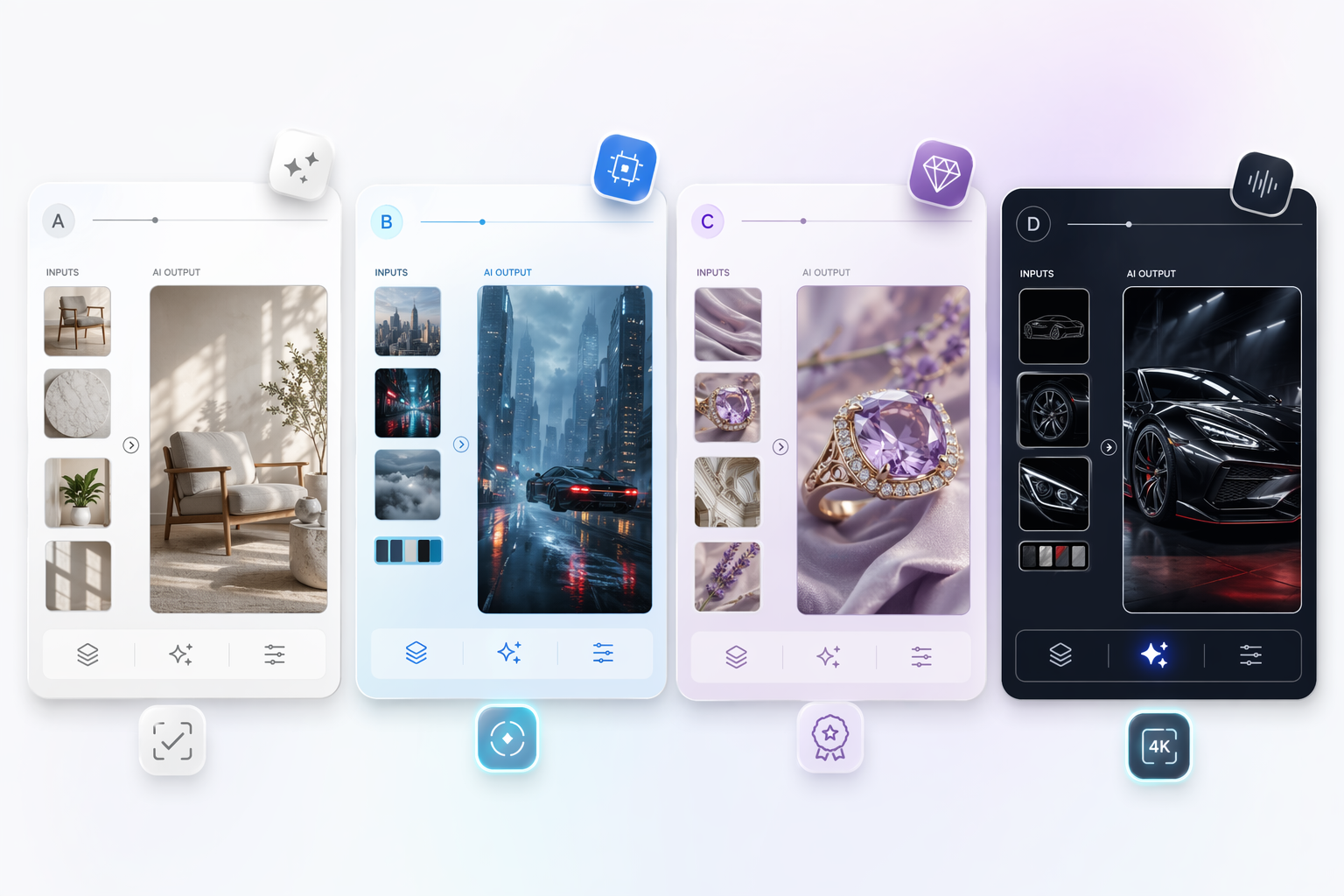
0204
Support for up to nine image inputs makes compositing, style transfer, and coordinated asset building much easier when one prompt or one reference image cannot carry the whole job.
0304
Box-based editing helps teams replace or correct only the region that changed, which reduces the risk of damaging background logic, composition, or subject identity elsewhere in the frame.
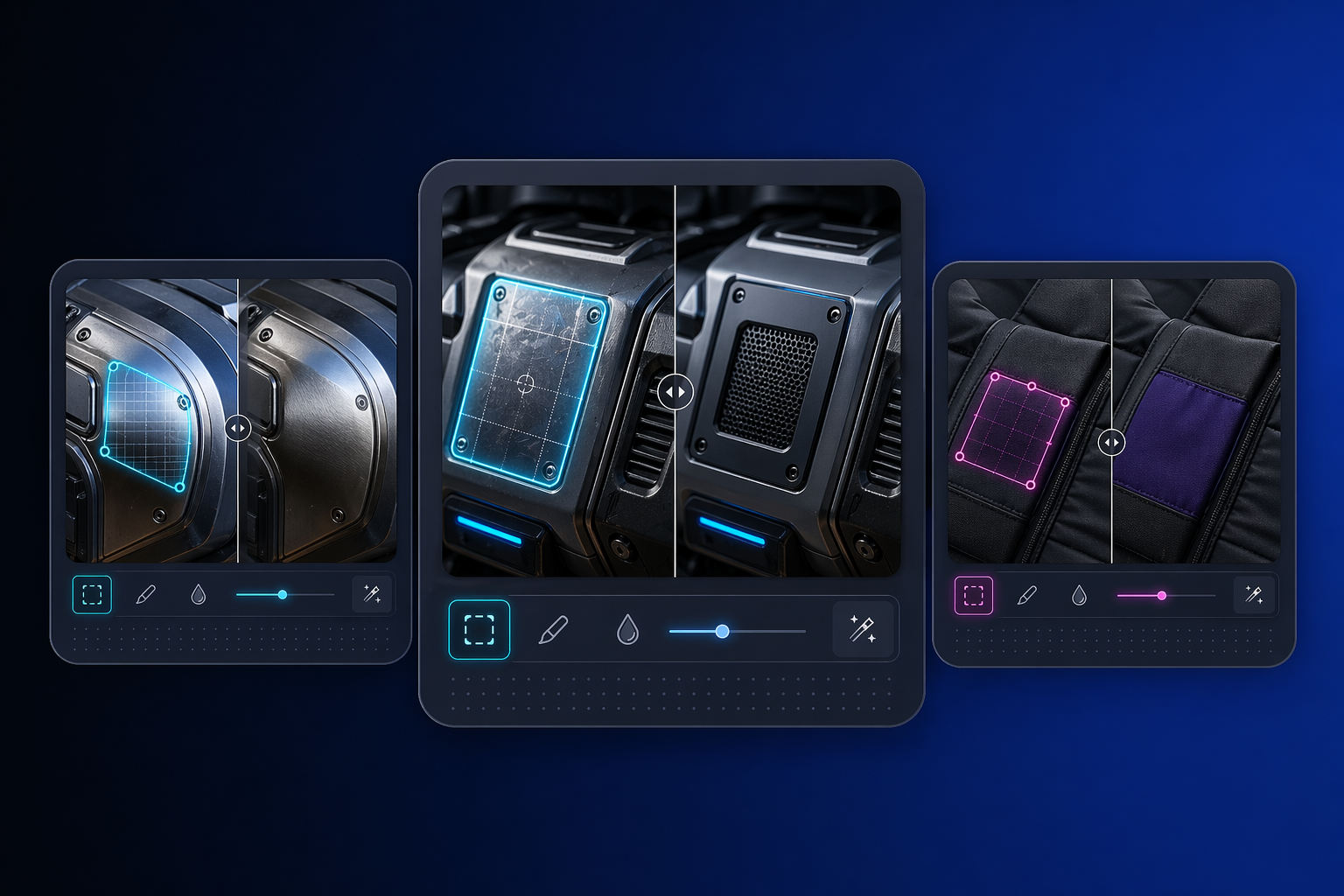
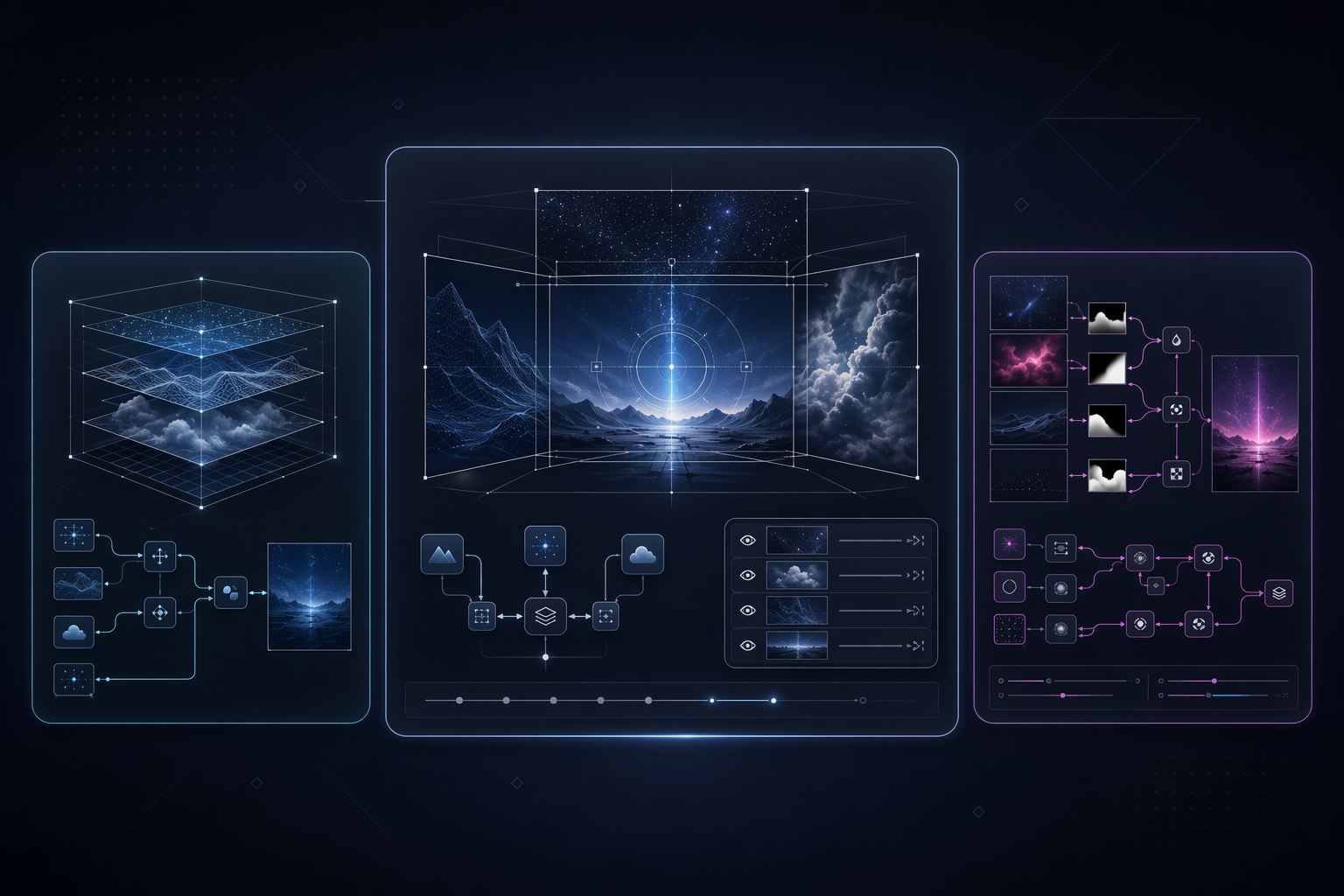
0404
Subject preservation, segmentation, detection, multi-panel output, and high resolution generation let one model cover more of the commercial image pipeline with fewer handoff breaks.
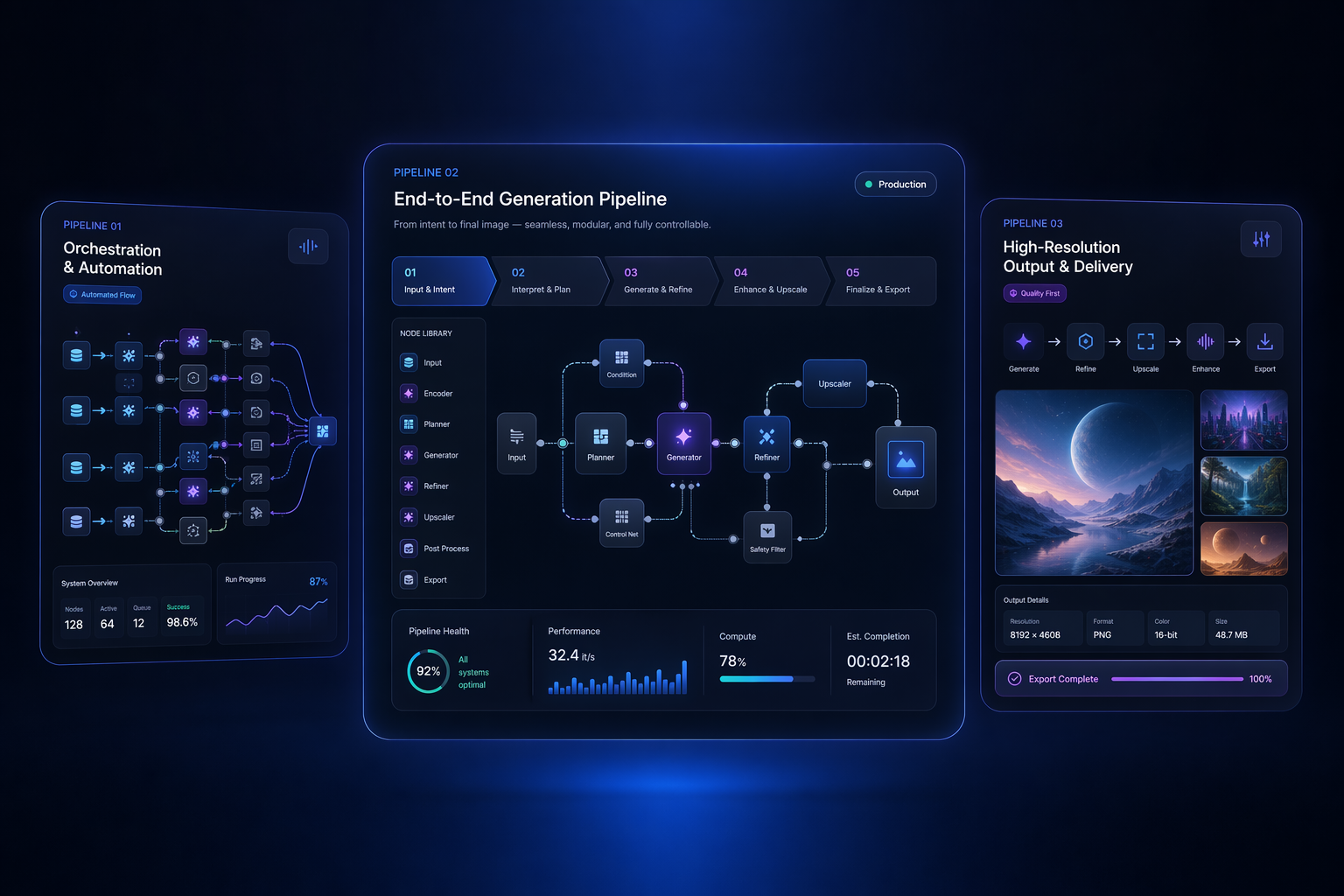
Workflow fit by team
Create cleaner product variants, background swaps, and catalog updates without rebuilding every visual from zero.
Revise approved layouts, test alternates, and keep strong compositions intact while changing only what matters.
Handle scene cleanup, replacement work, and post-production style changes with more control than a full-image rewrite.
Build storyboards, campaign series, and repeatable visual sets with fewer style mismatches between assets.
Use URL, Base64, or local file inputs with sync or async API options for embedded editing workflows.
Choose one model for multiple visual tasks when consistency, revision speed, and production flow matter most.
Pick the right workflow before you generate
Use text-only generation for new concepts, image-guided editing for controlled revisions, and multi-image input when several references each supply part of the answer.
Before running the job, define which subject details, layout elements, or scene regions must remain consistent so you know whether local editing is safer than whole-image rewriting.
Test composition, prompt logic, and reference alignment first, then move up to higher resolution outputs once the edit direction is already working.
Example directions creative and product teams may want to explore with Wan 2.7 Image.
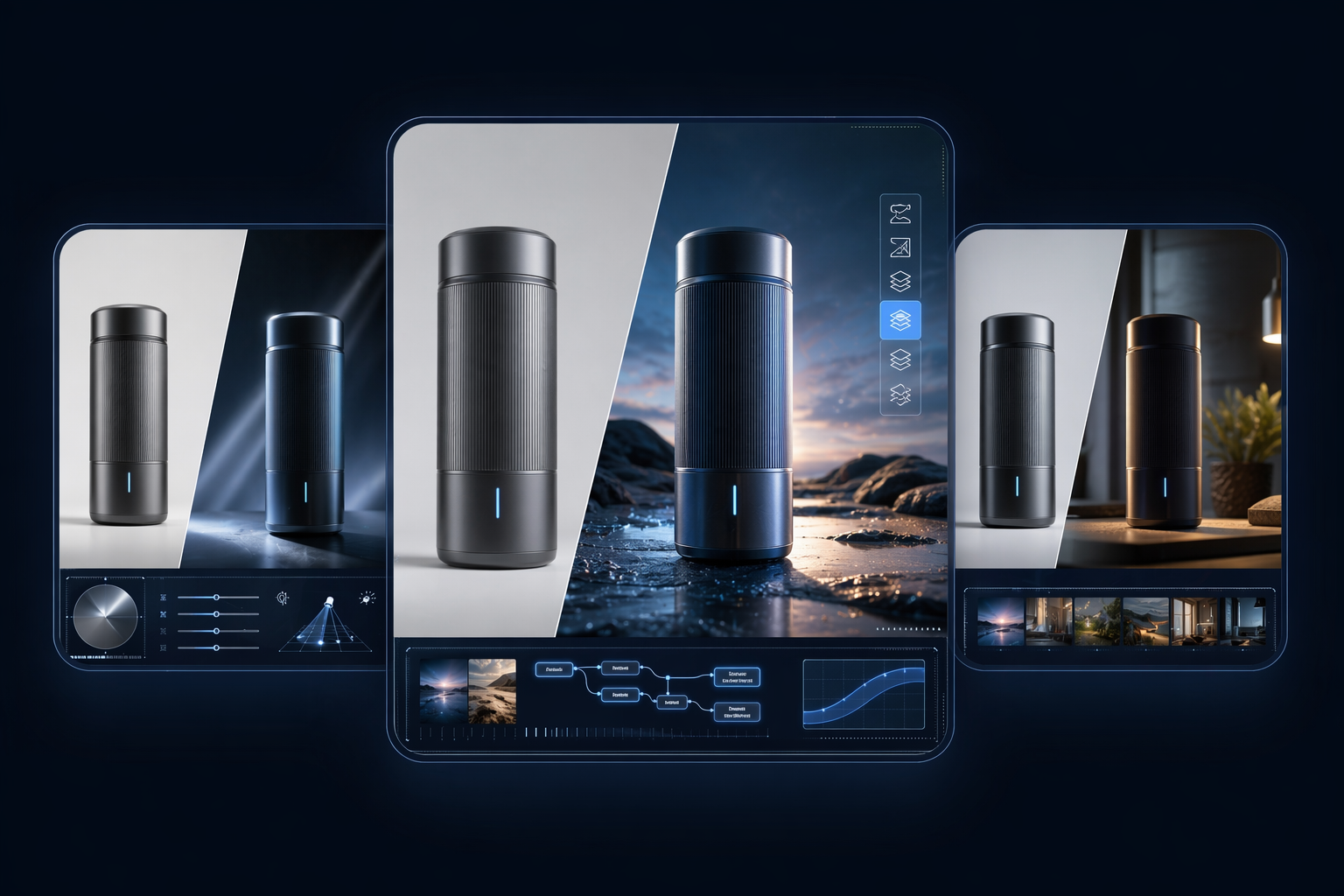 01
01Commercial compositing
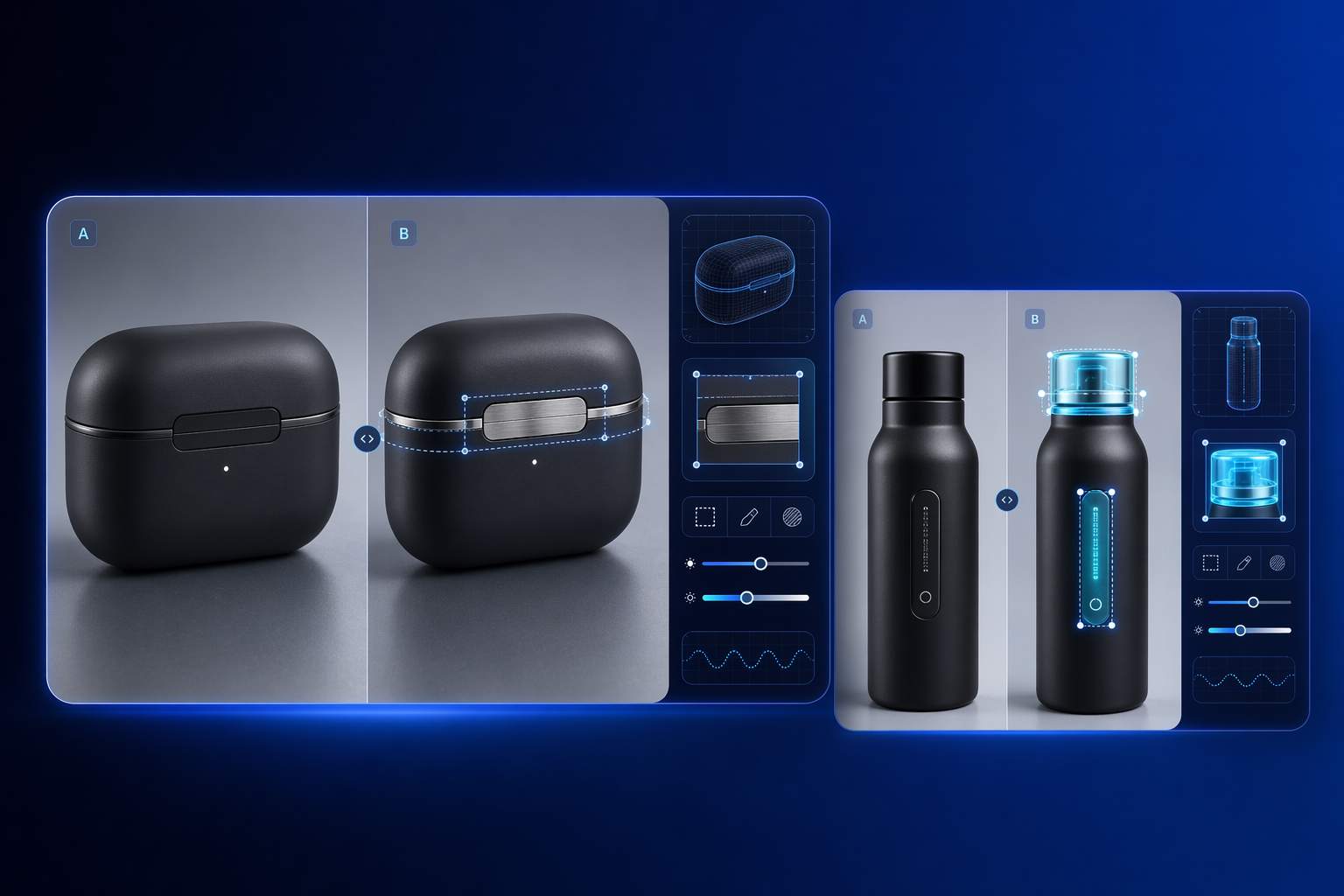 02
02Selective product edits
 03
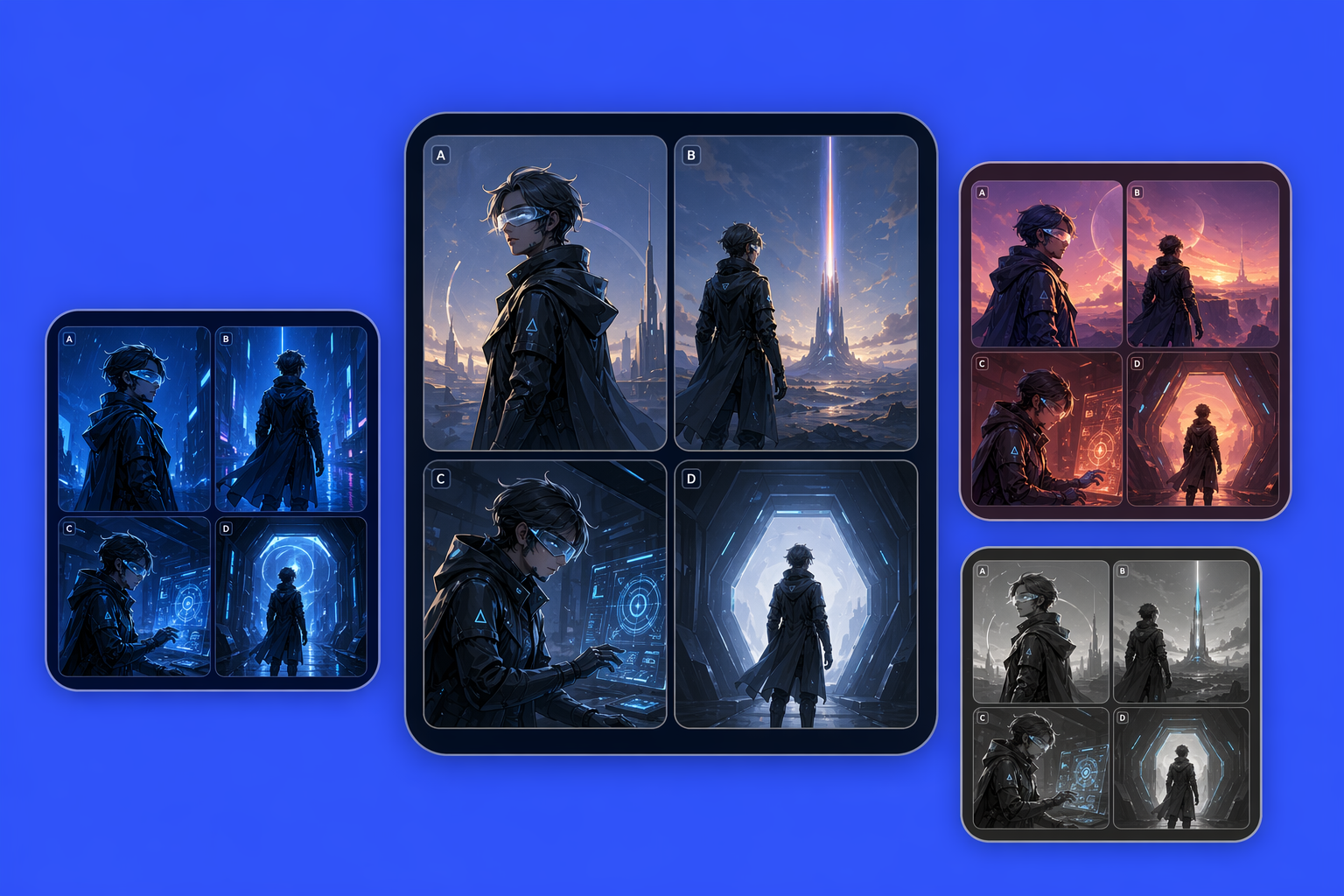
03Storyboard consistency
 04
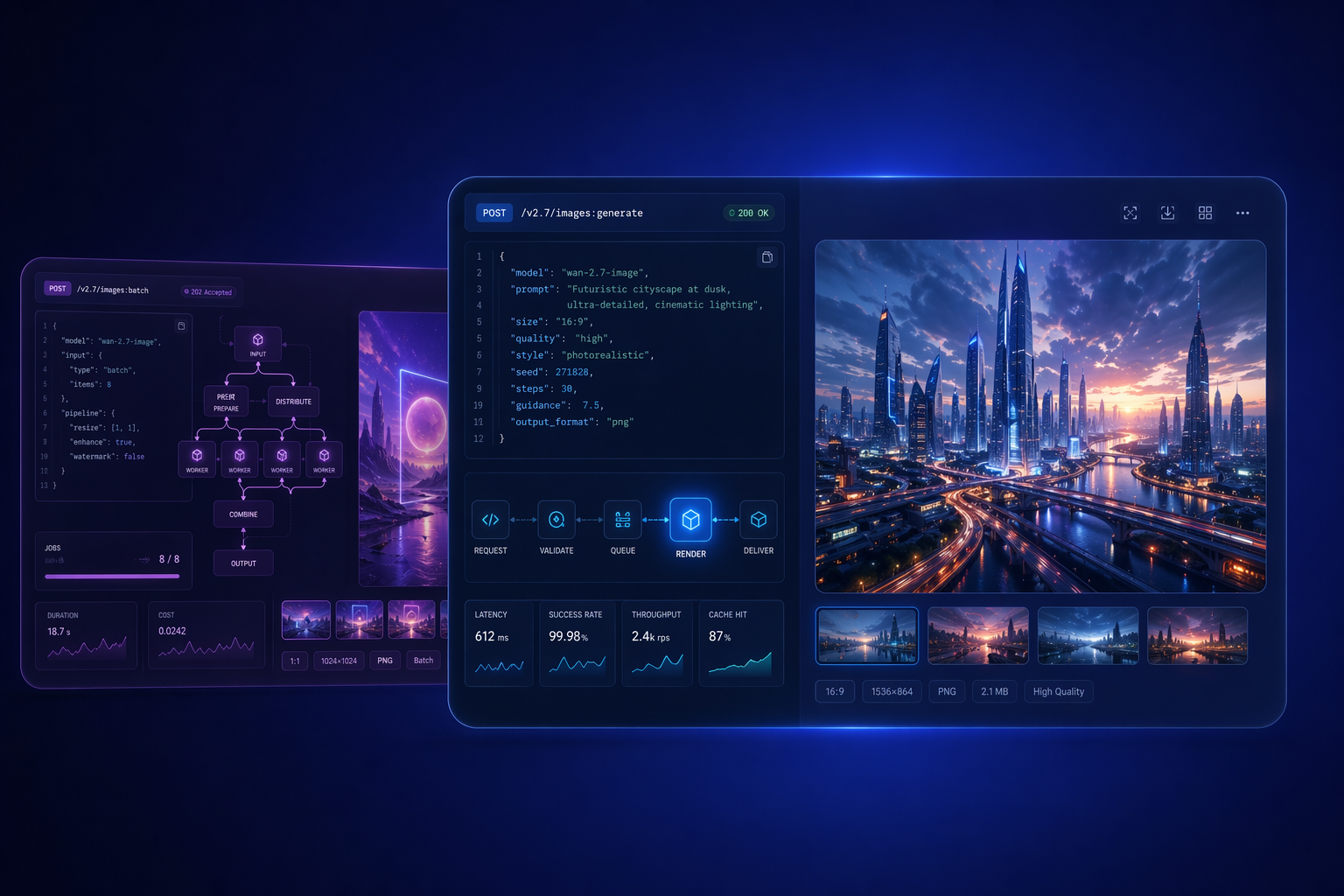
04API-ready visual workflows
What creative and product teams usually ask first
Wan 2.7 Image is an AI image generation and editing model built for workflows that need more control than a basic prompt-only generator. It is most useful when a team needs multi-image input, local editing precision, subject preservation, and a cleaner path from rough visual direction to production-ready revisions.
The main difference is that Wan 2.7 Image is easier to justify when the task is editing, compositing, or revising existing assets instead of starting every time from a blank prompt. Multi-image coordination and local region changes make it more practical for teams that care about precision and repeatability.
Yes, that is one of the page’s strongest value points. Wan 2.7 Image is designed for workflows where several reference images each contribute part of the final answer, which is useful for compositing, style transfer, coordinated asset building, and more controlled commercial image editing tasks.
Use local editing when only one object, region, or scene element needs to change and the rest of the composition should stay stable. That is usually safer than regenerating the full image, because it lowers the risk of changing subject identity, layout balance, or background logic that the team already approved.
Yes, that is one of the more commercially useful reasons to consider it. Subject preservation matters when background, clothing, scene context, or small visual details need to change without losing the character, product, or composition logic that makes the original image usable in the first place.
Design teams, e-commerce teams, photography workflows, content operations, and product builders are all strong early candidates. These groups often need controlled visual revision, multi-image input, and repeatable asset workflows more than they need one-off image novelty or purely decorative generation.
It is easier to position that way than a basic image generator because the model covers more of the actual edit and revision pipeline. That said, teams should still validate subject consistency, prompt logic, visual precision, and final production details before treating the output as fully finished creative work.
The model still needs workflow judgment. Users must decide when text-only generation is enough, when multi-image input is necessary, and when local editing is safer than full-image replacement. The value comes from better control, not from removing the need for review, iteration, or production decision-making.