AI Generator

Custom Anime Portrait Maker: Make Anime-Style Portraits

Create custom anime portraits with OCMaker AI for personal avatars, pet or animal-inspired portraits, profile art, and anime portrait drawing references.

Custom Anime Portrait

Create custom anime portraits by choosing likeness anchors, portrait crop, mood, animal-inspired details, and review steps that keep the final image personal and usable.

Custom Anime Portrait

Custom Anime Portrait Directions

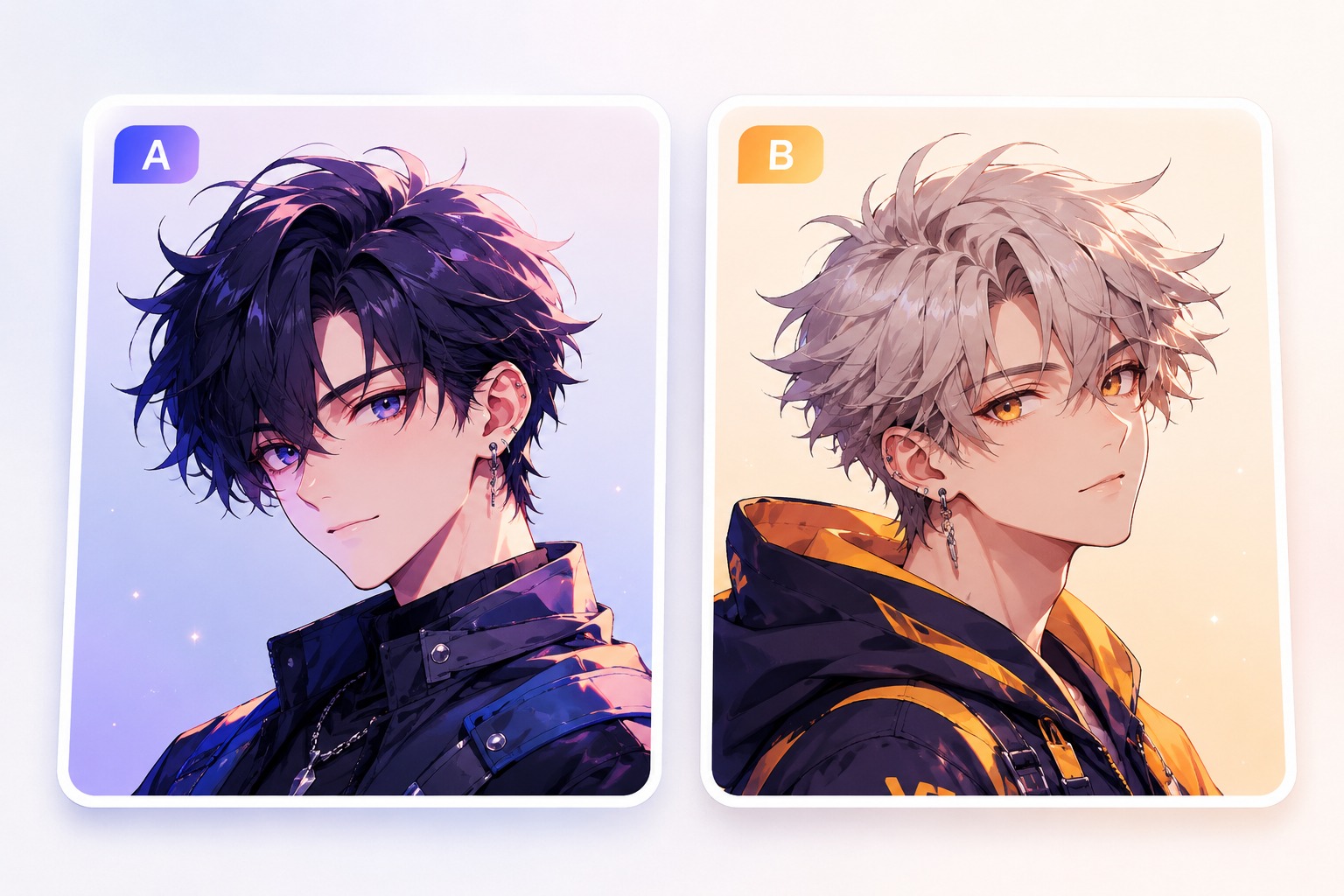
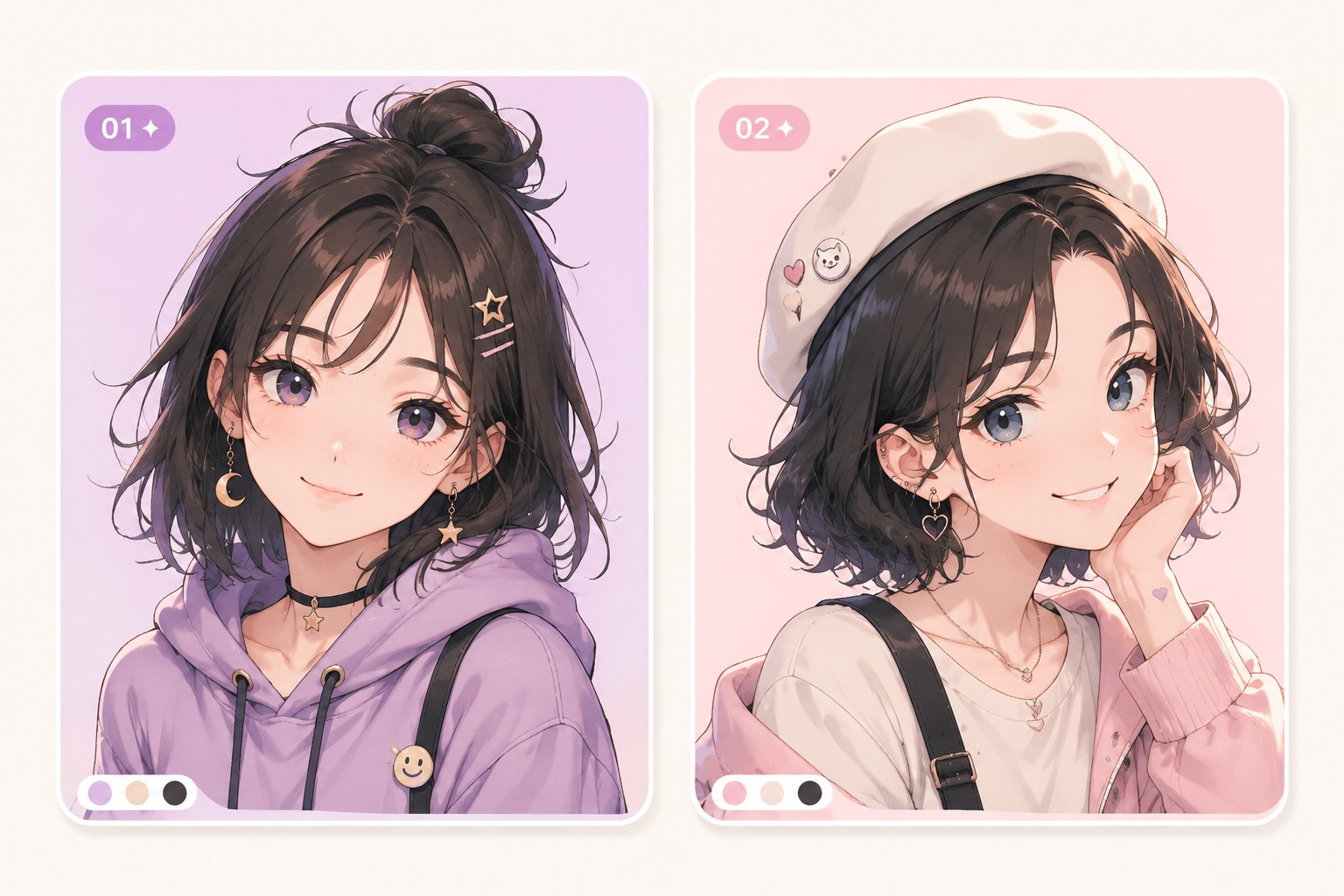
Compare portrait directions for different use cases: a personal profile portrait, an animal-inspired character portrait, and a soft anime drawing reference.

  • Personal Profile Portrait01

    Personal Profile Portrait

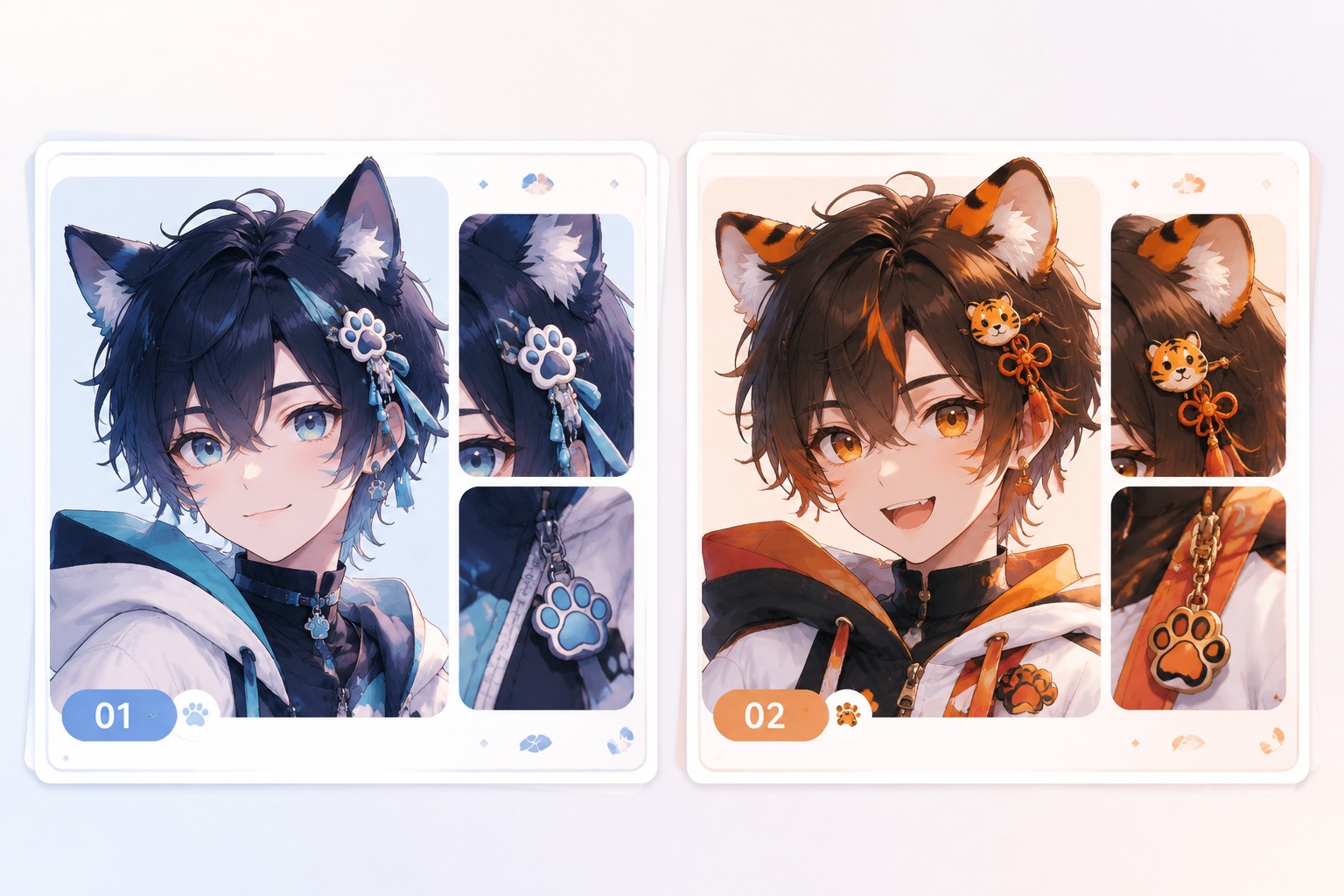
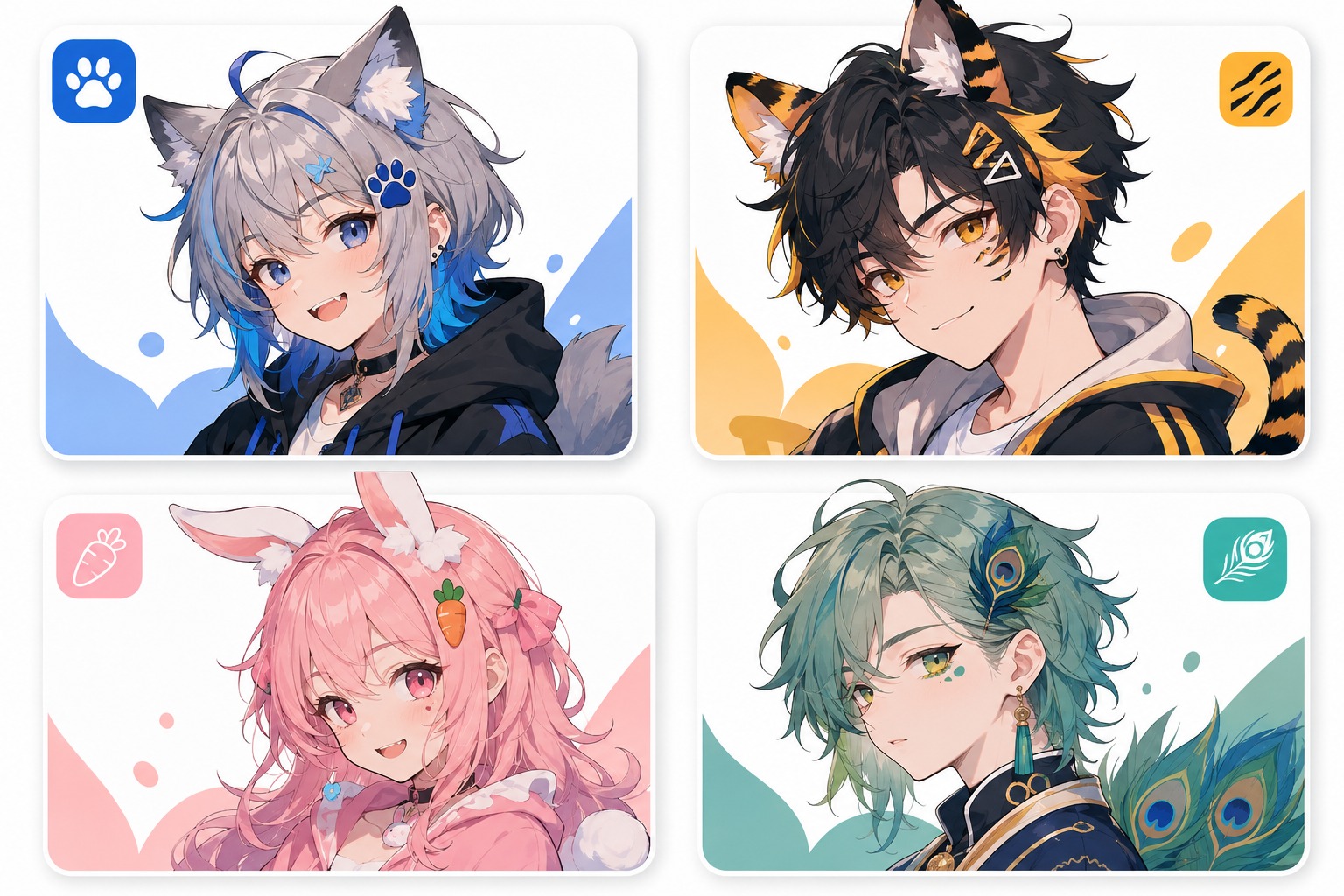
  • Animal-Inspired Portrait02

    Animal-Inspired Portrait

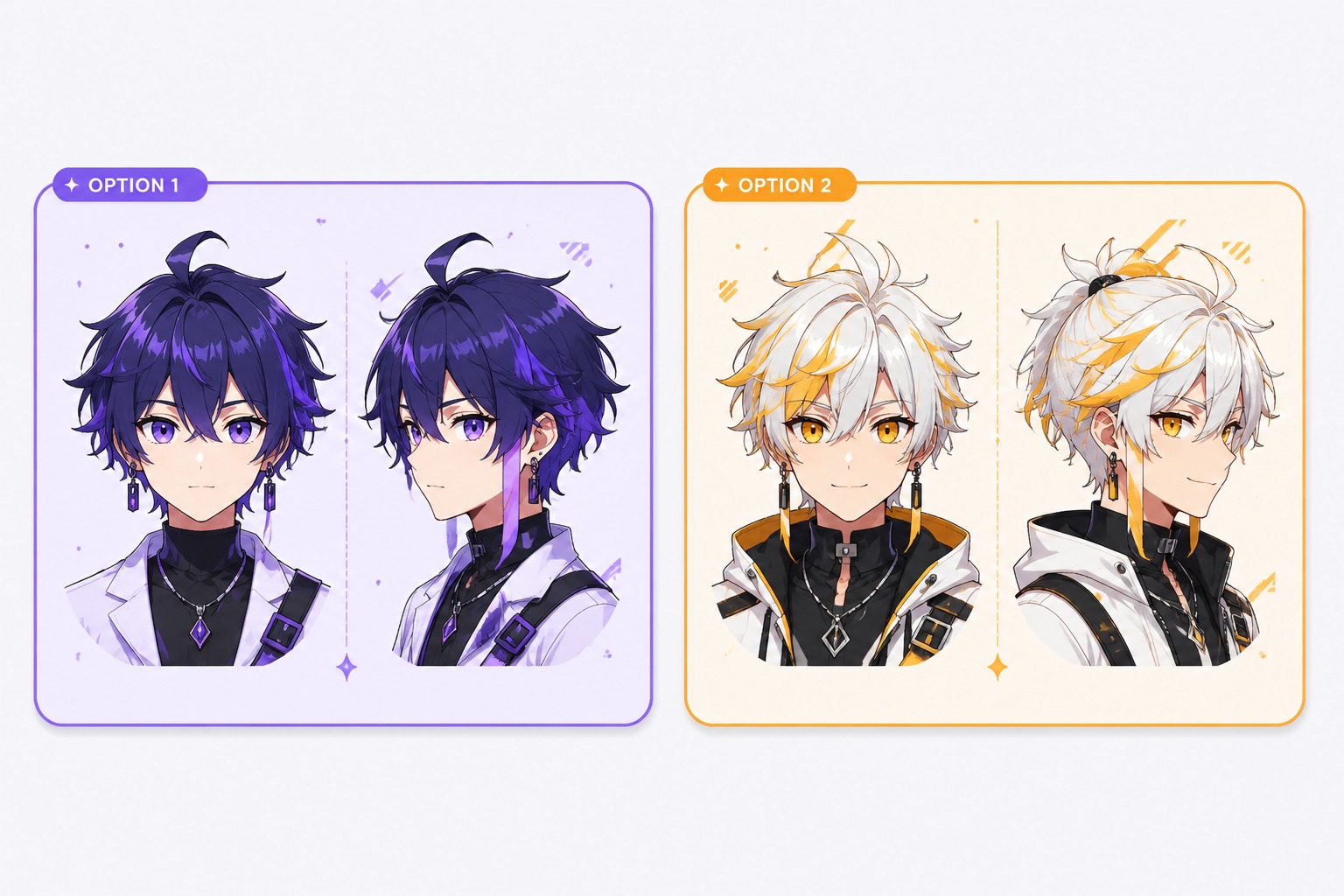
  • Anime Drawing Reference03

    Anime Drawing Reference

From Personal Anchor to Finished Portrait

This showcase treats portrait creation as a focused identity and crop workflow: decide what must stay recognizable, then shape mood, motif, and final-use readability.

0104

Personal Anchor Brief

Start with three to five anchors: hairstyle, face shape, glasses, pet colors, favorite accessory, or expression. OCMaker AI works best when the portrait brief separates must-keep identity cues from flexible anime styling choices, especially for profile art or gift-ready portraits.
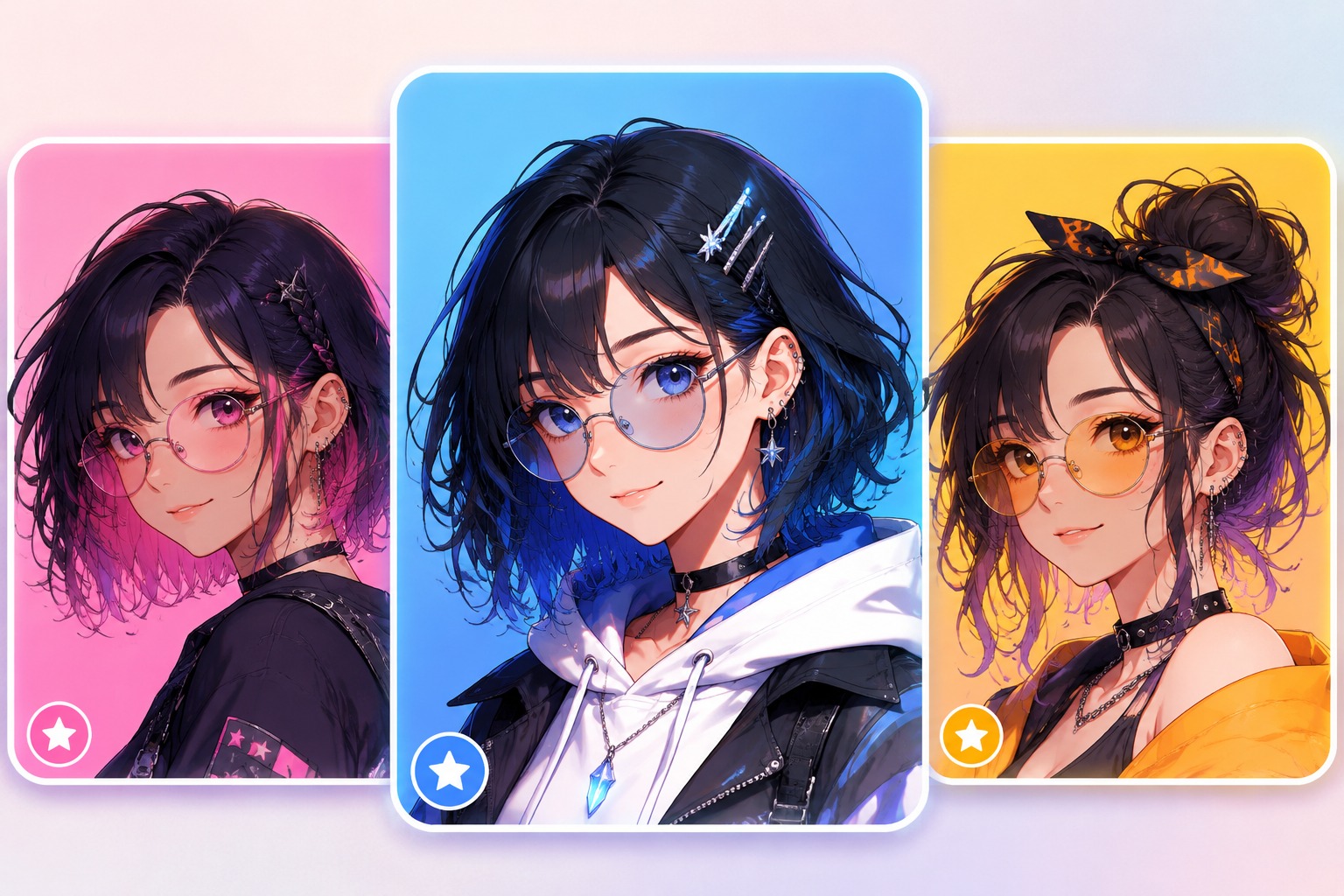
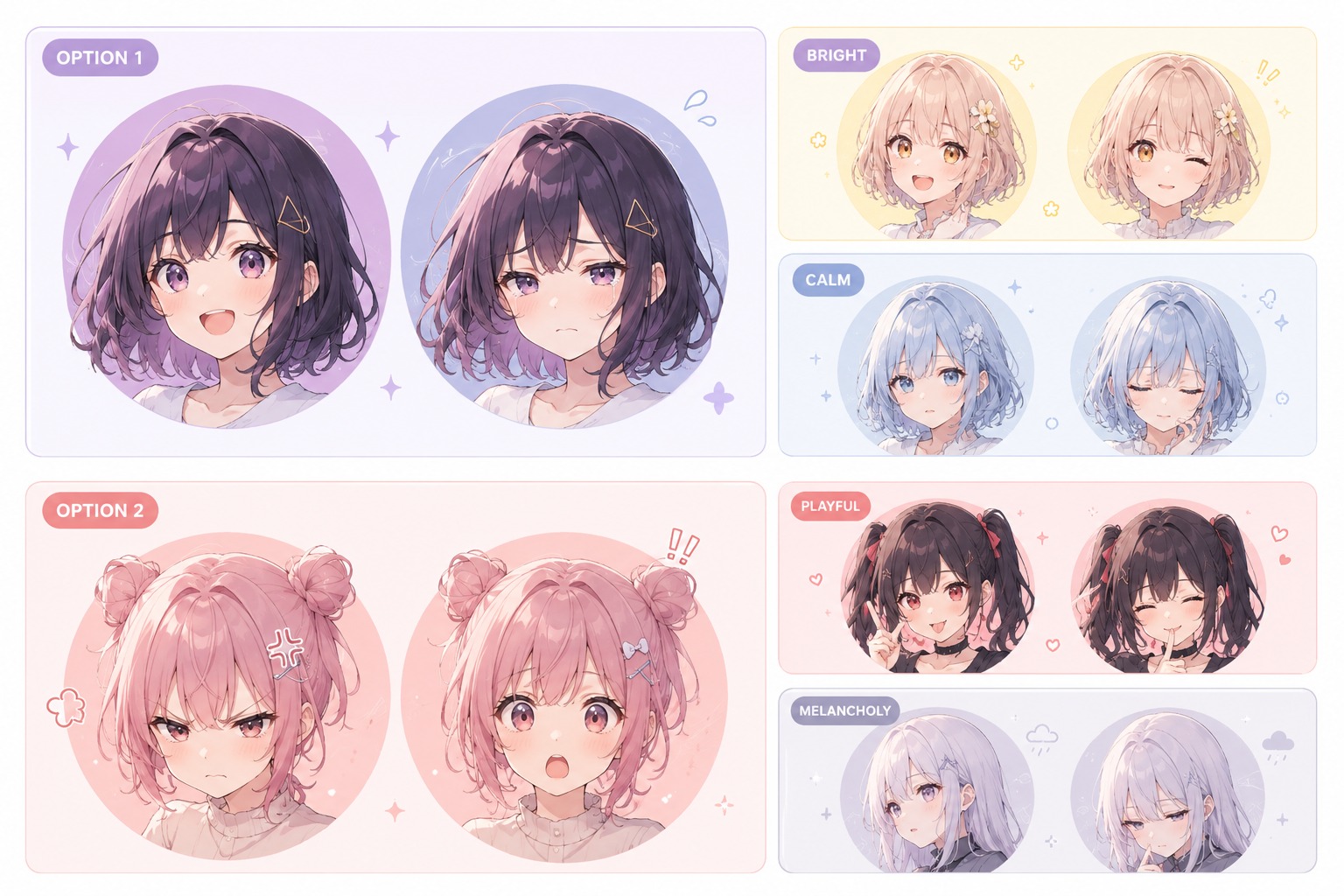
Personal Anchor Brief

0204

Mood and Crop Planning

A custom anime portrait can serve a profile icon, gift print, or drawing reference, so crop and mood should be chosen before decorative effects. Use AI anime generator styling for polish, but keep the face readable at small sizes and avoid props that cover the expression.

Mood and Crop Planning

0304

Animal-Inspired Portrait Path

For custom animal portraits, translate the animal connection into colors, ears, markings, or gentle mascot cues rather than copying a pet photo literally. The goal is a portrait that feels emotionally connected while still working as original anime portrait art.

Animal-Inspired Portrait Path

0404

Portrait Quality Review

Before publishing or gifting, inspect the eyes, mouth, hair edges, accessories, and whether the result matches the intended person, pet, or OC. A polished image that loses the chosen anchors is weaker than a simpler anime portrait drawing reference with clear identity.

Portrait Quality Review

Portrait Features for Personal Anime Art

Build the portrait around likeness anchors, expression, crop, and motif choices instead of generic anime decoration.

  • 01

    Likeness Anchors Guide the Face

    Choose the details that must stay recognizable: hairstyle, glasses, face shape, expression, color palette, pet markings, or a favorite accessory. Custom anime portrait results feel more personal when the prompt protects these anchors before adding style effects.

  • 02

    Portrait Crop Matches the Use

    Decide whether the output needs a square avatar, gift print, banner crop, couple-style portrait, or drawing reference. Crop choice changes how much background, shoulders, hands, and decorative detail should appear around the face.

  • 03

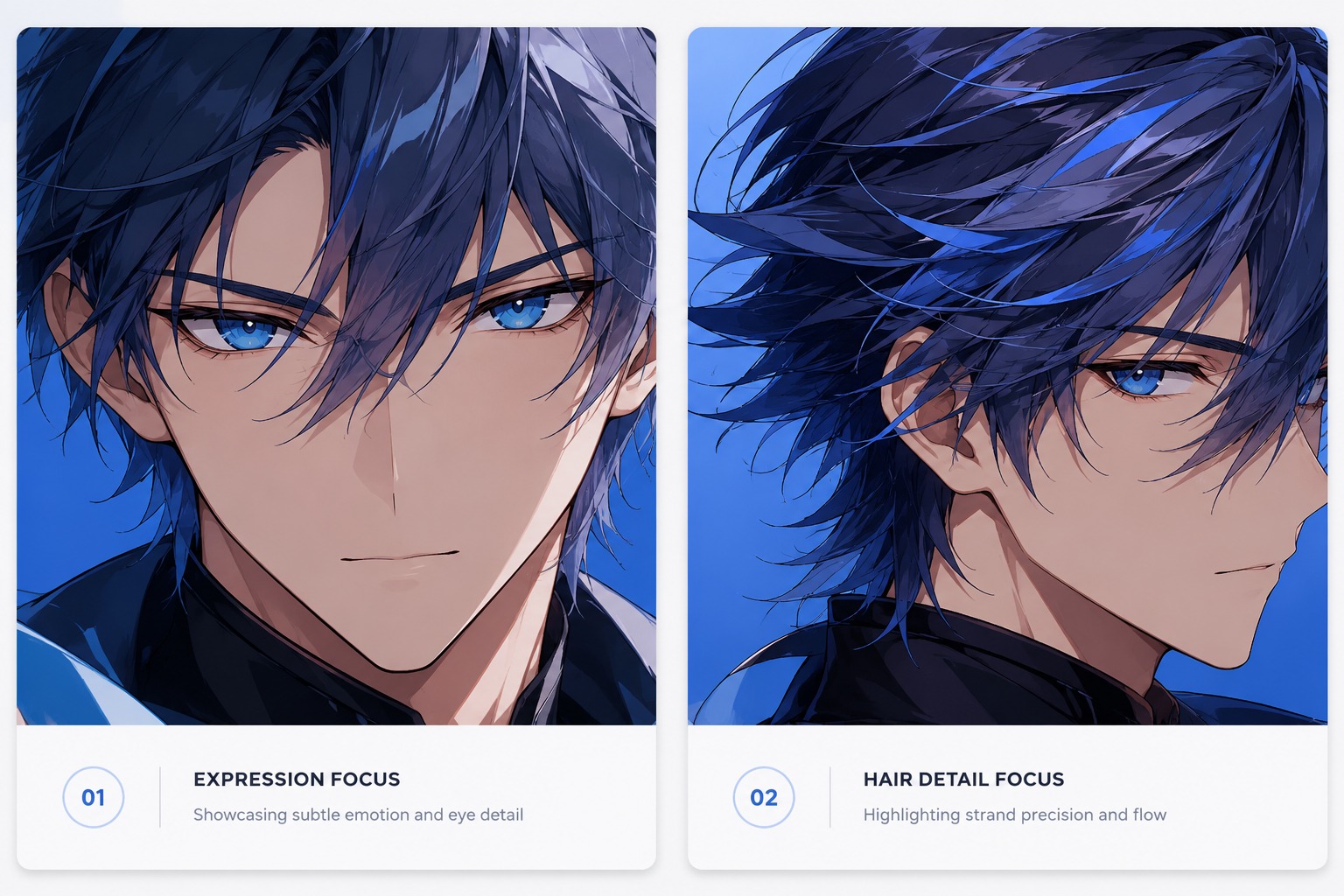
    Expression Carries Emotional Value

    A portrait used as a gift or profile image depends on mood more than extra props. Calm, cheerful, shy, elegant, playful, sleepy, or protective expressions help the image feel intentional and reduce the risk of getting a polished but emotionally generic face.

  • 04

    Animal Motifs Stay Integrated

    For custom animal portraits, use ears, fur markings, pet color cues, or mascot-like accessories with restraint. The strongest designs make the animal inspiration feel like part of the portrait identity rather than a costume pasted onto an unrelated anime face.

  • 05

    Background Supports the Subject

    Keep the background simple enough that the face and expression stay dominant. Soft gradients, light textures, floral accents, or subtle fantasy glow can support the portrait, while busy scenes make profile crops and gift prints harder to use.

  • 06

    Final Portrait Review

    Check eye alignment, hair edges, hands near the face, accessories, and whether the result still represents the person, pet, or character idea. Anime portrait drawing references are strongest when they give an artist clear structure, not only a pretty mood board.

How to Use Custom Anime Portrait

A focused workflow based on this page intent

  1. Define the Real Output

    Choose whether the result should work as a portrait, panel concept, quote draft, surreal OC profile, avatar, or story reference before adding decoration.

  2. Add Theme-Owned Details

    Include details that only matter for this topic, such as portrait anchors, panel beats, character voice, relationship tension, split palette, or symbolic props.

  3. Review for Reuse

    Check the result for small AI errors, readability, originality, crop safety, and whether it can support the intended profile, panel, quote post, or publishing use.

Frequently Asked Questions

Common Questions About Custom Anime Portrait

What is Custom Anime Portrait?

Custom Anime Portrait helps users create theme-specific drafts for users want a personalized anime-style portrait, often for profile images, gifts, pet or animal-inspired portrait ideas, or anime portrait drawing references. It works best when the prompt includes the real output goal and the details that make this topic different.

What should I include in the prompt?

A strong prompt should include the subject type, facial expression, hairstyle, clothing, pose, background, lighting, and overall feeling. In testing, small details like eye shape, accessory style, and color mood often make the portrait feel more personal.

Can it help with anime profile pictures?

Yes. It can help create early ideas for anime-style profile images, avatars, and social media icons. For better results, keep the design readable at small size and avoid adding too many tiny details that may not show clearly in a profile picture.

Can I use it for pet or animal-inspired portraits?

Yes. It works well for pet-inspired or animal-themed portrait ideas when the prompt includes clear traits, such as fur color, ear shape, personality, favorite accessory, or the kind of anime character mood you want the animal design to express.

Is it free to use?

Custom Anime Portrait can be used for free with limited credits or usage quota. Free access is useful for testing portrait ideas and prompt styles, while heavier use may require more credits depending on the platform rules.

Who is it best for?

Avatar users, gift creators, pet owners, anime fans, roleplayers, and people who want a stylized portrait without planning a full character sheet. It is strongest when the user needs a structured starting point and is ready to review the result before publishing.

What should I include in the prompt?

They need a portrait that feels personal, readable, and emotionally fitting while avoiding generic face templates or overly complex full-body design. Include the intended format, must-keep details, mood, constraints, and any elements that should be avoided.

Can I use the output commercially?

Check OCMaker AI terms and avoid official logos, protected characters, celebrity likenesses, or references you do not own. Original concepts and self-owned references are safer.

What are the limitations?

The strongest fit is fast concept exploration and structured drafts. The weaker fit is exact spelling, perfect multi-image consistency, official style replication, or final production use without human review.

Start Building With Custom Anime Portrait

Custom Anime Portrait Maker: Make Anime-Style Portraits