0104
Detailed Scenes
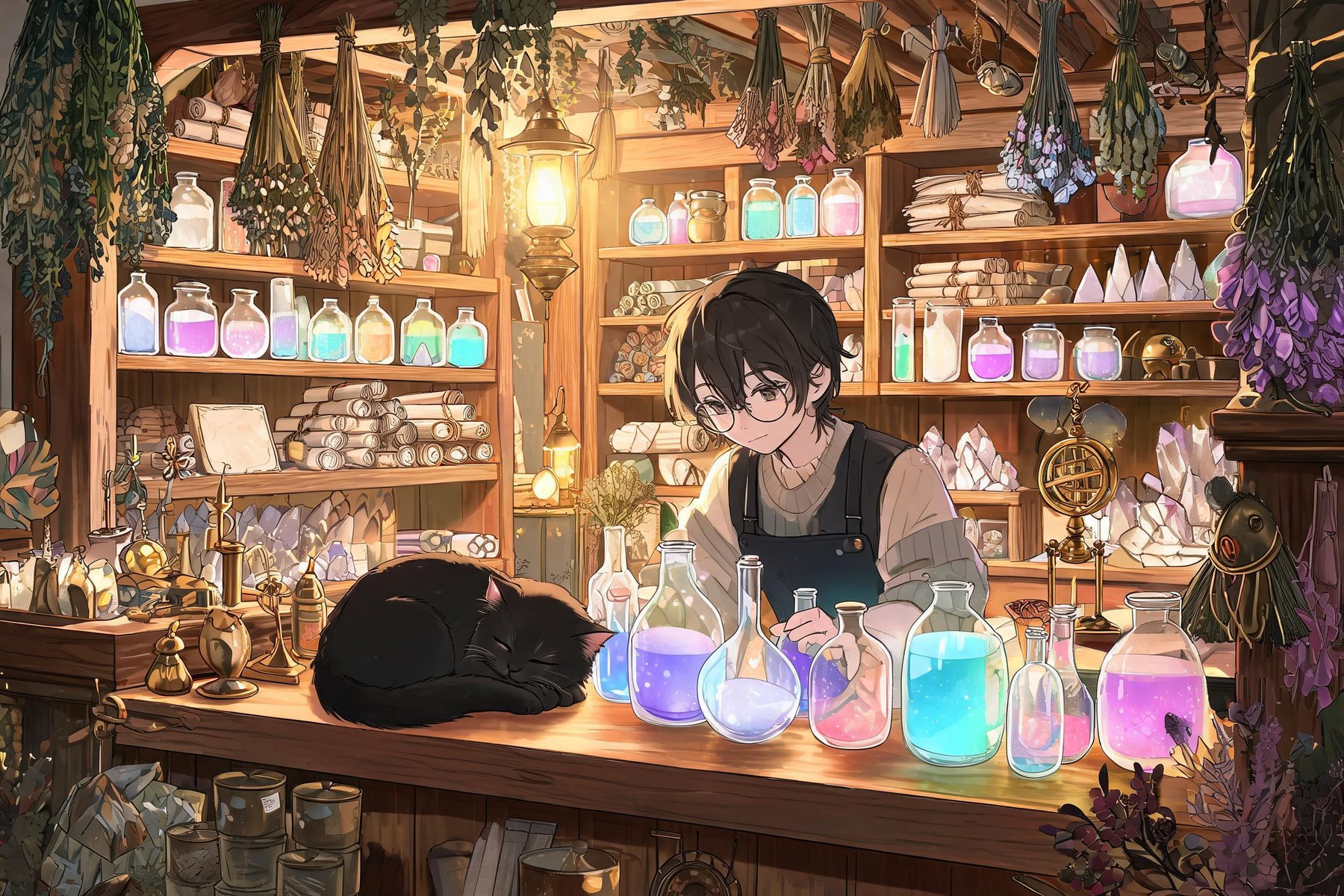
Describe a busy place item by item and Seedream 5.0 Lite fills it in. This magic shop came from one prompt: shelves of potions, scrolls and crystals, dried herbs, brass instruments and a sleeping cat on the counter.

Seedream 5.0 Lite: Free AI Image Generator and Editor
Use Seedream 5.0 Lite on OCMaker AI to generate sharp 2K images from text or edit an image you upload. Available on the free plan, 4 credits per image.
Seedream 5.0 Lite is the standard model in ByteDance's Seedream 5.0 family. On OCMaker AI you can generate sharp 2K images from a prompt or edit an image you upload, on the free plan, for 4 credits per image.
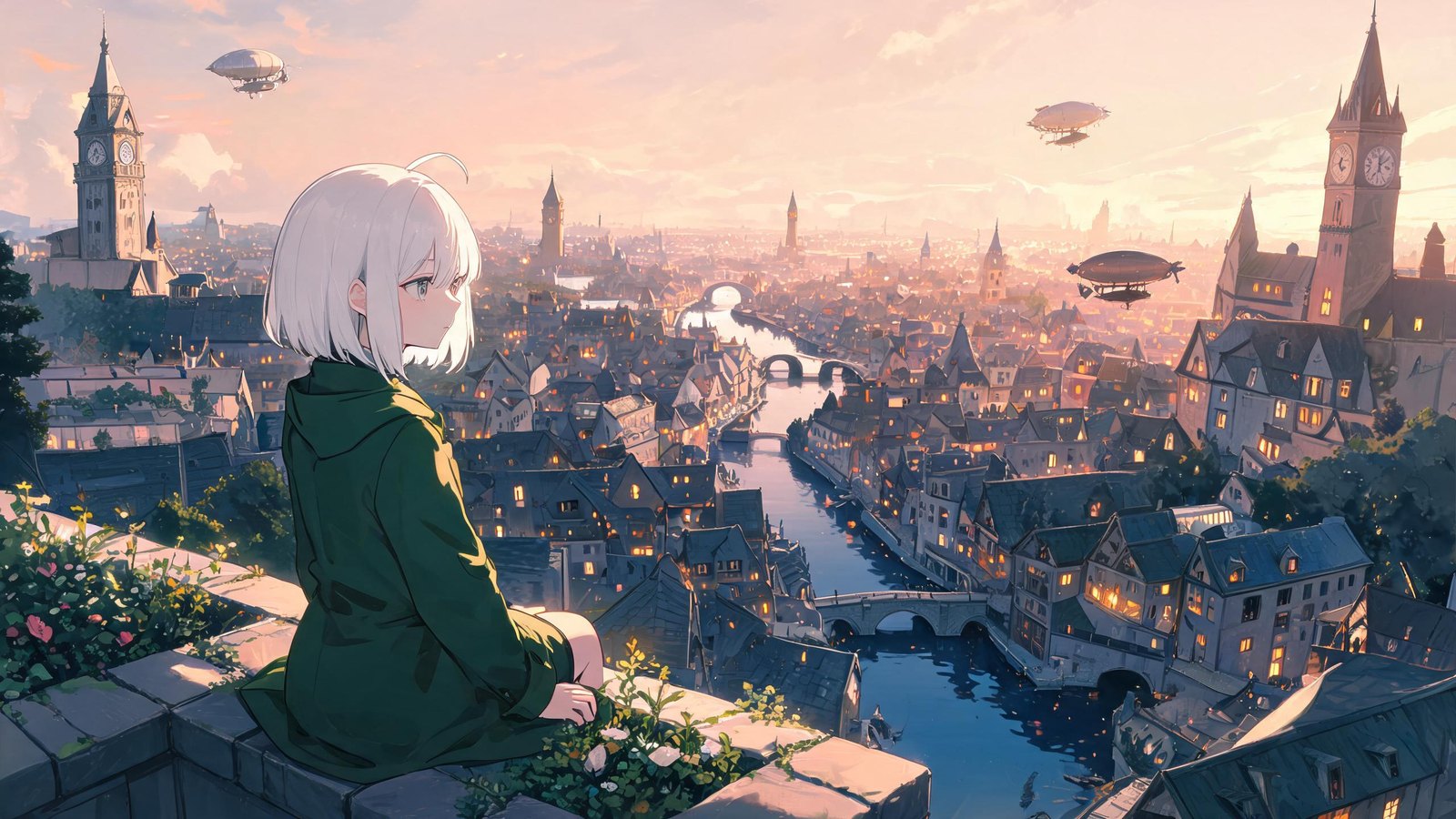
Every example on this page was generated on OCMaker AI with Seedream 5.0 Lite.
0104
Describe a busy place item by item and Seedream 5.0 Lite fills it in. This magic shop came from one prompt: shelves of potions, scrolls and crystals, dried herbs, brass instruments and a sleeping cat on the counter.
0204
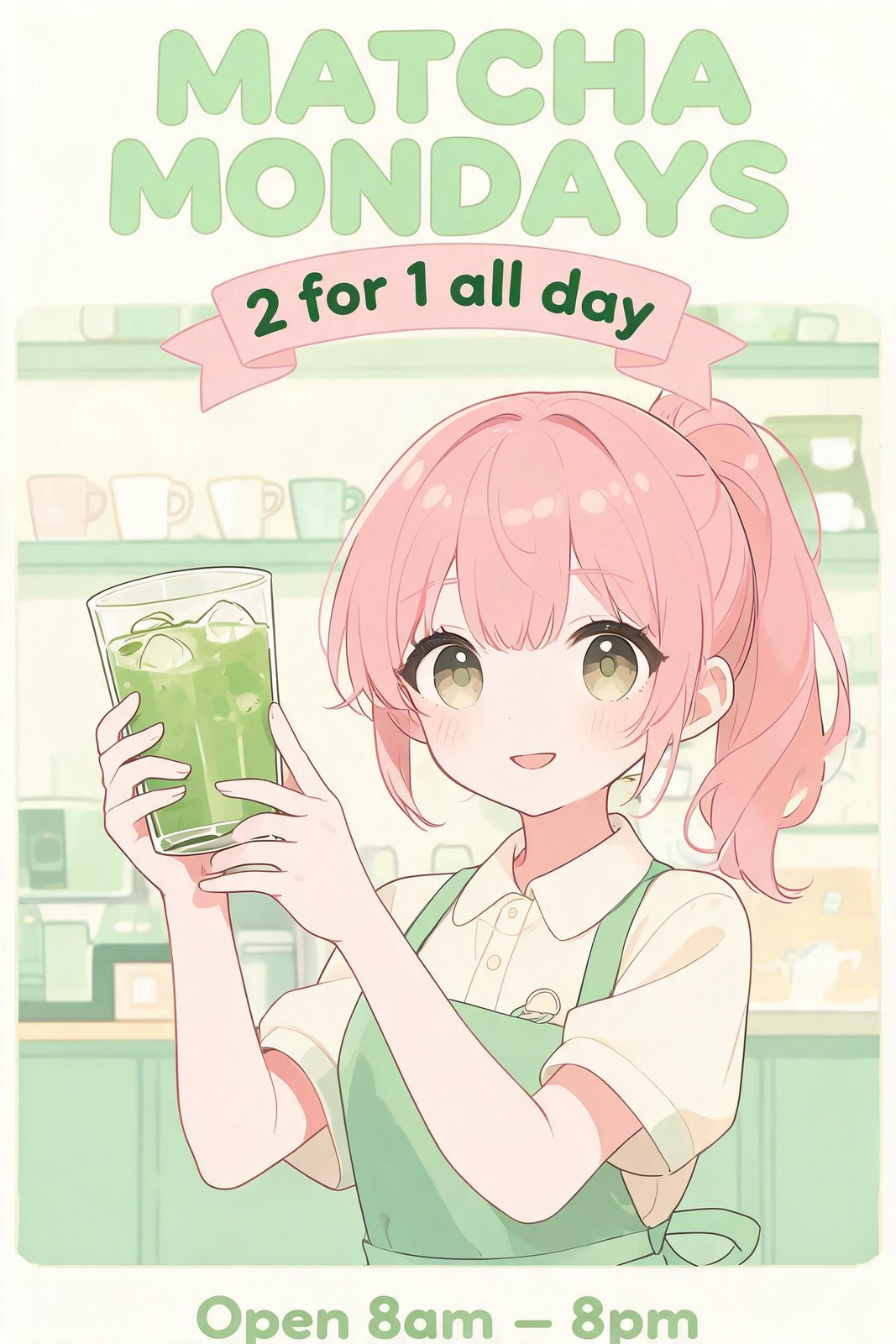
Put short words in quotes and Seedream 5.0 Lite sets them into the design. This café poster reads “MATCHA MONDAYS”, with a “2 for 1 all day” ribbon and the opening hours at the bottom.
0304
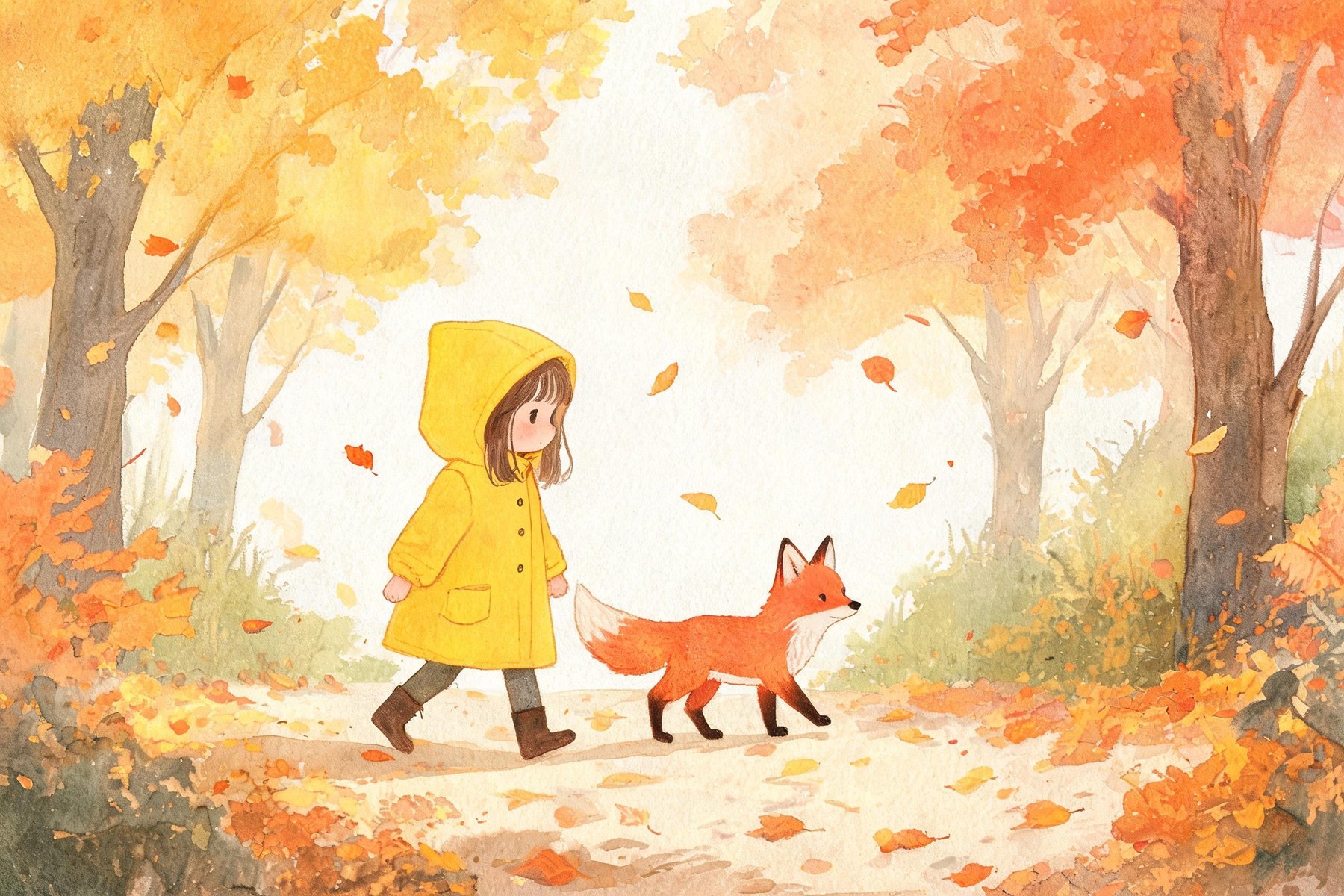
Name the medium and the mood. This watercolor picture-book page shows a child in a yellow raincoat and a little fox walking through an autumn forest, with soft washes and paper texture.
0404
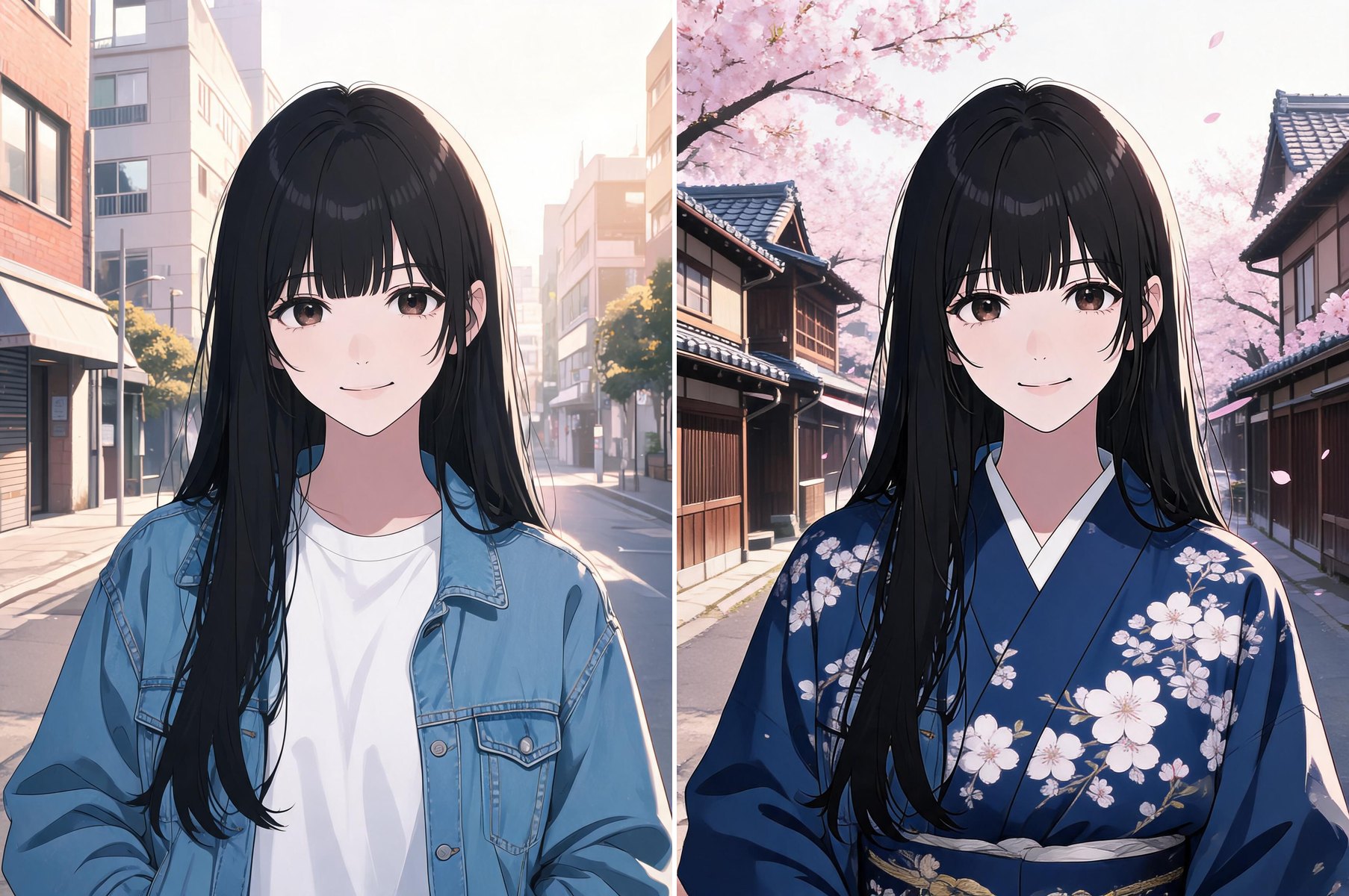
Upload one image and say what to change and what to keep. Left: the original. Right: the same woman in a dark blue kimono on a street lined with cherry blossoms, with her face, hair and pose unchanged.
What you get when you pick Seedream 5.0 Lite in the generator above.
Start from a prompt, or upload one image to change the outfit, setting, season or style.
Every image is generated at 2K, sharp enough for wallpapers, posters and covers.
Short titles and labels come out as written. Keep the text short and put it in quotes.
Pick 1:1, 2:3, 3:2, 9:16 or 16:9 for posters, phone wallpapers, thumbnails and banners.
Generate 1, 2 or 4 variations at once and keep the best one.
Available on the free plan. Four images cost 16 credits.
Three steps from idea to finished image.
Seedream 5.0 Lite is already selected at the top of this page. Choose an aspect ratio and how many images you want.
Write the subject, setting, lighting and style. For edits, say what should change and what must stay the same.
Compare the results, then change one detail of the prompt at a time. Download the image you like best.
Seedream 5.0 Lite is the standard model in ByteDance's Seedream 5.0 image family, alongside the faster Flash and the higher-end Pro. On OCMaker AI you can use it to generate images from a prompt or to edit an image you upload, at 2K.
Yes. It is available on the free plan and costs 4 credits per image. A run of four images costs 16 credits.
Yes. Upload one reference image and describe the change, such as a new outfit, background or season, and what should stay the same.
Images are generated at 2K. You can choose 1:1, 2:3, 3:2, 9:16 or 16:9, and generate 1, 2 or 4 images per run.
Both are on the free plan and output 2K. Flash, our default image model, is the faster and cheaper tier at 2 credits per image; Lite is the standard model at 4 credits. Try the same prompt with both and keep the look you prefer.
Seedream 5.0 Pro is the top tier for members, aimed at the richest detail and color, at 5 credits for 1K or 10 for 2K. Lite is on the free plan at 4 credits per image. The Seedream 5.0 overview compares all three versions.
Images and edits at 2K, for 4 credits per image on the free plan.