Prompt

Attach MediaLibrary
Pick Character
1 / 4
💎 2 tokens

AI Image Generator

Create visuals from prompts or reference images with OCMaker AI. Use this AI image generator online for marketing concepts, product mockups, branded drafts, and fast creative prompt iteration.
AI Image Generator hero visual

What an AI Image Generator Helps You Do

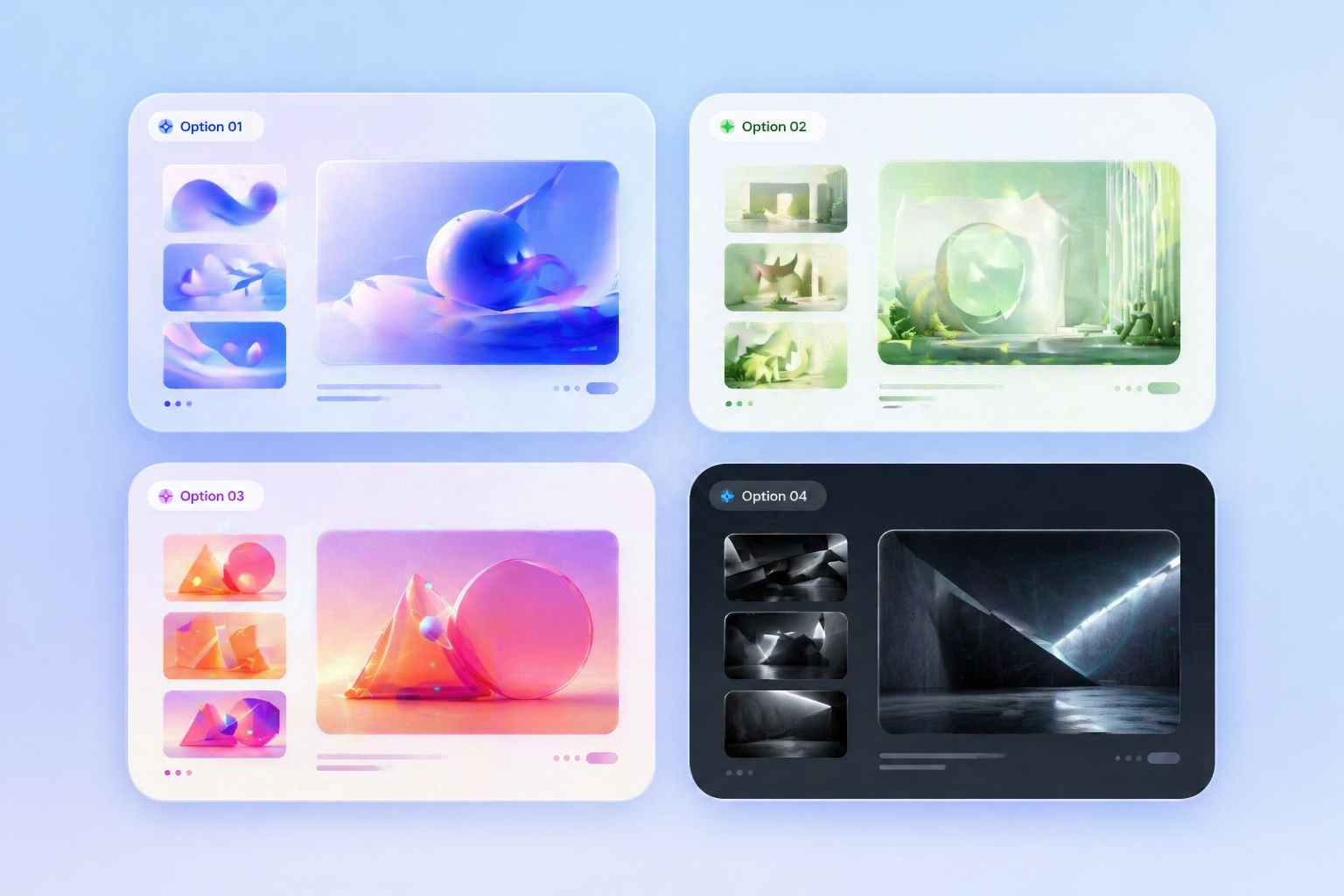
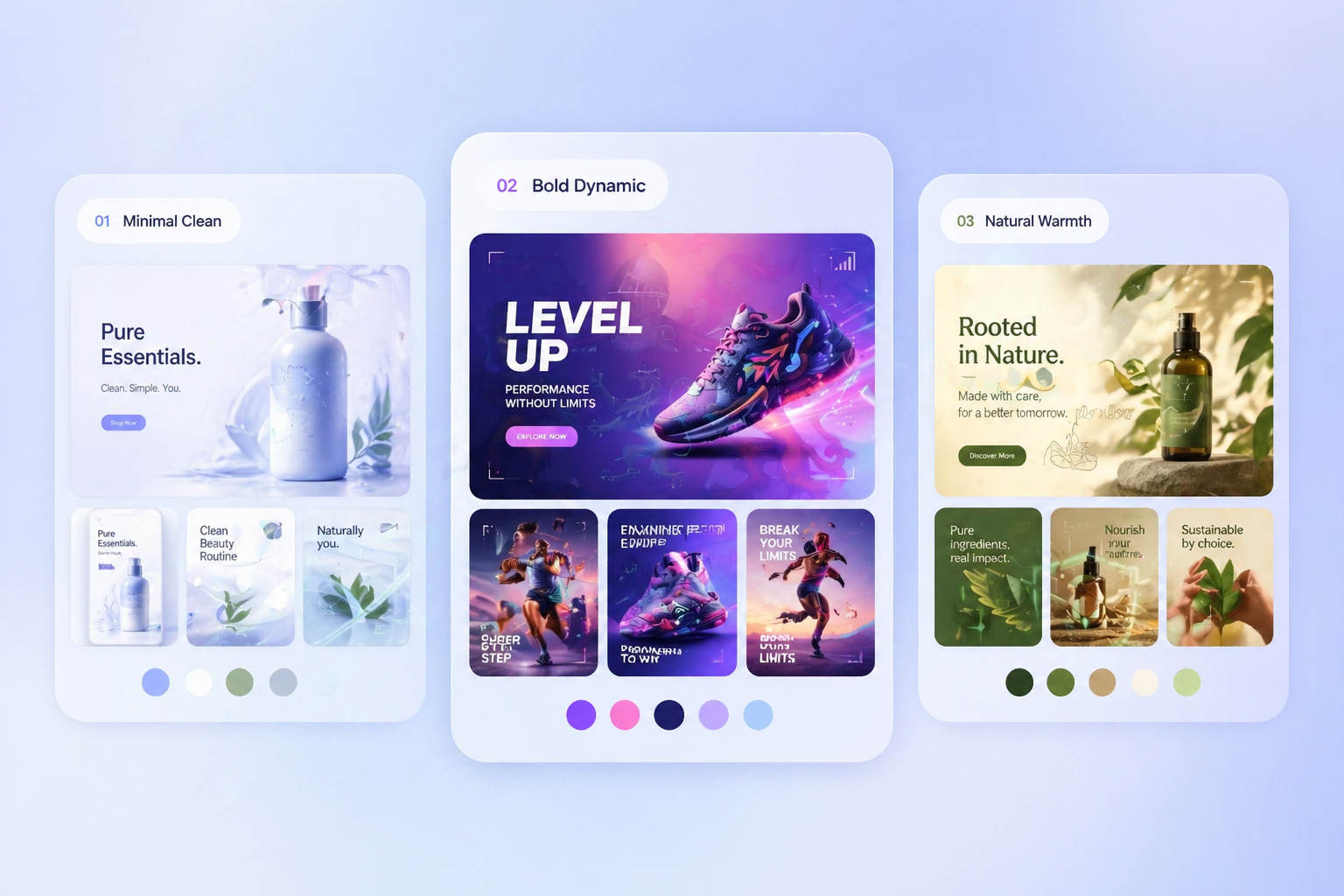
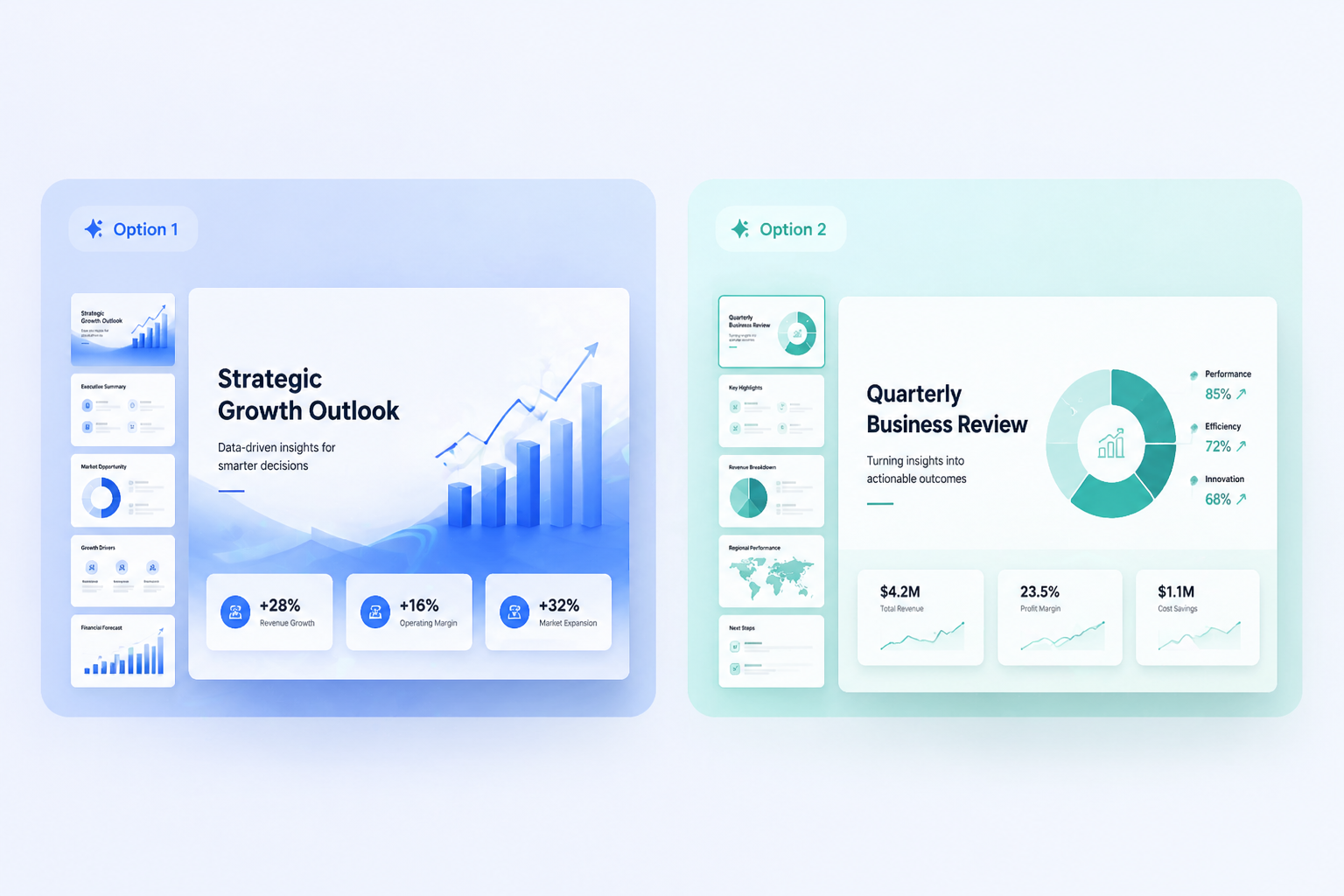
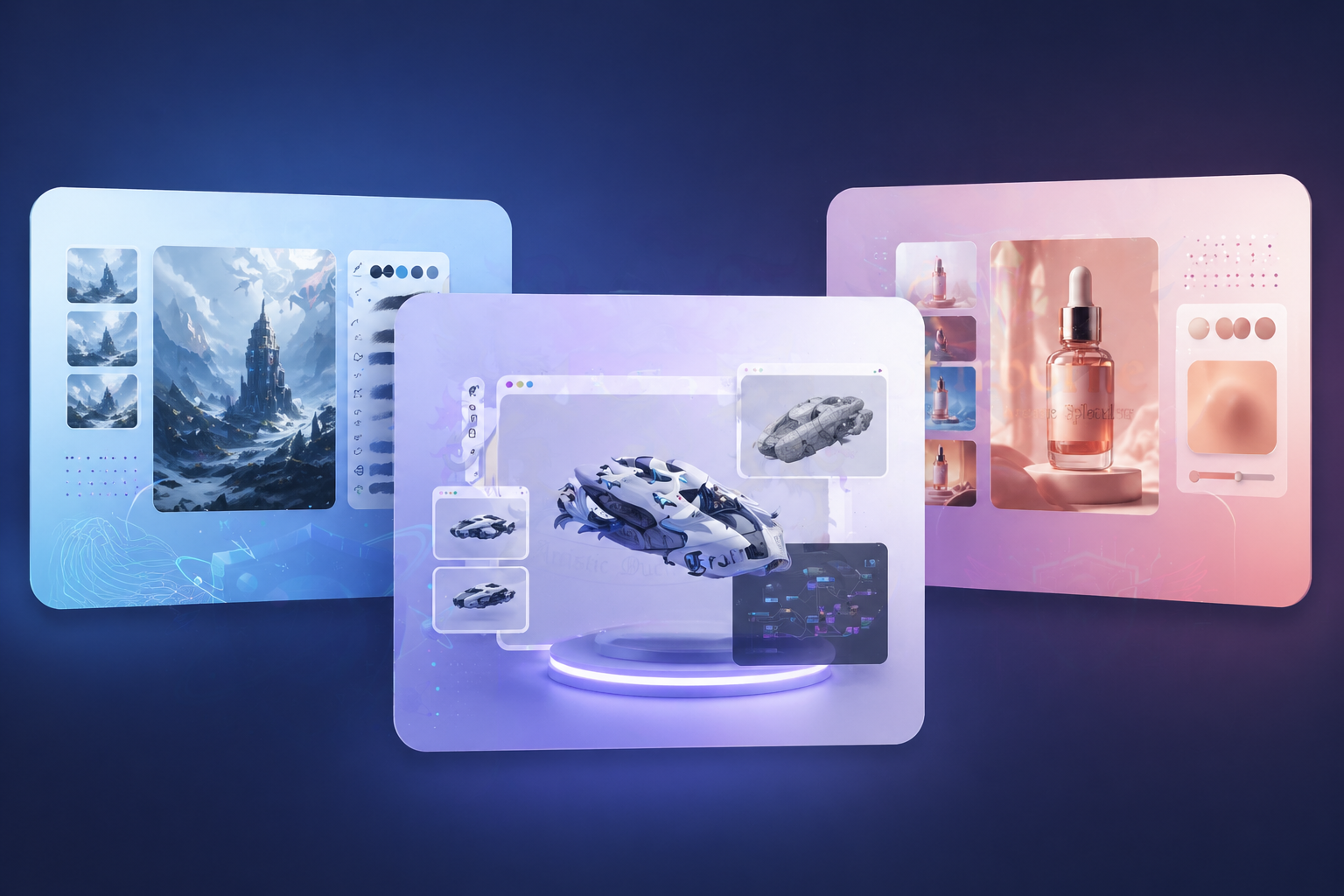
AI Image Generator concept draft examples for fast review
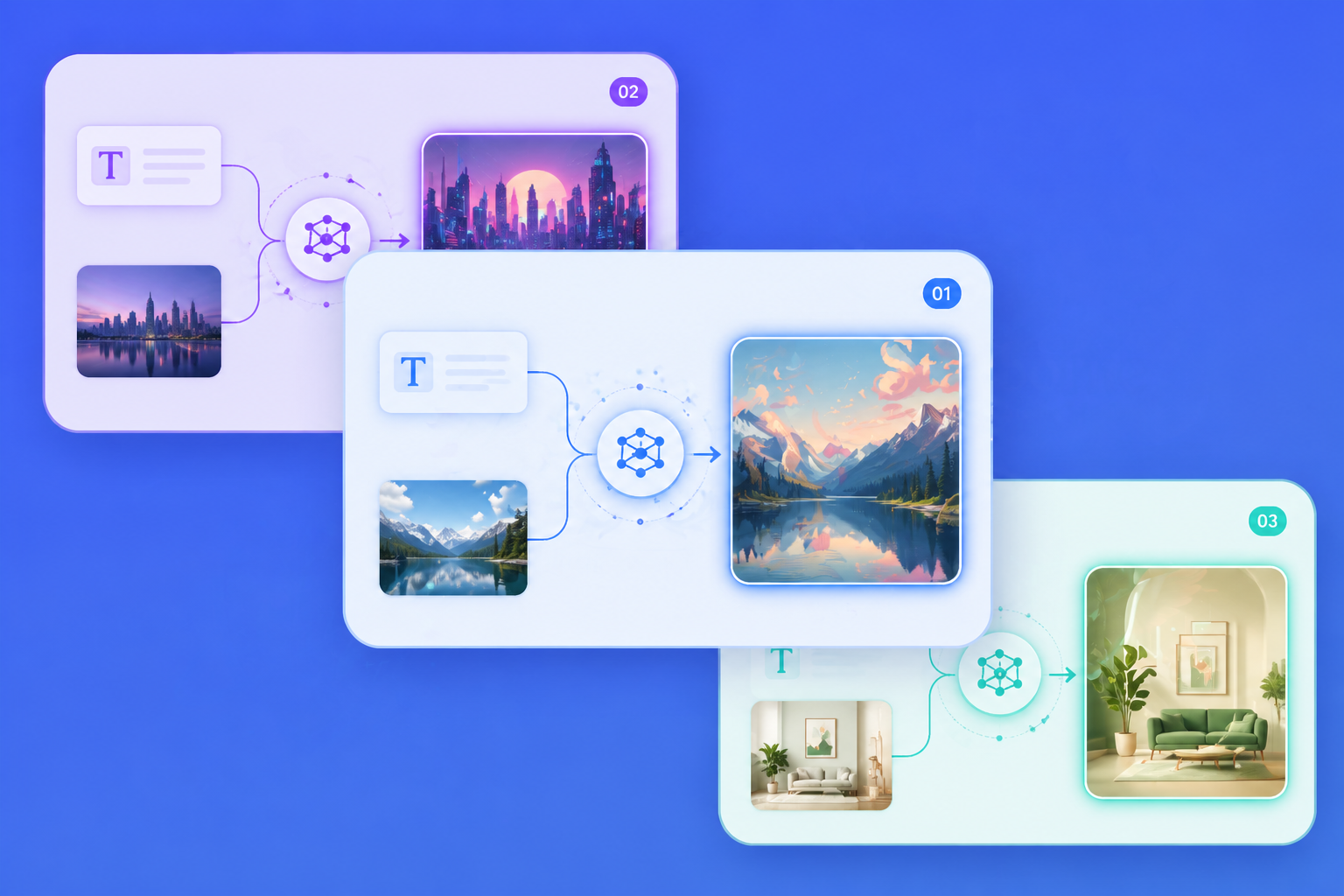
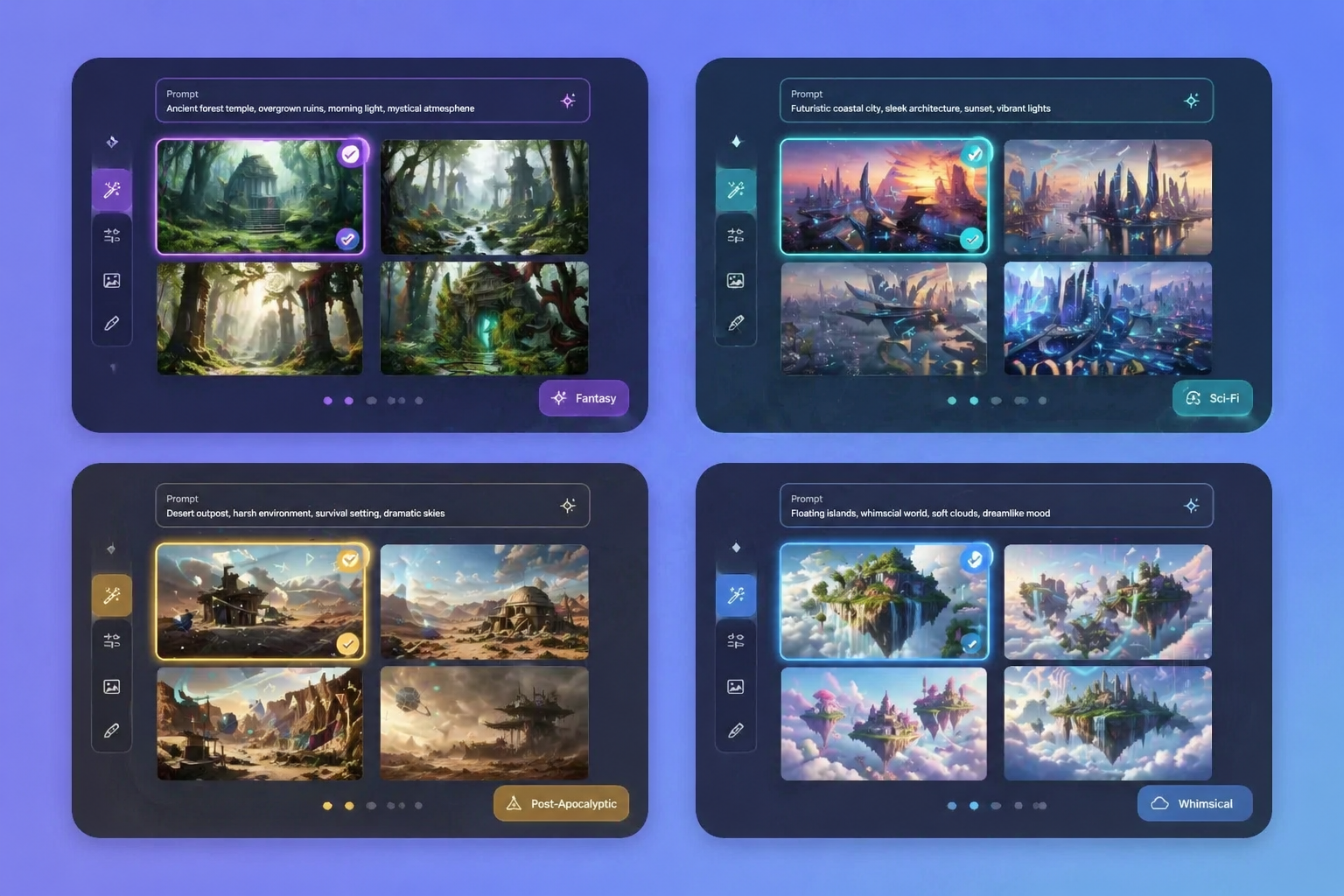
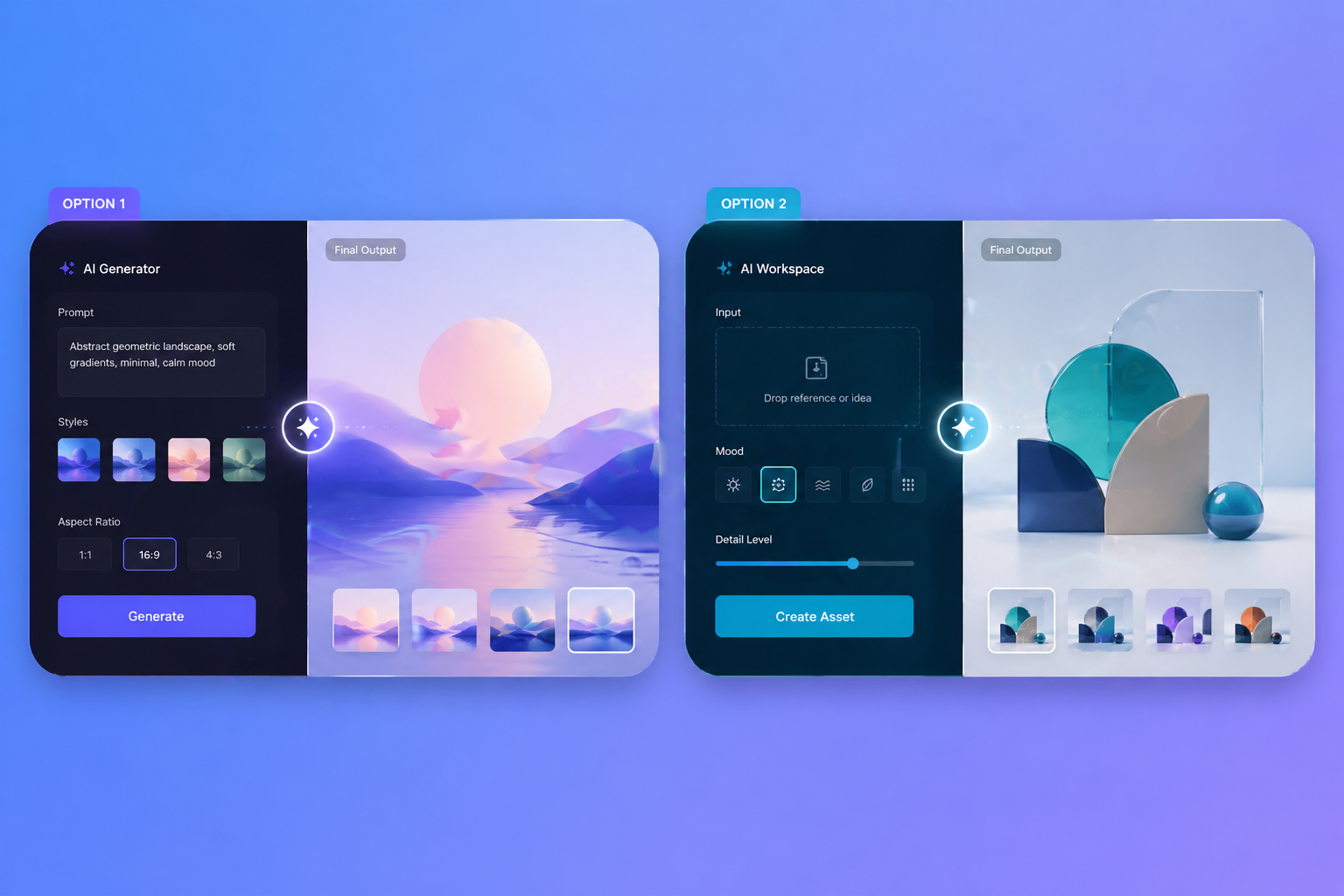
AI image generator workflow using text prompts and reference images
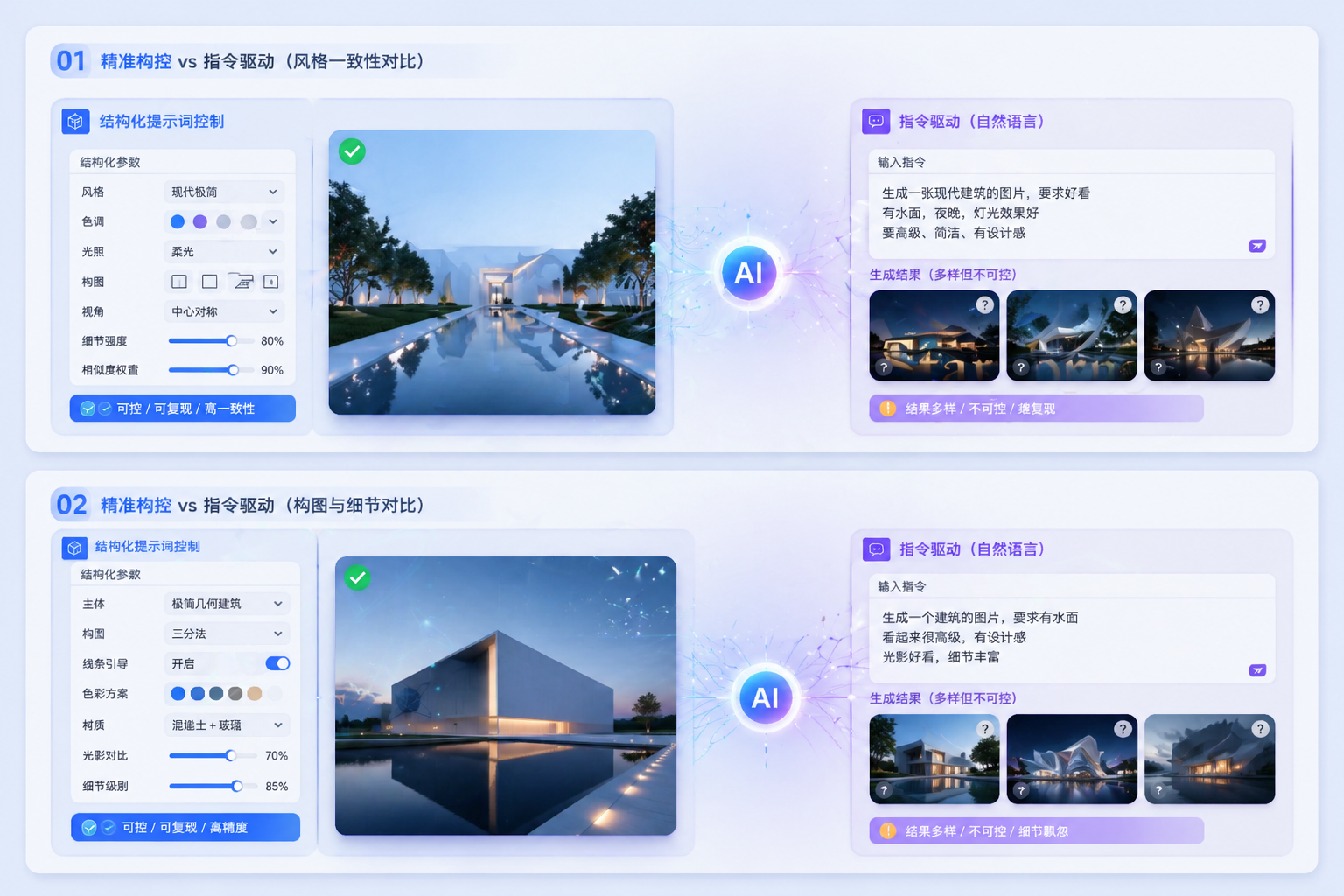
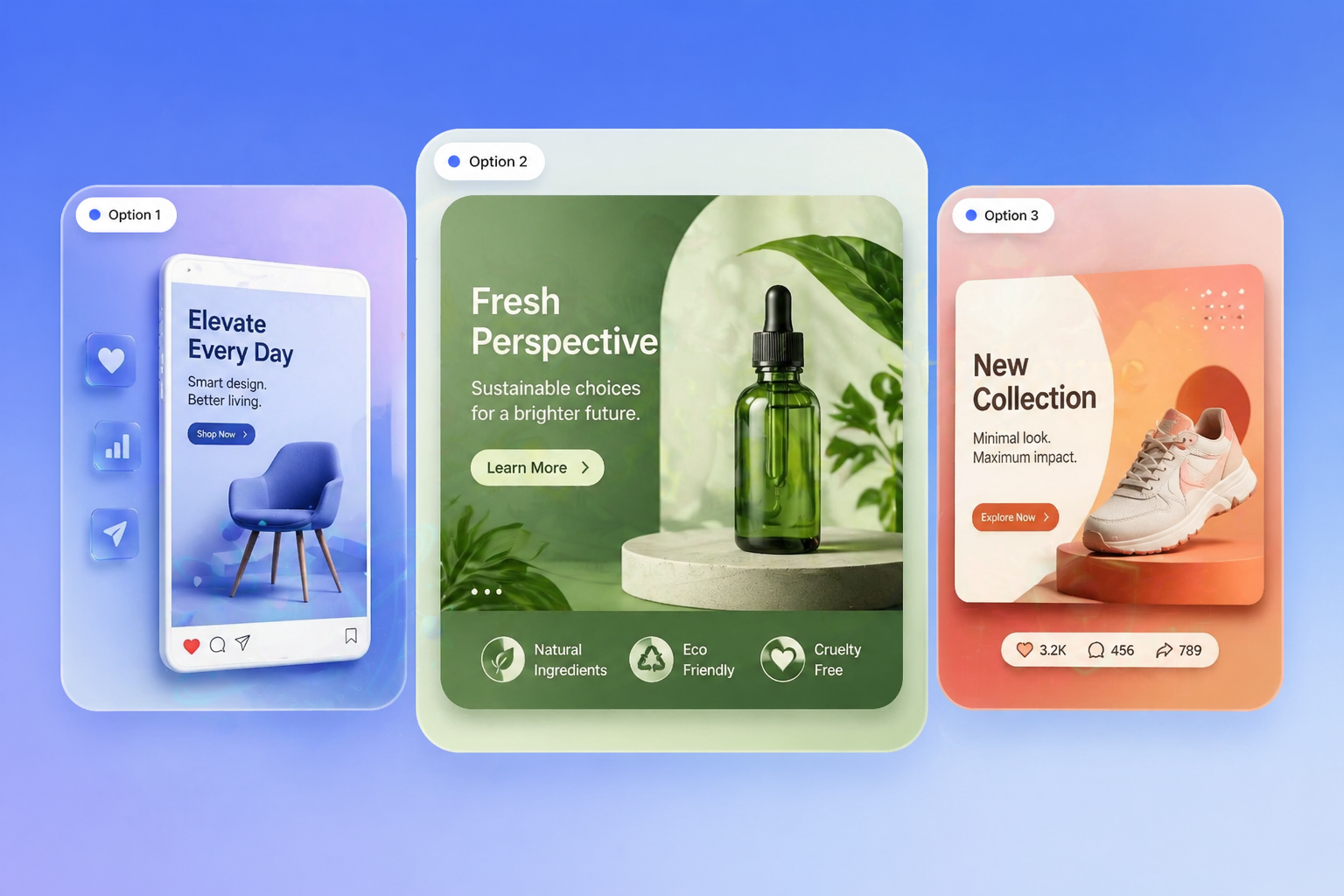
AI image generator comparison showing instruction-led workflow control
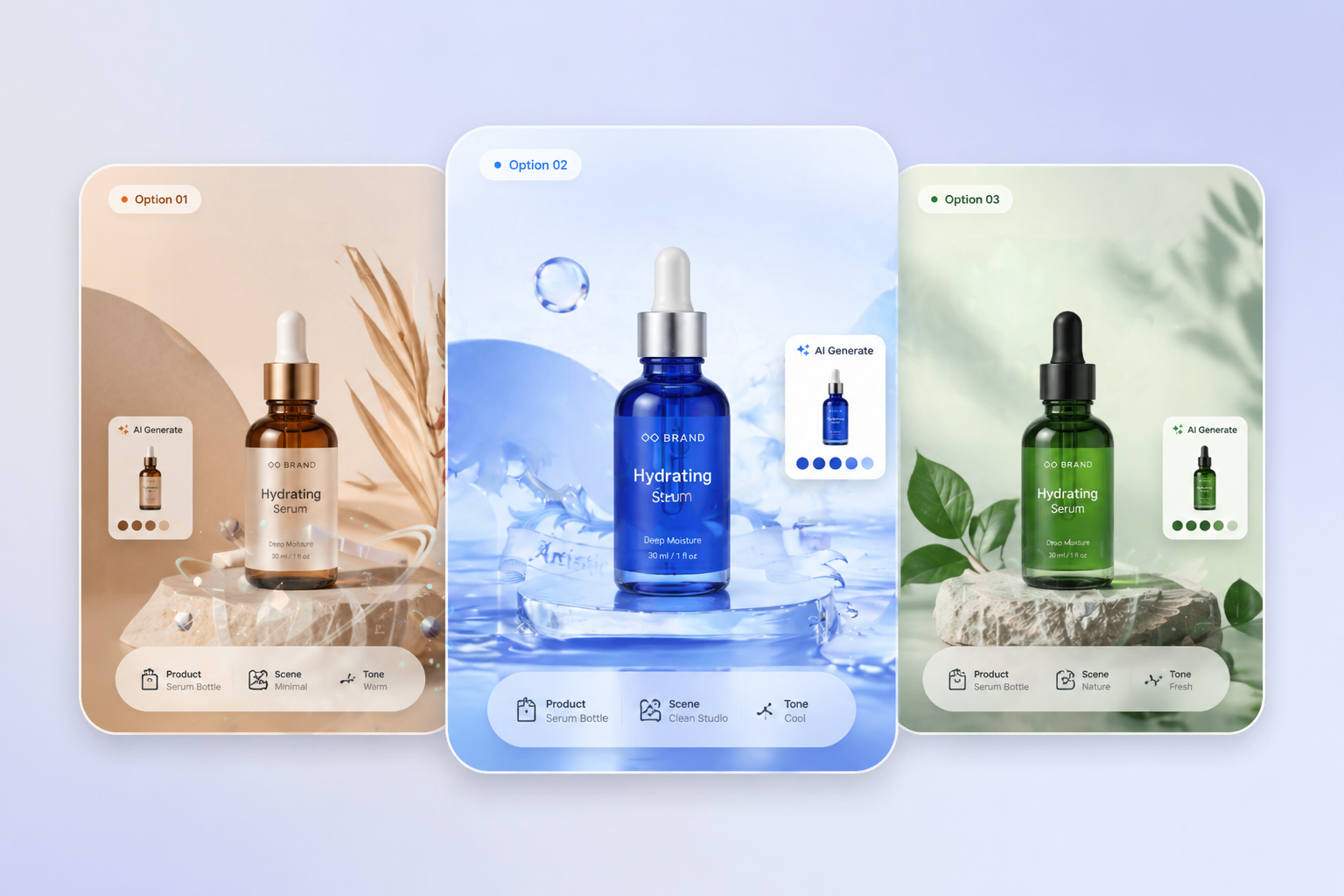
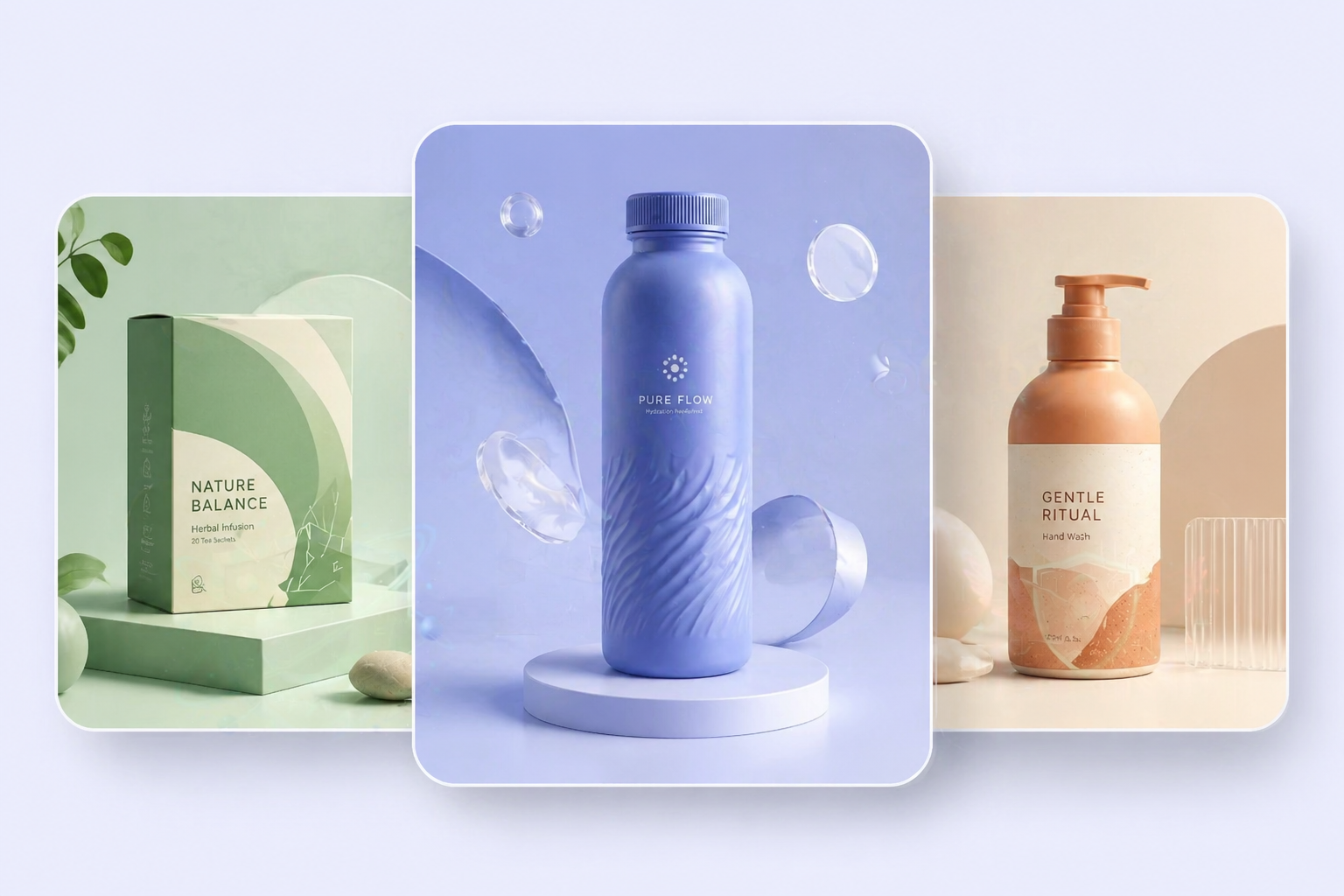
AI image generator used for product mockups and branded visuals

How to Use an AI Image Generator

Three practical steps
01

Define the goal

Start with the job itself, like a campaign visual, product mockup, or concept scene, so the model has a clear creative target.

02

Choose the input

Use a prompt when you need exploration, or upload a reference image when you need controlled revision instead of a blank restart.

03

Refine the result

Compare multiple outputs, adjust layout or subject details, and keep iterating until the draft is strong enough for design review.

What Makes an AI Image Generator Useful

Instruction following matters

When prompts describe layout, subject relationships, and intended use clearly, the real test is whether the generator can hold onto those instructions without wandering into random visual noise.

Revision support changes everything

Once a team already has a sketch, product photo, or near-miss draft, reference image editing becomes more valuable than restarting from a blank prompt.

Consistency beats hype

Campaign systems, branded decks, and product storytelling become easier when the generator can keep outputs related enough to compare and refine, even if final polish still needs human review.
Frequently Asked Questions

Common Questions About AI Image Generator

Start Creating with OCMaker AI
Try AI Image