
Pricing
Log In
AI Generator
Flux Kontext: Advanced Image to Image Generator
Flux Kontext AI Image Generator for reference-aware editing, text replacement inside images, identity preservation, and controlled visual revisions.
Flux Kontext AI Image Generator
Flux Kontext is best for teams that start from an existing image and need to make precise edits without breaking composition, identity, or scene logic. The official Black Forest Labs positioning and.
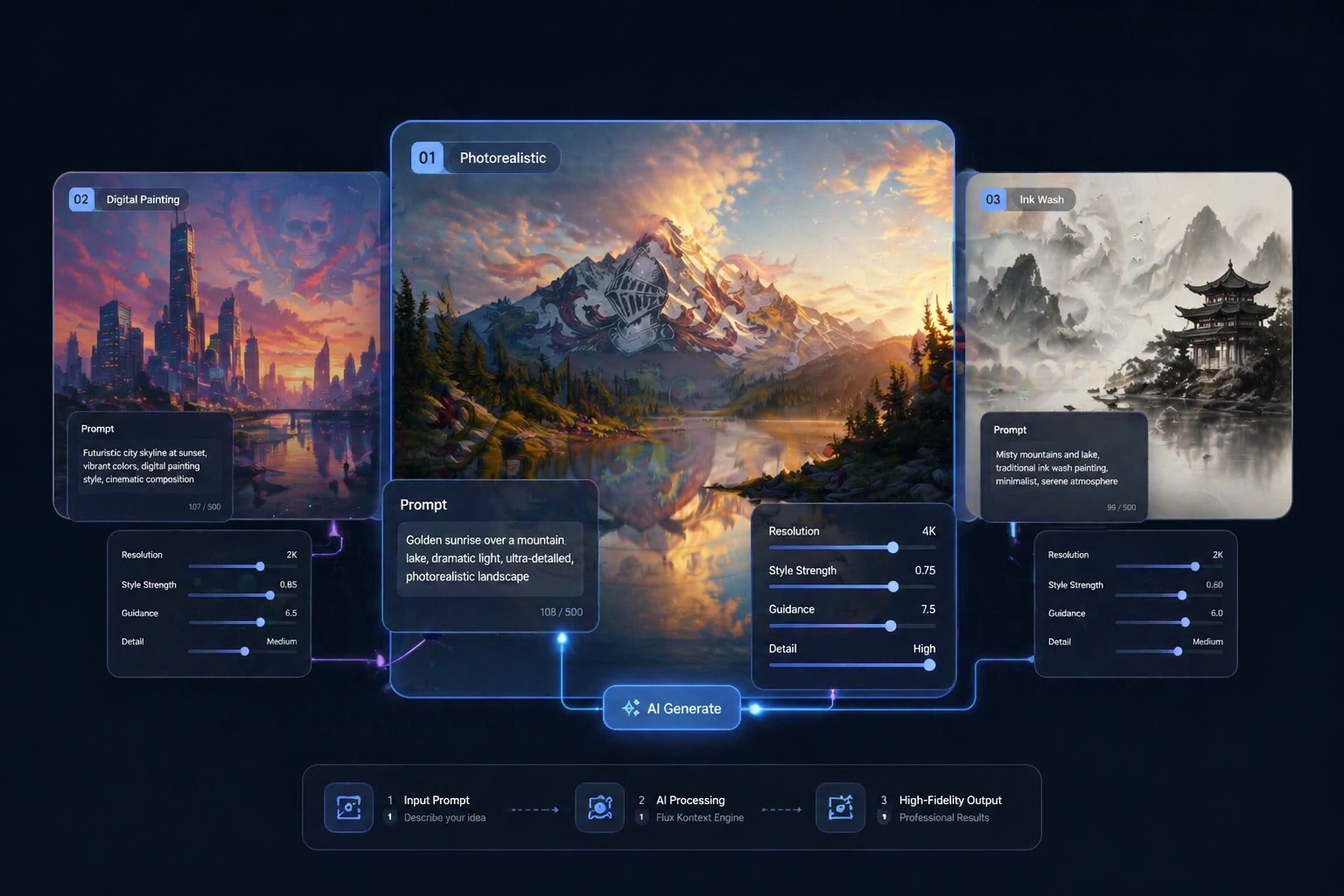
Core Reasons to Choose Flux Kontext AI Image Generator
Reference-Aware Editing
Black Forest Labs describes FLUX.1 Kontext as an in-context generation and editing model that combines text and images for precise, coherent results. That makes it especially useful in AI image editing workflows, especially when teams want to preserve a scene while changing only a product detail, a visual element, or a specific instruction inside the frame through text to image control.
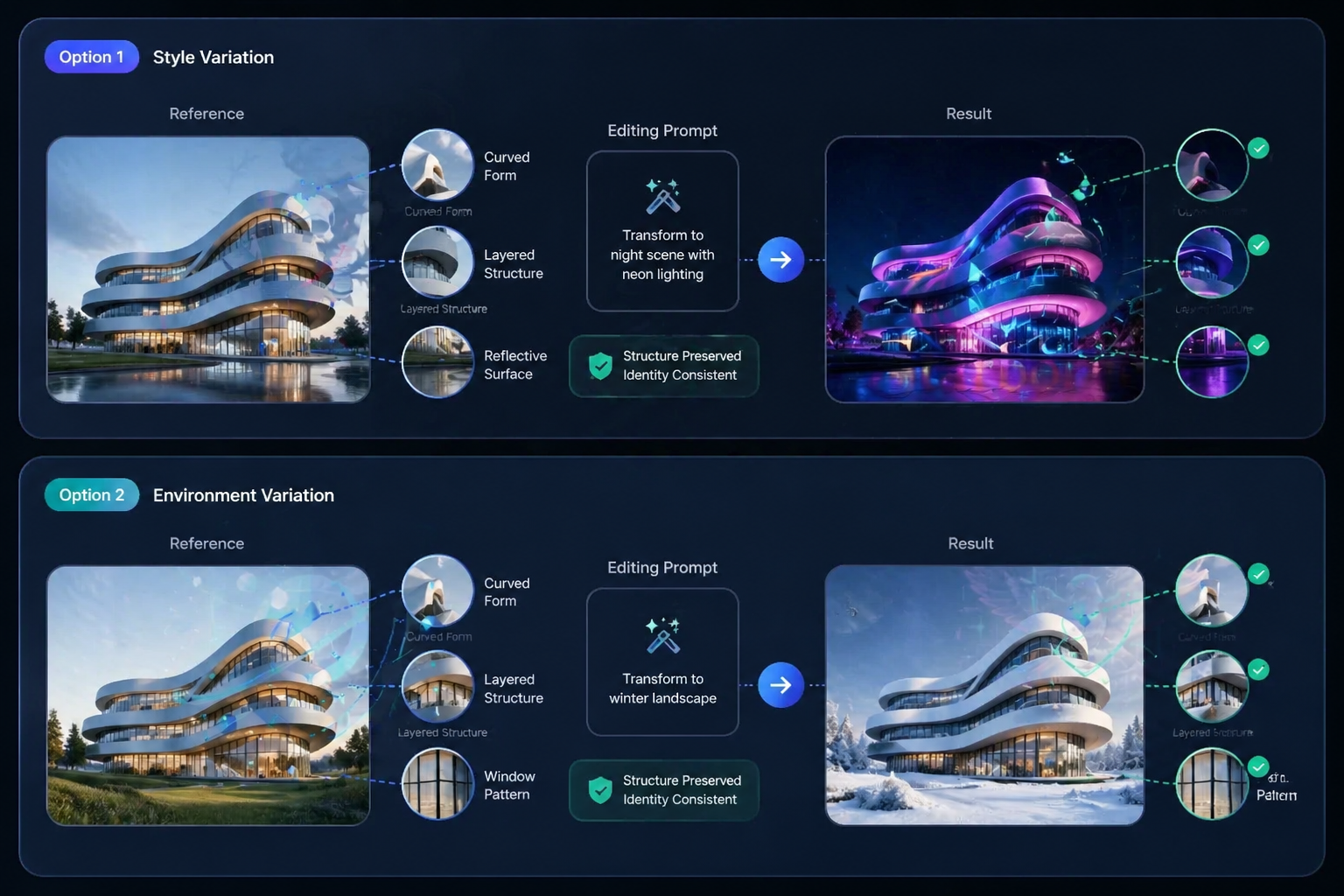
Identity and Layout Preservation
Multiple guides and workflow examples around Flux Kontext keep returning to the same practical strength: identity preservation. Replicate highlights that it is strong at keeping characters consistent through multiple edits, while ComfyUI workflow material points to stable character features and composition layout.
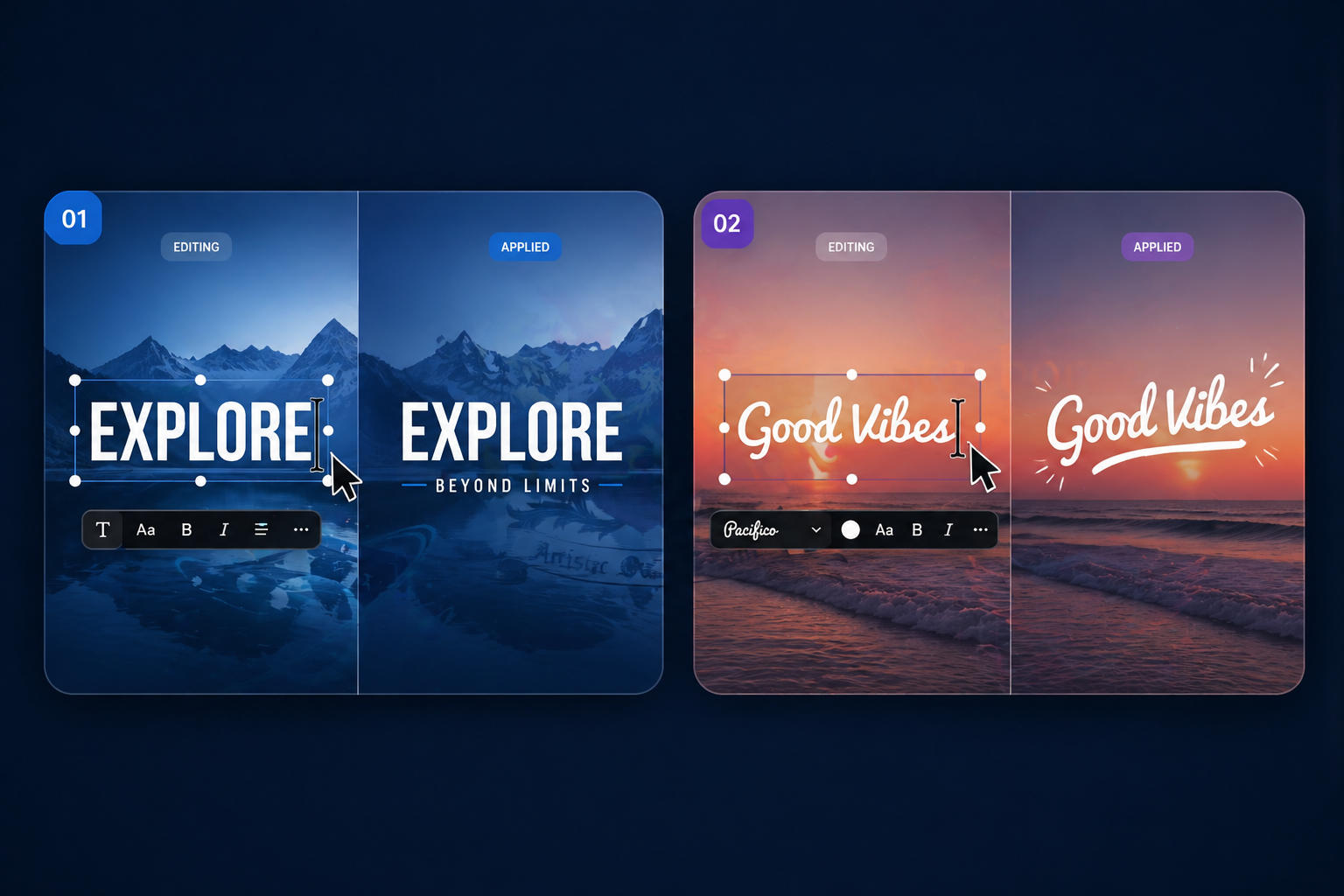
Text Editing Inside Images
Flux Kontext is also valuable for text-in-image edits. Replicate explicitly notes that if preserving font style matters, users should mention it, and that matching text length helps protect layout. That is a subtle but highly practical workflow insight. It shows the model is useful not only for scene changes, but for.
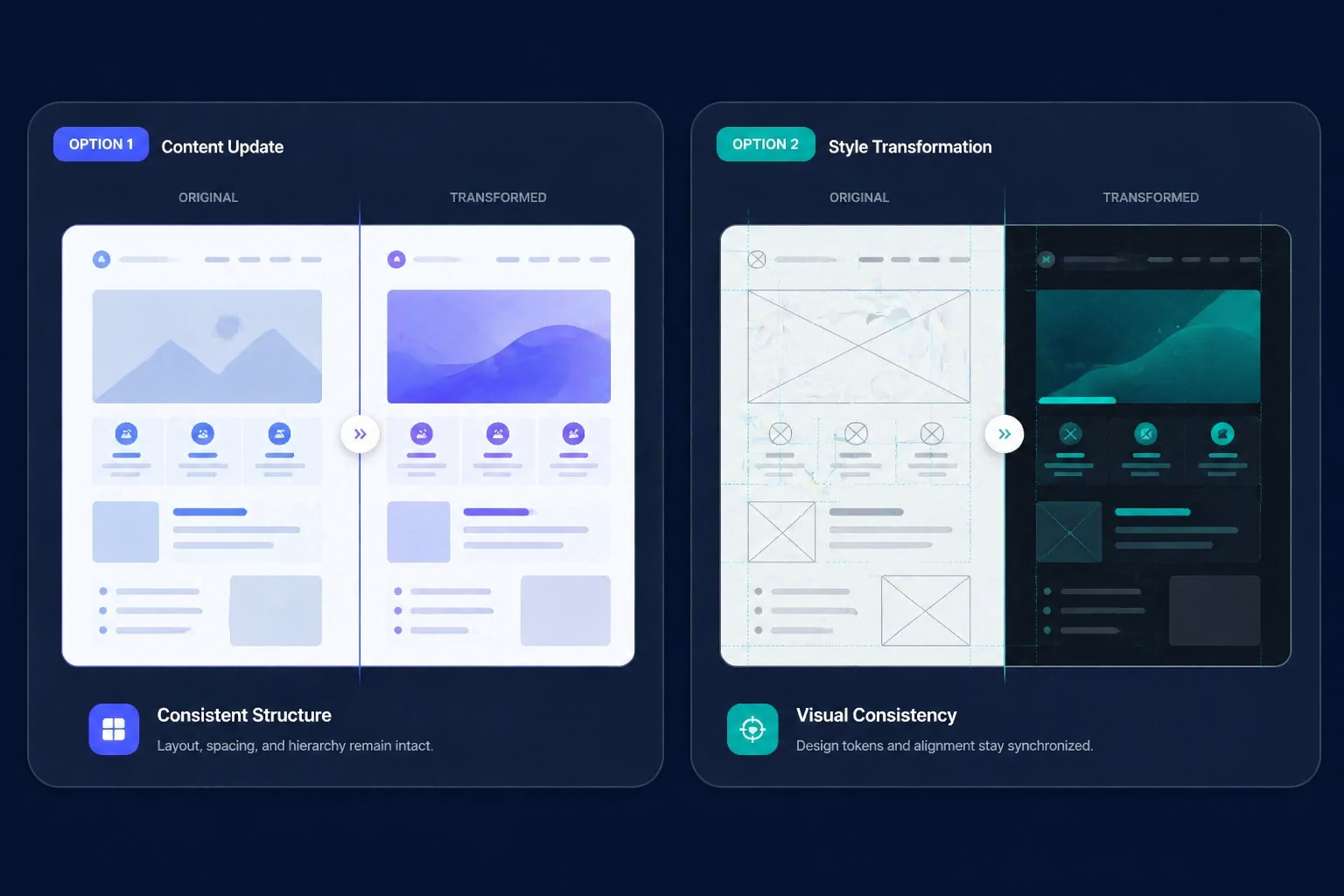
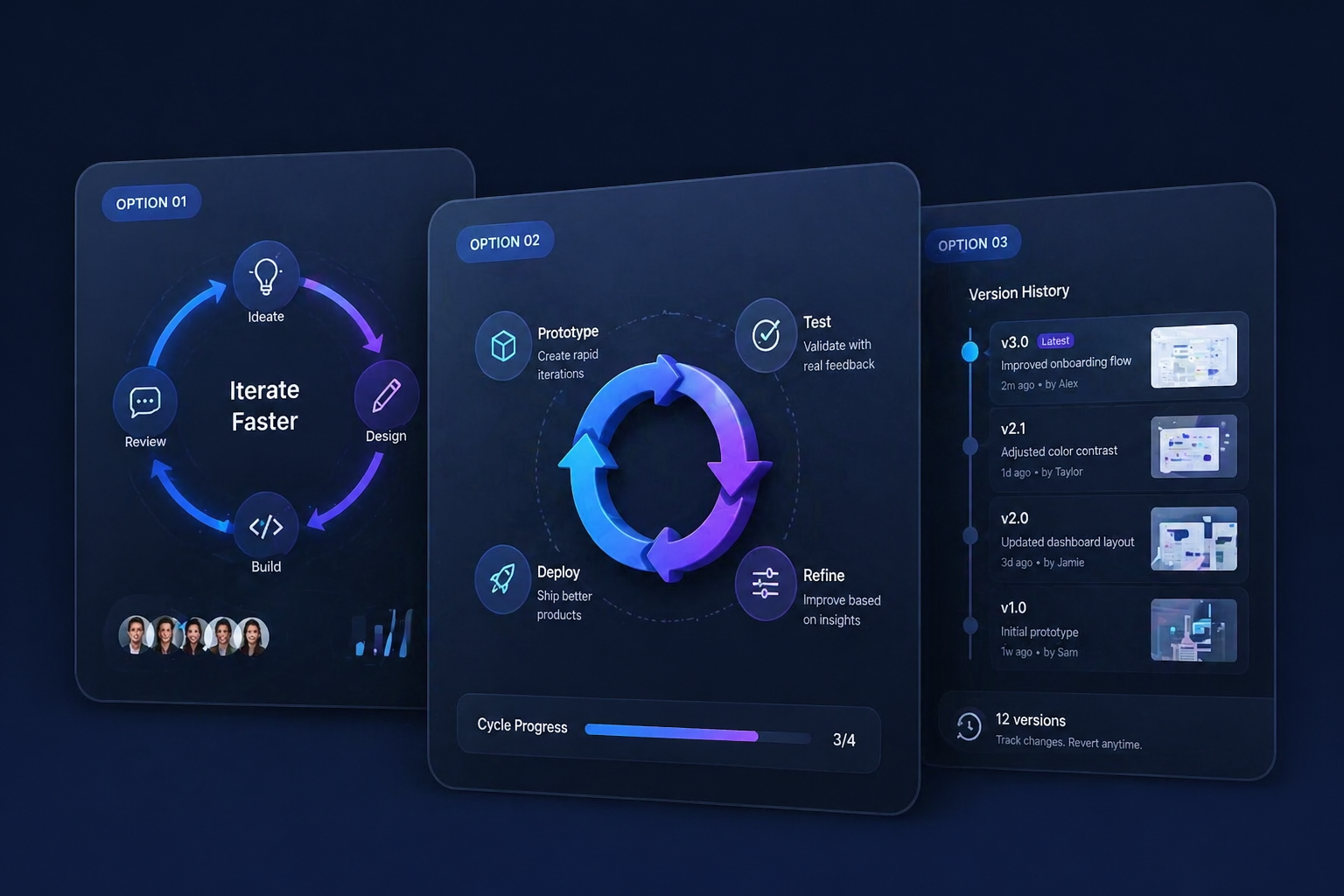
Built for Iterative Revision
The strongest reason to pick Flux Kontext over a more general image generator is that it behaves like an editing system. Use cases such as product label updates, poster revisions, object swaps, and scene restyling all benefit from a model that treats the original image as an asset worth protecting. In production.
Clear workflow cues for landing page visitors
How Teams Use Flux Kontext
Upload the source image you
Upload the source image you want to revise and decide what must remain stable.
Write an edit instruction that
Write an edit instruction that names the exact change, such as replacing text, changing a product detail, or.
Review whether the new image
Review whether the new image kept the composition, typography, and identity you needed before approving it.
Start in 3 Simple Steps
From idea to usable landing page asset
01
Step 1: Upload the source image you
Upload the source image you want to revise and decide what must remain stable.
02
Step 2: Write an edit instruction that
Write an edit instruction that names the exact change, such as replacing text, changing a product detail, or moving the.
03
Step 3: Review whether the new image
Review whether the new image kept the composition, typography, and identity you needed before approving it for design.
Explore Related AI Image Models
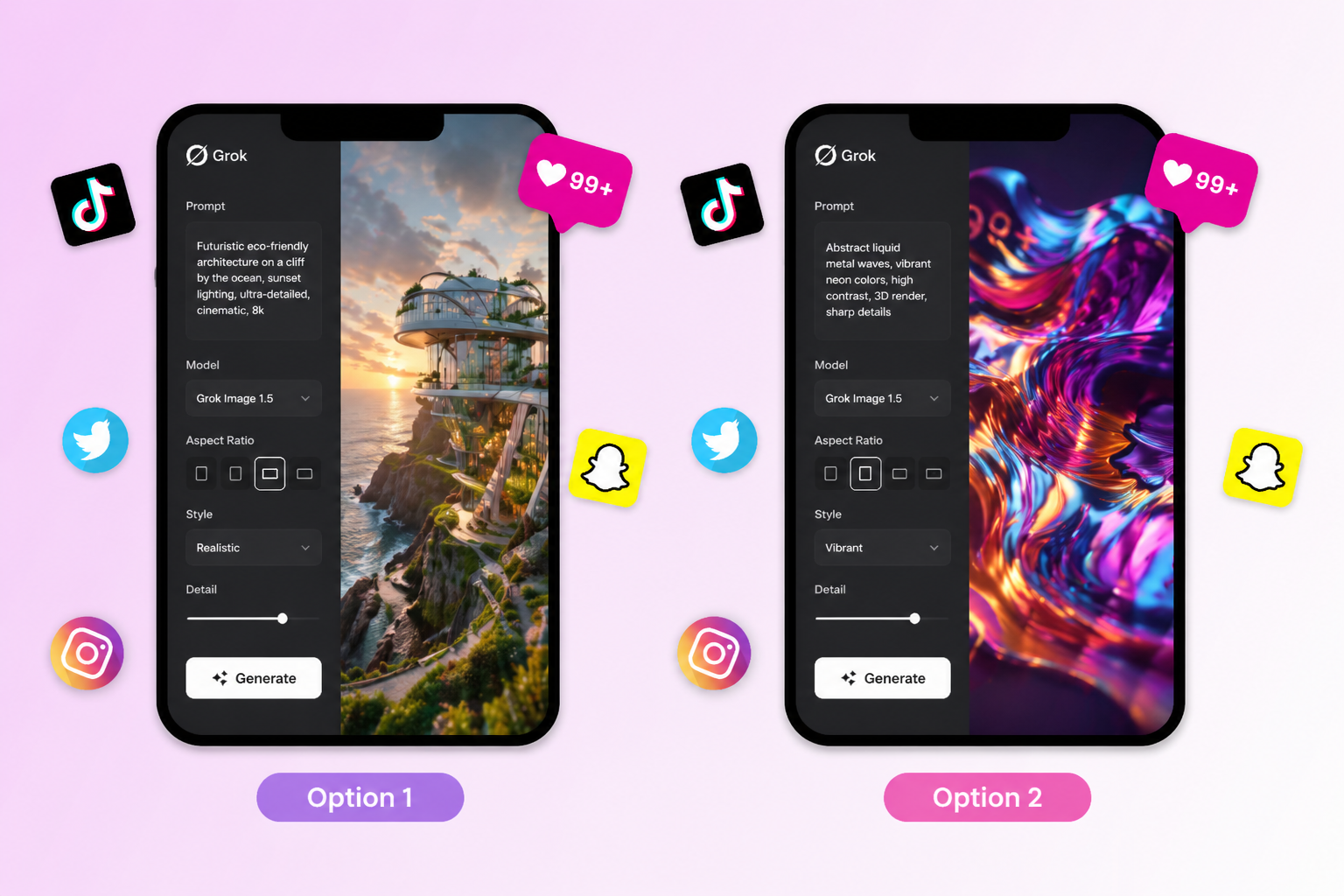
Grok Image
Use it for fast social-first image ideation and creator-style prompt workflows.
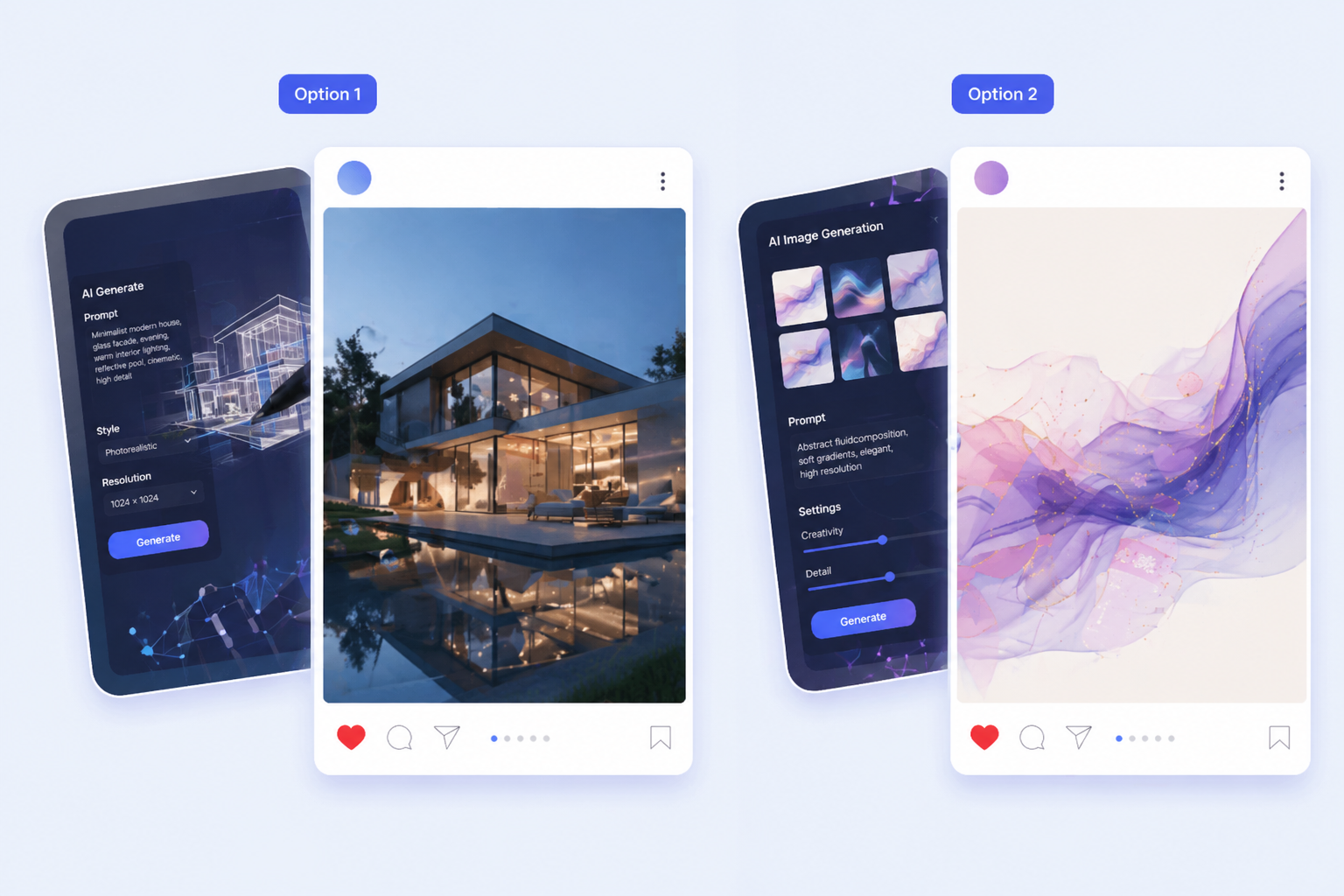
Seedream 5.0
Use it for campaign consistency, multilingual text rendering, and more controlled revision loops.

GPT Image 2
Use it when design-heavy compositions and text accuracy matter more than reference-driven image edits.
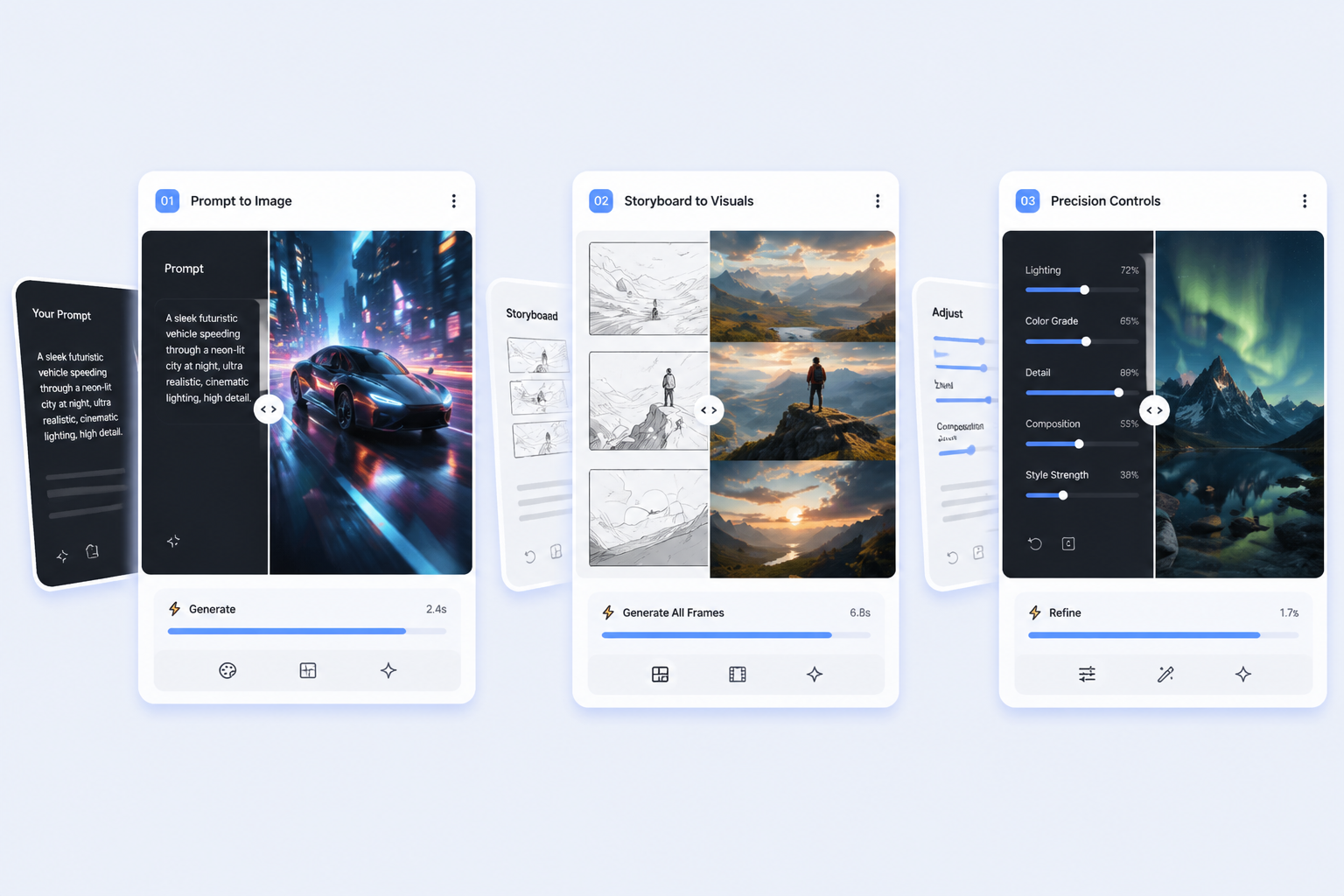
Nano Banana 2
Use it when throughput and rapid batch drafting matter more than precise image preservation.
Built for precise change management
Flux Kontext is strongest when the team already has a useful image and wants to modify only the right parts instead of recreating the whole thing.
Frequently Asked Questions