AI Generator

GPT Image 2.5 AI Image Generator & Editor

Create anime art, posters, character sheets and stickers with GPT Image 2.5 on OCMaker AI. Readable text, image edits, 2K output, 2 credits per image.

GPT Image 2.5 AI Image Generator

Make anime illustrations, posters with readable titles, character reference sheets and sticker packs with GPT Image 2.5. Write a prompt, or upload an image and describe the change. Every image comes out at 2K and costs 2 credits, on the free plan too.

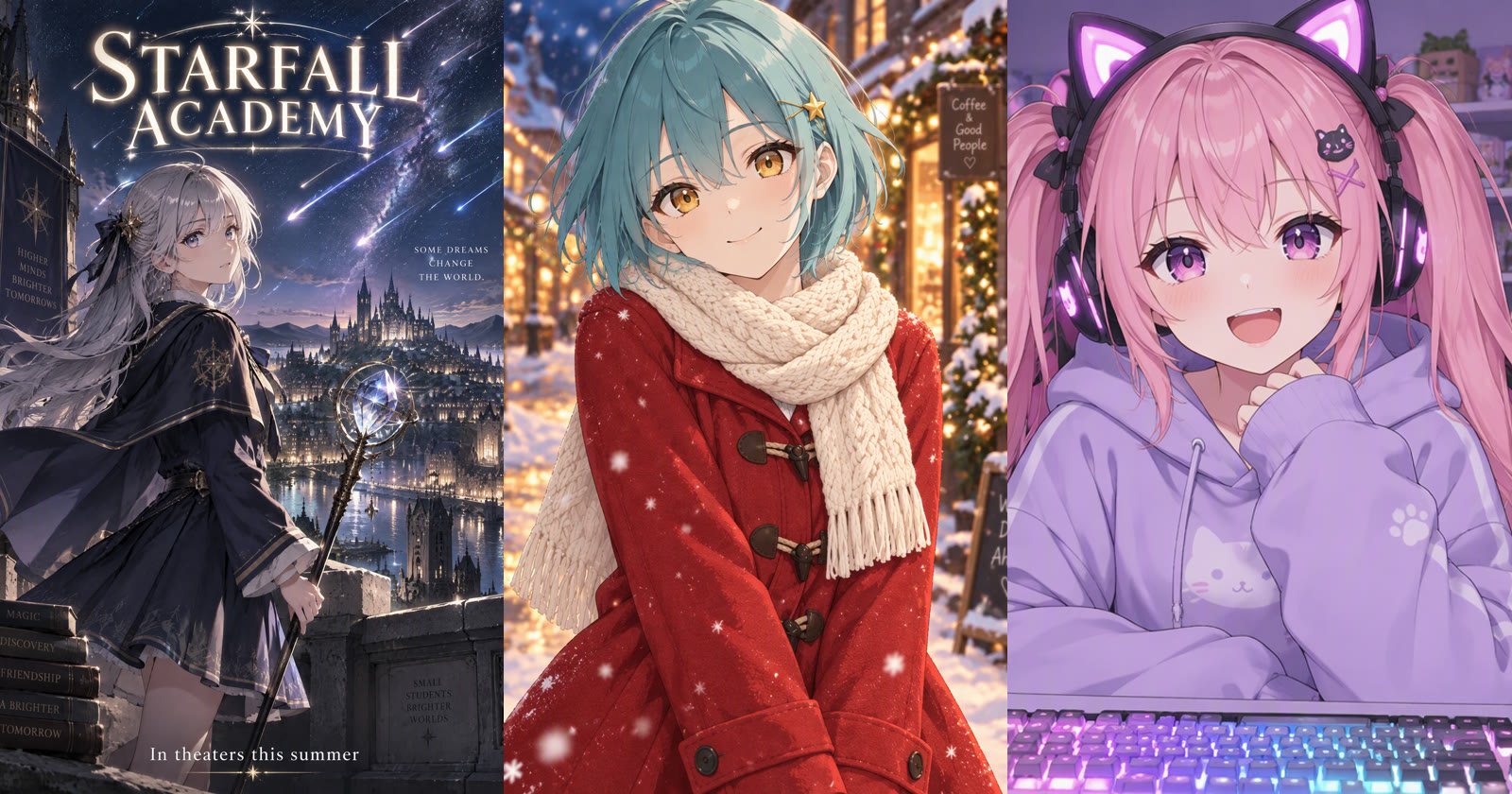
Images made with GPT Image 2.5 on OCMaker AI: an anime movie poster, an outfit edit and a streamer portrait

What You Can Make with GPT Image 2.5

Every example on this page was generated on OCMaker AI with GPT Image 2.5, from a single prompt.

0104

Posters and Covers with Readable Text

Put the exact words in quotes and GPT Image 2.5 sets them as part of the design. This poster came from one prompt: the title “STARFALL ACADEMY”, a one-line tagline, a silver-haired mage on a rooftop and a meteor shower over the city. Use it for fan-made movie posters, light novel covers, event flyers and video thumbnails.
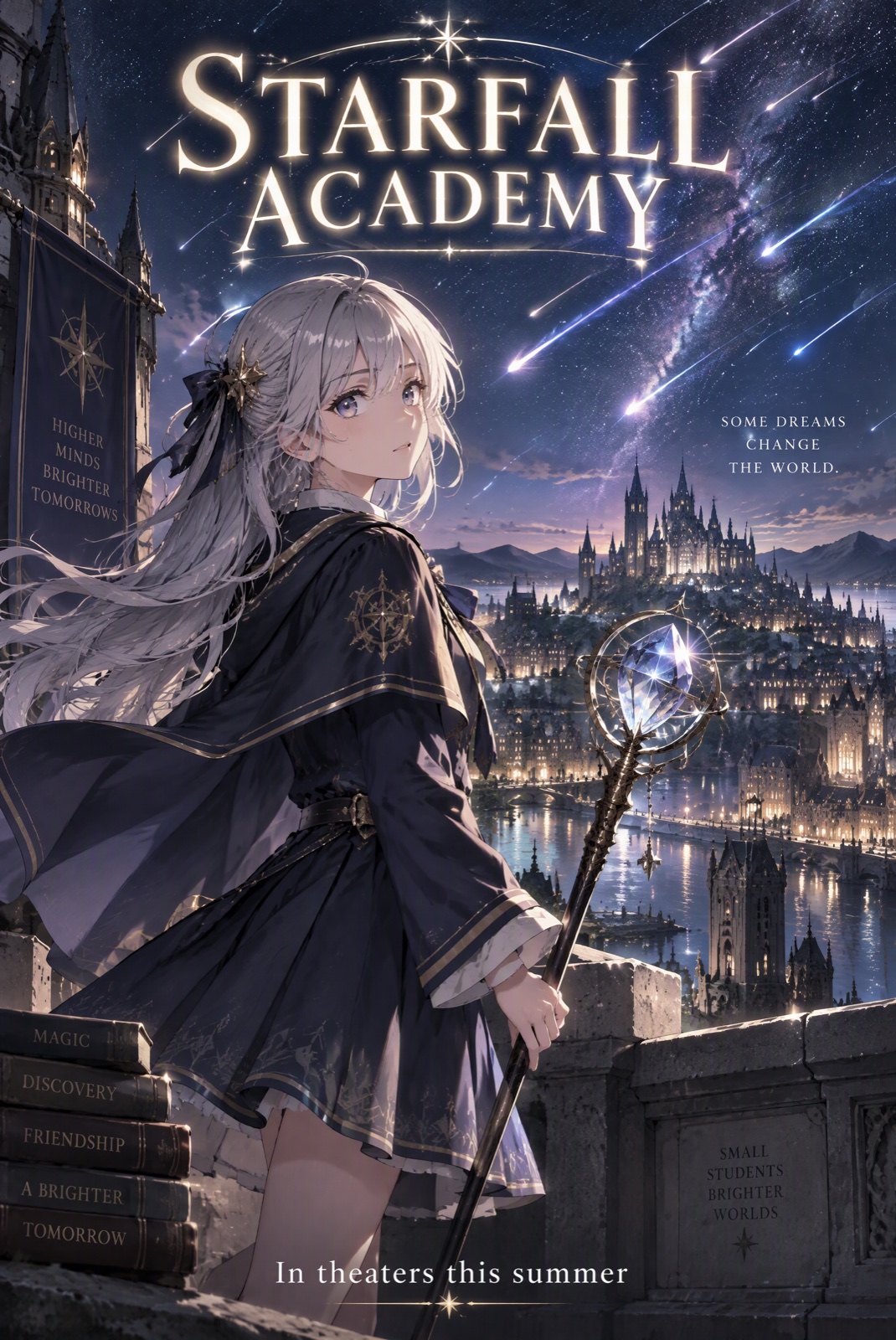
Anime movie poster with the title STARFALL ACADEMY made with GPT Image 2.5

0204

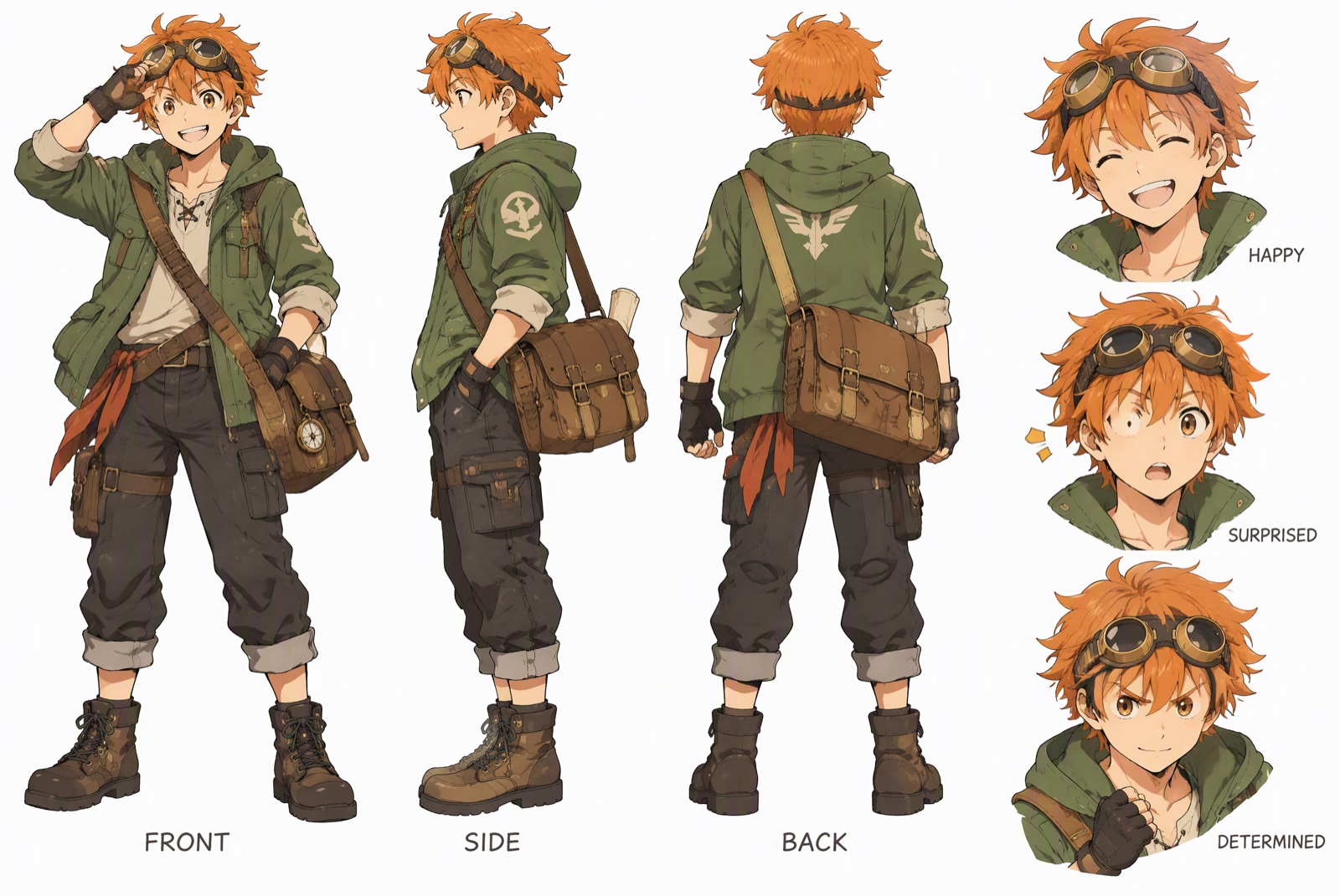
Character Reference Sheets

Ask for front, side and back views plus a few expressions, and you get a turnaround sheet with one consistent design. It is a quick way to pin down an original character before you draw, animate or commission it. Labels such as FRONT, SIDE and BACK come out spelled correctly.

Character reference sheet with front, side and back views and three expressions

0304

Edit an Image You Upload

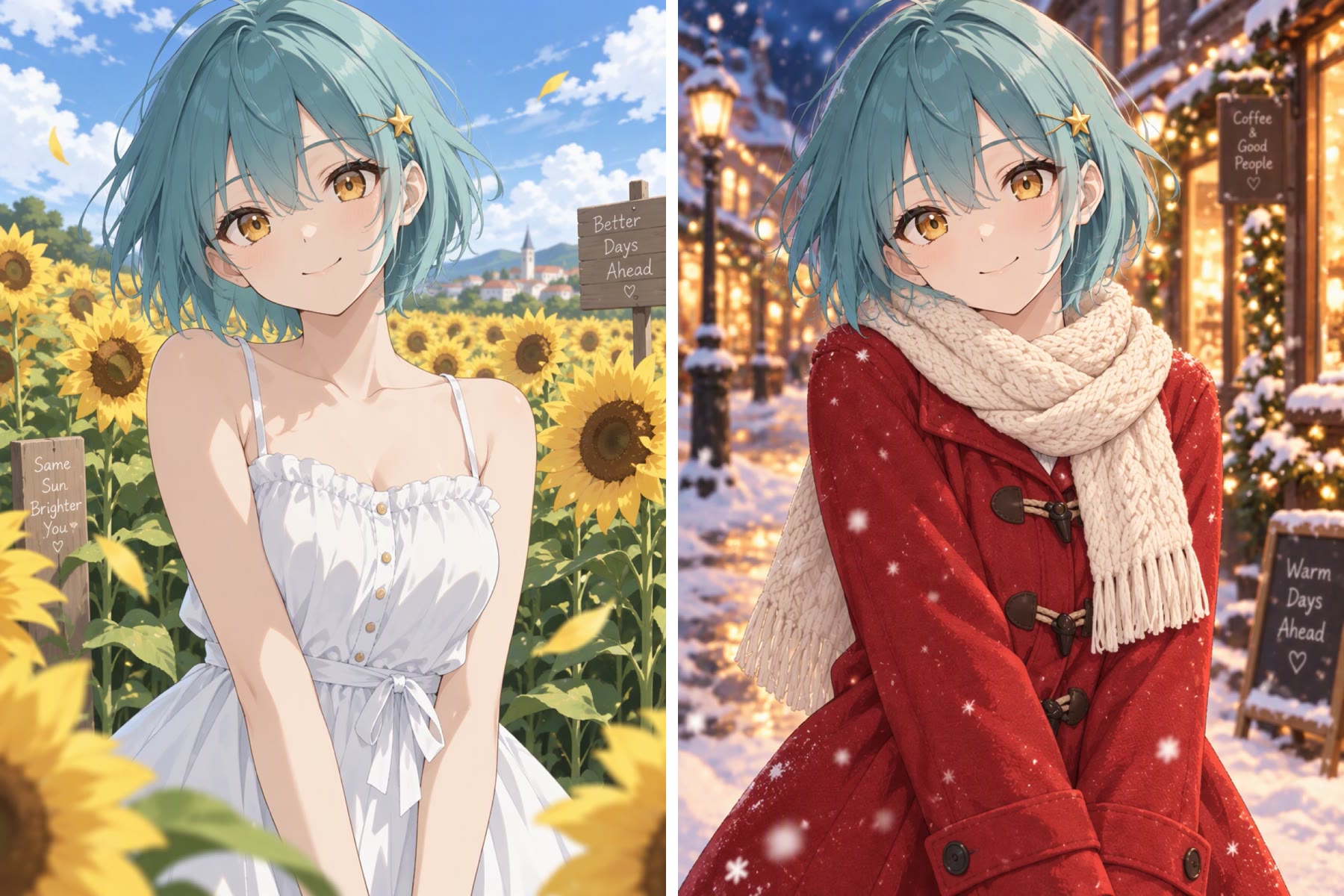
Upload one image and say what to change and what to keep. Left: the original. Right: the same girl after the prompt “change her outfit to a red winter coat and move her to a snowy evening street”. Her face, teal bob, star hairclip and the art style carry over.

Before and after: the same anime girl edited from a summer dress to a red winter coat

0404

Sticker Sheets and Emotes

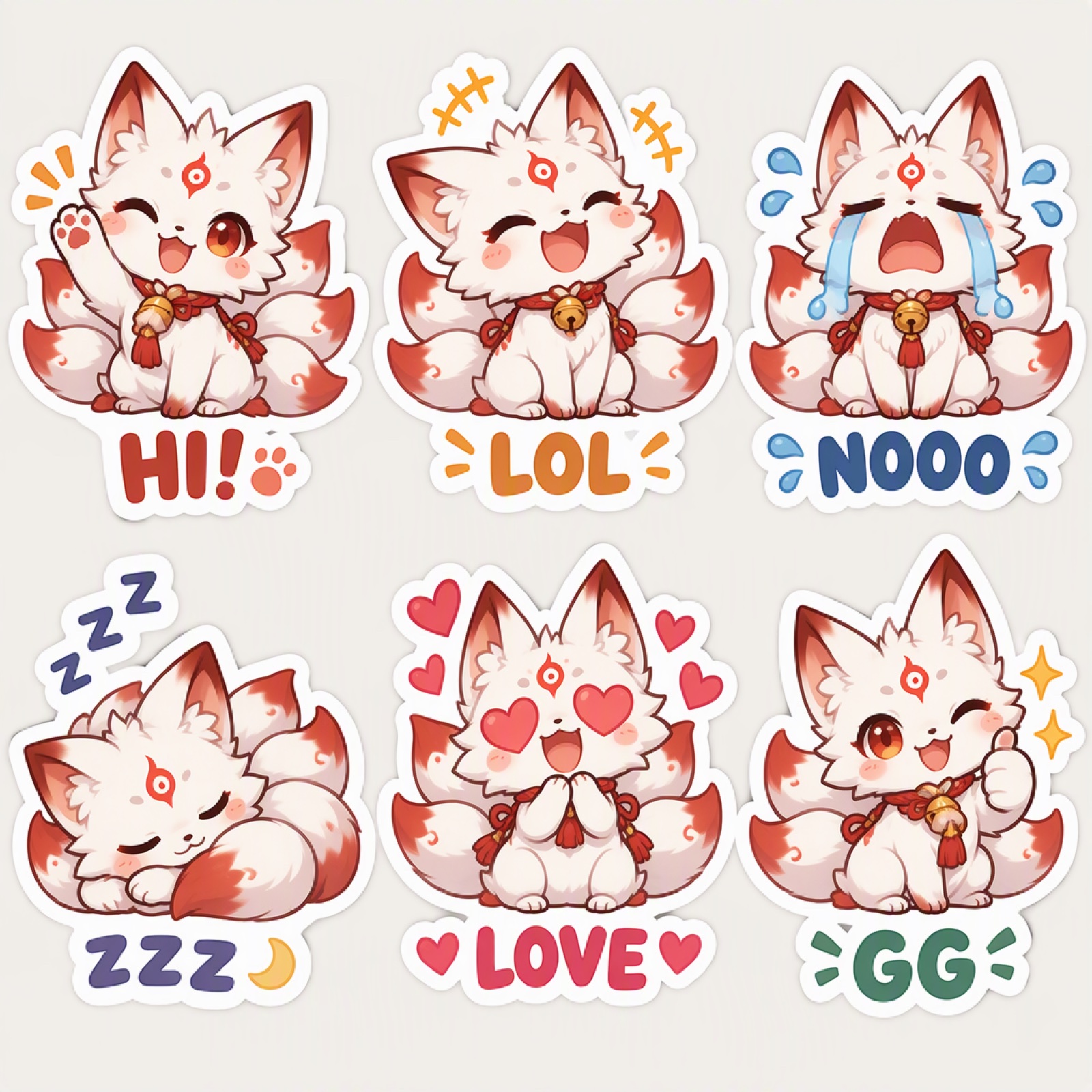
Describe a mascot and list the expressions you want. The fox spirit stays on model across all six stickers, each with a short caption, ready to cut into Discord emotes, chat stickers or merch mockups.

Chibi nine-tailed fox sticker sheet with six expressions and captions

GPT Image 2.5 on OCMaker AI at a Glance

What you get when you pick GPT Image 2.5 in the generator above.

  • 01

    Text that stays readable

    Titles, labels, speech bubbles and short captions usually come out as written. Keep the text short and put it in quotes.

  • 02

    Generate or edit

    Start from a prompt, or upload one reference image to restyle, re-dress or relocate a character.

  • 03

    2K output

    Every image is generated at 2K, sharp enough for wallpapers, covers and print mockups.

  • 04

    Square, portrait or widescreen

    Pick 1:1, 2:3, 3:2, 9:16 or 16:9: posters, phone wallpapers, thumbnails and banners.

  • 05

    Up to 4 images per run

    Generate 1, 2 or 4 variations at once and keep the best one.

  • 06

    2 credits per image

    Available on the free plan. Four images cost 8 credits.

How to Use GPT Image 2.5

Three steps from idea to finished image.

  1. Open the generator

    GPT Image 2.5 is already selected at the top of this page. Choose an aspect ratio and how many images you want.

  2. Describe the image, or upload one to edit

    Write the subject, outfit, setting, lighting and style. Put any words that must appear in the image in quotes. To edit, upload a reference image and say what to change and what must stay the same.

  3. Generate and refine

    Compare the results, then change one detail of the prompt at a time. Download the image you like or keep iterating on it.

FAQ

What is GPT Image 2.5?

GPT Image 2.5 is the newest model in OpenAI’s GPT Image family. On OCMaker AI you can use it to generate images from a text prompt or to edit an image you upload, with every result at 2K resolution.

Is GPT Image 2.5 free to use on OCMaker AI?

Yes. GPT Image 2.5 is available on the free plan and costs 2 credits per image. A run of four images costs 8 credits.

Can GPT Image 2.5 put text in an image?

Yes, and it is one of its strengths. Put the exact words in quotes, keep them short, and say where they go, for example “title at the top, small subtitle at the bottom”. Long paragraphs are still harder than titles and labels.

Can I edit my own image with GPT Image 2.5?

Yes. Upload one reference image and describe the change, such as a new outfit, background or art style, and list what must stay the same. Only upload images you have the right to use.

What resolution and aspect ratios does it support?

Images are generated at 2K. You can choose 1:1, 2:3, 3:2, 9:16 or 16:9. When you edit an uploaded image, you can also keep its original shape.

How is GPT Image 2.5 different from Nano Banana 2.1?

Both generate and edit images on OCMaker AI. GPT Image 2.5 is on the free plan at 2 credits per image, while Nano Banana 2.1 is a members-only model at 4 credits per image. The best way to choose is to run the same prompt on both.

Can I turn a GPT Image 2.5 image into a video?

Yes. Download the image and upload it as the start frame in Vidu Q4 or the image to video generator to animate it.

Create with GPT Image 2.5 on OCMaker AI

Posters, character sheets, stickers and edits at 2K, for 2 credits per image.

GPT Image 2.5 AI Image Generator & Editor