AI Girlfriend Generator

Craft your perfect virtual companion in moments. Our advanced AI allows for deep customization of appearance, personality, and style, offering a unique and responsive connection. Start creating now!

AI Girlfriend Generator for Lifelike Companionship

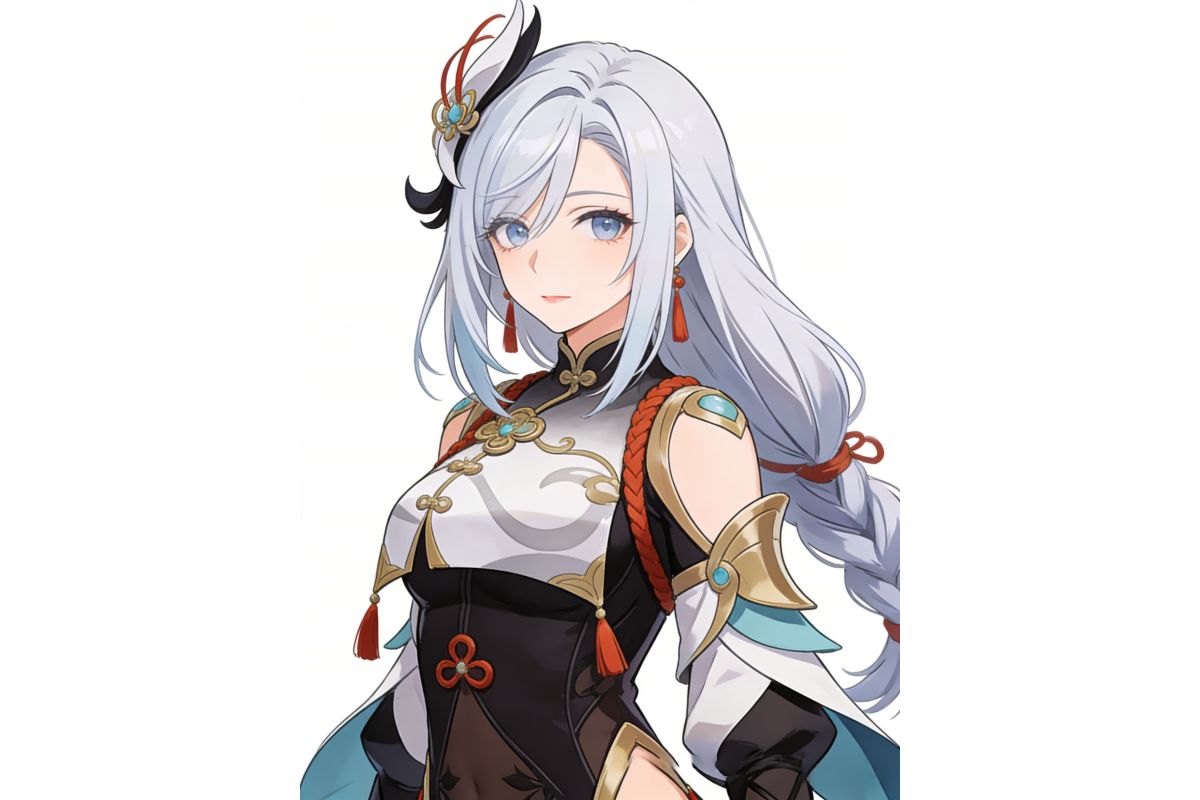
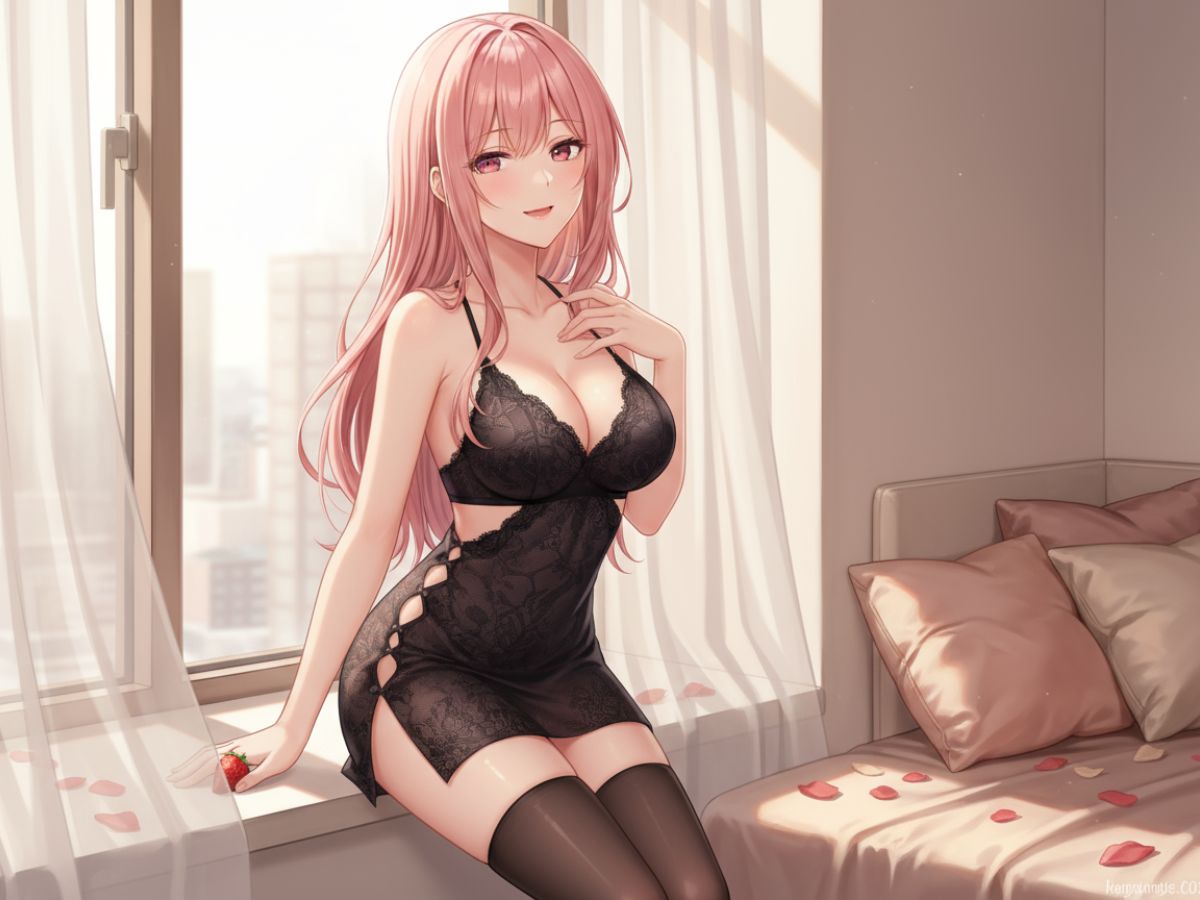
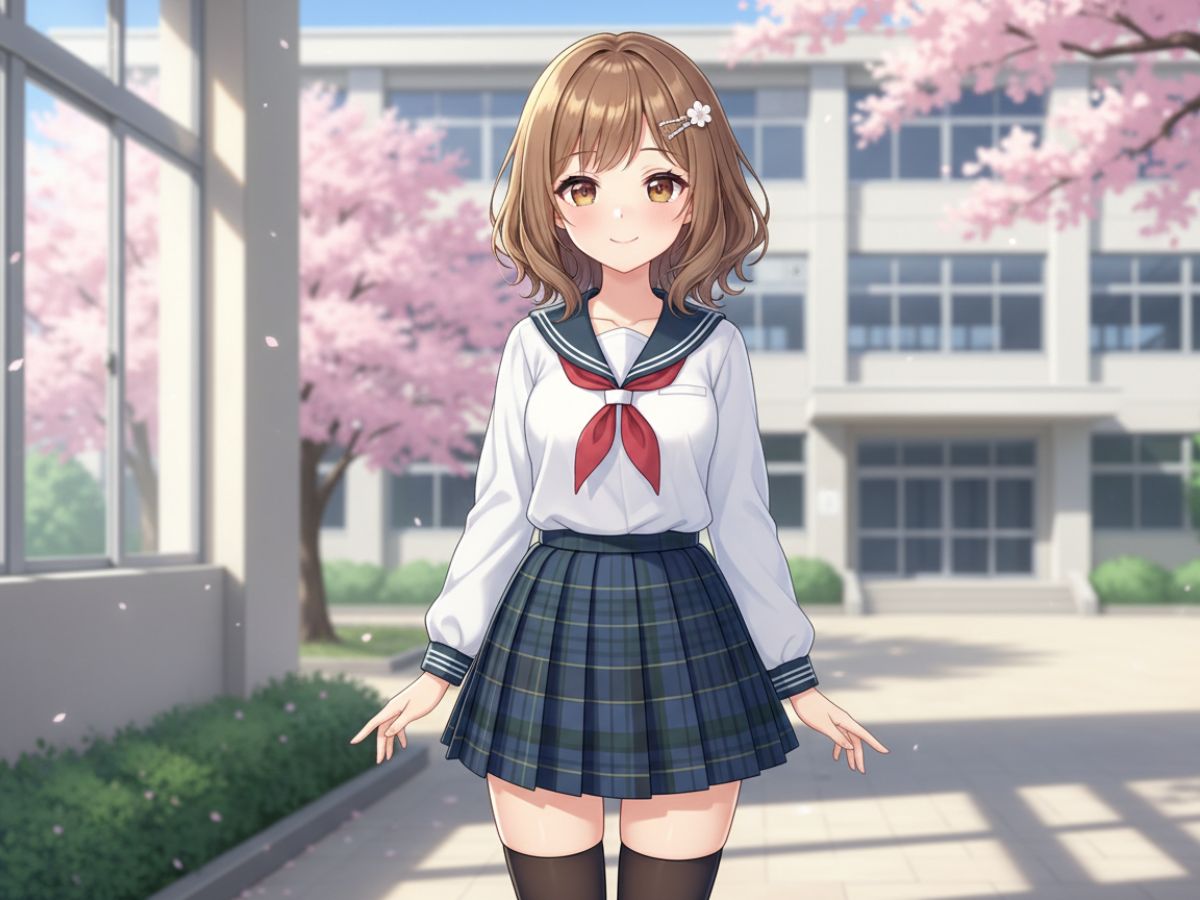
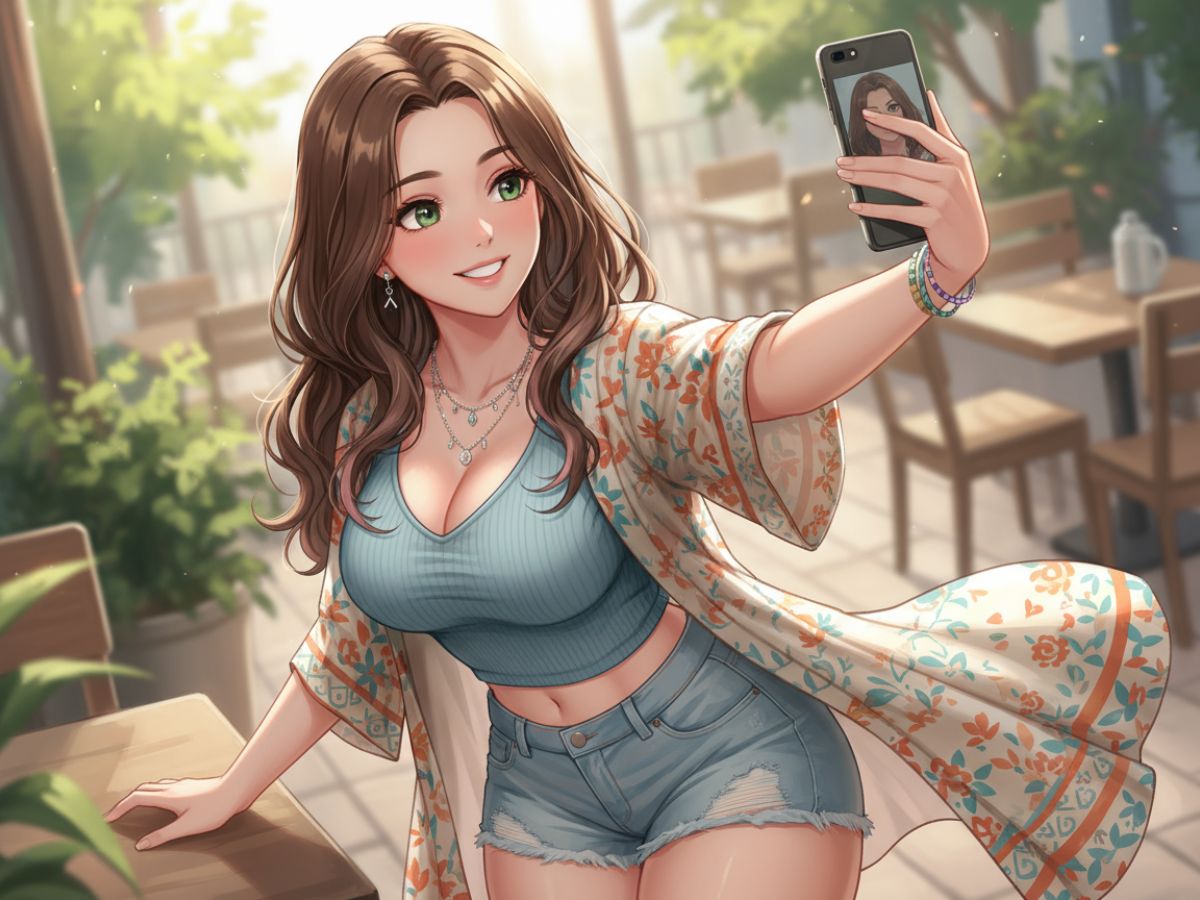
Generate a virtual girlfriend from a simple text description
Visual Customization for AI Girlfriend

How to Use the Free AI Girlfriend Generator — Step by Step

01

Describe Your AI Girlfriend

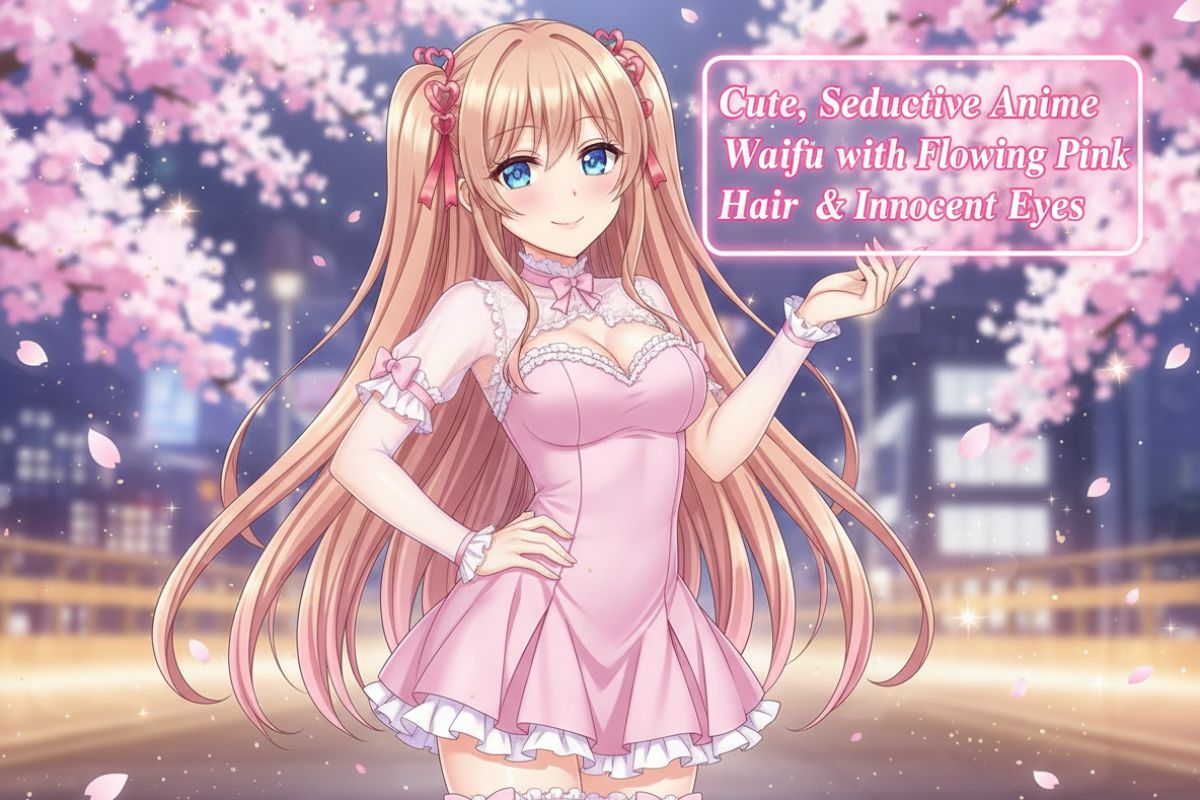
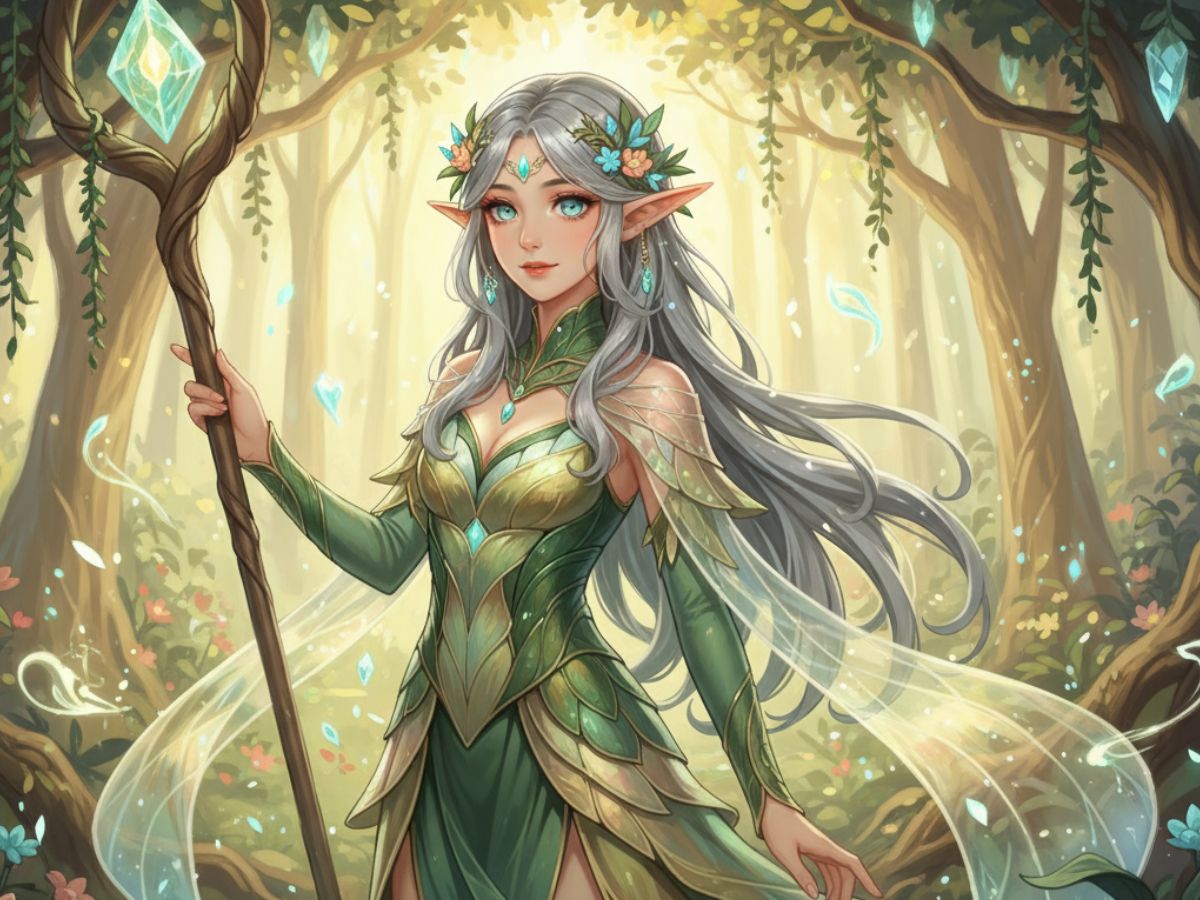
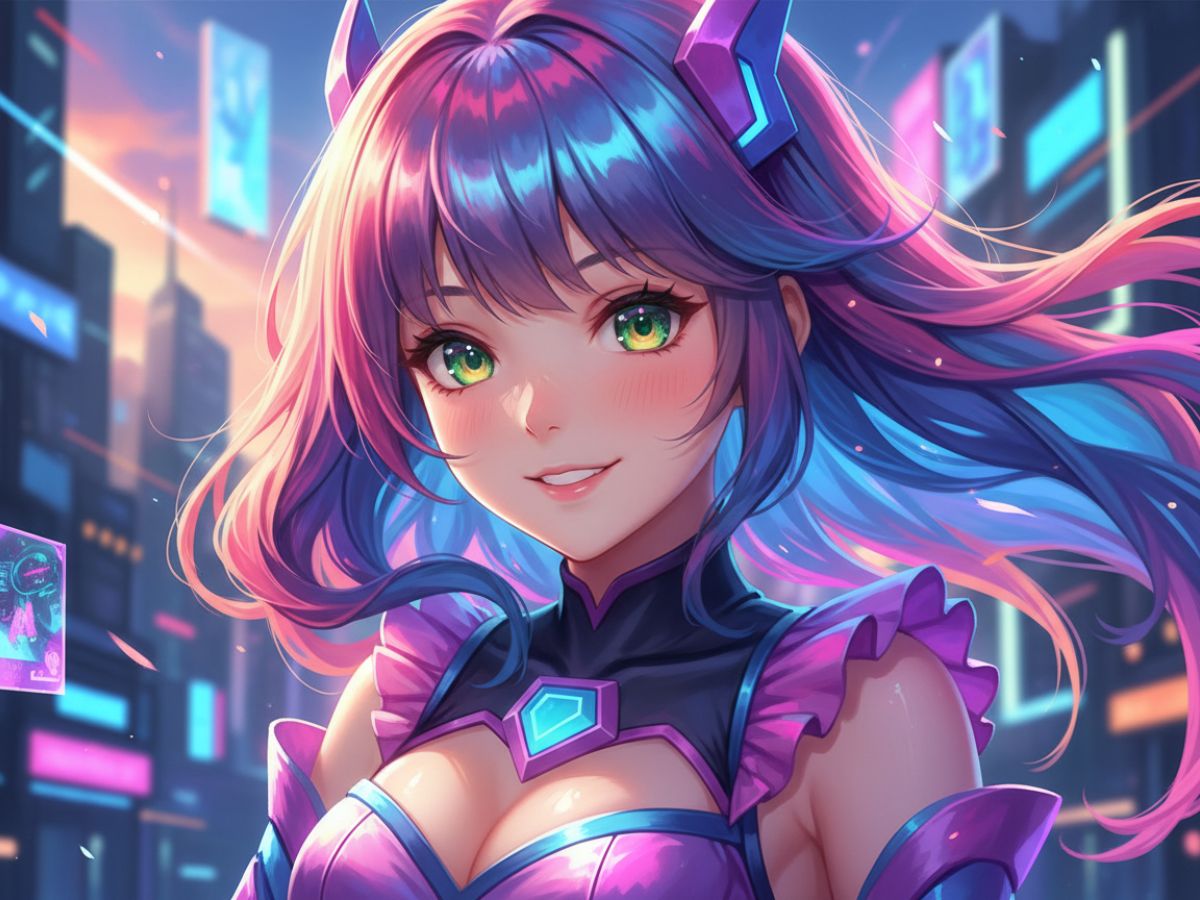
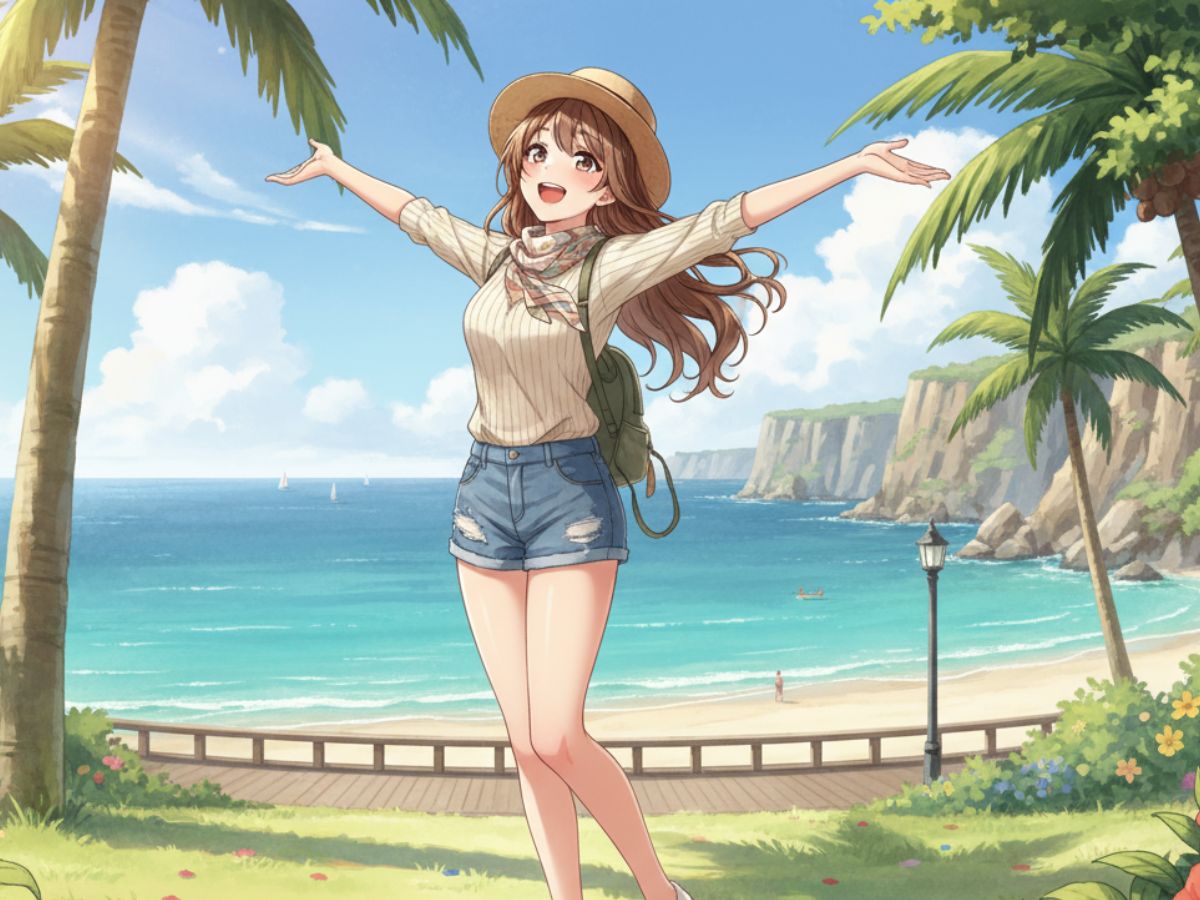
Start by typing a prompt that covers the core visual identity of your girlfriend character. Effective prompts include hair color and length, eye color, skin tone, and one defining personality cue — such as a warm smile, a confident gaze, or a playful expression. Adding an art style upfront ('anime,' '2.5D ACG,' 'photorealistic,' 'fantasy illustration') is the single most impactful thing you can do: it tells the AI the entire visual direction before it processes any other detail. A prompt like 'cute anime girlfriend, long pink hair, violet eyes, warm smile, cherry blossom background' consistently produces more accurate results than a vague description.

02

Customize Her Look and Outfit

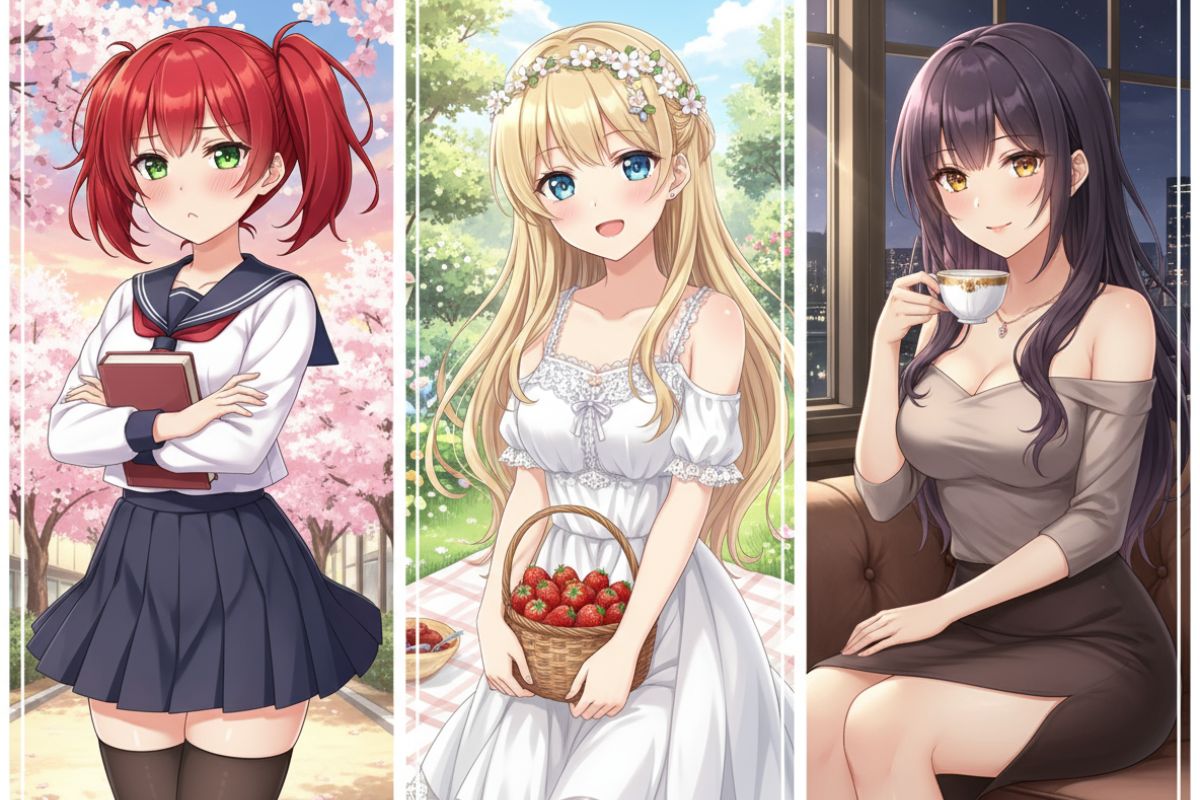
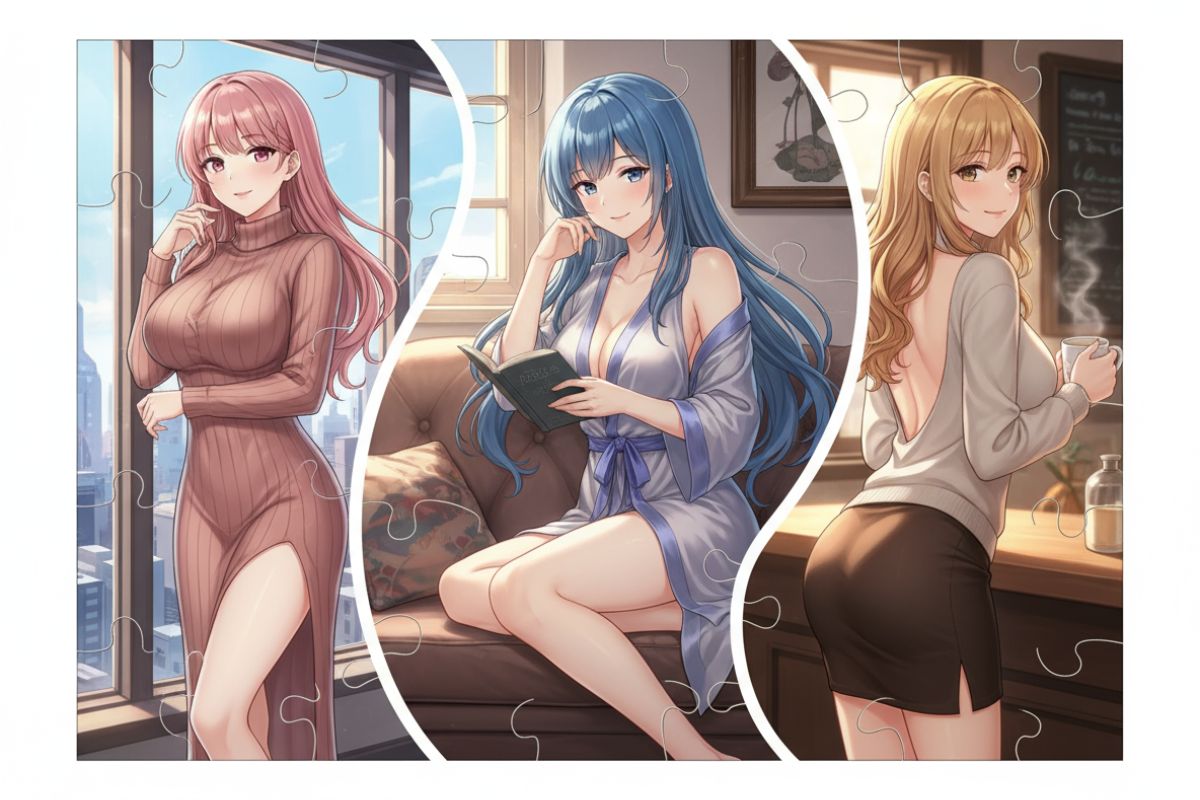
Once you have a base result, add clothing and setting to define her character further. Outfit type has the most impact on the overall feel: a school uniform reads differently from a gothic lolita dress, a casual hoodie, or a fantasy battle outfit. Pair the outfit with a background environment — a cozy café, a moonlit garden, a neon city street, or a plain studio background if you want a clean reference image. For lighting, specifying 'golden hour,' 'soft morning light,' or 'studio lighting' shapes the mood significantly. These two elements — outfit and lighting — are where most of the personality of your AI girlfriend character comes from.

03

Generate, Review, and Refine

Click Generate and review the result. If a specific detail is off — the face, the hair, or the background — adjust that single element in your prompt and regenerate rather than rewriting everything from scratch. Most strong AI girlfriend designs come from two to four iterations, each refining one attribute at a time. Changing too many things at once makes it harder to identify which adjustment produced the improvement. Once the image matches your vision, download it in your preferred resolution.

04

Bring Her to Life With Video

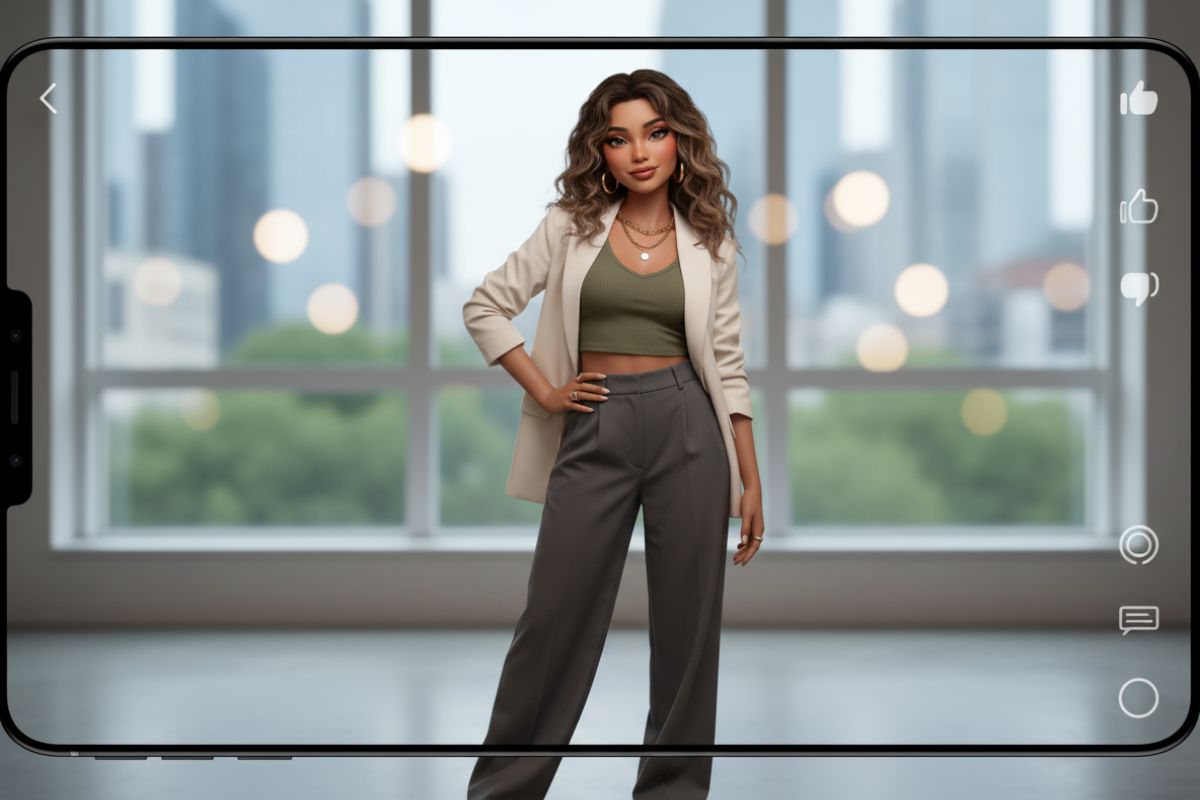
After saving your girlfriend character image, upload it to the AI Girlfriend Video Generator to animate her. Natural motion options include blinking, subtle head movement, and scene reactions — making her feel present rather than frozen in a still frame. This works best with images that have a clear face and a relatively simple background. One photo is all you need: the AI handles the motion automatically, producing a short looping video you can use for profile content, social media, storytelling, or roleplay scenarios.

Frequently Asked Questions